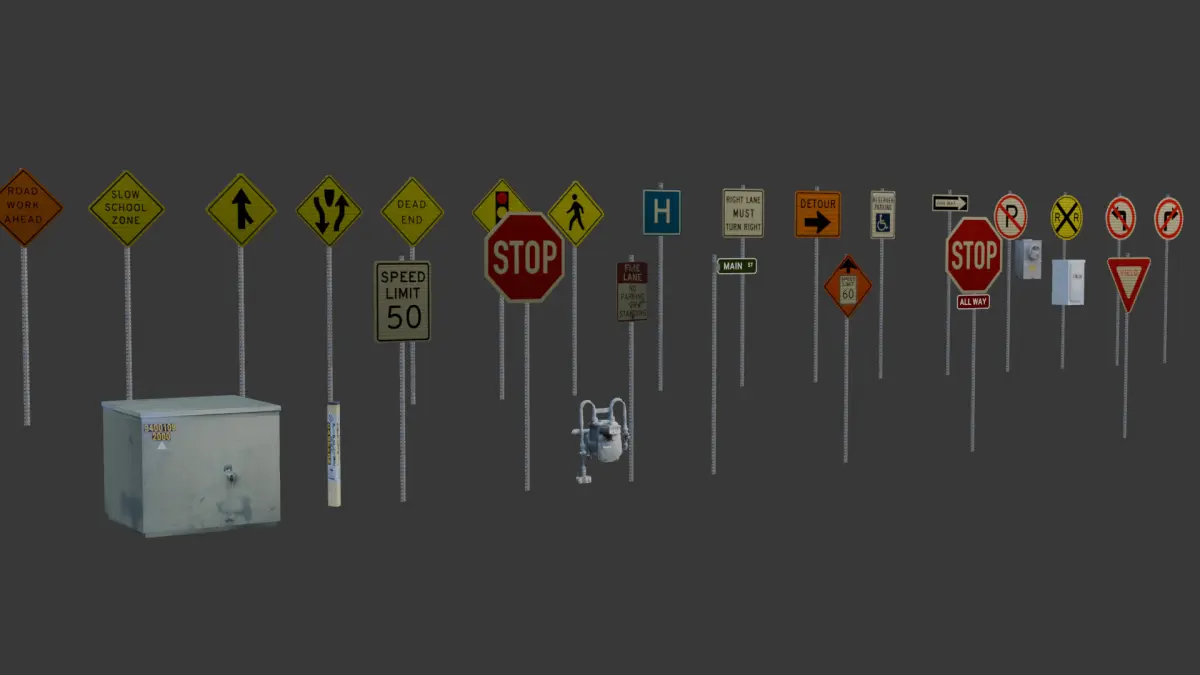
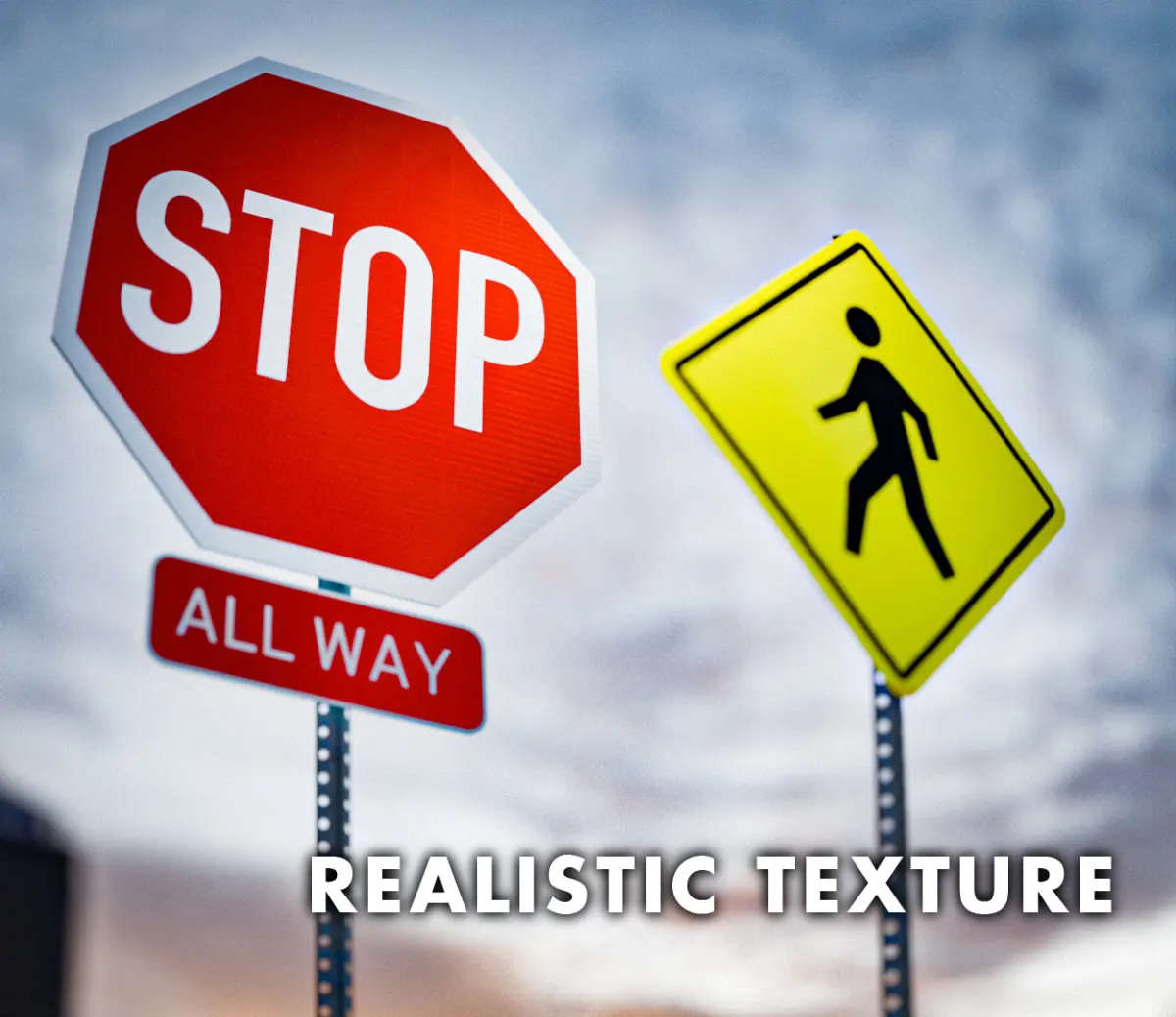

Blender is recommended to use these files. I'm sure they can work fine in other software, but I can't promise anything.
How to import files into Blender:
I suggest using the .blend file and marking everything as an asset, then simply drag and drop it into your future projects.
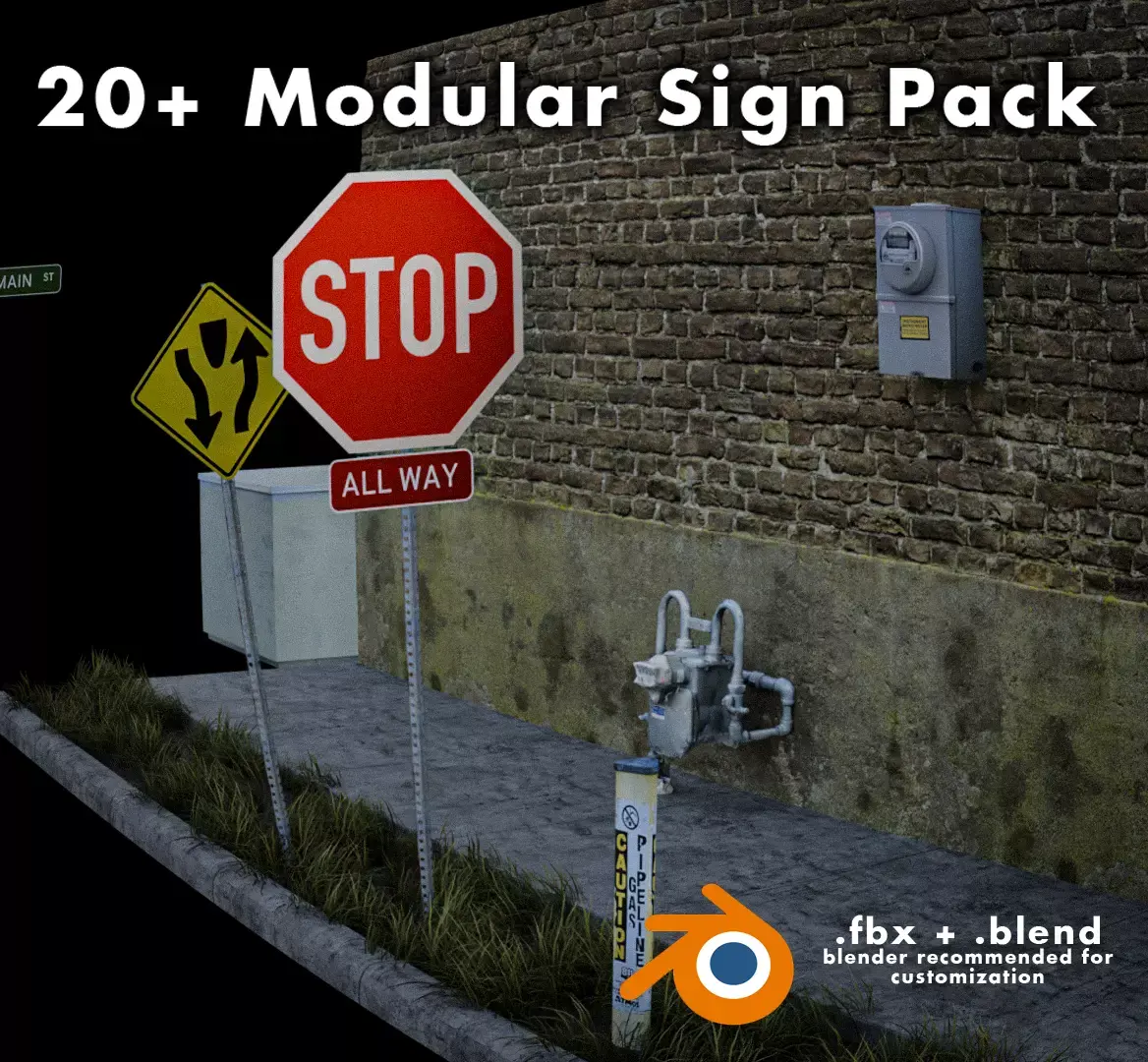
Some objects, such as speed limit signs and common street signs, are set as a group. This is so that the text can be customized.To edit, simply drag in your object, press CTRL+A and select make instance real. Now you will be able to edit everything as you need to.
Everything can be edited to your liking by selecting a vertex and pressing CTRL+L so isolate individual parts. This can help you delete anything unecessary.
Thanks for the support!email for inquiries: andrew.saundersdtx@gmail.com
BLEND (Blender, filesize: 139 MB), FBX (Autodesk FBX, filesize: 94.3 MB), PNG (PNG, filesize: 166 MB)