Now you able to get a demo version of the addon with 20+ materials to check it out, and purchase the full add on.Monthly update
Free lifetime update
UPDATE
April 2023
New Category (11)Few New materialsExclusive materials included From my page Brick WallAsphalt,Animated Fire, Wood Bark
March/2023
New category (10 all together)New smart materialsNew Abstract materialNew Surface MaterialsNew Smart materials
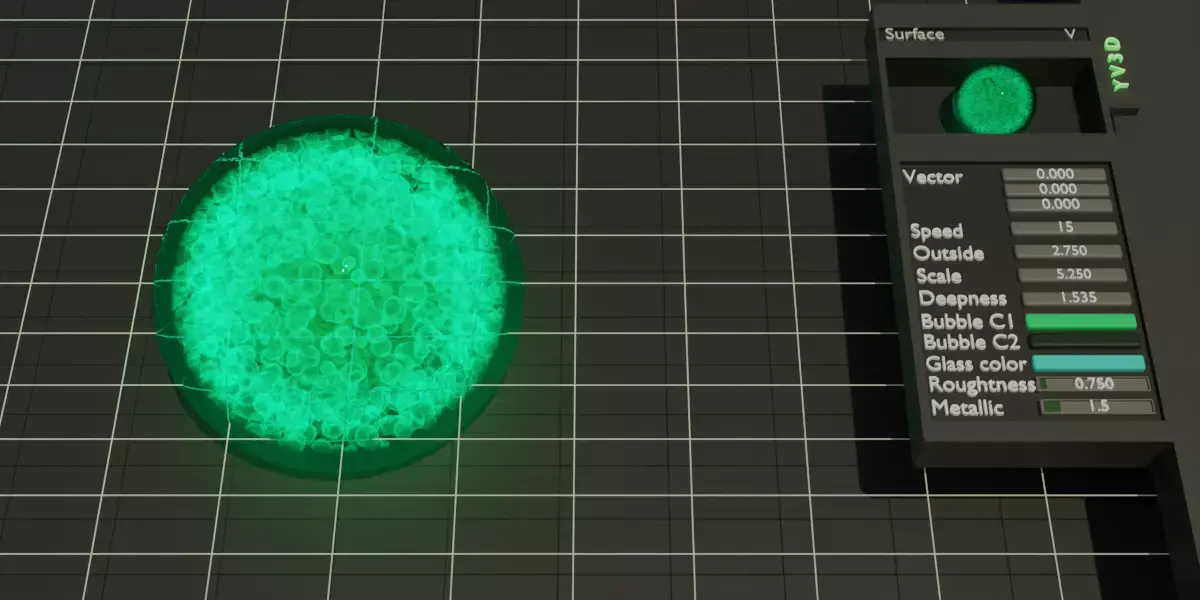
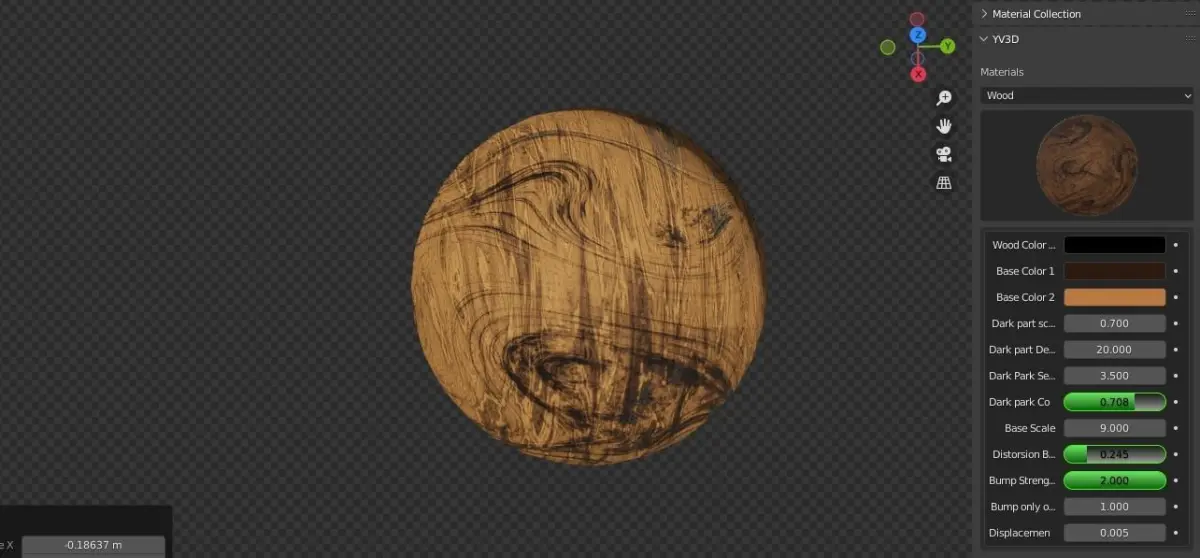
1 not working material fixedNow you can change any settings from the addon without going into the material menu or to shader editor to save more time. Updates in real time
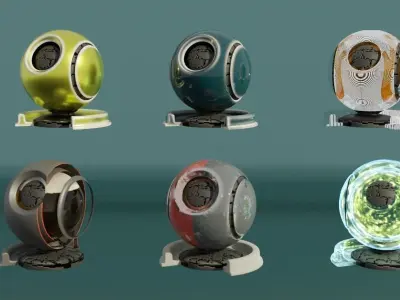
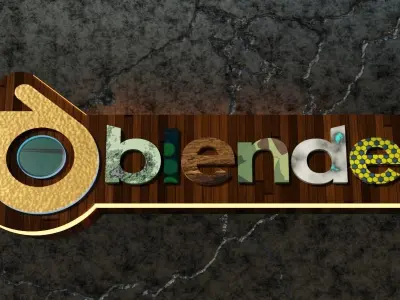
If you feel you wasting too much time with your project by creating materials this product is for you.Over 180 materials with 10 different category waiting for you to be discovered.
24 Abstract (Was 21)
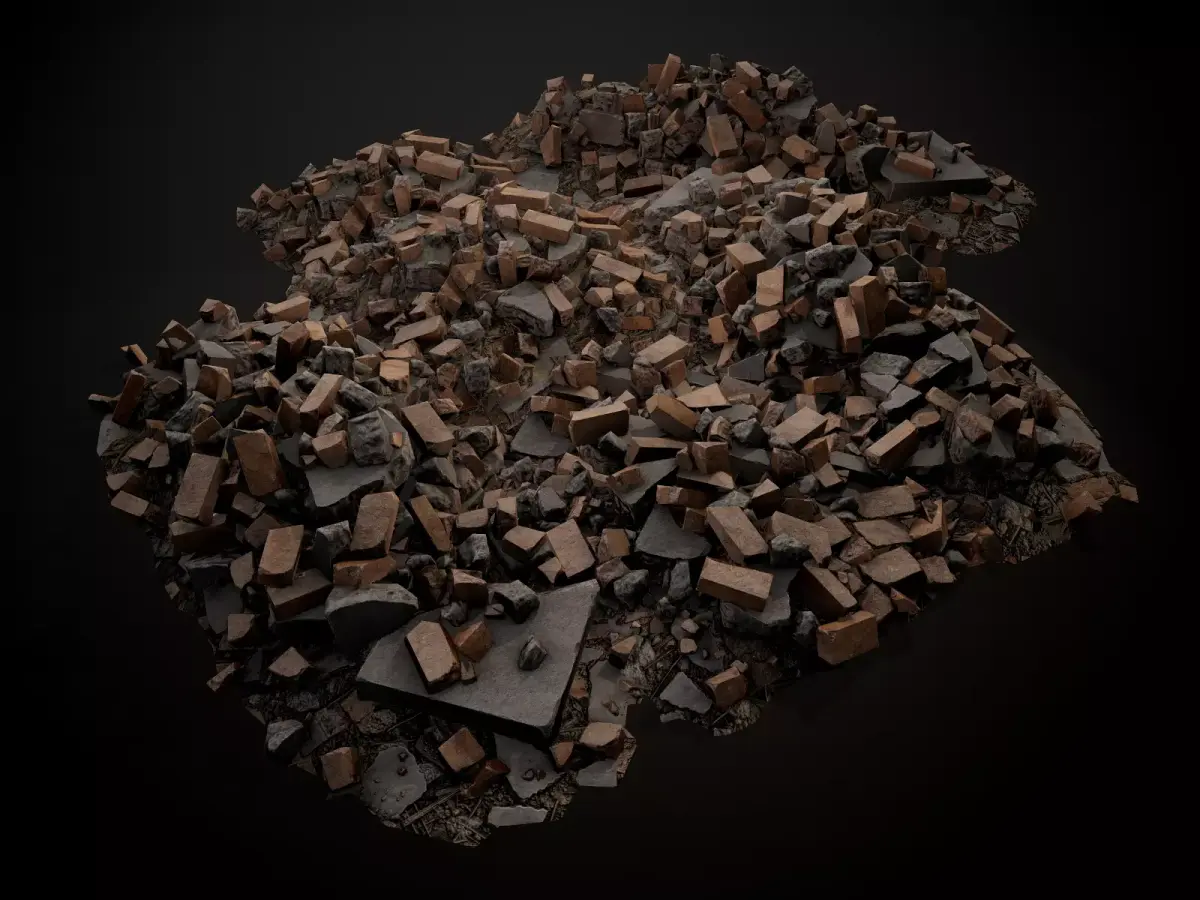
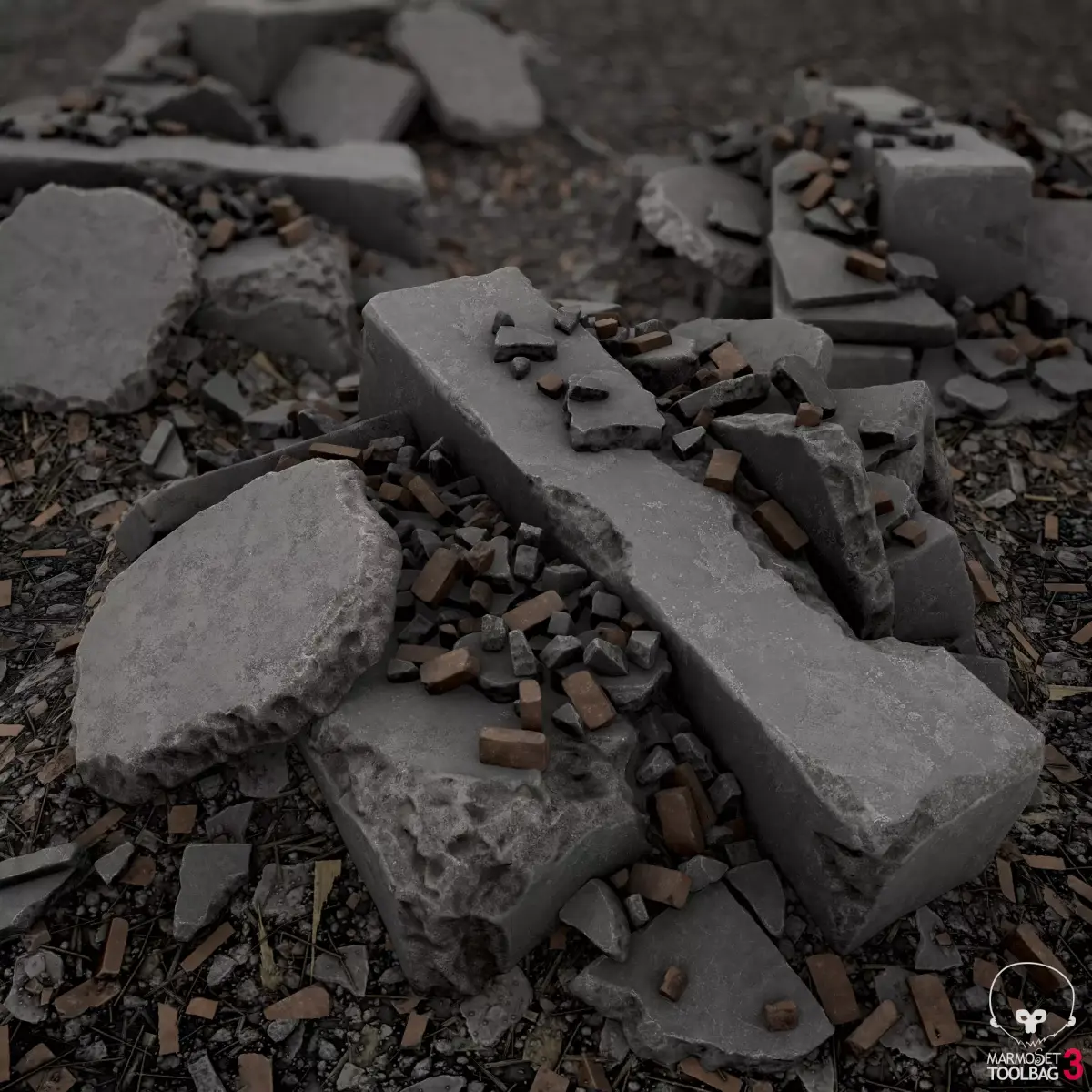
18 Building related
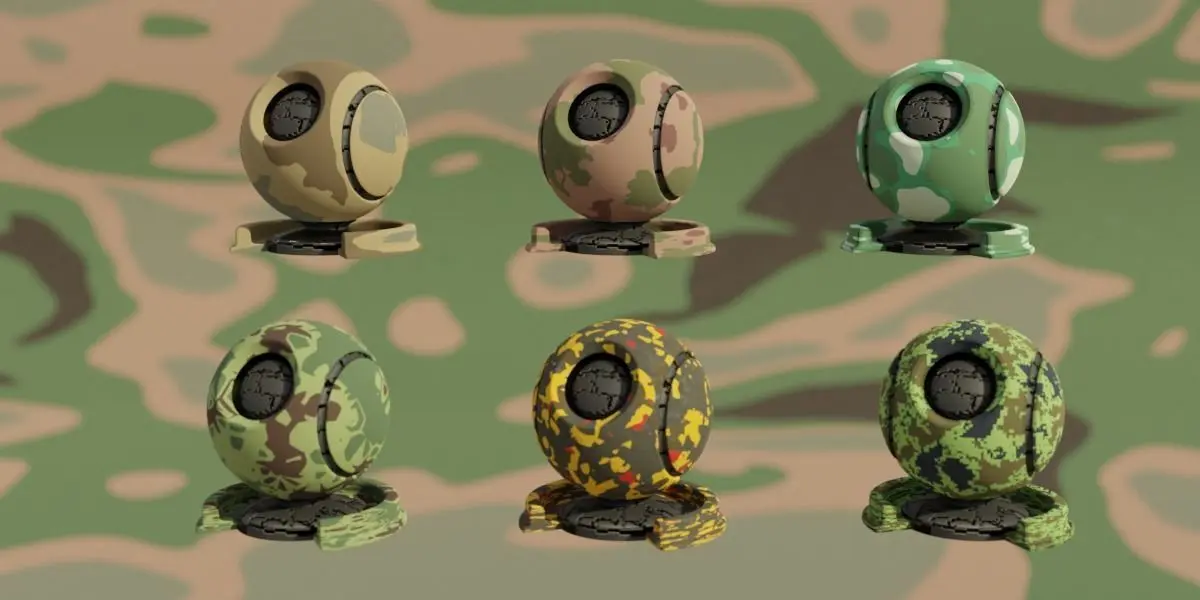
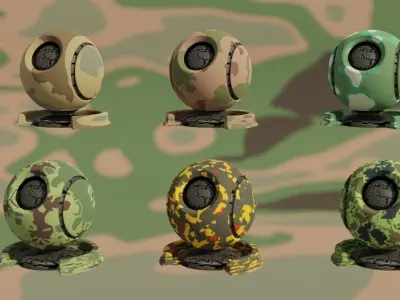
8 Different type of camouflage
Emission (new category)
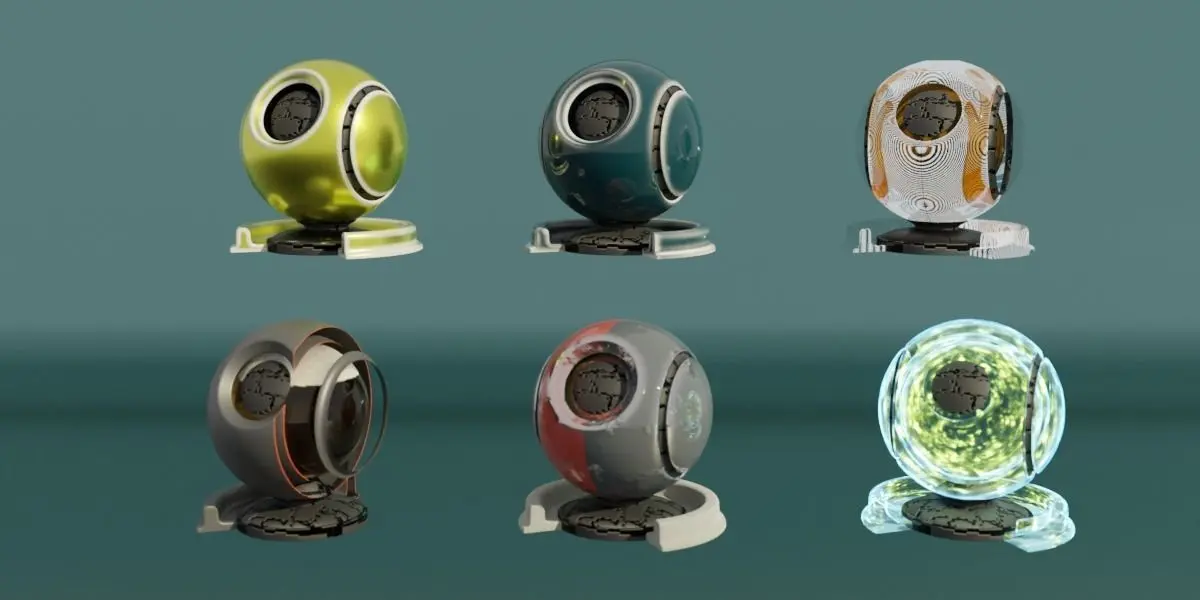
15 Different Glass shader
33 Different Metallic shader
22 Different Scifi Shader
40 Surface material (Was 27)
11 Smart Material (New Category)
9 Different type of wood shader
From these materials you can create 1000`s of different materials just by tweaking the values, colors, scale etc...
You can find from very easy and simple set up materials till a difficult and advanced materials
Some of the materials animatable!
Keep in mind for materials using displacement you use cycles engine for render and make sure you have enough geometry for best results.
HOW TO INSTALL ?
After purchase you can download the zip file.Save it on your PC/Laptop.Open blenderGo to preferencesAddonsInstallChose the downloaded zip file. Do not unzip the fileAfter a few second it will appear in your addons menuSimply tick the box next its name and you are all set to goAfter installing the addon will appear on your side panel with name YV3D, click on the name and chose your category with your material you wish to use.
You are free to use all materials for your work and project, please do not resell the shader.
If you upload any of your artwork on instagram where you used any of these materials please tag #yv3d so i can see all the amazing work you have done.
BLEND (Blender, filesize: 122 MB), PY (Python Script, filesize: 122 MB)