How to come up with photorealistic renderings for a higher quality of visualization?
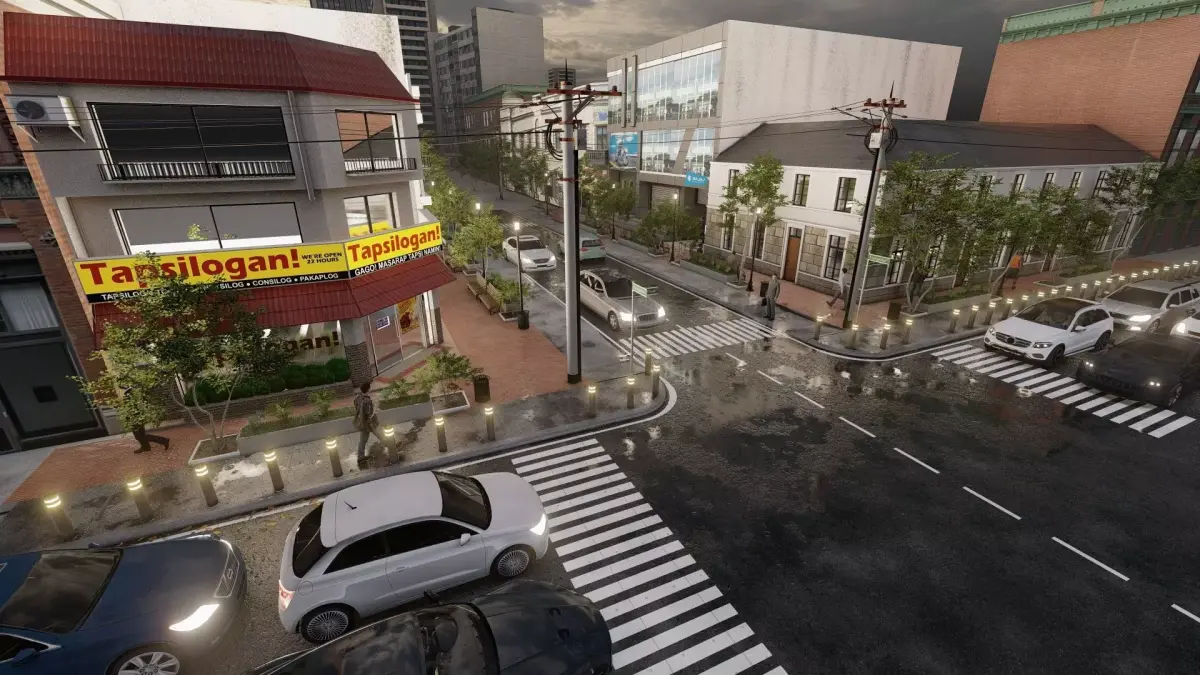
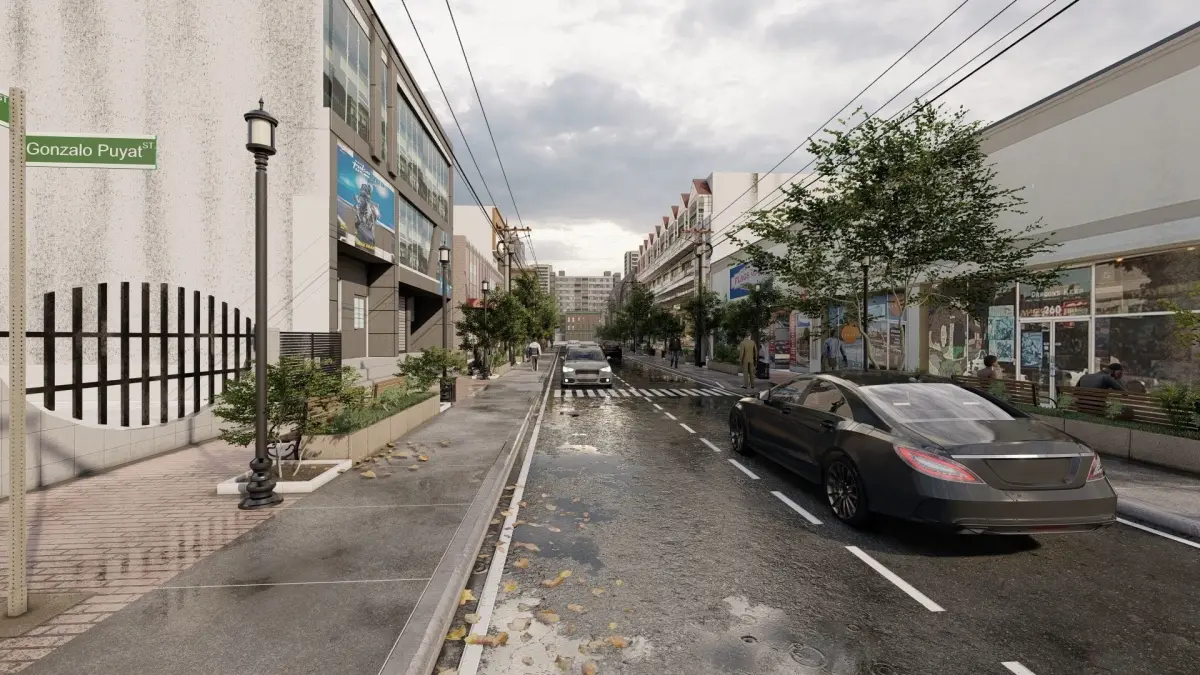
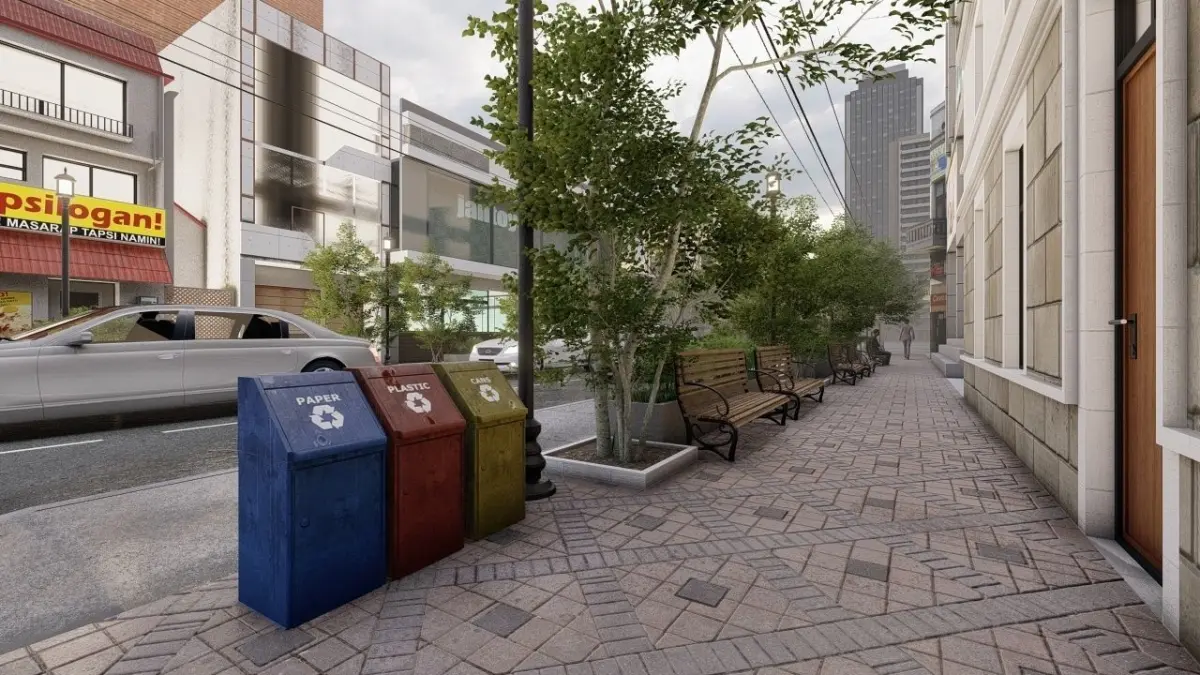
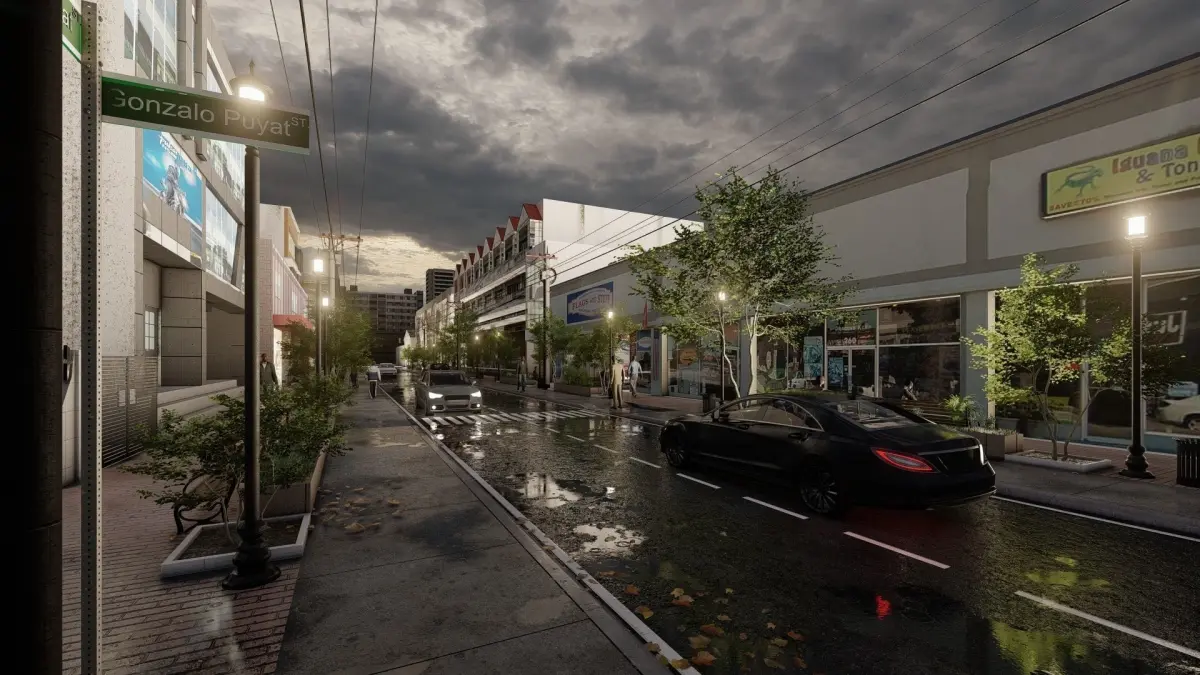
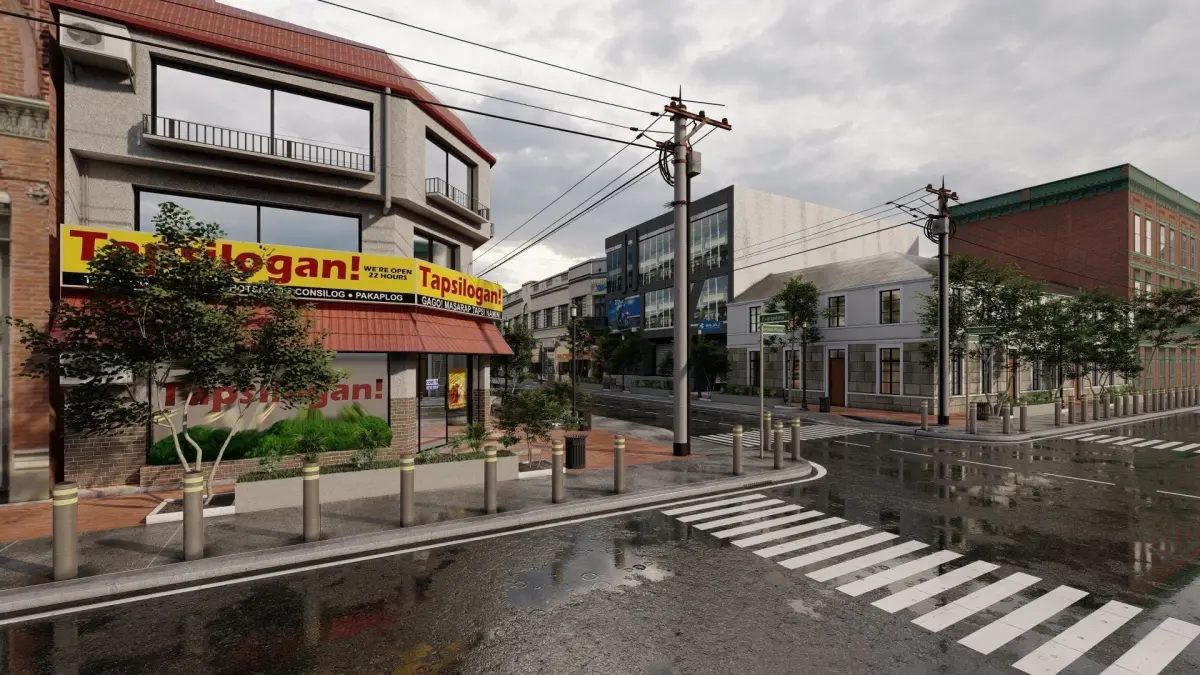
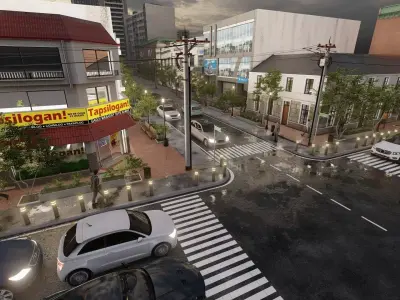
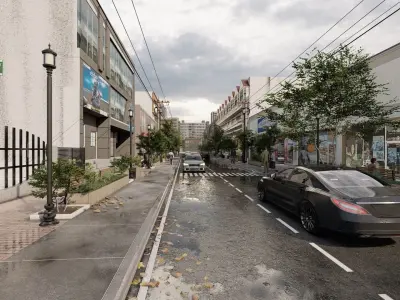
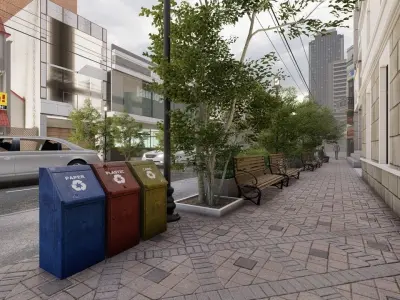
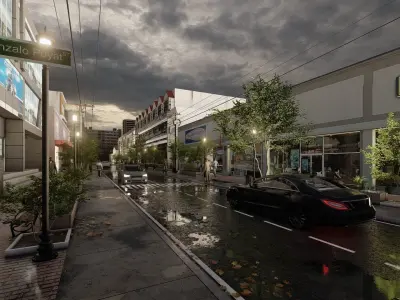
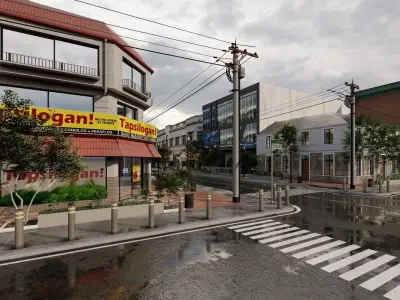
The images show fully textured and rendered exterior street views, portraying an evening and a daylight setting. The excellent visualization was modeled through SketchUp 2019 and rendered using Lumion 11.0. The street views were the artist's visualization of remodeling and revitalizing the local streets in his area. His primary goal is to achieve a photorealistic rendering to make the images illustrate the necessary lifestyle and appropriate urban design for the streets.
What's in it for YOU?
- You can reuse anything from the Lumion 11 file including the render settings, materials, scenes, and others.
- You can alter and/or reuse the street model as it is included in the package.
- You can easily apply the photorealistic setting (lme file) on your next project!
- You can present the renderings without any post-production features since it is already realistic.
- You can take a look on additional rendering tips for your next project.
- You can learn from the SketchUp and Lumion files as you observe how the objects, lighting, materials, and scenes are arranged.
SKP (Sketchup, filesize: 116 MB), LS10 (Lumion, filesize: 539 MB), PDF (PDF, filesize: 385 KB)