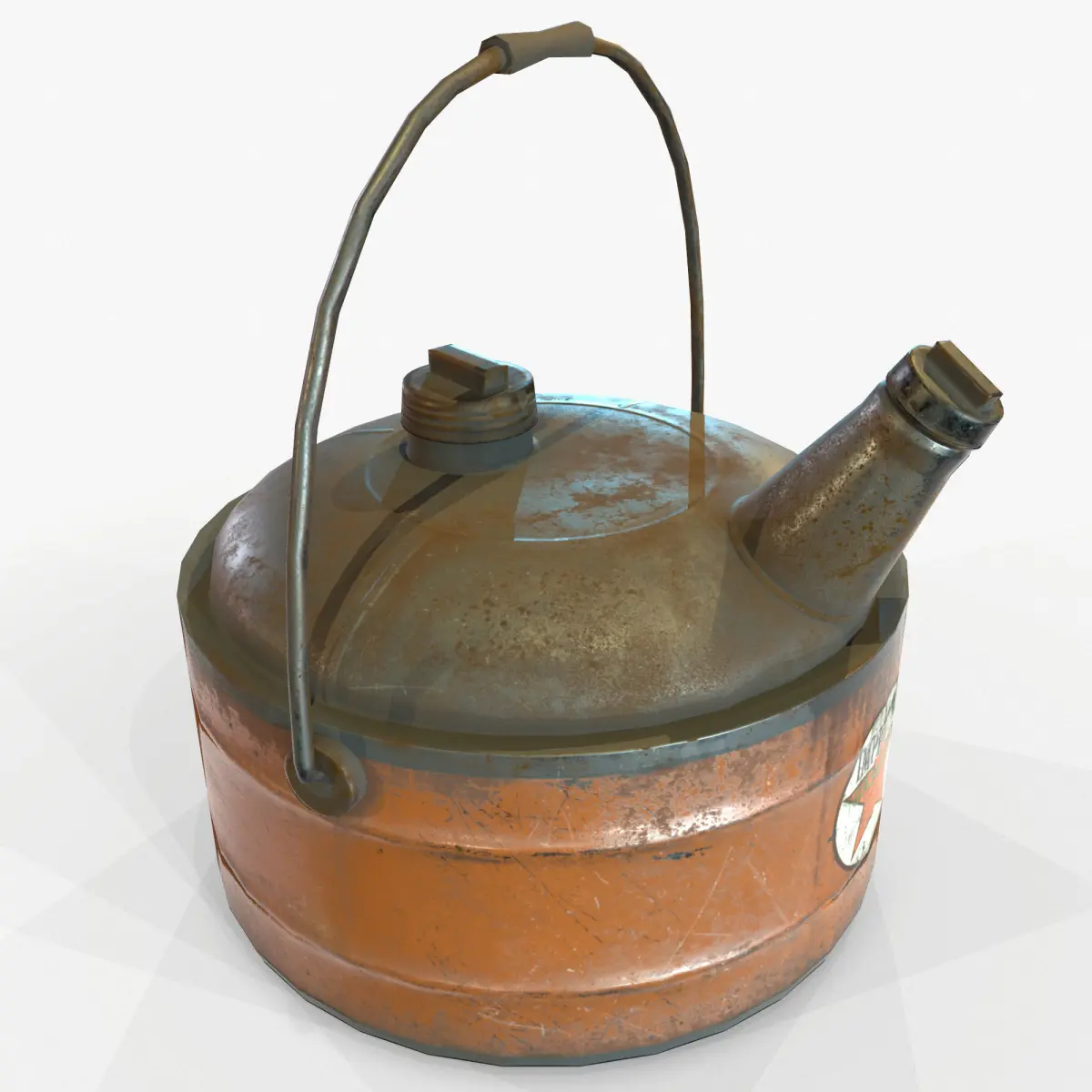
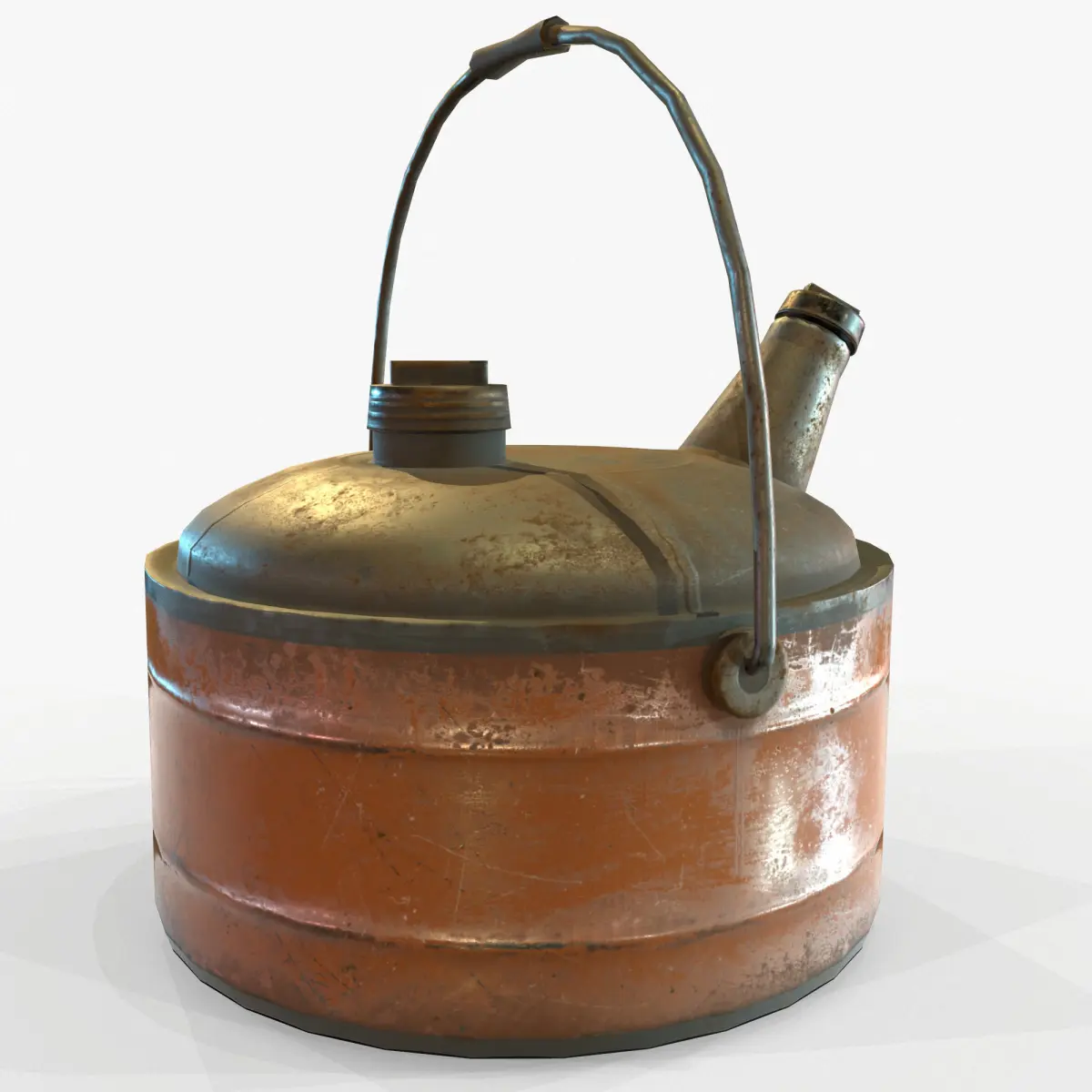
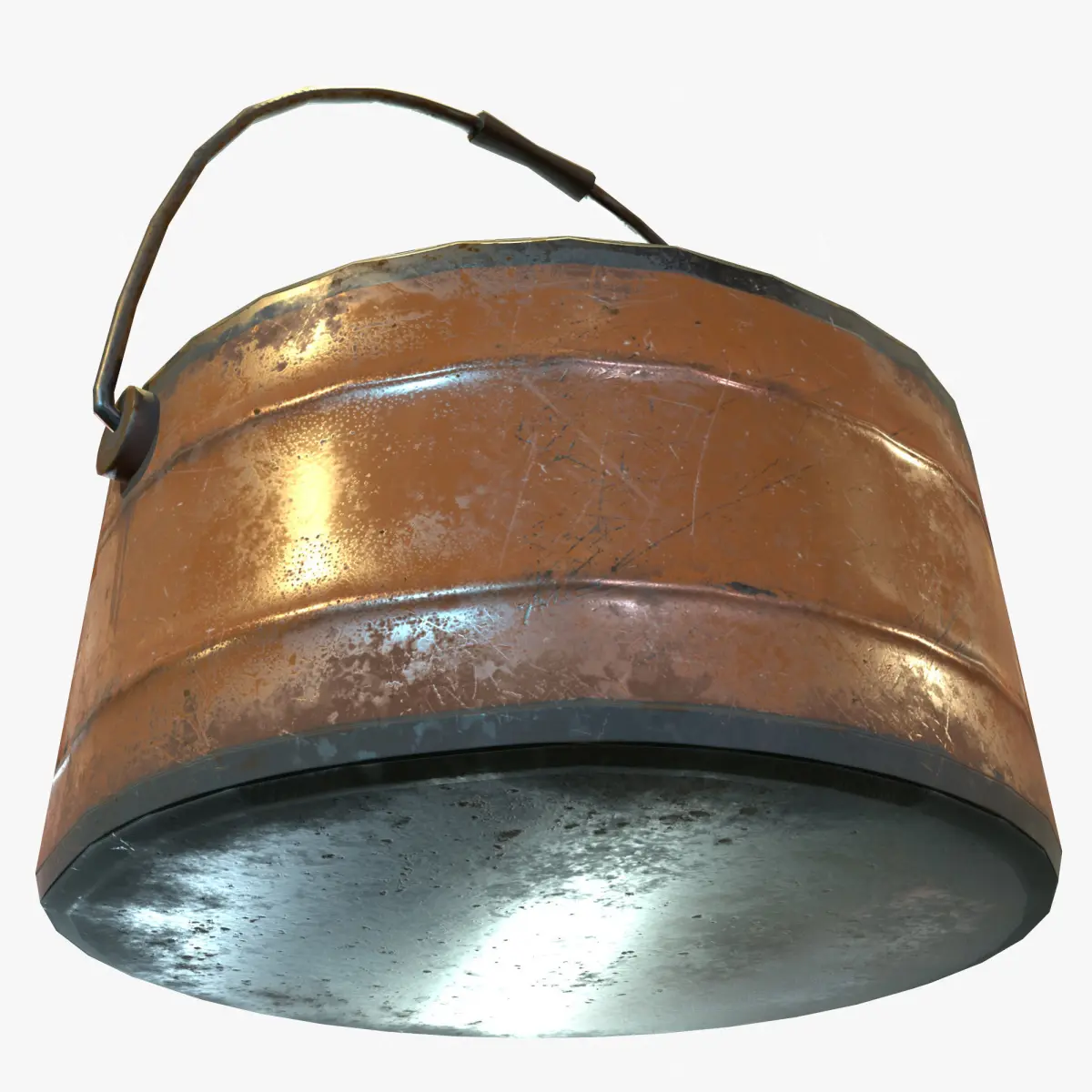
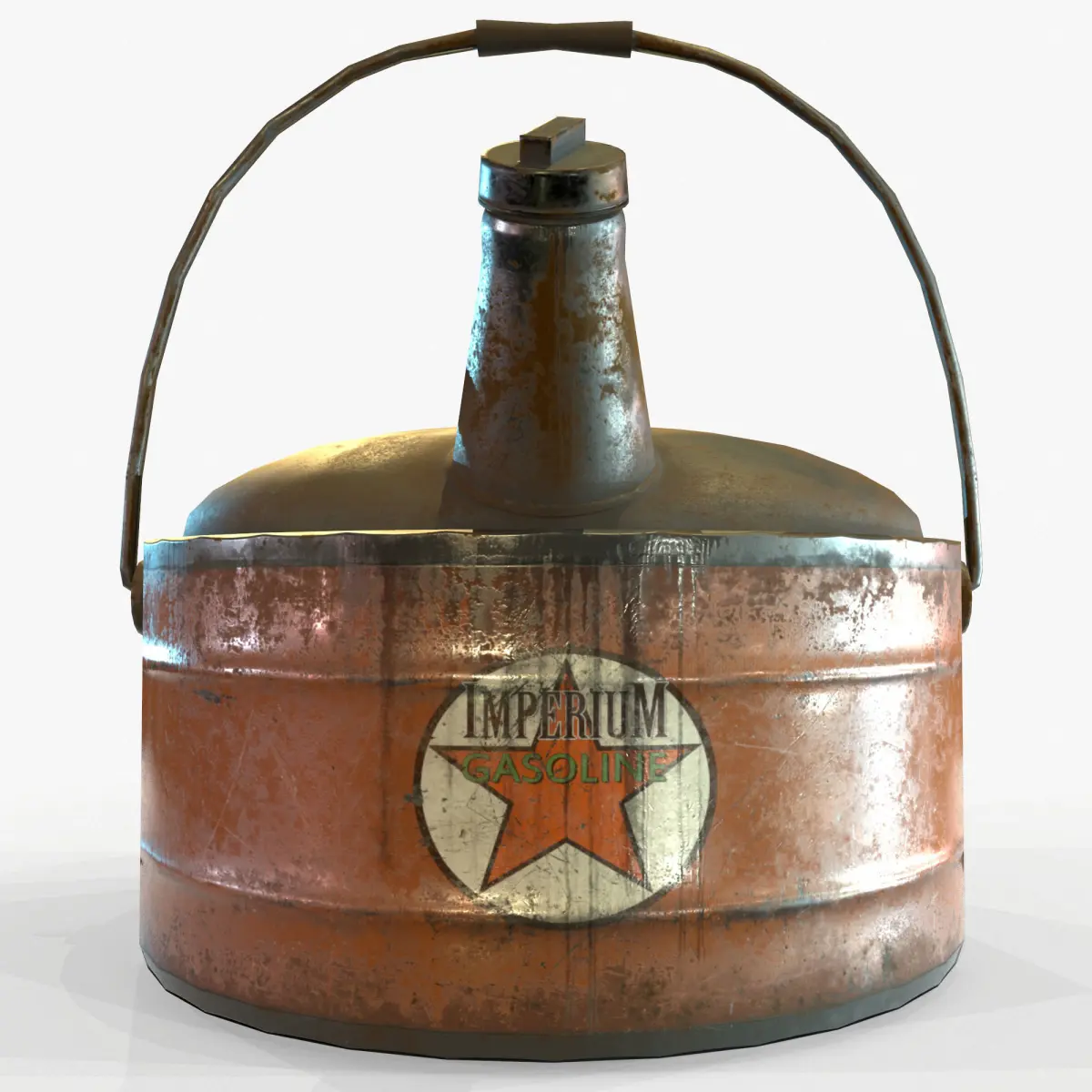
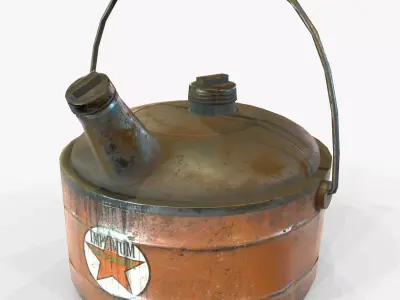
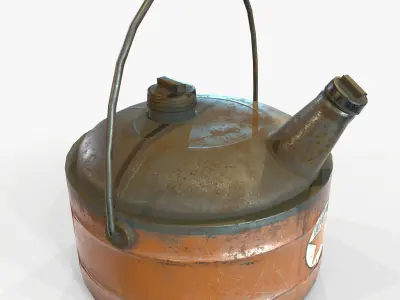
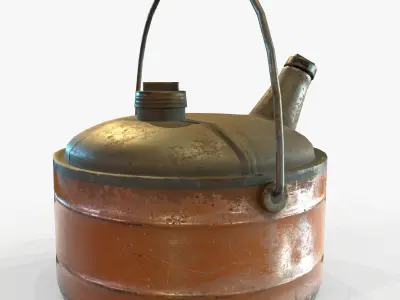
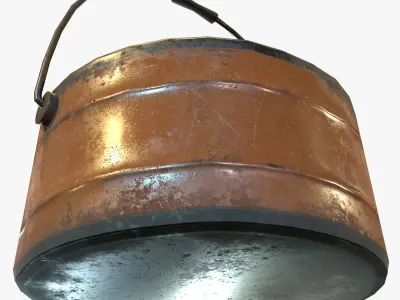
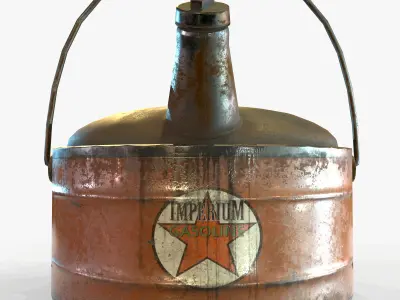
Real-Time,Game Ready, Vintage Gas Can.
Label is fictional, no license is required to use it in your project.
Display images were rendered in Marmoset Toolbag 3.
Normal maps were baked from a high poly model in Substance Painter. The Normal Maps are baked with the MikkT tangent space setting.
Includes the following 3d file types: (use the .fbx file to import into any popular 3d package)
Blender 2.90.1
.FBX
.OBJ
Marmoset 2 File - (the images you see in the thumbnails are using this file)
The textures are located in the .zip file. You will also find all the program files located in the .zip folder. We recommend downloading the .zip and opening up your desired 3d format from there, the texture paths should automatically hook up that way.
Includes the following PBR texture types (BOTH Metalness and Specular workflows, perfect for Unity, Cryengine and UE4):
4096x4096: Ambient_Occlusion 4096x4096: Normal Map
4096x4096: Diffuse 4096x4096: Gloss 4096x4096: Specular
4096x4096: Base Color 4096x4096: Roughness 4096x4096: Metalness
Source texture maps from the hi-poly bake are also included so you can re-texture if desired.
4096x4096: Ambient_Occlusion 4096x4096: Curvature 4096x4096: MeshNormals 4096x4096: Position 4096x4096: Thickness 4096x4096: World_Space_Normal
Note about textures. The Normal maps are -y, this is fine for directx. If they look flipped, just highlight the green channel in photoshop and hit ctrl+i.
If the roughness and metalness look too shiny in say, UE4, you'll have to make sure they are set to linear. Just double click the texture and uncheck the sRGB box. You can also fix that by combining maps in an image editor like Photoshop.
UV's are mostly flat with a few pieces overlapping where necessary.
Units are Metric.
Game Ready!
Please click on my Username for more Game-Ready models!
OBJ (OBJ, filesize: 105 MB), TBSCENE (Marmoset Toolbag, filesize: 105 MB), BLEND (Blender, filesize: 105 MB), FBX (Autodesk FBX, filesize: 105 MB), TEXTURES (Textures, filesize: 105 MB)