Arcane Shader Addon for Blender
Stylized, Painterly, and Production-Ready
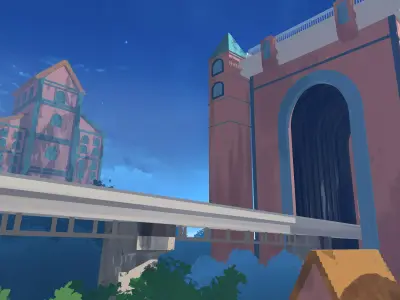
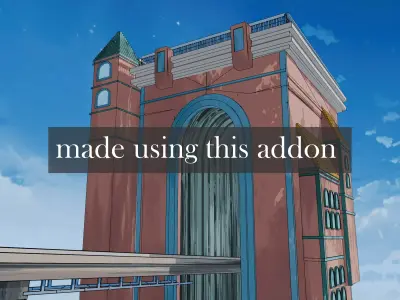
__note :- it wont include the scene it only includes the addon__Unleash the magic of stylized rendering with the Arcane Shader Addon—a powerful, plug-and-play solution for Blender artists seeking that hand-painted, high-fidelity look inspired by shows like Arcane and games like Genshin Impact. Whether you're crafting cinematic environments, game assets, or concept art, this addon delivers stunning results with minimal setup.
Note : This is the core addon—more stylized shaders and presets will be added in future updates.Anyone who purchases now will receive all future updates completely free, with no extra charges. Early supporters get lifetime access to every expansion.
Key Features
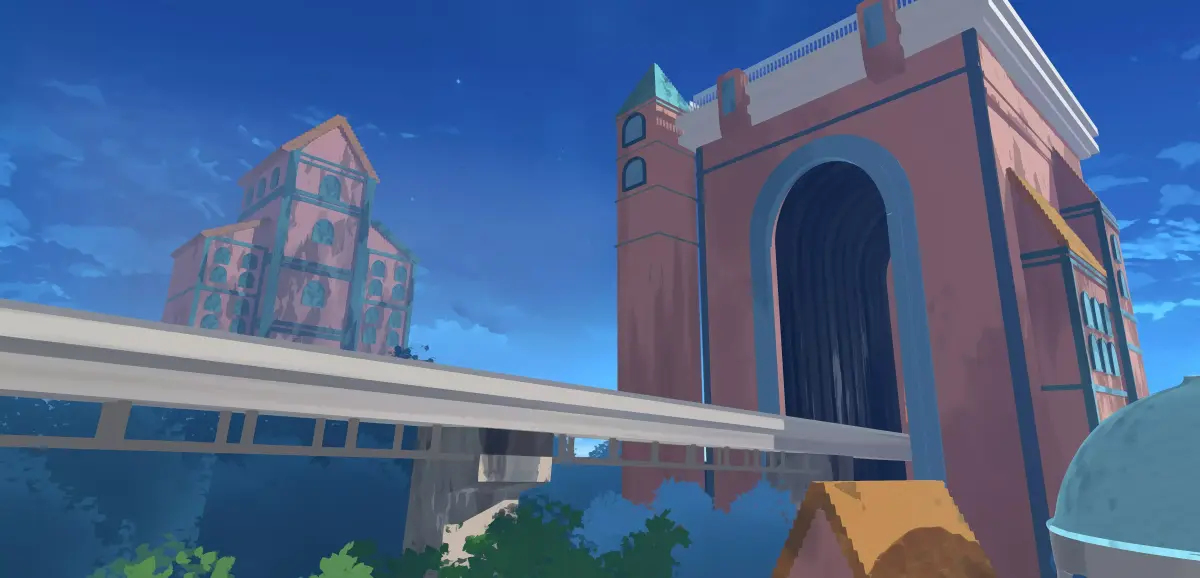
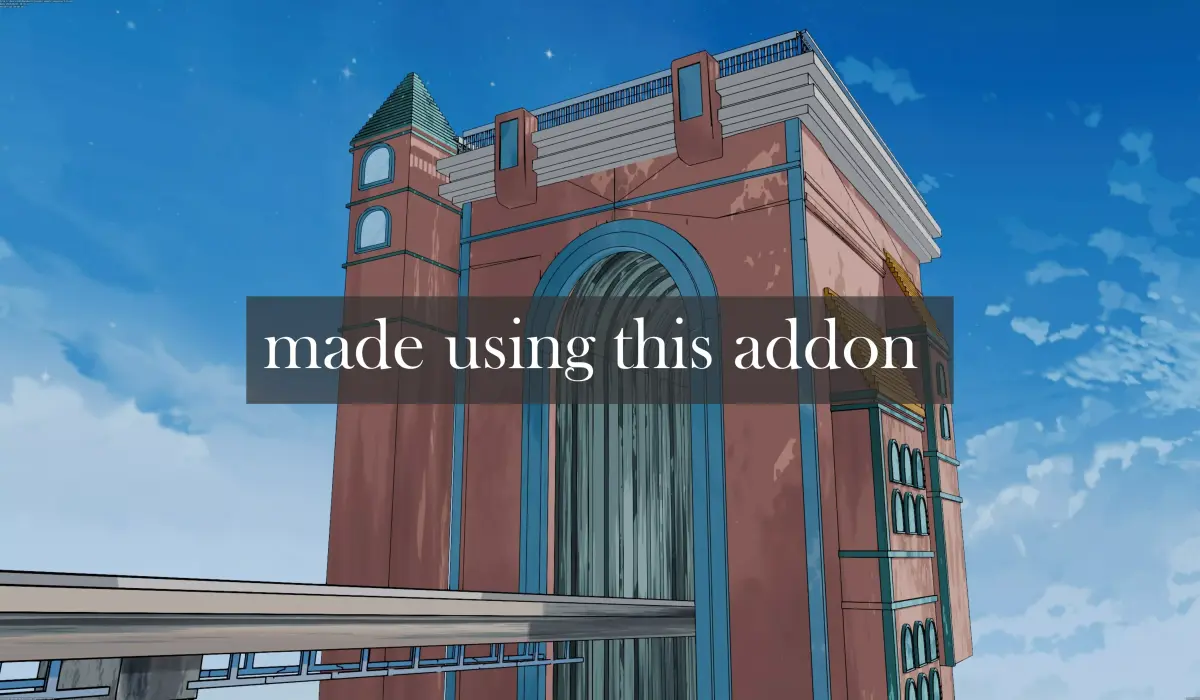
Painterly AestheticAchieve rich, brushstroke-inspired visuals with layered shading, edge tinting, and dynamic light response. Perfect for stylized worlds, fantasy scenes, and animated shorts. fully procedural so no uv required.
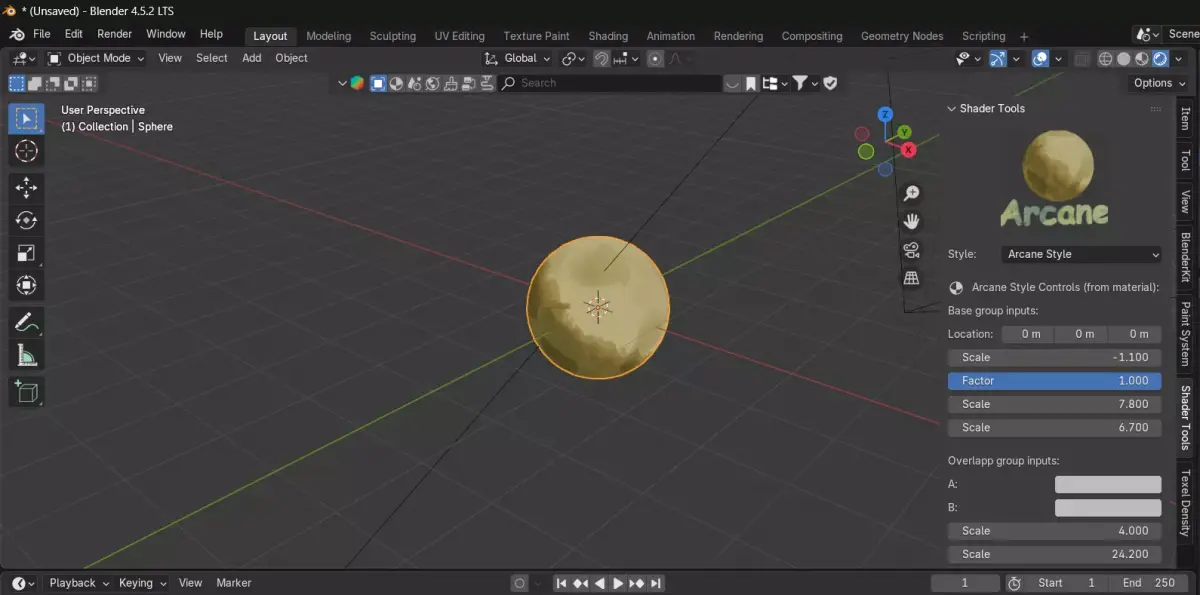
Vast Customization OptionsTweak everything—from stroke density and edge softness to ambient color bleed and stylized rim lighting. Includes presets for toon, oil-paint, and cel-shaded variants.
Modular & ScalableDesigned for both single assets and large environments. Easily apply across multiple objects with consistent results. Supports material instancing and batch overrides.
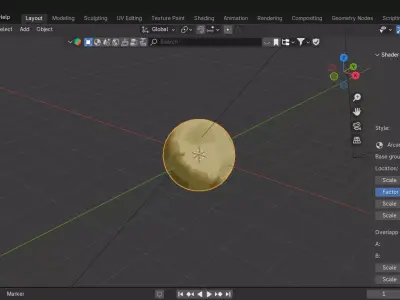
One-Click SetupNo node wrangling required. Just install, select your mesh, and apply the shader. Comes with intuitive UI panels for quick adjustments and preview toggles.
High-Definition OutputBuilt for 4K+ renders and real-time viewport previews. Compatible with Eevee and Cycles, optimized for stylized NPR workflows.
Smart Layering SystemAutomatically adapts to mesh curvature, UV density, and lighting conditions—giving you painterly depth without manual masking.
Ideal For
Game environment artists
Stylized asset creators
Animation studios
Concept designers
Indie devs and freelancers
What’s Included
Arcane Shader Addon (.zip)
5 Stylized Presets (Arcane )
Demo Scene (.blend)
Quickstart Guide PDF
How to Enable an Addon in Blender
- Open Blender and go to the Edit menu.
- Select Preferences.
- In the Preferences window, click the Add-ons tab.
- Use the search bar to find the addon by name.
- Check the box next to the addon to enable it.
- If needed, click the Install button to add a new .zip or .py file.
- Once enabled, the addon will be available in its designated panel (e.g., Sidebar, Shader Editor, etc.).
PY (Python Script, filesize: 191 KB), BLEND (Blender, filesize: 191 KB), JPG (JPG, filesize: 191 KB), OTHER (Other, filesize: 2.74 KB)