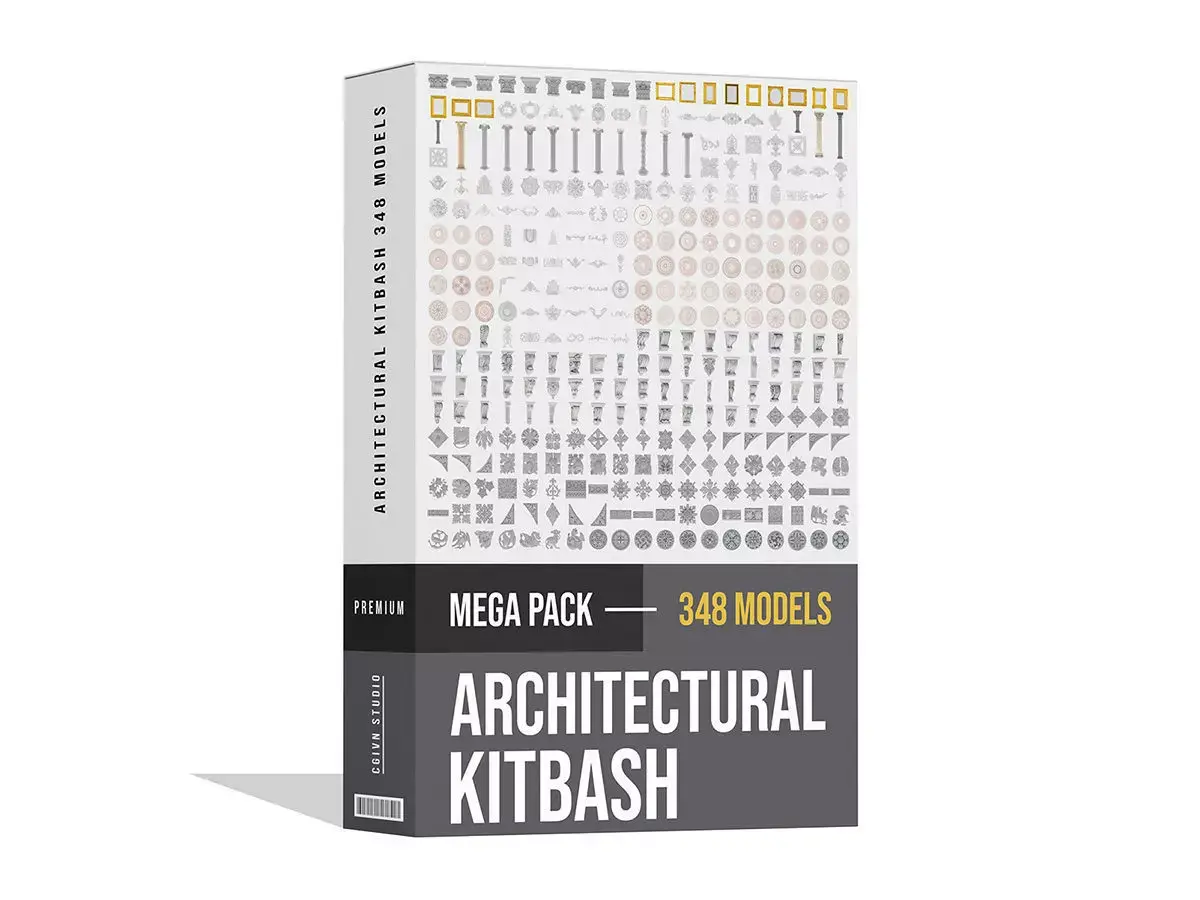
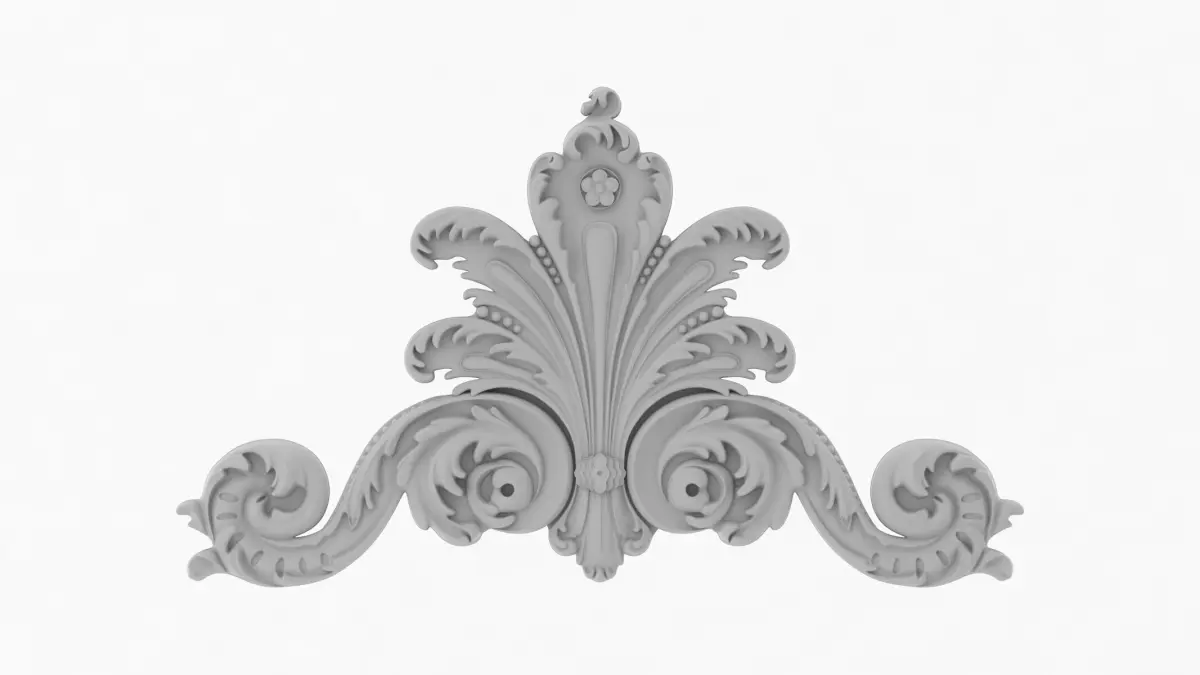
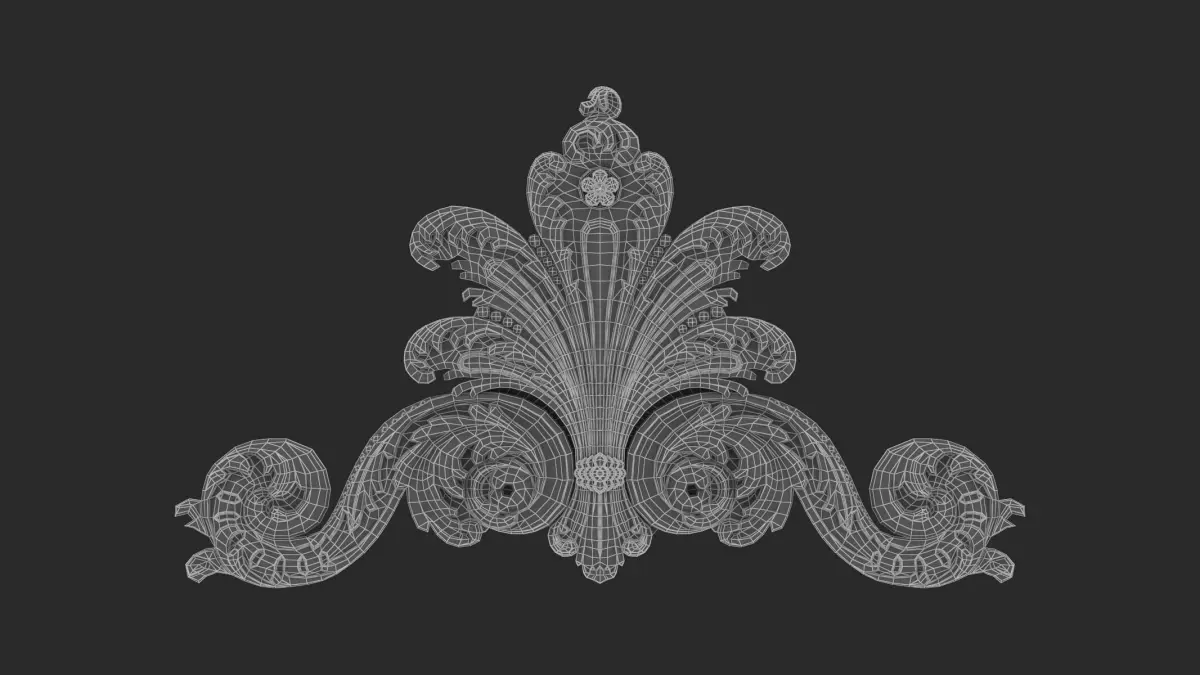
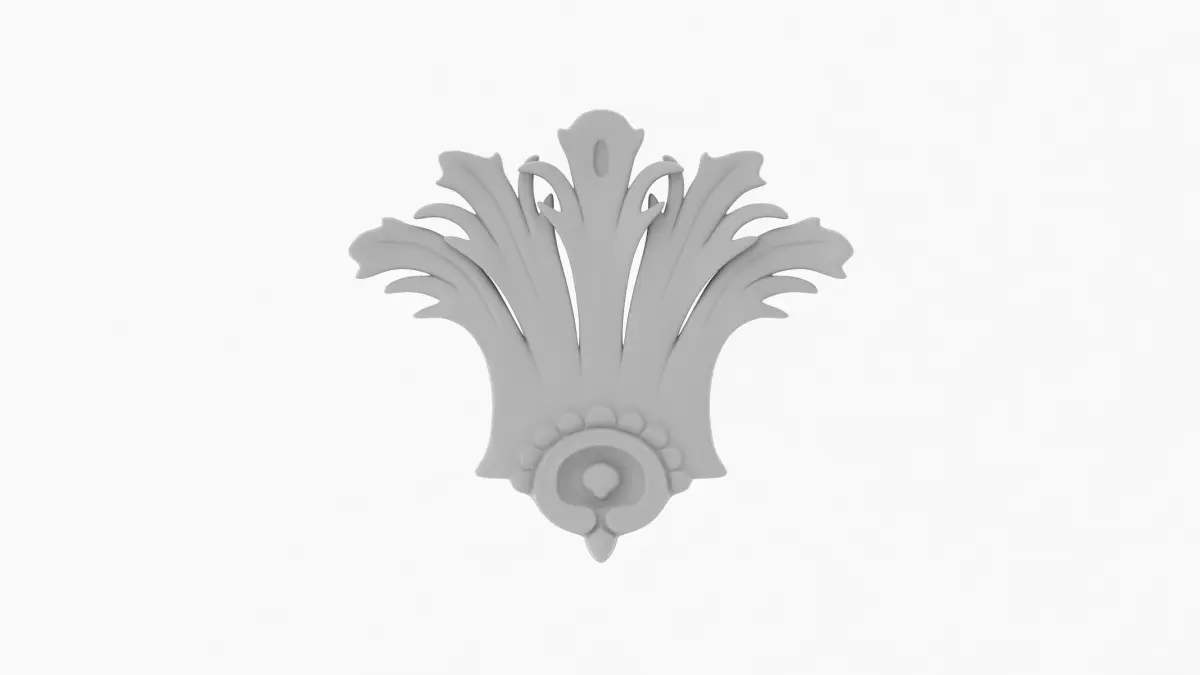
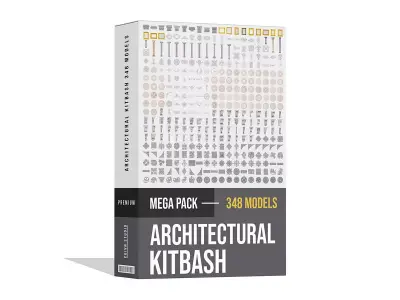
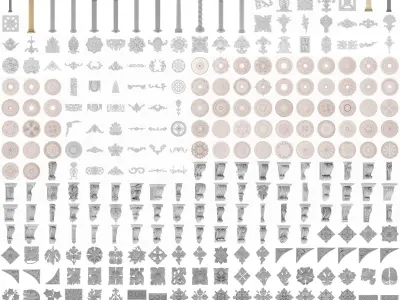
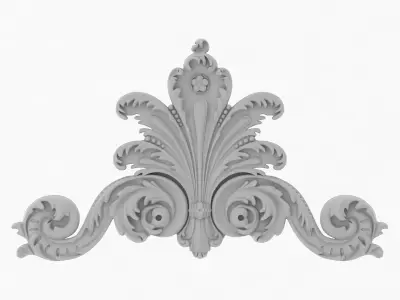
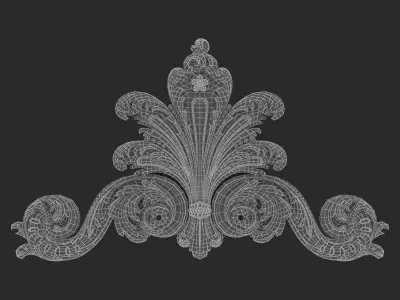
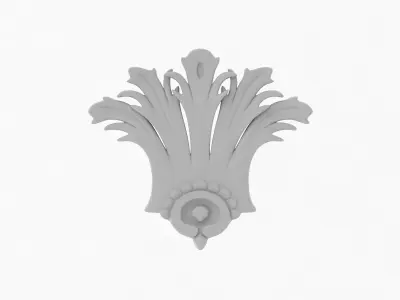
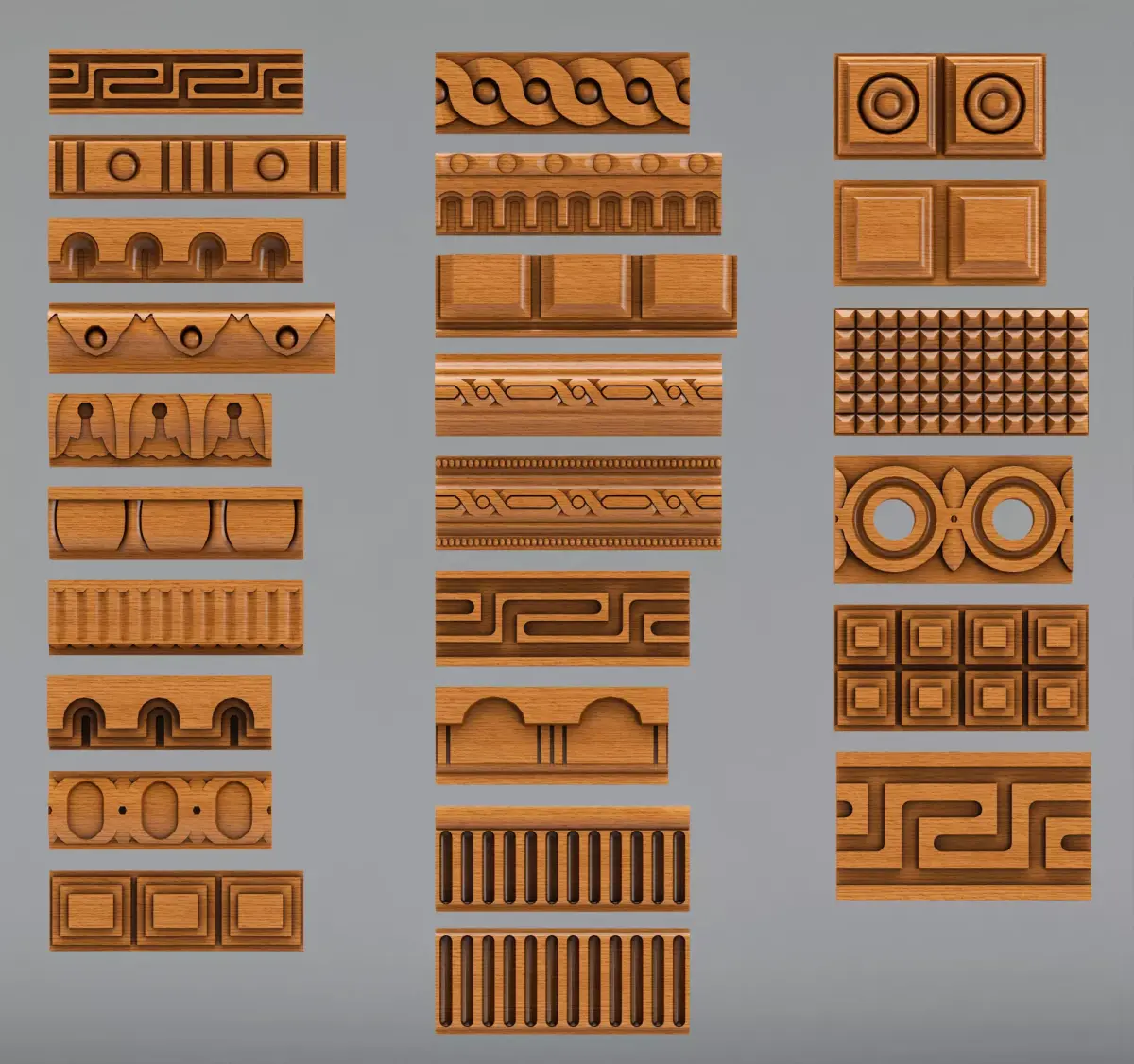
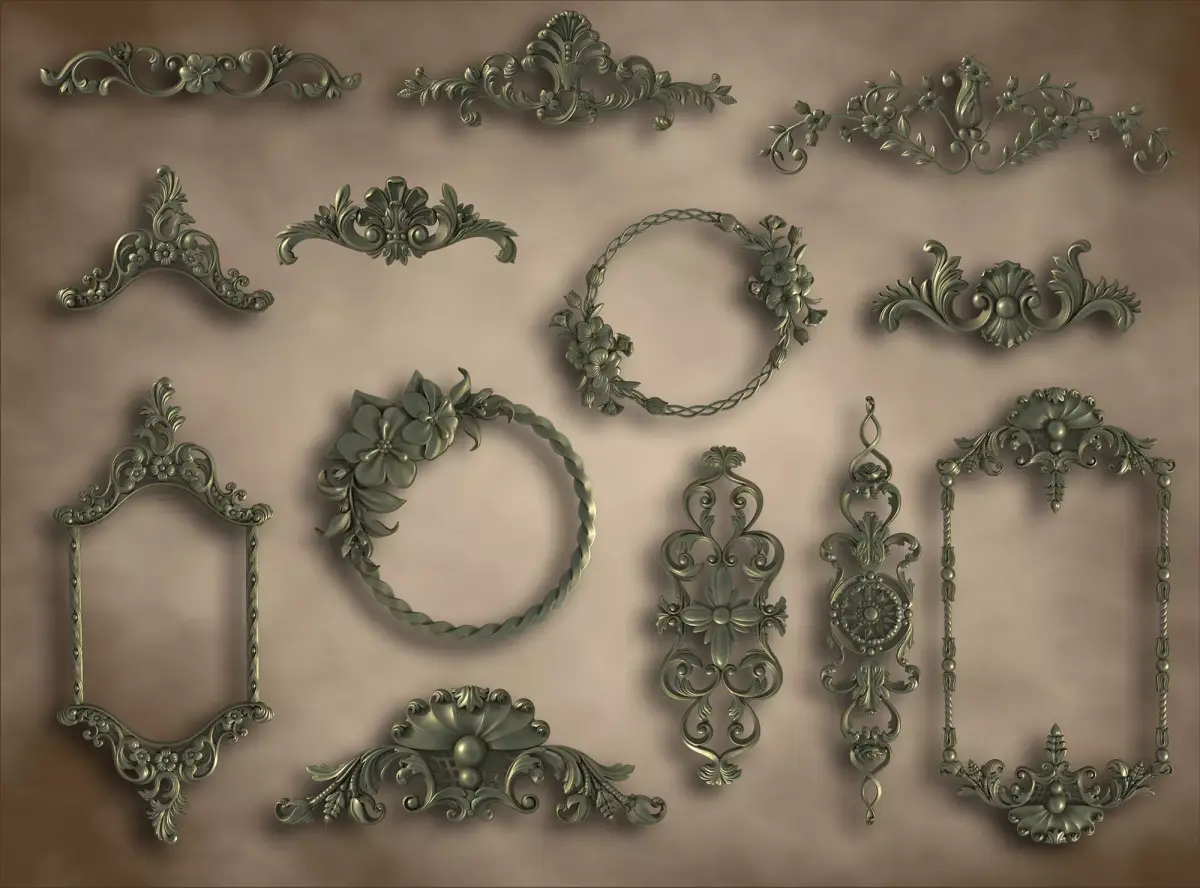
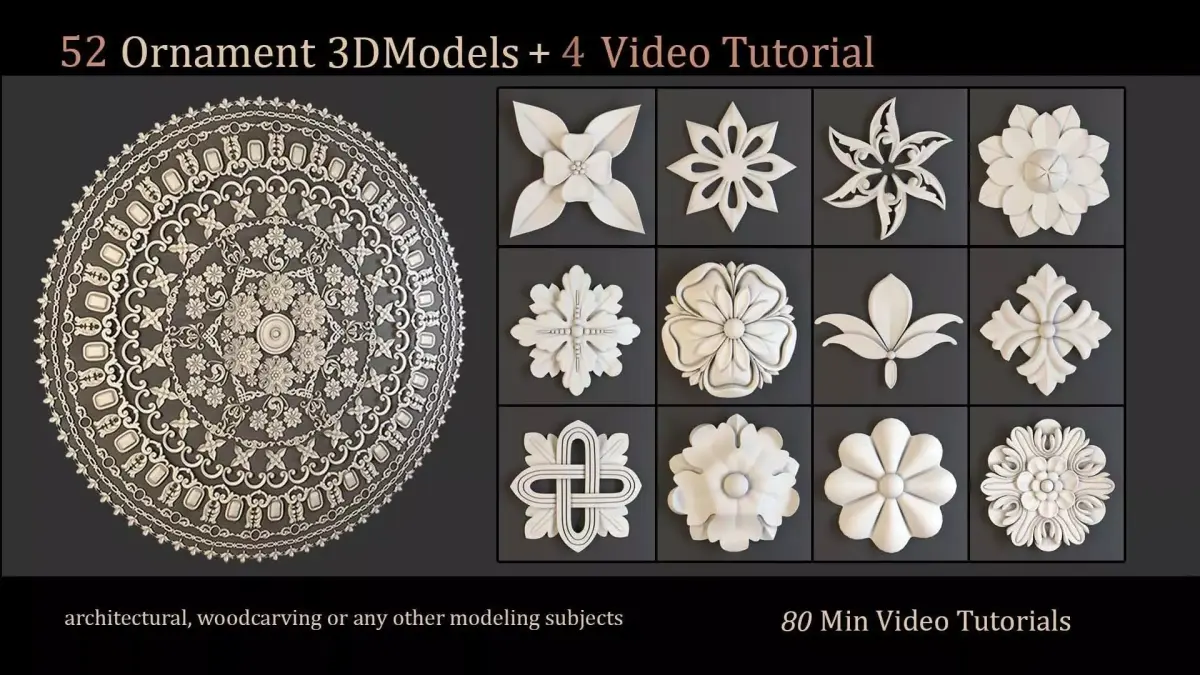
Architectural Kitbash 348 Models is a comprehensive collection of high-quality architectural elements, perfect for speeding up your 3D environment design. From modern facades to classical details, this kit offers a versatile range of assets to build realistic and stylish structures with ease.
FEATURE HIGHLIGHTS:
- High quality polygonal model. Mesh and details are built by our professional artists.
- Models resolutions are optimized for polygon efficiency.
- Model is fully textured with all materials applied.
- All textures and materials are included and mapped in every format.
- Objects are logically named for ease of scene management.
- No part-name confusion when importing several models into a scene.
- No cleaning up necessaryjust drop your models into the scene and start rendering.
- No special plugin needed to open scene.
- Model does not include any backgrounds or scenes used in preview images.
FILE FORMATS:
- 3ds Max 2020 and Vray 5.0
- 3ds Max 2020 Standard materials
- Maya 2018 Hardware materials
- Cinema 4D R21 Standard materials
- Blender 4.4 Eevee materials
- FBX and OBJ (You can use this format to import them into a lot of different 3D software.)
HELP AND TIPS:
- Problem when unzip file: If you have problem with extract file please use latest version of winrar ( winrar is free )
- Smoother faces and edges: You'll need to add subdivision command to get a smoother curved version. ( For example: Turbosmooth in 3ds Max )
- OBJ and FBX are not smooth: Contact me to get the smoother version for free. Or you can import them into 3D software, add subdivision command and re-export them as high-poly.
- Lower version 3D software: Don't worry about lower versions of 3D software. Use FBX or OBJ to import them.
- For Cinema 4D users: Add HyperNURBS for each object to get subdivision ( smooth ). And make sure setting of HyperNURBS is Catmull-Clark and Subdivide UVs is Edge to correct textures and UVs.
- Don't forget to contact me if you encounter any other issues that aren't listed above.
- Thank you for supporting and using Cgivn products and services.
OBJ (OBJ, filesize: 1.66 GB), C4D (Cinema 4D, filesize: 511 MB), OTHER (Other, filesize: 1.1 GB), MA (Autodesk Maya, filesize: 613 MB), BLEND (Blender, filesize: 540 MB), JPG (JPG, filesize: 1.66 GB), PNG (PNG, filesize: 1.66 GB), MAX (Autodesk 3ds Max, filesize: 1.13 GB)