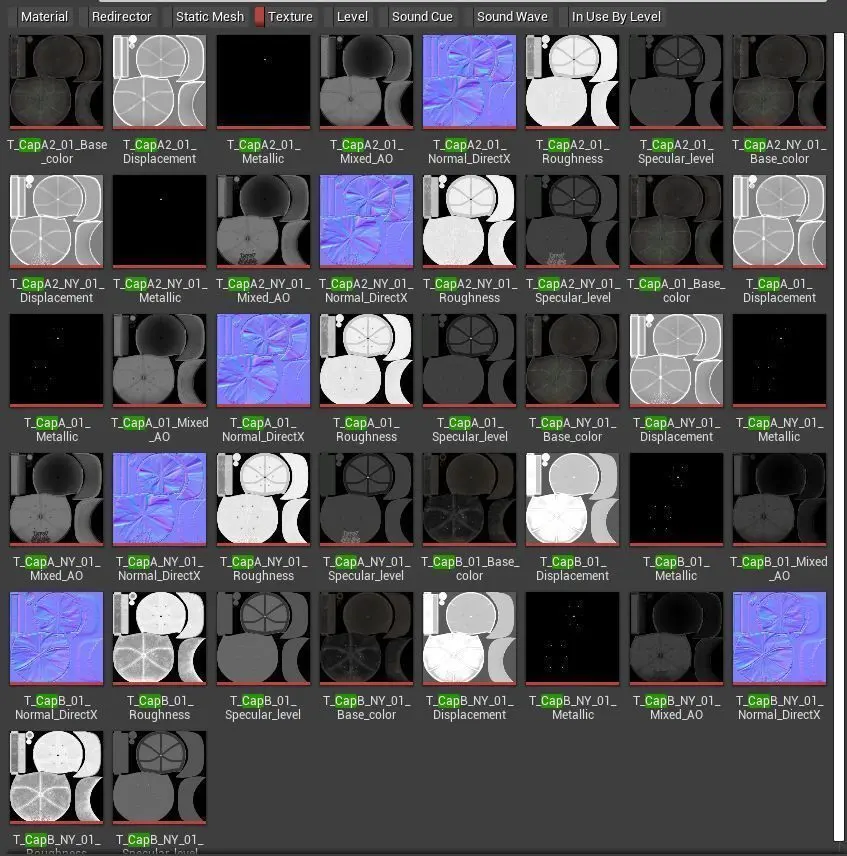
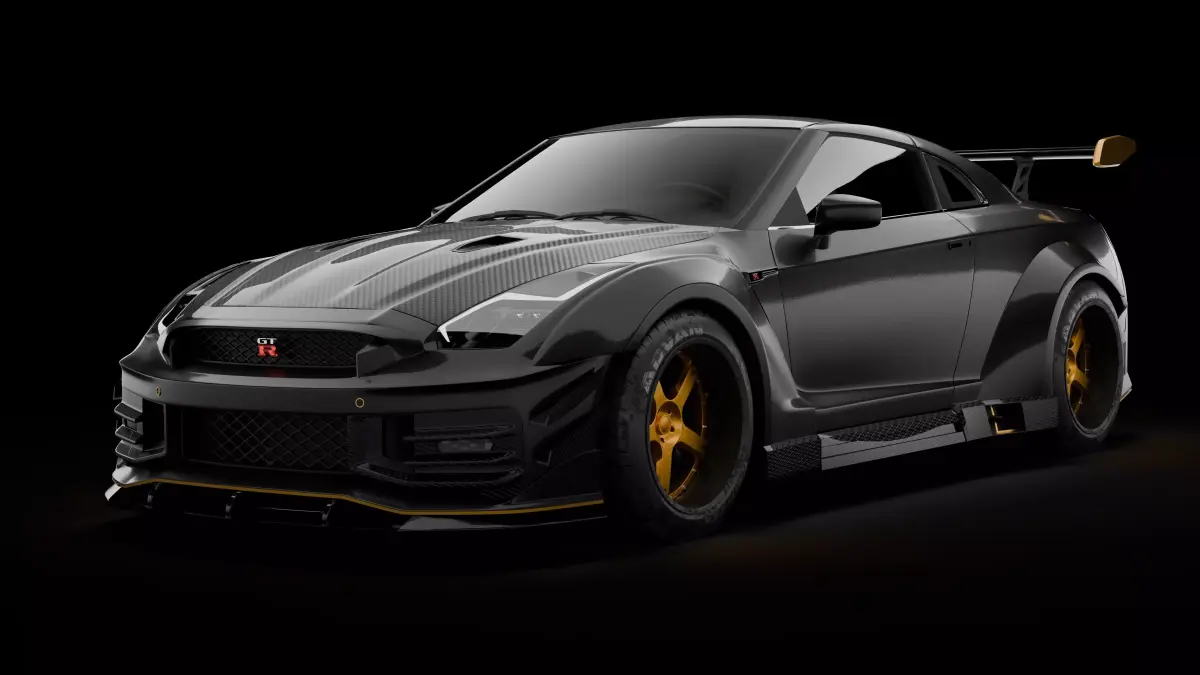
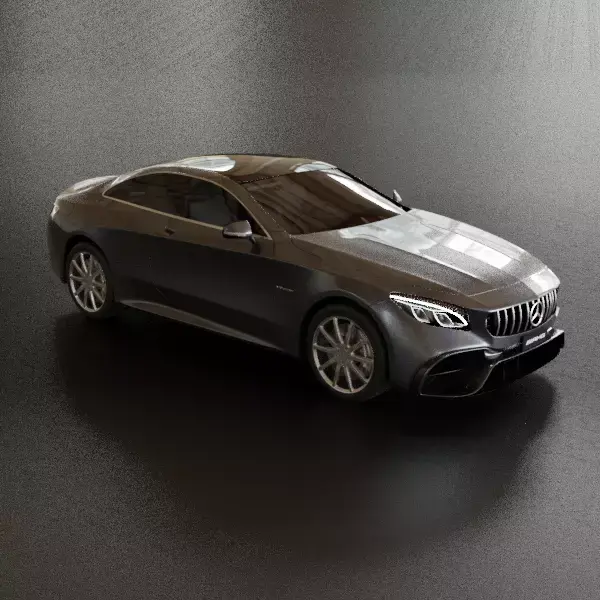
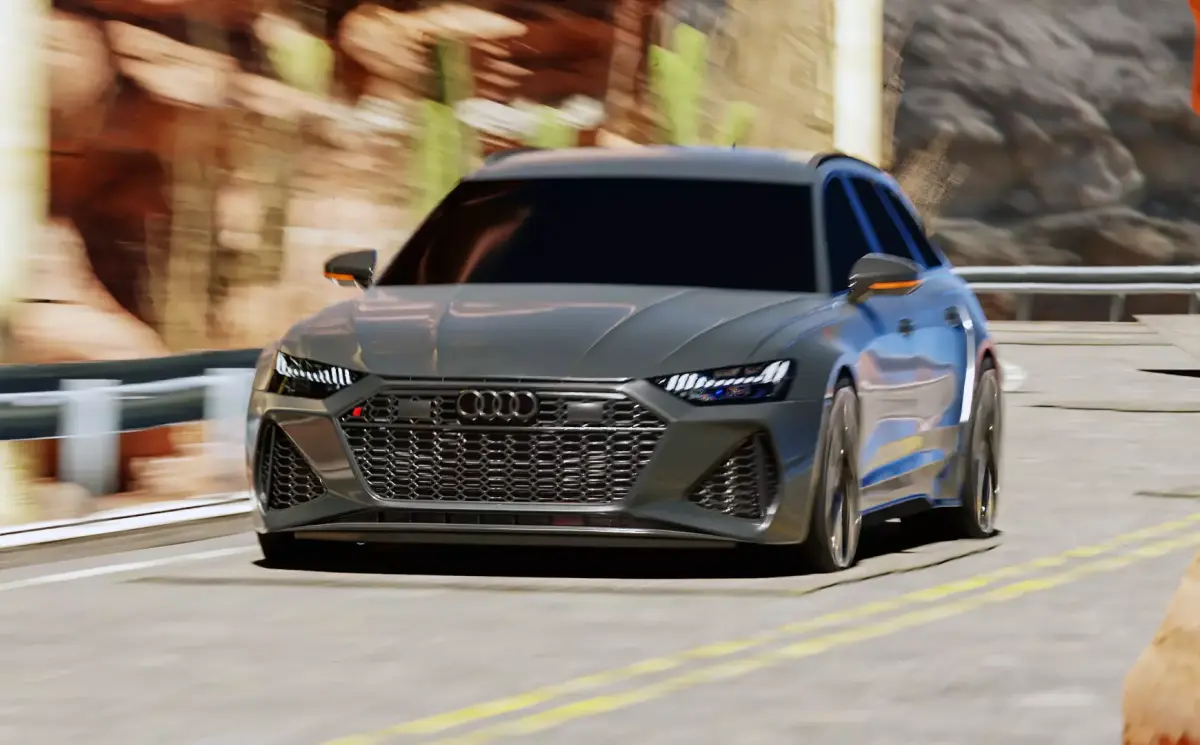
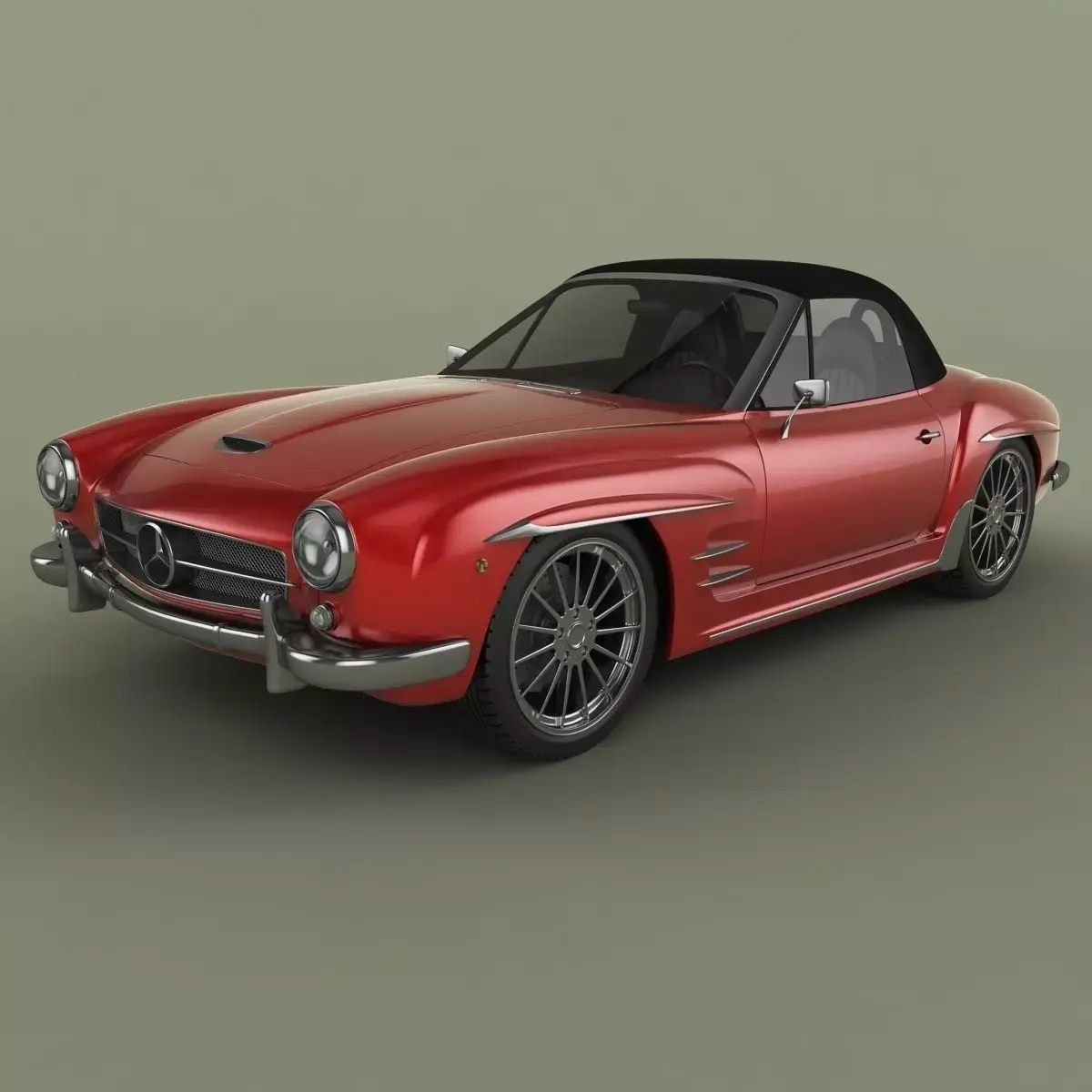
Update 1.0 : fixed B set normal maps + some changes for other textures of this set.
Notes :
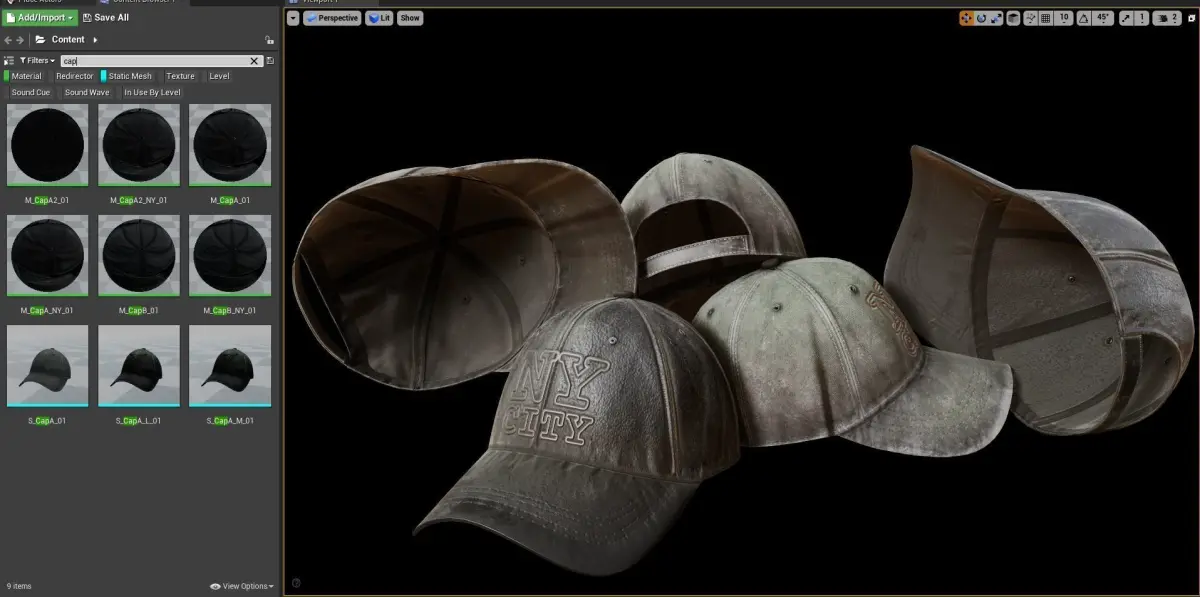
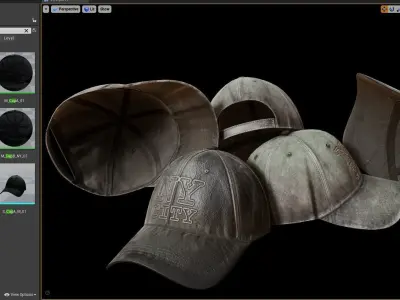
- All shots are taken in real-time (No pre render).
- You need a **Textures folder** beside the main scenc file to putting all textures in there .
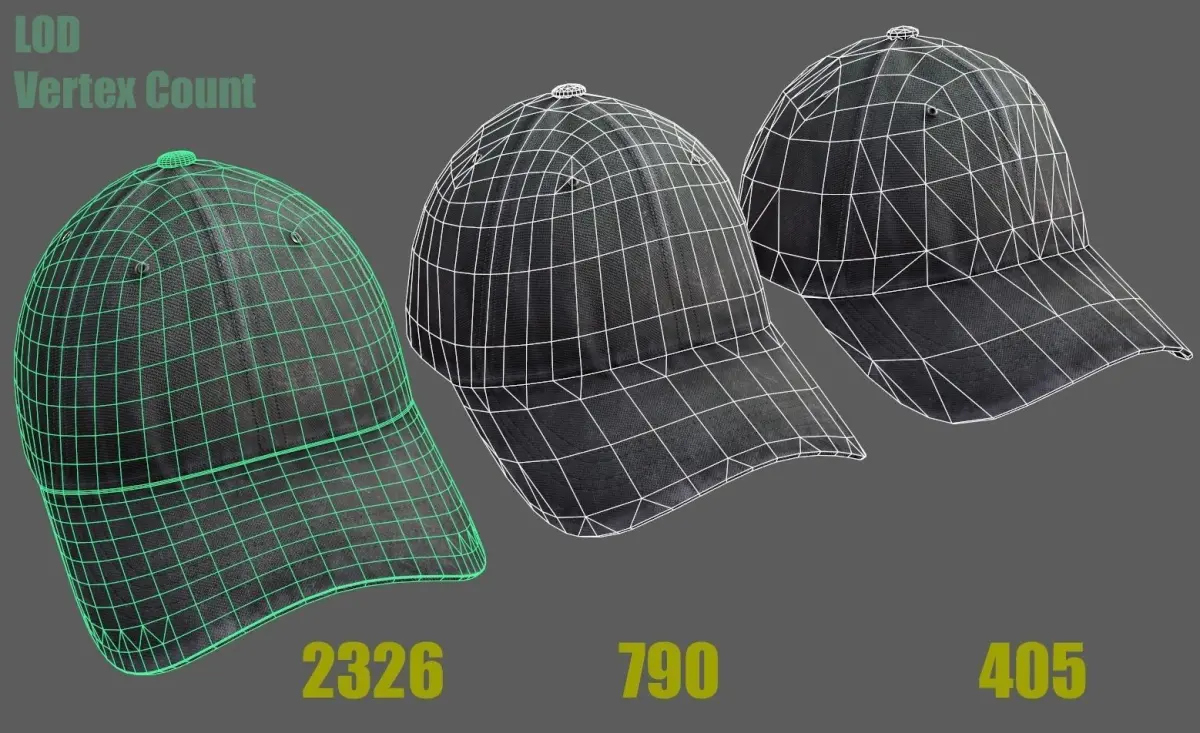
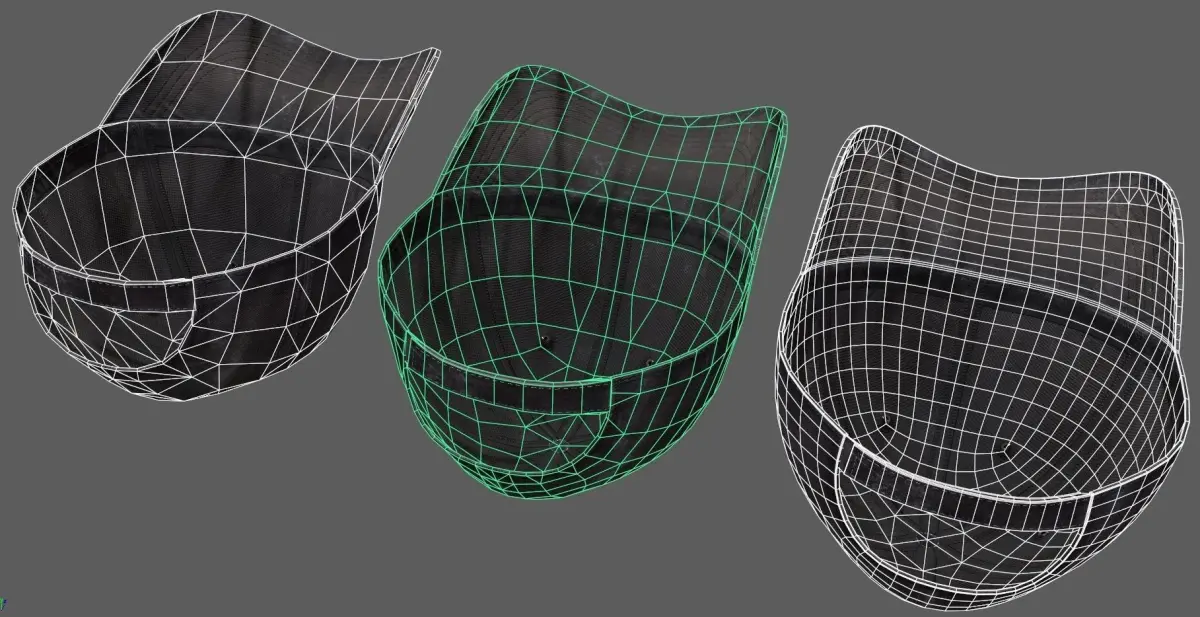
- 3 LOD Version are available.
- Transformations are At 0.0.0 (scene origin) .
- Y=up X=Right Z=Froward(Depth)
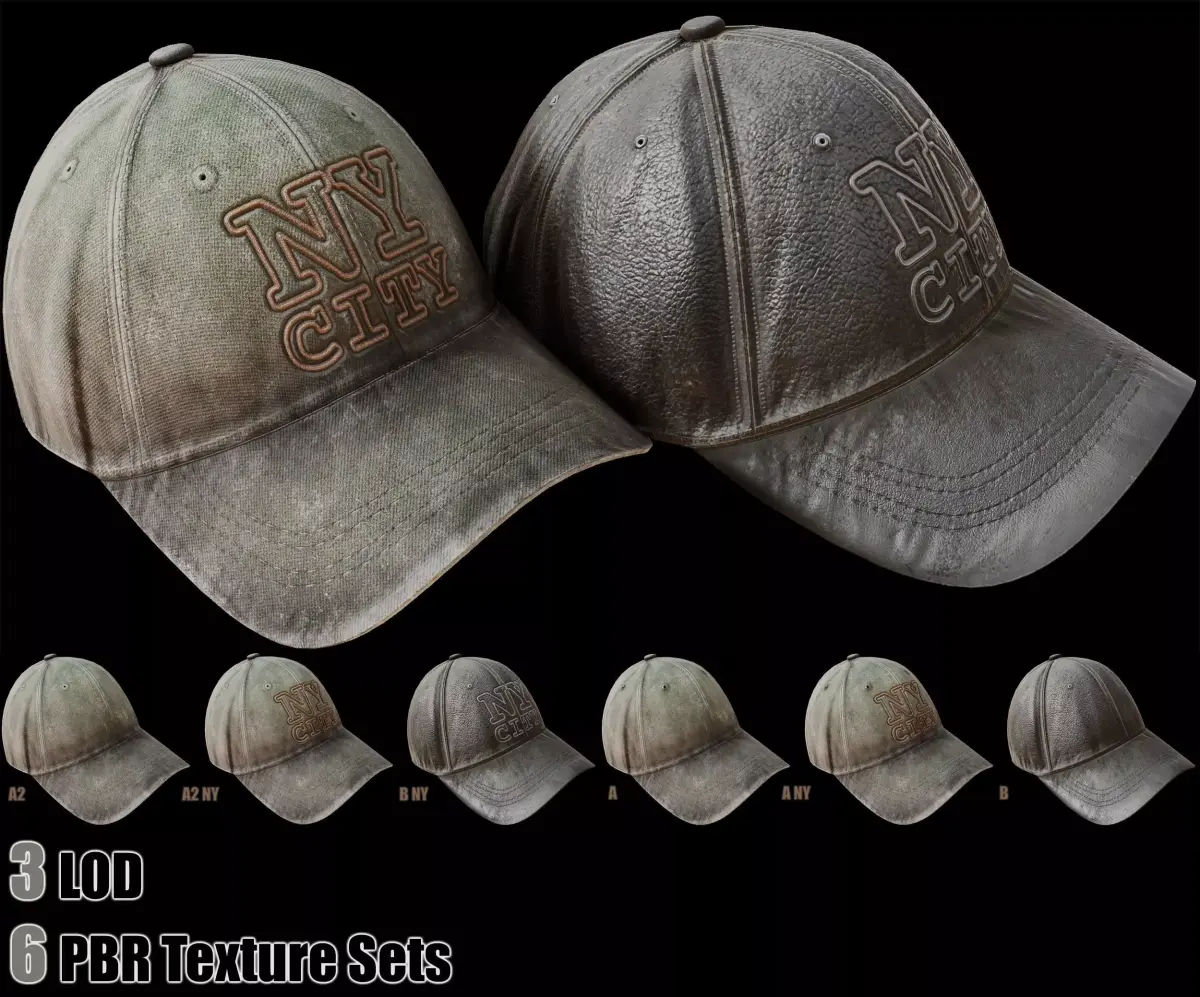
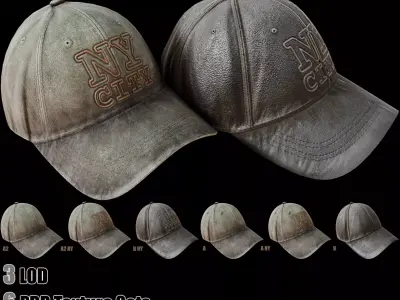
2 main texture sets (2 main + 6 minor) are avalable.
- Set A With NY city mark (With Mteal Eyelet)
- Set A Without NY city mark (With Mteal Eyelet)
- Set A2 With NY city mark
- Set A2 Without NY city mark
- Set B With NY city mark
- Set B Without NY city mark
Objects (Mesh) Name :
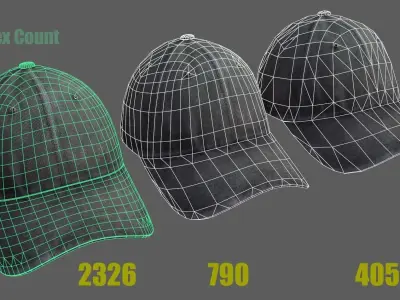
- S _CapA _01 (2,326 Vertices)
- S _CapA _M _01 (790 Vertices)
- S _CapA _L _01 (405 Vertices)
Material Name :
- M _CapA _01 (Multiple material for UE4)
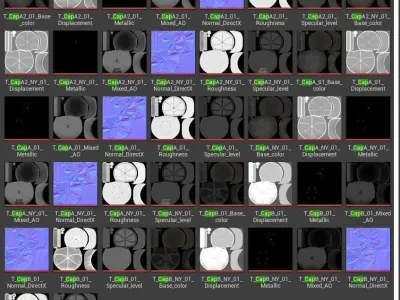
Textures : 4K + 2K PNG 8 Bit + Dethering (With no Alpha)
With standard Naming system
- Base_ Color
- Normal_ DirectX
- Ambient_ occlusion
- Roughness
- Displacement
- Mixed_ AO
- Metallic
- Specular_level
- Height
PBR Texture sets :
Including
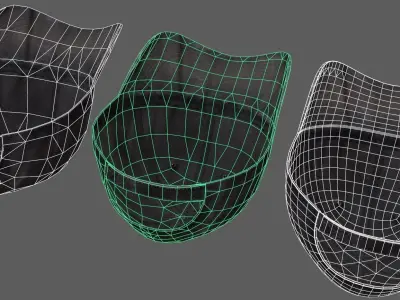
- 2 Meshes
- 6 Texture Sets (48 Textures)
- 1 Material (6 Materials for UE4)
Importing:
- Importing process is not always perfect in any cases (Because there are too many softwares with different standard for each one) so it needs to do some adjustment.
- First Copy/Paste the Textures to a folder beside the scene file . Rename the Folder to Textures
- If this did not work ... Then Copy/Paste the Textures beside the scene file . (Same Folder)
For unreal engine 4 AssetJust Copy and Paste Content Files in to the Content Folder
If you need help... please send me a message :)
MA (Autodesk Maya, filesize: 554 KB), OBJ (OBJ, filesize: 120 KB), FBX (Autodesk FBX, filesize: 484 KB), MAX (Autodesk 3ds Max, filesize: 1.2 MB), 3DS (3D Studio, filesize: 191 KB), TEXTURES (Textures, filesize: 553 MB), UASSET (UnrealEngine, filesize: 126 MB)