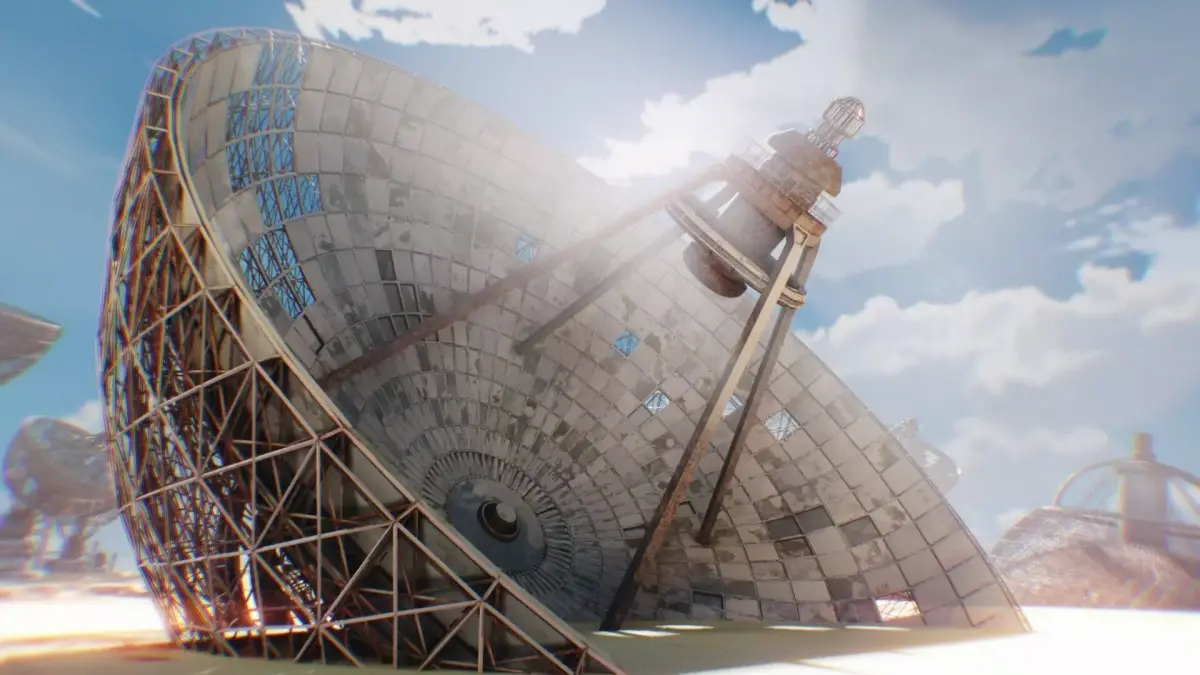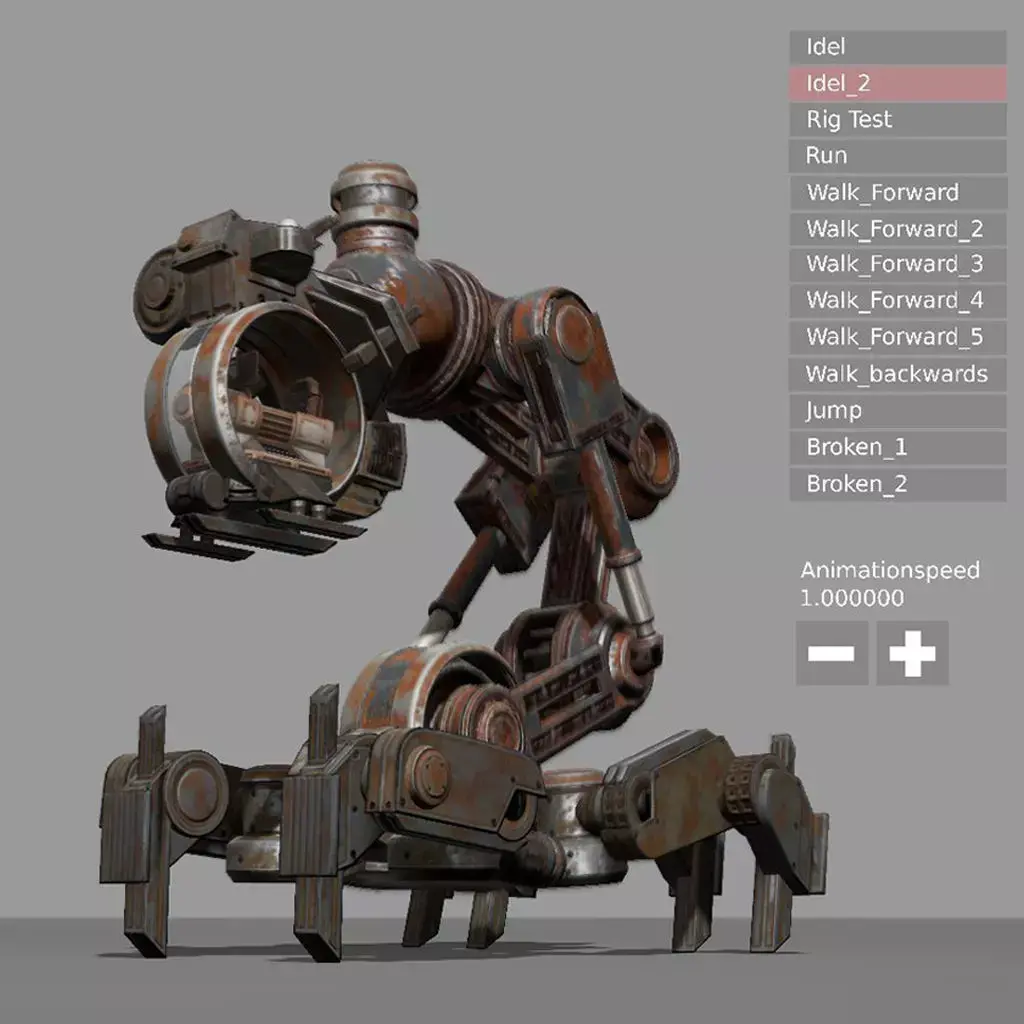
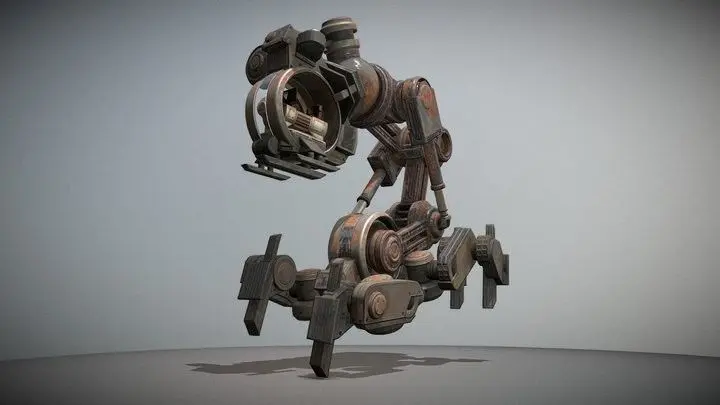
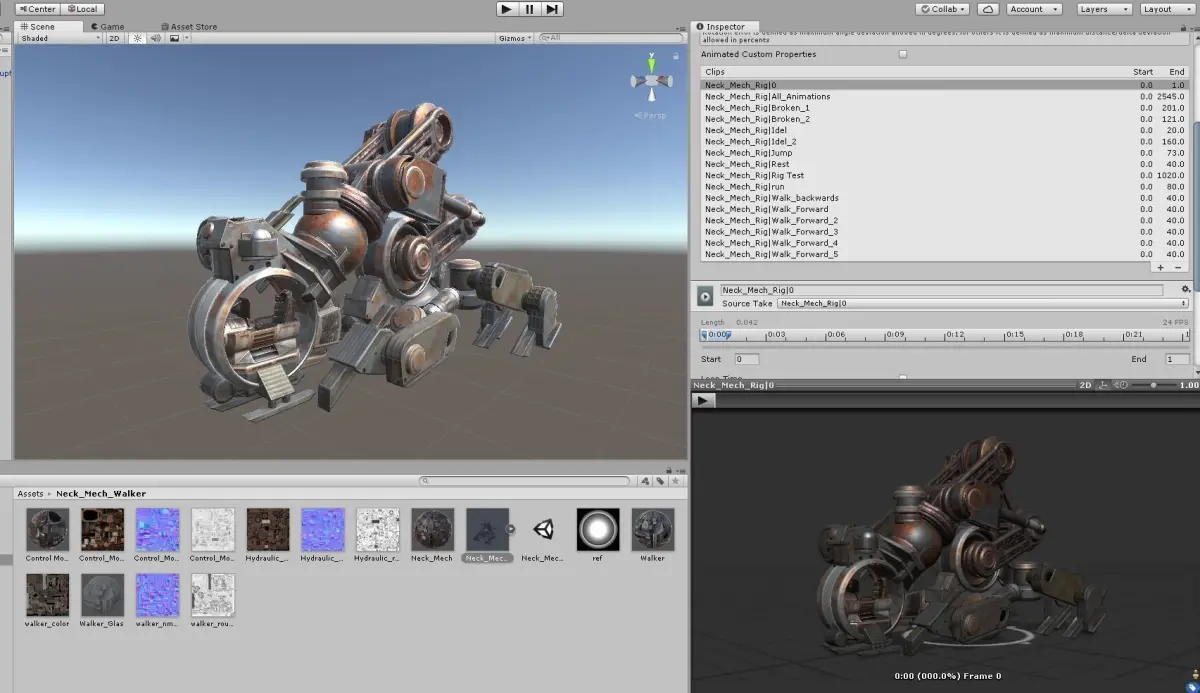
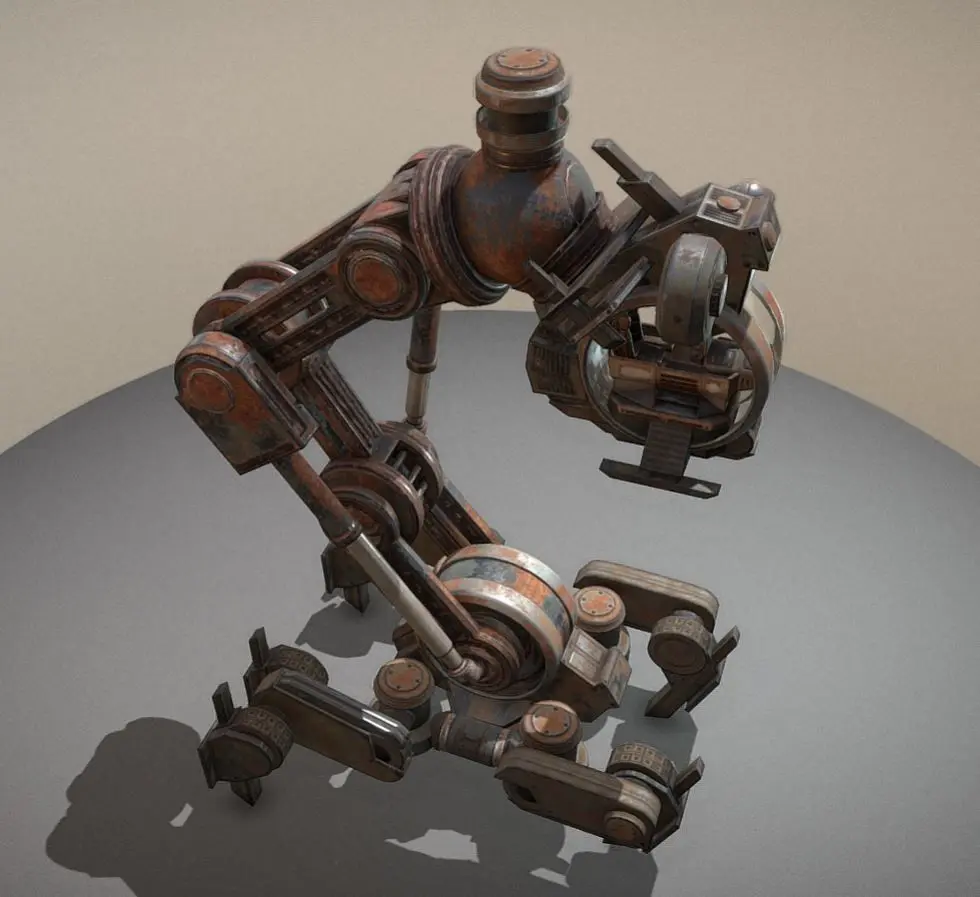
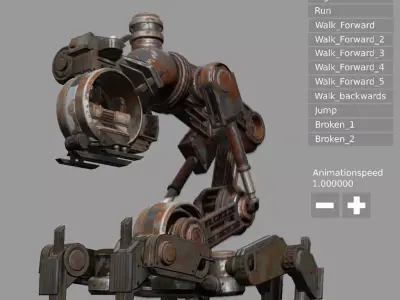
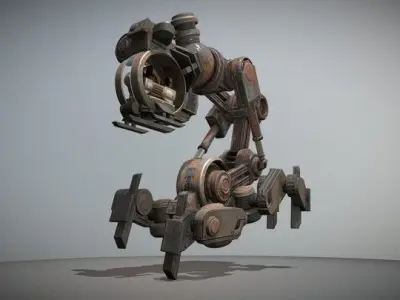
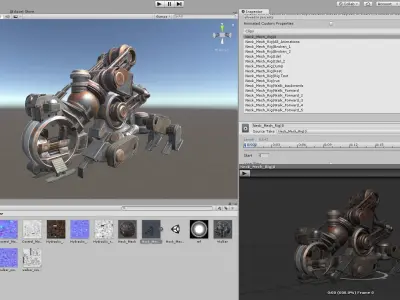
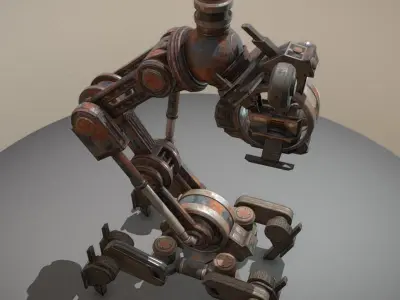
Here is my Mech Neck Walker design with an animation control menu for the Blender Game Engine.
- https://3dhaupt.com/2017/01/21/the-walking-mech-neck/
There are three scenes.
- TestGround scene. The scene where everything happens.Contains the camera control and the grouped Mech_Neck scene.
- MechNeck scene. Contains my animated model for editing.
I made this scene because it is a very complex object with many parts and
so I wanted to have it separate from the main scene. - AnimationMenu scene. Overlay scene for the mouse input to change the animation and the animation speed.
Game Engine Controls:
- Left mouse button for changing the animation and the animationspeed into the menu.
- Hold right mouse button to rotate
- Mouse wheel up/down to zoom in/out
Press p-key into the 3d window to start it.
Demo-Video
- https://www.youtube.com/watch?v=Vq3K9n7BVMQ
Feel free to use this as a template for your own animated models :)
With this free download, you do not have the right to use the model and the textures for commercial purposes.