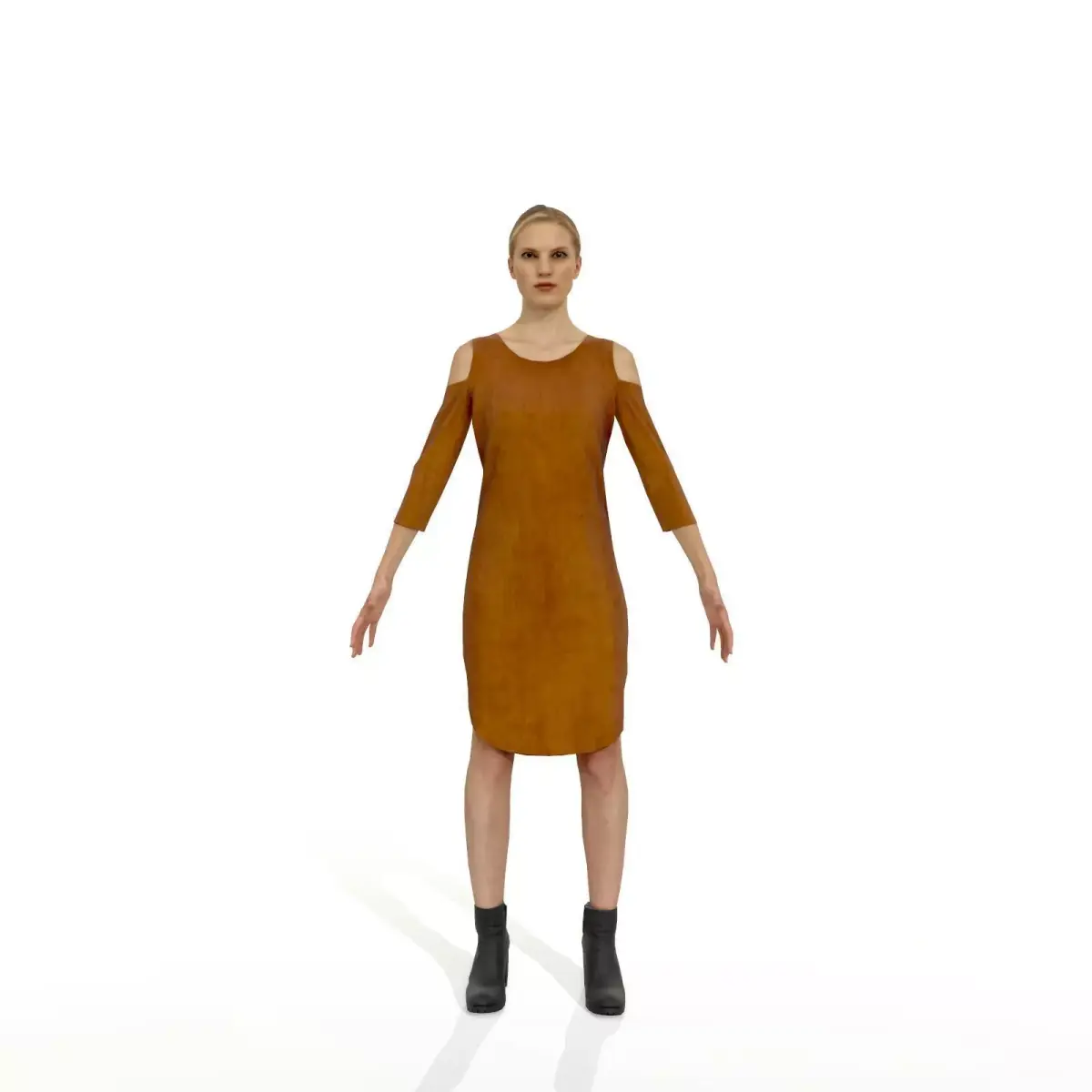
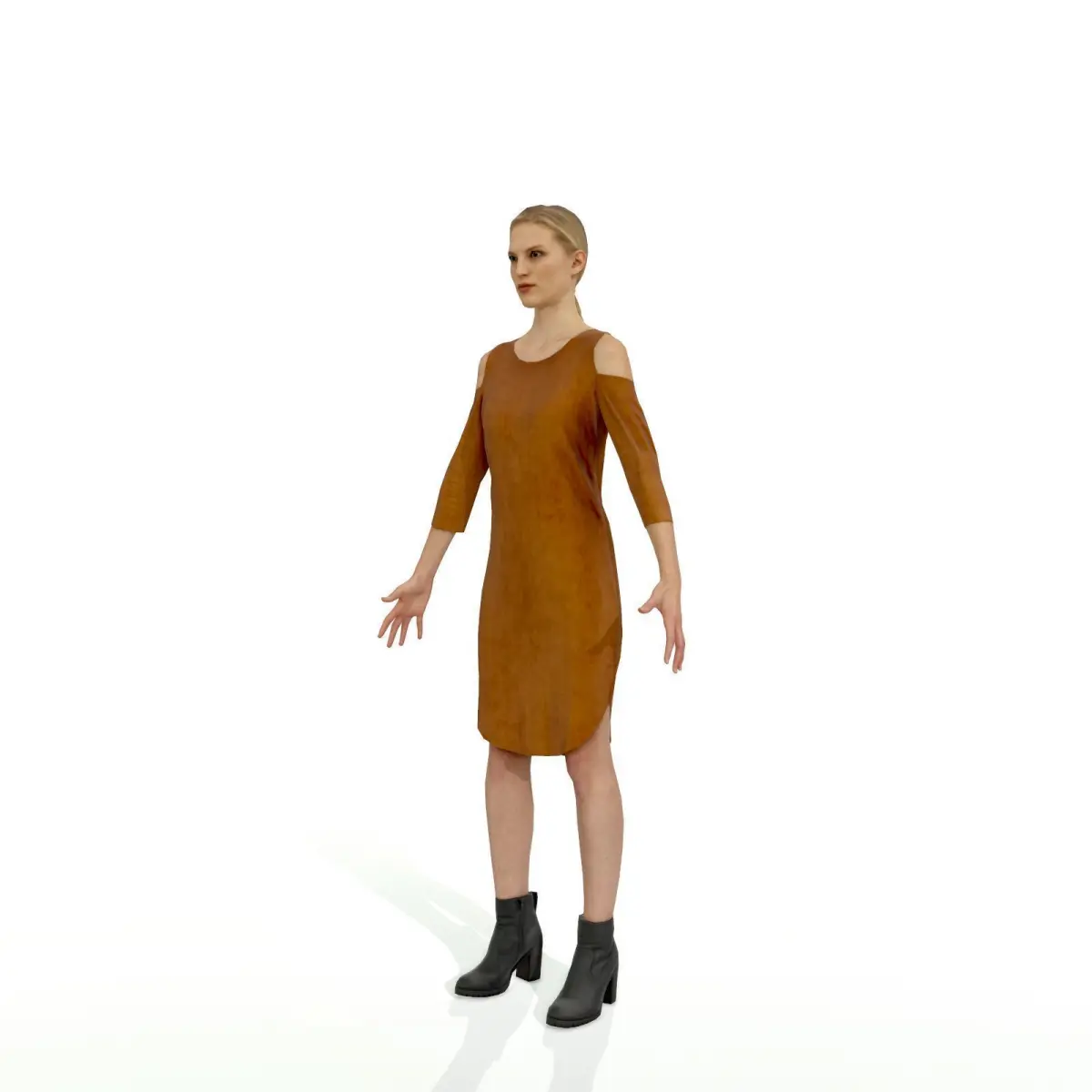
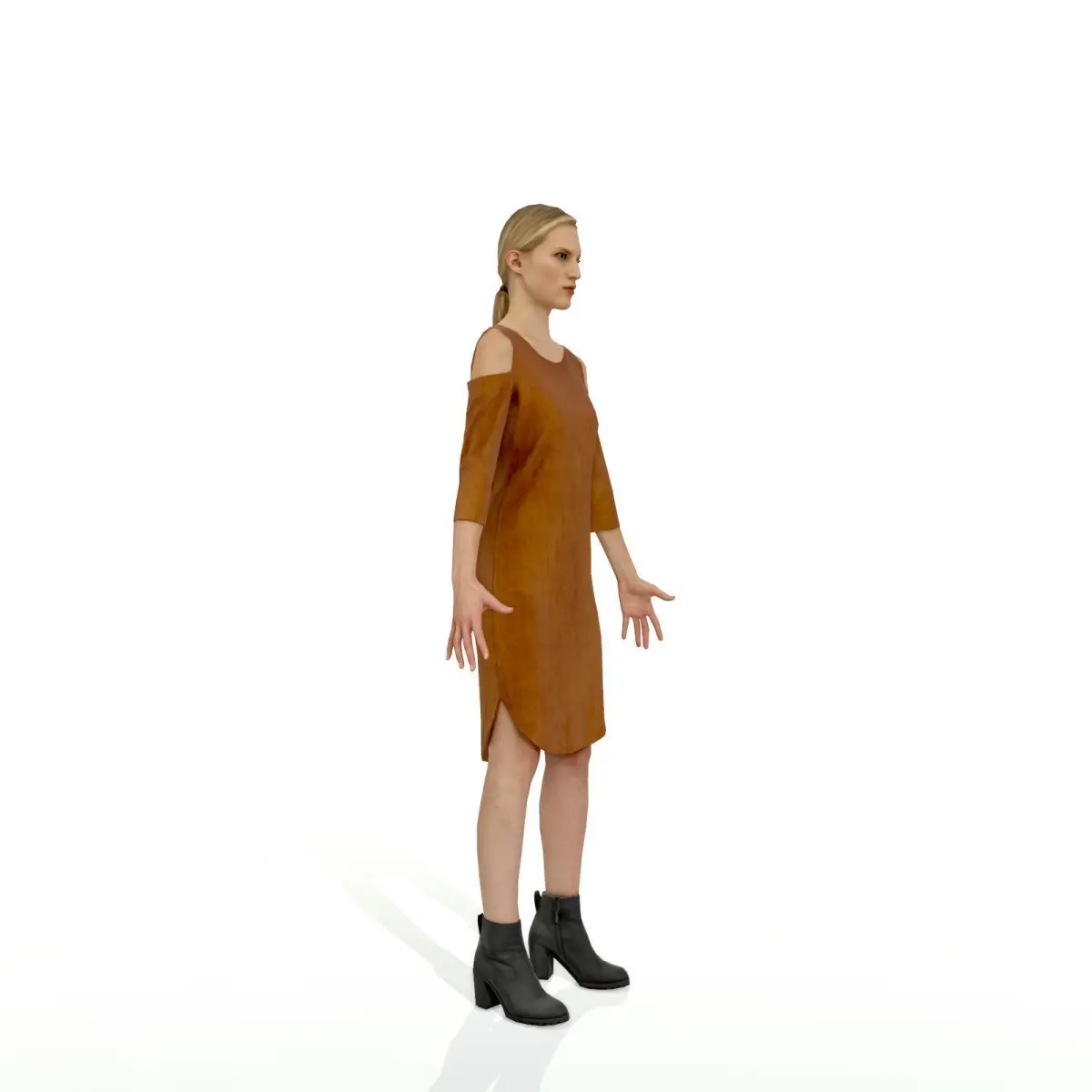
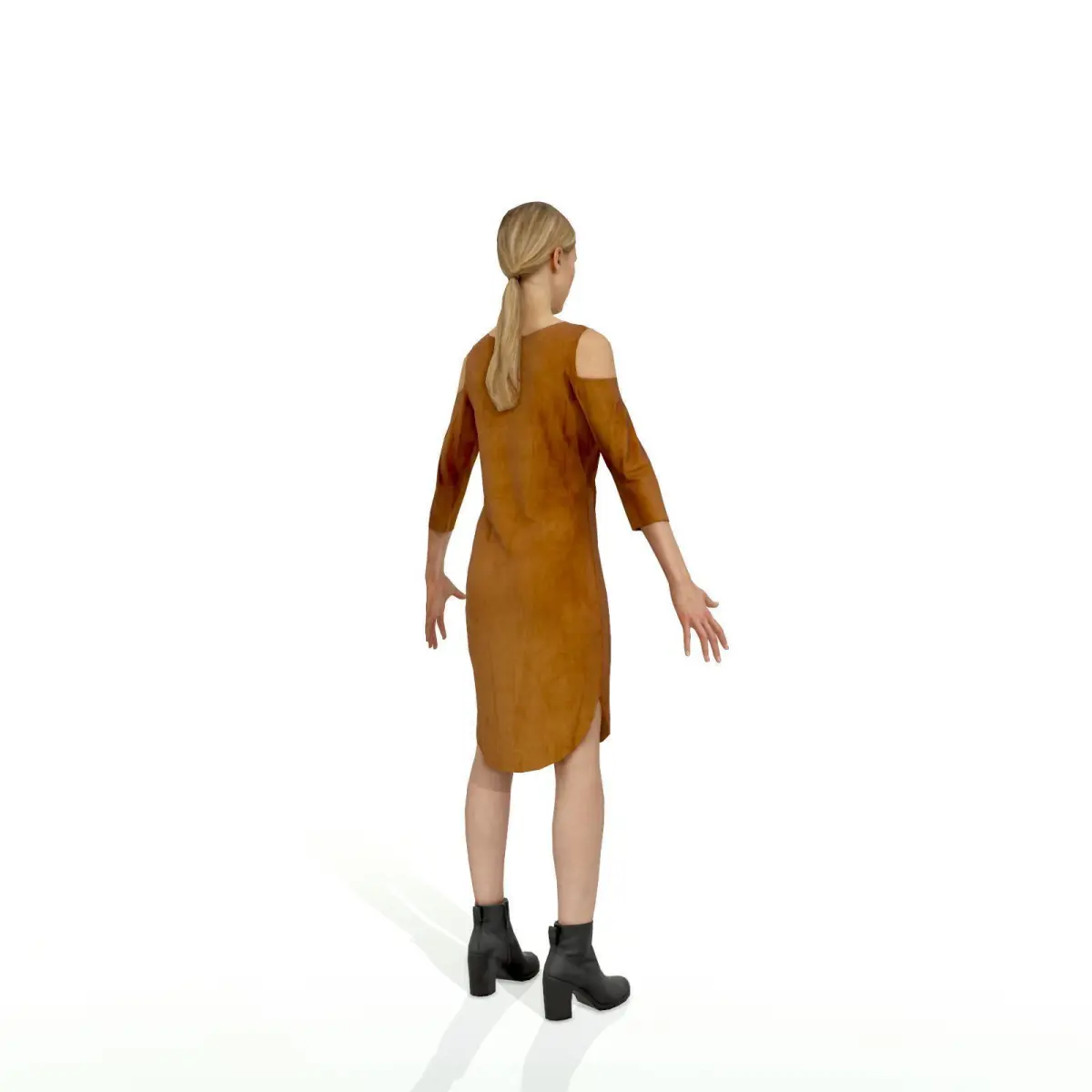
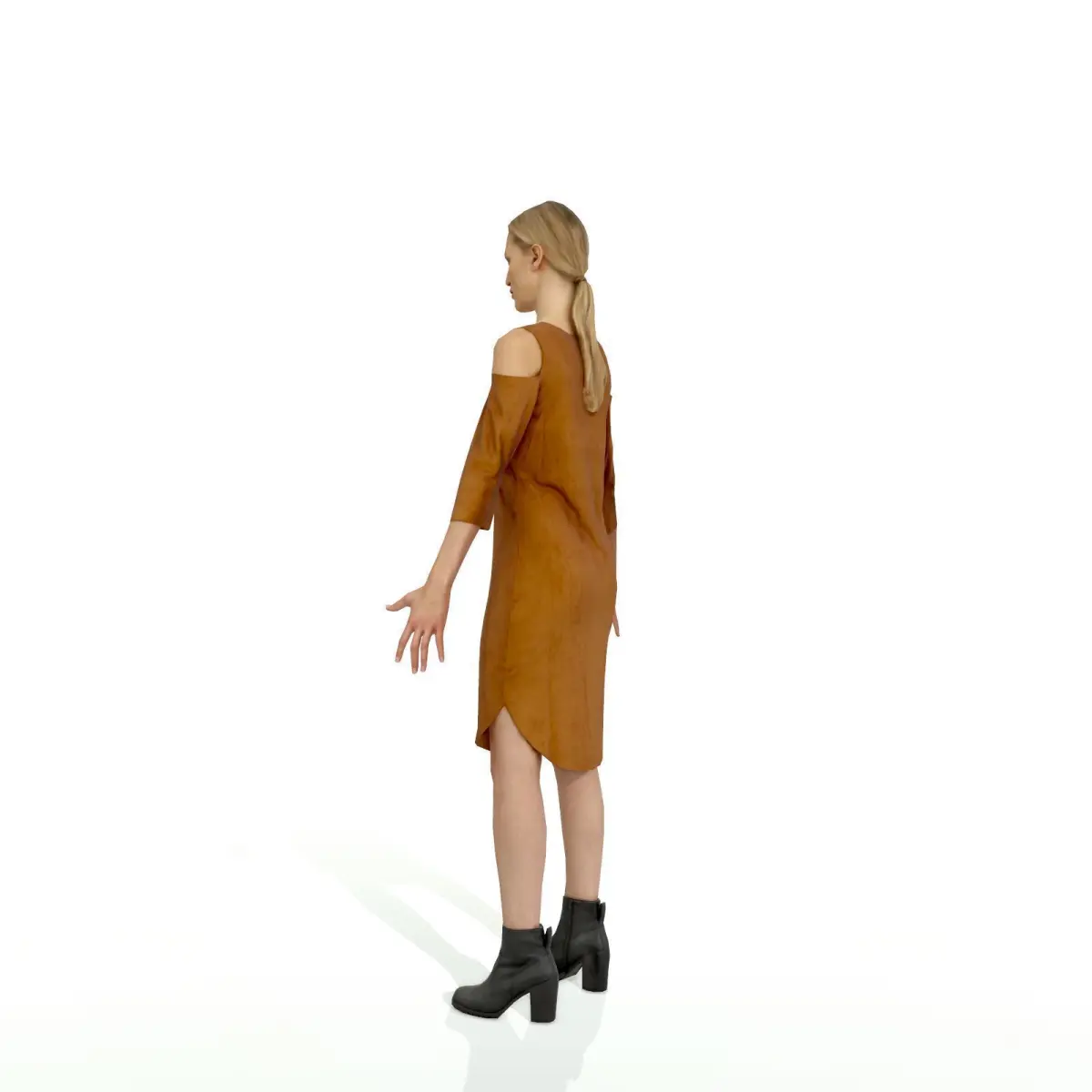
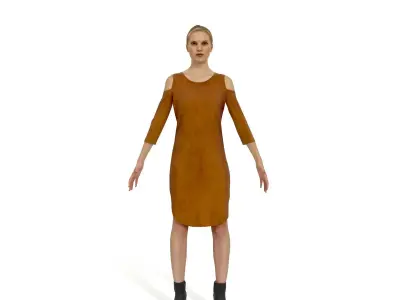
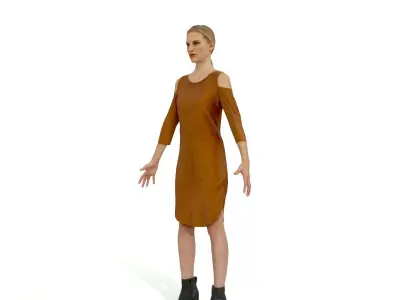
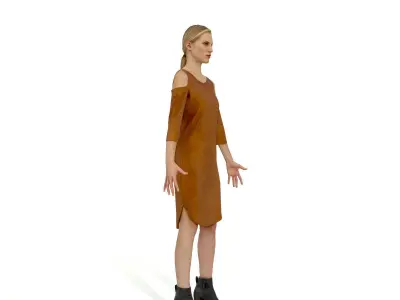
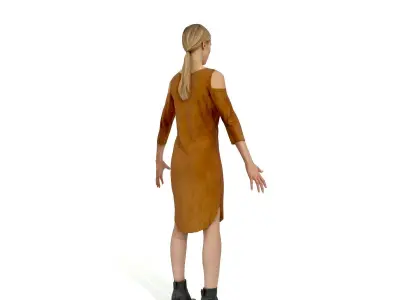
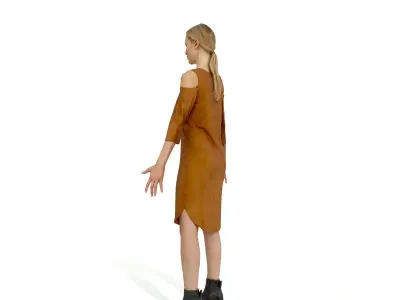
Full-Body 3D Scanning Human Model ready to be animated.
Geometry: Triangles Polygons: ~5000 polygons Textures: Diffuse | Normal maps | 4096x4096px
Materials: 3Ds Max - 3DS Max Standard, V-Ray 3.0Cinema 4D - Physical Render, V-Ray 1.8 Anima - Vray, FStorm, Corona, RedShift, Mental Ray, Octane, Thea, Mental Ray
Formats: 3Ds Max - 3DS Max 2012 or above, Archvision .rpc, Wavefront .objCinema 4D - Cinema 4D R14 or above, Archvision .rpc, Wavefront .objAnima - 3ds Max and C4D through anima Software, Collada and V-Ray Scene through exporter.
Animated:3Ds Max - Ready to load eMOTION Mocap Data or any .Bip motion files.Cinema 4D - Ready to load eMOTION Mocap Data for C4D motion files. Anima - Automatic with anima PRO.
Tips for default renderers:3Ds Max Standard - In order to achieve hi-quality images using 3rd party rendering engines we recommend using the .png Texture Maps included within the product. The use of the provided Normal Maps is essential for a hi-quality material setup.Cinema 4D Physical - In order to achieve hi-quality images using 3rd party rendering engines we recommend using the .png Texture Maps included within the product. The use of the provided Normal Maps is essential for a hi-quality material setup.
Tips for third party renderers:3Ds Max V-Ray 3.0 - Ready for V-Ray 3.0 and higher. Materials have been set up for Gamma 2.2 linear workflow.Cinema 4D V-Ray 1.8 - Ready for V-Ray 1.8 and higher. Before you start rendering Metropoly products you will need to either copy the supplied Texture Maps to your project working directory or simply add a new Texture Path using the Tool under "Preferences > Files > Texture Paths" menu.
OBJ (OBJ, filesize: 128 MB), MAX (Autodesk 3ds Max, filesize: 128 MB), OTHER (Other, filesize: 128 MB)