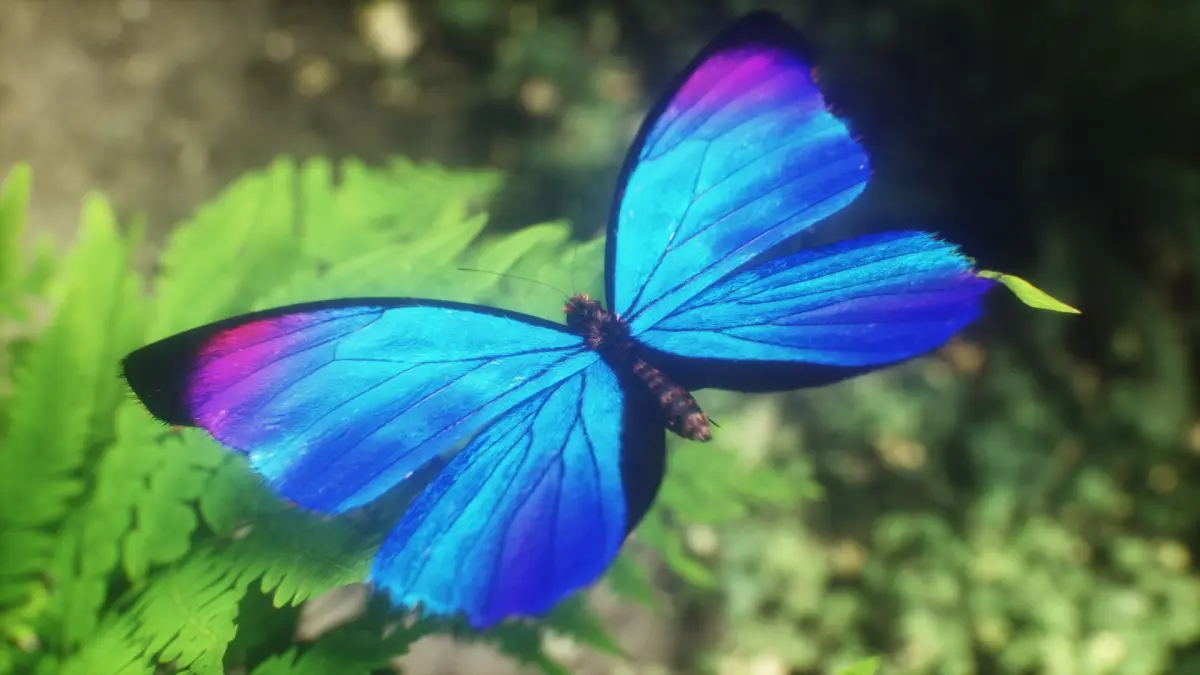
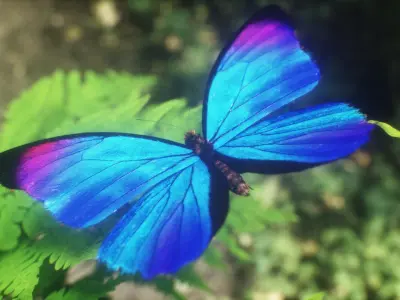
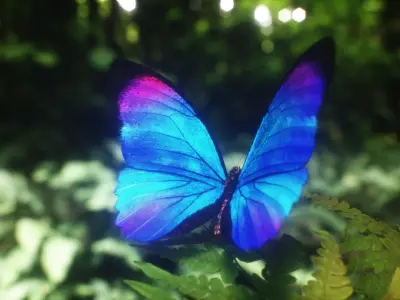
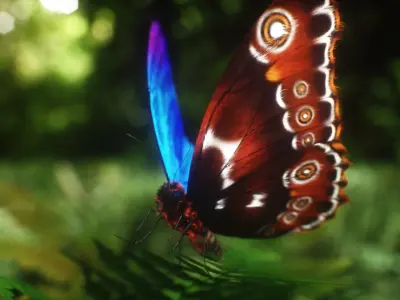
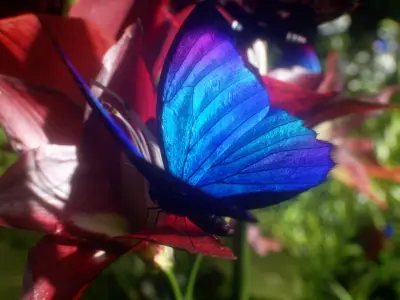
Blue Morpho Butterfly
Home Catalog Blue Morpho Butterfly

Publication date: February 20, 2021

Blue Morpho Butterfly

$44

License: Editorial Uses Only

author:

outofourlives

All content related to this 3D asset—including renders, descriptions, and metadata — is credited to its original author, «outofourlives». CGhub does not claim copyright ownership over the content used.
  • Description
  • Formats
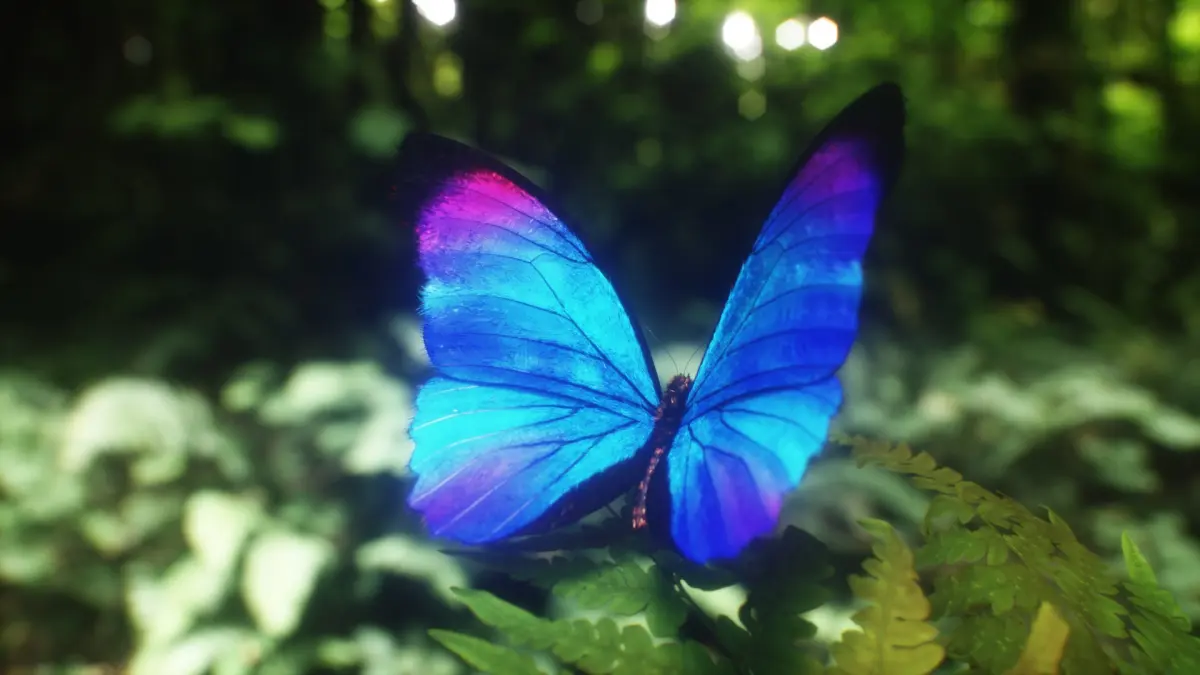
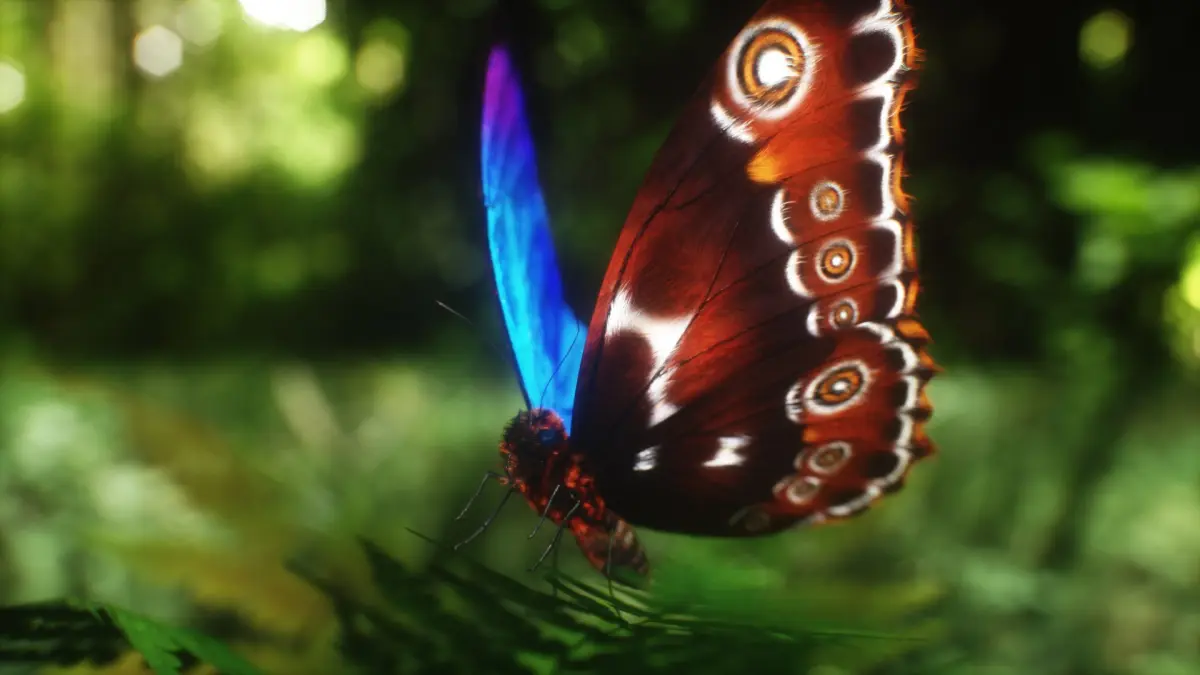
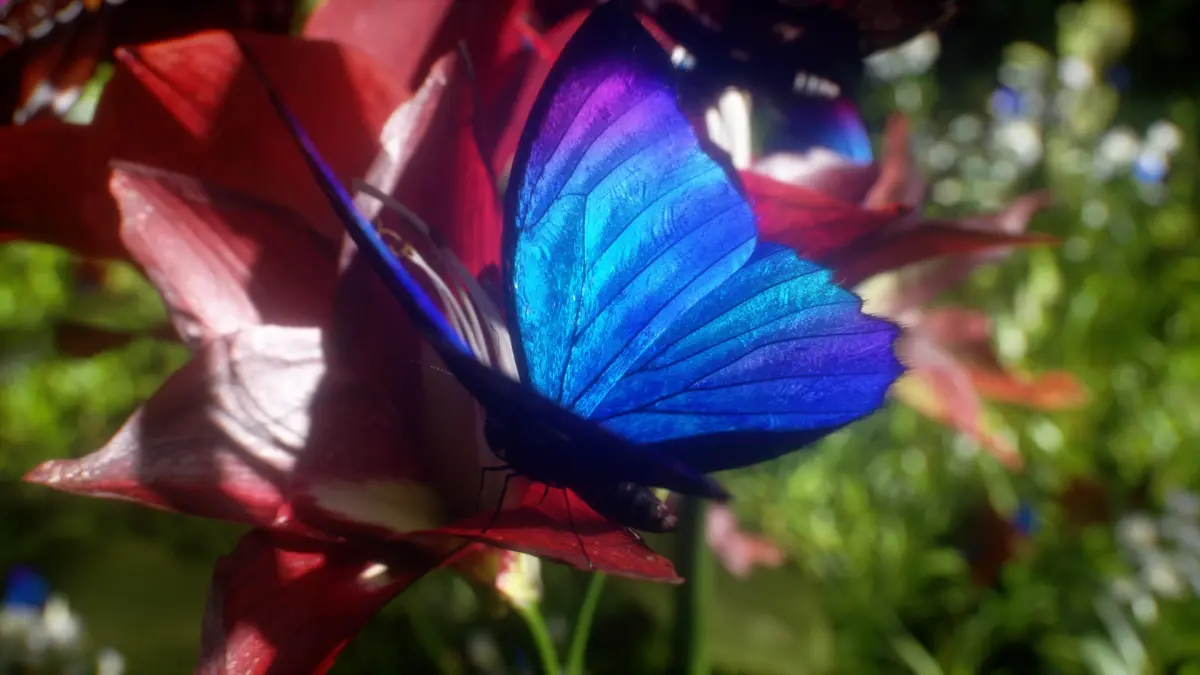
Blue Morpho Butterfly

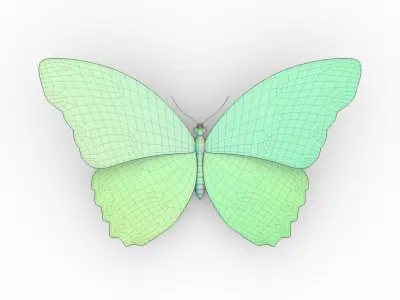
All preview images rendered with Octane Render. Plus a few screenshots of the model in the viewports of Cinema 4D, Substance Painter, Unreal Engine, and Element 3D. Enviroments and lighting setups are not included.

[Technical Information]
  • Real world scale.
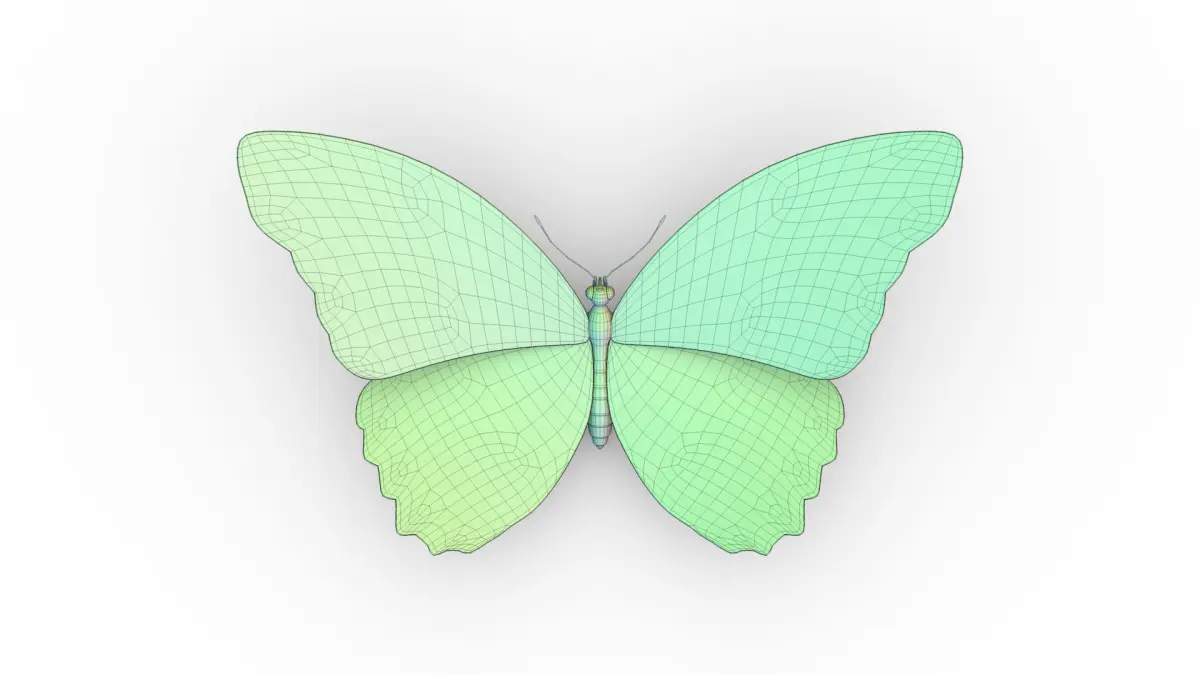
  • All geometry is subdivision ready.
  • The wings have thickness, and are separate from the body.
  • The butterfly is animated in a 10 second seamless loop flying semi-randomly in-place (Cinema 4D only, but can be exported as an alembic).
  • The hair system is only present in the Cinema 4D files.
  • Includes a Hair Map, which can help you setup hair in your software of choise (for Density/Length).
  • Includes Emission Map for the dorsal (top/blue) part of the wings.
  • Fully unwrapped, non-overlapping UV's.
  • Polygon selections and Vertex Color tags for all sub-parts, so you can easily separate or re-shade specific parts.
  • 8K PBR Textures.
  • Normal maps are OpenGL, invert the green channel to convert to DirectX.
  • No N-gons, Isolated Vertices, or Complex Poles.

[Files Included]

_SPP- Substance Painter project files. You can edit the PBR textures for all file formats bellow, and re-export render engine specific versions (Vray, Unreal Engine, Unity, Redshift, Corona, Arnold, and more).

_TEX- Textures exported from Substance Painter and used for all the files bellow. Textures are 4K 16bit png files (Spec/Gloss PBR). Unpack in the root folder. All files point to these textures by default.

_TEX_8K- Textures exported from Substance Painter and used for all the files bellow. Textures are 8K 16bit png files (Spec/Gloss PBR).

_C4D_Octane- Cinema 4D project file with Octane shaders, using the PBR Textures. This is where all the renders come from.

_ORBX- Octane Standalone Package with embeded textures (4K). Can be unpacked as an OCS, or imported into any host program running Octane (or Standalone), using the orbx importer.

_C4D- Cinema 4D project file with Physical/Standard shaders using the PBR textures exported from Substance Painter.

_FBX- Autodesk FBX exported from C4D. You may need to re-tweak the shaders abit, depending on the program you open it in, but all PBR textures should maintain link.

_OBJ- OBJ/MTL exported from Cinema 4D. Three versions: subdiv Lv. 0 / 1 / 2. All PBR textures still applicable.

_E3D- Ready to use in Video Copilot's Element 3D, plus an After Effects project file with the model already loaded. Using the OBJ and PBR textures. You may need to re-link the model/textures upon opening it for the first time, so just point to the root folder, where you extracted the OBJ/Texture pack.

_MAX- 3ds Max project file with default shaders, using the PBR textures. May need adjustments.

Extra formats with embeded textures at 2K resolution (Metal/Rough PBR):.dae(Collada), .usdz(AR),.gltf/.glb(Khronos Group), .uasset(Unreal Engine).
Native | Cinema 4D R19 | Other Octane 4 3ds Max 2017 | Other FBX glTF Other Textures Collada OBJ STL Unreal 3D Studio Cinema 4D

3D Model details

  • turbosquid Platform
  • Animated
  • Rigged
  • Ready for 3D Printing
  • VR / AR / Low-poly
  • PBR
  • Textures
  • Materials
  • UV Mapping
  • Polygons: 3744
  • Vertices: 3755
  • Geometry: Unknown
Similar models
image-product
Add to Wishlist Remove from Wishlist View
image-product
pbr
Add to Wishlist Remove from Wishlist View
image-product
pbr
Add to Wishlist Remove from Wishlist View
image-product
Add to Wishlist Remove from Wishlist View