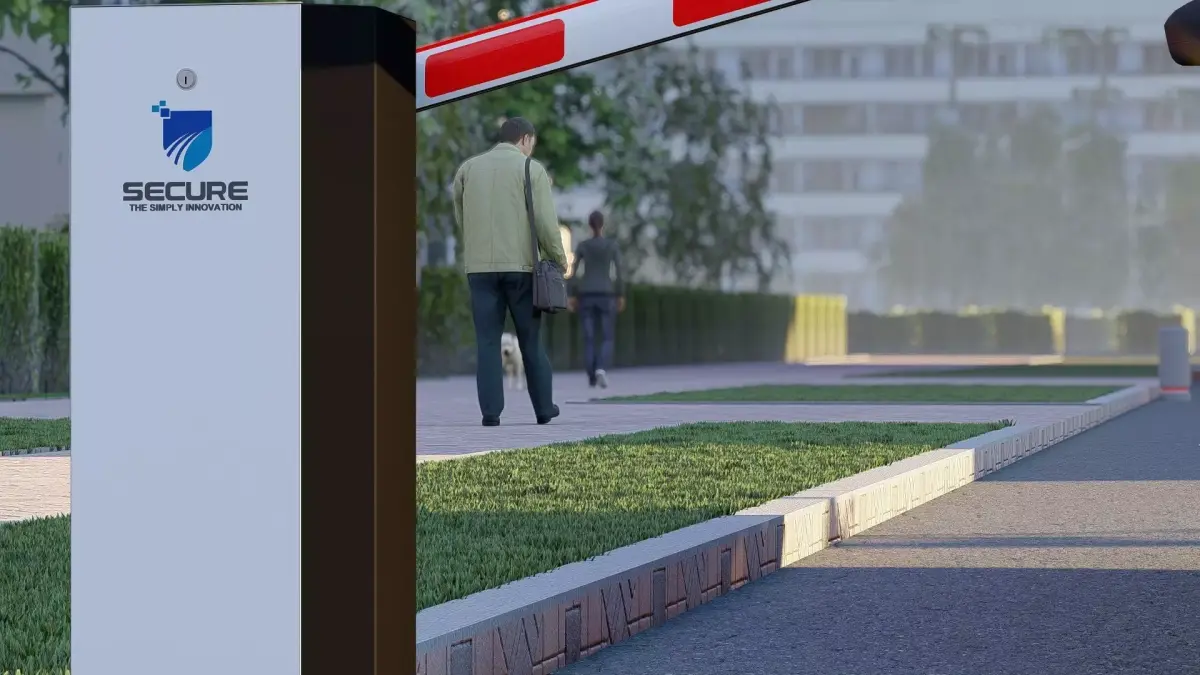
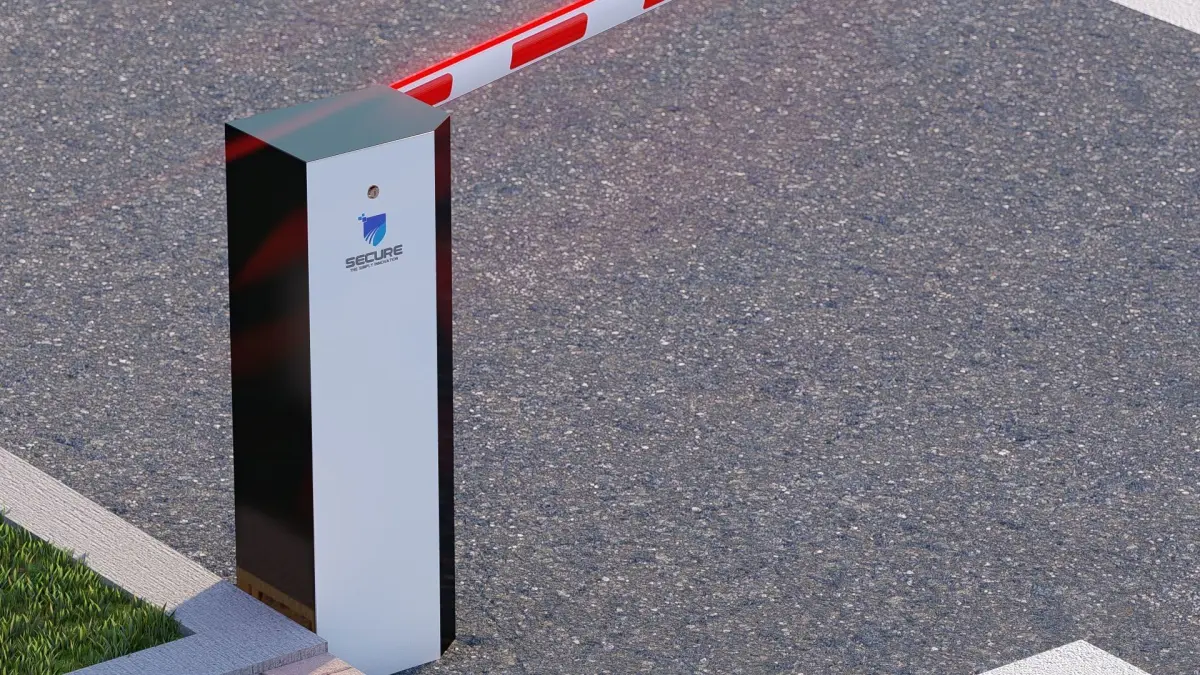
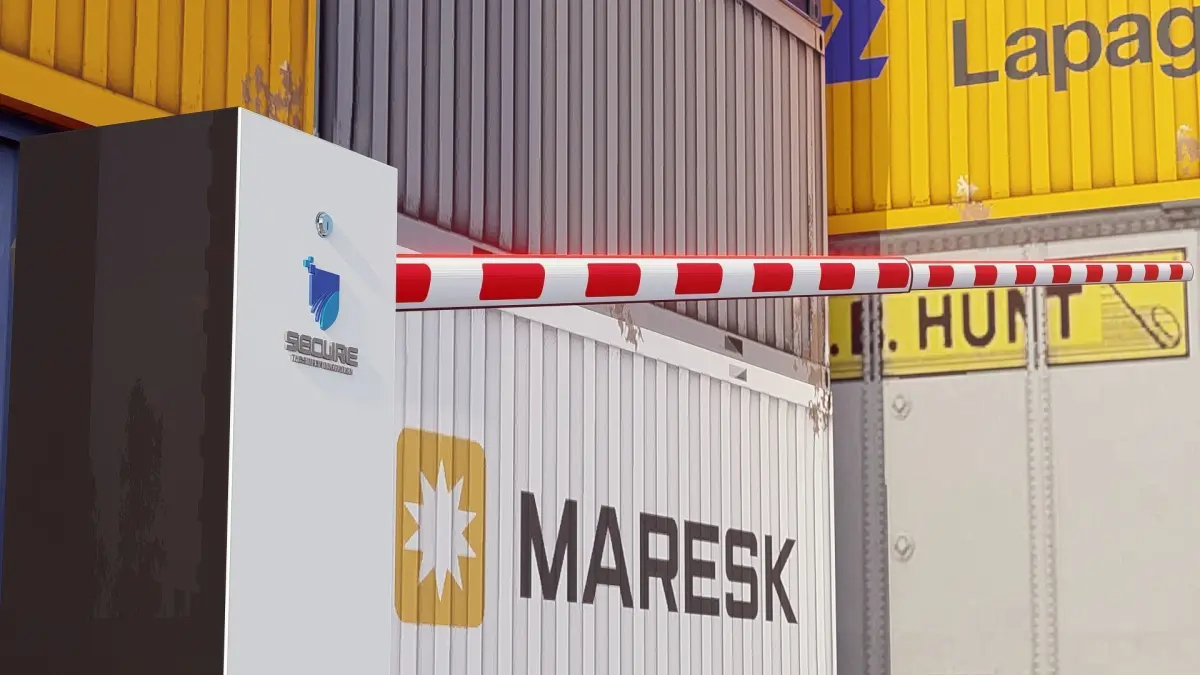
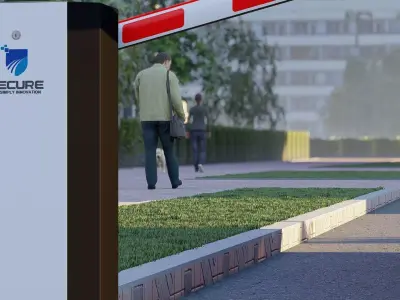
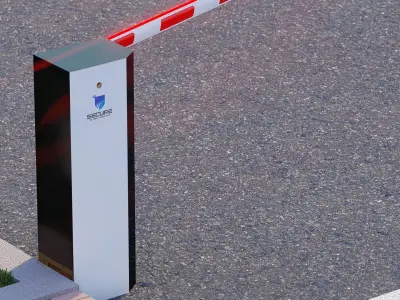
Creating a 3D model of a boom barrier involves several steps, from conceptualizing and modeling to texturing and rendering. Here’s a guide on how to approach the creation of a boom barrier 3D model:
- Gather ReferencesStart by collecting reference images and technical specifications for the boom barrier. This will help you understand the various components and their dimensions. Look for:
Front, side, and top views of boom barriers.Close-up images of specific components like the arm, base, and control mechanisms.Technical drawings or schematics if available.
Lumion (free and powerful for texturing, and rendering)Autodesk 3ds Max (widely used in professional settings)SketchUp (great for quick and straightforward modeling)
OBJ (OBJ, filesize: 76.2 MB), SKP (Sketchup, filesize: 76.2 MB), LS10 (Lumion, filesize: 76.2 MB)