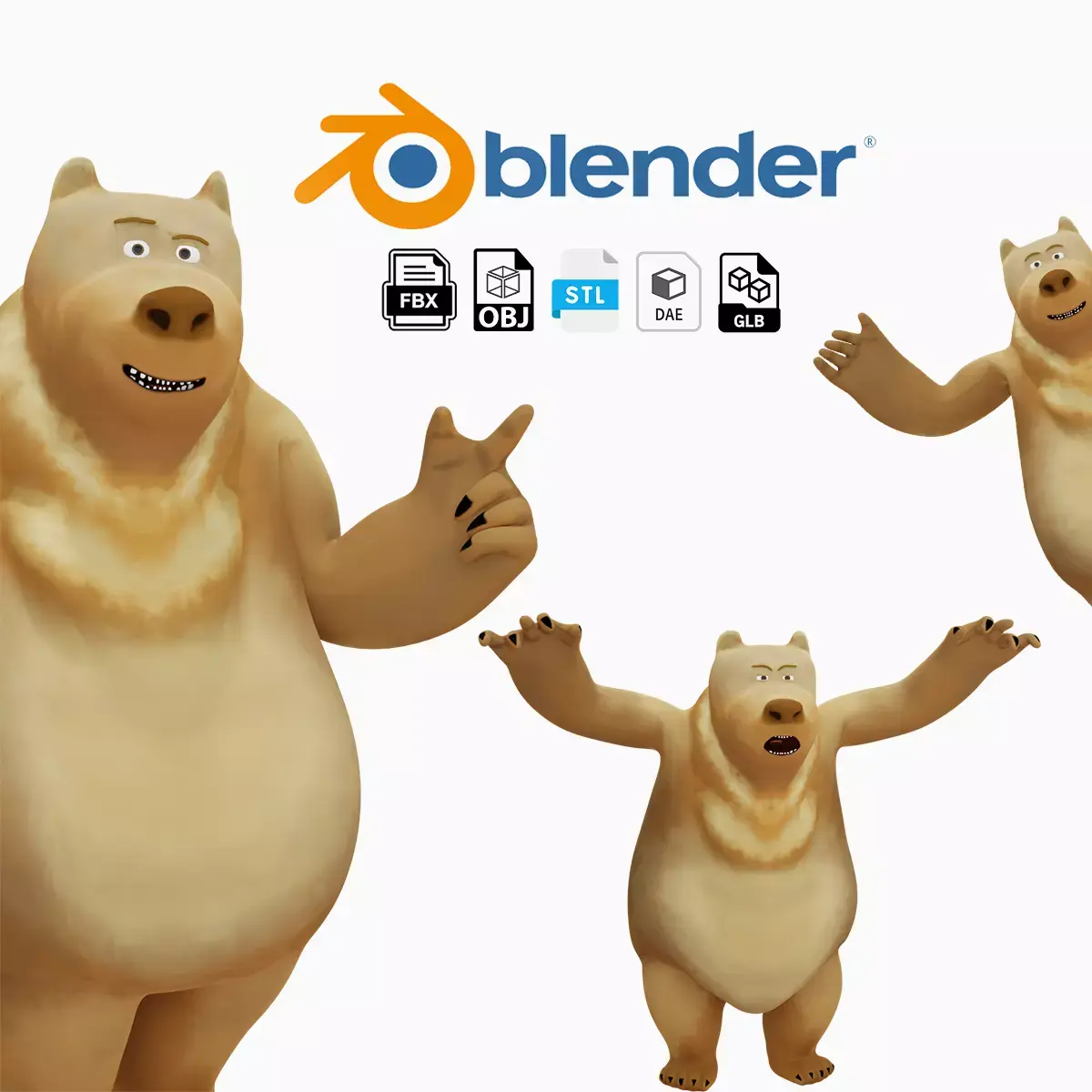
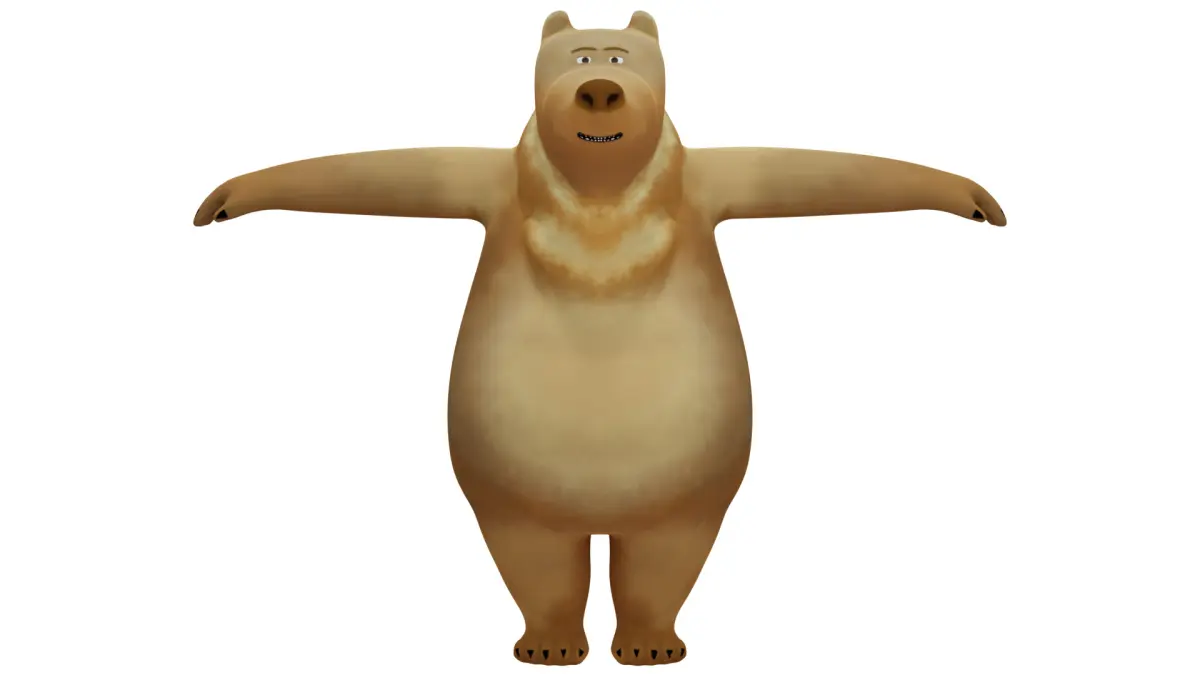
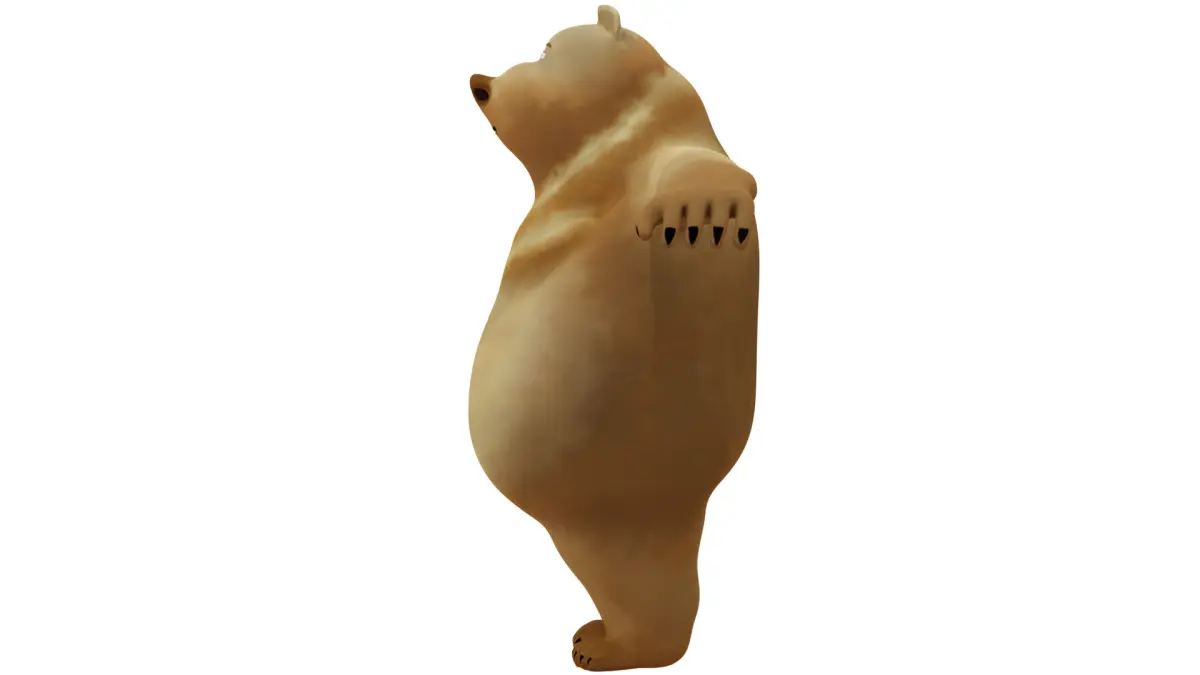
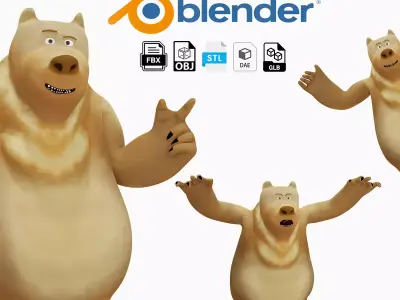
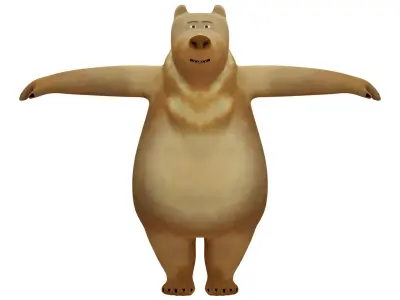
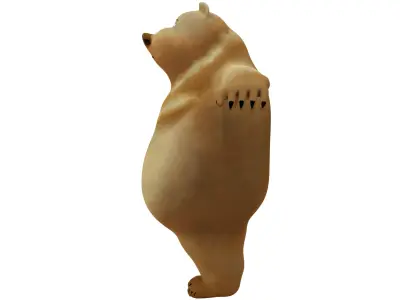
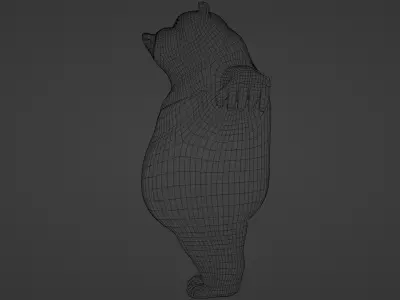
Here's everything about the Cartoon Style Brown Bear
Scene
- 1 rig
- 1 area light
- 1 Camera
- 6 meshes (body parts)
- HDRI sky texture
(not including the 31 rig objects)
Meshes
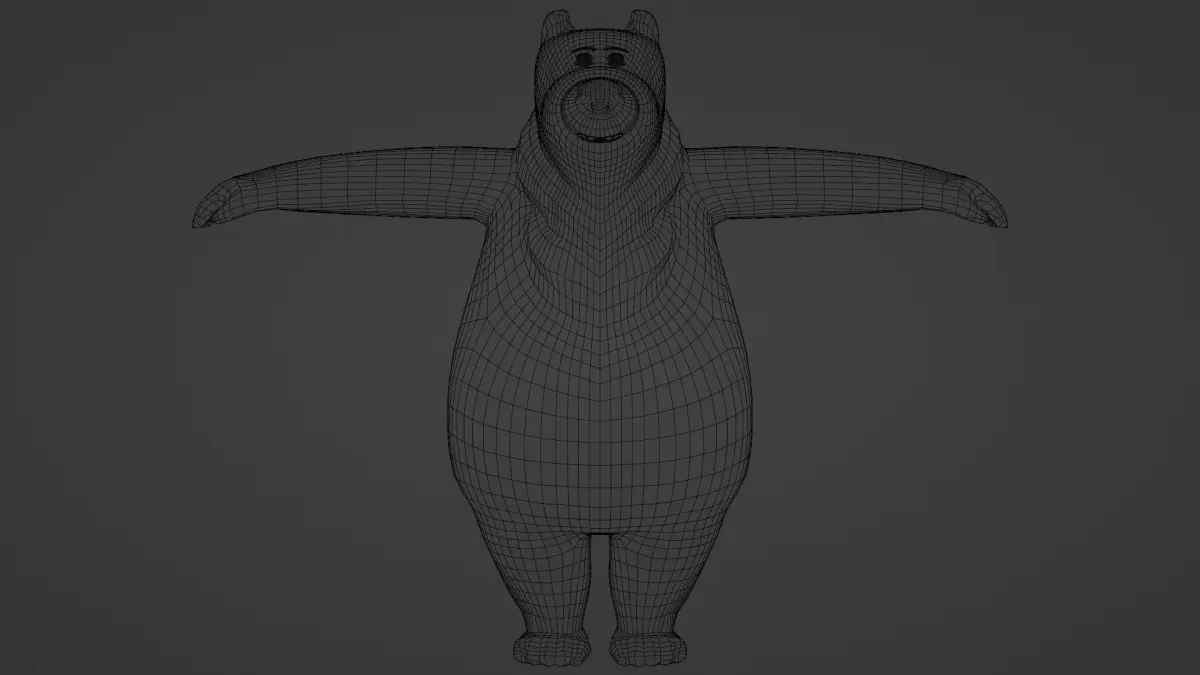
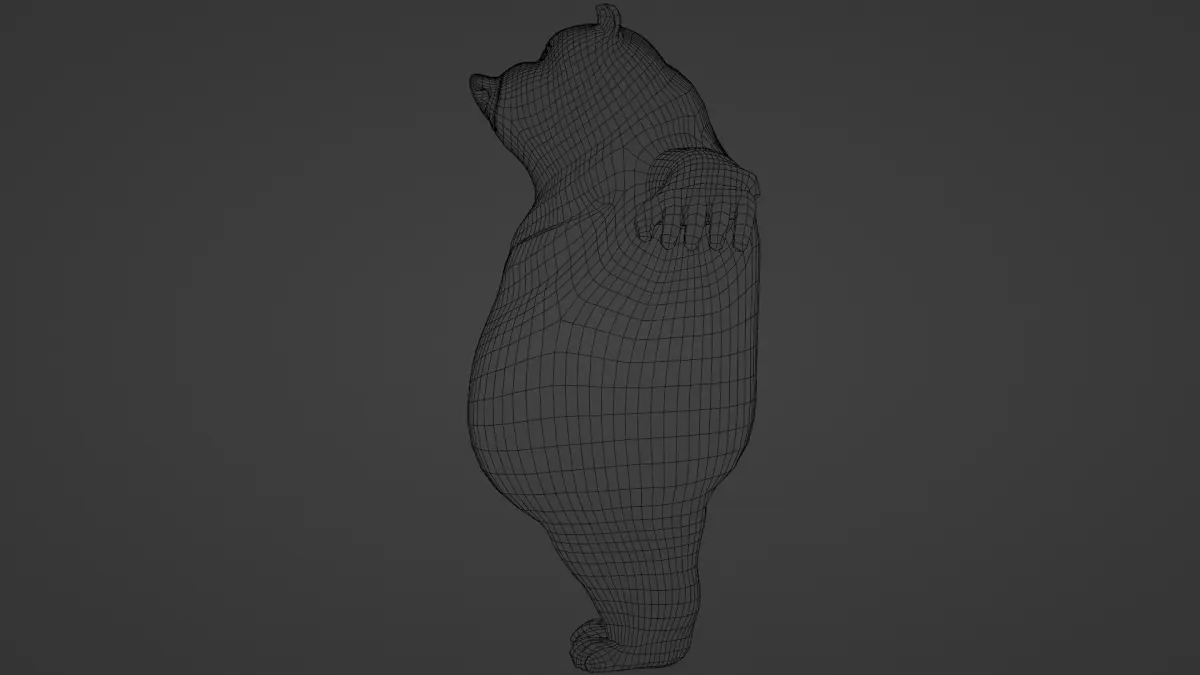
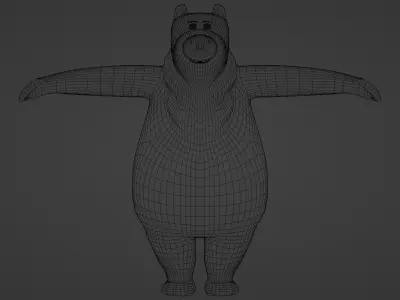
- modelled in Blender
- perfectly simmetrycal
- only quads
- all of them named
- subdivision ready
Mesh names + details
- body: 6662 vertices, 13320 edges, 6660 faces
- eyebrows: 260 vertices, 512 edges, 256 faces
- eyelids: 1672 vertices, 3456 edges, 1792 faces
- eyes: 964 vertices, 1984 edges, 1024 faces
- teeth: 1800 vertices, 3520 edges, 1760 faces
- tongue: 354 vertices, 704 edges, 352 faces
Lighting
- area light + PBR HDRI sky texture (in the world's shader editor you can edit where the light is coming from)
- all the .blend files have a lighting setup
- all the . blend files are ready for rendering
UV
- everything is unwrapped and has textures outside of the eyebrows and the eyelids (beacuse they only have a base color)
- the unwrapped meshes are non-overlapping
Textures and Materials
- the textures were painted and baked in Blender
- all of them (except the eyebrows and eyelids) have 4k textures (4096*4096px)
- only diffuse textures
- the tongue has a basic roughness set to 0.08
Modifiers
- every mesh has an armature modifier
- the body has an extra subdivision surface modifier in the .blend files which in the viewport is set to 0 and in the render is set to level 2
Rig
- there are 2 kinds of rigs I made for this model: 1. a rig that is only working inside Blender beacuse of the constraints and IK-s 2. a rig that only have deform bones (I used it when I exported the file as .fbx, .dae, .glb
- all of the rigs are perfectly simmetrycal
- every single bone is named
- in the .blend files there are 2 layers of bones: 1. only the deform bones (they are not visible in the viewport) 2. CTRL bones (they have custom objects)
- the meshes only have vertex groups for the deform bones (except for the spine bones)
Pose Library
- 35 different poses (see the Youtube video)
- they are only available in .blend files
- when you apply the pose not every bone will be effected, only the ones that shapes the pose (in that way you can stack multiple poses on eachother)
Animations
- there are 6 different animations in this file (see the Youtube video)
- the animations were exported as .fbx, .dae, .glb
- in the .blend files they work as a NLA (non linear animation) so it is easier for you to edit the length, speed, start and finish of the animation
Files
- the model is available in 6 different file formats
- .blend : containes everything (meshes, textures, rig, pose library, animations, lighting setup)
- .fbx : there are 8 different .fbx files : 1 with the meshes, textures, rig 1 with the meshes, textures, rig and all the animations combined 6 with the meshes, textures, rig and 1 animation
- .dae : there are 8 different .dae files: 1 with the meshes, textures, rig 1 with the meshes, textures, rig and all the animations combined 6 with the meshes, textures, rig and 1 animation
- (this file format does not contain roughness)
- .glb : there are 8 different .glb files: 1 with the meshes, textures, rig 1 with the meshes, textures, rig and all the animations combined 6 with the meshes, textures, rig and 1 animation
(this file format in some cases can cause the vertices to disconnet in certain places)
BEFORE DOWNLOADING THESE 3 FILE FORMATS PLEASE CHECK THE FILE NAME BEACUSE EVERY FILE IS NAMED AFTER WHAT IT CONTAINES
.obj + .mtl : containes the meshes with textures
.stl : only containes the mesh as a whole
IF YOU HAVE ANY PROBLEM WITH THE TEXTURES YOU CAN FIND ALL OF THEM IN A .ZIP FILE!
Rendering
- rendered in cycles
- pictures 200 samples + denoise
- videos 70 samples + denoise
I hope I can help you with this model in any way! If any problems occurs please feel free to ask! Have a good day!