Asset Breakdown
Here is a simple explanation of what makes this model special and how it is designed:
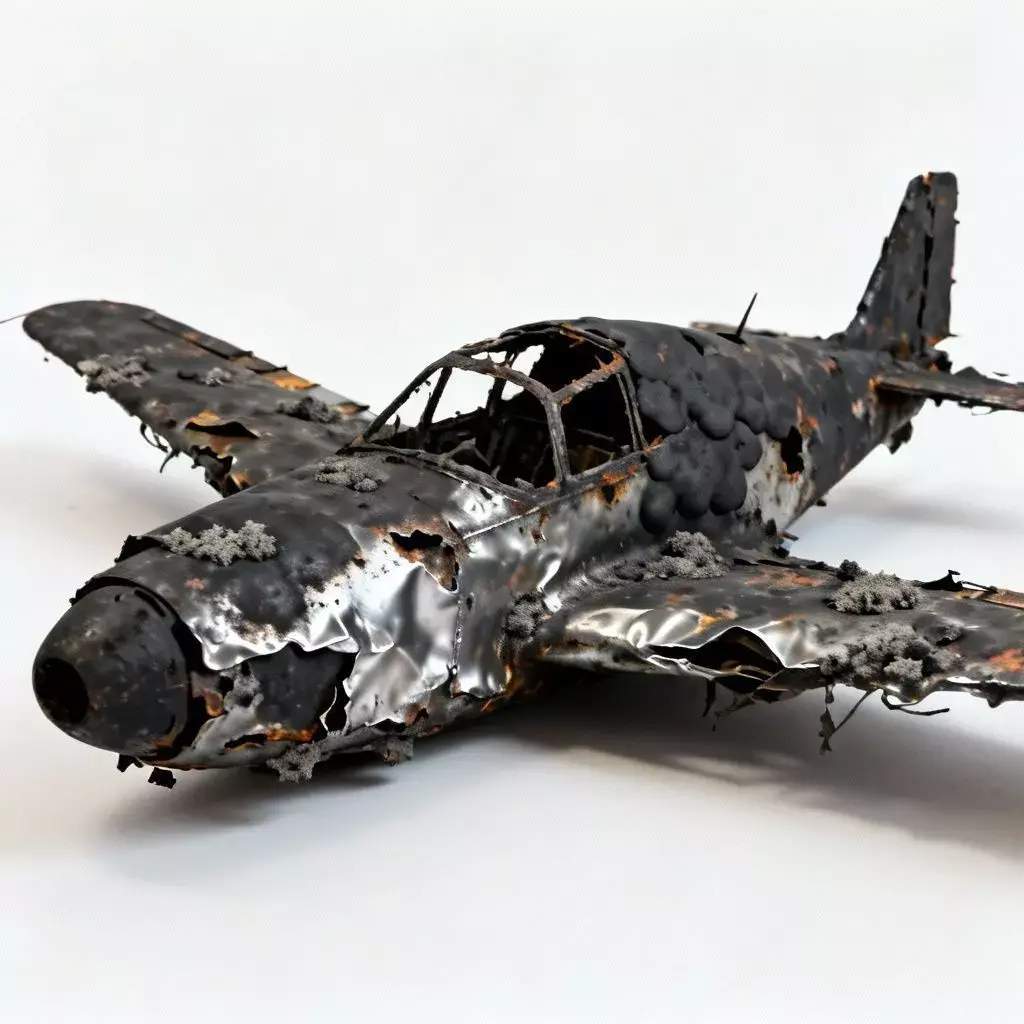
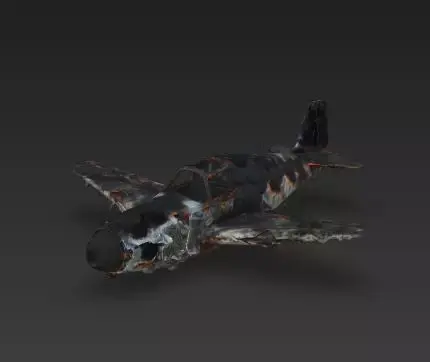
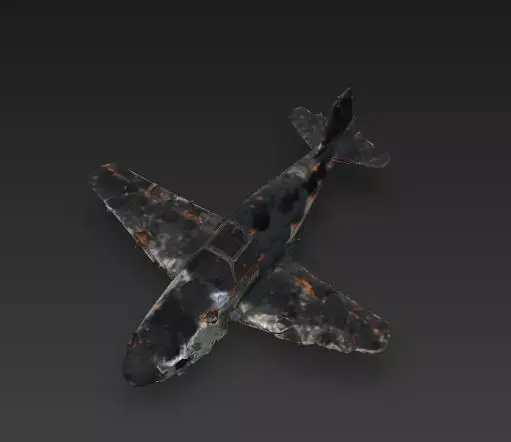
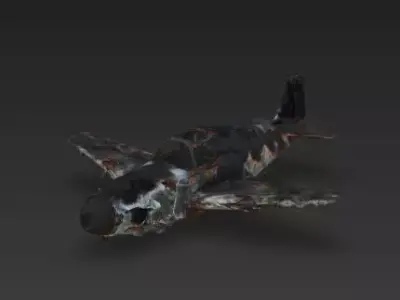
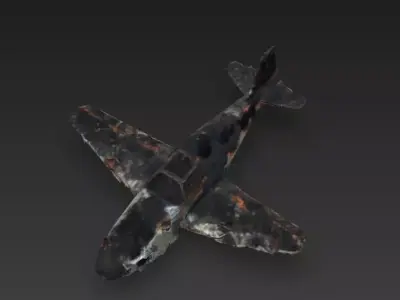
The Overall Concept This asset depicts the aftermath of a catastrophic aerial battle. It is the burnt-out husk of a military aircraft (resembling a vintage fighter plane), perfect for decorating a battlefield, a crash site, or a post-apocalyptic wasteland.
Scorched & Peeling Skin The primary texture feature is the intense fire damage. The fuselage is coated in matte black soot, but large patches of the outer skin have peeled away or blistered, revealing the raw, shiny aluminum structure underneath. This high-contrast mix of matte carbon and reflective metal creates a realistic freshly burnt look.
Skeletal Cockpit Frame The canopy glass has been completely melted or shattered away, leaving only the warped metal roll cage and window frames. This skeleton silhouette allows players to see into the gutted interior, adding depth to the model.
Ash and Slag Debris accumulated on the wings and the top of the fuselage are clumps of grey ash and melted slag. These volumetric details suggest that the fire was hot enough to melt components, adding 3D noise to the otherwise smooth surfaces of the wings.
Ragged Wing Edges The wings are not intact; the trailing edges are tattered and uneven, simulating where flaps or ailerons have been ripped off during the crash or consumed by the flames. This irregular silhouette ensures the prop doesn't look like a pristine plane with just a black texture applied.
Technical Notes
Files Included: FBX, GLB, OBJ, STL, ZIP (Textures). Quick Tip: The success of this material relies on the Roughness Map. The black soot should be highly rough (absorbing light), while the exposed silver metal spots should be low roughness (reflective). Use a Displacement or Normal Map to give the peeling paint depth.
STL (Stereolithography, filesize: 2.38 MB), OBJ (OBJ, filesize: 34.6 MB), GLTF (glTF, filesize: 39.5 MB), PNG (PNG, filesize: 34.6 MB), FBX (Autodesk FBX, filesize: 40.1 MB), OTHER (Other, filesize: 412 KB)