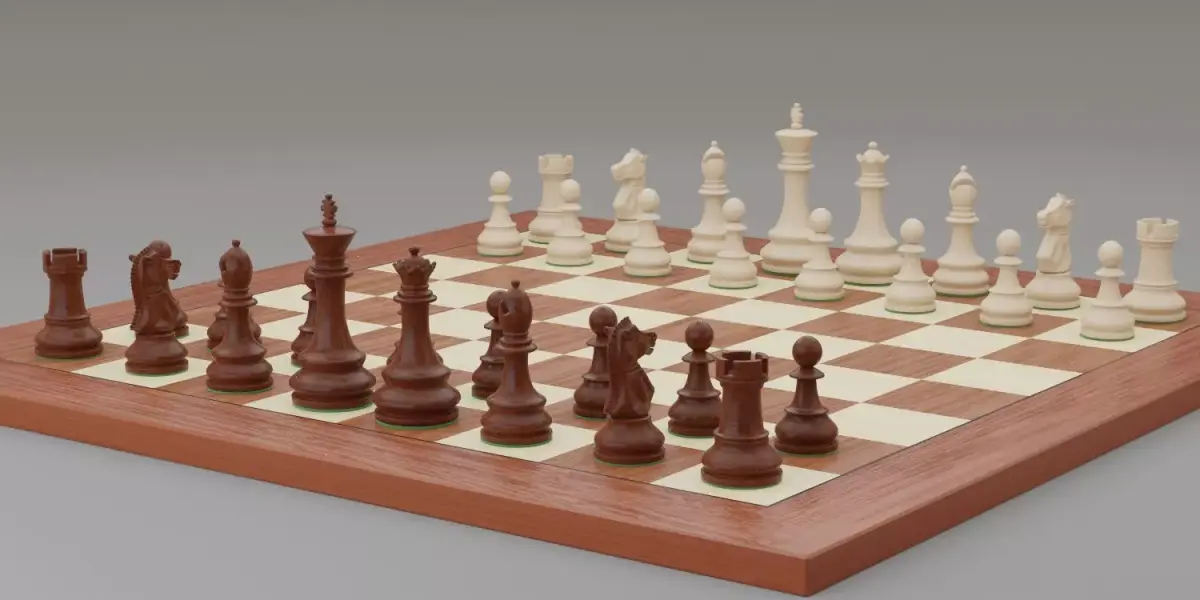
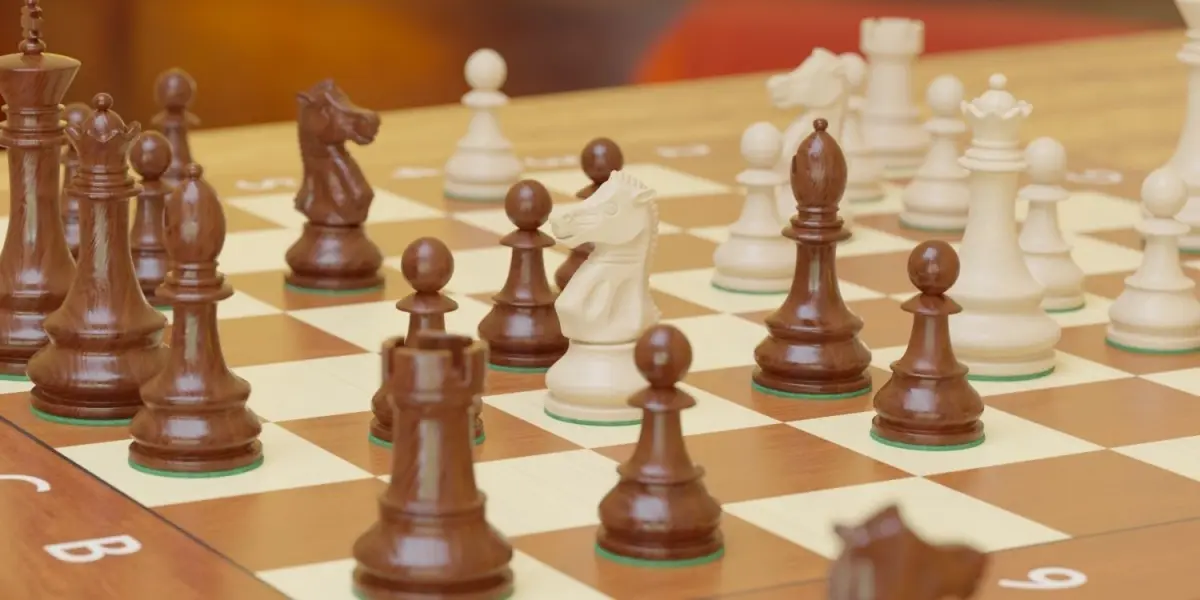
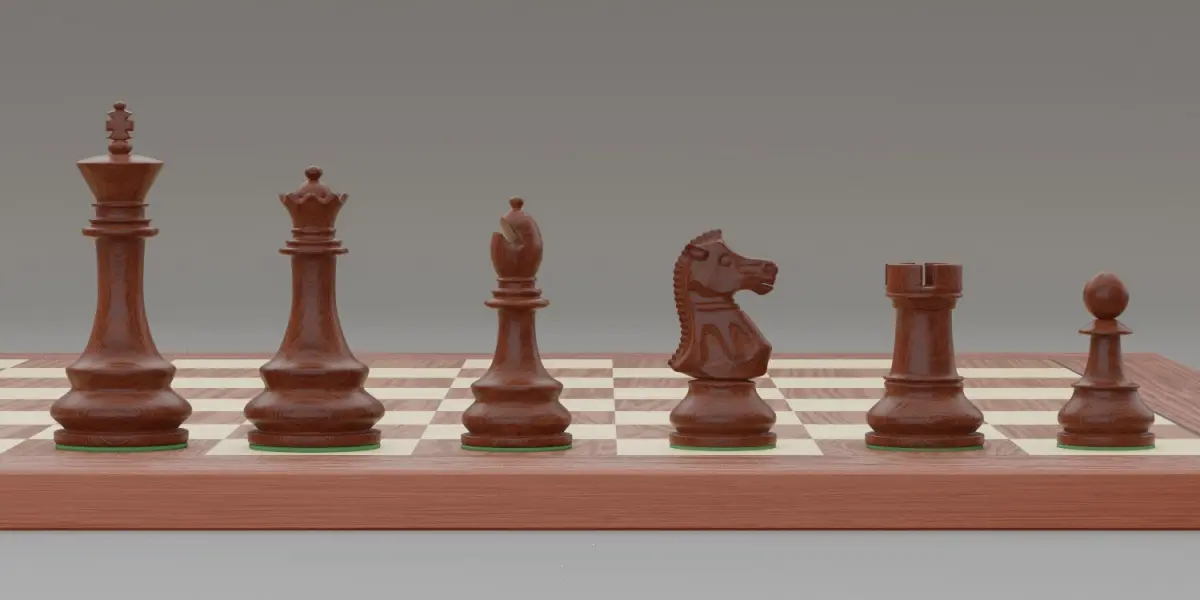
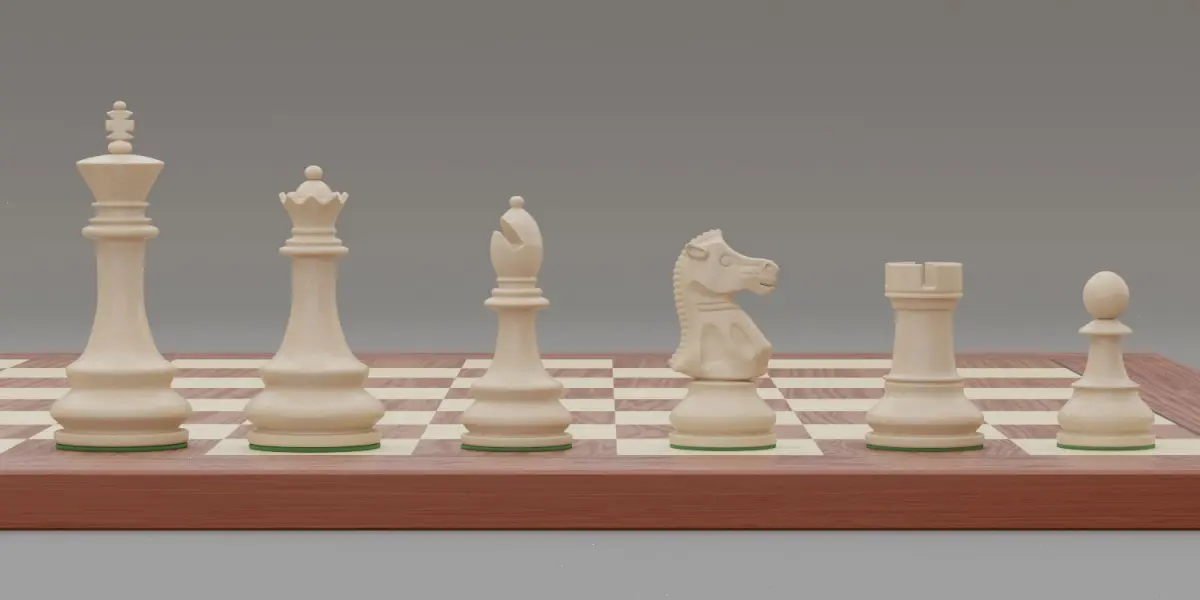
Chess pieces with rigged and posed figurines
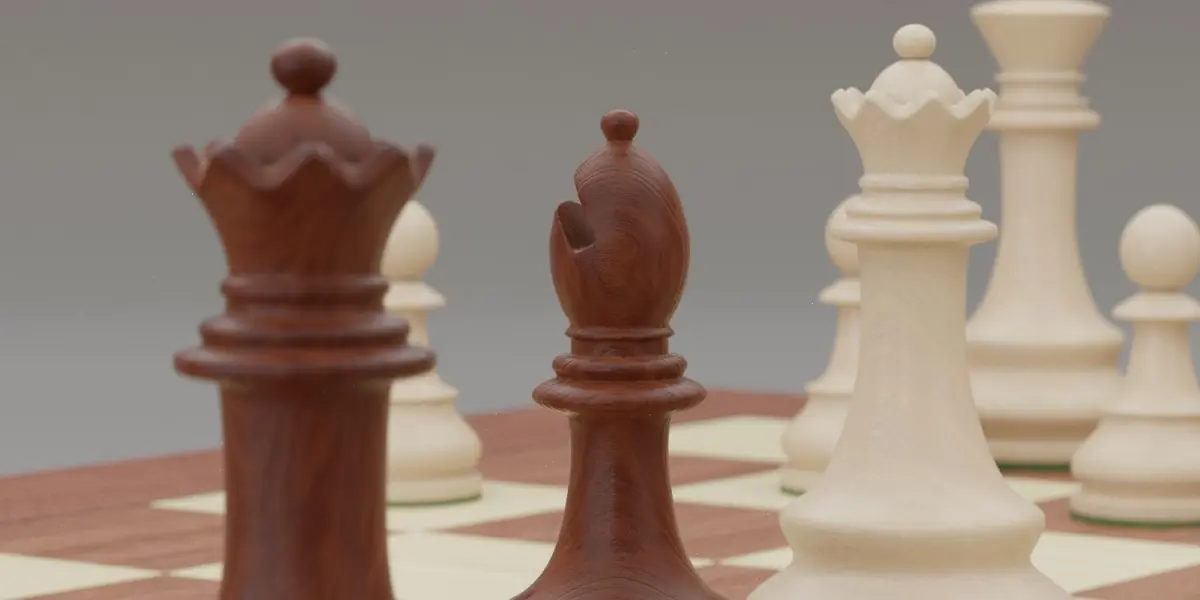
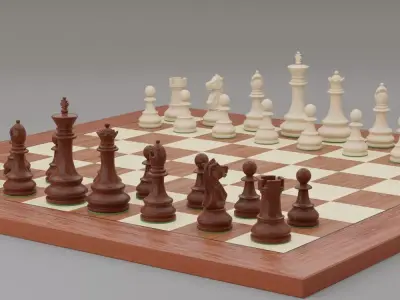
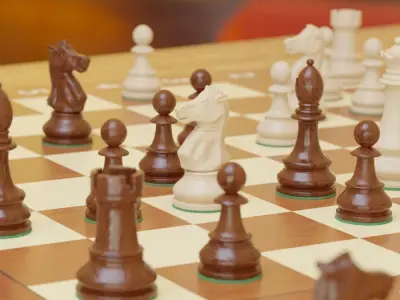
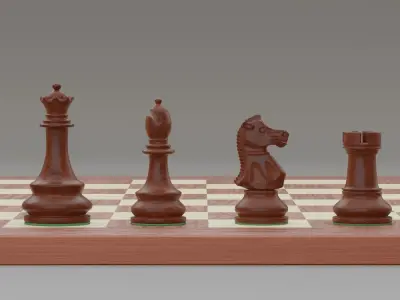
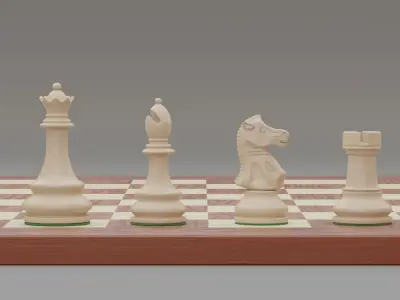
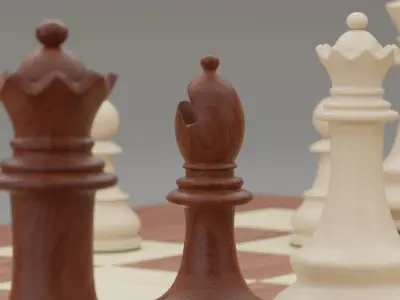
You want to give your architectural interior renderings a noble detail? You need an exclusive eye catcher? Then this chess pieces are perfect for you! This is a set of high detailed staunton chess pieces with rigged and posed figurines.All pieces are modelled to real tournament chess pieces staunton design, well named and organized in groups.All parts are in real life scale, z up.
PBR Texture Maps included4K Texture maps for Diffuse (two color versions), Normal, Roughness and Height are included, filetype png.
For Blender Native format, there are extra options:
Rigged and pre-posed figurines to replay a real life chess tournament
You are not familiar with the chess rules? No Problem. The set comes with a pre-installed pose library for the rigged figurines,so that you can replay the chess tournament game Kasparov vs. Lautier from 1994 in Linares. Simply apply one of the specified poses from the Pose Library, and the figurines will move on the board.
For loading the chess pieces into your scene, choos File -> Append, then choose the file you've downloaded, then choose Groups. Here you will find the Groups Chess pieces with rig and Studio lighting setup. Simply append the chess pieces group, and if you need the extra lighting setup, choose the studio setup group as well.
To replay the chess tournament game, select the armature, then go to the armature settings in the properties panel and choose one of the stored poses by clicking on the apply specified Pose Library pose to the rig Button. Do so while the armature is in Pose mode. By default all bones need to be selected in Pose mode. If you changed this, only those figurines will move that are selected in pose mode.
BLEND (Blender, filesize: 427 MB), BLEND (Blender, filesize: 427 MB), OBJ (OBJ, filesize: 9.29 MB), FBX (Autodesk FBX, filesize: 88.2 MB), 3DS (3D Studio, filesize: 1.12 MB), DAE (Collada, filesize: 5.14 MB), STL (Stereolithography, filesize: 2.89 MB)