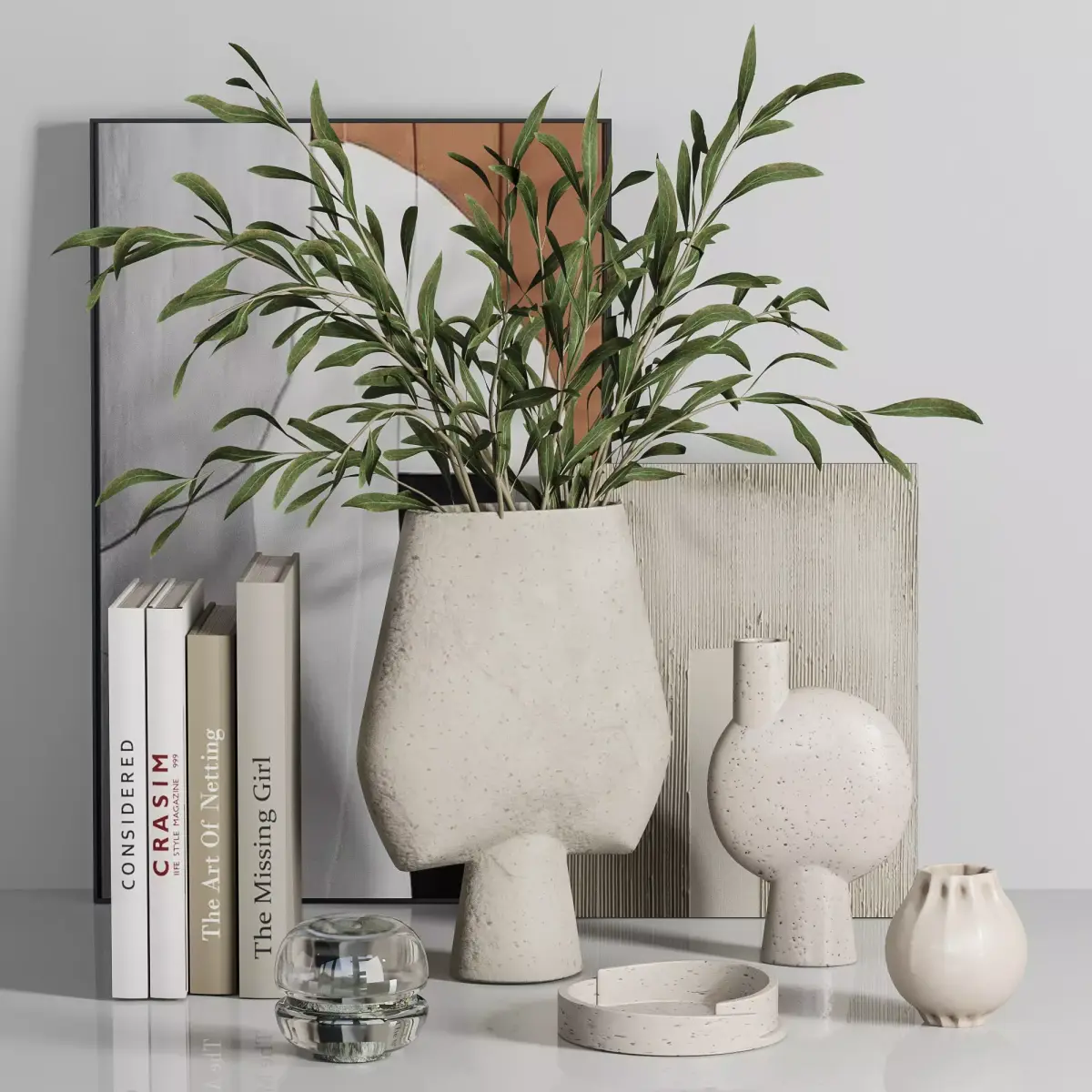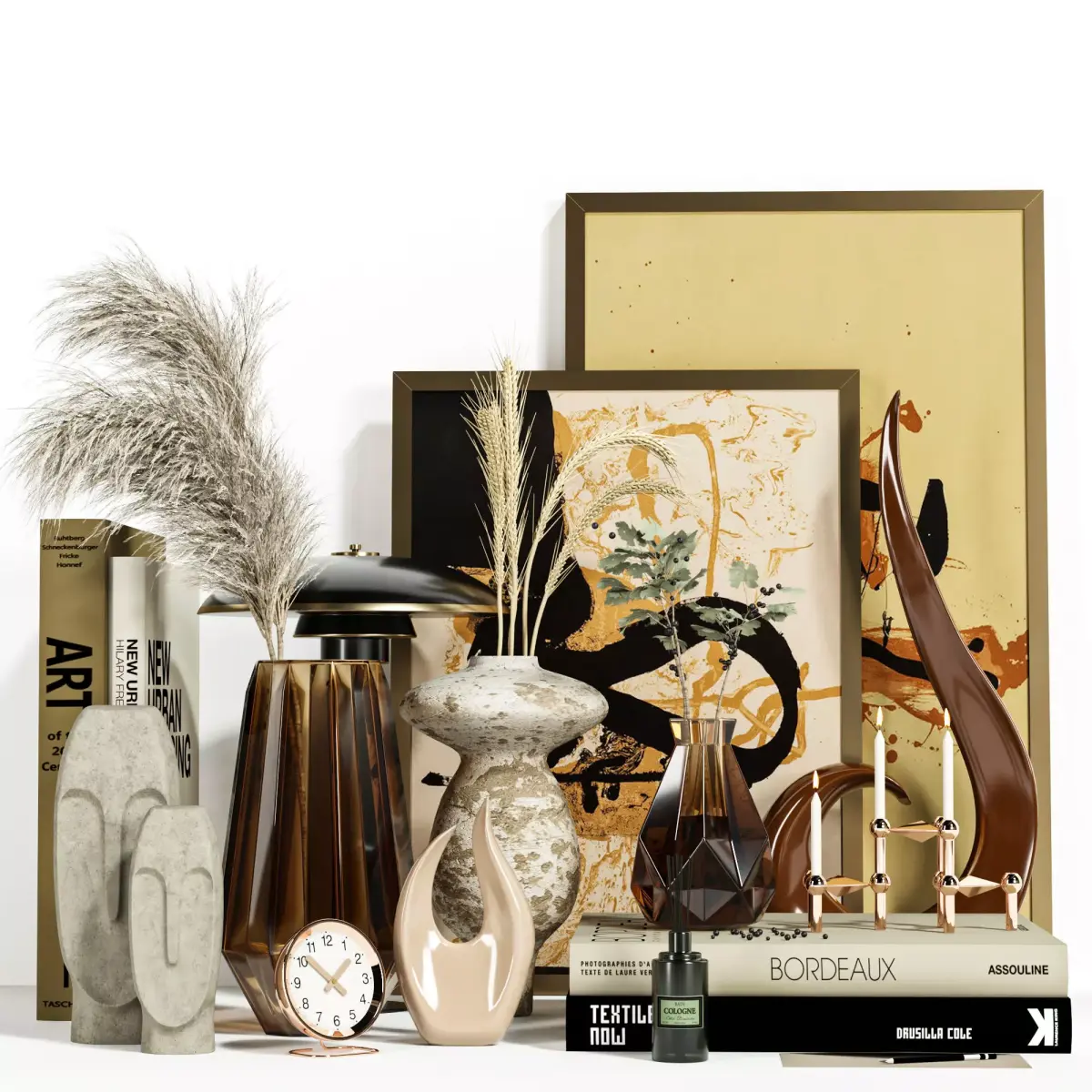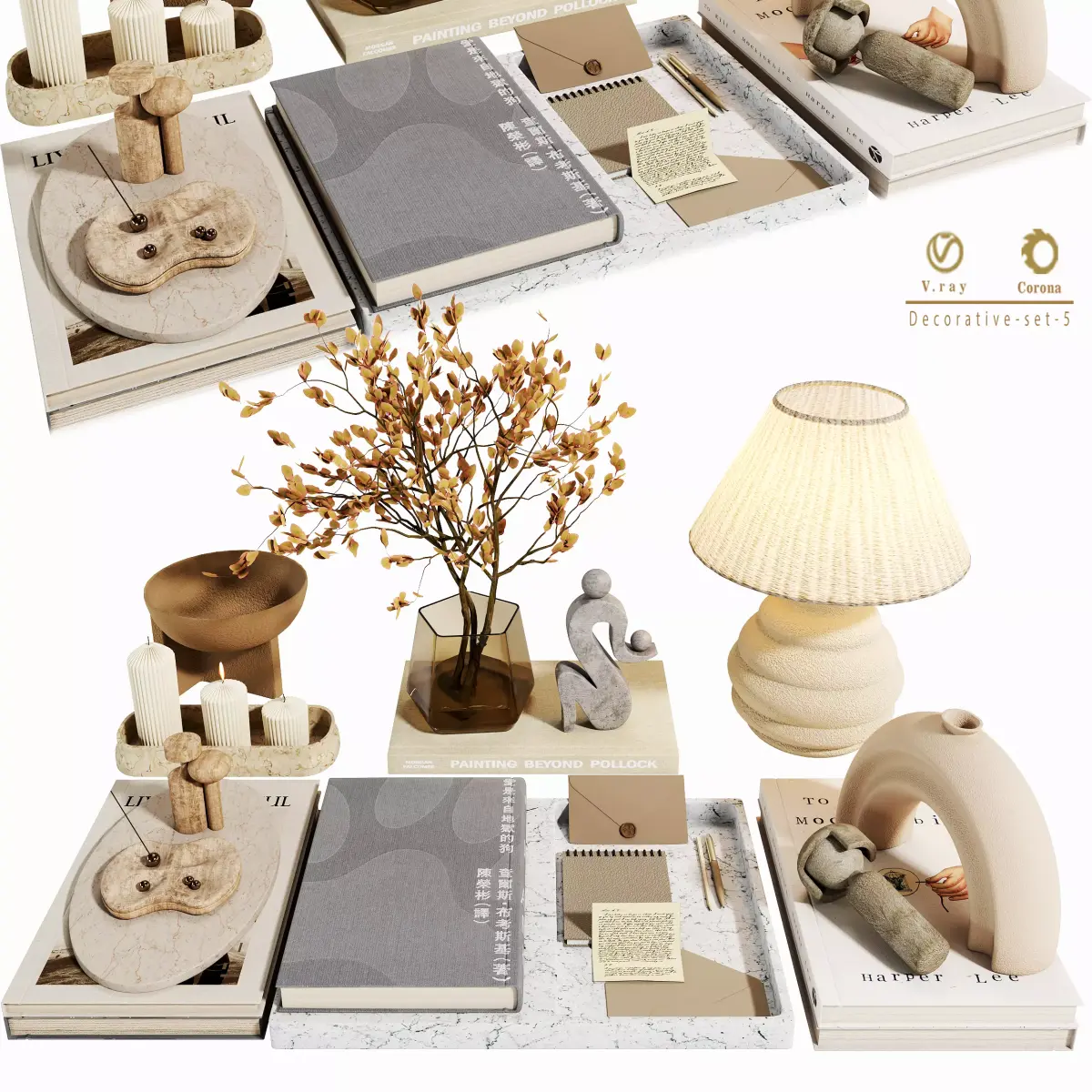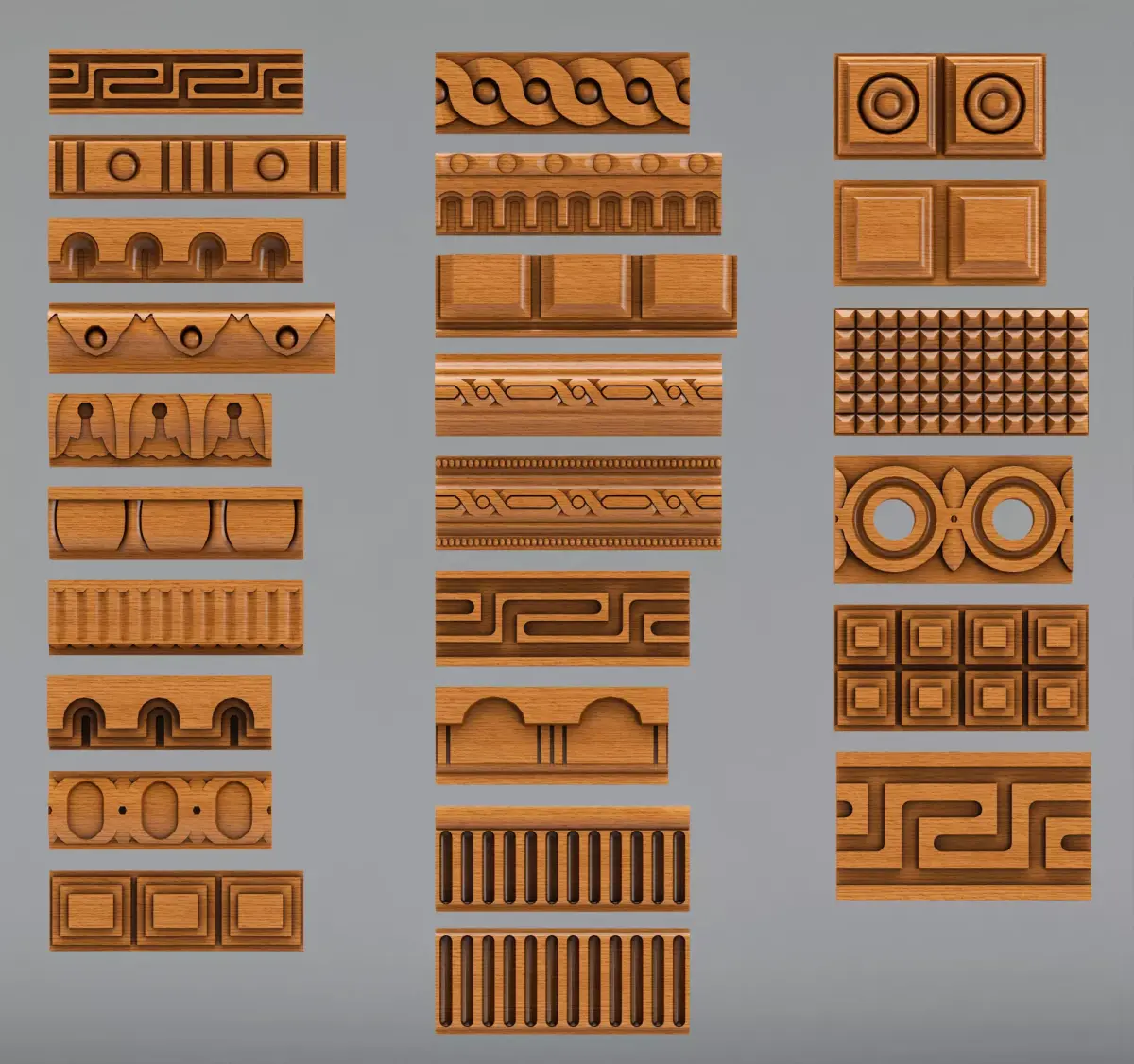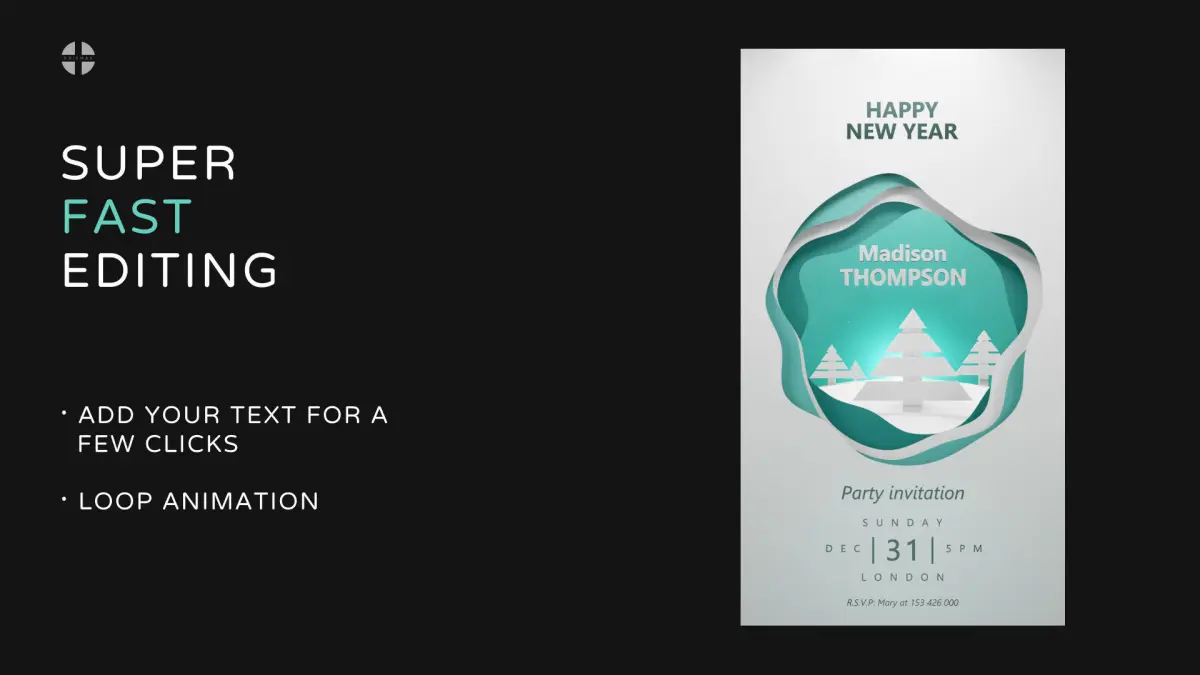
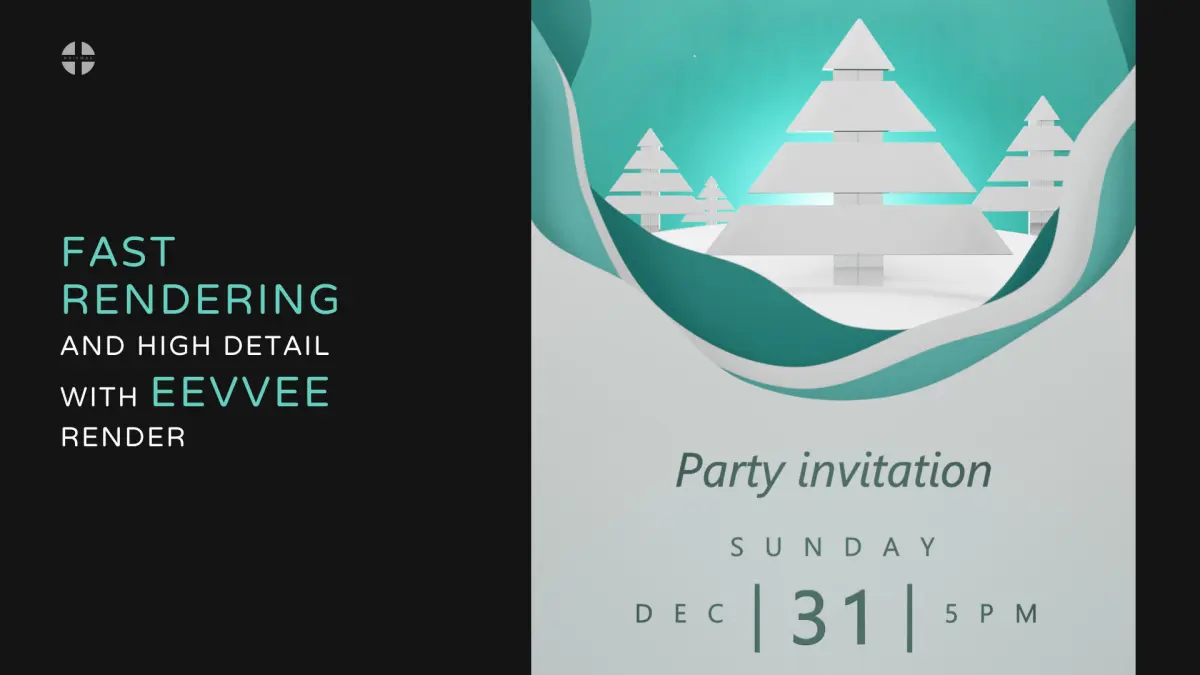
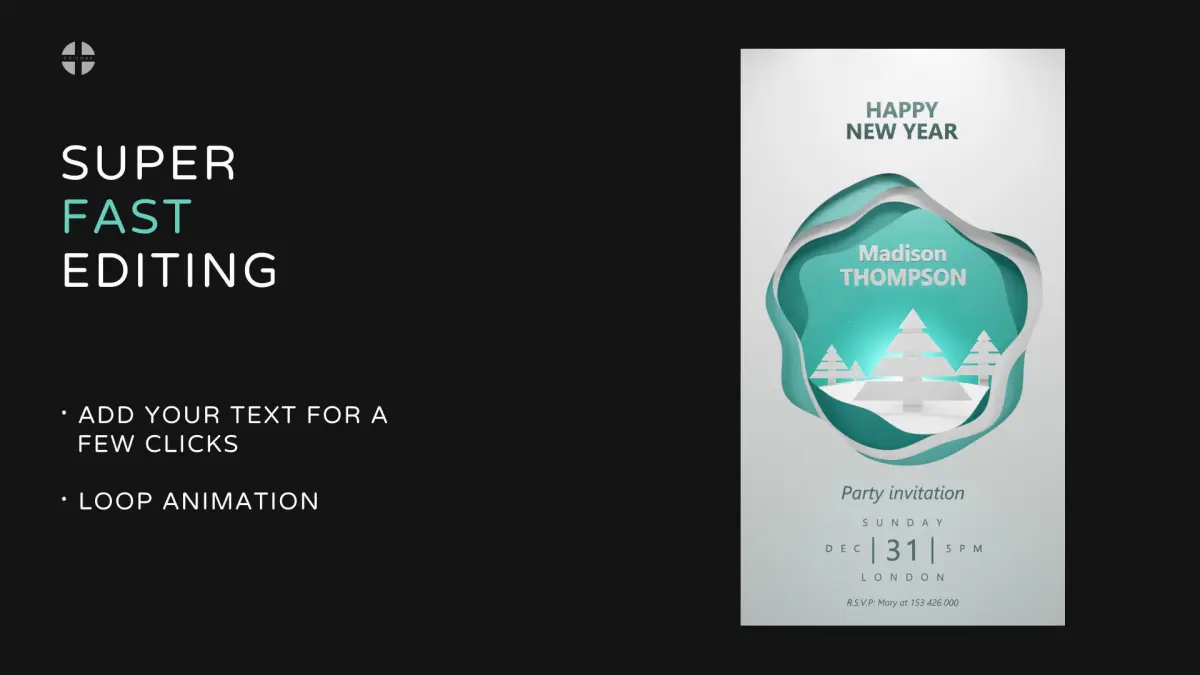
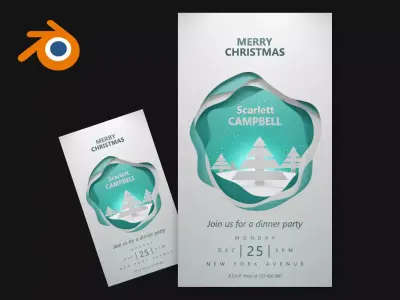
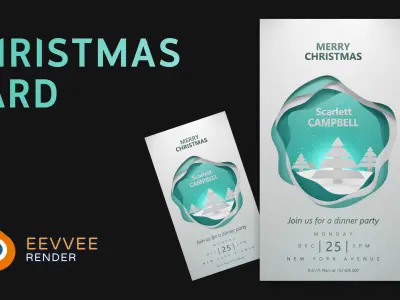
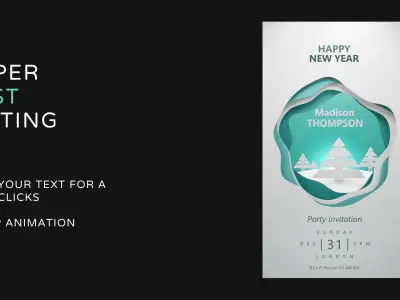
You can quickly add your text. You can save the finished image in absolutely any size in pixels.Email me if you have any editing problems, I'd be happy to help out.
Comprises: 1 Blend file
Video example - https://youtu.be/8E1hCcmPRxg
Watch quick Blender tutorials and tutorials on editing:
- How to speed up animation rendering by 2x - https://youtu.be/h7_-yhO17ZM
- How to change image or texture size and position in Blender - https://youtu.be/7tRLRHL2a9k
- How to enable rendering display (if everything is gray) - https://youtu.be/YaWgSH--nh8?t=15
- How to edit PSD files in Photoshop - https://youtu.be/djG_3h00mCs
- Transparent background in Blender, render parameters - https://youtu.be/YaWgSH--nh8?t=47
- How to add png to blender and attach to animation in Blender - https://youtu.be/qqf_3viYXVE
- How to add any object to animation in Blender - https://youtu.be/T6UcMuxI6sA?t=29
- How to transfer a card from another scene - https://youtu.be/7giaMy2SOHA?t=85
- How to edit text in Blender - https://youtu.be/r937ddxo8xY
- How to change color in Blender - https://youtu.be/sJCVdoJNCrw
- How to move an object from another Blender scene - https://youtu.be/unKgOn-4DVI?t=193
Other templates: https://www.cgtrader.com/priymak