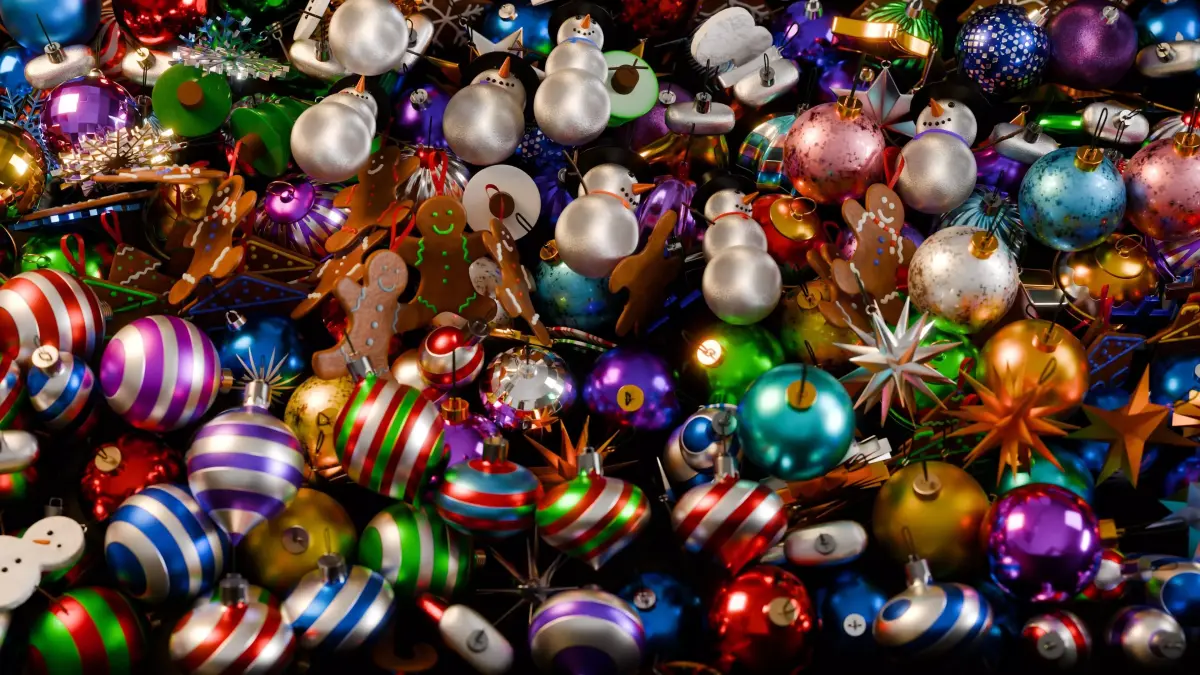
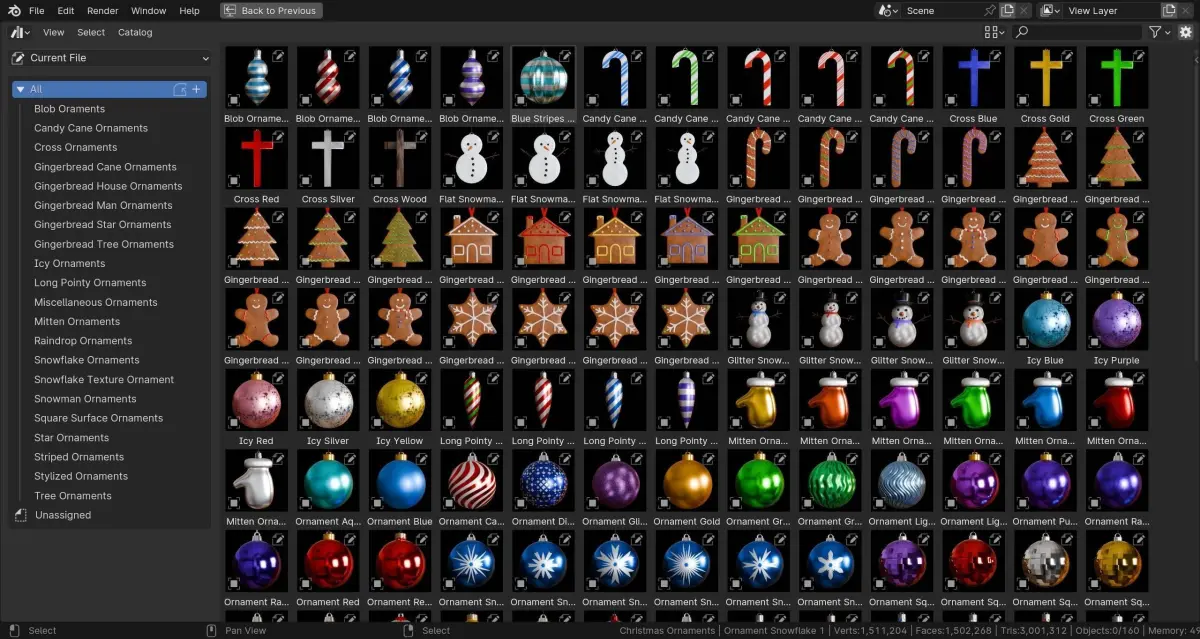
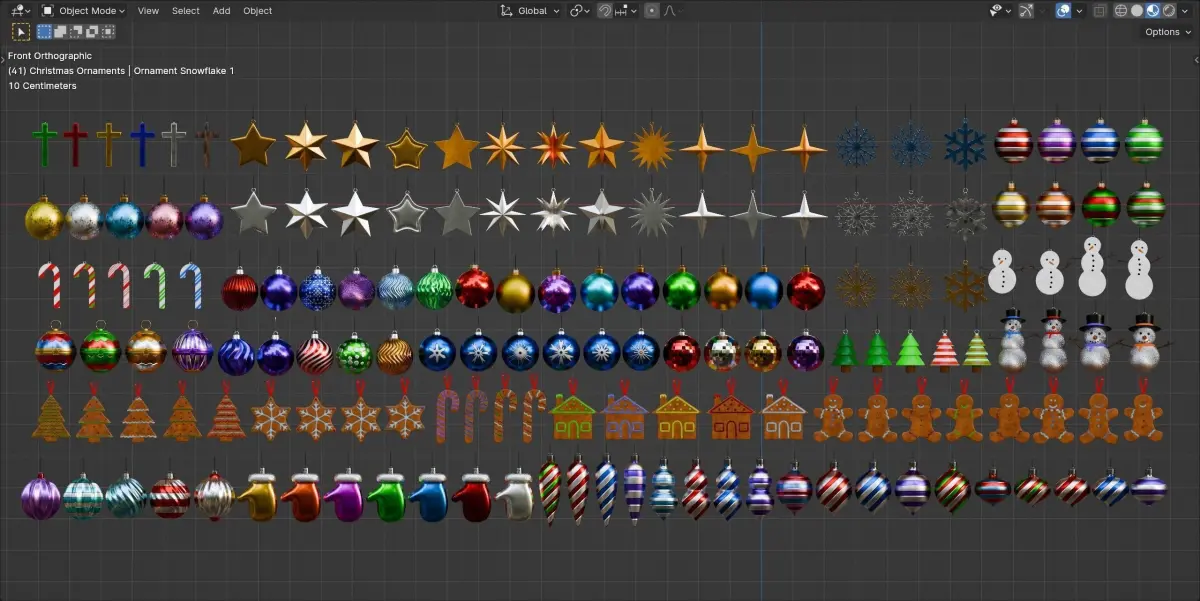
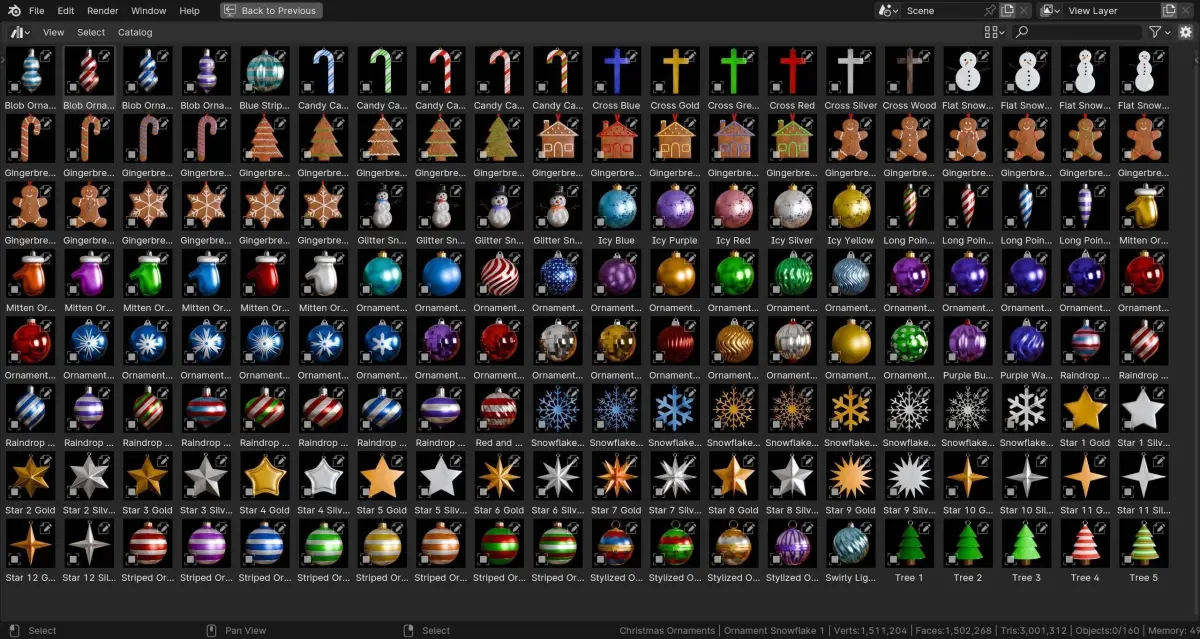
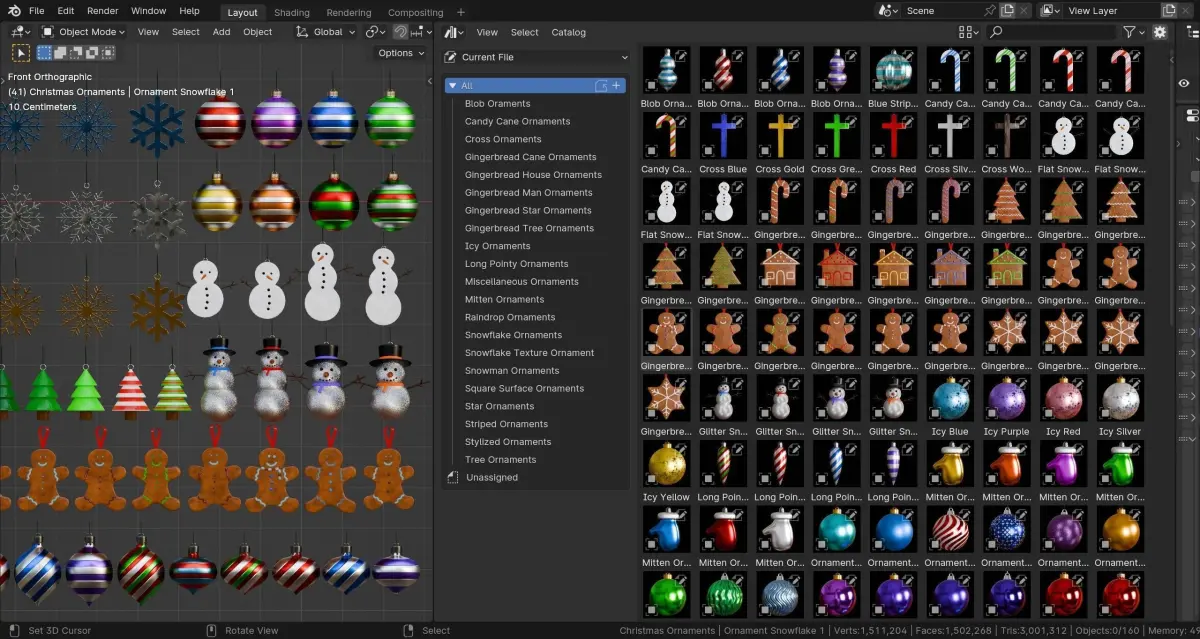
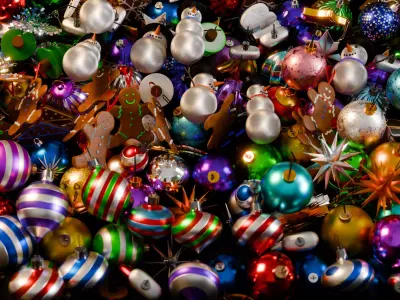
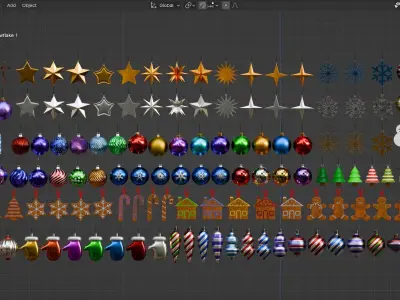
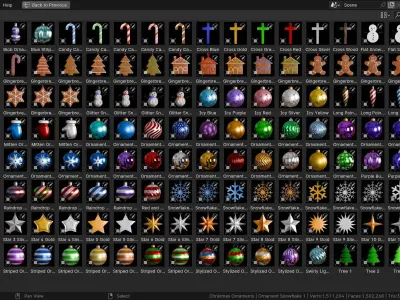
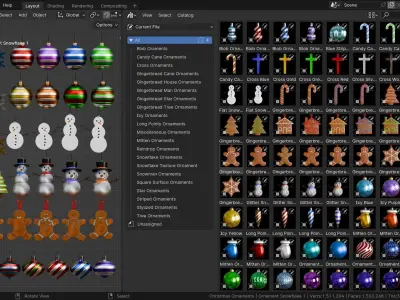
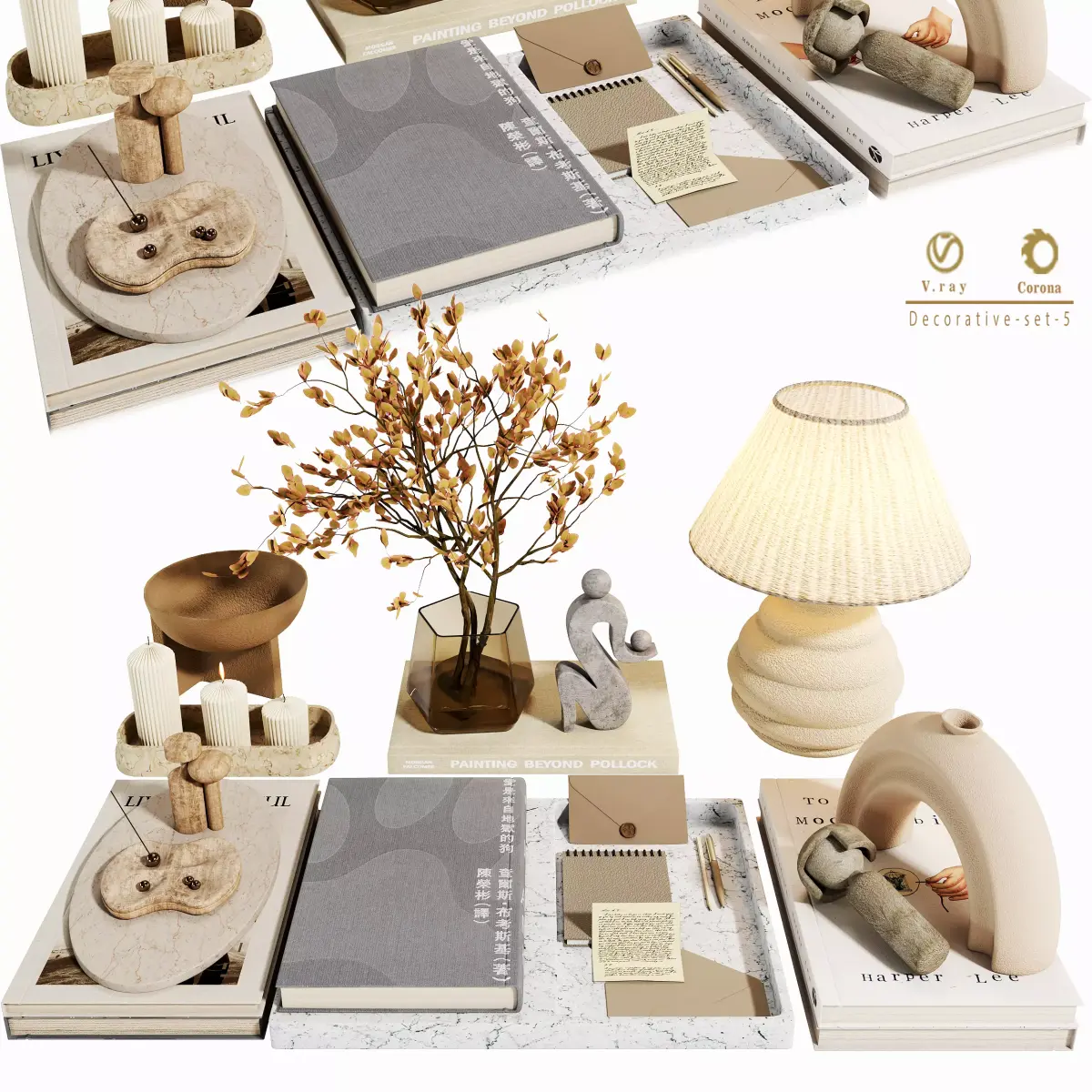
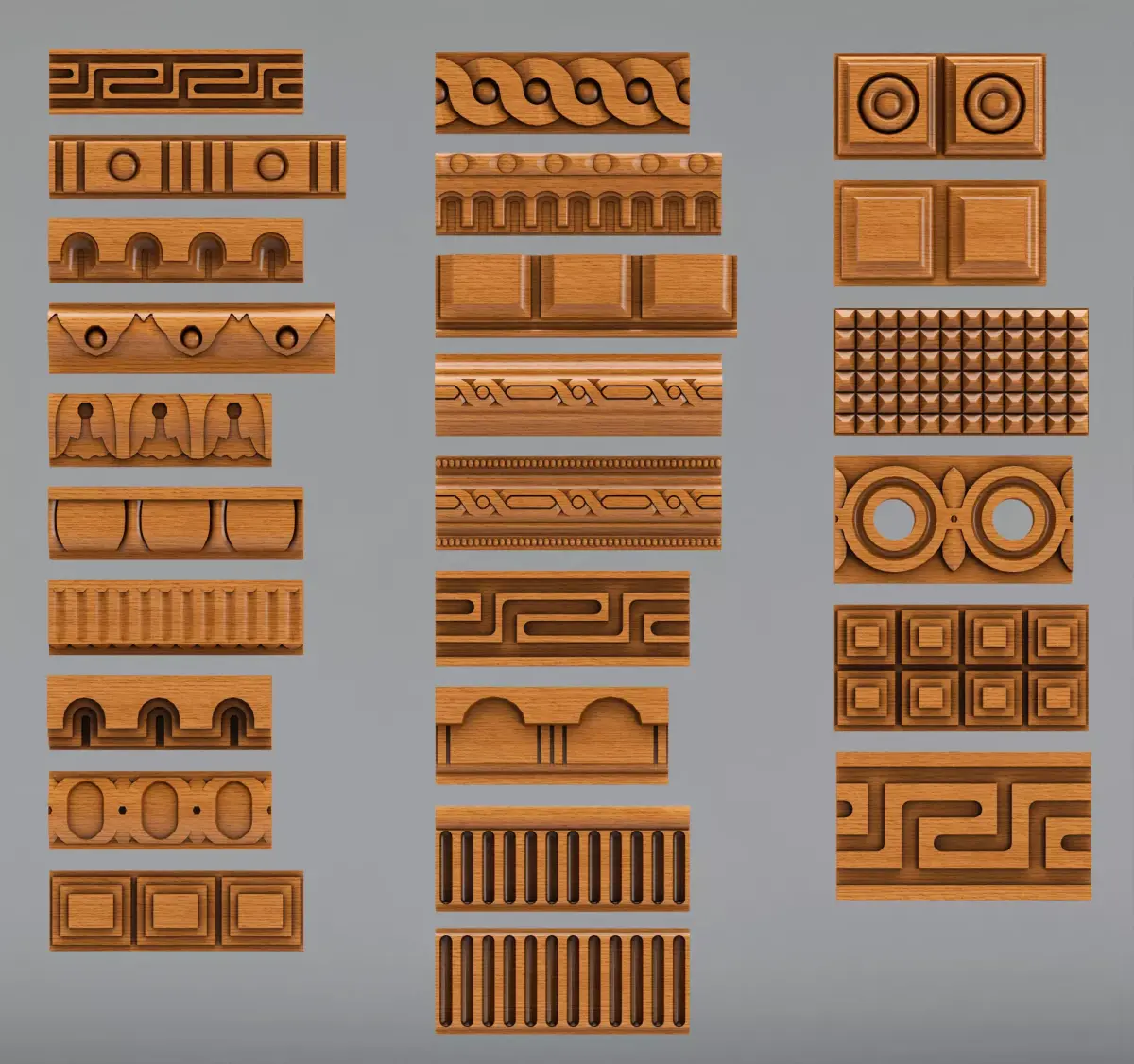
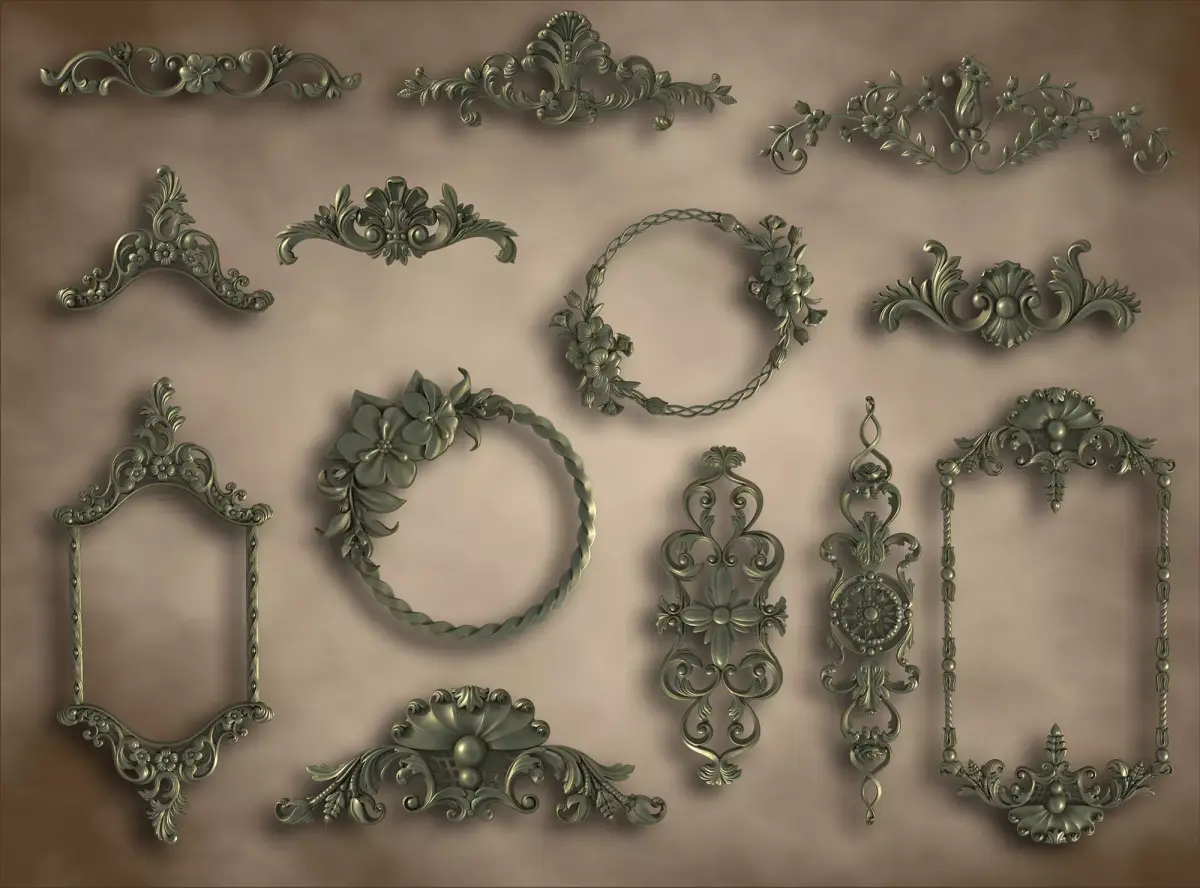
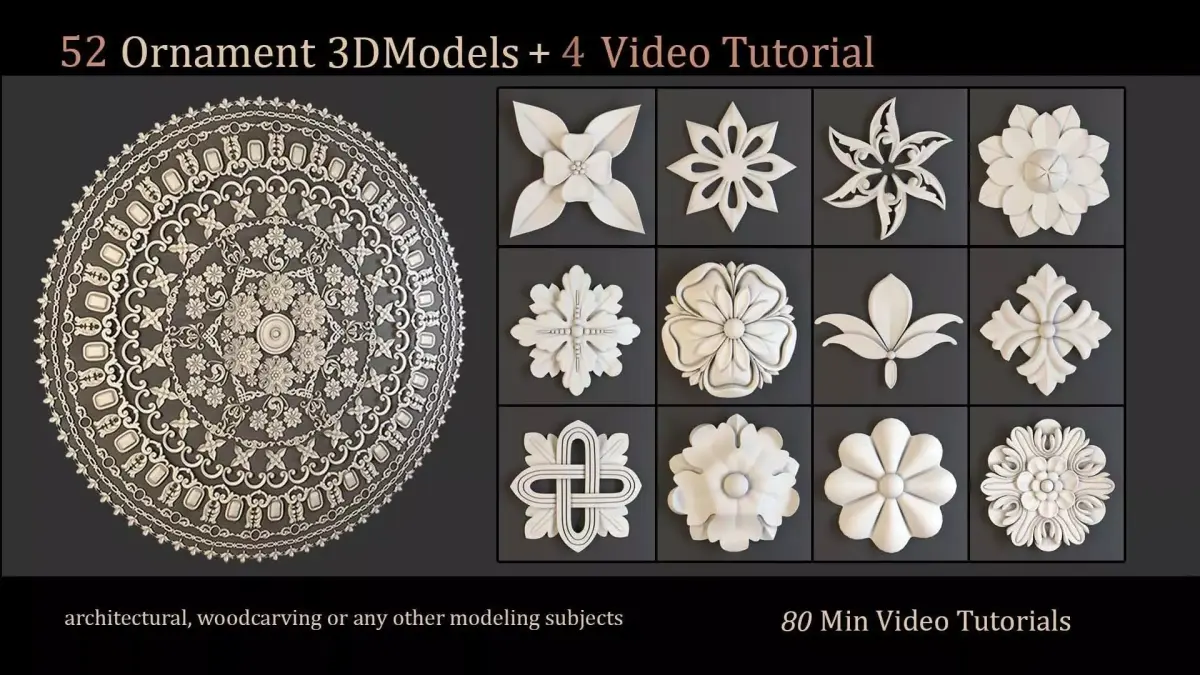
In this Christmas Ornaments Asset Pack you will get 160 Christmas Ornament 3d Models, created with Blender and Pre-Setup for the Asset Browser. Use these assets to quickly fill your holiday scenes with ornament decorations.
Pre-Setup for the Asset Browser:
All of the ornament models are pre-setup for the asset browser, with custom thumbnails and sorted catalogs. Just place the product files on your computer where you want to store the assets, and then add the ornaments file as an asset library in Blender's user preferences, and you're ready to go. Watch the product trailer video to learn how to add the models as an asset library.
Materials & Rendering Engine:
All of the materials are created procedurally with Blenders procedural shader nodes. The ornaments work great in both the Cycles and Eevee rendering engines.
Contents:
- Christmas Ornaments Asset Pack Blender File
- blender_assets.cats.txt file for catalog organization
- 160 Christmas Ornament 3d Models
- HDRI Lighting for Blender File
- 160 custom asset thumbnails (JPG files)
How Do I Setup the Asset Library?
You can setup the materials as an asset library using Blender's asset browser feature.
Open Blender's user preferences, and go to, file path, then, Asset Library's. Click on the plus icon, and then choose the folder where your storing the asset library Blender file. Make sure to save the user preferences. Then you can open Blender's asset browser window and access the ornament models. You can also watch the product trailer video to learn how to setup the asset library.
Will this product work in my Blender version?
A few of the materials will only work properly in Blender version 3.4 or a newer version, due to the updated Mix Node in Blender, which will not work properly in any versions older then 3.4.
BLEND (Blender, filesize: 104 MB), BLEND (Blender, filesize: 104 MB)