City Road Maker v1.3
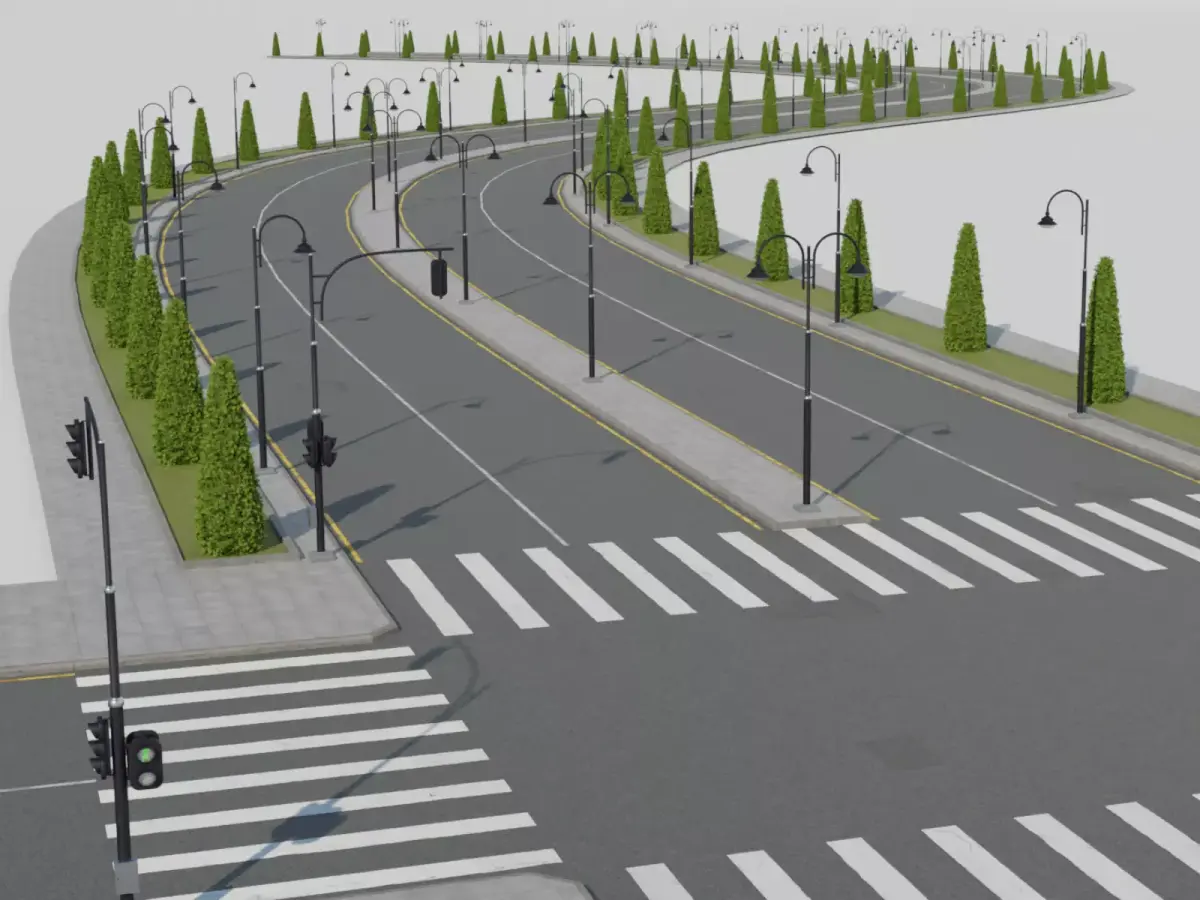
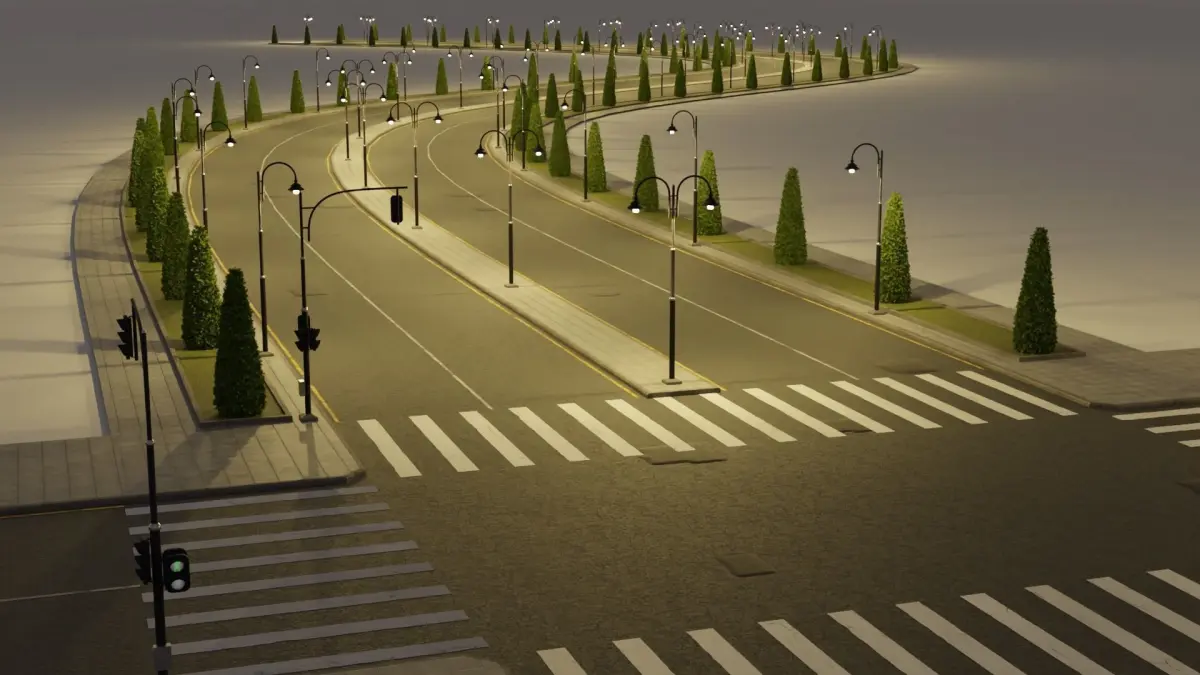
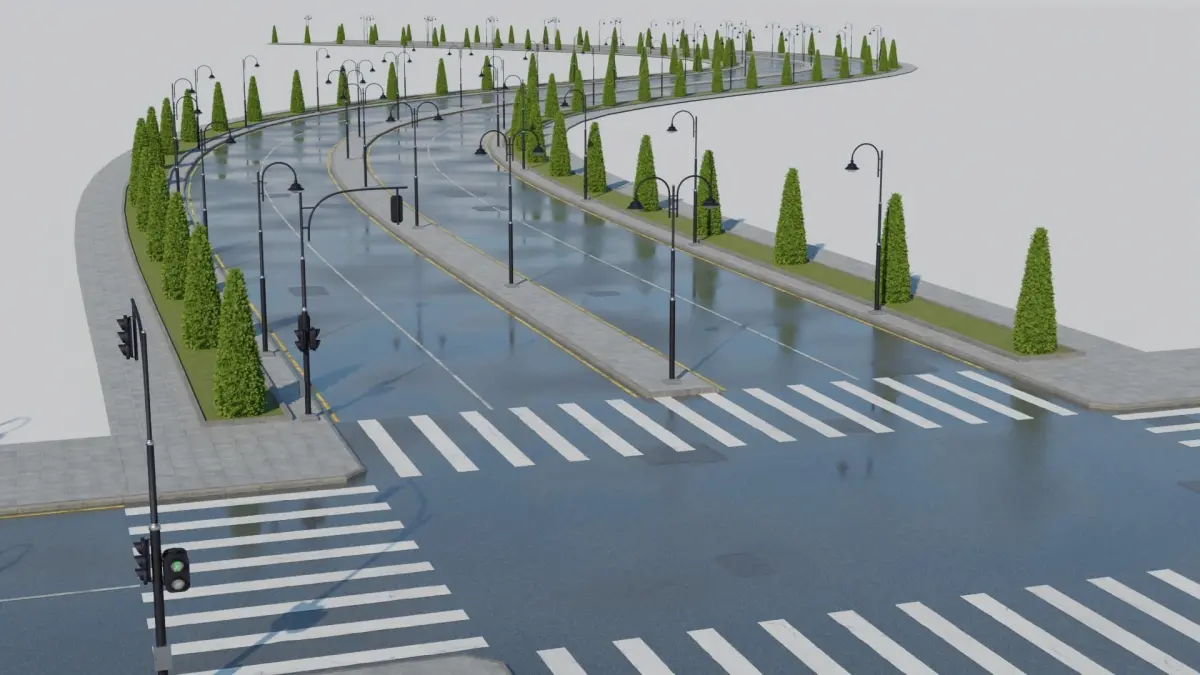
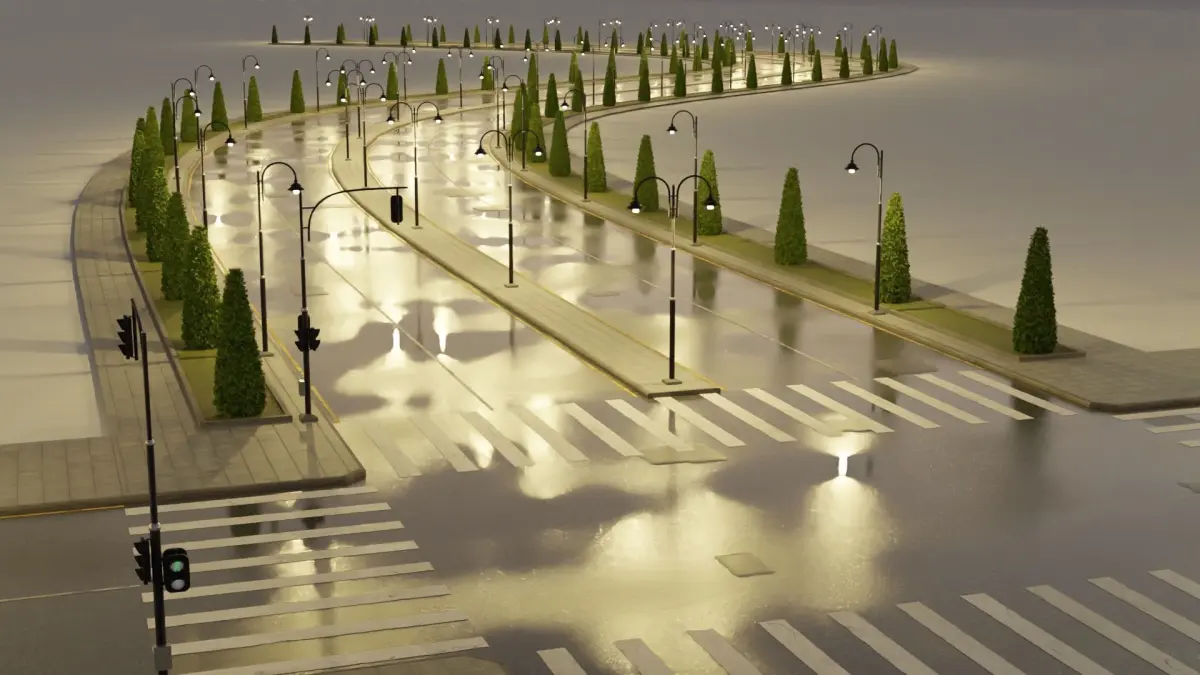
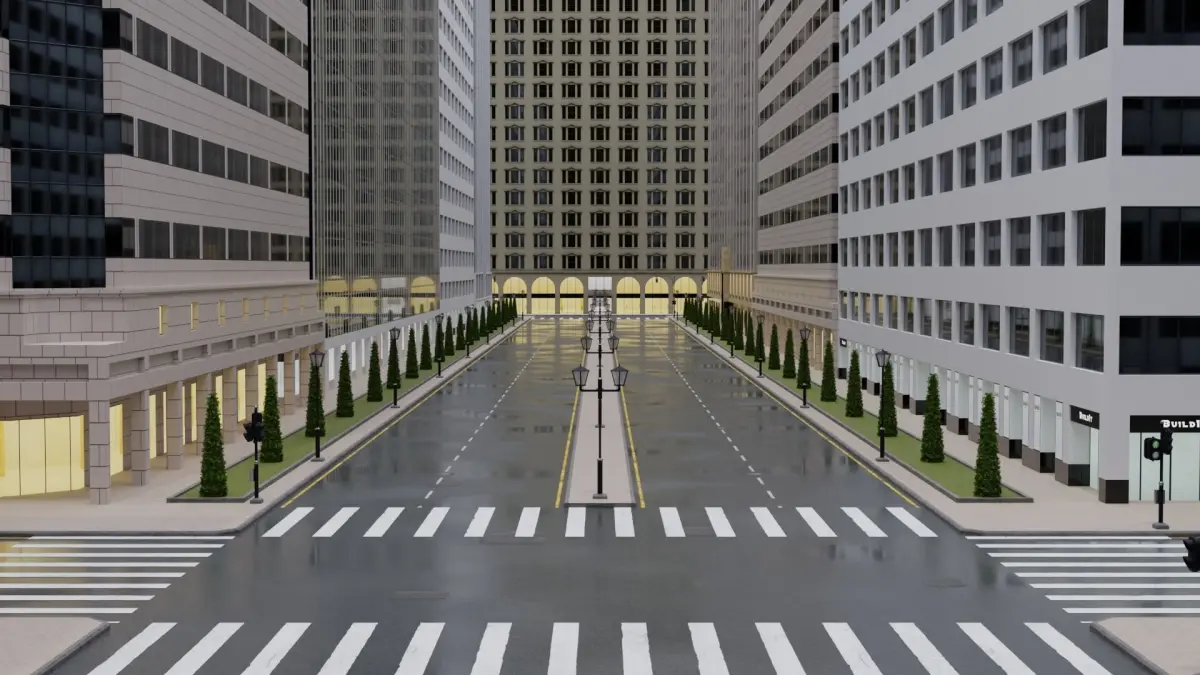
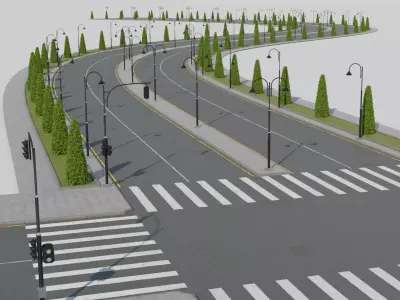
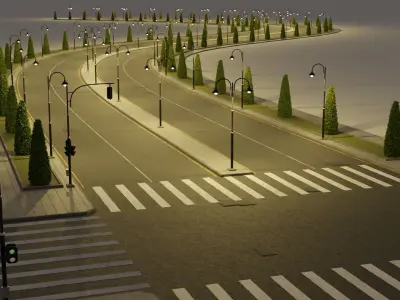
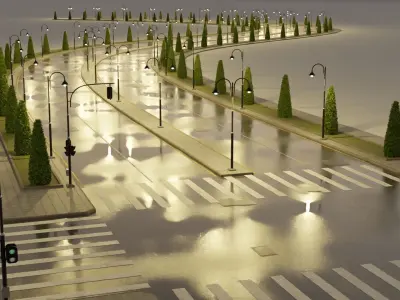
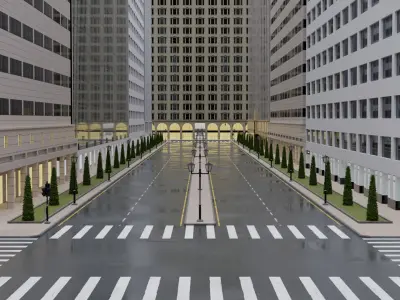
City Road Maker - GeoNode is geometry nodes generator that transfer curves to roads and control them using more than 60 customizable settings.
- This tool has created for Blender users.
- Previews images were rendered using cycles.
- 1k-4k PBR Textures used.
City Road Maker v1.2.1 features:
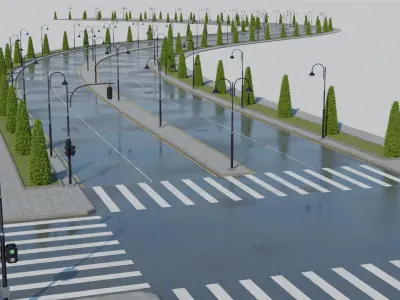
- Wet puddles (available for all versions, Standard, Pro, Ultimate).
- Internal/External roadside collection: We put some lowpoly Trees and Rocks collections as a sample and you are free to use your own collections (Take a look on GIF image in the bottom of the page), (This feature is only available in Ultimate version).
- Reversed Normals issue fixed.
City Road Maker v1.3 features (available for all versions):
Discover the new features on YouTube : https://youtu.be/PMheo16EIDU
- Adapted with the new GeoNodes checkbox feature.
- Manholes can be added to your road.
- Roadside new types (5 instead of 2)
- Lamp poles new types (5 instead of 2)
- Boxwood new types (6 instead of 2)
- Fix the conversion to mesh issue.
- Fix missing textures issue.
Features:
- Road Control (Size, Lanes, Shoulders, Patches.).
- Lines Control (Type, number, Color).
- Roadside Control (Type, Size).
- Lamp Poles Control (Type, Spacing, Position X, Position Y, Lights).
- Green Belt Control (Size, Position).
- Boxwood Control (Type, Spacing, Position X, Position Y).
- Barrier Control (Type, Position).
- Intersection Control (Type, Size, Crosswalk, Traffic Lights).
- My Roadside Collection Control (Collection, Position, Size, High, Density and more)
How to use it:After downloading the zip file and unzipping it, open the .blend file --> select the road --> Edit Mode --> remove the old curve (optional) --> draw new curve --> make changes in the geometry nodes input settings that you find in the modifier panel right of the screen.
SUPPORT : If you have any questions or suggestions, please contact us.
Thank you for purchasing 3Dz- models!
BLEND (Blender, filesize: 312 MB)