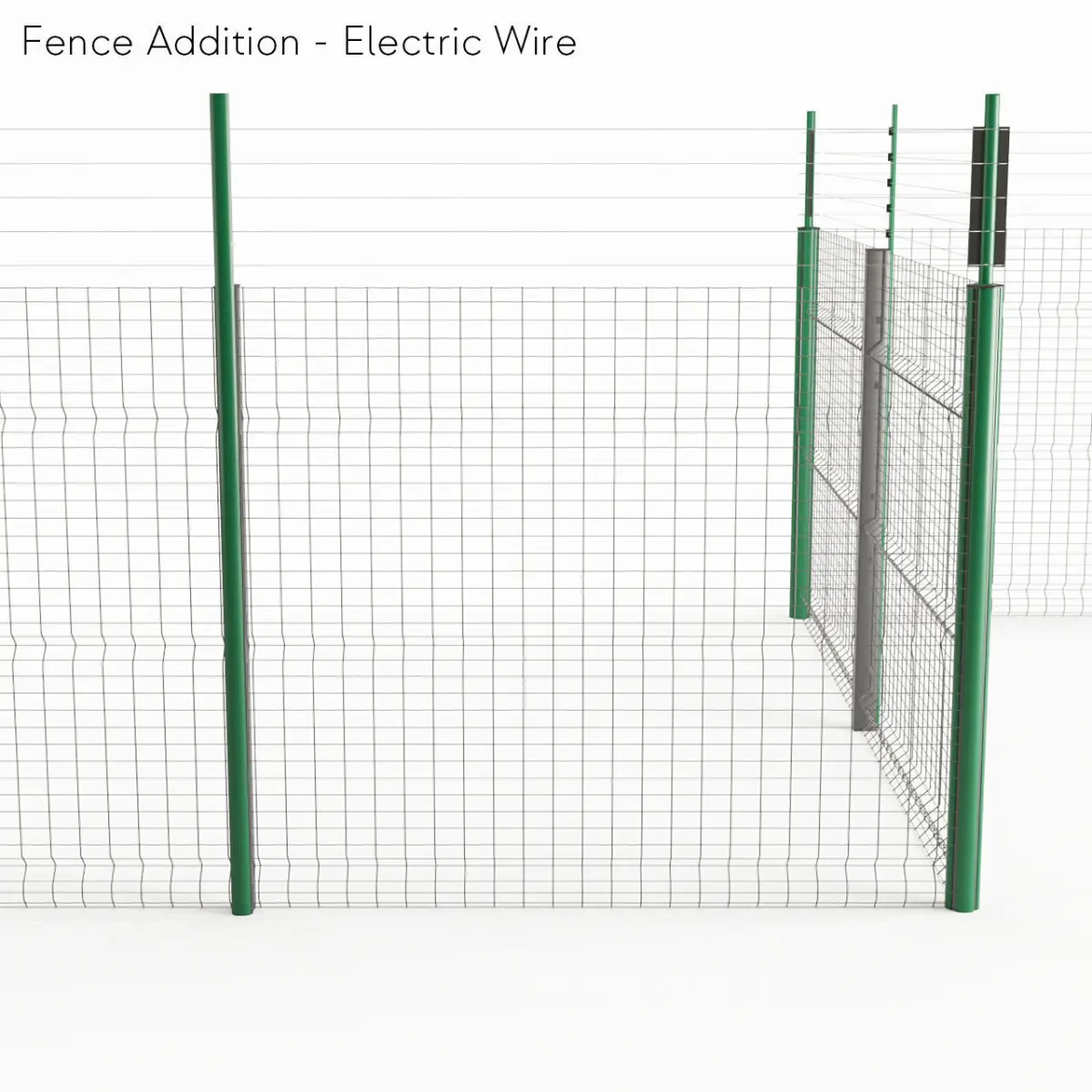
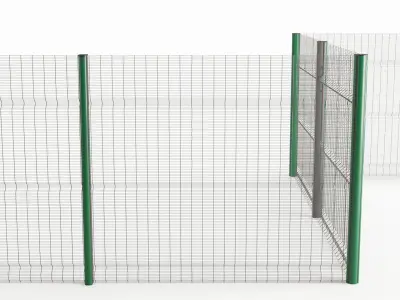
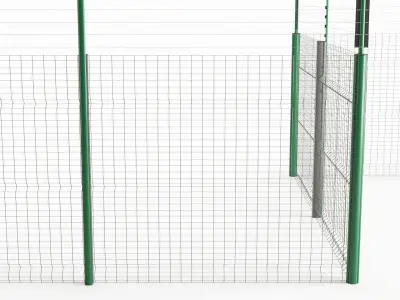
Based on Jagged-Pixel's ClearVu fence model, this is a fully prepared RailClone preset. ( https://www.cgtrader.com/3d-models/architectural/street/clearvu-metal-wire-fencing-system )
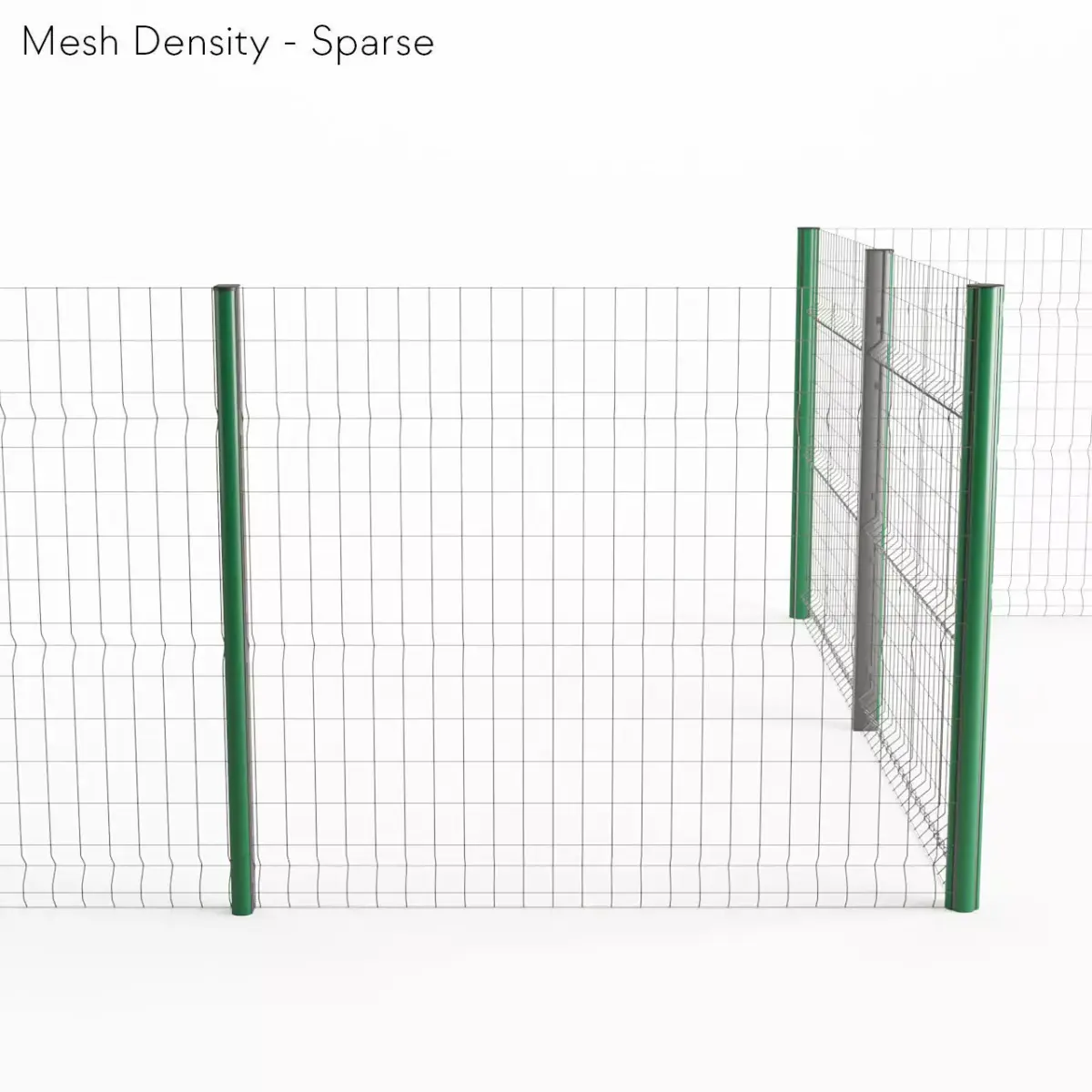
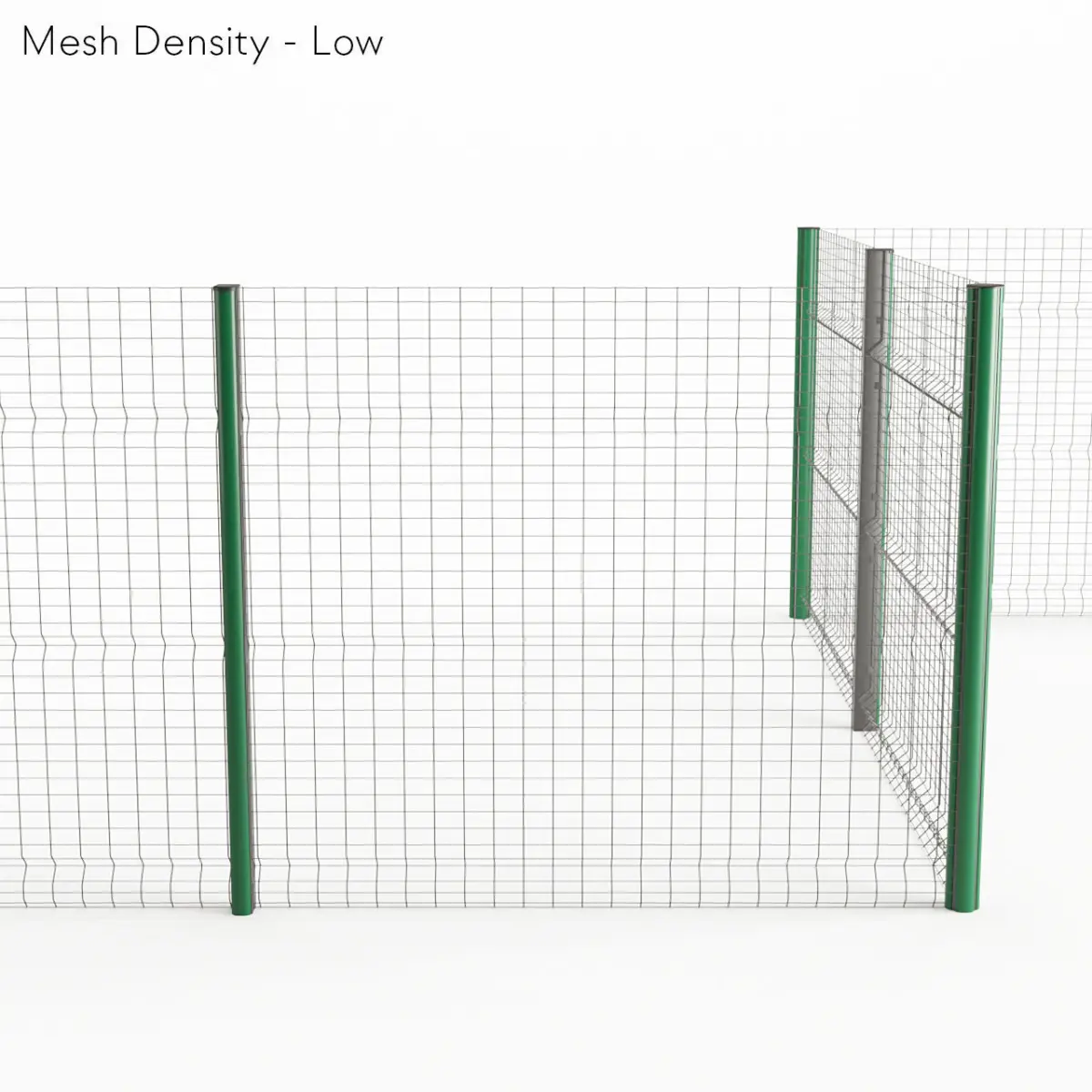
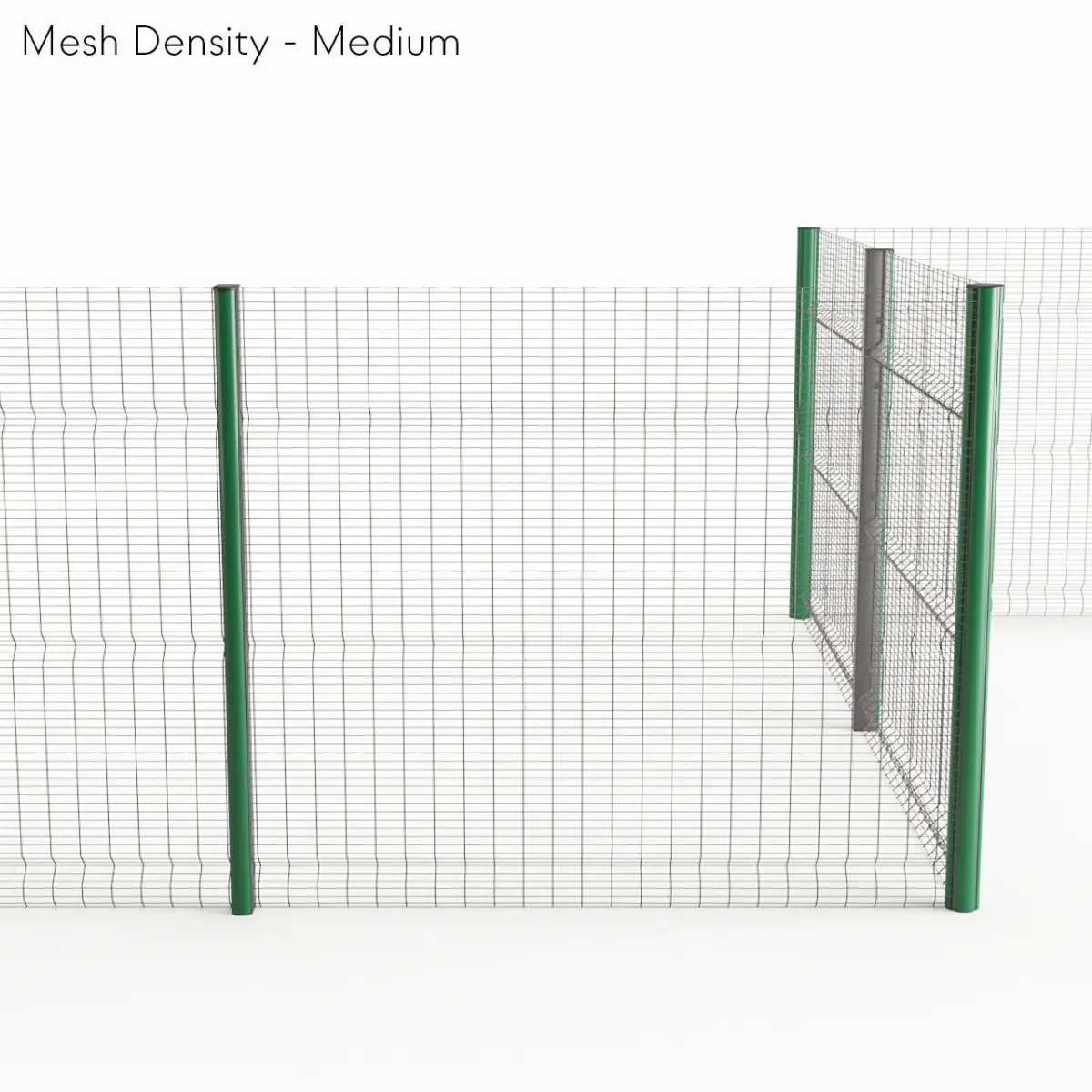
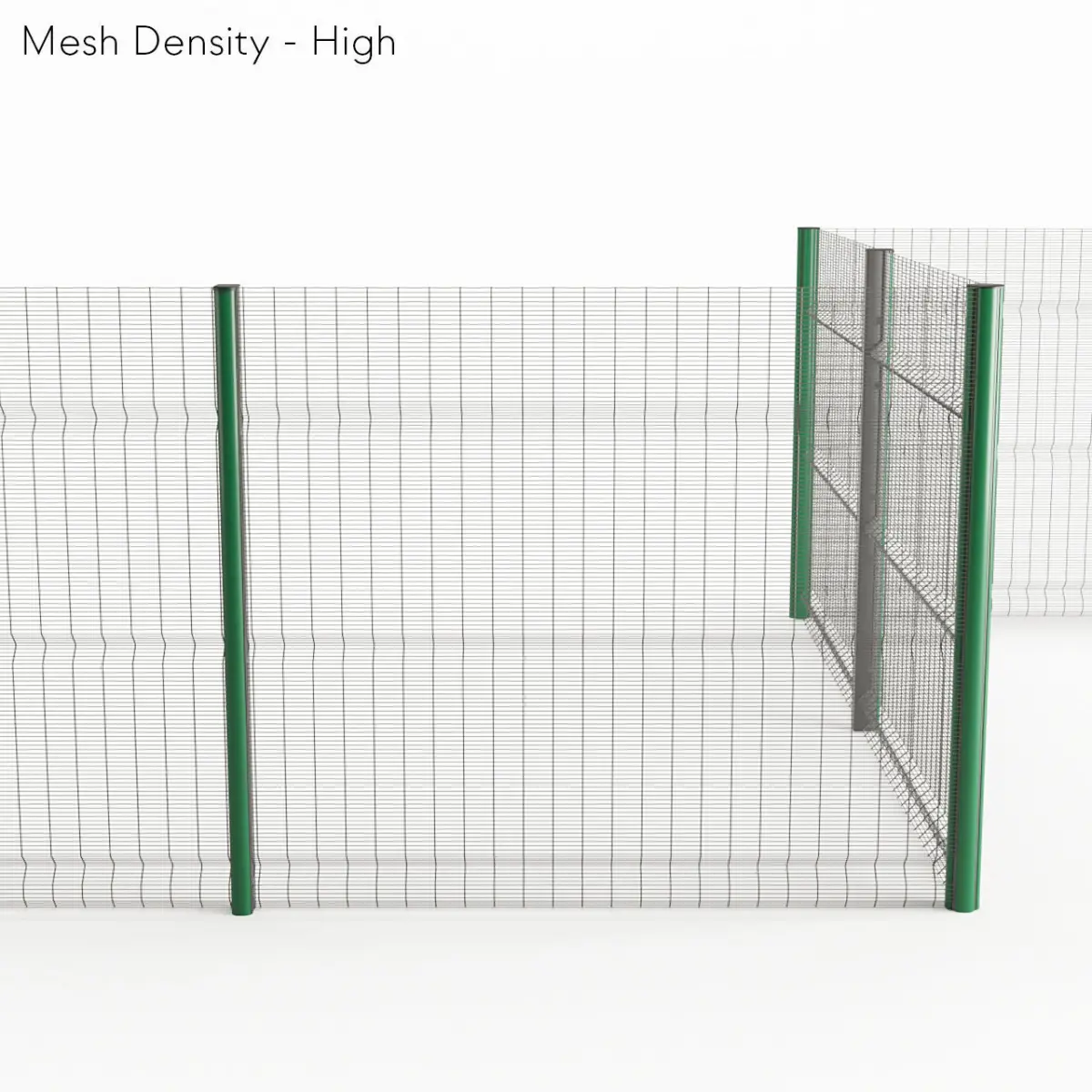
- 4 Mesh Densities: Sparse, Low, Medium, High
- 3 Post Types: Normal, Electric, Spike
- Post & Vertical Wire spacing adjustable
- 1.8m high; electric option adds 0.5m; spike option adds 0.1m
Materials are as follows:
- ID1 - Selector including IDs 2-4. post and wire mesh use this for consistency for selecting a family-wide material finish.
- ID2 - Metal Finish
- ID3 - Powder Coat Finish
- ID4 - Painted Finish - green in preview, black in files (front of post is always set to this unless changed manually)
- ID5 - Black Plastic (used on post caps)
- ID6 - Satin Metal (used for hardware, electric wires, and spikes)
Things to note:
- The corners aren't perfect when dealing with the Electric Wire option but I tried to make it work. Interior corners don't connect 100% so it may be worthwhile breaking those vertices into two. However, for RailClone, the solution I presented is good enough for rendering.
- Originally created in 3ds Max 2020 with Corona Renderer 7 & RailClone 4.1. A rough conversion to V-Ray Next 4.3 and Corona pre-v7 included.
- Extract the RC archive and copy the folder to [Drive:\User\Username]\Documents\RailClone\libs\ to add the preset to your RailClone library. [Drive:\User\Username] is dependant on your setup where mine is F:\Users\Tanner\
- Exported objects only contain the parts, not the RailClone object.
MAX (Autodesk 3ds Max, filesize: 7.07 MB), OBJ (OBJ, filesize: 1.25 MB), FBX (Autodesk FBX, filesize: 557 KB), MAX (Autodesk 3ds Max, filesize: 7.07 MB), DWG (AutoCAD, filesize: 672 KB), 3DS (3D Studio, filesize: 692 KB), STL (Stereolithography, filesize: 910 KB)