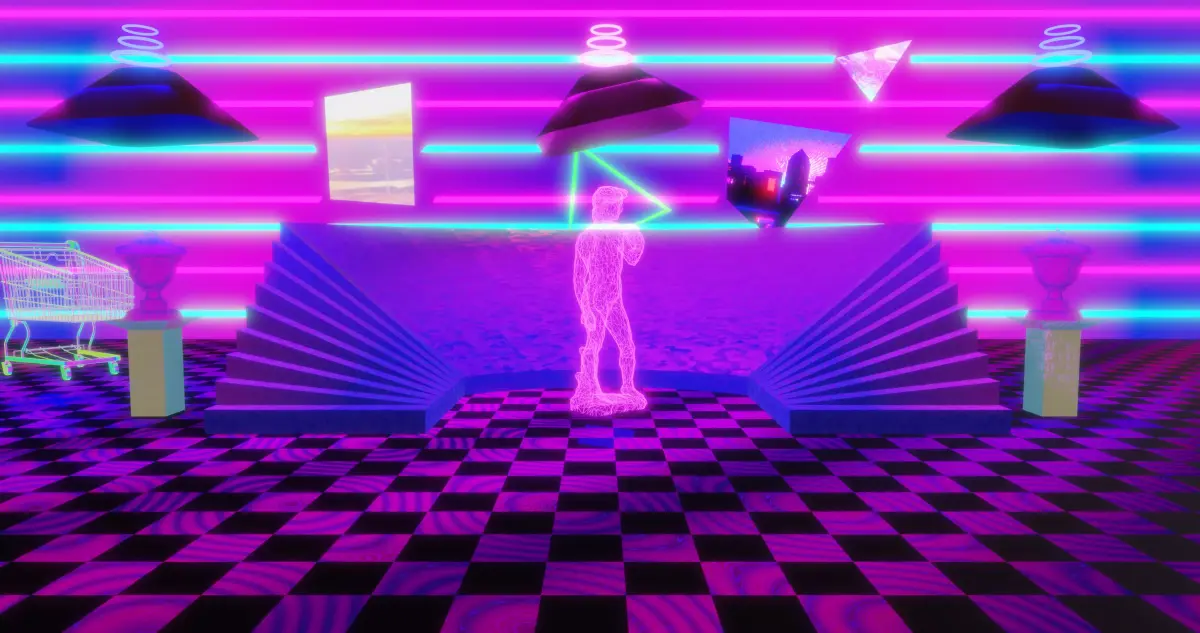
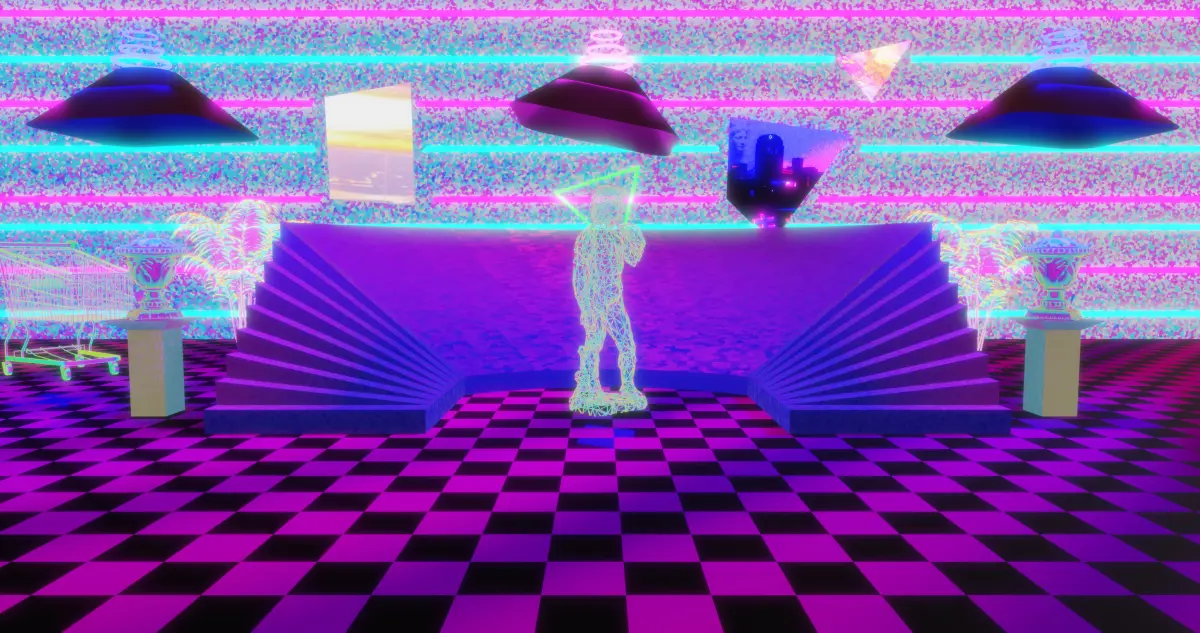
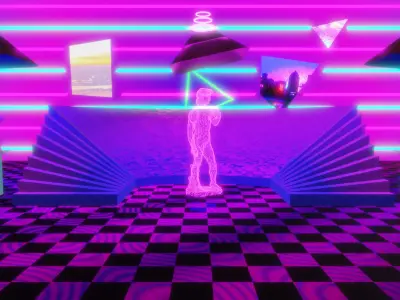
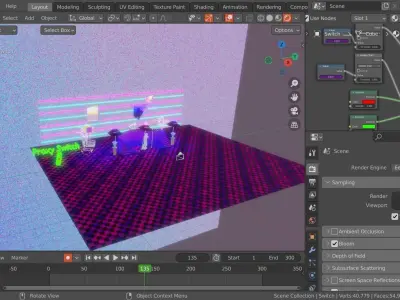
I got to make this for a history project (we were combining renaissance art with modern art) and I thought it would be a good idea to sell.
MAKE SURE TO DOWNLOAD THE SCENE CONTENTS ZIP FOLDER BEFORE YOU DOWNLOAD ANYTHING ELSE
there is a lot and I mean A LOT of iridescent shaders/materials in this scene. they are all fully customizable by adjusting the colors and positions on the color ramp nodes in the shader editor. try adding different texture nodes (even image textures) to the normal input of the layer weight nodes for some awesome results.
the light flicker is intentional. to disable it, select the lights, go to the graph editor, select the lights, click the drop-down menus until you see power, then click the wrench icon to disable the noise and limit modifier. this will disable the flickering.
in the future, I'm even planning to add some iridescent mist to the scene
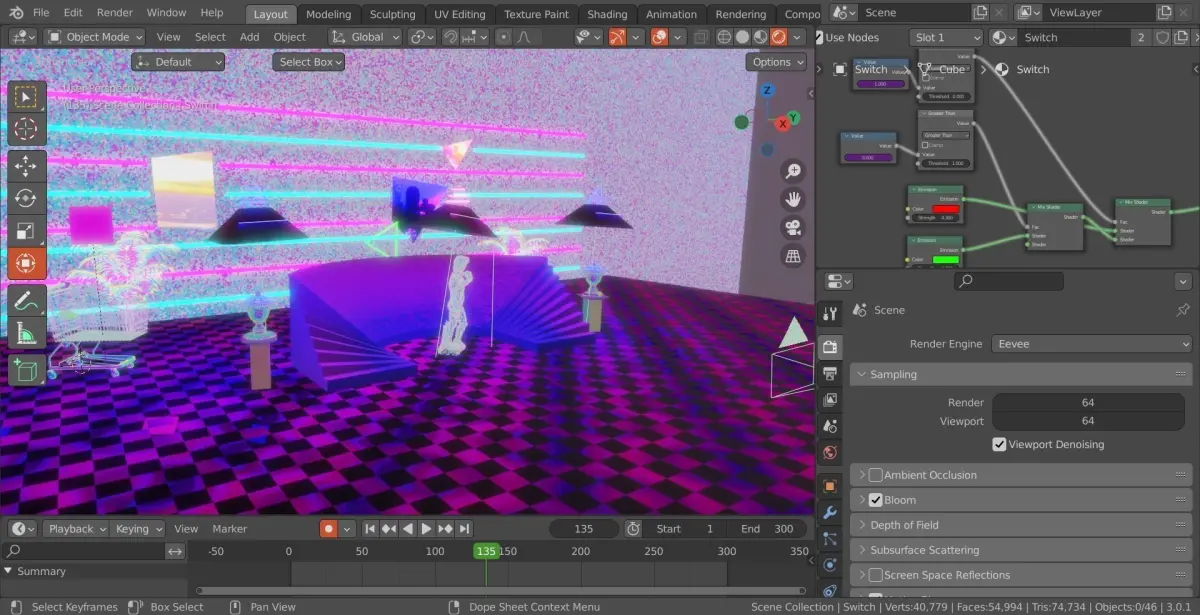
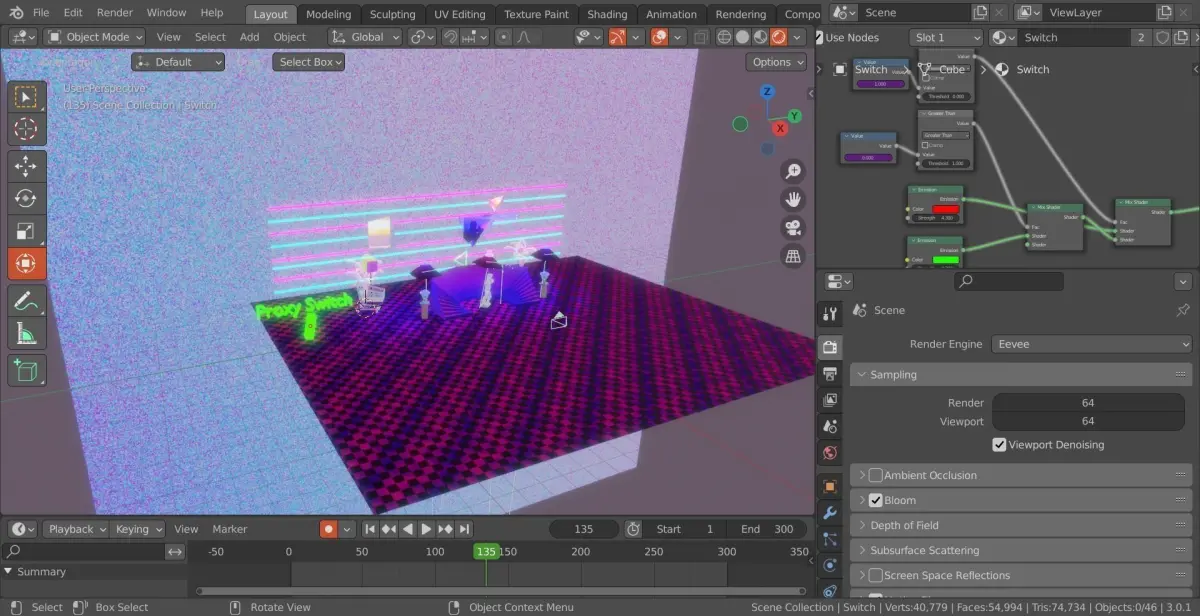
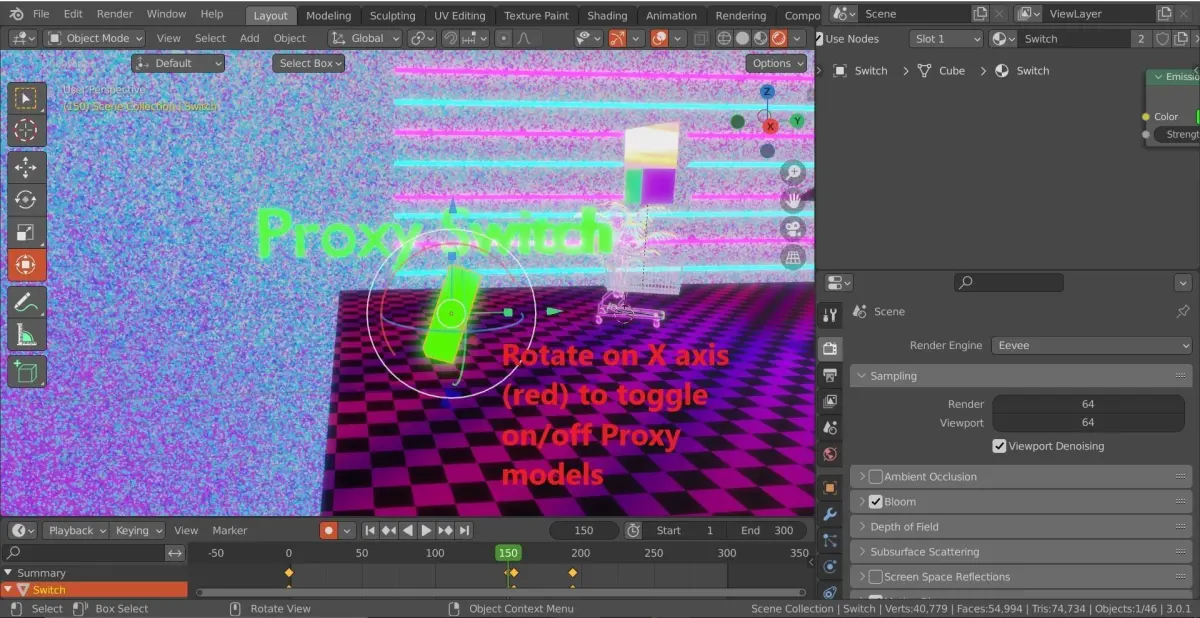
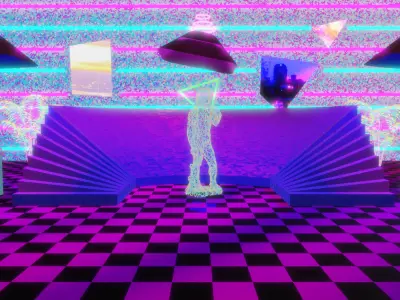
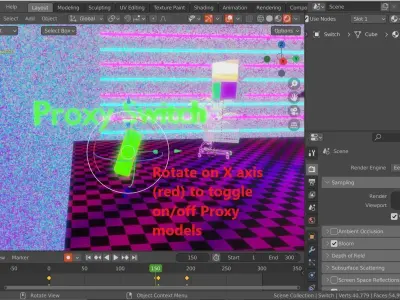
there are 2 geometry values for this scene. 1 is the scene with proxy models (40,779 verts and 54,994 faces) and the other is without proxy models (312,631 verts and 594,619 faces). over to the left in the scene is a proxy switch. this toggles the proxy models on and off for editing the scene (on) and rendering (off) if you look in the outline, you can see it uses a driver to control the proxy and non-proxy models. I'll assume you know what a driver is so I don't need to explain.
i recommend using the .blend file instead of the others for optimization reasons
if the 3 images behind the wall appear pink (but ill be honest having those images pink has a certain charm to it), you can find the original images in the same folder as the blend file for the scene. you can also look in the ref images folder to find a bunch more photos if you don't like those 3. Ref.psd is the collage of photos I used for reference. if you don't have photoshop, just use a PSD to png converter
if you use this model to post something online all I ask is that you credit me please (don't credit me for the whole scene just credit me)
my youtube : https://www.youtube.com/channel/UCRc-eXIuNla_SYhvgrfprugmy Fiverr : https://www.fiverr.com/upriz_yt_
if you have questions feel free to comment them!
BLEND (Blender, filesize: 1.35 GB), BLEND (Blender, filesize: 1.35 GB), OBJ (OBJ, filesize: 1.35 GB), FBX (Autodesk FBX, filesize: 1.32 GB), STL (Stereolithography, filesize: 1.3 GB)