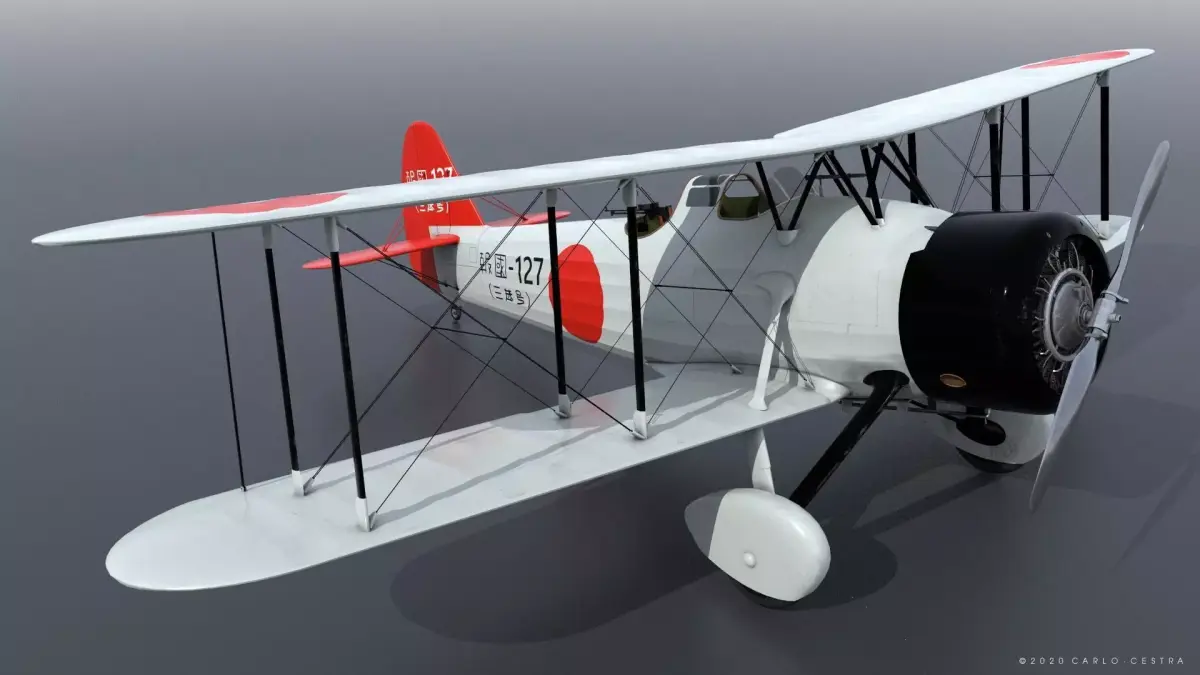
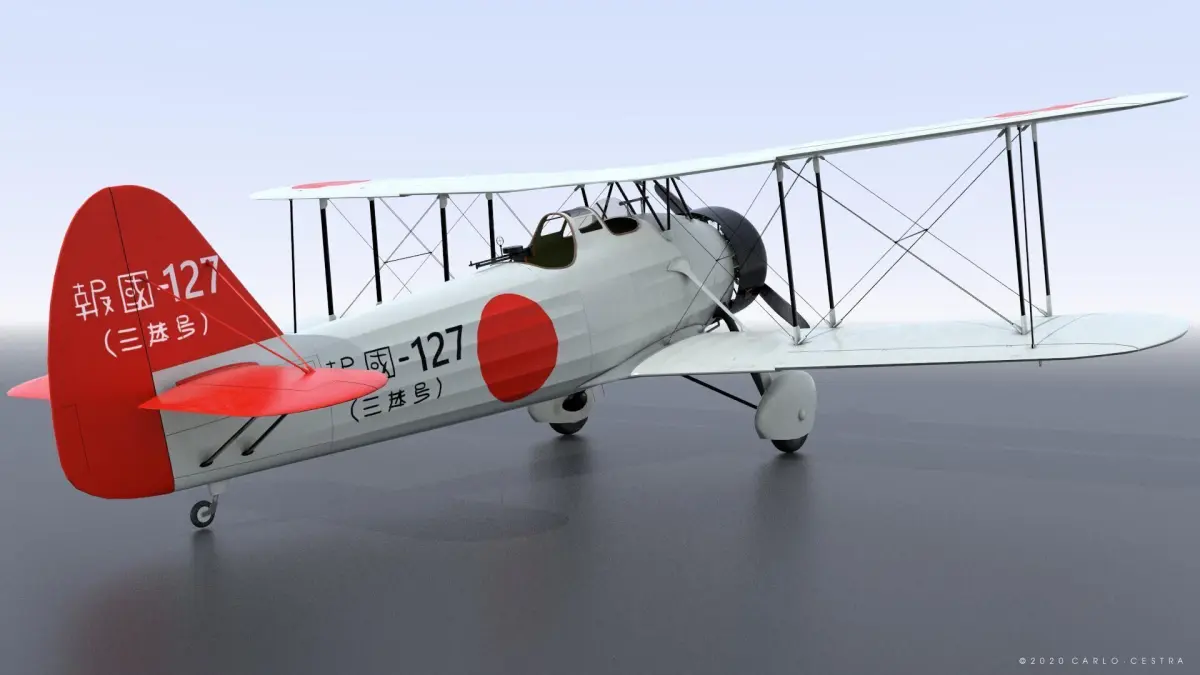
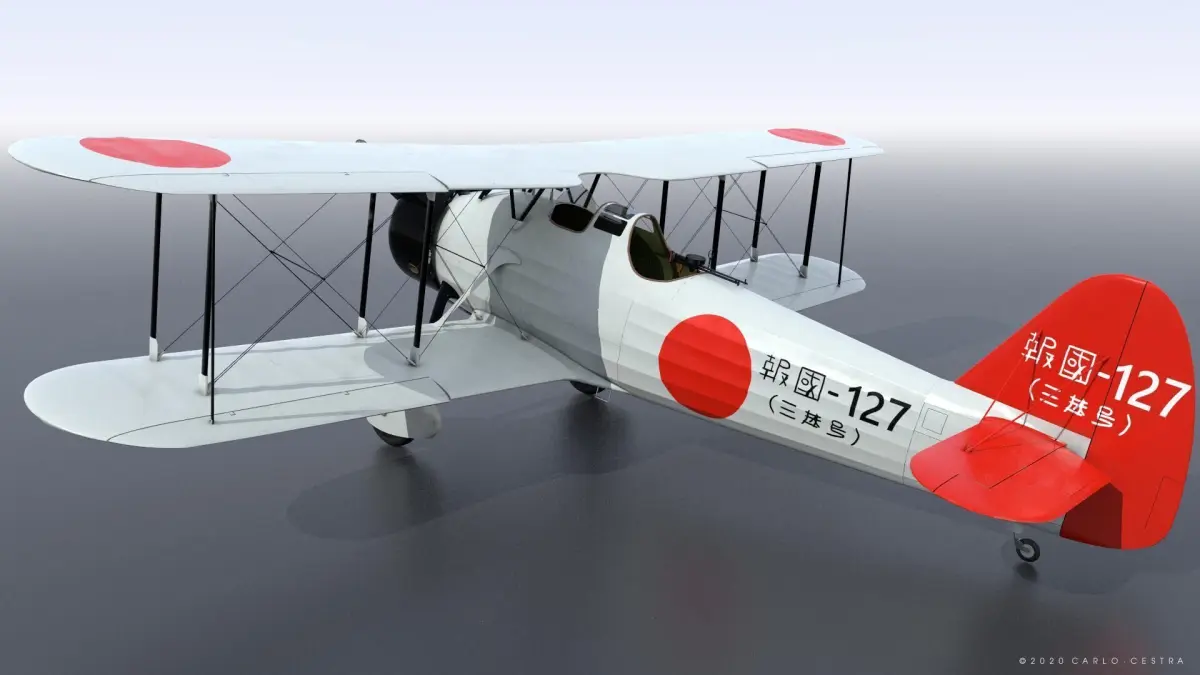
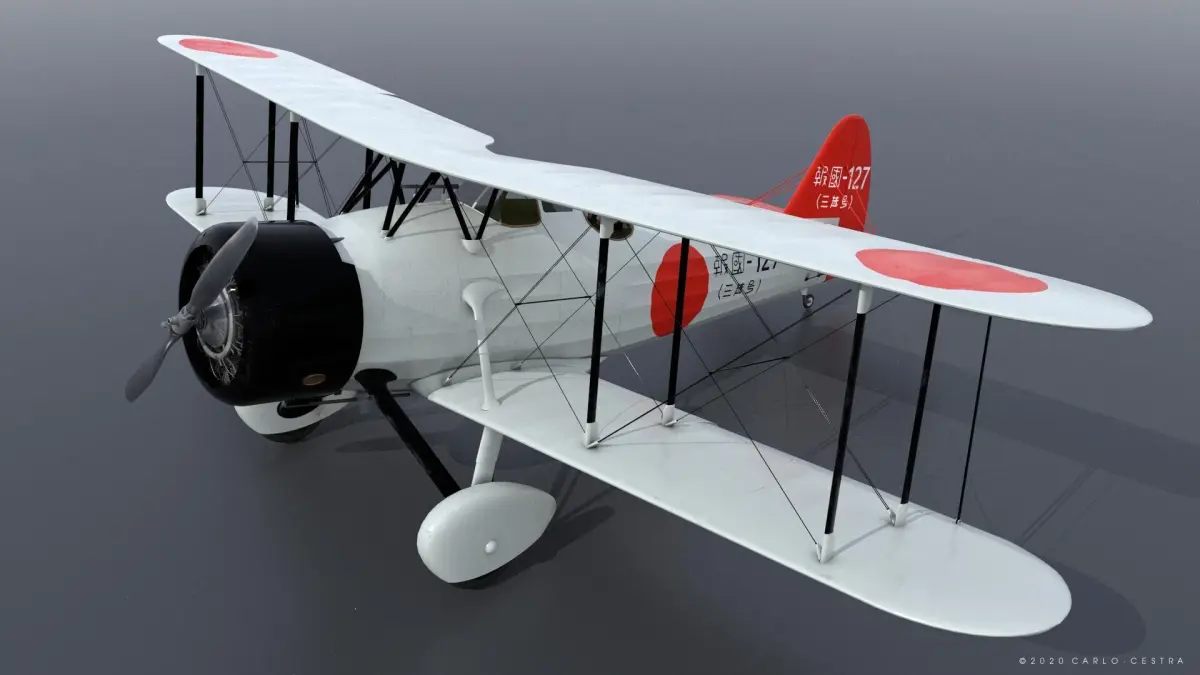
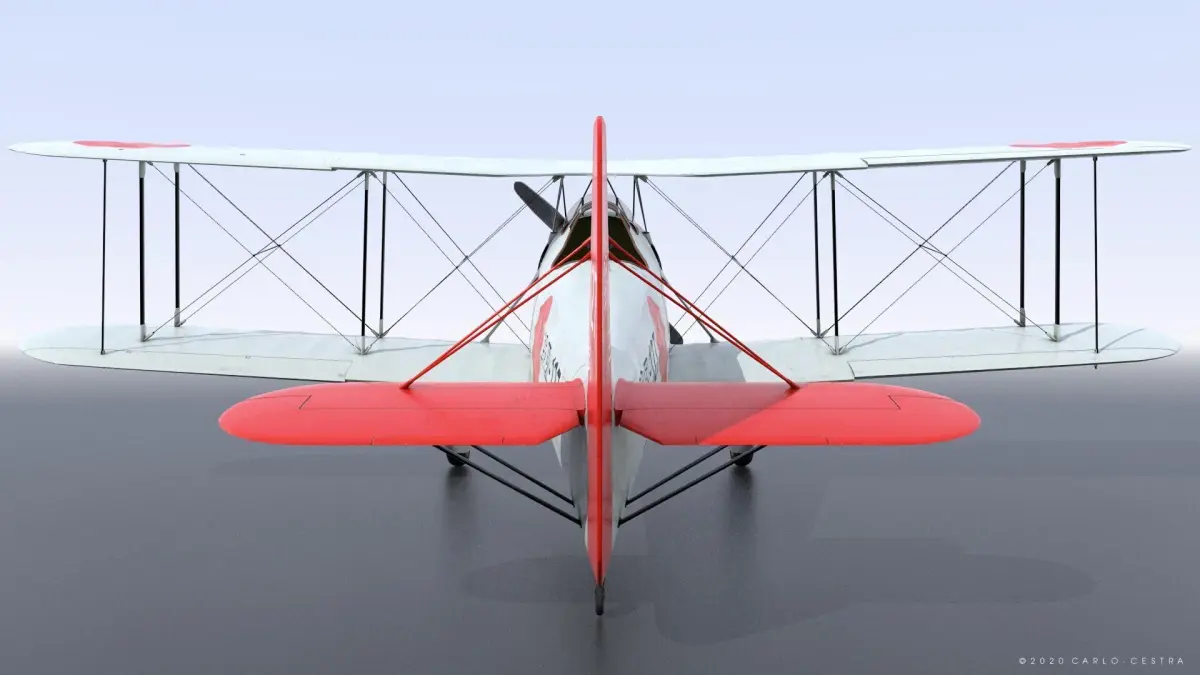
D1A2 Hokoku-127 - Not rigged Low-poly 3D model
Home Catalog D1A2 Hokoku-127 - Not rigged Low-poly 3D model

Publication date: 2025-04-01

D1A2 Hokoku-127 - Not rigged Low-poly 3D model

$45

License: editorial_no_ai

author:

carlocestra285

All content related to this 3D asset—including renders, descriptions, and metadata — is credited to its original author, «carlocestra285». CGhub does not claim copyright ownership over the content used.
  • Description

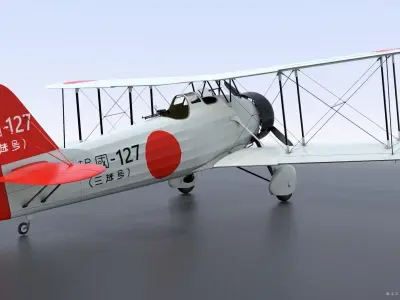
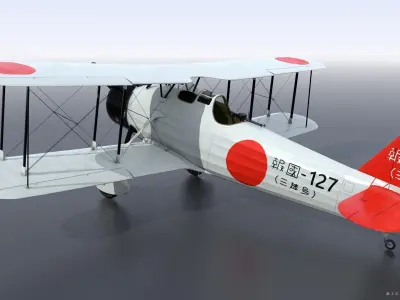
Color scheme: Chinese coast, Autumn 1937. Code 'Hokoku-127' marked on its side means the airplane has been built owing to voluntary contribution.

Personal use only license

Find Commercial version here https://www.cgtrader.com/3d-models/aircraft/historic-aircraft/aichi-d1a2-hokoku-127-not-rigged

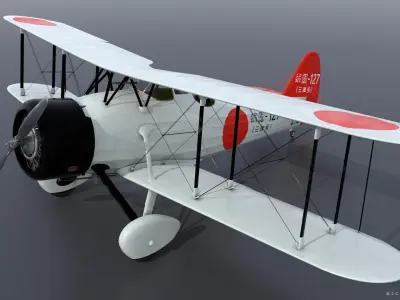
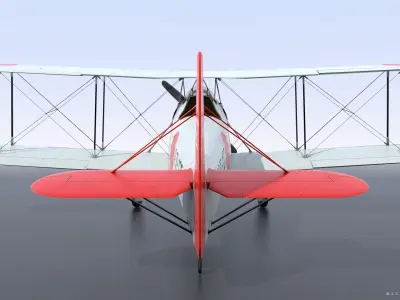
The D1A or Navy Type 94/96 Carrier Bomber was a Japanese carrier-based dive bomber of the 1930s. A single-engine, two-seat biplane based on the Heinkel He 50, the D1A was produced by Aichi for the Imperial Japanese Navy, remaining in service as a trainer at the time of the attack on Pearl Harbor.

3D MODEL GENERAL INFO -The model was created based on blueprints, photos and historical documentation. It was created with precision in detail and in real units of measurement to be a faithful digital reproduction of the original.

Cockpit NOT INCLUDED.

LIGHTWAVE and BLENDER- The scene contains the model with uv materials assigned

If you need to animate the airplane you have to make your own setup according to the 3d software you are using. You may need to reassign uv textures when open the files with different software. The aircraft is subdivided into two parts each one with its uv map. To reassign textures you only have to load texture maps and assign each of them to the respective channel.

UV TEXTURE LIST:

Fuselage: color, metalness, normal, roughness, specular (2K textures)

Wings: color, metalness, normal, roughness, specular (2K textures)

Engine: color, metalness, normal, roughness, specular (512MB textures)

Gun: color, metalness, normal, roughness, specular (512MB textures)

20 uv texture maps in total

The transparency map for the hood windows is stored in the alpha channel of fuselage color map (Aichi_D1A2_127_fuselage_color.png)

If you need to re-assing the texture maps inside the Blender scene, please be sure to set Color Space to Non-Color inside the Image Texture node for Metallic, Specular, Roughness and Normal channels (leave sRGB in Base Color channel)

N.B. NOT SUITABLE FOR 3D PRINTING

For any difficult or question I am always available to give you assistance.

I would be very grateful if any of my models could help you to do a great job.

You can explore more of my work or get more info directly from my website:

https://www.carlocestra.com/3dmodels_store/home.php

3D Model details

  • cgtrader Platform
  • Animated
  • Rigged
  • Ready for 3D Printing
  • VR / AR / Low-poly
  • PBR
  • Textures
  • Materials
  • UV Mapping
  • Unwrapped UVs: non_overlapping
  • Geometry: Polygon mesh
  • Polygons: 76970
  • Vertices: 63283