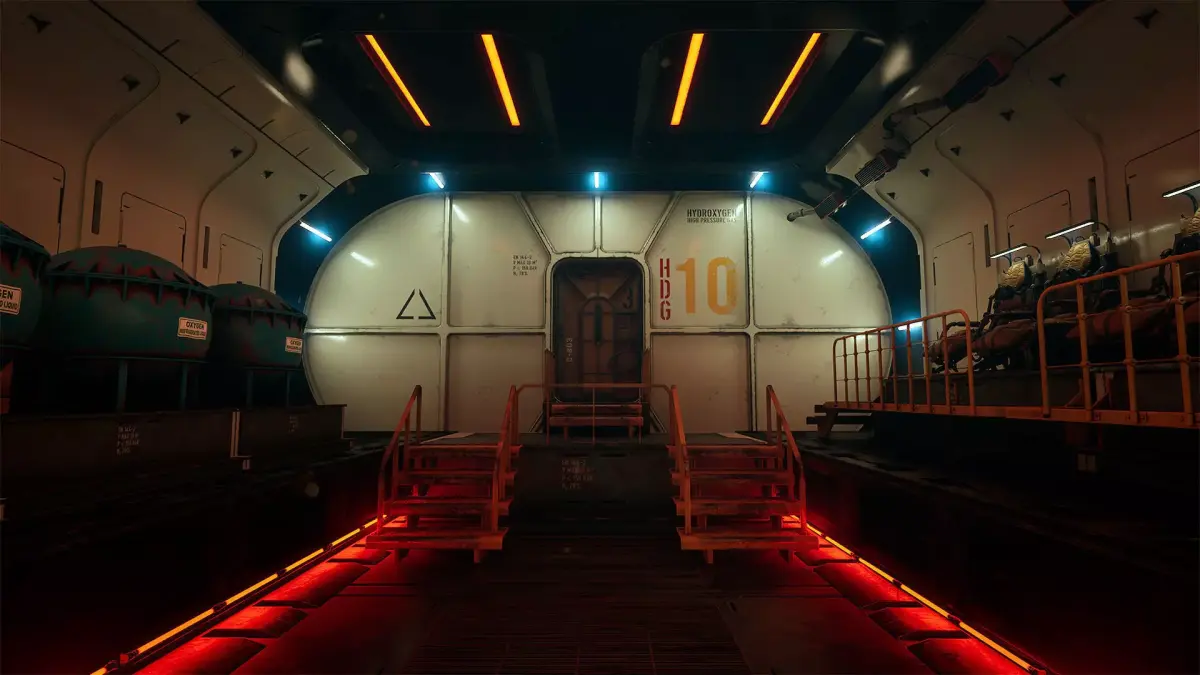
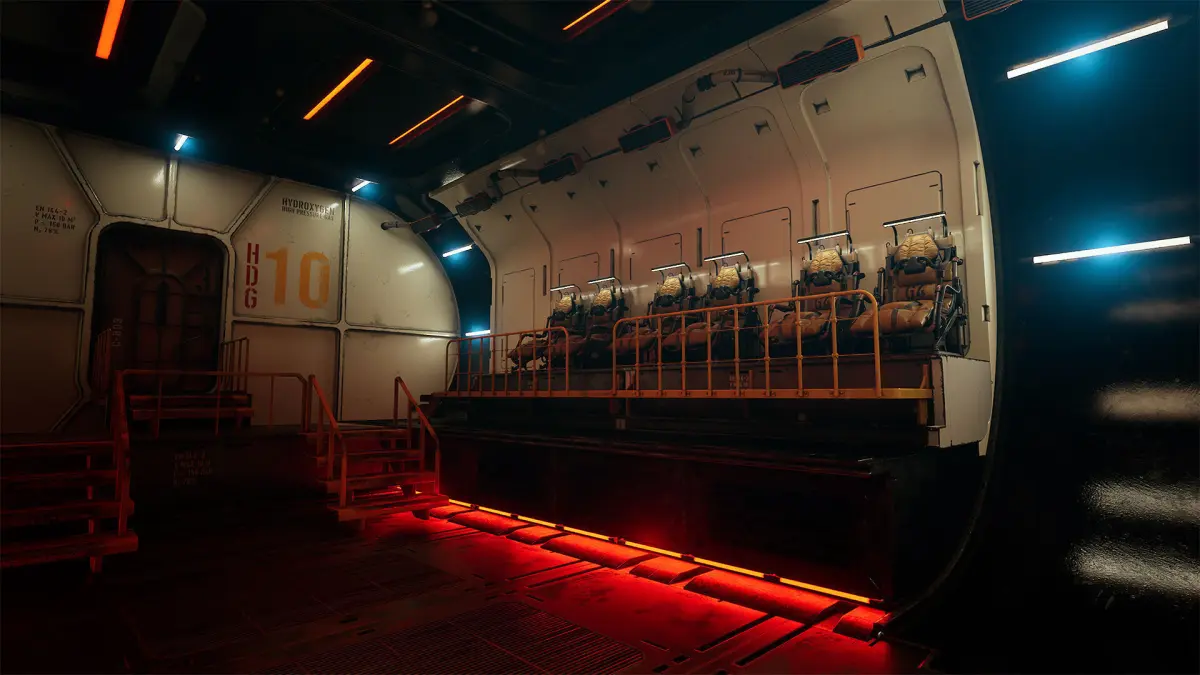
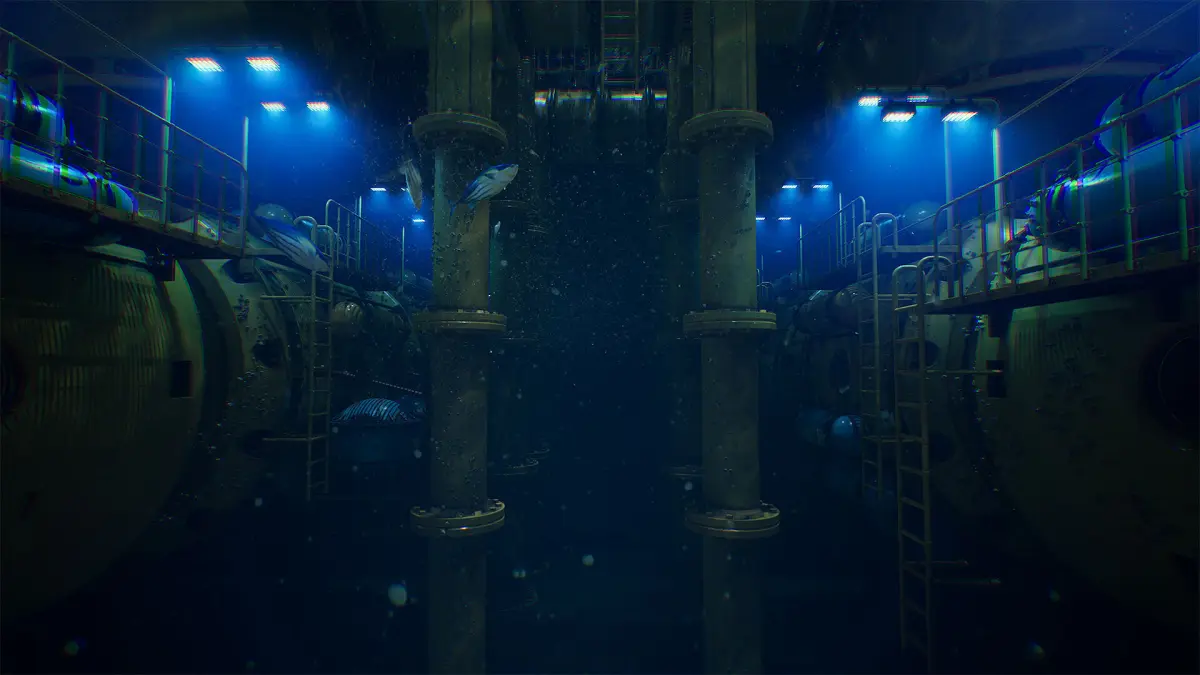
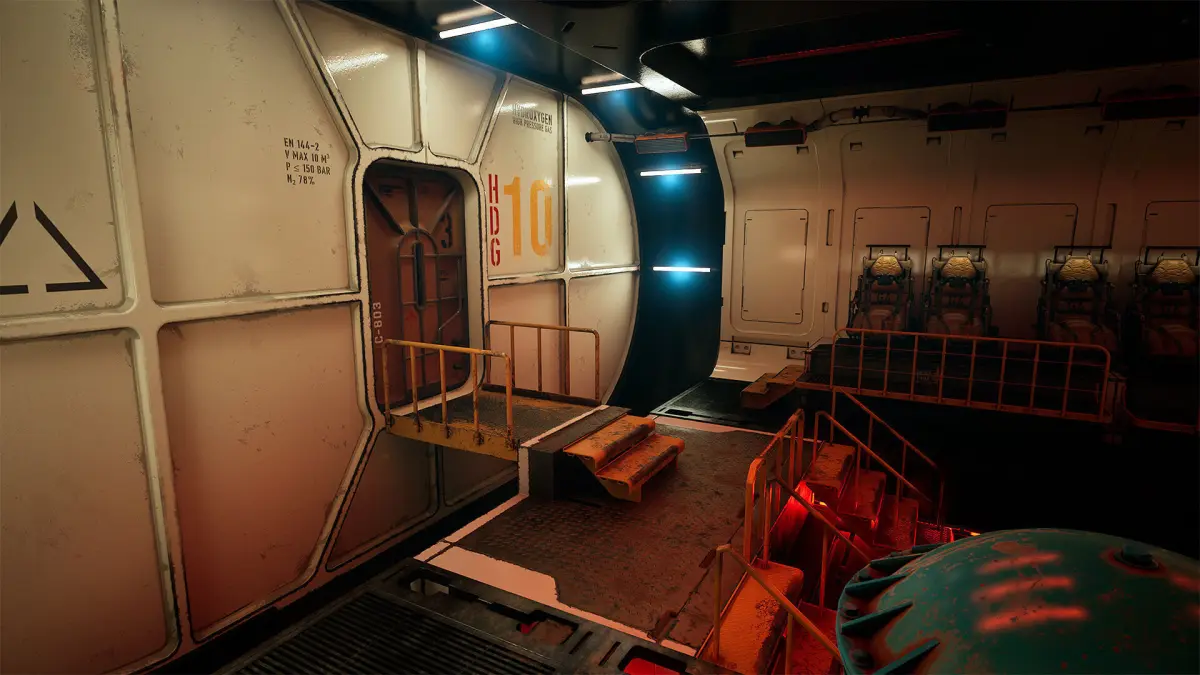
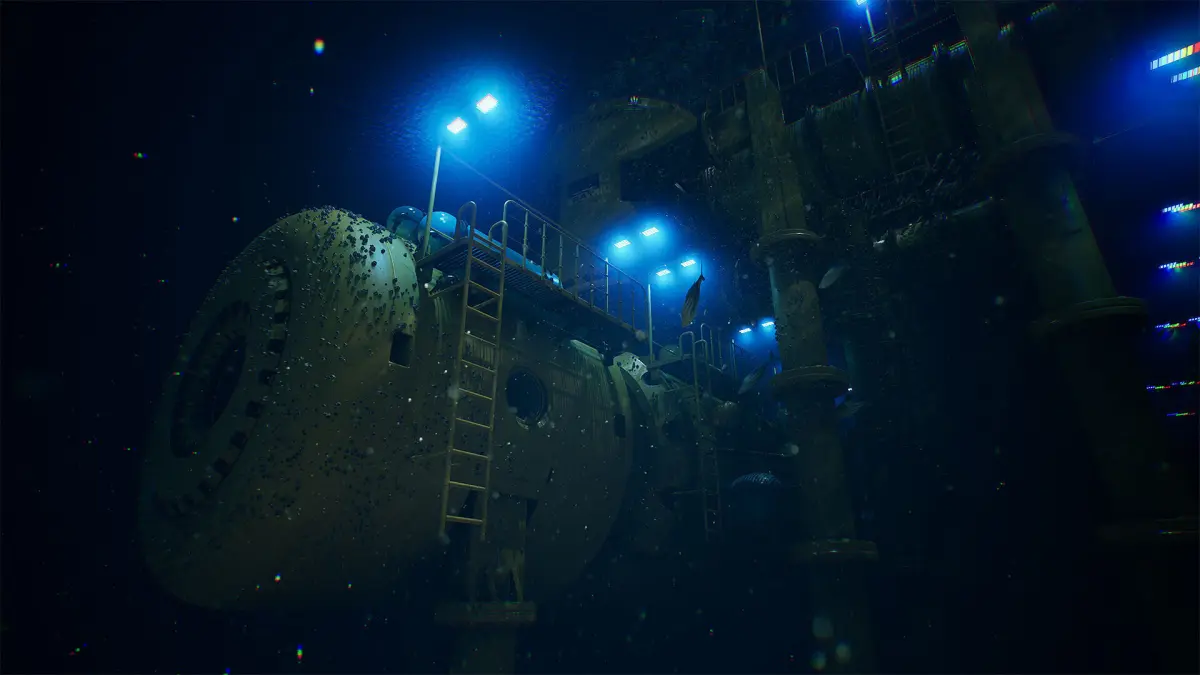
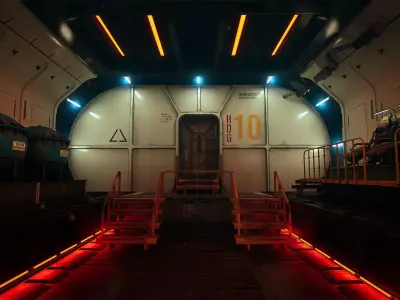
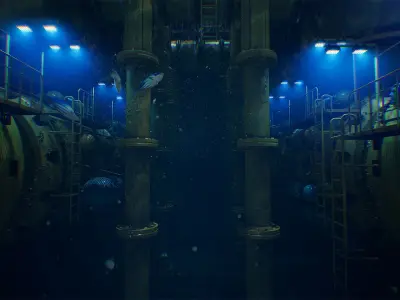
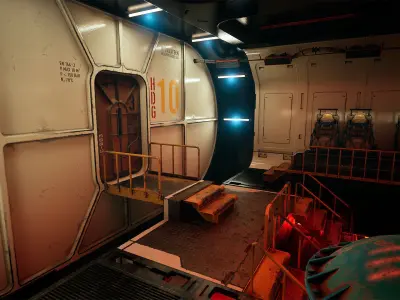
Supported Unreal Engine Versions5.1 – 5.6The Deep Water Station pack offers a highly detailed modular environment designed for creating realistic and immersive underwater stations. Featuring both exterior and interior modules, this pack allows for versatile construction of various station configurations, perfect for underwater exploration, sci-fi simulations, and deep-sea research projects. The assets are fully optimized, collision-ready, and include detailed textures, realistic lighting, and high-quality materials to ensure smooth performance in Unreal Engine projects.
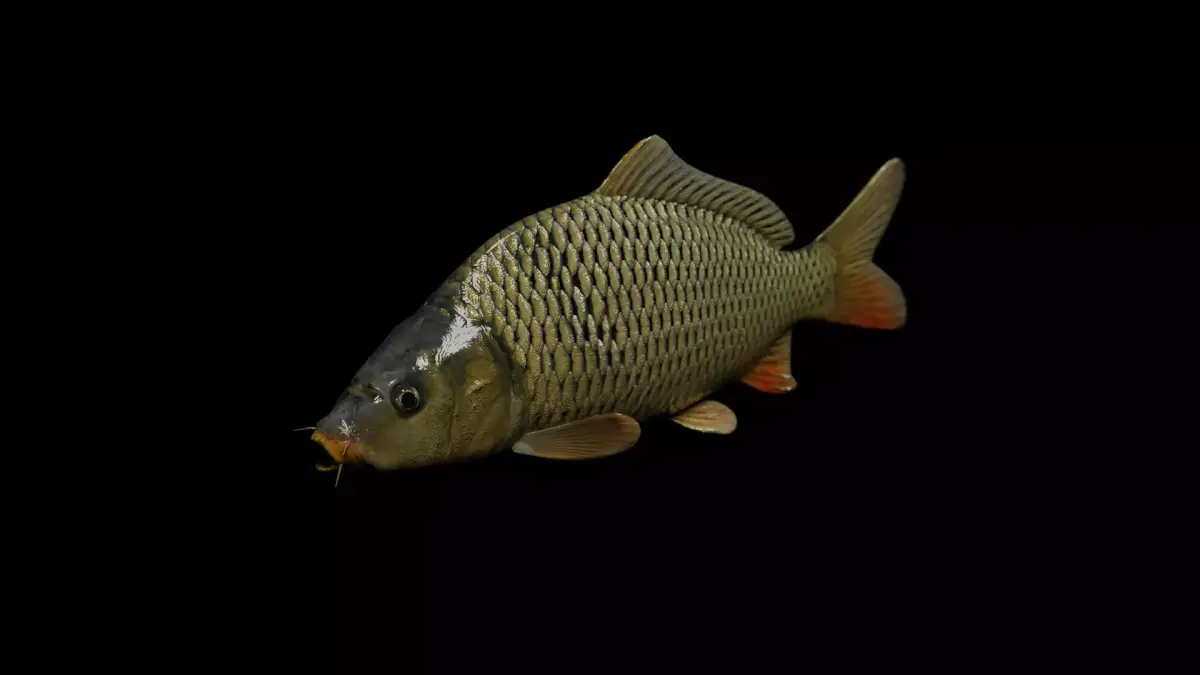
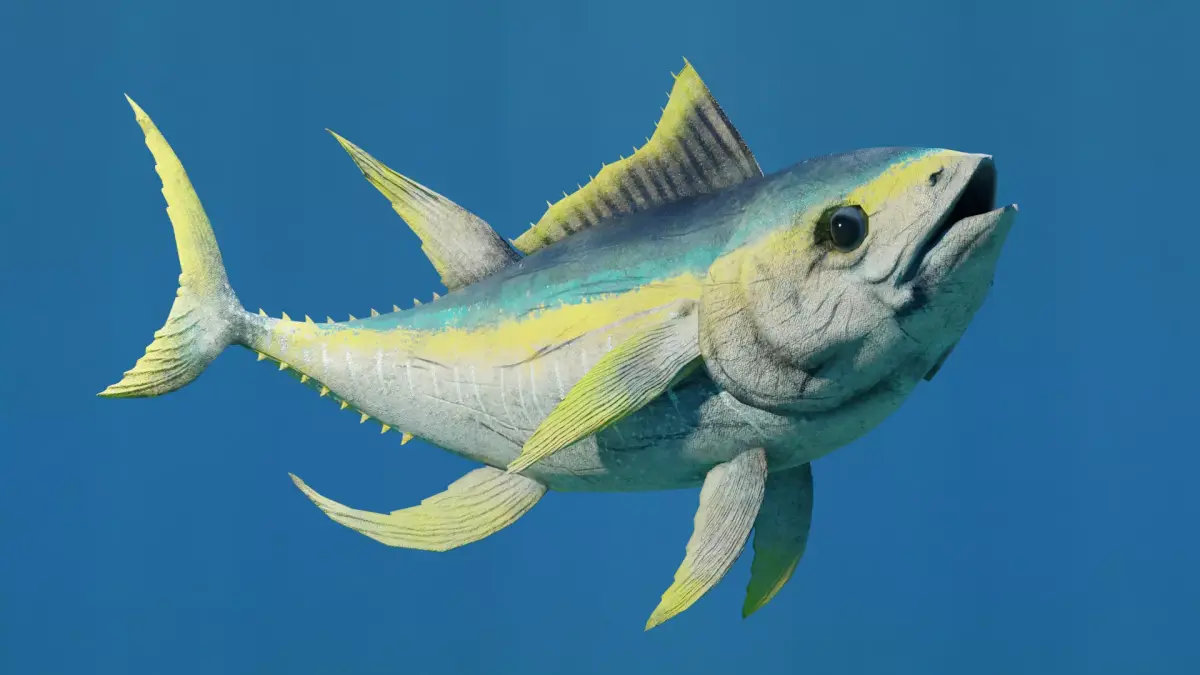
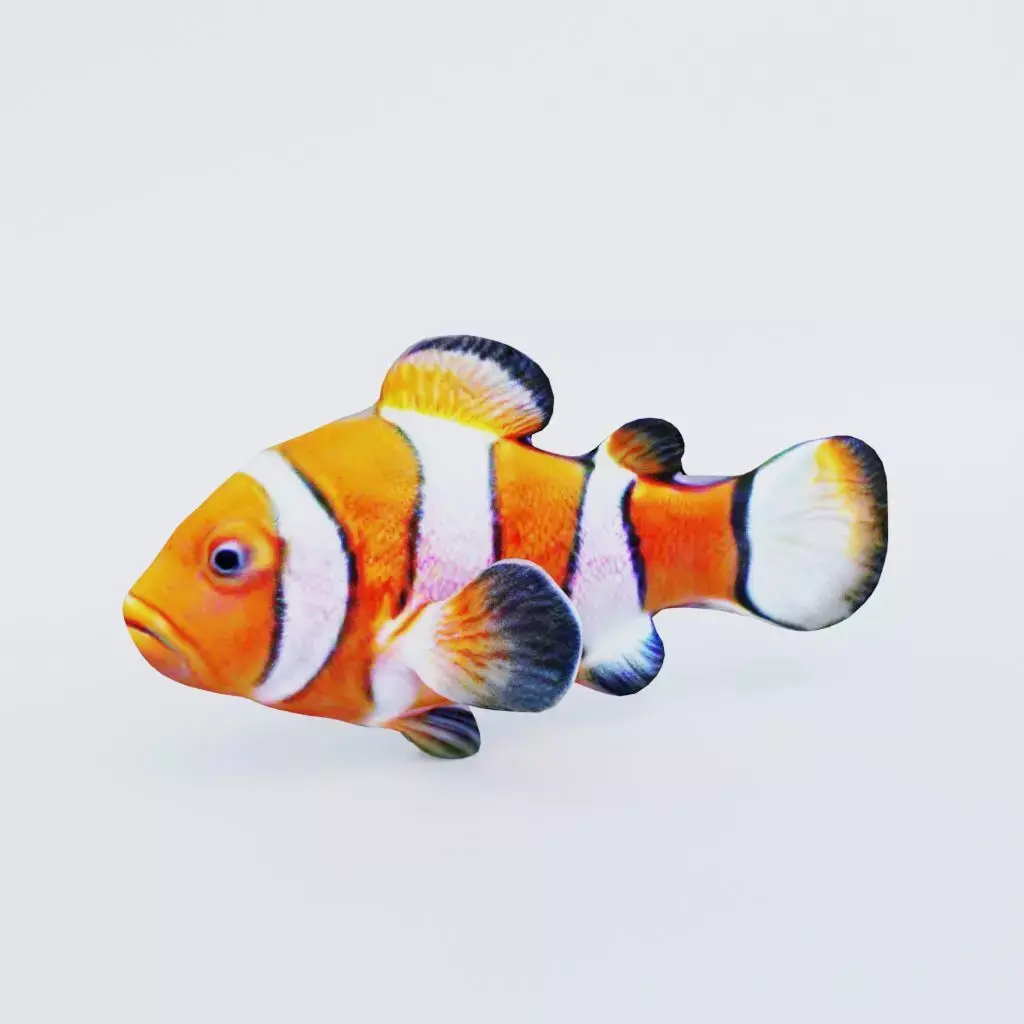
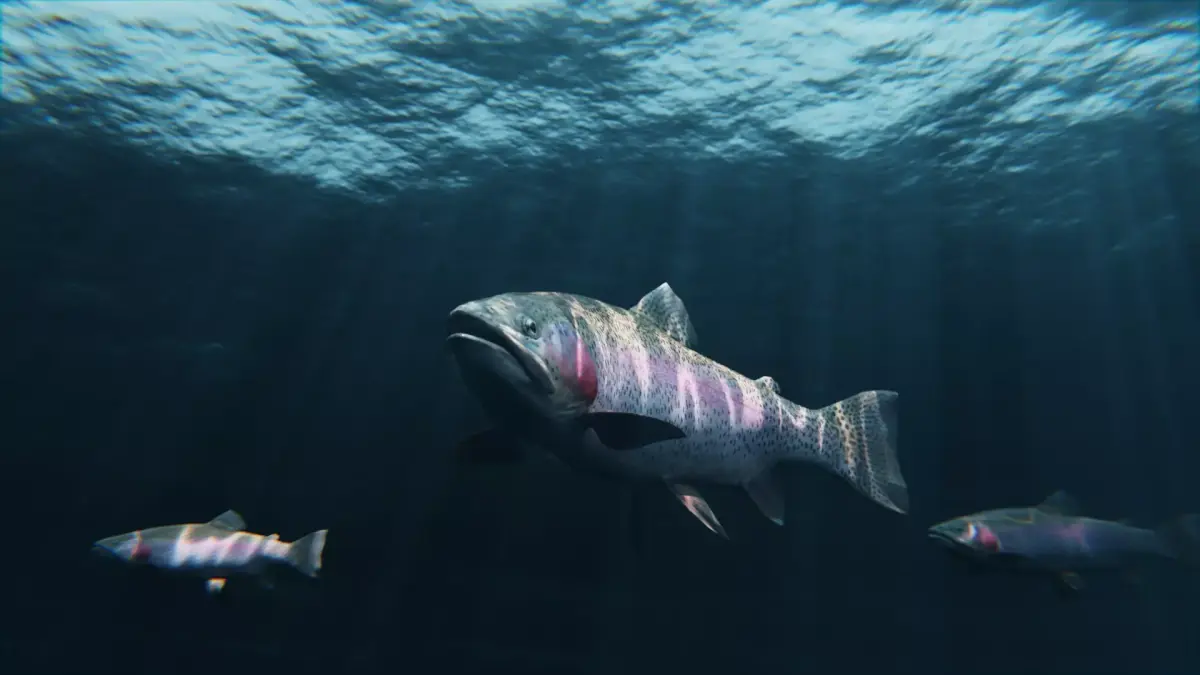
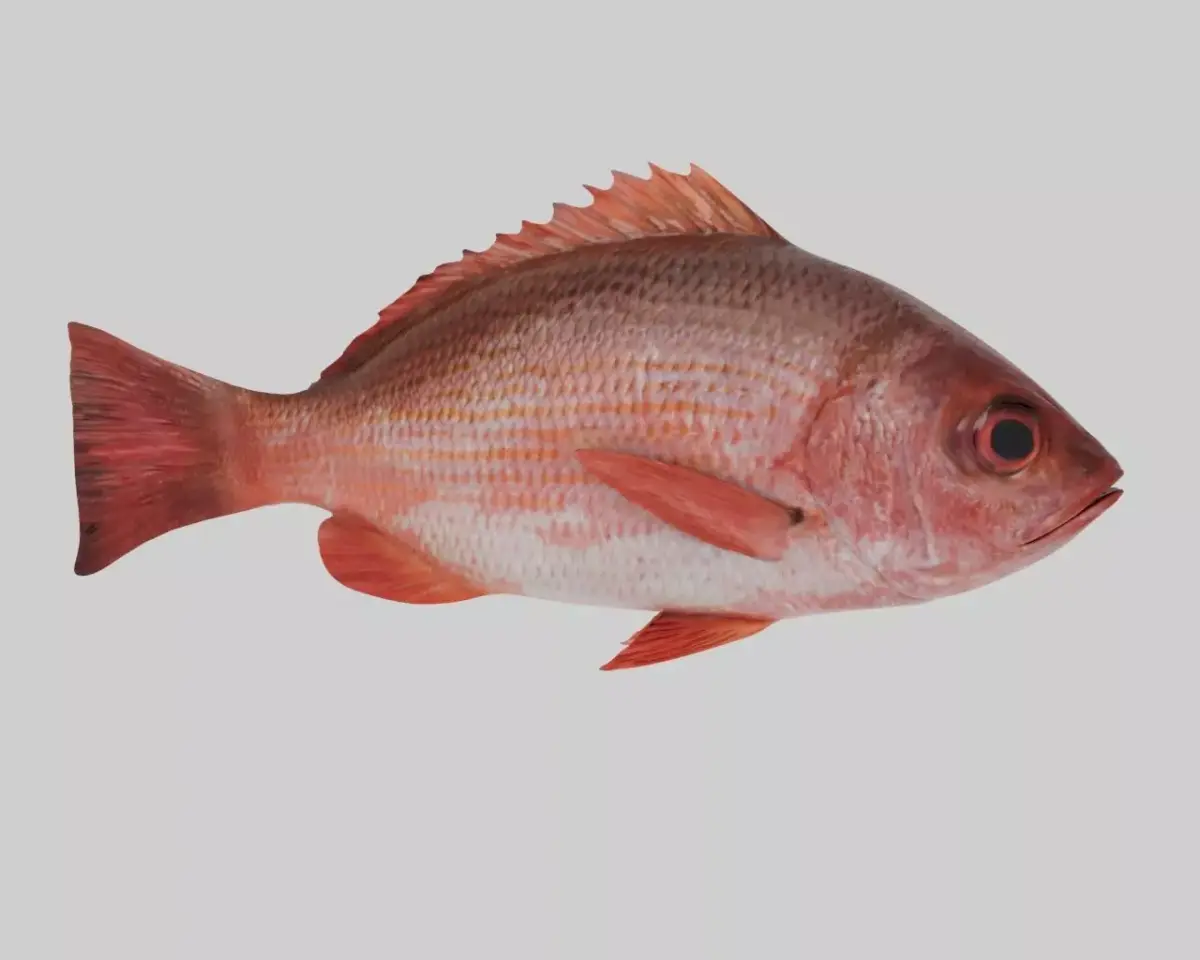
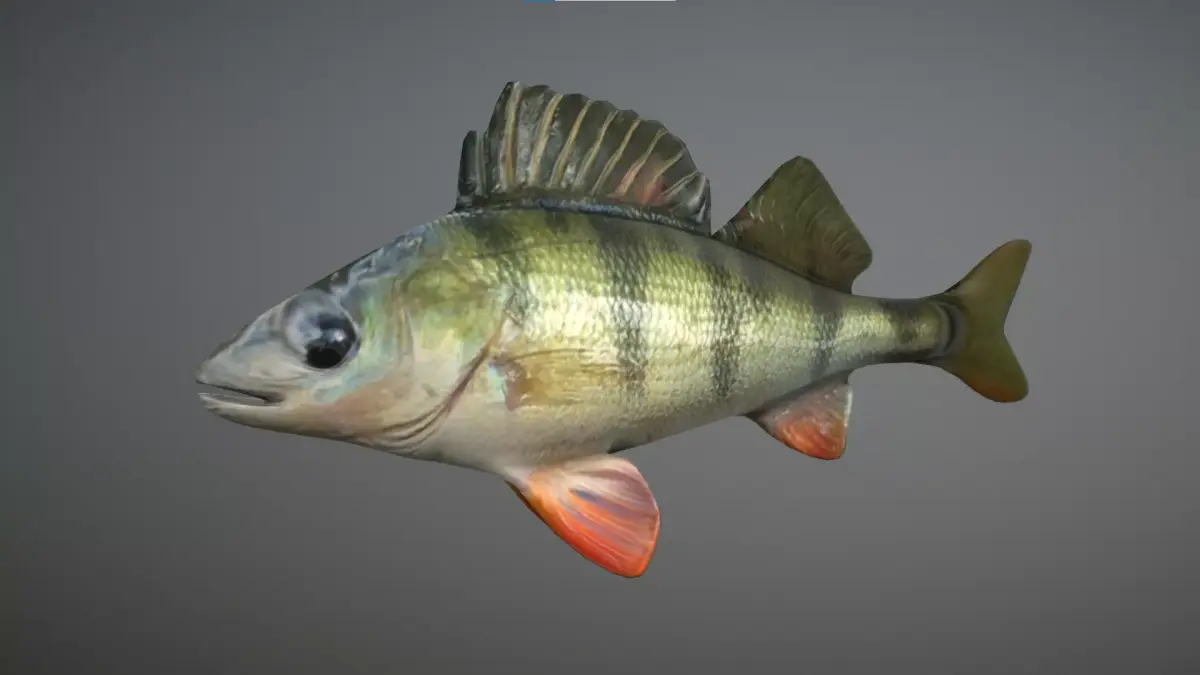
The package also comes with a demo scene identical to the one showcased in the provided images and videos. To enhance the underwater atmosphere, the pack includes dynamic schools of fish and plankton effects powered by the Niagara system. Additionally, two versions of the demo map are available to accommodate different visual scalability settings: DemoMapScalabilityEpic.umap for Epic settings and DemoMapScalabilityCinematic.umap for Cinematic settings.This asset pack is ideal for game developers, filmmakers, and VR creators who want to add a high-quality, realistic underwater environment to their projects.The project uses Niagara to create fish and plankton. (You can see a demonstration of its functionality in the demo video.)
Important: This package contains two versions of a demonstration map for different types of visual scalability:Using the demonstration map named DemoMapScalabilityEpic.umap – ensure that the Scalability settings are set to Epic.Using the demonstration map named DemoMapScalabilityCinematic.umap – ensure that the Scalability settings are set to Cinematic.This project also utilizes virtual textures to enhance visual quality and performance. For proper functionality, you need to enable virtual textures in your Unreal Engine project settings by following these steps:
Open your Unreal Engine project.Navigate to Edit > Project Settings.In the Engine > Rendering section, scroll down to the Virtual Textures category.Check the following option:Enable Virtual Texture SupportRestart the engine to apply the changes.