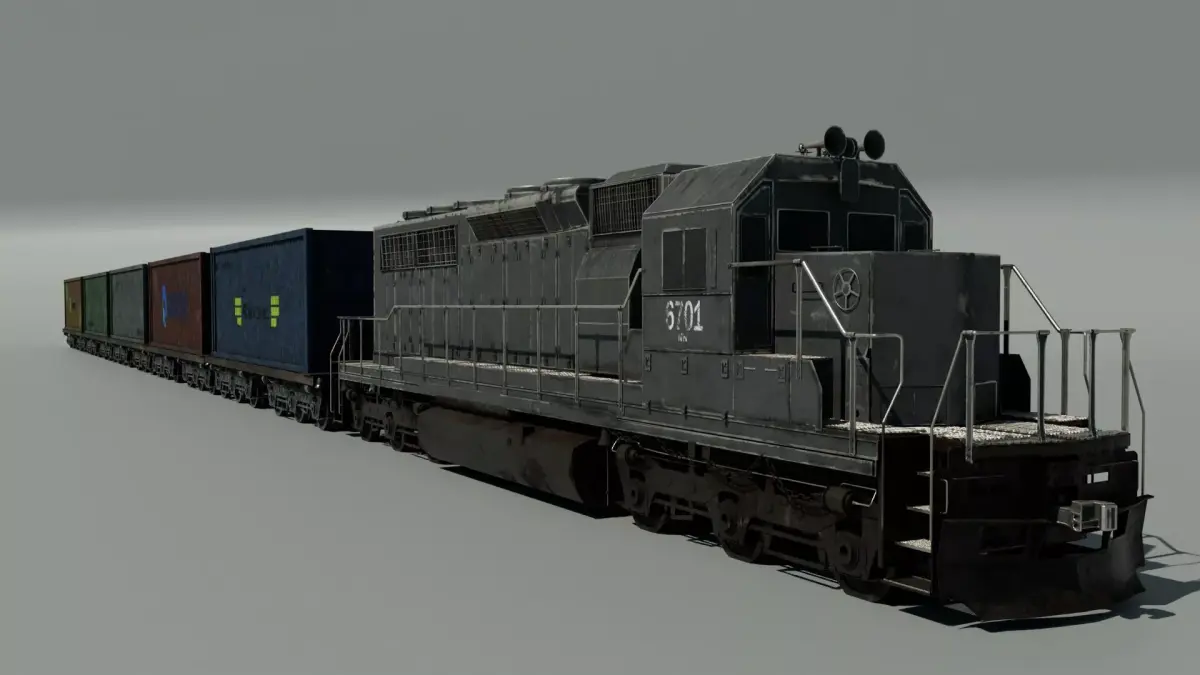
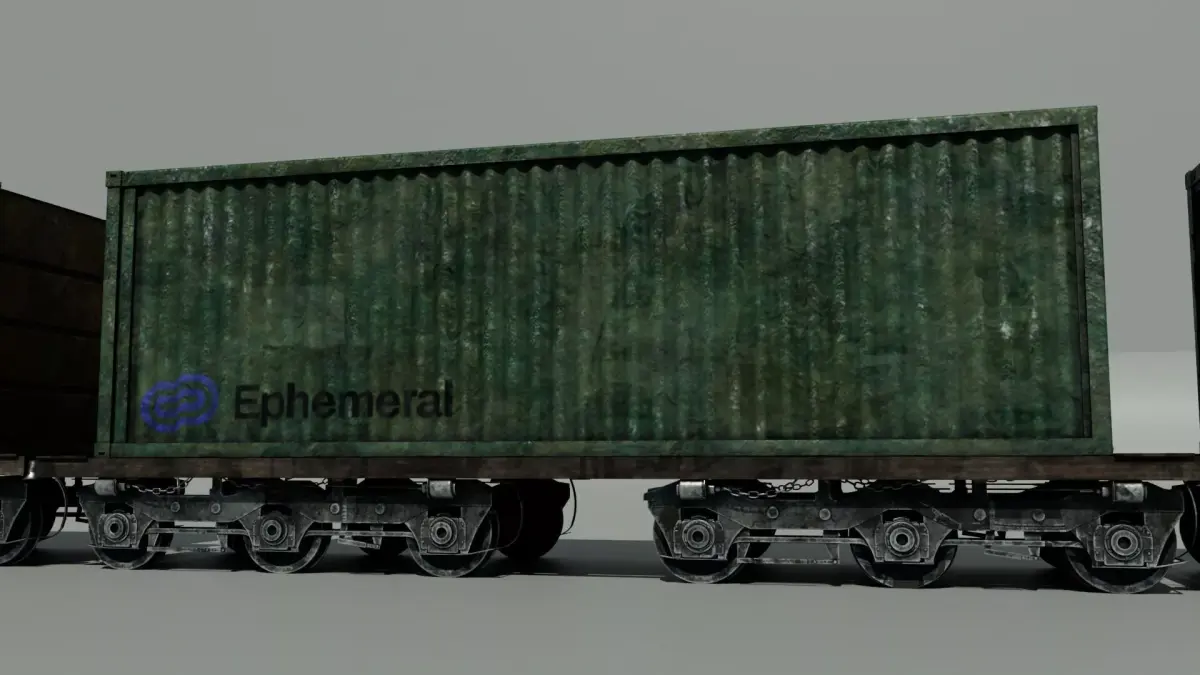
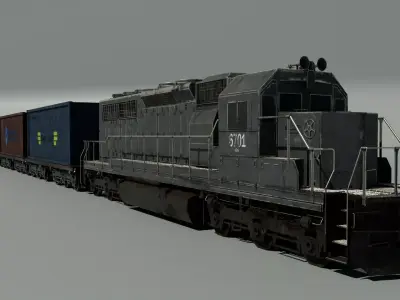
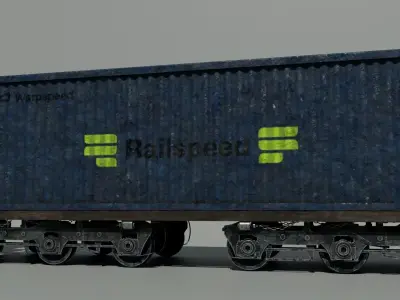
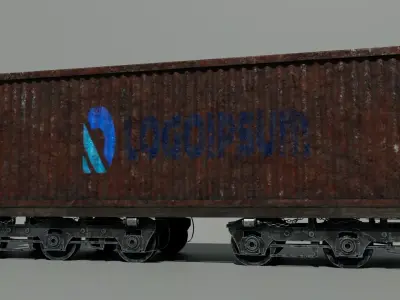
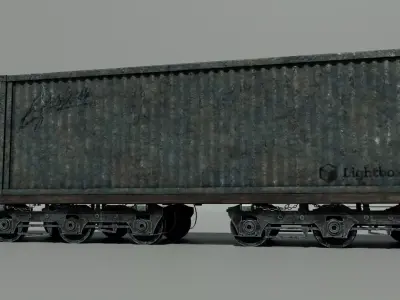
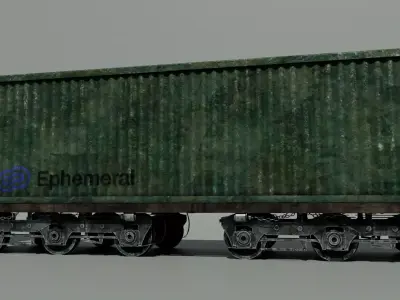
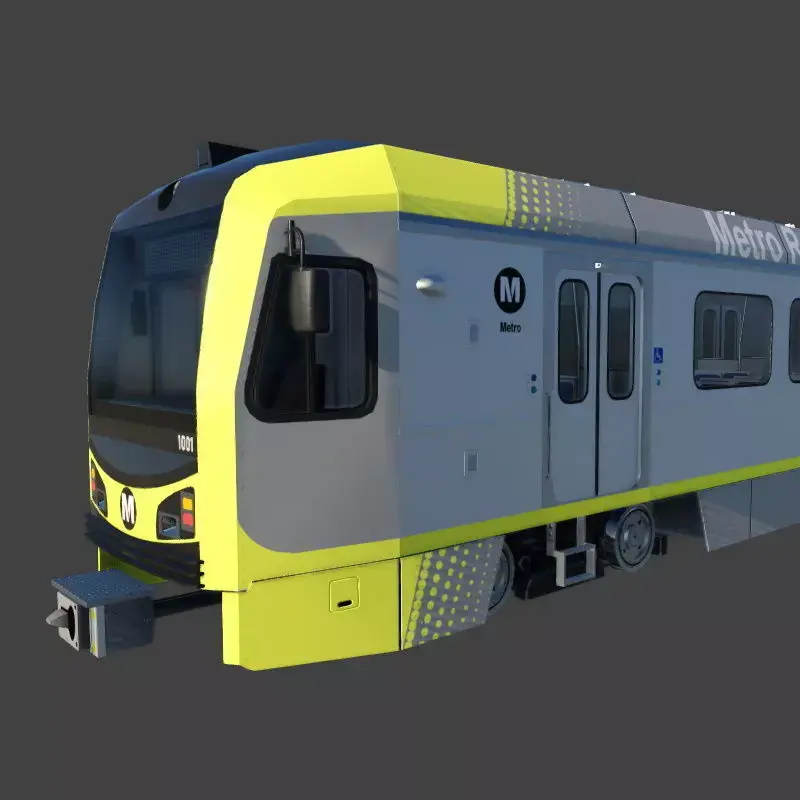
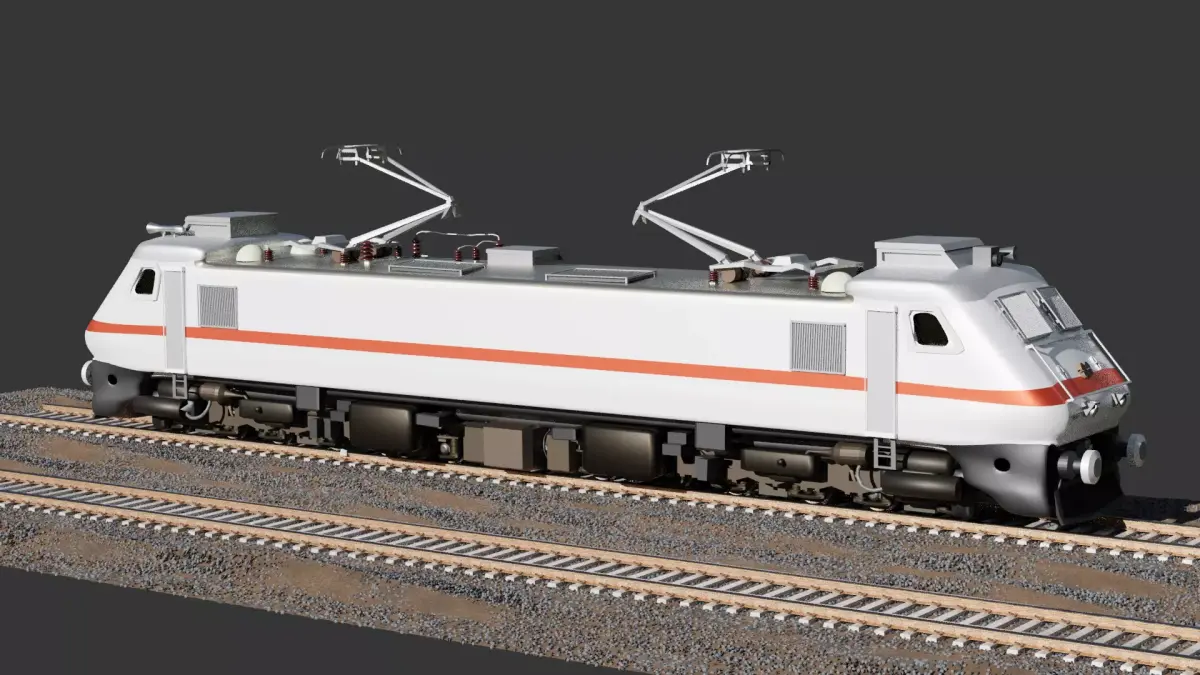
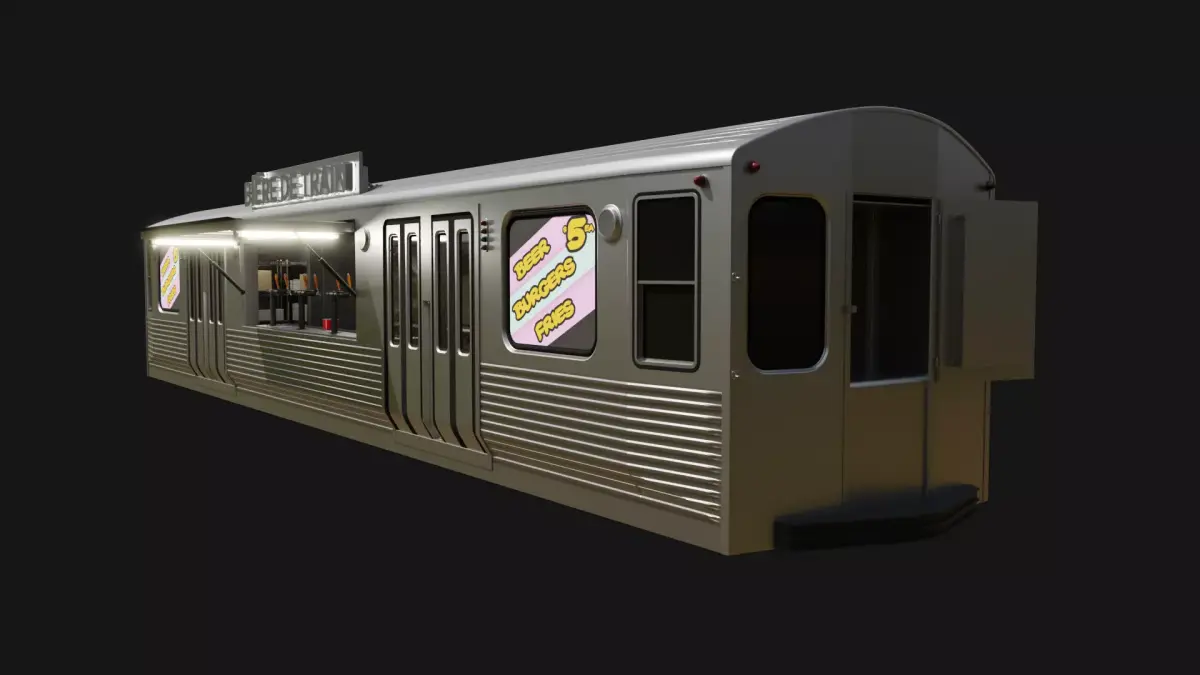
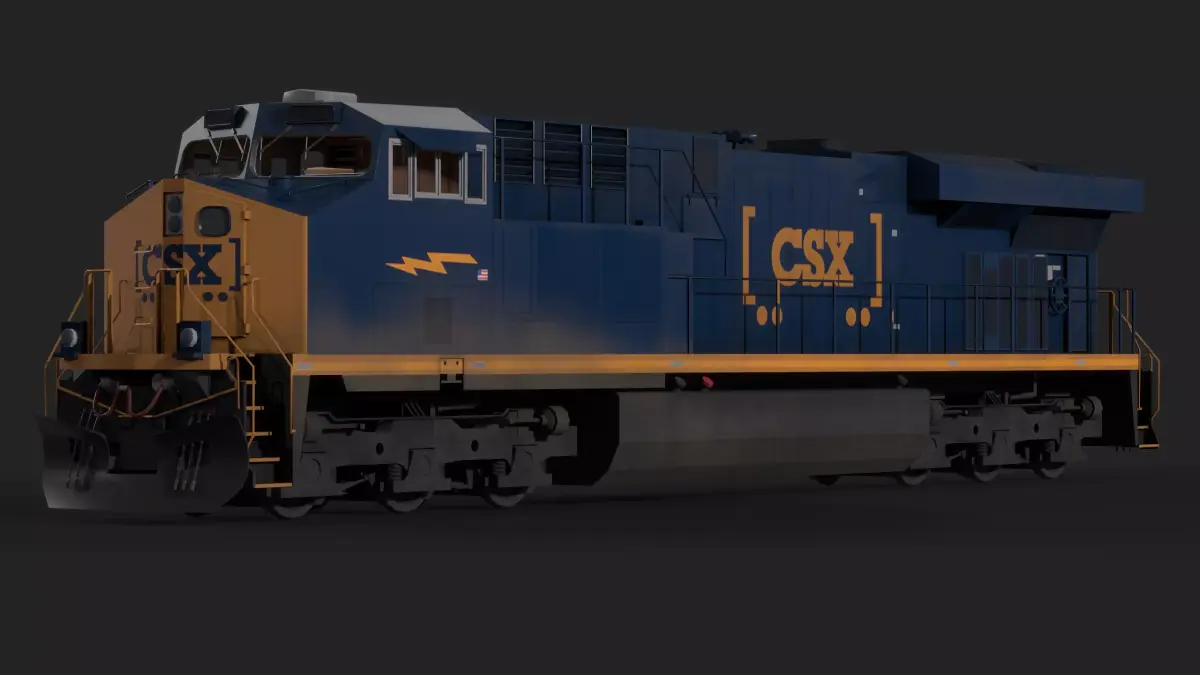
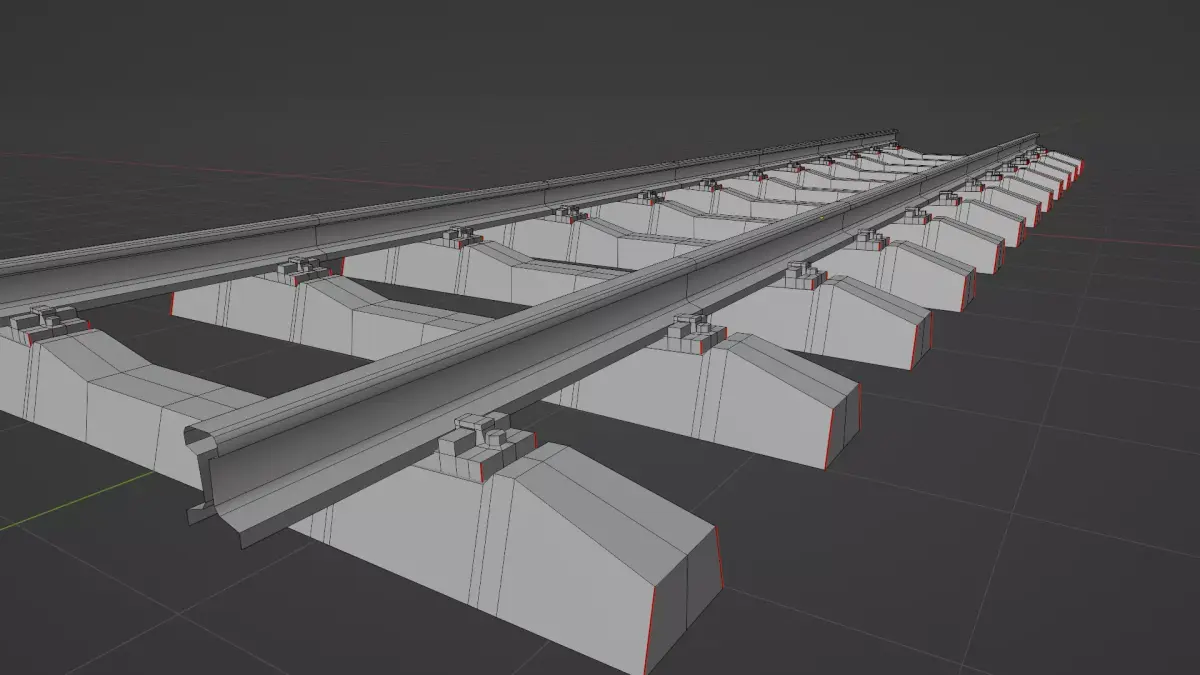
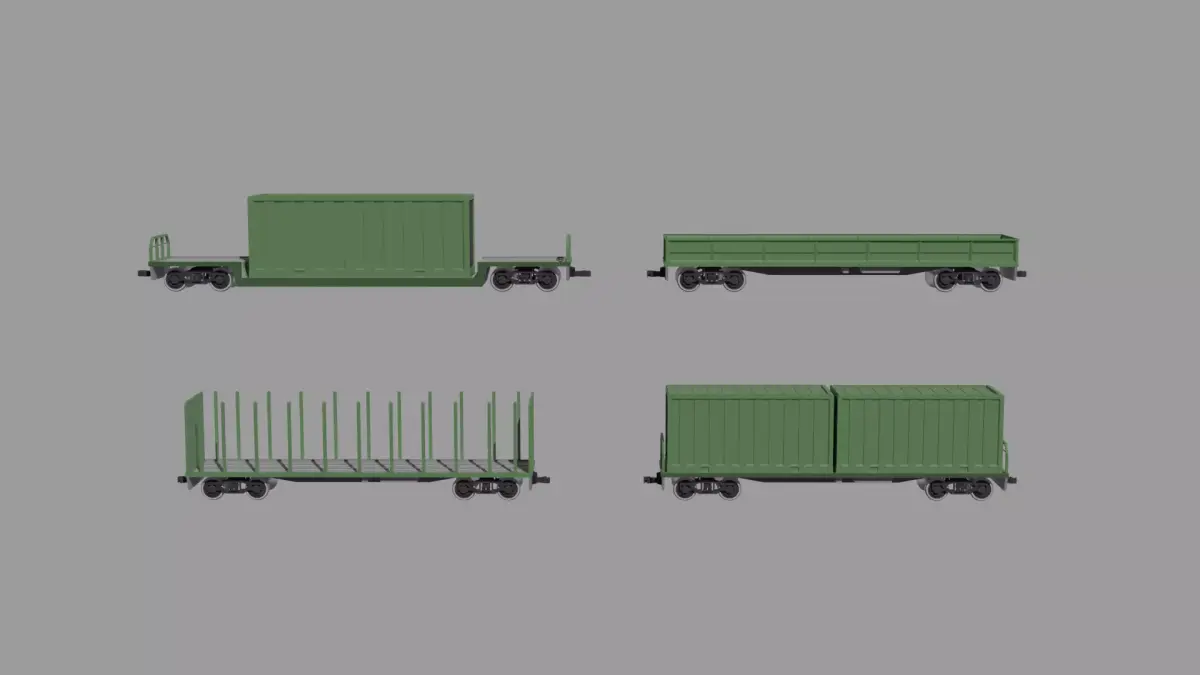
High-poly American diesel locomotive freight train 3D model.
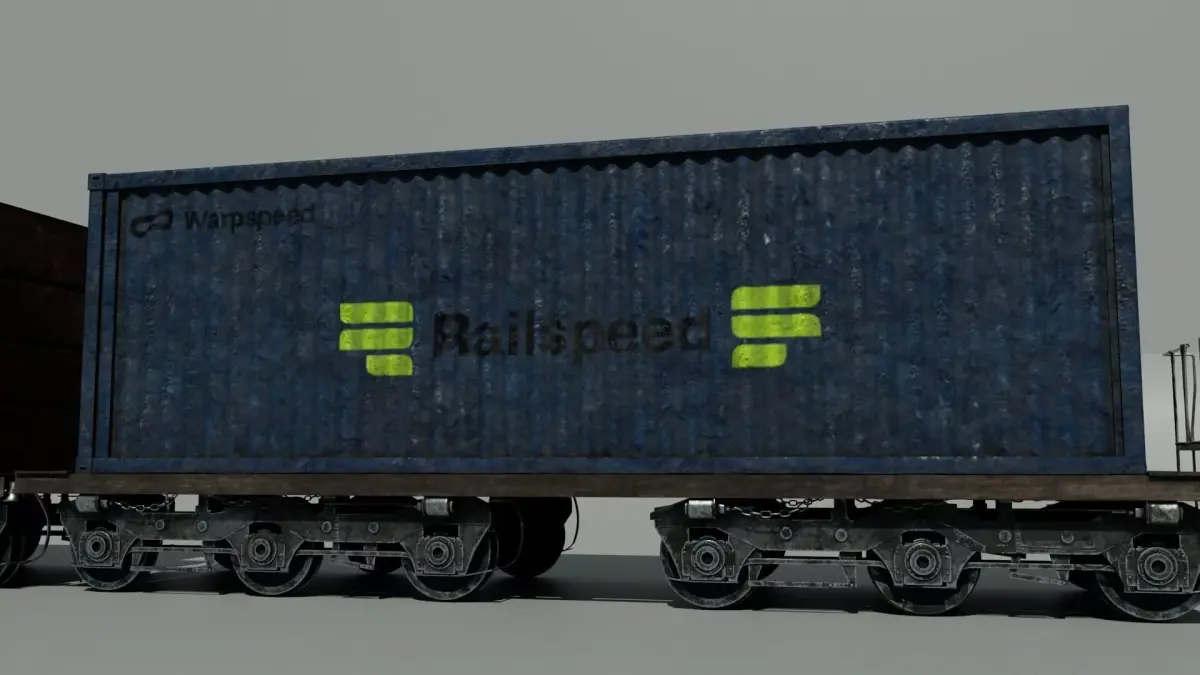
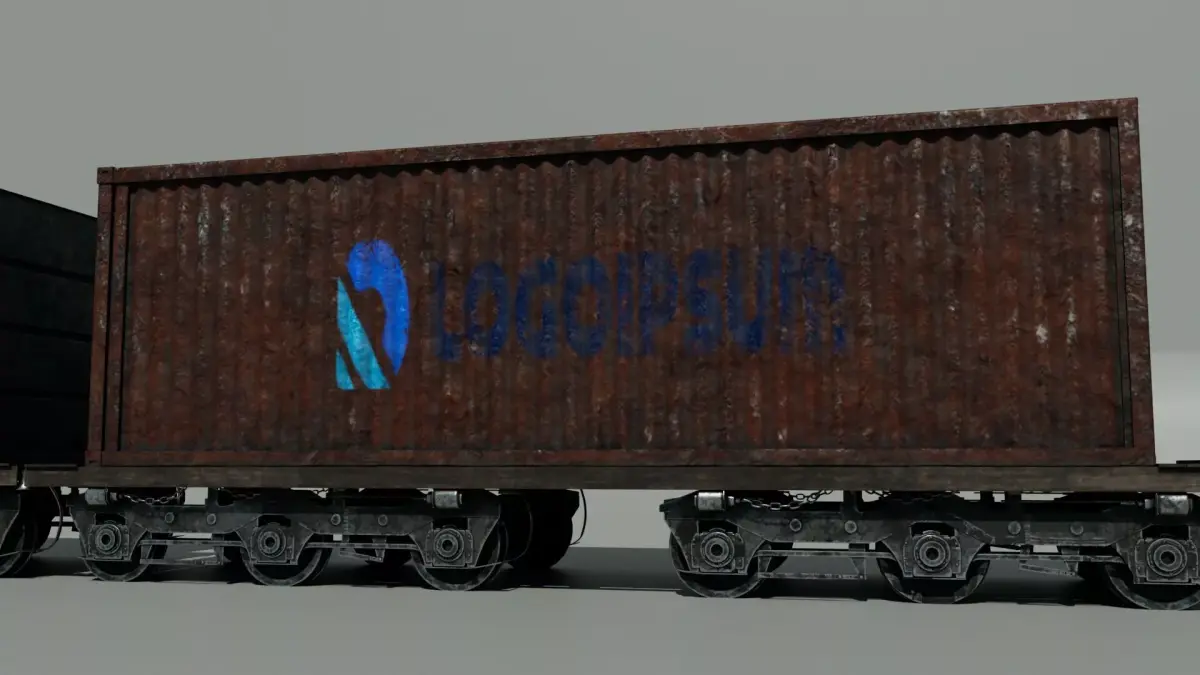
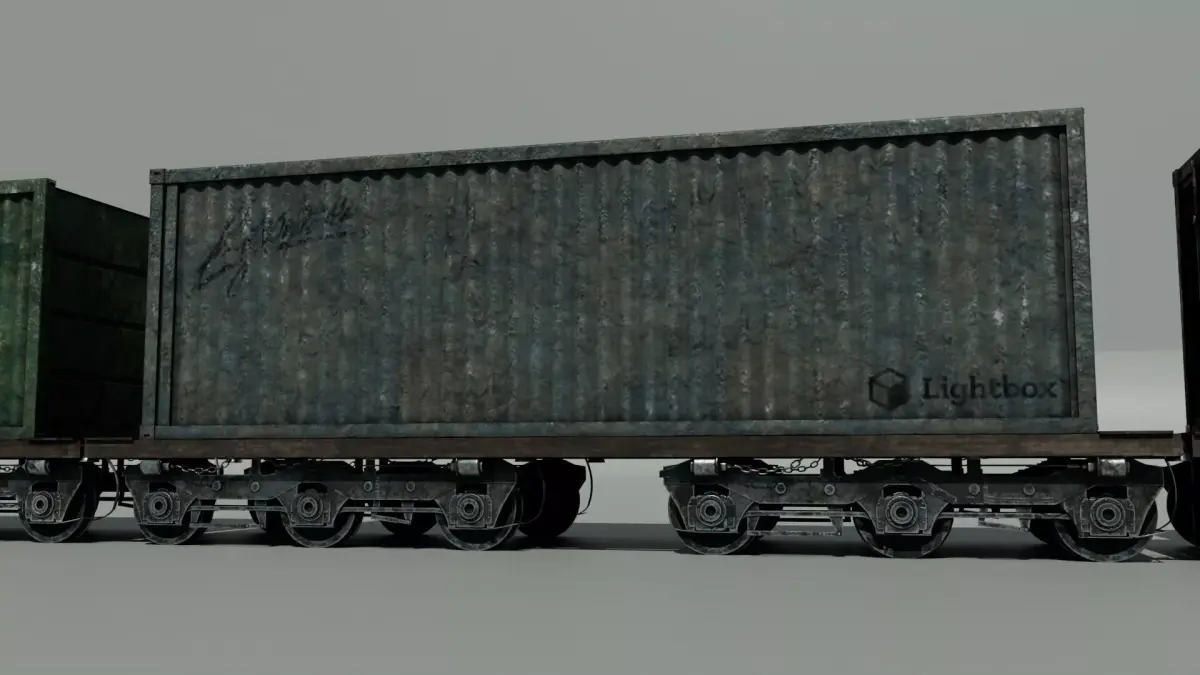
This model features a heavy industrial diesel-electric locomotive with attached freight/container cars. The design is inspired by classic American diesel-electric freight locomotives, with a strong industrial silhouette, weathered metal surfaces, railings, vents, wheels, undercarriage details, cargo containers, and worn mechanical elements.
It is suitable for:
- Industrial scenes
- Railway and railroad environments
- Freight train renders
- Post-apocalyptic worlds
- Military or dystopian settings
- Cinematic shots
- Close-up renders
- Concept art and visual development
- Game or film-style presentation
The model is made with detailed hard-surface elements and weathered materials, making it suitable for realistic, gritty, and heavy industrial environments.
High-resolution PNG textures are included and organized inside the sourceimages folder by model parts.
Included texture types may include:
- BaseColor
- Normal
- Roughness
- Metallic
- Emissive where applicable
Maya Texture Path Notice:Depending on your Maya version, project settings, or the location where the package is extracted, some texture paths may need to be relinked manually.
Recommended Maya setup:
- Unzip the package.
- Open Maya.
- Go to File > Set Project.
- Select the extracted package folder.
- Open the Maya scene file inside the scenes folder.
If textures are missing:
- Open Windows > General Editors > File Path Editor.
- Select the missing texture paths.
- Relink them to the sourceimages folder inside this package.
- Keep the original folder structure unchanged.
All textures are stored under:sourceimages/
The texture folders are separated by model parts. Please keep the original folder structure unchanged.
TX files are not included. If you use Arnold, Maya/Arnold may generate TX files automatically in your own environment.
ハイポリ仕様のアメリカンディーゼル機関車・貨物列車3Dモデルです。
重厚な工業系ディーゼル電気式機関車に、貨物車両・コンテナ車両を組み合わせたモデルです。クラシックなアメリカン貨物機関車をイメージした、力強い工業的なシルエット、経年劣化した金属表現、手すり、通気口、車輪、足回り、連結部、コンテナ、汚れたメカニカルパーツなどを含んでいます。
使用用途:・工業地帯のシーン・鉄道、貨物列車シーン・ポストアポカリプス系の世界観・軍事系、ディストピア系背景・映像用レンダー・近接ショット・コンセプトビジュアル・ゲーム、映画風のビジュアル制作
ハードサーフェス系のディテールとウェザリング表現を含んでおり、リアルで重厚な工業系シーンに使用しやすいモデルです。
高解像度PNGテクスチャを同梱しています。テクスチャはパッケージ内の sourceimages フォルダ以下に、各パーツごとにフォルダ分けして格納しています。
含まれる主なテクスチャ:・BaseColor・Normal・Roughness・Metallic・Emissive など
Mayaでのテクスチャパスについて:Mayaのバージョン、プロジェクト設定、またはパッケージの解凍場所によって、テクスチャパスが切れる場合があります。
推奨手順:
- ZIPを解凍してください。
- Mayaを起動してください。
- File > Set Project を選択してください。
- 解凍したパッケージフォルダを指定してください。
- scenes フォルダ内のMayaファイルを開いてください。
テクスチャが表示されない場合:
- Windows > General Editors > File Path Editor を開いてください。
- Missingになっているテクスチャパスを選択してください。
- パッケージ内の sourceimages フォルダ以下に再リンクしてください。
- フォルダ構造は変更しないでください。
すべてのテクスチャは以下に格納されています:sourceimages/
各テクスチャはパーツごとにフォルダ分けされています。フォルダ構造を変更すると、テクスチャリンクが切れる場合があります。
TXファイルは同梱していません。Arnoldを使用する場合、Maya/Arnold側でTXファイルが自動生成される場合があります。
OBJ (OBJ, filesize: 2.24 GB), MA (Autodesk Maya, filesize: 2.24 GB), FBX (Autodesk FBX, filesize: 2.24 GB), JPG (JPG, filesize: 2.24 GB), PNG (PNG, filesize: 2.24 GB), MEL (Maya Mel Script, filesize: 2.24 GB)