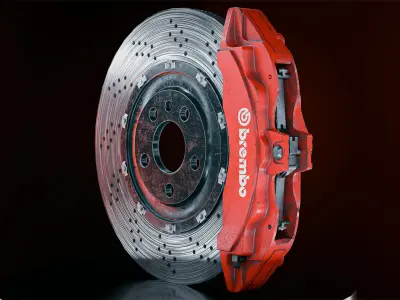
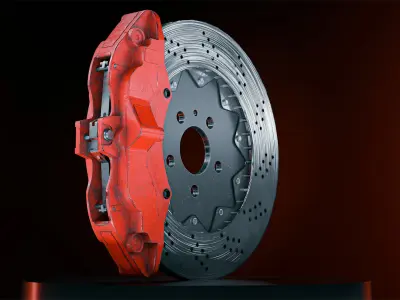
- Concept & Reference Gathering
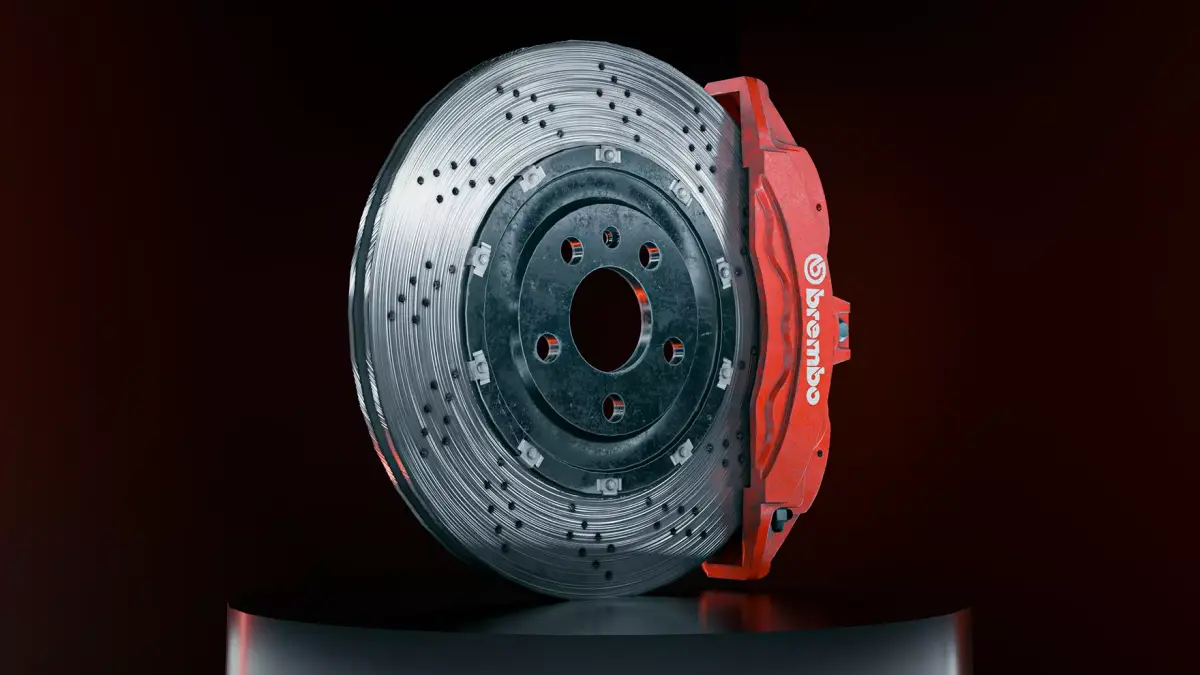
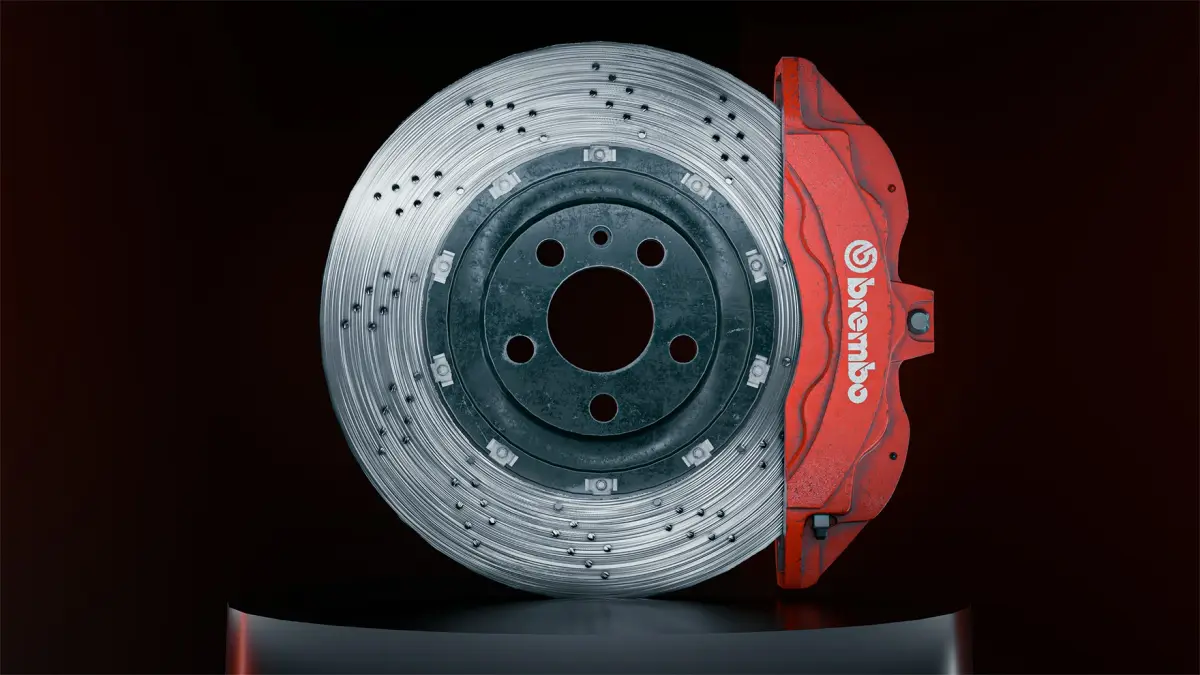
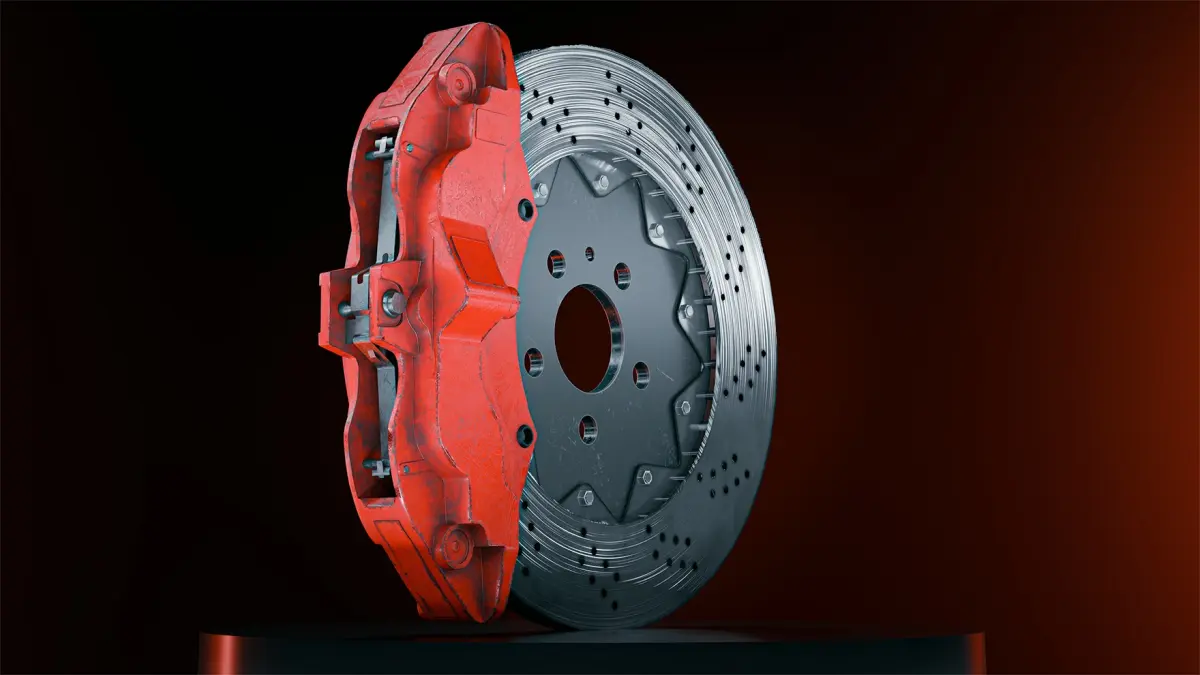
Before diving into modeling, I collected various reference images of brake calipers to understand their design, shapes, and details. This step is essential for achieving an accurate and realistic final model. - Modeling in Blender
Base Mesh Creation:I started by blocking out the basic shape of the caliper using simple geometric forms like cubes and cylinders to establish the overall proportions.
Detailing:With the base mesh in place, I added intricate details using Blender's modeling tools. This included using the extrude, bevel, loop cuts, and knife tools to refine the model.
High Poly Model:I then transformed the base mesh into a high-poly model, focusing on adding smooth surfaces and rounded edges by applying subdivision modifiers and ensuring proper smoothing.
- UV Unwrapping
Once the high-poly model was complete:
Seam Marking:I carefully marked seams in less visible areas, ensuring optimal UV layout for texturing.
Unwrapping:Using Blender's UV Editor, I unwrapped the model to create an efficient UV layout, maximizing texture space and minimizing distortion.
- Baking Maps
Normals and Ambient Occlusion:I exported the low-poly model and high-poly model to Substance Painter, where I baked normal maps and ambient occlusion maps. This step adds depth and detail to the textures while keeping the low-poly model optimized.
- Texturing in Substance Painter
Base Materials:In Substance Painter, I started by applying base materials for different parts of the caliper, such as metal for the main body and rubber for any seals.
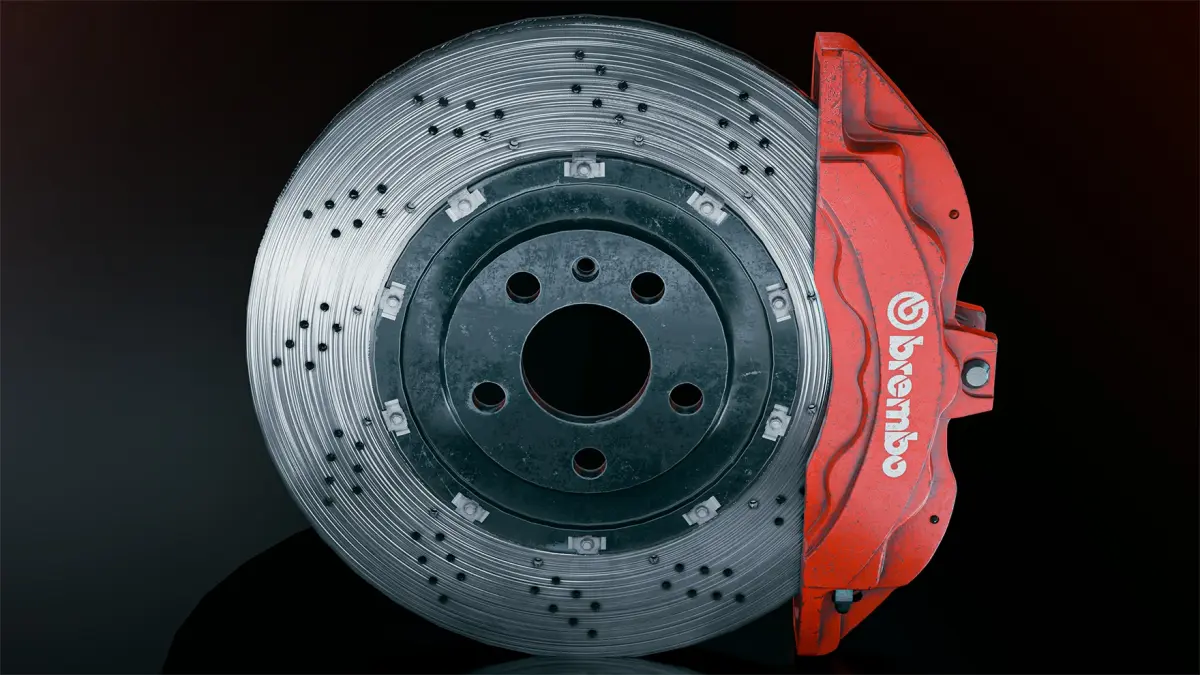
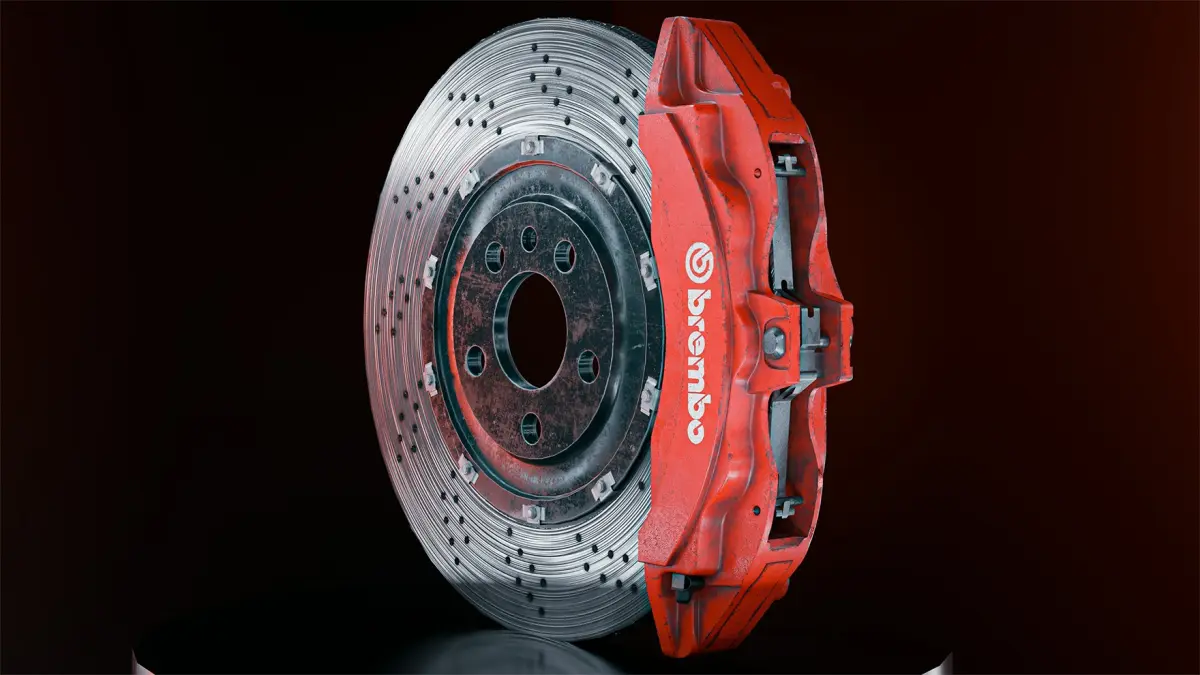
Layering and Detailing:I utilized layers to add wear and tear, scratches, and dirt. Using the smart materials and masks, I created realistic textures by simulating the effects of wear over time.
Custom Textures:I painted custom details and effects, such as paint chips or surface imperfections, to enhance the realism of the caliper.
OBJ (OBJ, filesize: 280 MB), BLEND (Blender, filesize: 285 MB), SPP (Substance Painter, filesize: 563 MB), FBX (Autodesk FBX, filesize: 275 MB), TEXTURES (Textures, filesize: 272 MB), PNG (PNG, filesize: 272 MB)