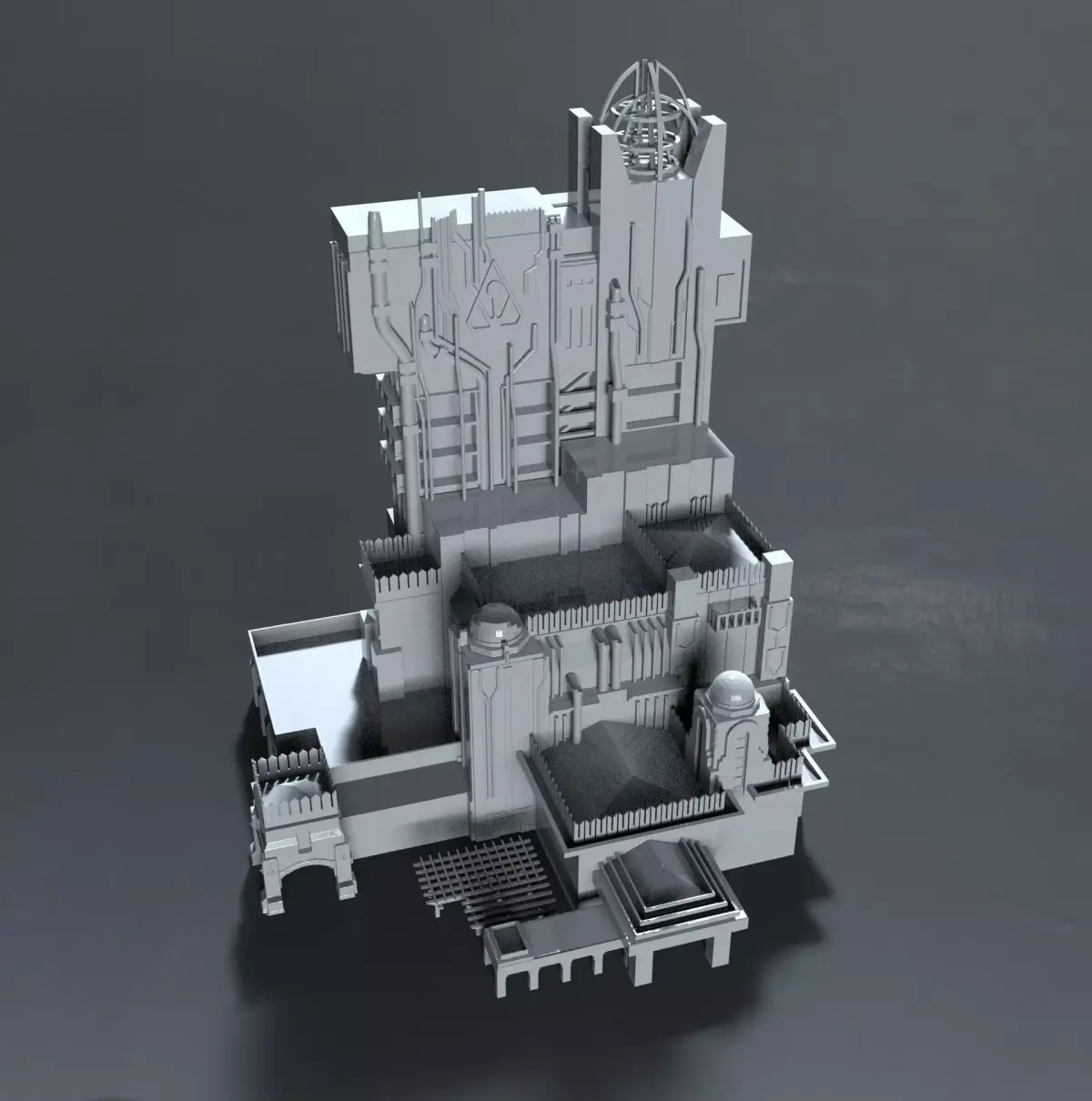
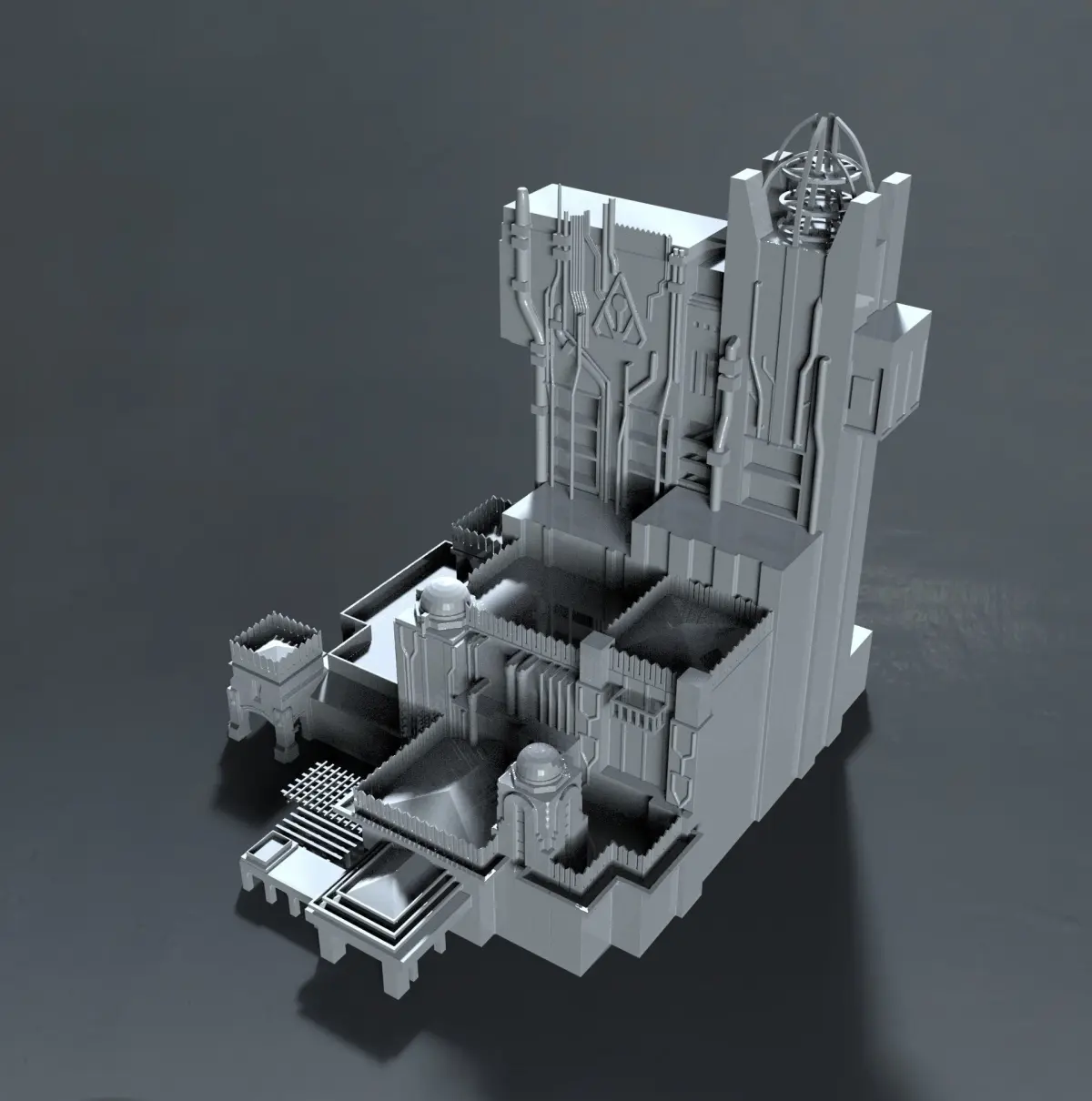
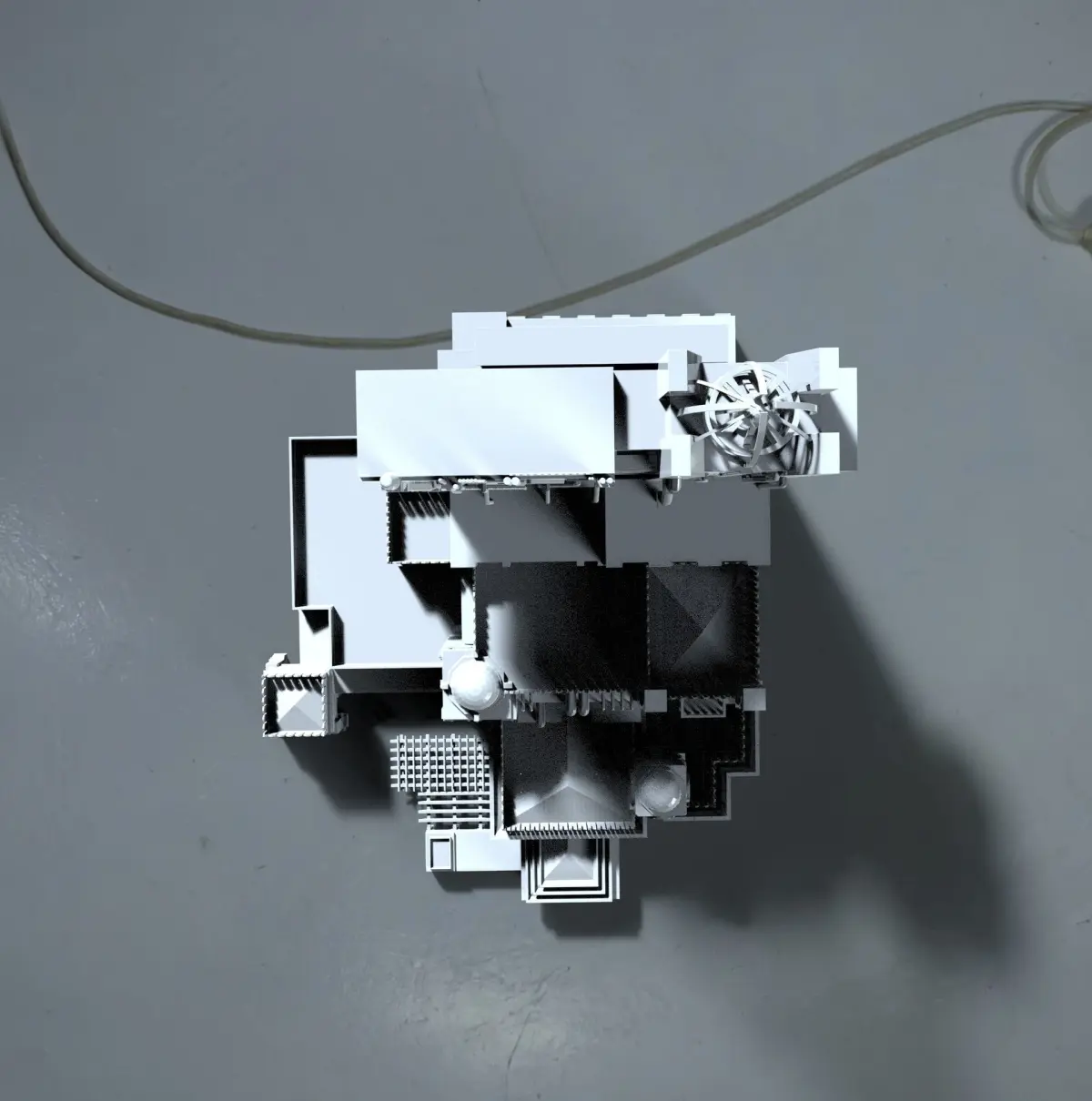
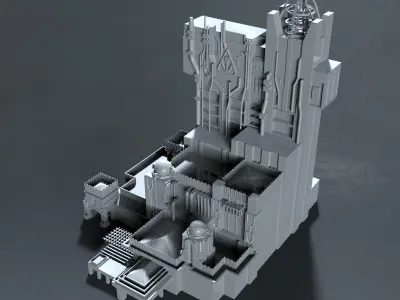
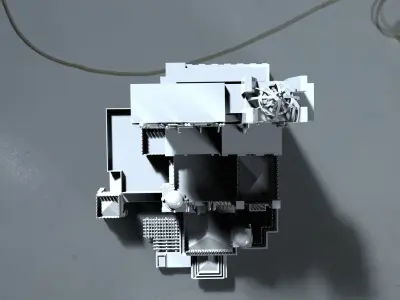
Guardians of the Galaxy — Mission: Breakout! replaced the Twilight Zone Tower of Terror ride in Disneyland's California Adventure.
3D PRINTING SETTINGSLayer Height: Set your layer height to a minimum of 50 microns for high-quality prints. The lower the layer height, the smoother the surface of the print will be.
Exposure Time: The exposure time is the amount of time that the resin is exposed to the light source. For high-quality prints, you should set the exposure time to between 8 and 12 seconds. However, the exact exposure time will depend on the resin you are using.
Bottom Exposure Time: The bottom exposure time is the amount of time that the resin is exposed to the light source during the first layer. This time is usually longer than the exposure time for subsequent layers to ensure proper adhesion to the build platform. Set the bottom exposure time to between 60 and 120 seconds.
Light Off Delay: The light off delay is the time between the end of the exposure time and when the light source turns off. This delay ensures that the resin has enough time to solidify before the next layer is printed. Set the light off delay to between 1 and 2 seconds.
Lift Speed: The lift speed is the speed at which the build platform is lifted after each layer is printed. Set the lift speed to between 80 and 150 mm/min.
Bottom Lift Speed: The bottom lift speed is the speed at which the build platform is lifted during the first layer. This speed is usually slower than the lift speed for subsequent layers to ensure proper adhesion to the build platform. Set the bottom lift speed to between 30 and 50 mm/min.
Retraction Speed: The retraction speed is the speed at which the resin tank moves down after each layer is printed. Set the retraction speed to between 100 and 150 mm/min.
Retraction Distance: The retraction distance is the distance that the resin tank moves down after each layer is printed. Set the retraction distance to between 3 and 5 mm.
Print Speed: The print speed is the speed at which the printer moves the build platform during the printing process. Set the print speed to between 40 and 80 mm/min.
STL (Stereolithography, filesize: 45.5 MB)