Build Custom Dungeon Scenes with a Modular 3D Dungeon Kit for Poser & DAZ Studio
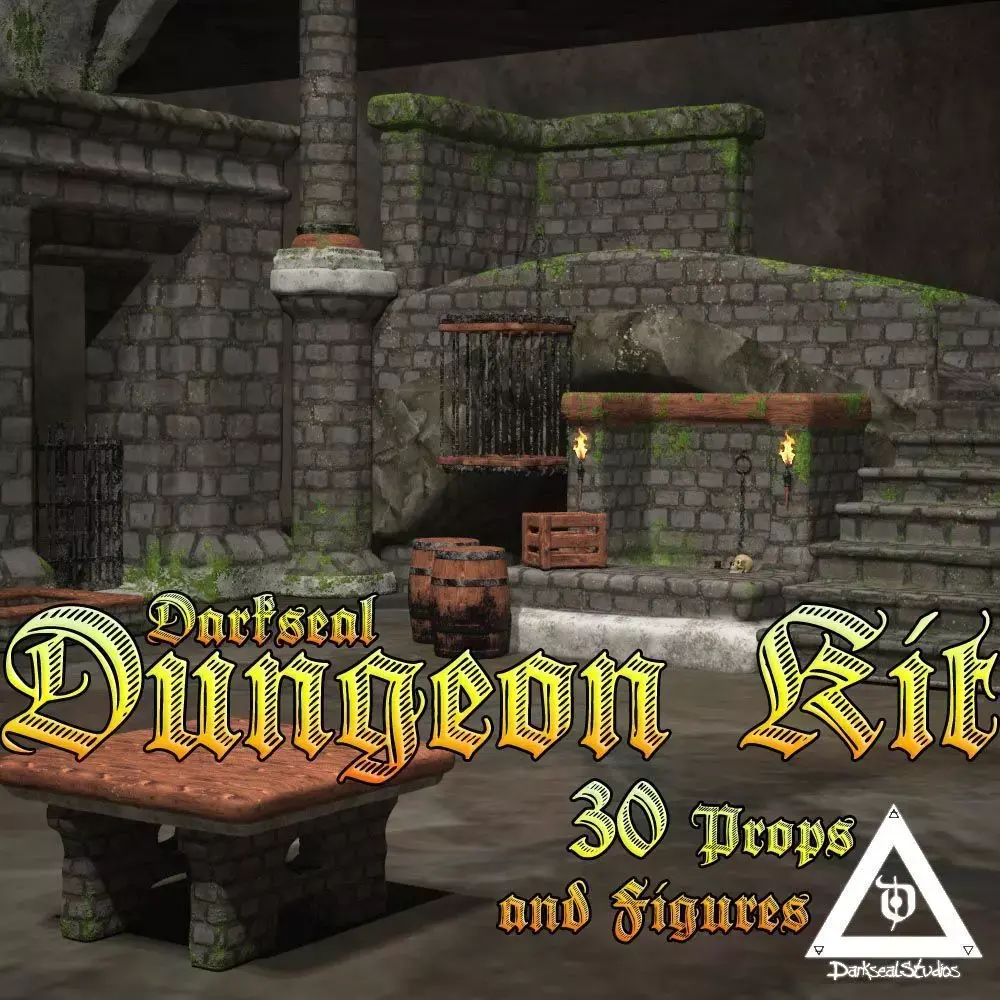
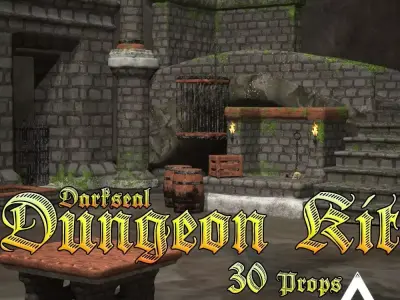
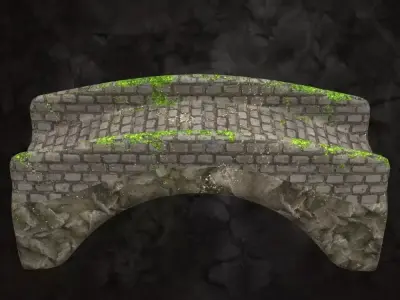
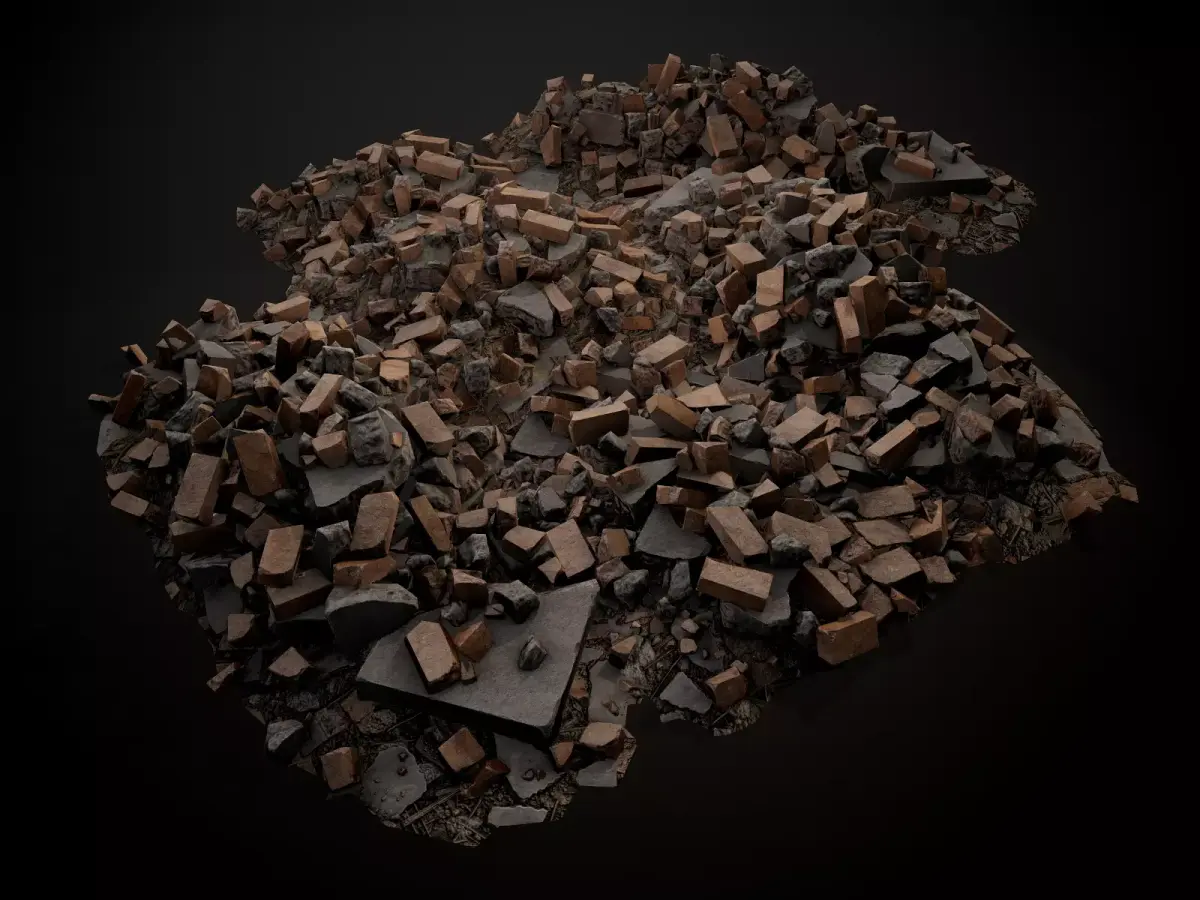
This Dungeon Kit is a flexible, modular collection of 30 detailed props and rigged characters designed to let you build your own dungeon environments quickly and efficiently in Poser and DAZ Studio. The set includes a variety of stone and brick architecture elements and dungeon-themed props that can be mixed, matched, and reused to create corridors, chambers, cells, and underground lairs, making it ideal for fantasy, RPG, horror, and dark adventure scenes. Each prop is optimized for scene assembly with light weight geometry allowing easy customization of layout, scale, and lighting for both close interior shots and large dungeon layouts. Perfect for storytellers, illustrators, and game-style renders that need reusable medieval or fantasy dungeon assets.
NOTEPoser 6 and above or Daz3dAll types of maps have been included for user prefrence of software being used for PBR (Photo based rendering) results for users of Blender, Maya, 3dsMax, etc...Daz3d users should reduce specular or navigate to the texture folder to add specular/gloss textures manually
...
System Requirements: Poser 6+ or DazWhat's Included?Darkseal_Dungeon_Kit_Readme.txt
Runtime
Runtime Folder including the following...
Runtime/Geometries/Darkseal_Dungeon_Kit ...
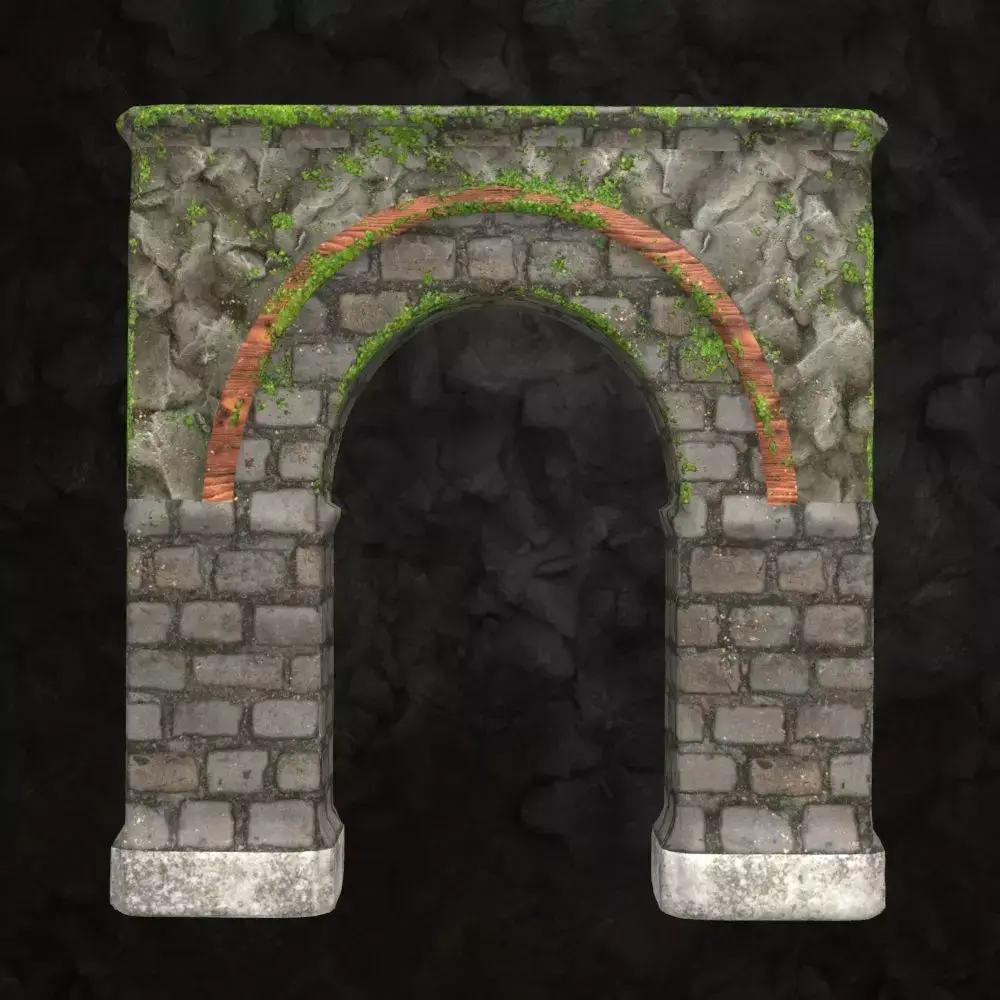
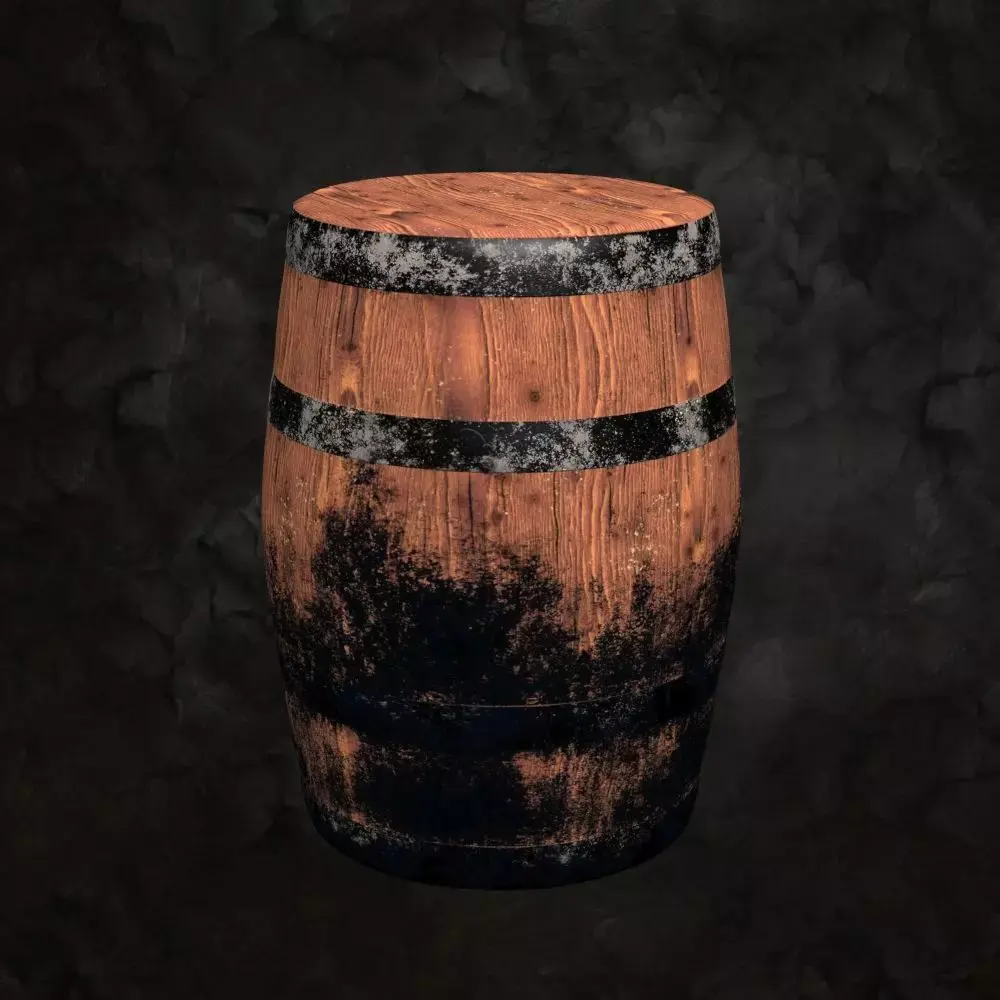
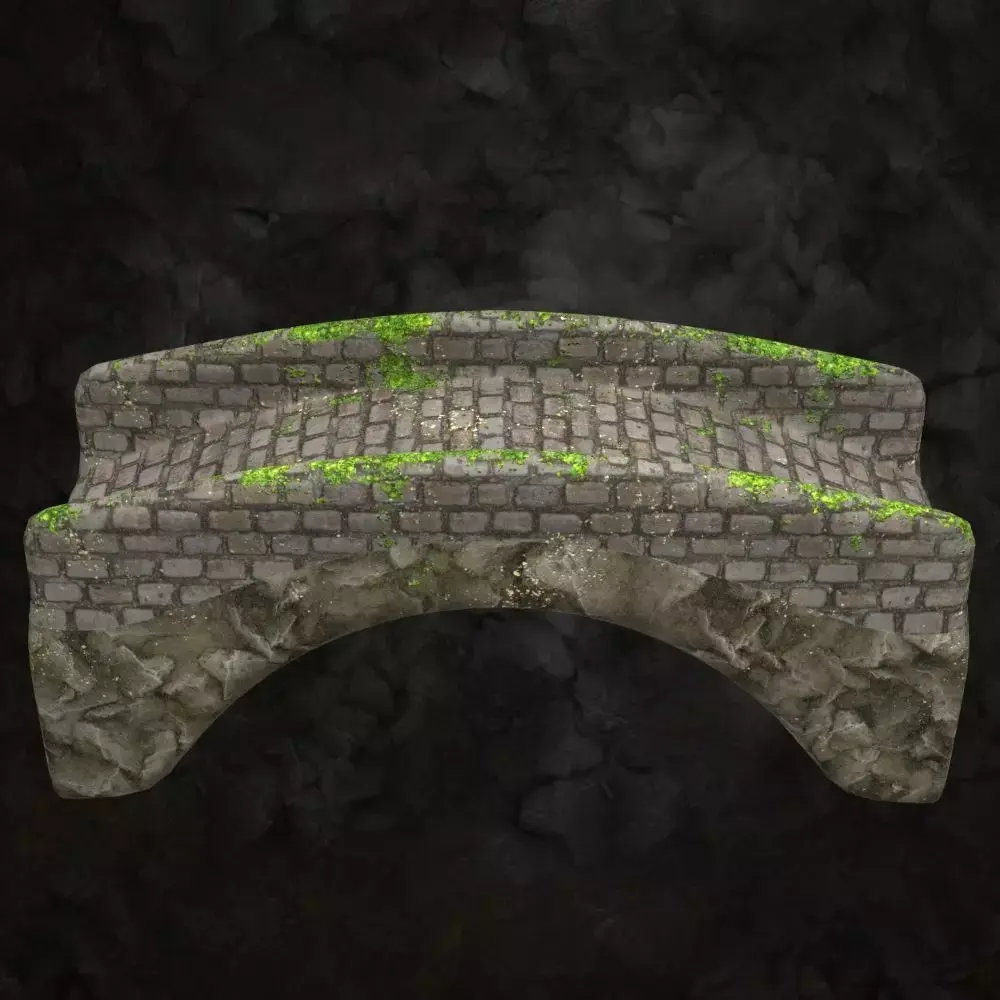
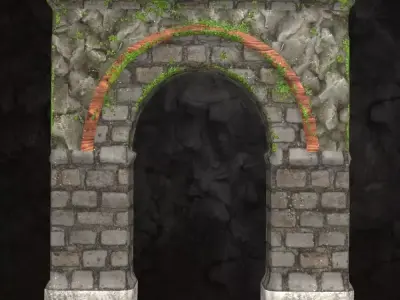
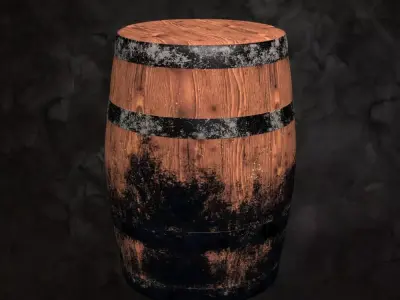
Archway.objbarrel.objbridge.objcage_lid_floor.objceiling.objchain1234.objcornerwall.objcrate.objcuffs.objfloor.objmultisupport.objoctopillar.objpillar.objportcullis_lGate_rGate.objskull.objstairs.objstone1.objstone2.objstone3.objstonealterslab.objstonebasin.objstonecube.objstonenook.objstonesquare.objtorch_flame.objtunnel.objtunnelcorner.objwall.objwallniche.objwallring.obj
Runtime/Textures/Darkseal_Dungeon_Kit/ ... ***please read the readme file for the full listexample:Wall/
Dungeon Wall_default Mat_Diffuse.jpgDungeon Wall_default Mat_Glossiness.jpgDungeon Wall_default Mat_Height.jpgDungeon Wall_default Mat_Normal.jpgDungeon Wall_default Mat_Specular.jpg
Runtime/Libraries/Characters/Darkseal Environments/Darkseal Dungeon Kit/...
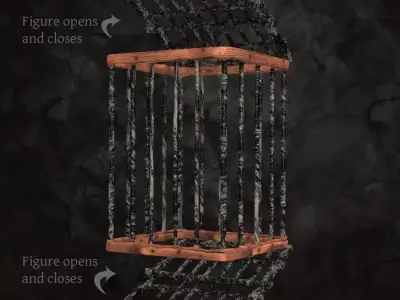
Cage.png .cr2 .xmpChain.png .cr2 .xmpPortcullis.png .cr2 .xmpTorch.png .cr2 .xmp
Runtime/Libraries/Props/Darkseal Environments/Darkseal Dungeon Kit/...
Archway.png .pp2 .xmpBarrel.png .pp2 .xmpBridge.png .pp2 .xmpCeiling.png .pp2 .xmpCorner Wall.png .pp2 .xmpCrate.png .pp2 .xmpCuffs.png .pp2 .xmpFloor.png .pp2 .xmpMultisupport.png .pp2 .xmpOctoPillar.png .pp2 .xmpPillar.png .pp2 .xmpSkull.png .pp2 .xmpStairs.png .pp2 .xmpStone Alter Slab.png .pp2 .xmpStone Basin.png .pp2 .xmpStone Cube.png .pp2 .xmpStone Nook.png .pp2 .xmpStone Square.png .pp2 .xmpStone1.png .pp2 .xmpStone2.png .pp2 .xmpStone3.png .pp2 .xmpTunnel Corner.png .pp2 .xmpTunnel.png .pp2 .xmpWall Niche.png .pp2 .xmpWall Ring.png .pp2 .xmpWall.png .pp2 .xmp
Installation:Unzip the file and copy the content into your Poser directory and merge with Runtime.
If you do not you will have to manually place each item in its respective folder in which it has already been placed in the inventory list above.
Limitations:Do not re-sell or distribute these textures, images, objects, cr2, pz2 or any other item in this package.
Usage tips:
Daz users should reduce specular once adding to the stage. From there you can chose to select it's custom map for specular and gloss from Runtime/Textures/Darkseal_Dungeon_Kit/
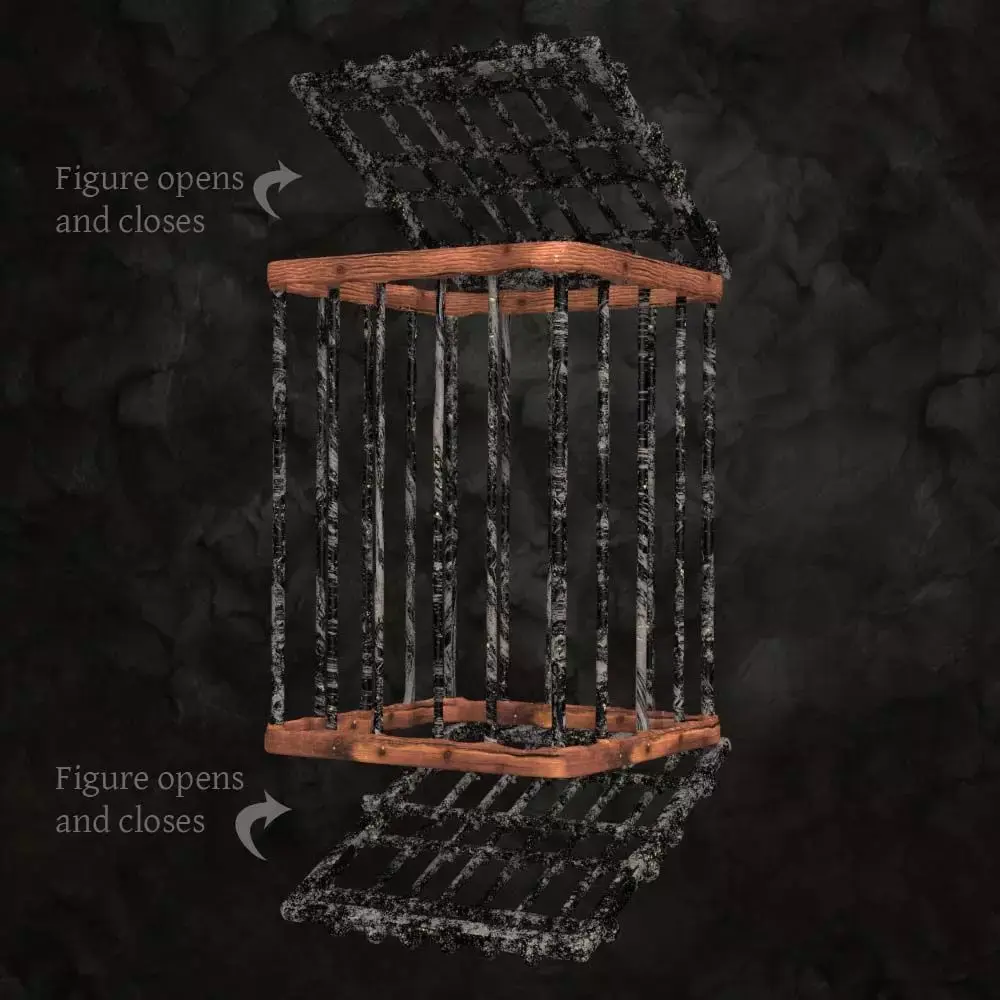
Please remember some items are Characters, not Props, as they will have rigged features, like the moving gates on the Portcullis, or the Flame on the Torch, or the chain links on the Chain, or the opening and closing lid and floor on the Cage!
Have fun!
Enjoy!
PZ3 (Poser, filesize: 338 MB), OBJ (OBJ, filesize: 169 MB), PNG (PNG, filesize: 169 MB), PZ3 (Poser, filesize: 338 MB), JPG (JPG, filesize: 169 MB)