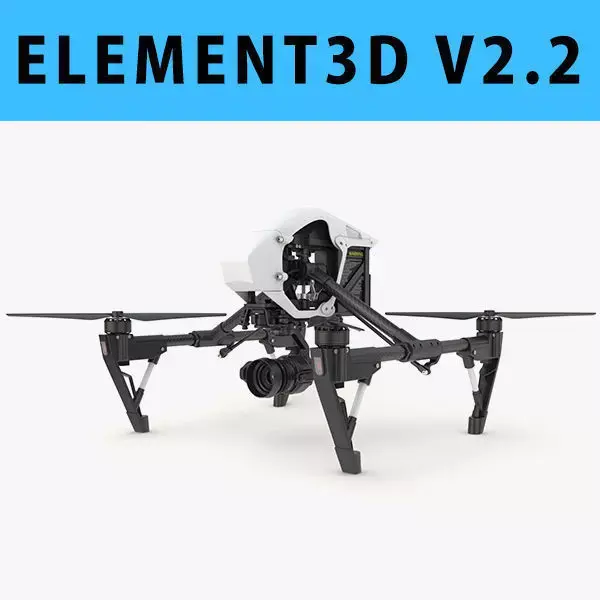
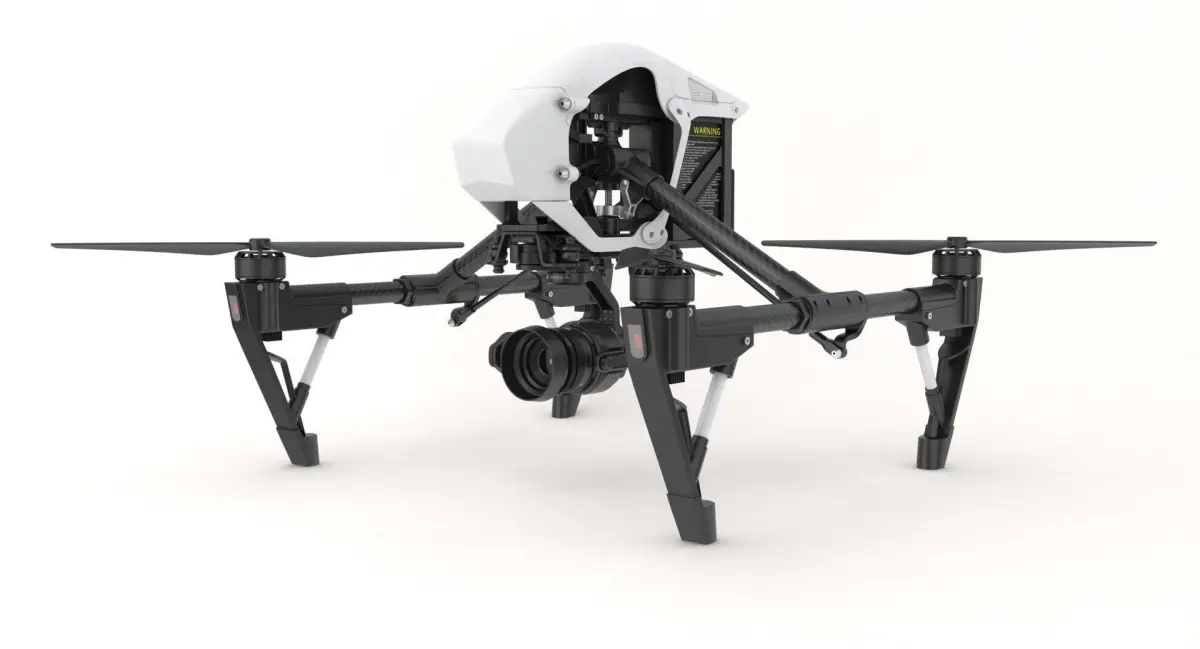
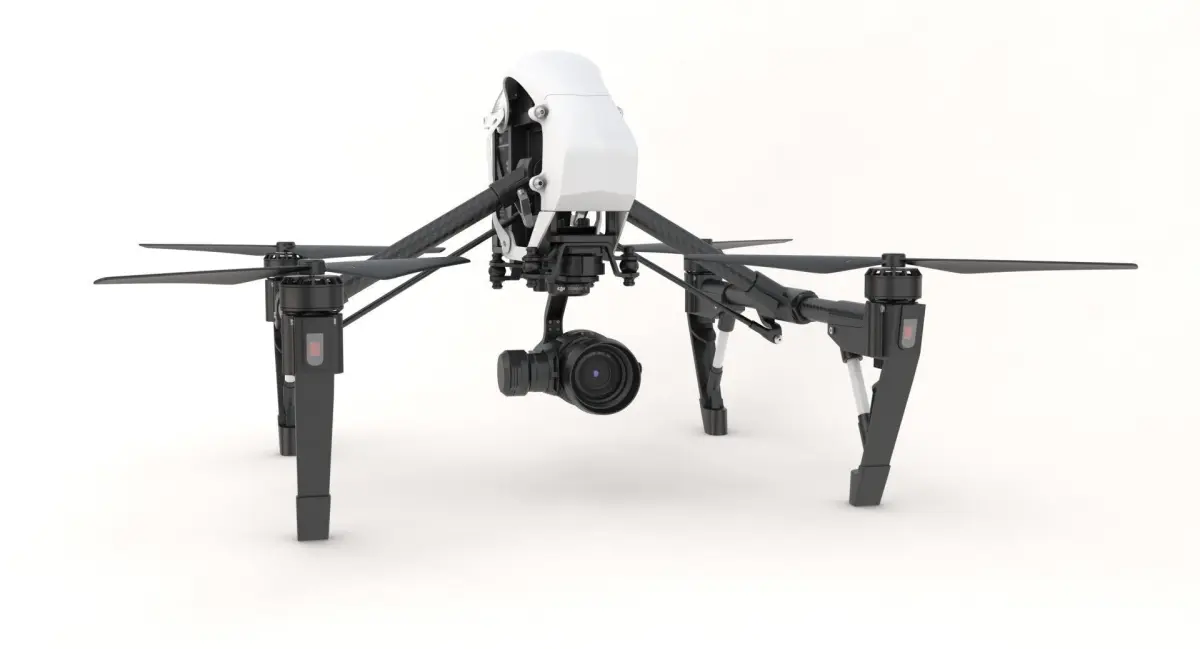
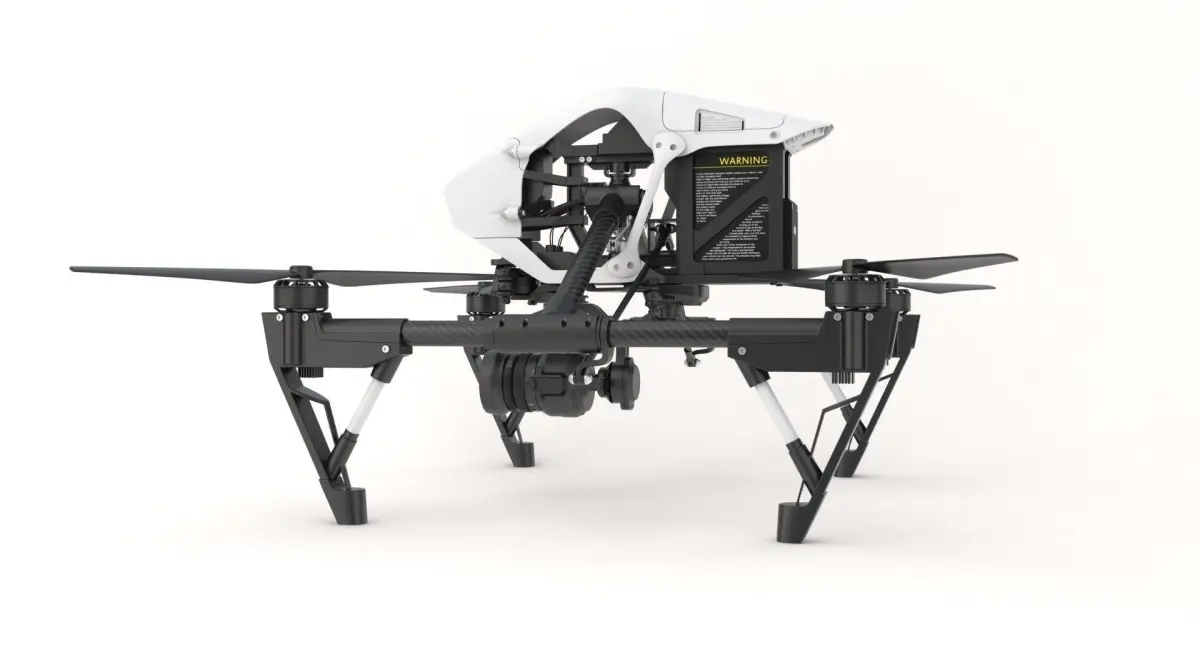
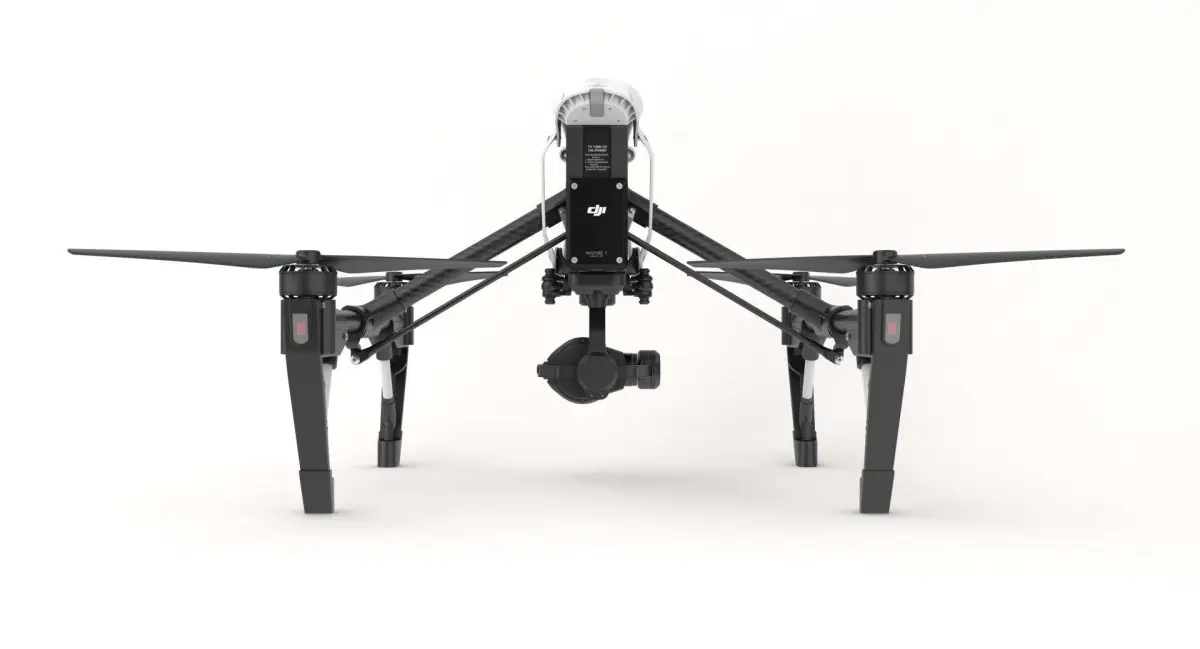
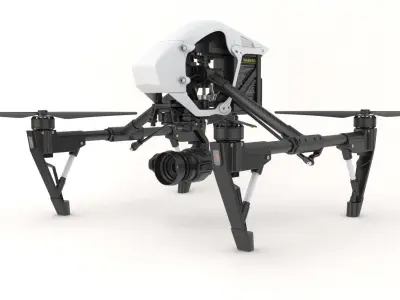
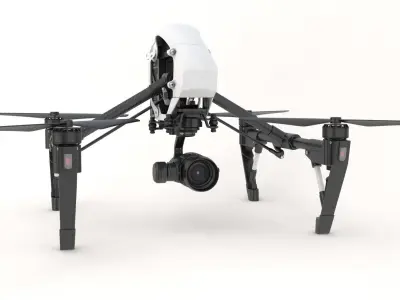
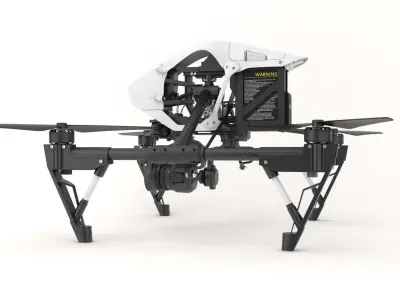
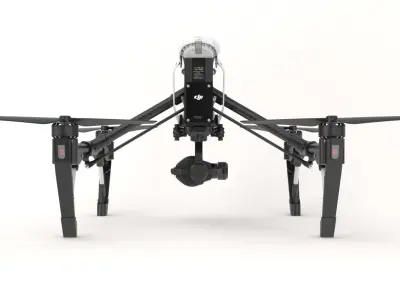
E3D - DJI Inspire 1 PRO 3D model
Home Catalog E3D - DJI Inspire 1 PRO 3D model

Publication date: 2018-01-23

E3D - DJI Inspire 1 PRO 3D model

$55

License: editorial_no_ai
author:

vnvisualE3D

All content related to this 3D asset—including renders, descriptions, and metadata — is credited to its original author, «vnvisualE3D». CGhub does not claim copyright ownership over the content used.
  • Description

This pack:Element 3D V2.2 ( All colors )models preset easy to use- 1 file OBJ High poly- 1 file OBJ standard- 1 file C4D R12 standard render- 1 file 3ds max 2012 standard material- E3D file full materials set up like previews

How to use it?

1. Open After Effects CC 2014 ( or higher) and create new composition ( You need Element3D V2.2 to use )2. Create new Solid layer and add Element effect. ( Effect/Video Copilot/ Element )

3. Click Scene Setup4. Click on IMPORT inside Element3D scene setup5. Choose my .e3d preset for the model and press Open.

If you dont see the model do not forget to right click on the model name and press Replace model then select the .obj model file in the respective models folder.....................................................................About Bee3DD Studio: ( Working in 3d modeling since 2013 until now )+ We offer all electronics 3d model ( latest and oldest ). Our collection is biggest in the world. It is place where you can find anything about technology for your project ( earlier and faster than others )+ Every model we build goes through thorough Quality assessment both visual and technical to make sure the assets look realistic and the models are of the best quality.

3D Model details

  • cgtrader Platform
  • Animated
  • Rigged
  • Ready for 3D Printing
  • VR / AR / Low-poly
  • PBR
  • Textures
  • Materials
  • UV Mapping
  • Unwrapped UVs: mixed
  • Geometry: Polygon mesh
  • Polygons: 1
  • Vertices: 1