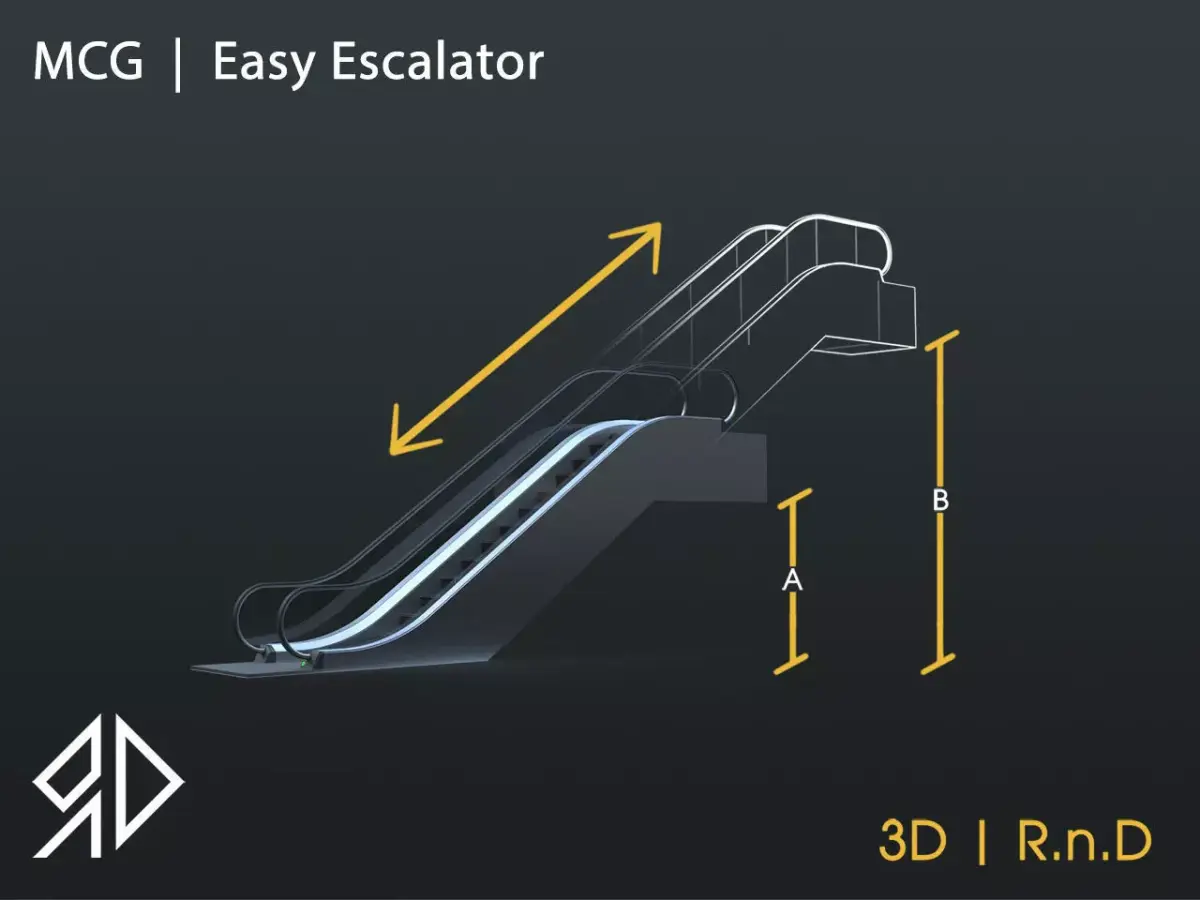
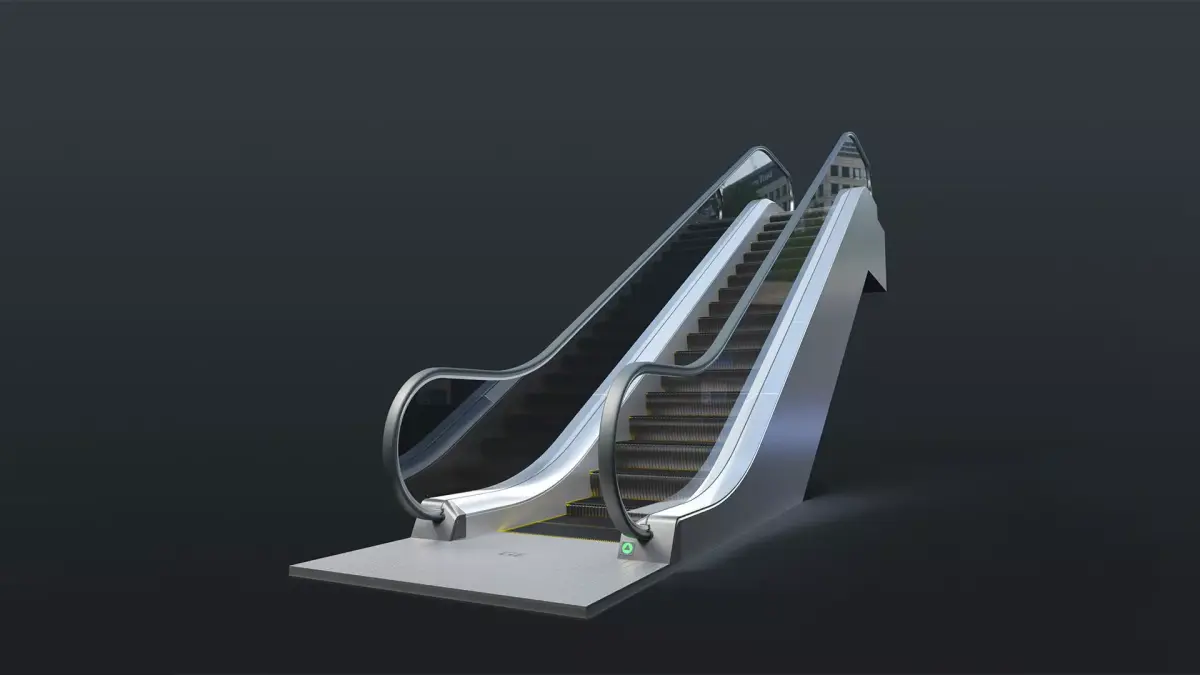
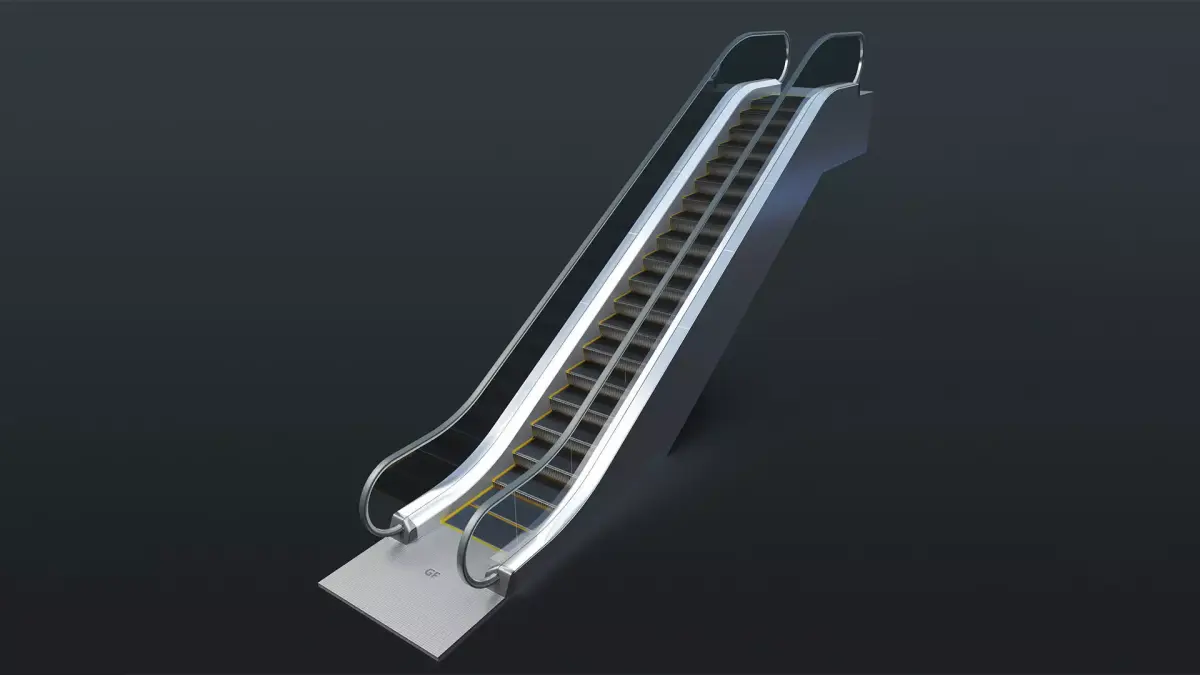
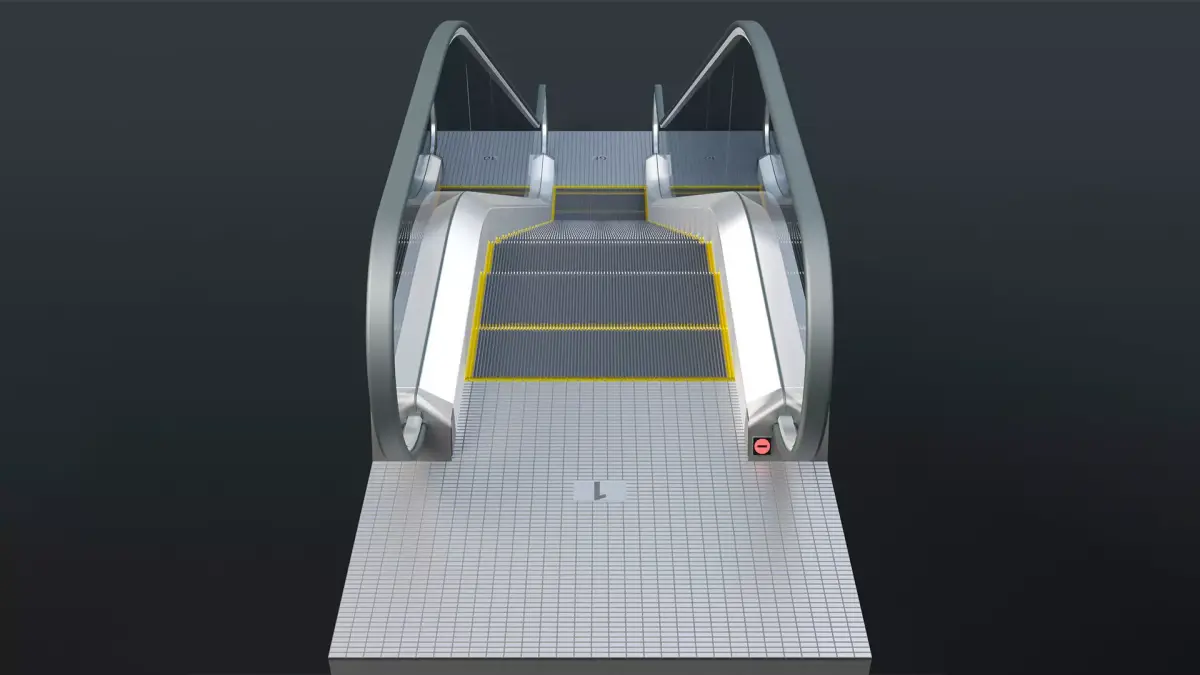
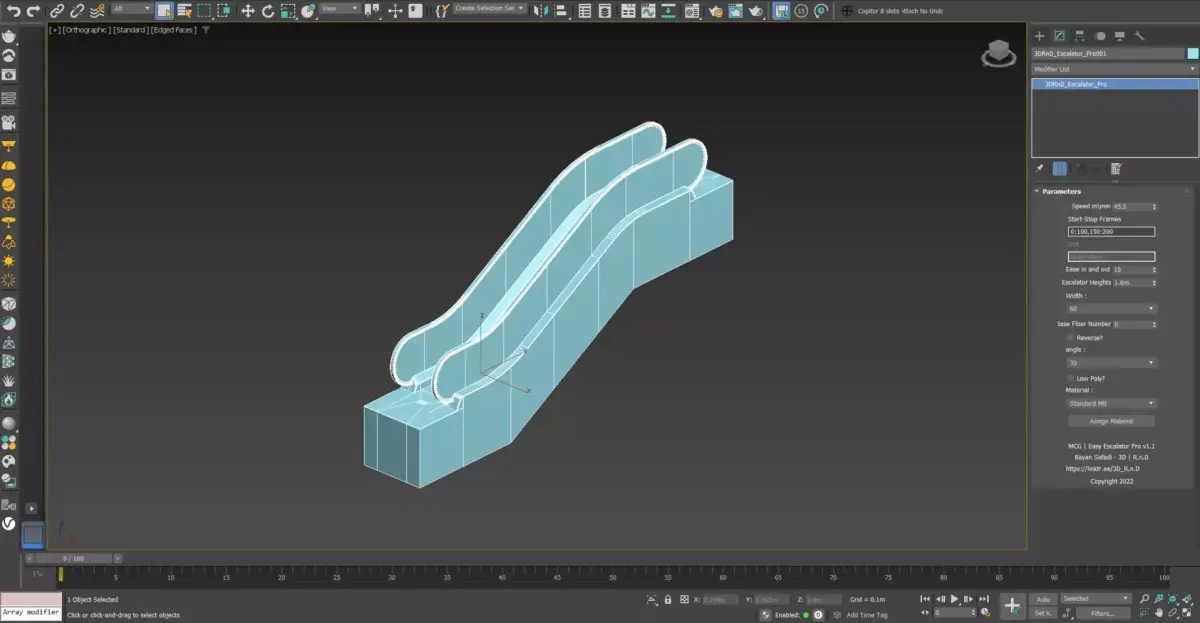
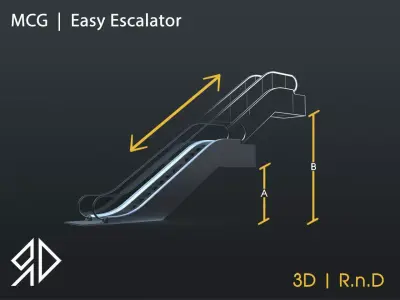
This MCG Tool will procedurally Generates an Escalator based on some inputs by the user.
Supported with 3dsmax 2016 - 2026
installation :
to install run 3dsmax in the menu go to Scripting then Install Max Creation Graph ( . mcg) package.
Usage :
in the create panel go to geometry then choose 3D | RnD category
like any other geometry after choosing 3DRnD_Escalator click on the view port and the Escalator will be created.
UI :
Speed m\min : Escalator's speed.
Escalator Height: change Escalator's Height.
unit : not editable it shoes the system unit used in the file.
Width : choose between 3 widths.
Base Floor # : (-9 to -1 shows B9 to B1 ) | 0 shows GF | 1 to 98.
Reverse? : flip the direction of the Escalator From Going up to Going Down.
Angle : 30 , 35 .
Material : ( Standard , Physical , Vray , Corona).
Assign Material : assign material.
This software is provided on an as is basis, without warranty of any kind, express or implied, including without limitation, any implied warranties of merchantability, The entire risk as to the quality and performance of the software is borne by you, and it is your responsibility to ensure that it does what you require it to do prior to using it, The author is not responsible for any indirect, special, incidental, or consequential damages of any character including, without limitation, damages for loss of goodwill, Work stoppage, computer failure or malfunction, or any and all other commercial damages or losses.
Copyright : 2009-2025 3D | R.n.D, All rights reserved
MCG (MCG Tool, filesize: 563 KB)