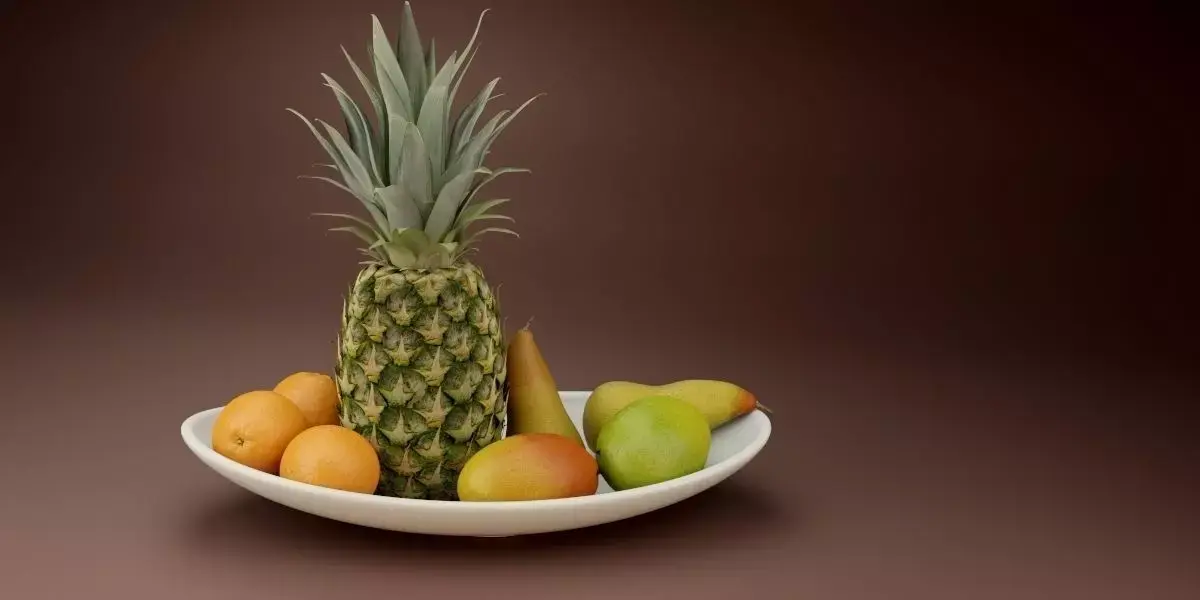
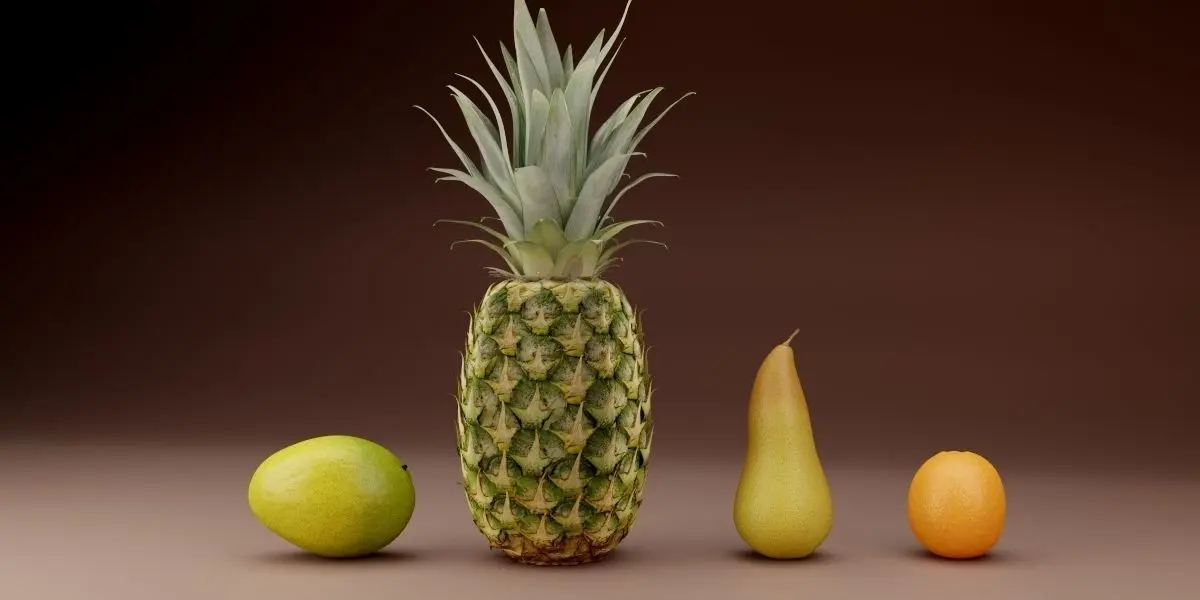
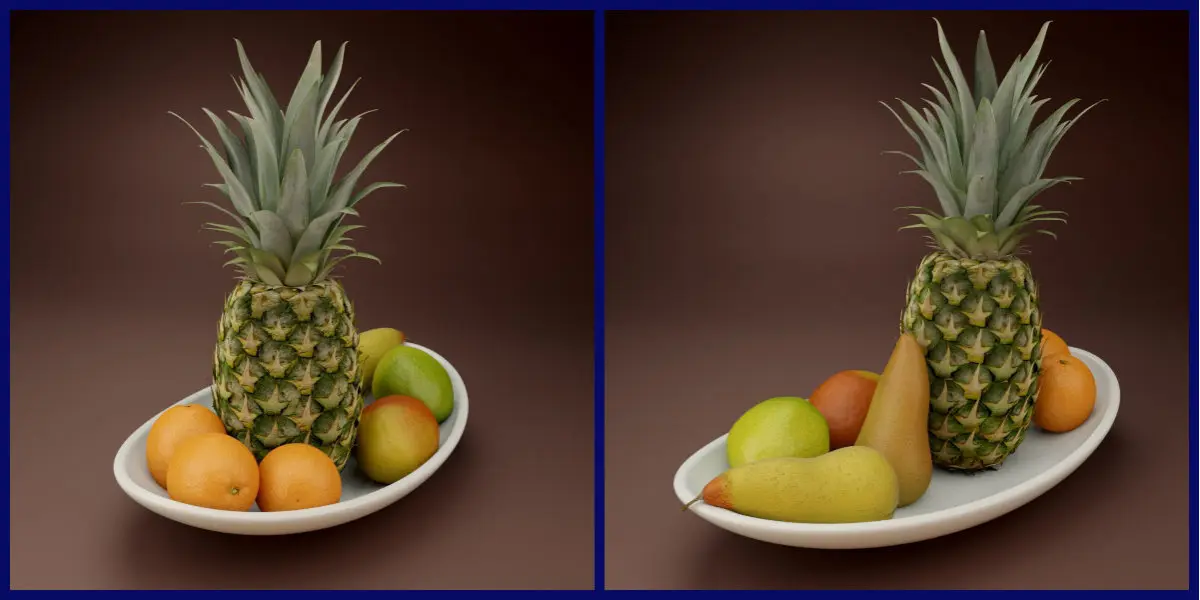
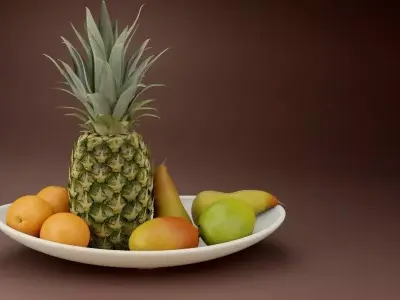
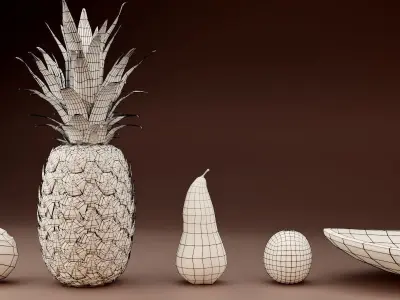
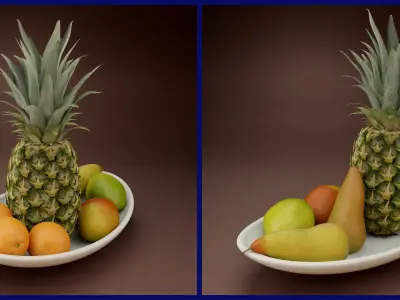
Every well looking architectural rendering needs a fresh looking food centerpiece. With this second Volume of the Fruit Series you will get a nice arranged Fruit Bowl containing a Pineapple, Oranges, Mangos and Pears.
High Res,Low Res and procedural Shaders for realistic Results included (Blender Cycles)
The Blend File contains a 8k and a 4k Material for the texture Based materials of the Pineapple, as well as a 4k Texture Based Shader for the Pear. There is an alternive procedural Shader for the Pear as well. The Mango and Orange are using procedural Shaders.Simply choose the material of your choice according to your requirements.
Groupes Structure for easy Appending
All Fruits are set up as self named Groups, plus a Group for the Fruit Bowl Scene, so you can either choose to import the whole Fruit Bowl Scene, or just the Fruit you like to create your own Arrangement. All Fruits are modelled in real Life Scale, but can be easily Scaled according to your needs.
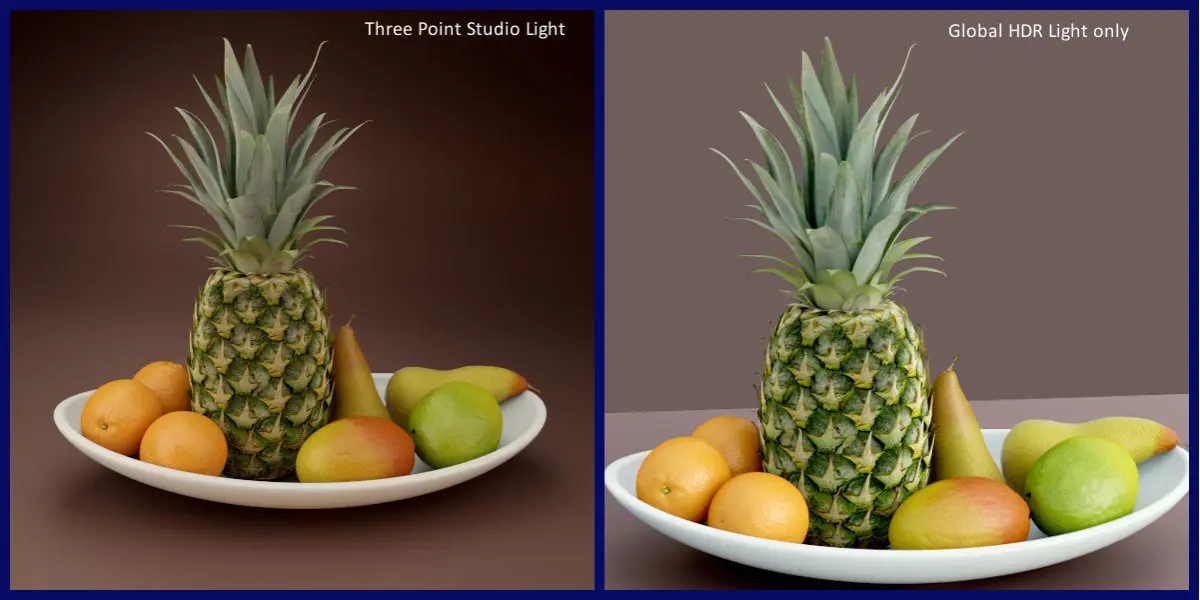
Prelit Scene, Compositing Nodes included (Blender Cylces)
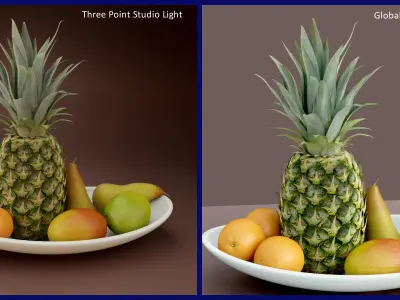
Just open the Blend File and hit F12. The Pack comes with a preinstalled Lighting Setup. There is also a simple Compositing node Setup to reproduce the featured images.
TAGS: Pineapple, Orange, Mango, Pear, Fruit, Food, architectural, Archiviz, Bowl, dev-fund, Interior, kitchen, nature, visualisation
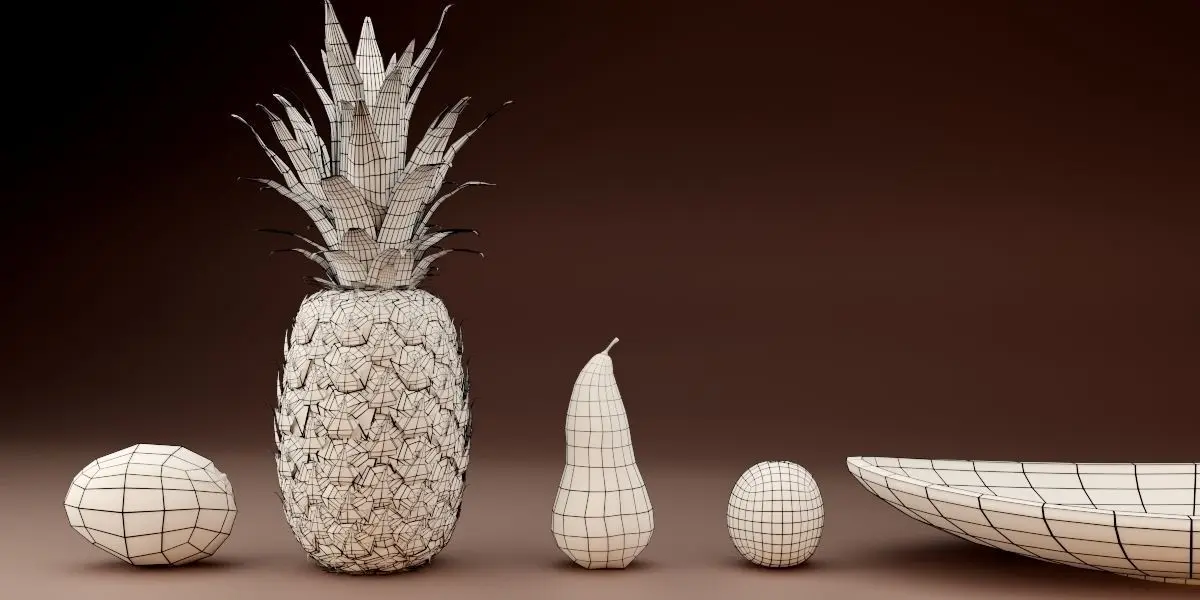
Faces: 9243Verts: 9796
DOCUMENTATION
The Shader Documentation can be found here.
https://www.dropbox.com/s/howvhedkba131cj/Documentation_Fruit_Pack_Vol_2.pdf?dl=0
It is also included in the Fruit Pack.Note: Some Materials use Subsurface Scattering. To Render the Scene correctly you have to switch your Render Settings either to Experimental oder CPU Rendering (for Blender 2.76)
For Loading the Fruits into your Scene, simply Choose "File --> Append", then choose "Group", then choose "Fruit_Bowl_Vol2" to get the Scene of all Fruits in a Bowl as Shown in theProduct Images. If you need Particular Fruits, Choose one of the Self named Groups:
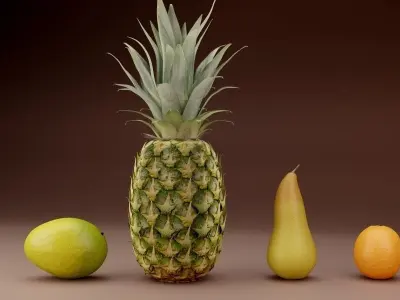
PineappleOrangePear_TexturebasedPear_ProceduralMango_GreenMango_Red
STL (Stereolithography, filesize: 238 MB), OBJ (OBJ, filesize: 213 MB), 3DS (3D Studio, filesize: 14.7 MB), FBX (Autodesk FBX, filesize: 111 MB), BLEND (Blender, filesize: 222 MB), DAE (Collada, filesize: 1.69 MB), PDF (PDF, filesize: 444 KB)