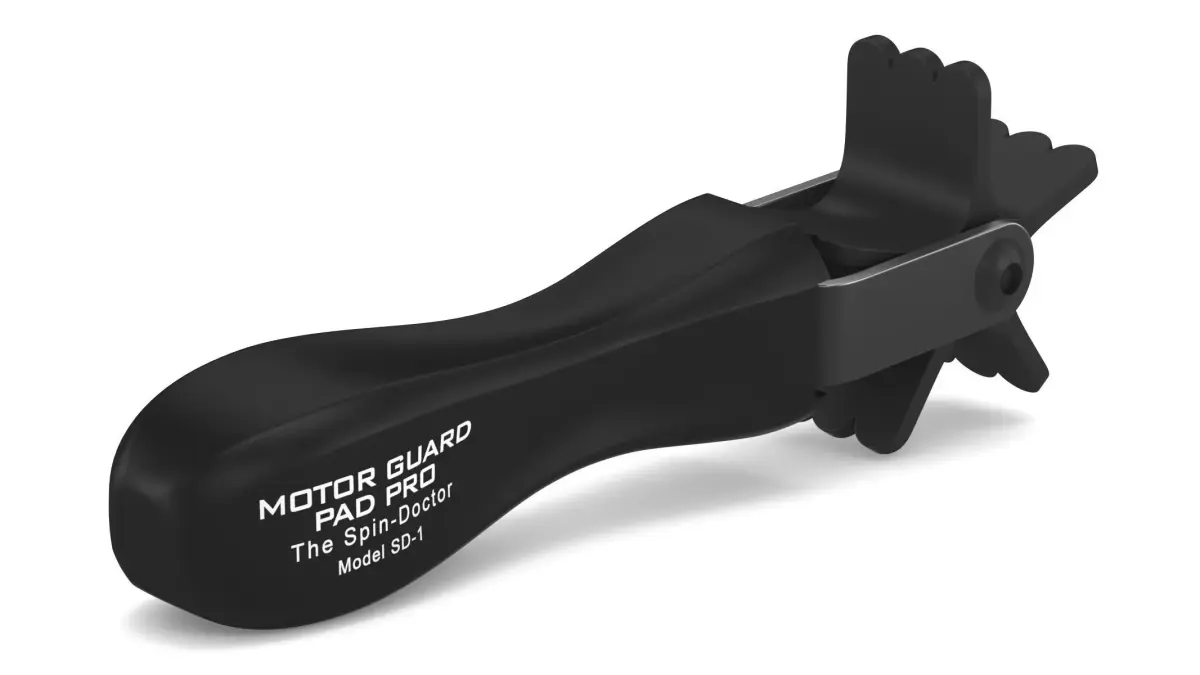
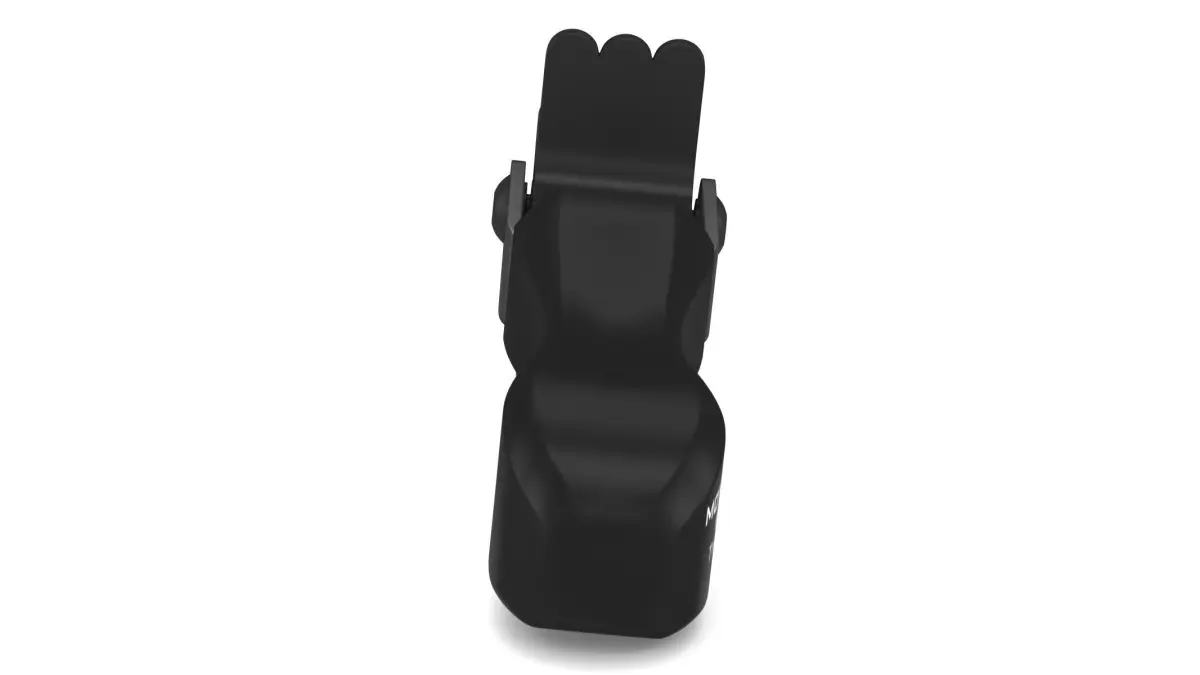
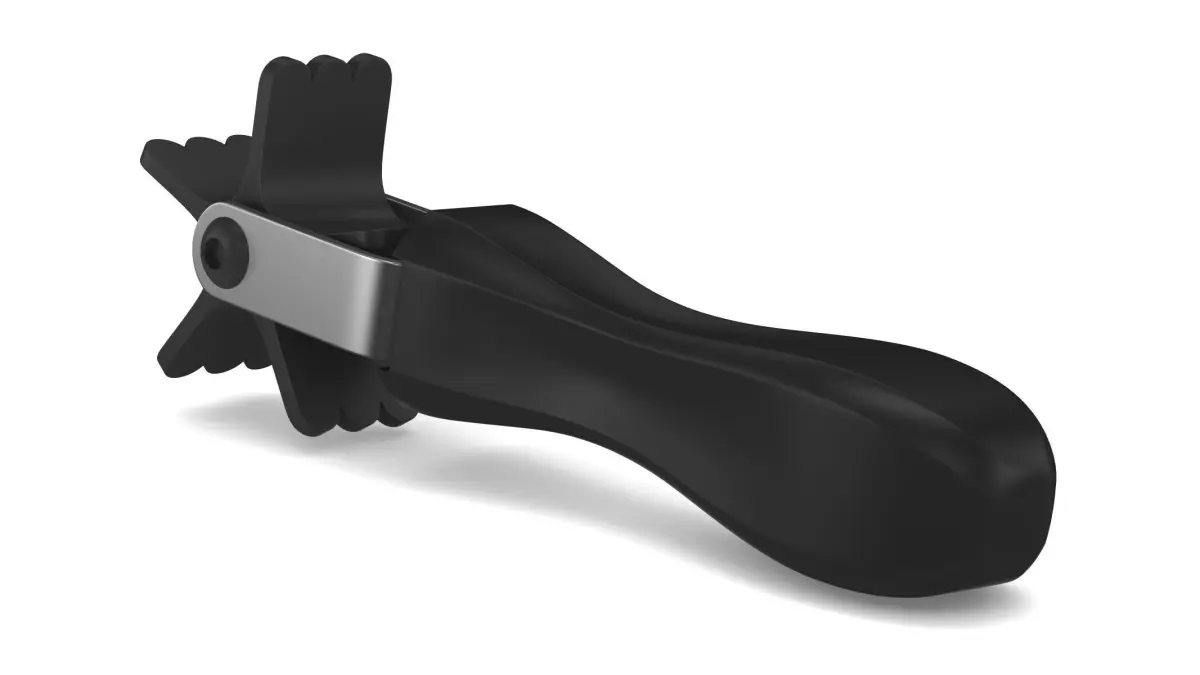
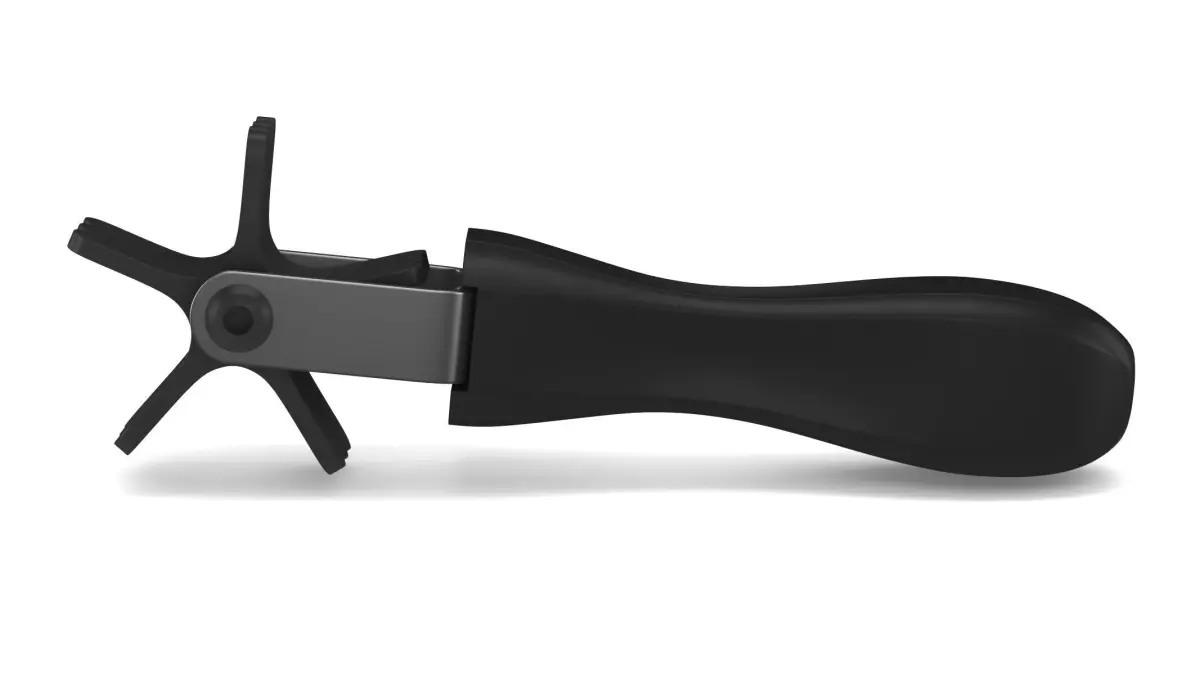
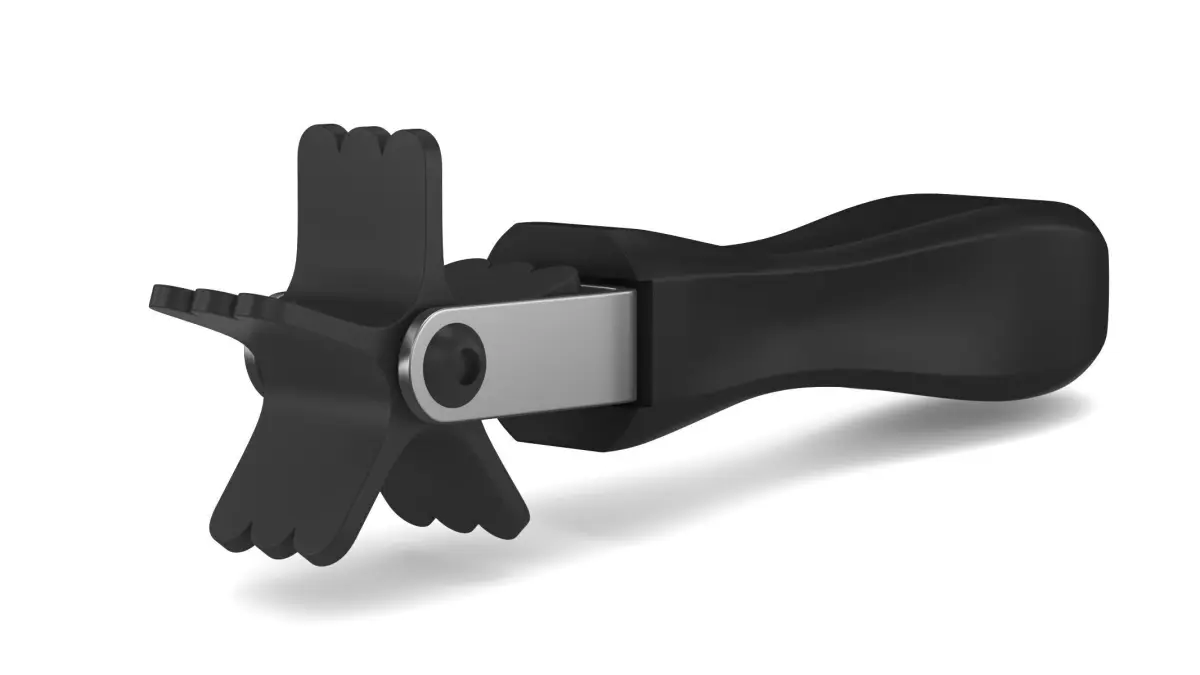

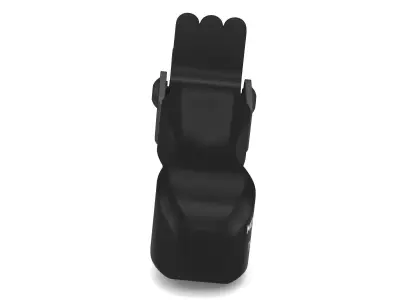
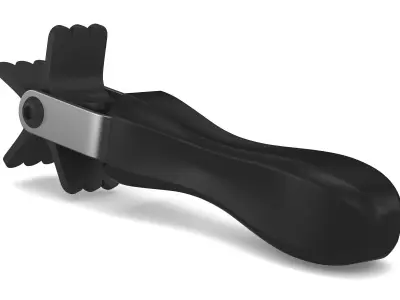
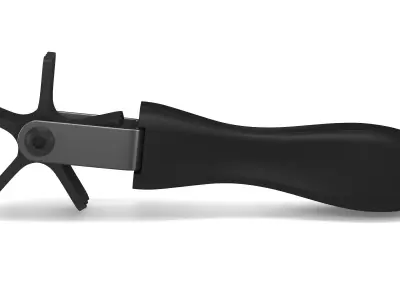
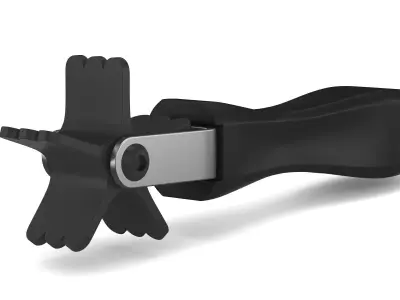
Garage Power-Tec Spin Doctor 3D model
Home Catalog Garage Power-Tec Spin Doctor 3D model

Publication date: 2025-04-22

Buy Garage Power-Tec Spin Doctor 3D model

$10

License: Royalty Free No Ai

author:

Polygate2

All content related to this 3D asset—including renders, descriptions, and metadata — is credited to its original author, «Polygate2». CGhub does not claim copyright ownership over the content used.
  • Description
  • Formats
  • Hello, I’m Frezzy, founder of CGIVN Studio. Since 2013, we’ve been creating professional 3D models to serve a wide range of creative and commercial needs.
  • We’re on an exciting journey to create 100,000 high-quality 3D models and more, and we’re picking up speed.
  • Every model you use helps fuel the next, making professional 3D more affordable, more accessible, and more inspiring for all.

FEATURE HIGHLIGHTS:

  • High quality polygonal model. Mesh and details are built by our professional artists.
  • Models resolutions are optimized for polygon efficiency.
  • Model is fully textured with all materials applied.
  • All textures and materials are included and mapped in every format.
  • Objects are logically named for ease of scene management.
  • No part-name confusion when importing several models into a scene.
  • No cleaning up necessaryjust drop your models into the scene and start rendering.
  • No special plugin needed to open scene.
  • Model does not include any backgrounds or scenes used in preview images.

FILE FORMATS:

  • 3ds Max 2018 and Vray 5.0 ( Native format )
  • 3ds Max 2018 Standard materials
  • Maya 2018 Hardware materials
  • Cinema 4D R20 Standard materials
  • Blender 2.91 Eevee materials
  • FBX and OBJ (You can use this format to import them into a lot of different 3D software.)

HELP AND TIPS:

  • Problem when unzip file: If you have problem with extract file please use latest version of winrar ( winrar is free )
  • Smoother faces and edges: You'll need to add subdivision command to get a smoother curved version. ( For example: Turbosmooth in 3ds Max )
  • OBJ and FBX are not smooth: Contact me to get the smoother version for free. Or you can import them into 3D software, add subdivision command and re-export them as high-poly.
  • Lower version 3D software: Don't worry about lower versions of 3D software. Use FBX or OBJ to import them.
  • For Cinema 4D users: Add HyperNURBS for each object to get subdivision ( smooth ). And make sure setting of HyperNURBS is Catmull-Clark and Subdivide UVs is Edge to correct textures and UVs.
  • Don't forget to contact me if you encounter any other issues that aren't listed above.
  • Thank you for supporting and using Cgivn products and services.
OBJ (OBJ, filesize: 13.8 MB), BLEND (Blender, filesize: 13.9 MB), JPG (JPG, filesize: 122 MB), MAX (Autodesk 3ds Max, filesize: 52.3 MB), MA (Autodesk Maya, filesize: 13.9 MB), MEL (Maya Mel Script, filesize: 13.9 MB), FBX (Autodesk FBX, filesize: 13.9 MB), C4D (Cinema 4D, filesize: 13.9 MB)

3D Model details

  • cgtrader Platform
  • Animated
  • Rigged
  • Ready for 3D Printing
  • VR / AR / Low-poly
  • PBR
  • Textures
  • Materials
  • UV Mapping
  • Polygons: 6298
  • Vertices: 6309
  • Geometry: No N-gons | No faceted geometry | Manifold geometry |
Similar models
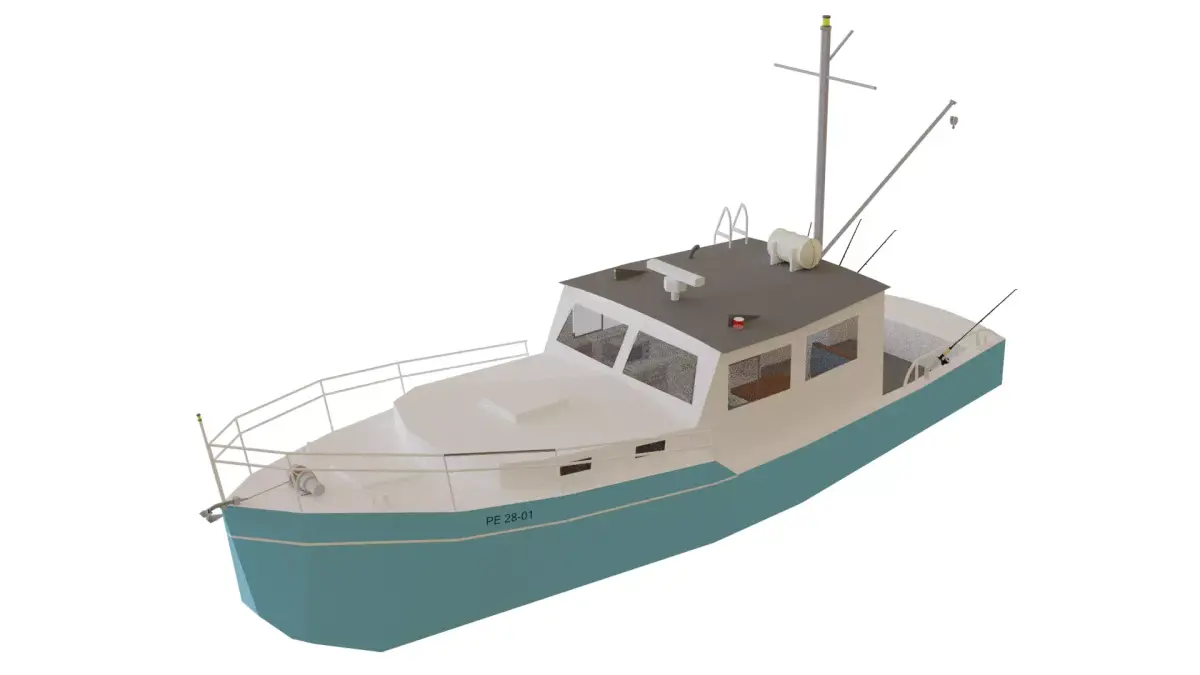
Fisher Boat Free low-poly 3D model
realtime
Add to Wishlist Remove from Wishlist View
fishing boat Free low-poly 3D model
realtime
Add to Wishlist Remove from Wishlist View
Knuckle Crane Free 3D model
Add to Wishlist Remove from Wishlist View
Baby powder Free 3D model
Add to Wishlist Remove from Wishlist View