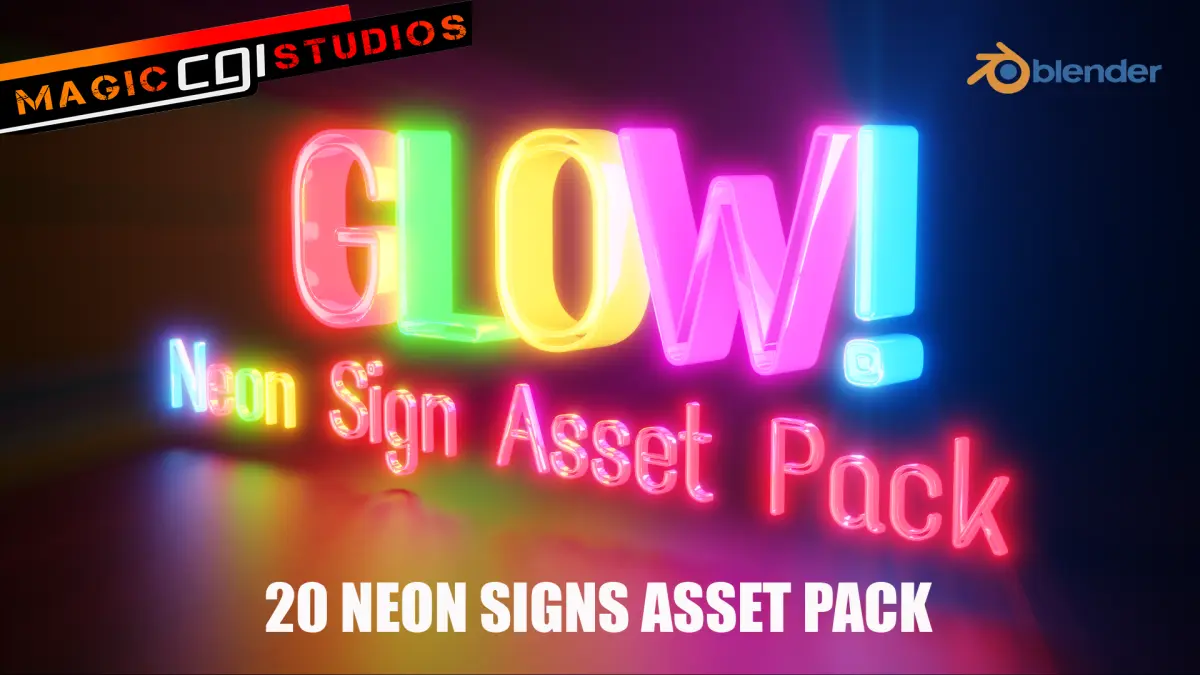
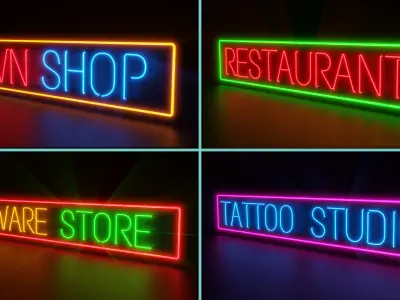
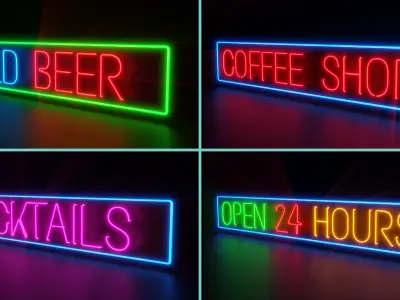
Glow! - Neon Sign Asset Pack
Created with and intended for use within Blender
Greetings my dear 3D Friends,
Here we have another extensive and detailed Asset Pack for your consideration
Need to add some Style, Colour & Lighting to your City/Street Night Scene Renders? .....Then brighten things up with this set of 20 Neon Sign Assets, just drag and drop into position, scale to suit then hit that Render button!
What you will receive in this Pack (20 Signs in total):
Horizontal Wall / Window Mounted:
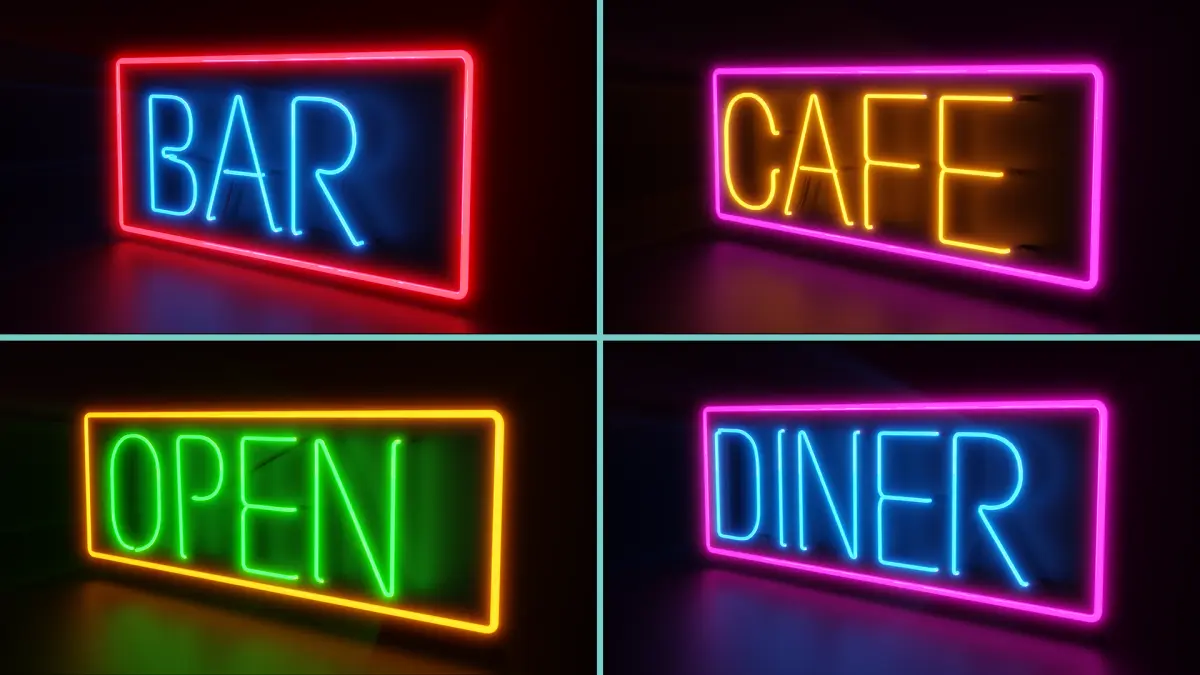
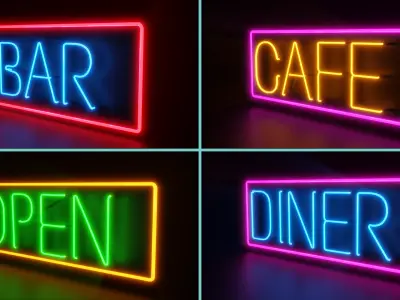
BAR
CAFE
OPEN
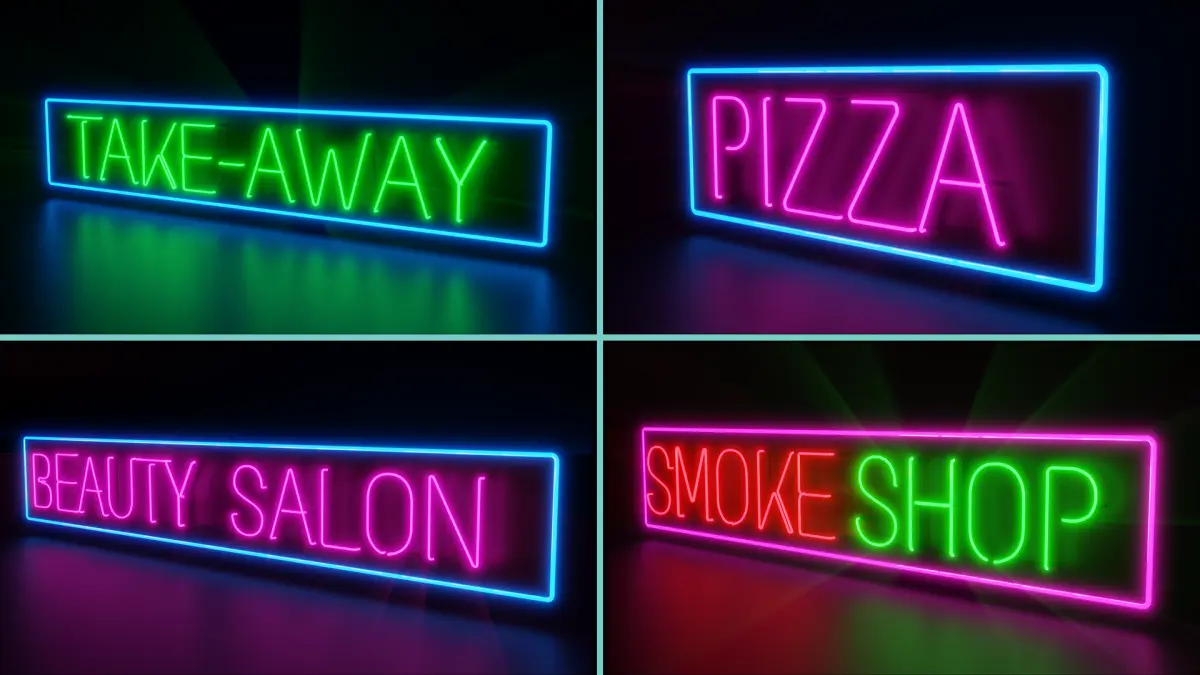
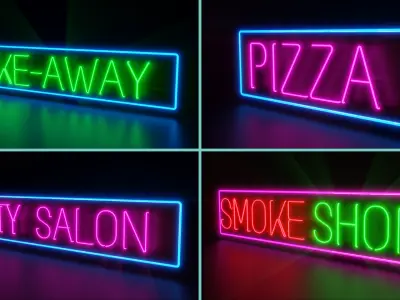
PIZZA
DINER
BEAUTY SALON
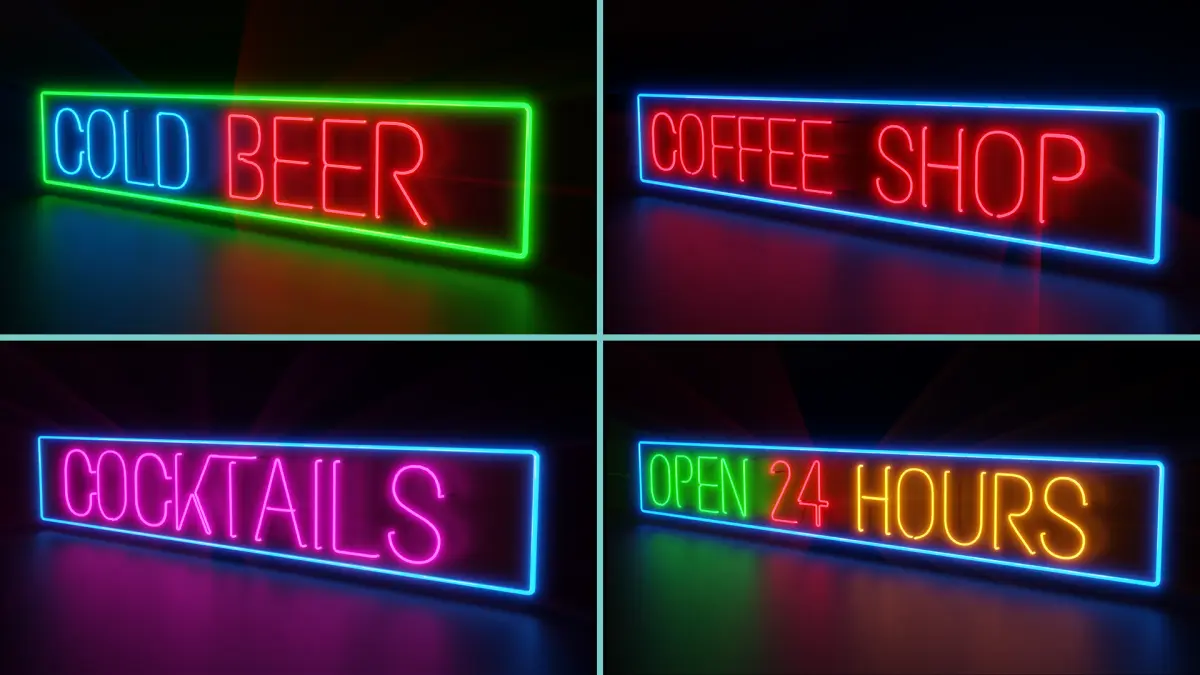
COFFEE SHOP
TAKE-AWAY
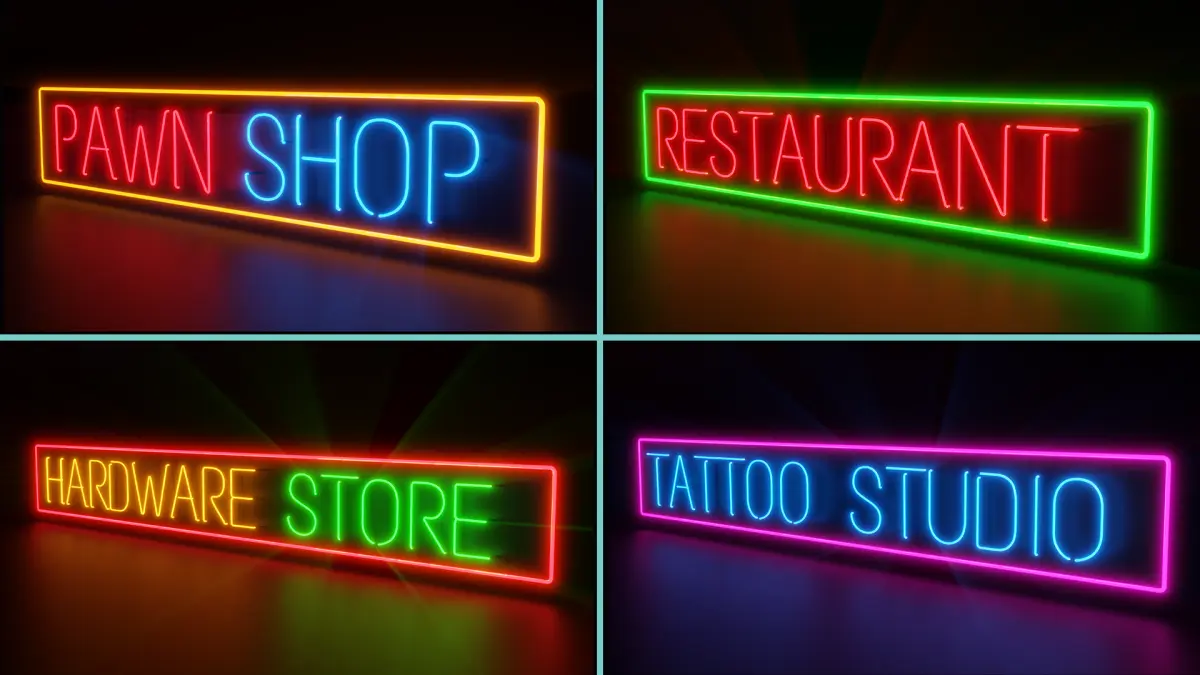
PAWN SHOP
RESTAURANT
SMOKE SHOP
TATTOO STUDIO
COCKTAILS
HARDWARE STORE
COLD BEER
OPEN 24 HOURS
Vertical External Wall Mounted, (Double Sided):
PHARMACY
GUNS & AMMO
DRUG STORE
LIQUOR STORE
All of the above include a Neon Surround and are mounted on a backing Unit
Please scroll through the images provided to see how these objects look
Each of these Signs have been converted to a Mesh, but I have also included all the lettering used to create this pack as just `Curves`. You could easily create your own Neon Signs using these, just separate any given letter, duplicate it etc etc, create your new wording then join together as I have done
This gives you the freedom to get creative!
There are two collections:
Collection 1: Neon_Signs - All Signs converted to Mesh (With Emission, backing plates etc applied, ready to go)
Collection 2: Neon_Signs_Curves - Just the lettering, nothing applied. Use to create your own wording.
All letters are connected to form a word as a real Neon Sign would be, these are not just simply glowing letters, please see images provided of how these are connected and how they have been created.
Blender 2.93 used to create the Models
All images provided were Rendered with Cycles
Please note: These will not work with the EEVEE Render Engine, Cycles only
All Modifiers closed
Scale applied to all Objects, but not to any particular real world dimensions. Just scale to suit your own scene.
This pack does not contain any other items shown in my example Renders (ie.....The Brick Walls & Windows)
Clean Topology, no loose or double Vertices
The HDRI used in the Renders is not included (There are loads of free ones out there, just do a simple Google search)
All Objects use Blenders Node System (Procedurally) so you can easily adjust the colours to whatever you like using the ColorRamp.
Once unzipped, this is a .blend file
If you do decide to purchase this Package I wish to thank you in advance
Thank you for your interest & support!
MagicCGIStudios
Documentation:
How to import these Models Into Blender/ your Blender Scene:
Unzip "Glow_Neon_Sign_Asset_Pack.7z"
After you have extracted the file:
1. Open Blender
2. Go to File........find and open `Glow_Neon_Sign_Asset_Pack.blend`
You will now see the whole Package
If you are adding (Appending) certain objects to a current scene:
3. Select: Append from the `File` drop down menu
4. Go To your Unzipped Folder Location
5. Open: Glow_Neon_Sign_Asset_Pack.blend
6. Select - Object - then simply choose which Object, or Objects, you wish to add to your project then choose `Append from library`
Any object ending in Curves are just the Mesh blank wording, eg..... Diner_Curves
If you wanted the actual Neon Sign for this Object, then simply select - DINER......(and so on)
7. They will now appear in your scene :)
Cycles Render Engine used for all the Rendered images shown
Scale Applied 1.000 - but not to any particular dimension.
Rotation applied
It would be maybe be best practice to first scale the package as a whole to suit your project requirements
Please note again: will not work with EEVEE, this is Cycles only
Origin of all Models: Centre Of Mass
All Objects are named accordingly in the Outliner
Please note: The HDRI Lighting used in the Images provided is not part of this package......there are plenty of free ones available online
Of course any of the Objects can be duplicated as many times as you like using SHIFT-D
Thanks for reading through this, I do hope you find this Asset Pack useful for your own projects and a massive time saver!
Any queries please do get in touch
Hope you like my Models :)
Thanks again for your interest & support!
MagicCGIStudios
Associated information:
In the signage industry, neon signs are electric signs lighted by long luminous gas-discharge tubes that contain rarefied neon or other gases. They are the most common use for neon lighting, which was first demonstrated in a modern form in December 1910 by Georges Claude at the Paris Motor Show. While they are used worldwide, neon signs were popular in the United States from about the 1920s to 1950s. The installations in Times Square, many originally designed by Douglas Leigh, were famed, and there were nearly 2,000 small shops producing neon signs by 1940. In addition to signage, neon lighting is used frequently by artists and architects, and (in a modified form) in plasma display panels and televisions. The signage industry has declined in the past several decades, and cities are now concerned with preserving and restoring their antique neon signs.
Blender