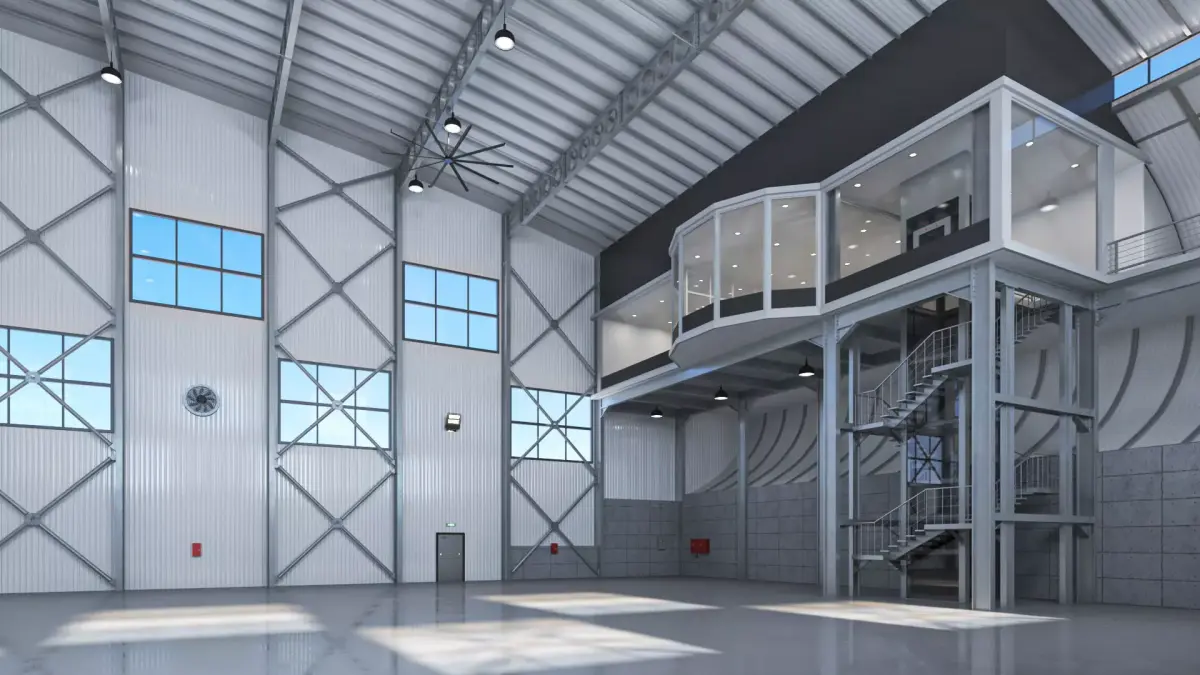
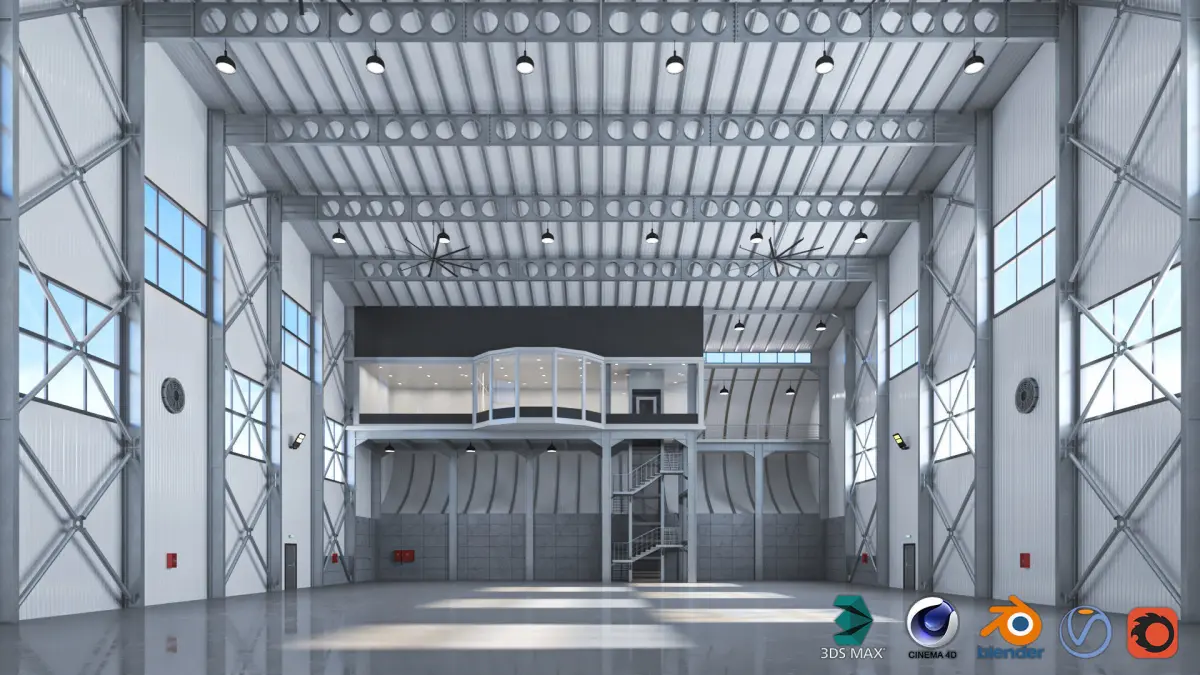
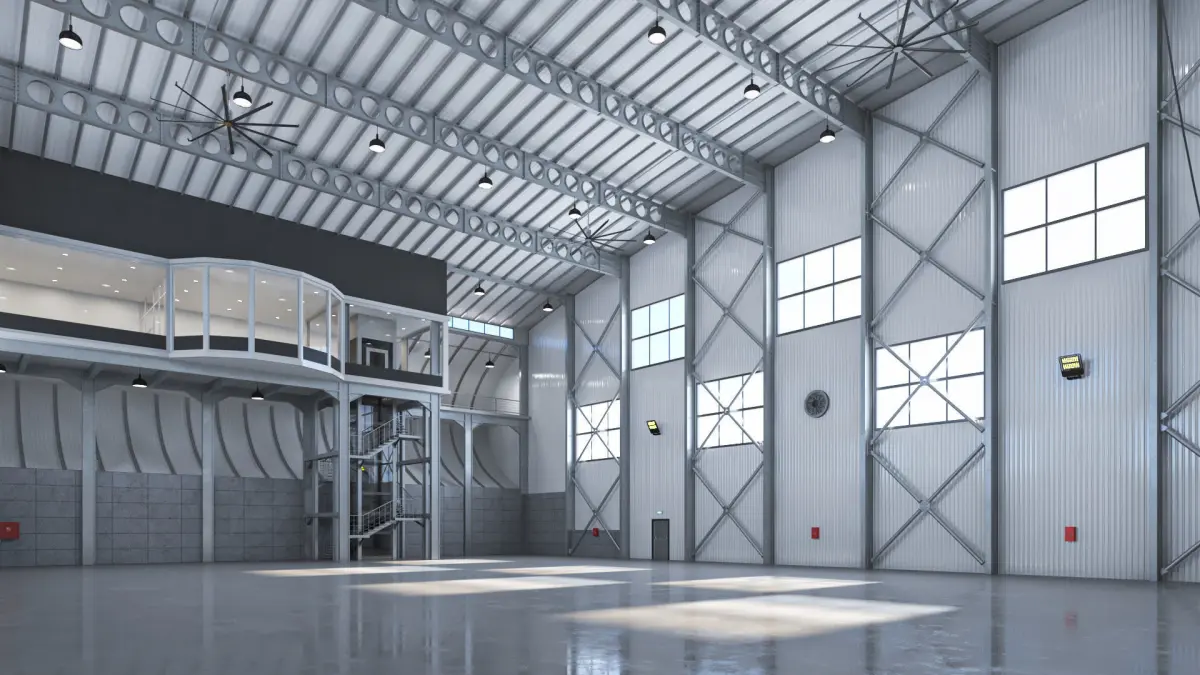
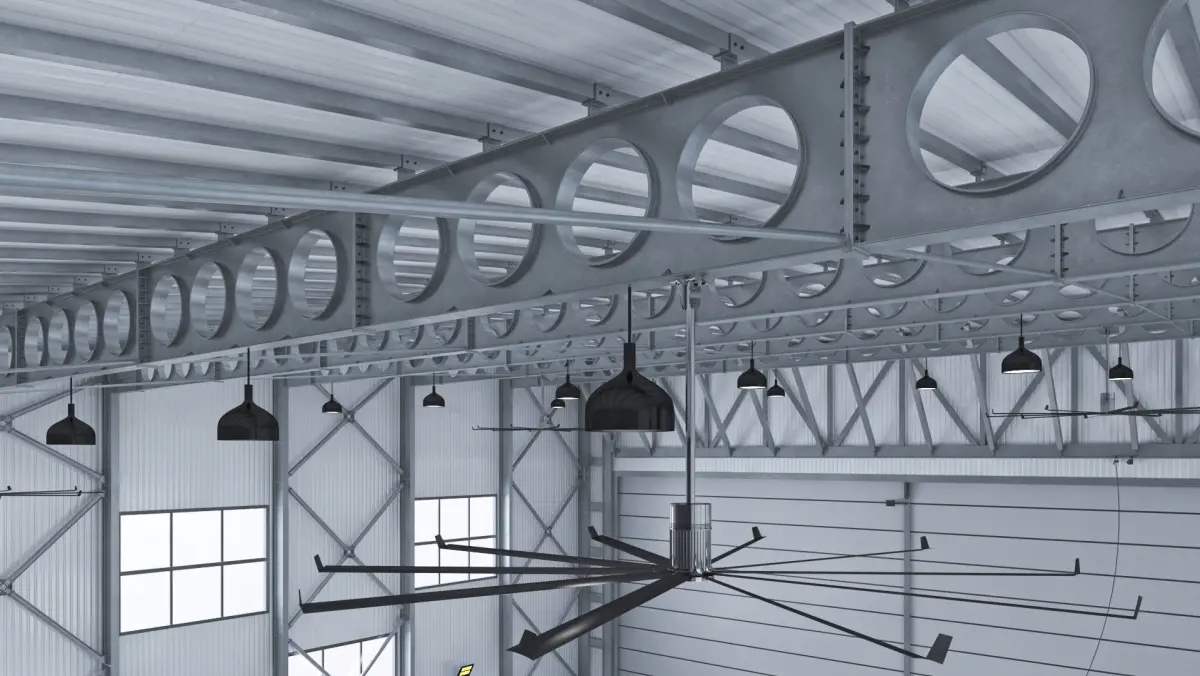
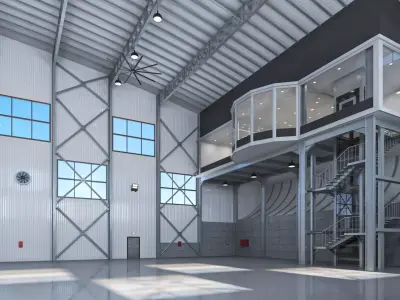
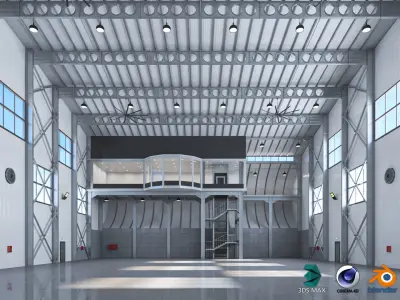
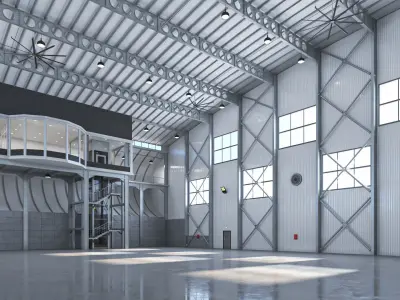
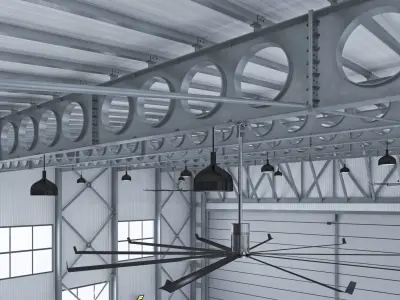
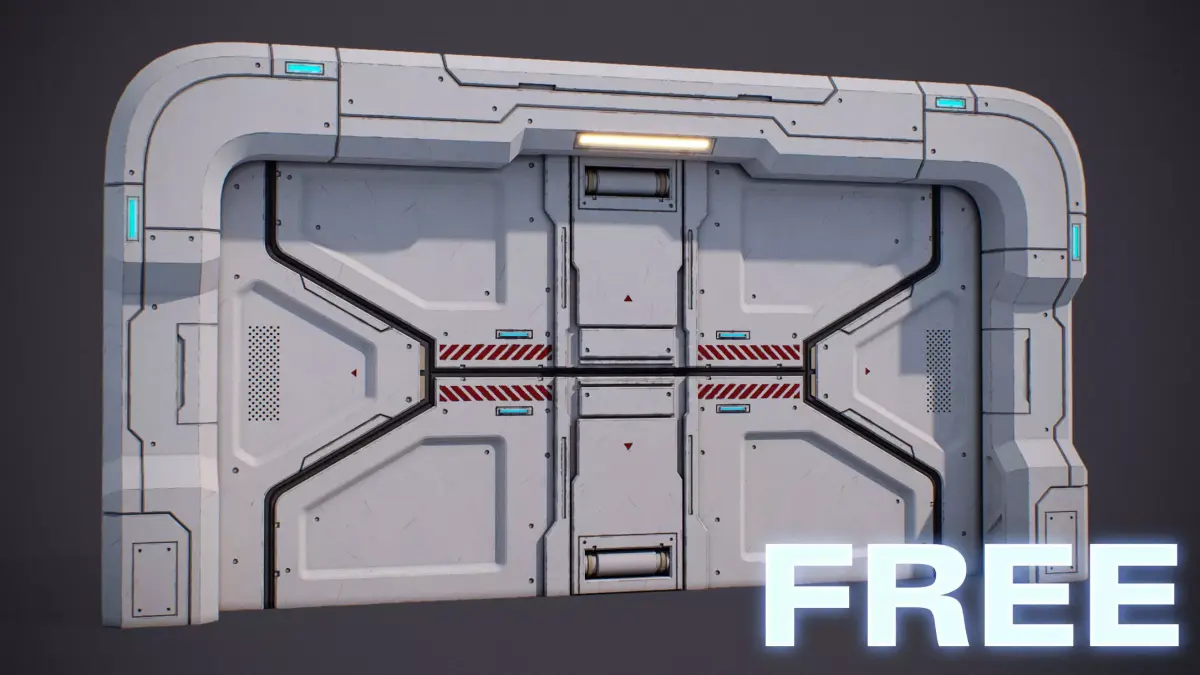
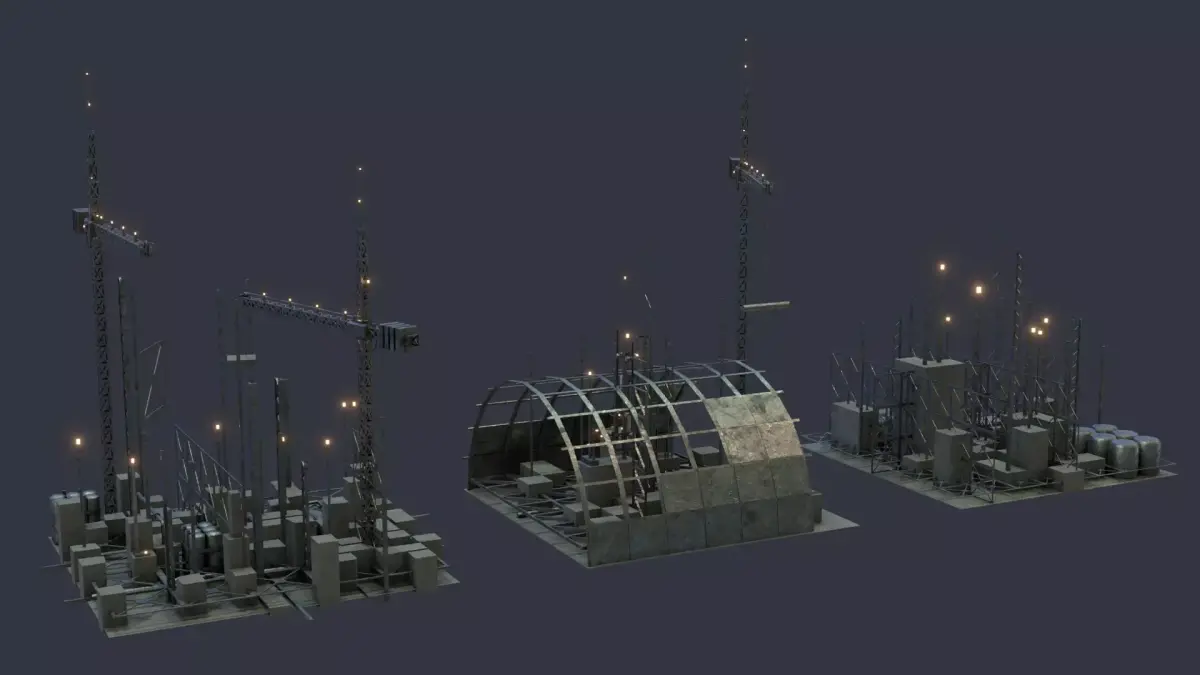
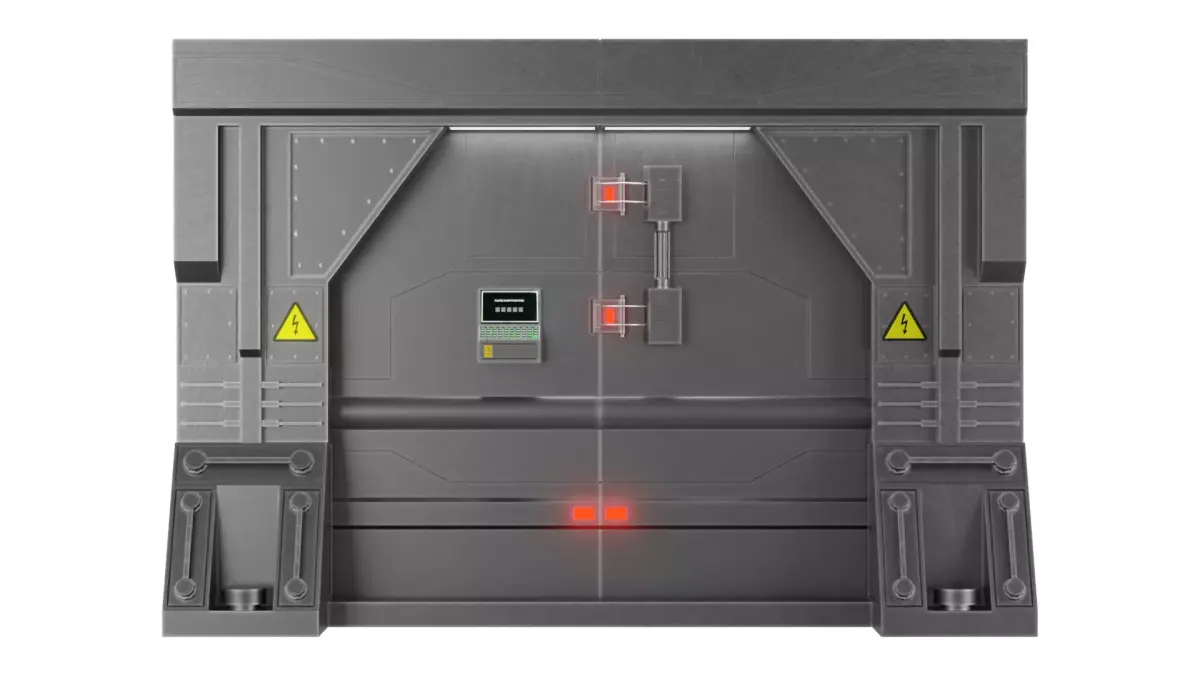
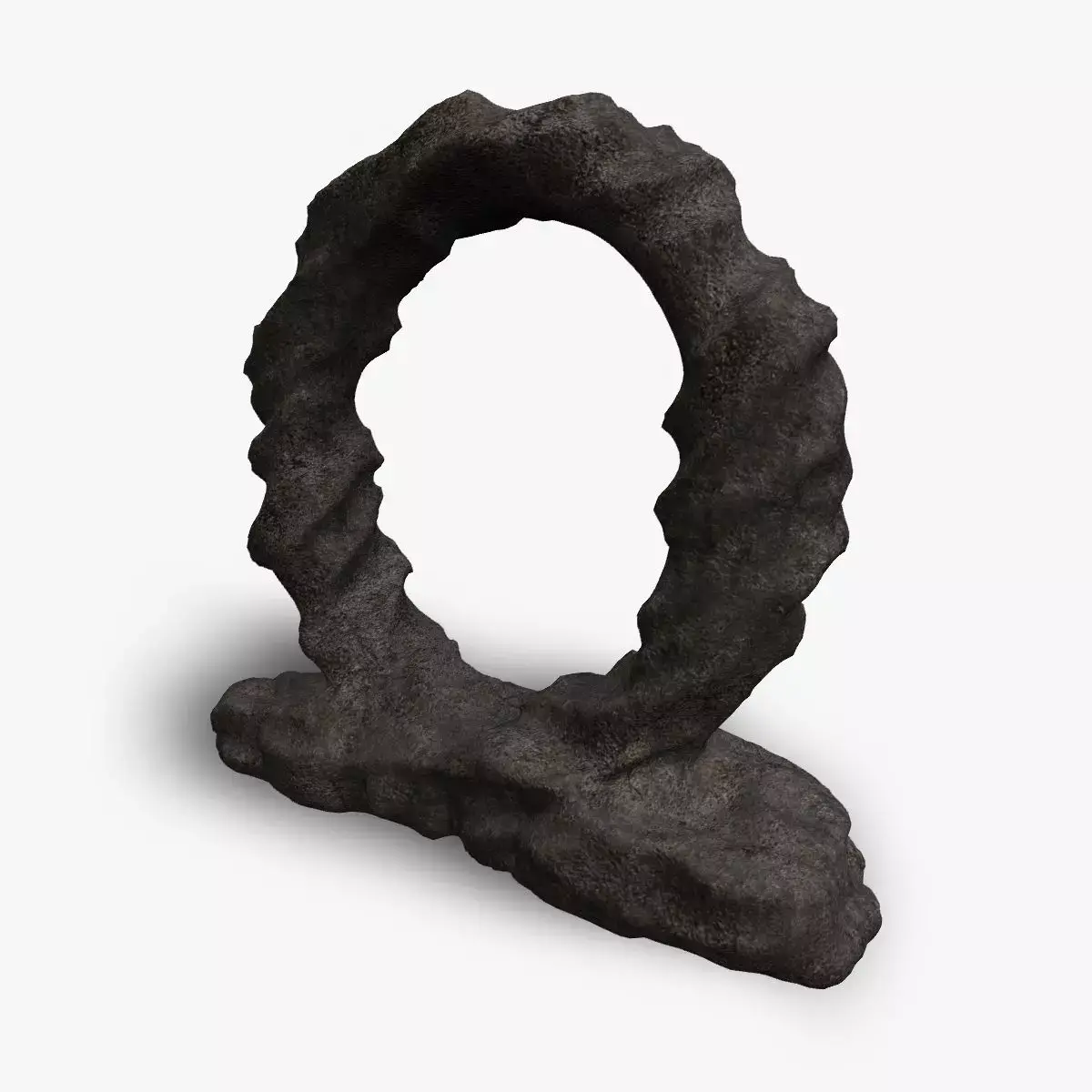
- Aircraft Hangar is a high-quality, photo real 3d model that will enhance detail and realism to any of your rendering projects. The model has a fully textured, detailed design that allows for close-up renders, and was originally modeled in 3ds Max 2016 and rendered with V-Ray.
- The scene is modeled in great detail.
- The dimension of the warehouse is length: 46 meters, width: 30 meters, height: 22 meters
- In addition, it is possible to reduce the detail models in the scene and reduce the number of polygons of the scene.
- *********************************
- Features:
- - High-quality polygonal model, correctly scaled for an accurate representation of the original object.
- - Models resolutions are optimized for polygon efficiency.
- - All colors can be easily modified.
- - Model is fully textured with all materials applied.
- - All textures and materials are included and mapped in every format.
- - 3ds Max models are grouped for easy selection, and objects are logically named for ease of scene management.
- - No part-name confusion when importing several models into a scene.
- - No cleaning up necessary just drop your models into the scene and start rendering.
- - No special plugin needed to open the scene.
- -Units: cm
- *********************************
- 1- File Formats:
- 2- 3d Max Vray
- 3- 3d Max Corona,
- 4- 3d Max Scanline
- 5- C4d Vray
- 6- C4d Corona,
- 7-Blender
- 8- Obj
- 9- Fbx.
- - 3D max-V-ray/Corona and c4d-Vray/Corona created scene all render settings are completed. You do not need to make any settings. Just press the render button.
- -Blender and 3ds max scanline versions added. However, you must adjust the render and material settings yourself.
- -Blender, 3dmax scanline, obj, fbx, before opening any of these file versions you need to put them into '_ASYMMETRIC HANGAR_tex'! Otherwise, the coatings will not be visible.
- *********************************
- Uwv Map and PBR objects:
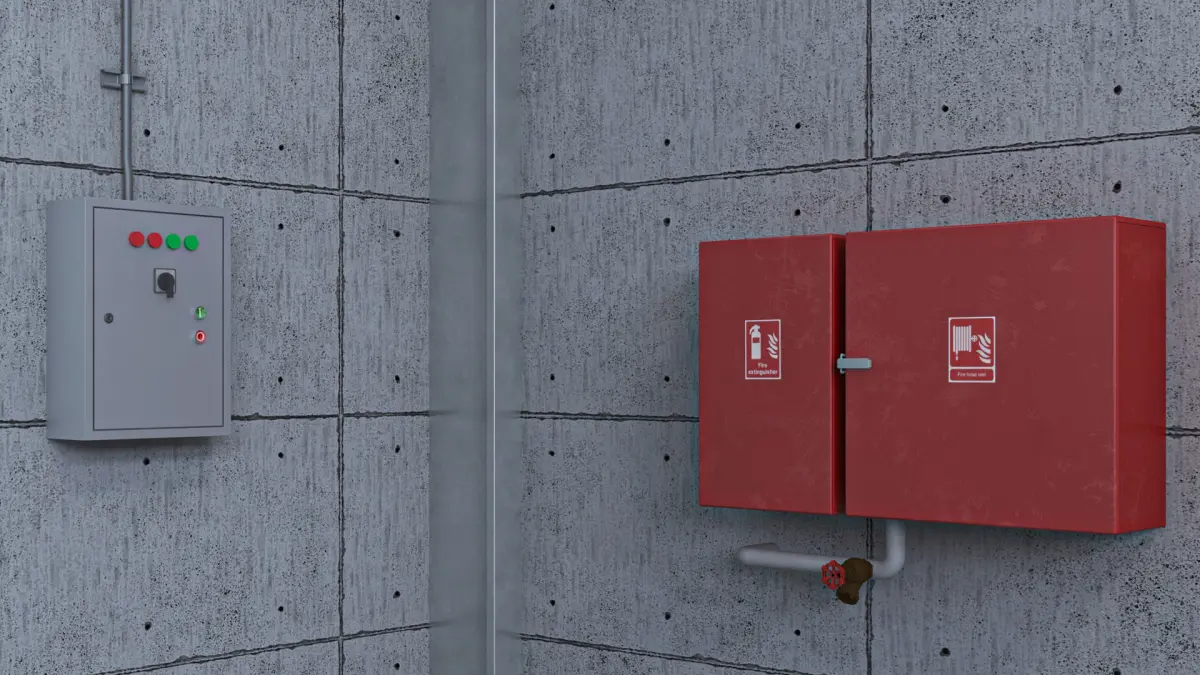
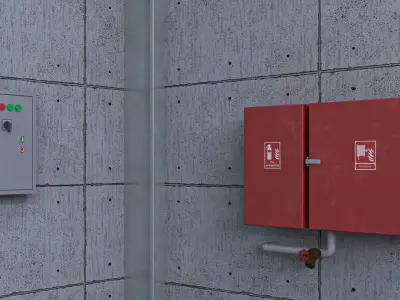
- Uwv Map of the projector lamp, exit lamp, electrical box, fire cabinet, fire valve, main door objects were created. And these objects have PBR materials.
- *********************************
- Polygon and Vertices:
- It is possible to reduce the number of scene polygons.
- You can remove as many detail objects as you need and reduce the number of scene polygons.
- With the detail objects removed, the scene is Polygons: 134,901 Vertices: 222,835.
- Polygons of the scene with all the details: 339,295 Vertices: 460,238
- *********************************
- Textures Formats:
- The outside of the stage is illuminated with high resolution (12000x6000 px) HDRI.
- 8192 x 8192
- 4096 x 4096
- 2048 x 2048
MAX (Autodesk 3ds Max, filesize: 1.57 GB), BLEND (Blender, filesize: 17.4 MB), OBJ (OBJ, filesize: 10.9 MB), FBX (Autodesk FBX, filesize: 15.6 MB), MAX (Autodesk 3ds Max, filesize: 1.57 GB), C4D (Cinema 4D, filesize: 1.11 GB), RPS (3ds Max Render Preset Settings, filesize: 1.56 GB), TEXTURES (Textures, filesize: 624 MB)