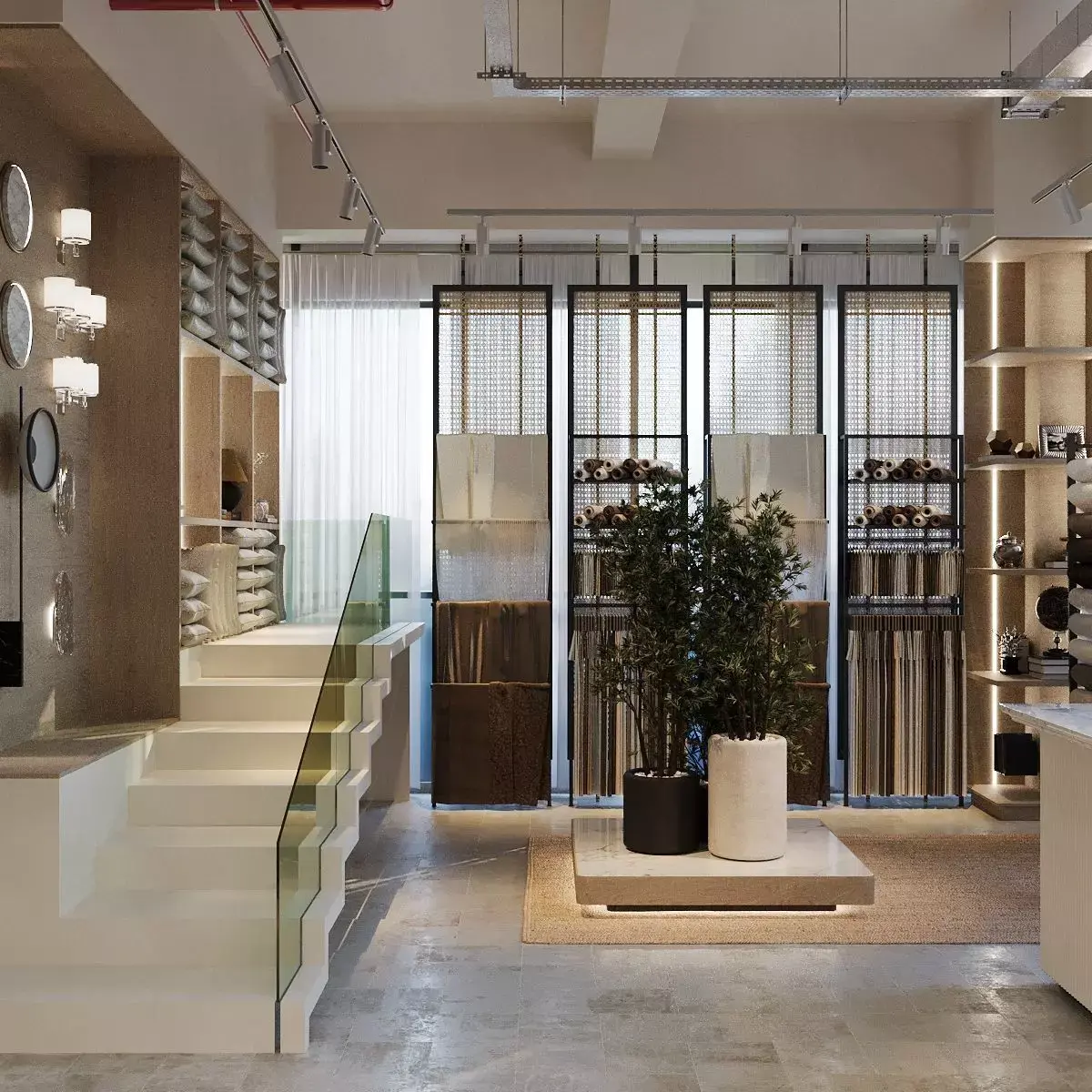
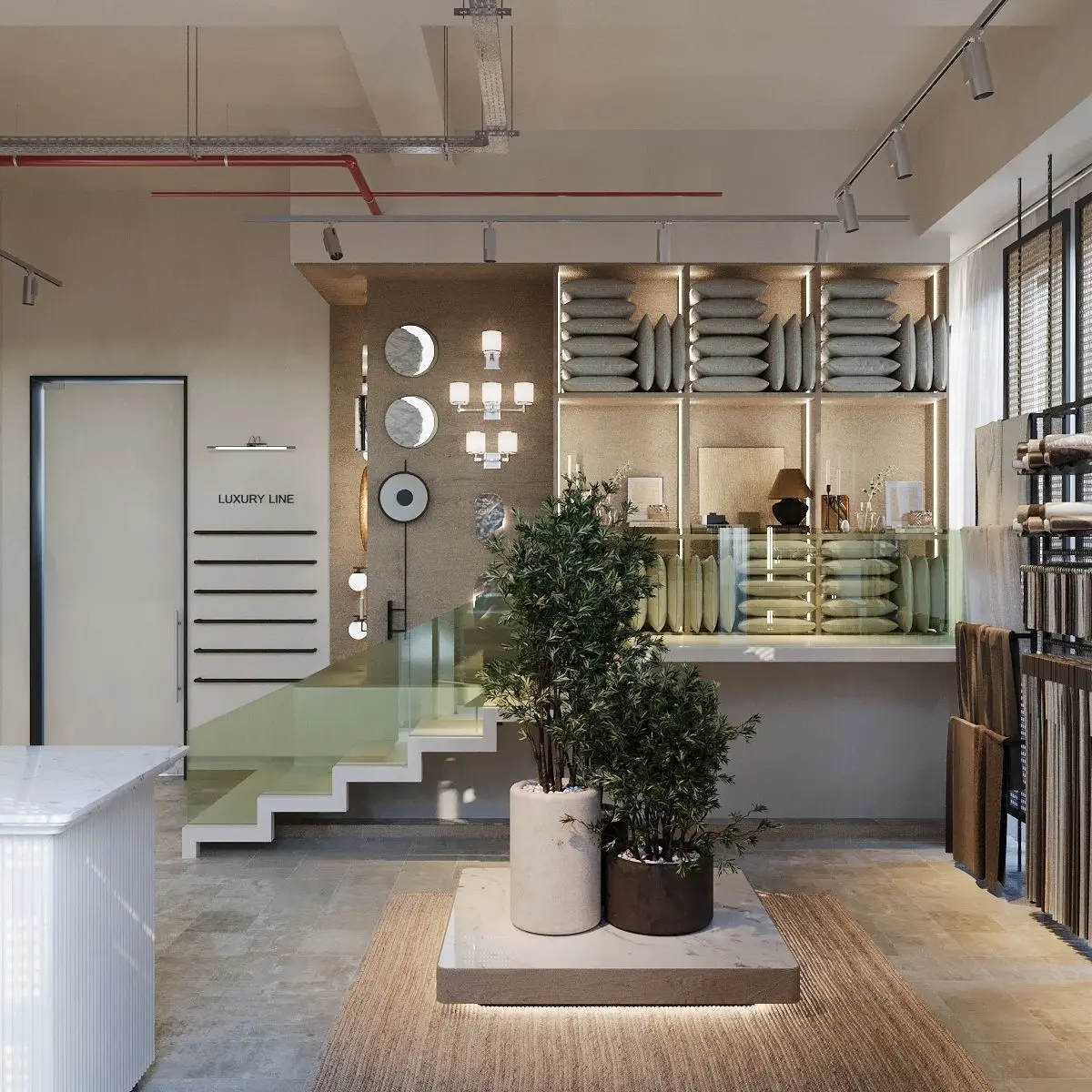
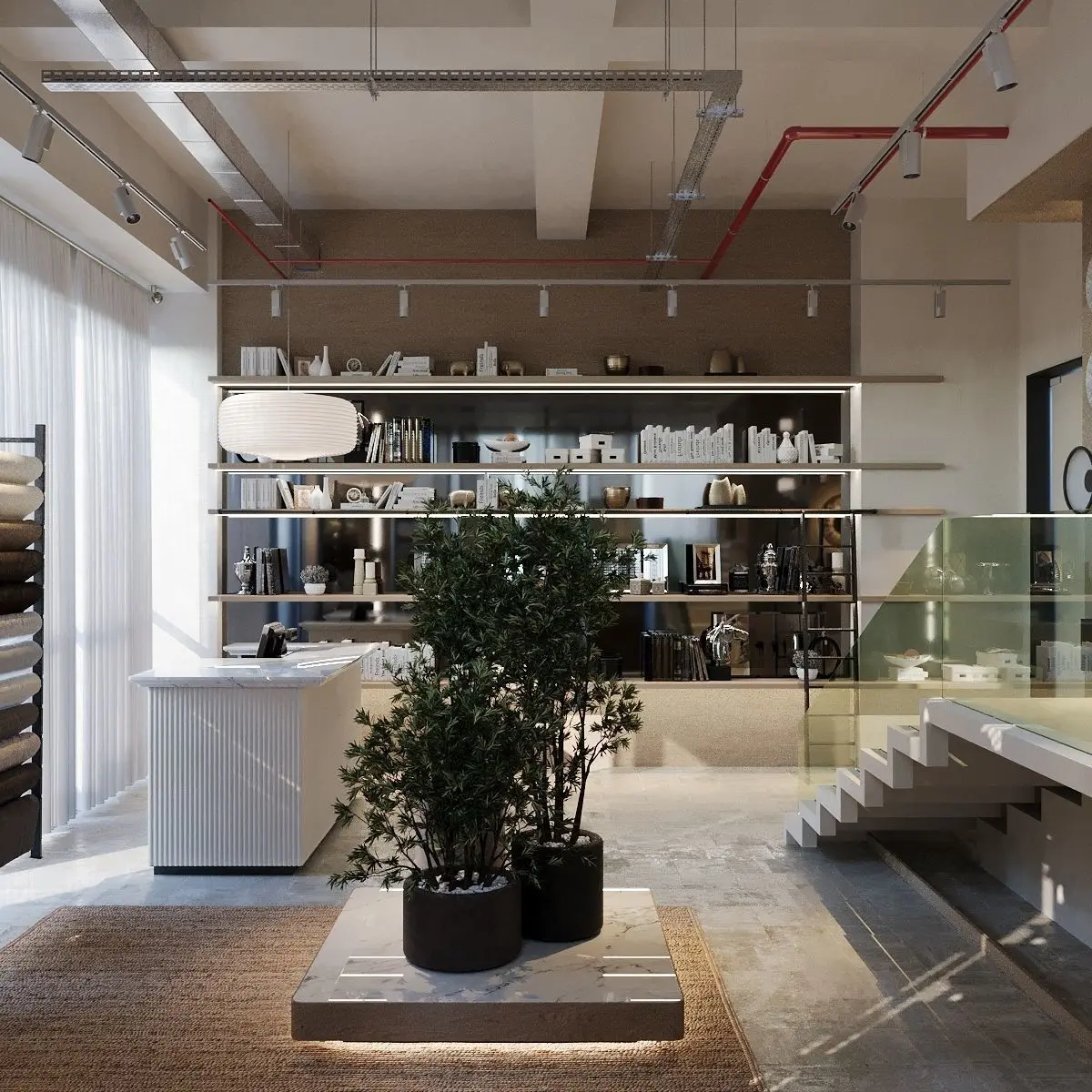
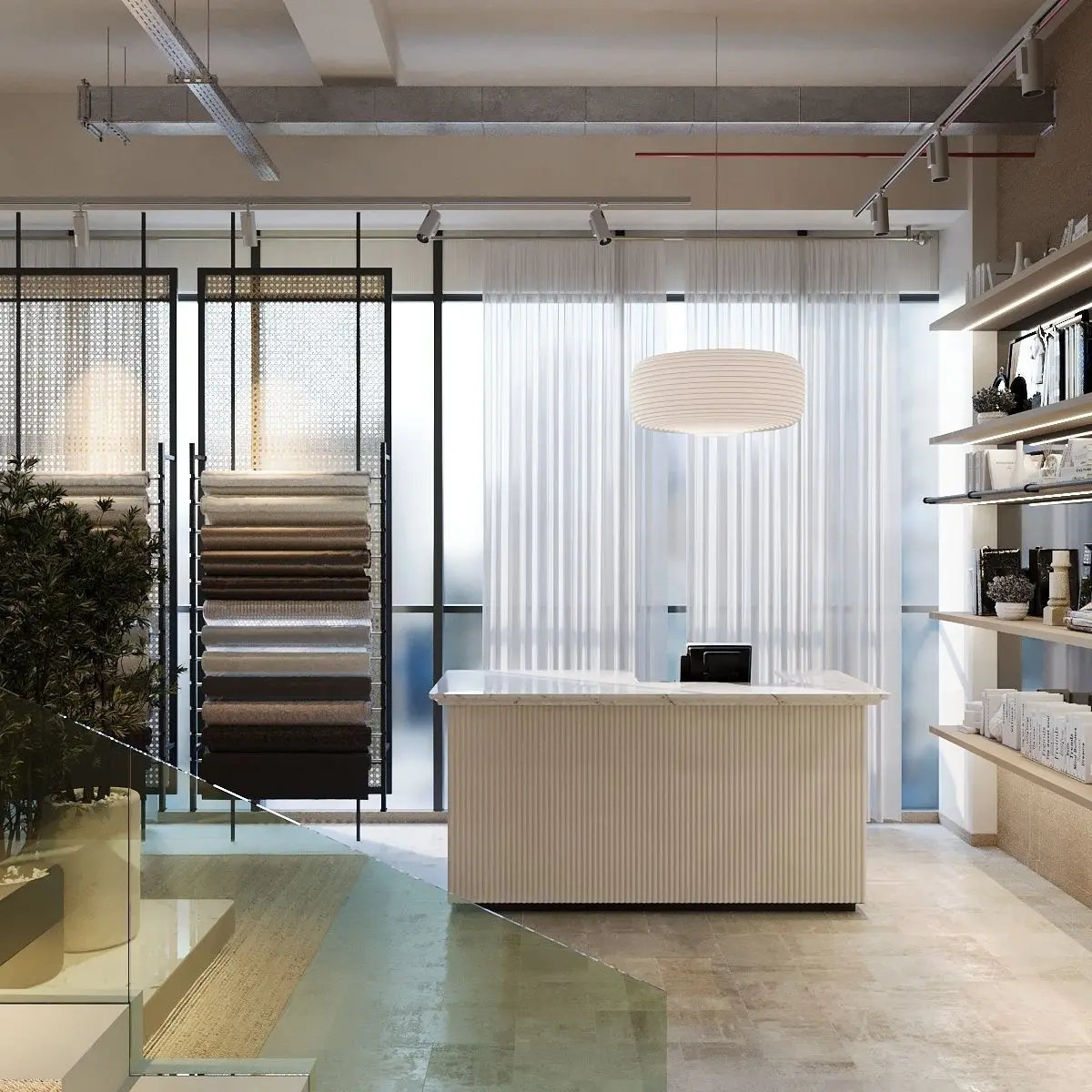
Extract Files:Right-click on the zip file and select Extract Files to access the contents.
Open 3ds Max 2020:Launch 3ds Max 2020 on your computer.
Import Models:Use the File menu to import or merge the props models into your scene.Make sure to use the Port-Merge option if needed.
Check Compatibility:Confirm that all models are compatible with Corona Renderer 8.5.
Set Scene Units:Ensure that the scene units match the units used when the models were created.
Set Up Lighting:Add light sources to illuminate the scene. Corona Renderer provides various light types. Place them strategically to achieve the desired lighting.
Render Settings:Access the render settings in Corona Renderer.Adjust settings such as resolution, render output, and other parameters according to your preferences.
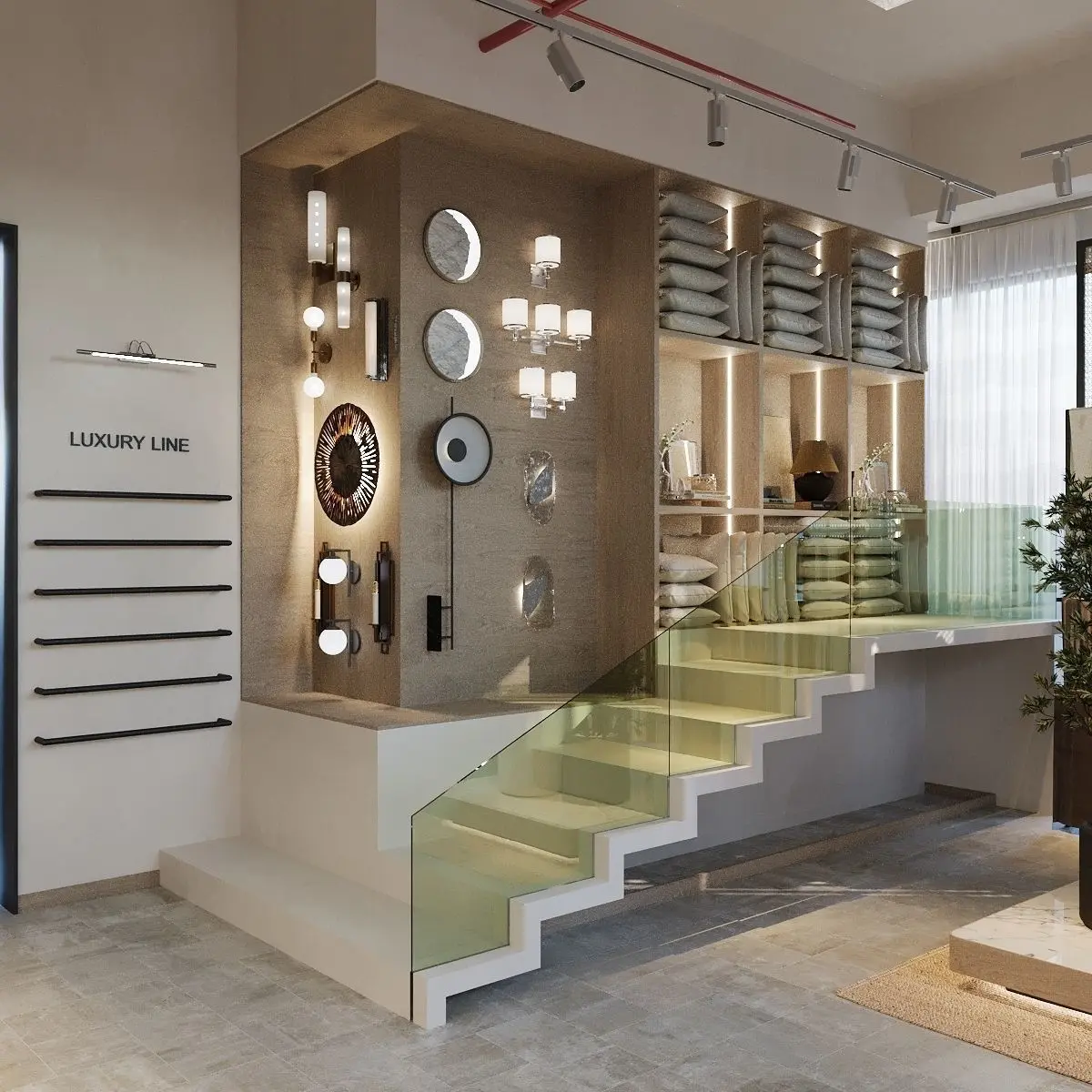
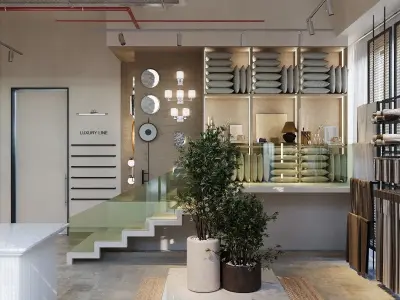
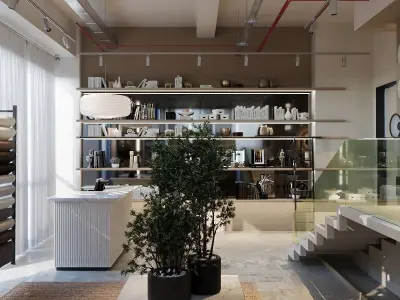
Set Up Camera:Create a wide-angle camera for the scene.Adjust the camera position, angle, and framing to match the desired sample picture.
Materials and Textures:Check and adjust materials and textures as needed for compatibility with Corona Renderer.
Test Render:Perform a test render to preview the scene and identify any adjustments required.
Refinement:Fine-tune lighting, materials, and camera settings based on the test render results.
Final Render:Once satisfied with the setup, initiate the final render.Remember that the specific steps may vary based on the content of your files and your scene requirements. If you encounter any issues or have specific questions, you may need to refer to the documentation for Corona Renderer 8.5 or seek assistance from relevant forums or communities for 3ds Max and Corona Renderer users.
TEXTURES (Textures, filesize: 590 MB), MAX (Autodesk 3ds Max, filesize: 1.68 GB)