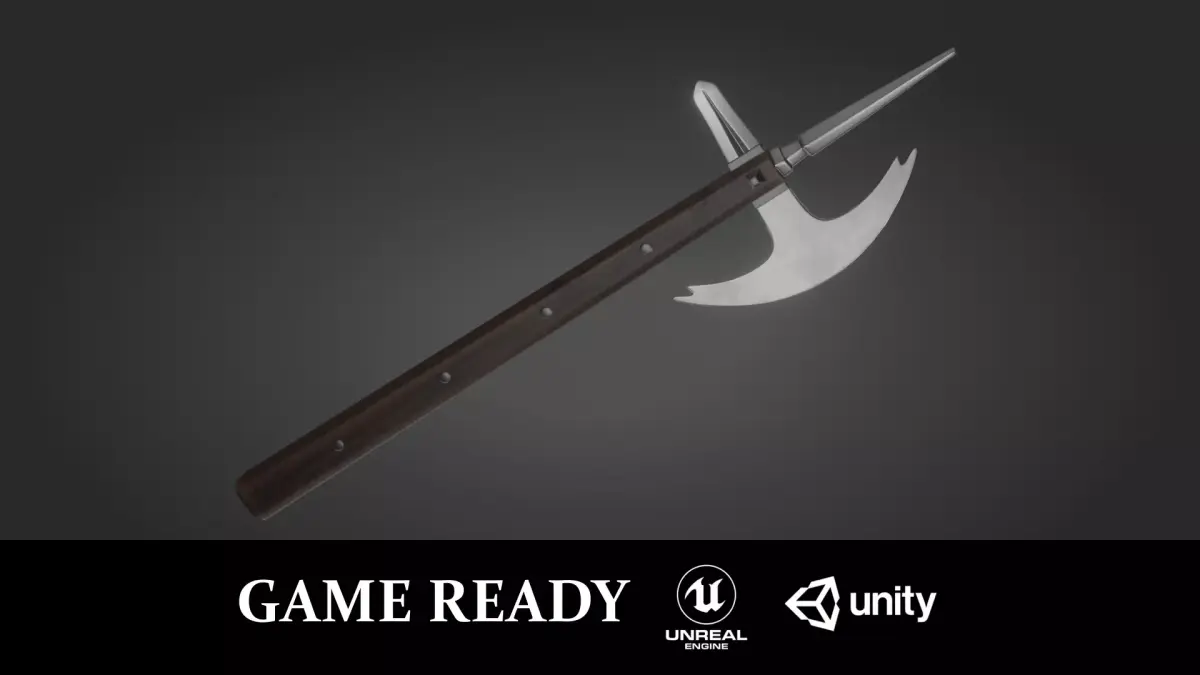
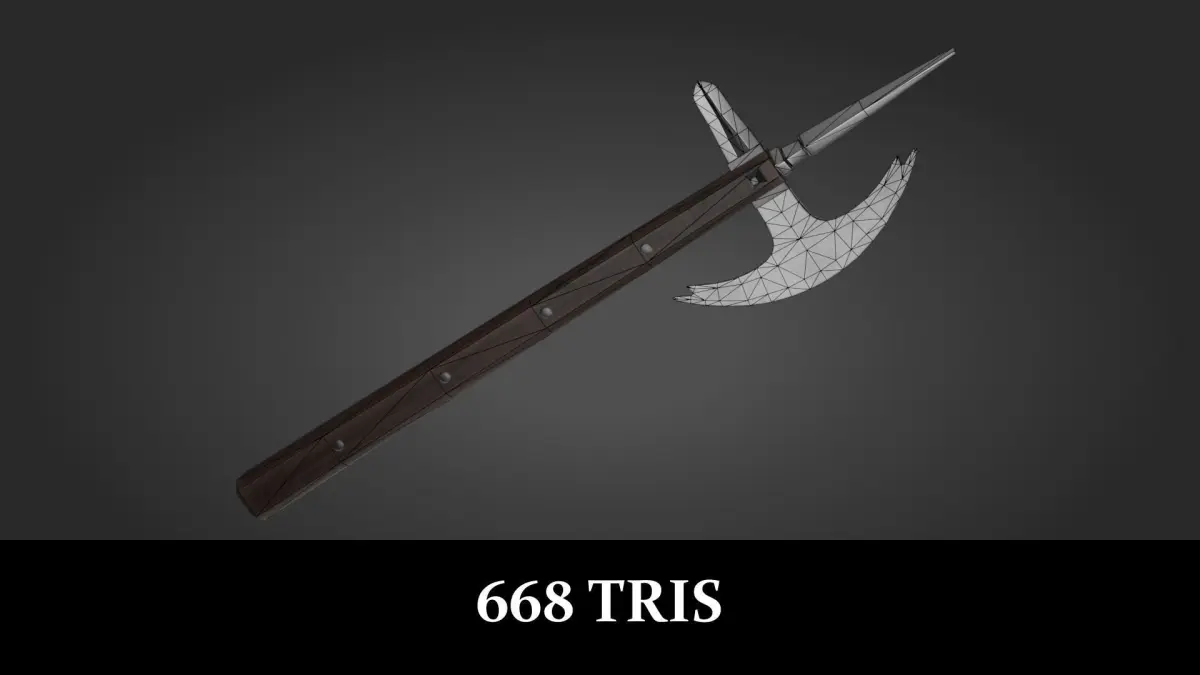
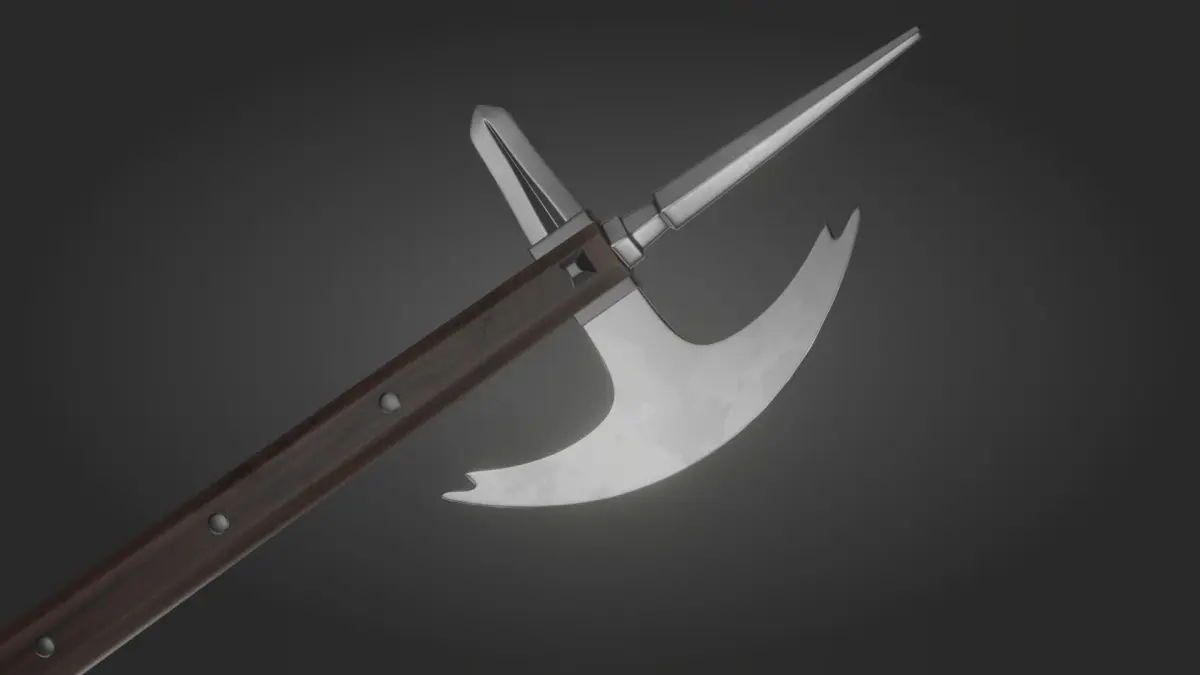
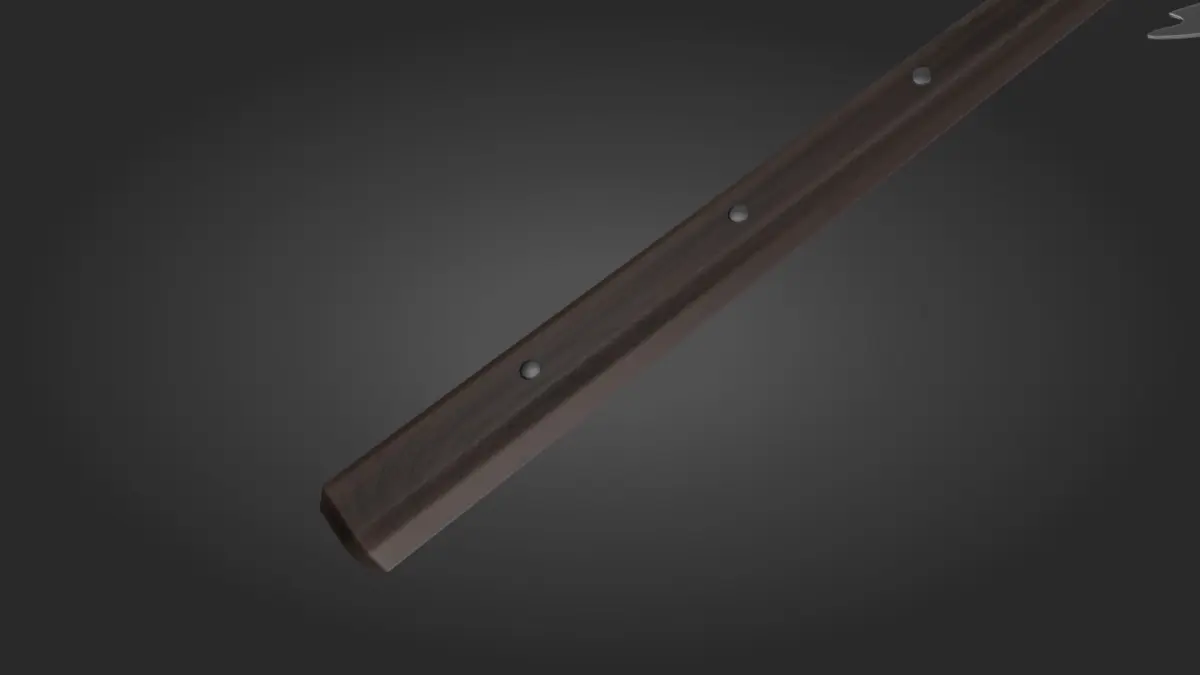
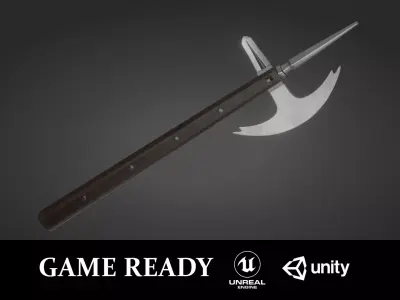
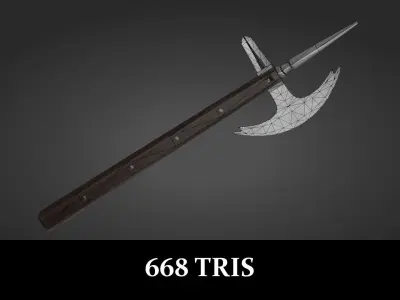
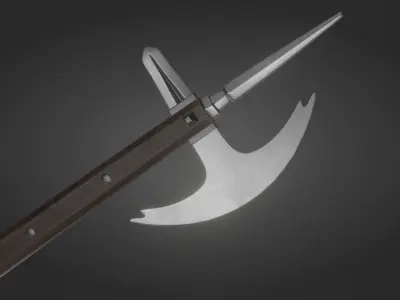
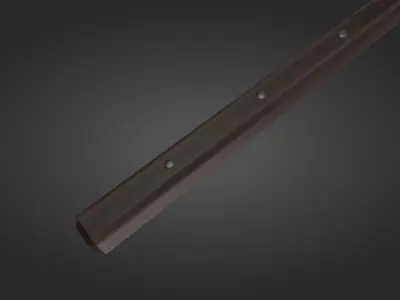
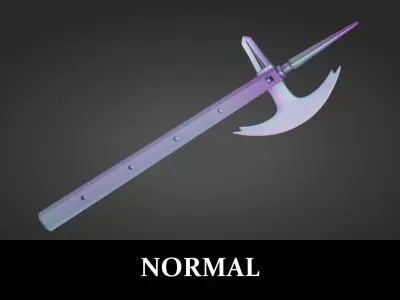
Horseman’s axe modeled after a medieval specimen. Model is optimized at 668 tris and is ready for use in any PBR-based game engines.
Native blend file made in Blender 2.82a. Tested in Unreal Engine 4.25 and Unity 2020.1. Just drag and drop the fbx into the engine, followed by the textures.
Textures in 4096 x 4096 resolution (png):
- Albedo
- Ambient Occlusion
- Metallic
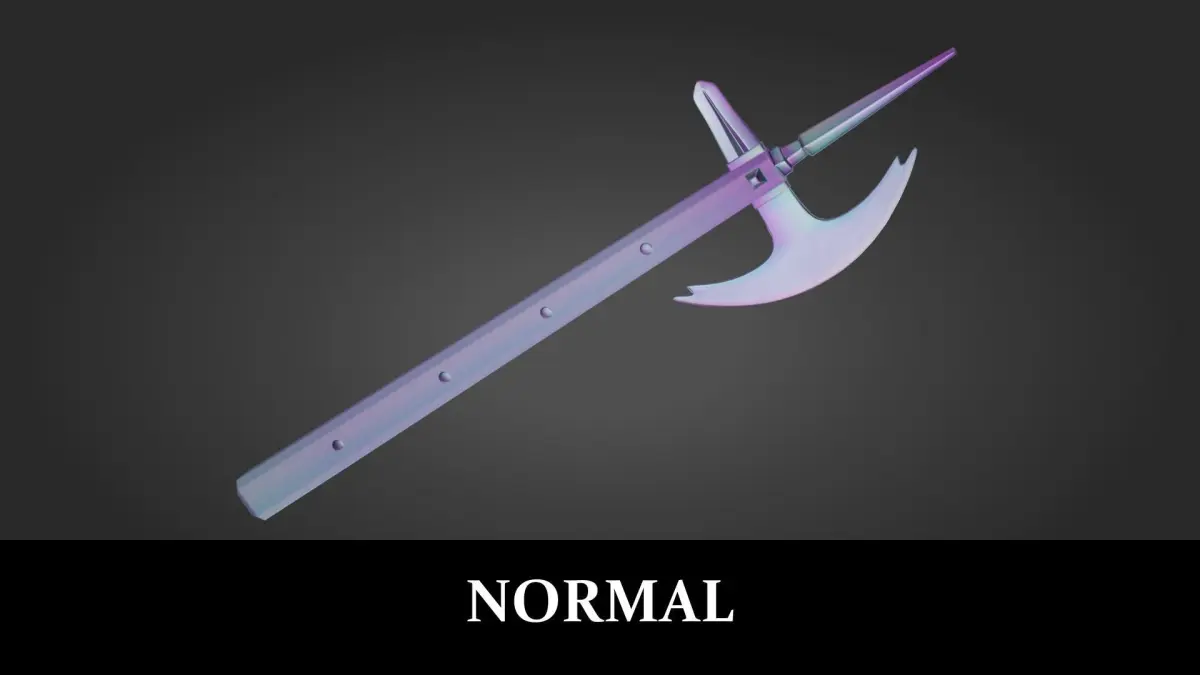
- Normal
- Roughness
Engine-specific packed textures in 4096 x 4096 resolution (png):
- Unreal_Metallic-Roughness-AO (Metallic, roughness and AO maps packed into a single texture’s RGB channels for use in Unreal Engine).
- UnityHDRP_Mask Map (Mask map for Unity HDRP pipeline).
- UnityURP_Metallic-Smoothness (Metallic map with smoothness map stored in its alpha channel for Unity's Standard and URP pipelines).
Unreal Engine
- Flip the green channel of the imported Normal texture (Check ‘Flip Green Channel’ under the texture’s property).
- The metallic, roughness and AO maps are packed into the RGB channels of a single texture called Unreal_Metallic-Roughness-AO, which can be used to save space. Assign the channels as follows:
- R: Metallic.
- G: Roughness.
- B: Ambient Occlusion.
Unity HDRP Pipeline
- Use UnityHDRP_Mask Map in the Mask Map parameter.
- Set Metallic slider to 1.
Unity URP / Standard Pipelines
- Use Unity_Metallic-Smoothness in the Metallic Map parameter.
- Set Smoothness source to ‘Metallic Alpha’.
- Set Smoothness slider to 1.
Feel free to contact me if you have any questions!
Native Formats: BLEND (Blender, filesize: 19.6 MB)
Exchange Formats: FBX (Autodesk FBX, filesize: 45.3 KB)