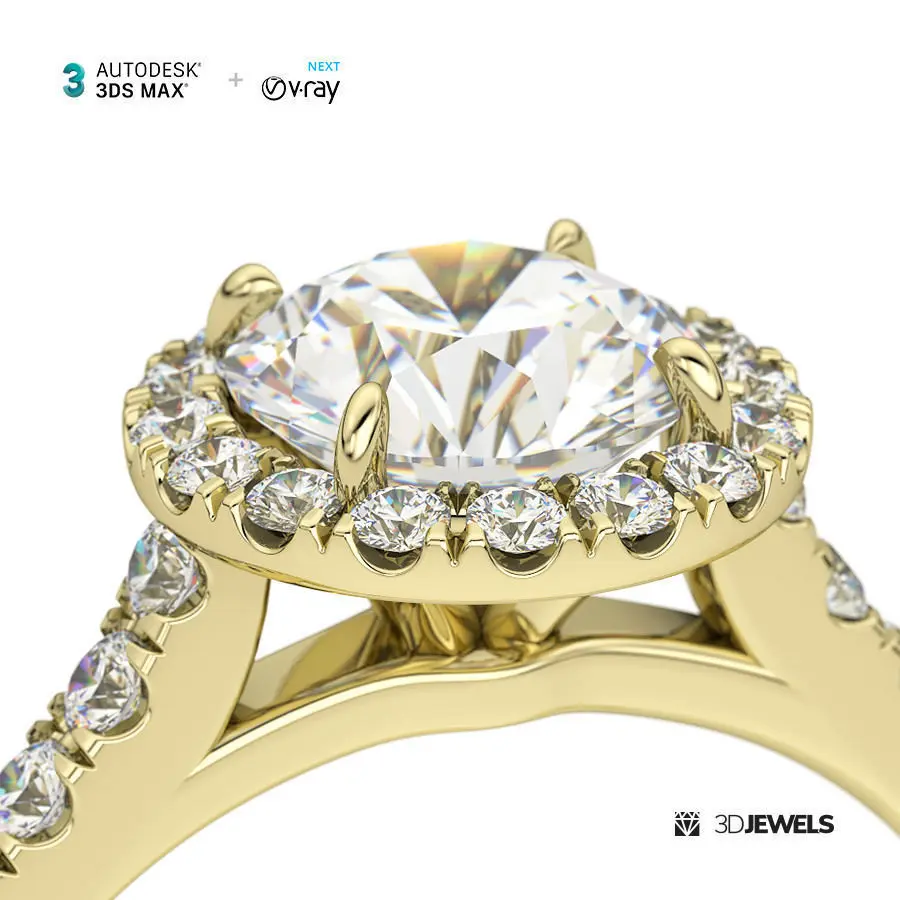
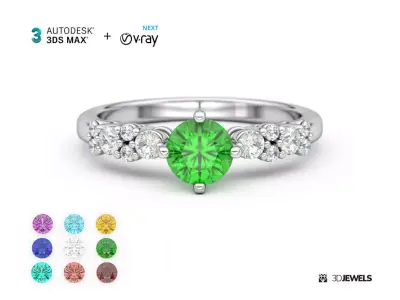
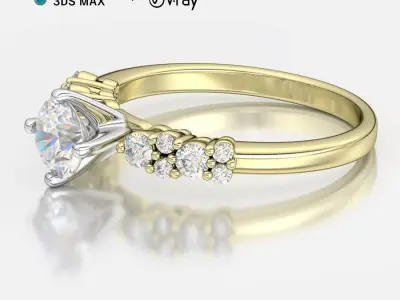
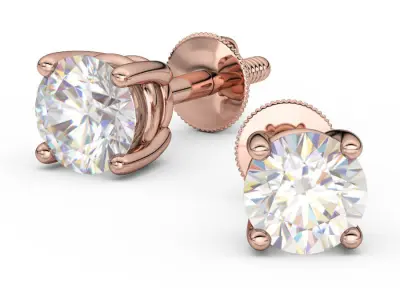
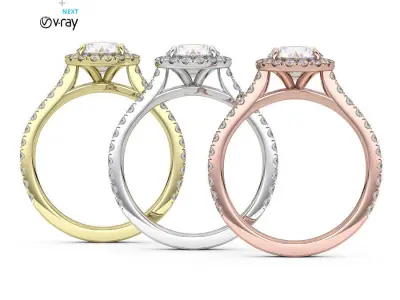
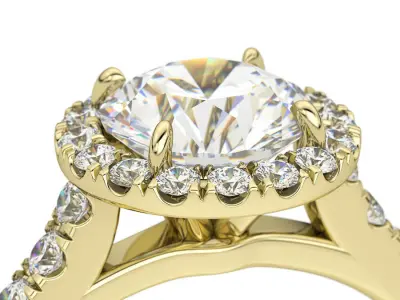
Autodesk 3ds Max (v.2015 and above) with V-Ray Next (v.4 and above) scene setup for photorealistic jewelry GPU/CPU 3D rendering.
Features
- V-Ray CPU, GPU acceleration & hybrid rendering
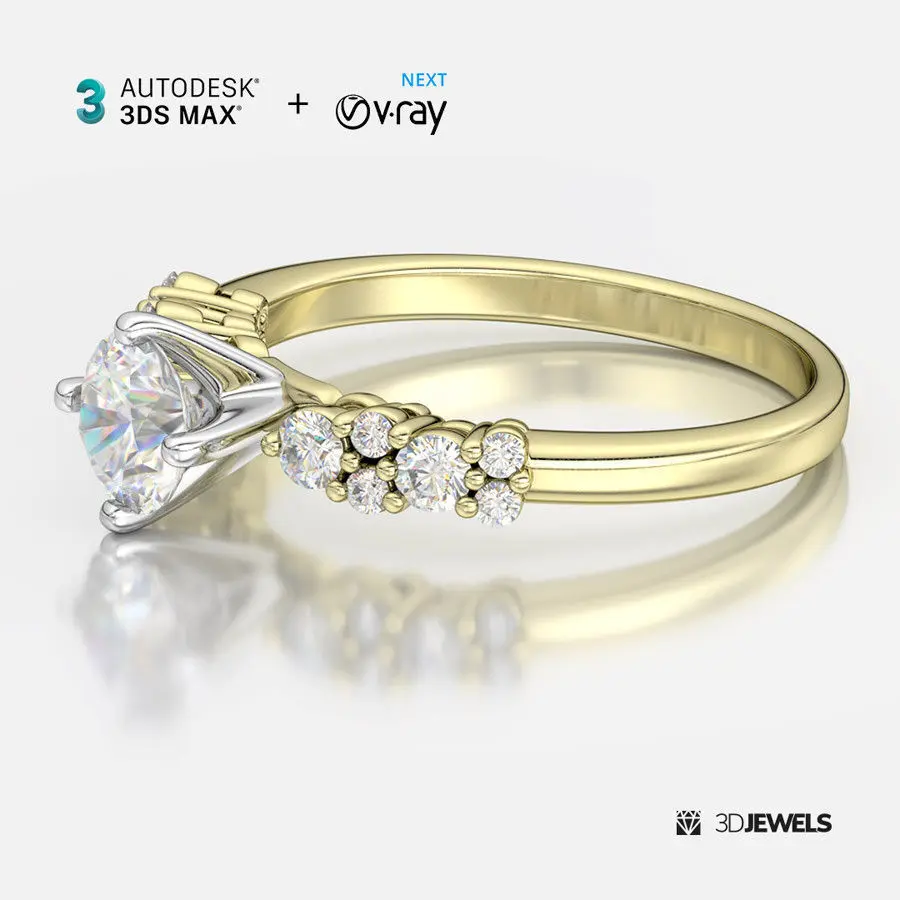
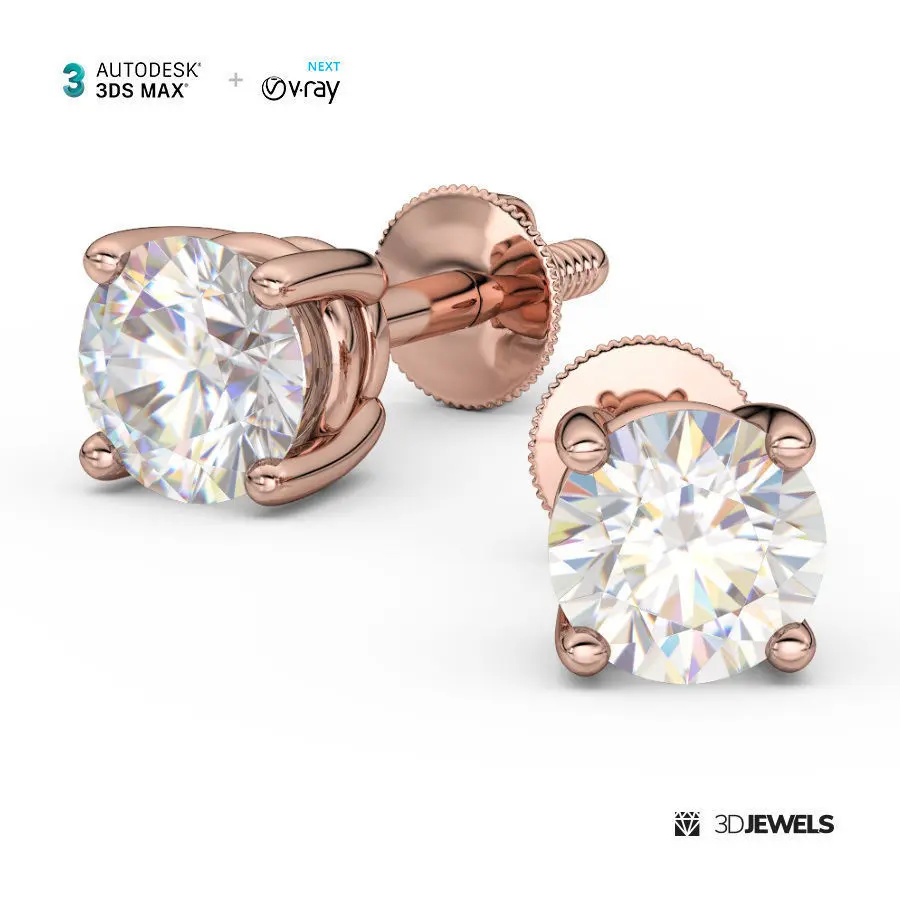
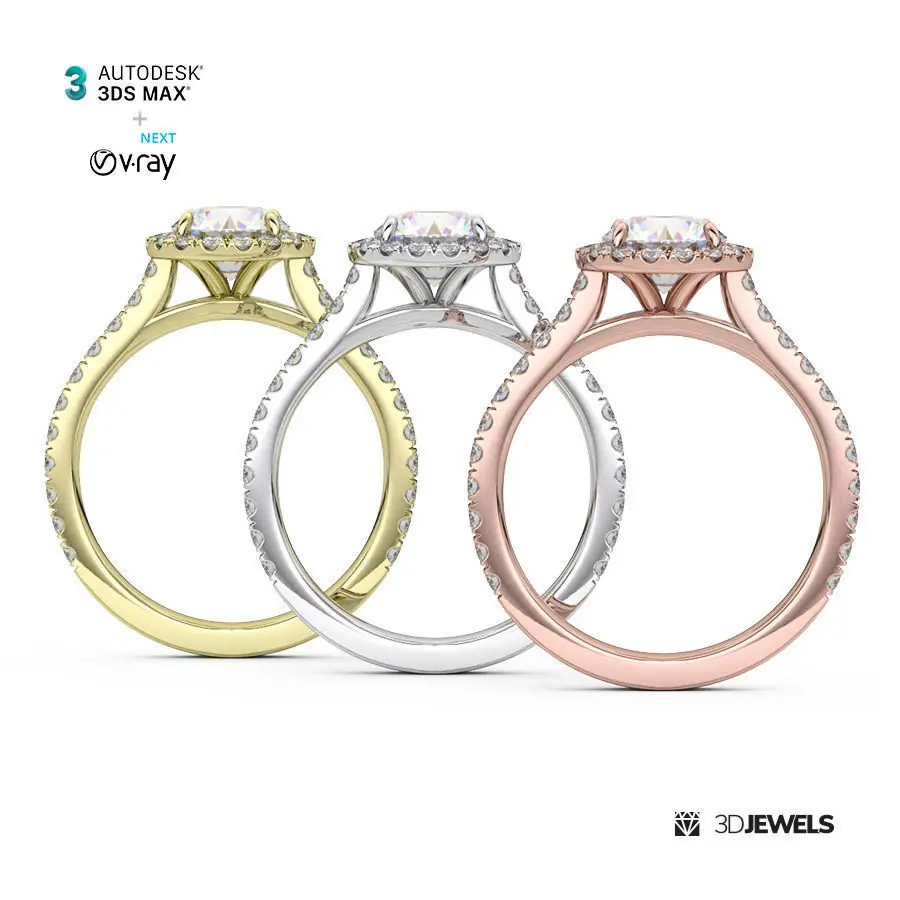
- 3 gold color shaders (White, Yellow, Rose)
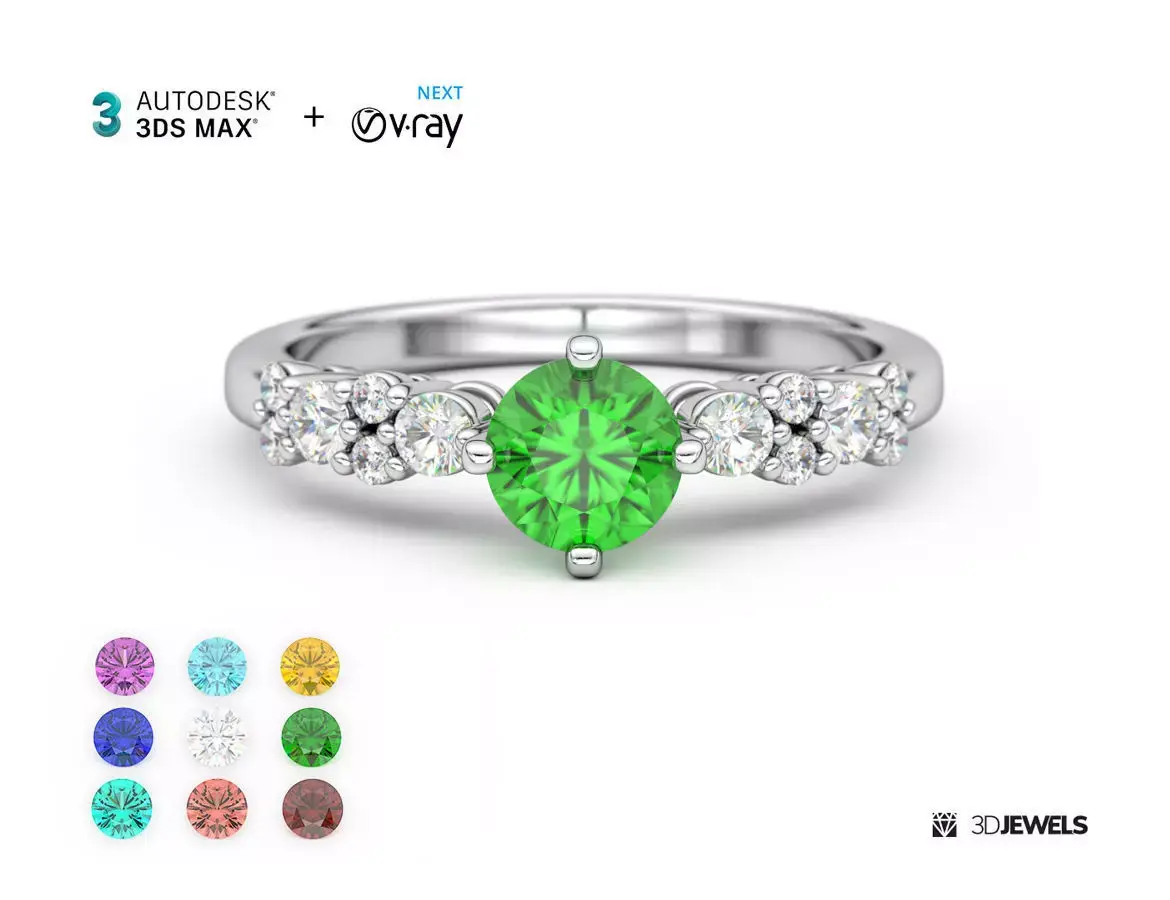
- 8 gemstone shaders (Blue Paraiba Tourmaline, Amethyst, Aquamarine, Citrine, Garnet, Morganite, Sapphire, Emerald)
- White diamond shader
- Jewelry ring 3D CAD model (Print-ready)
- HDRI environment map
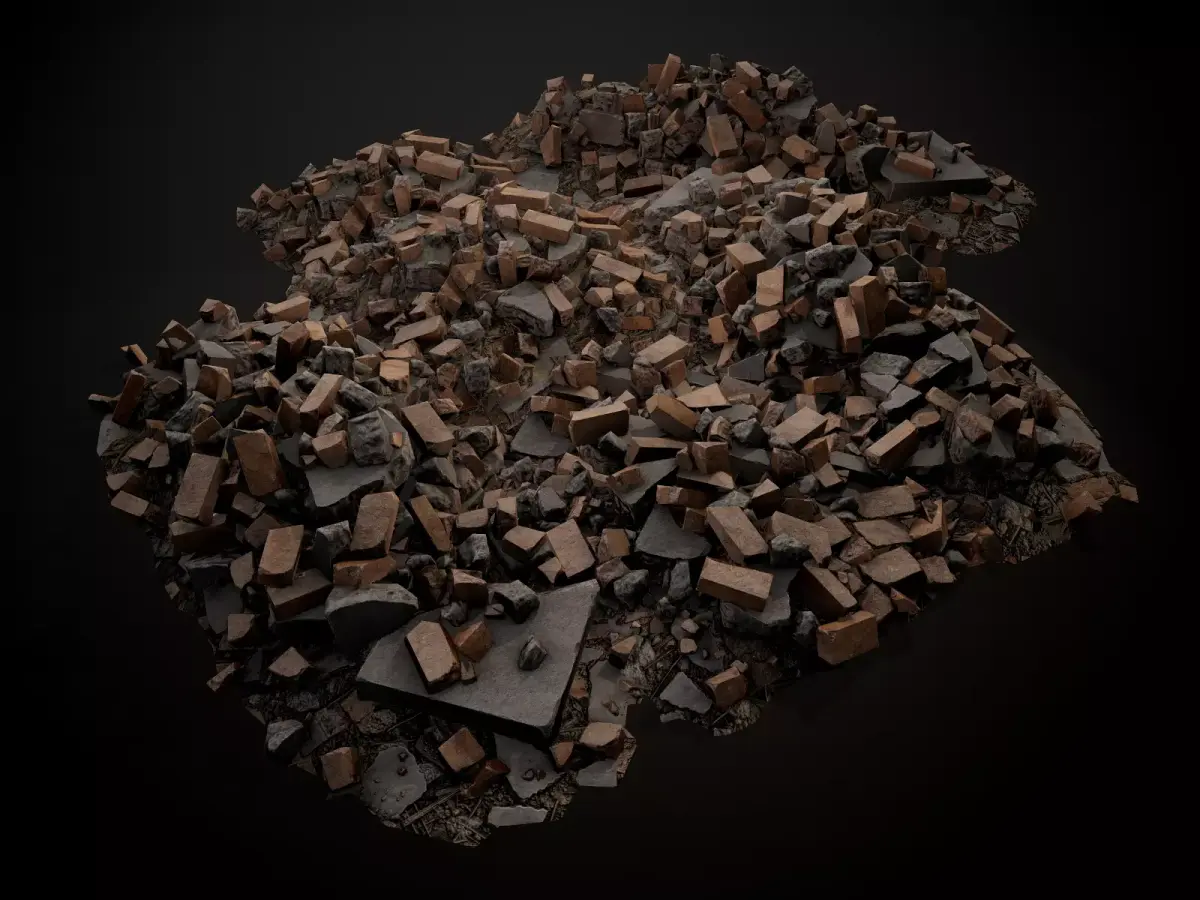
- Scratch textures for realistic metal visualization
- DOF camera effect
- Fast user’s guide
Details
Use this fully ready-made scene for fast (GPU/CPU) and realistic rendering of jewelry using 3ds Max and V-Ray software. V-Ray Next delivers faster, cleaner sampling and more accurate 3D rendering.
An excellent result is achieved through the use of an HDRI environment map.
This set also contains customized shaders for diamond, gold, gemstones and floor material for realistic shadows and reflections.
You just need to import your model into the scene, apply the material to it and start rendering.And you’re done!
NOTE!
Sample render files (images/video) are not included in the download files.
Kit includes:
- Autodesk 3ds Max files (versions: 2015, 2017, 2018 /.max) with:
- — 3 color gold shaders
- — 8 gemstone shaders
- — white diamond shader
- Jewelry ring 3D CAD model (STL/print-ready, OBJ, FBX)
- HDRI environment map (10000×5000 pxs /.hdr)
- Scratch textures for realistic visualization (white, black, normal /.jpg)
- User’s guide
Requirements
Autodesk 3ds Max. Versions 2015, 2017, 2018 (with update 4), and aboveV-Ray Next plugin (v.4 and above) for 3ds Max
Tech
You can check fixes and service packs for your version of Autodesk 3ds Max here (Free): https://knowledge.autodesk.com/support/3ds-max/downloads
Some documentation and video tutorials about V-Ray Next are here: https://www.chaosgroup.com/resources#docs
More jewelry 3D assets: https://3djewels.pro/
STL (Stereolithography, filesize: 151 MB), OBJ (OBJ, filesize: 151 MB), MAX (Autodesk 3ds Max, filesize: 75.6 MB), PDF (PDF, filesize: 151 MB), FBX (Autodesk FBX, filesize: 151 MB), TEXTURES (Textures, filesize: 75.6 MB)