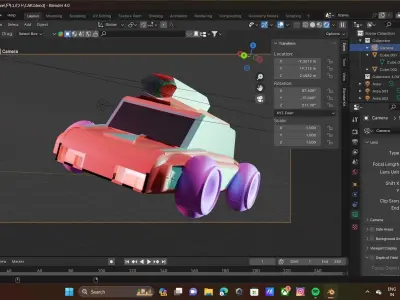
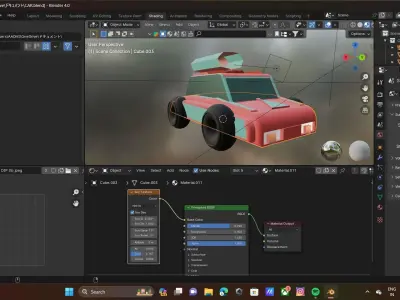
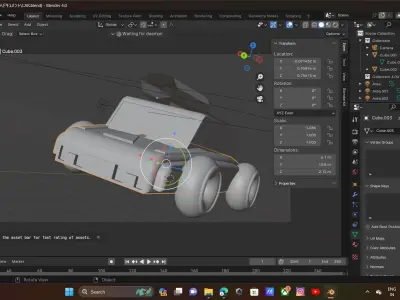
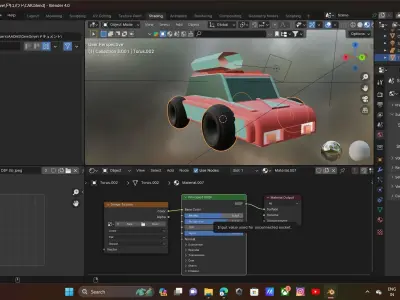
Reference ImagesCollect reference images of the car you want to model. Having front, side, and top views can be particularly helpful.
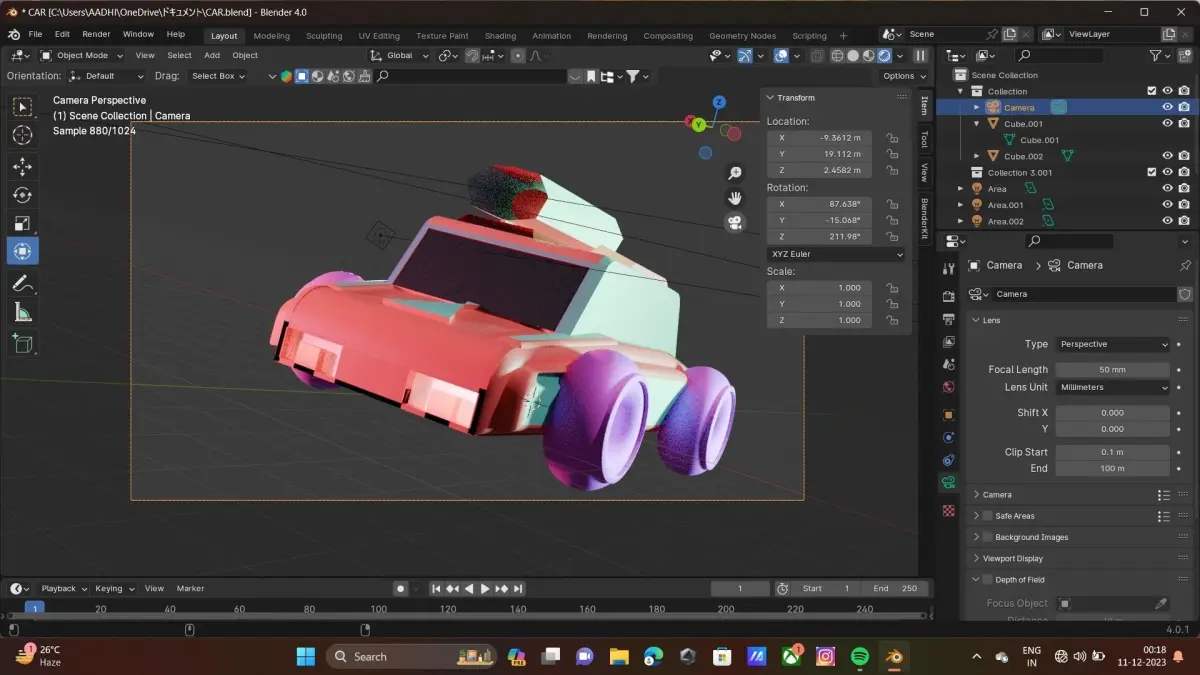
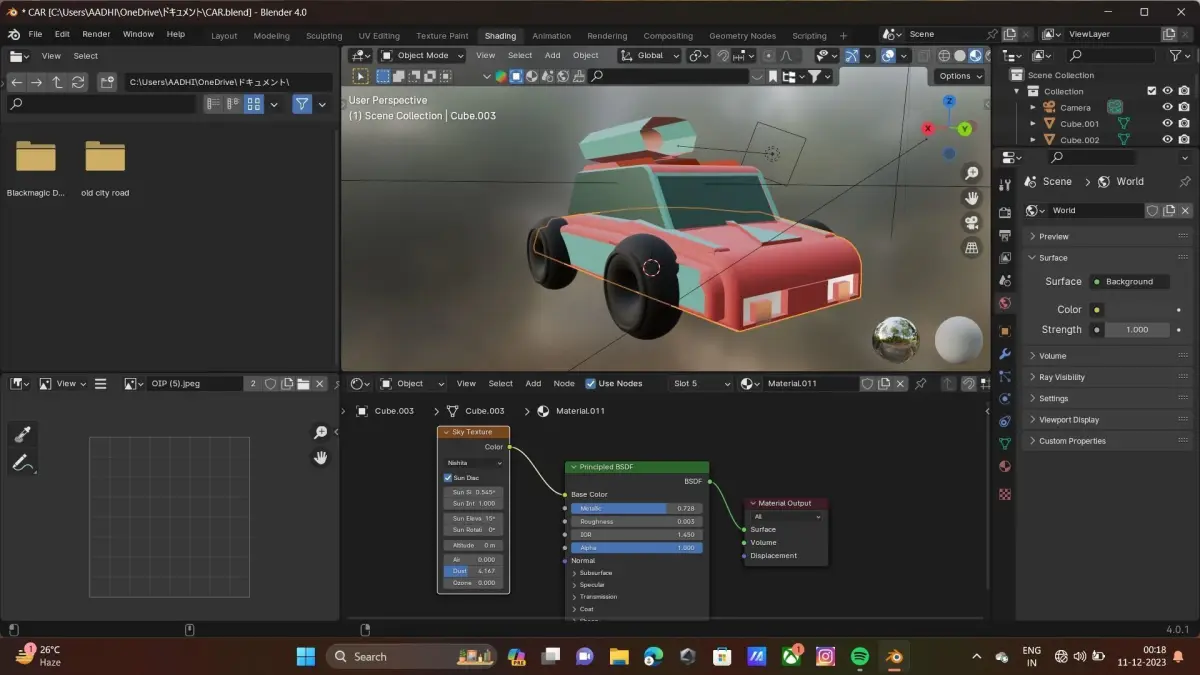
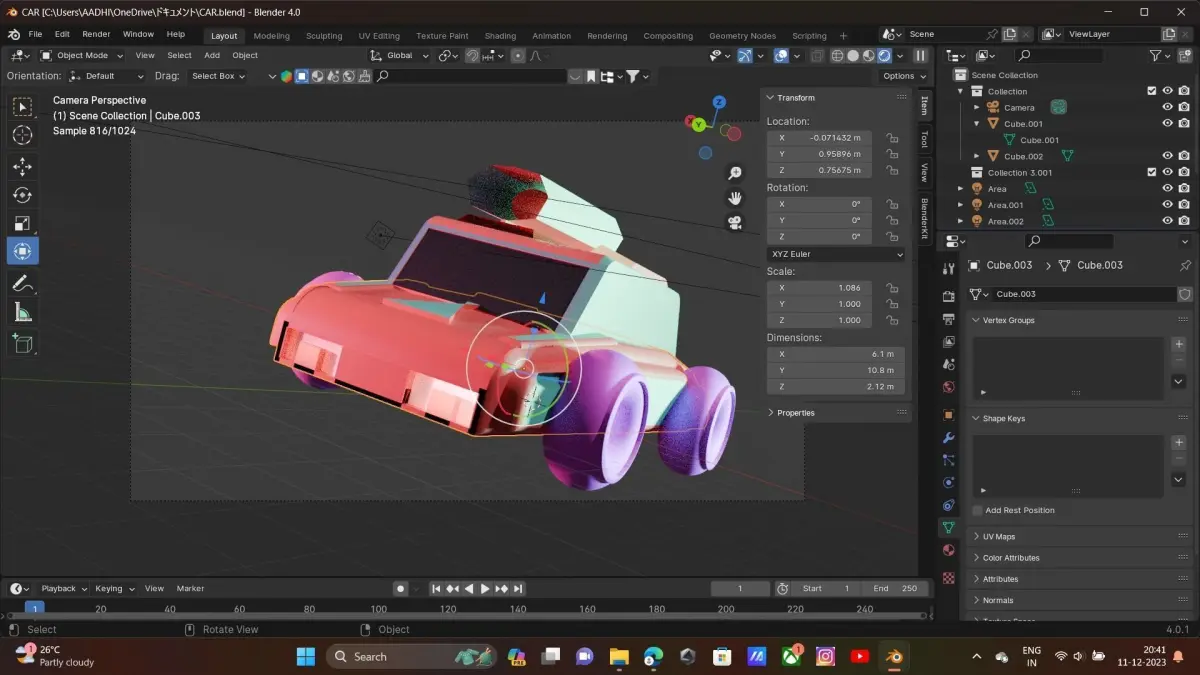
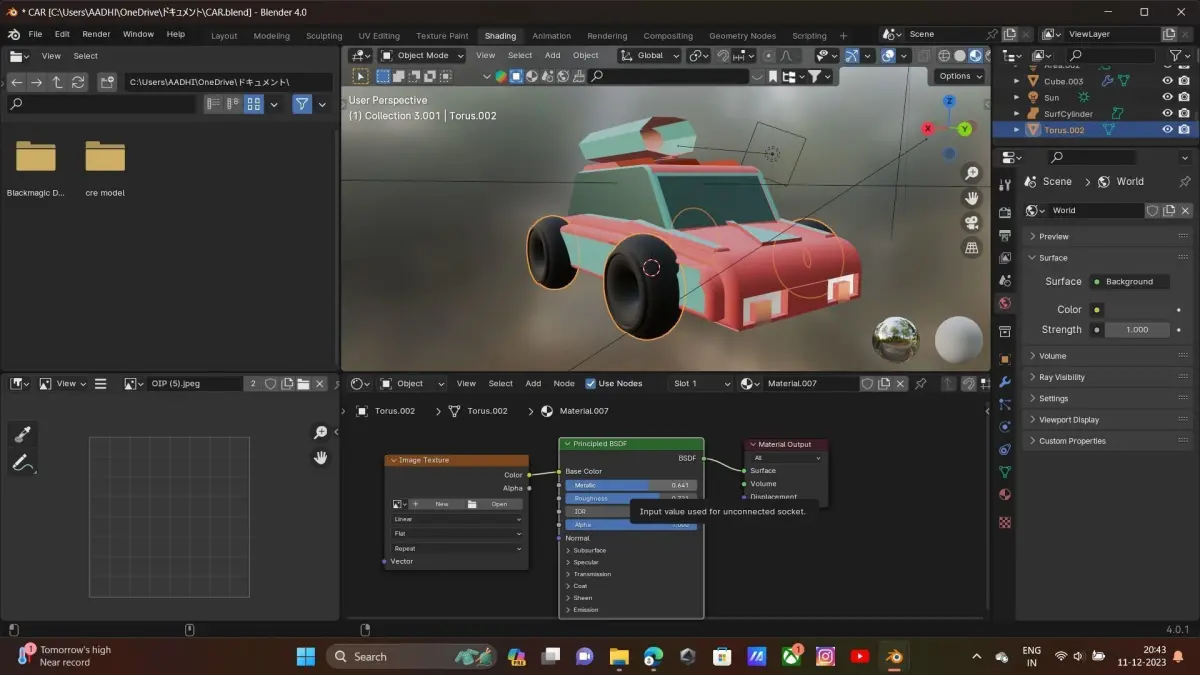
1. Create a New ProjectOpen Blender and start a new project. You can set up the project with the appropriate units and scale. 2. Model the Car BodyUse the reference images to guide you as you model the basic shape of the car. Start with a low-poly approach by using simple geometric shapes and gradually refine the details. 3. UV UnwrappingIf you plan to texture your model, UV unwrap it to prepare for texturing. Keep the UV layout simple for a low-poly look.
4. Lighting and RenderingSet up a simple lighting environment for your scene. Experiment with different lighting setups to highlight the form of your car. Once satisfied, render your scene.
5. ExportWhen you're finished, export your model in a suitable format for your needs.
6. IterateDon't be afraid to iterate on your model. Make adjustments, refine details, and experiment with different approaches to achieve the desired low-poly style.