Thank You for your interest in this project!
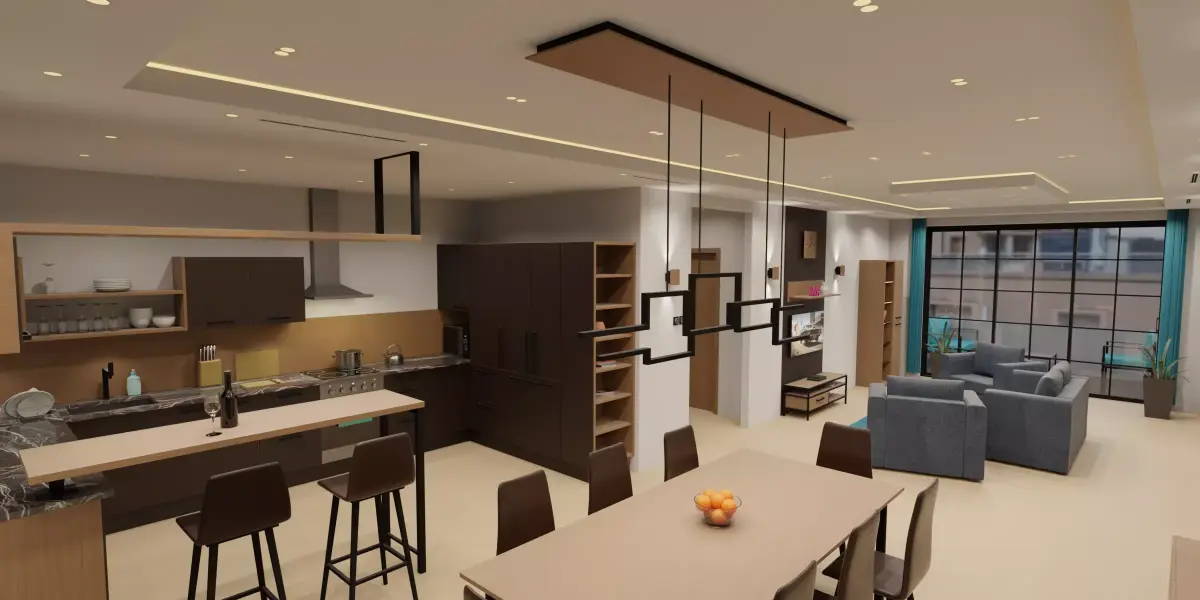
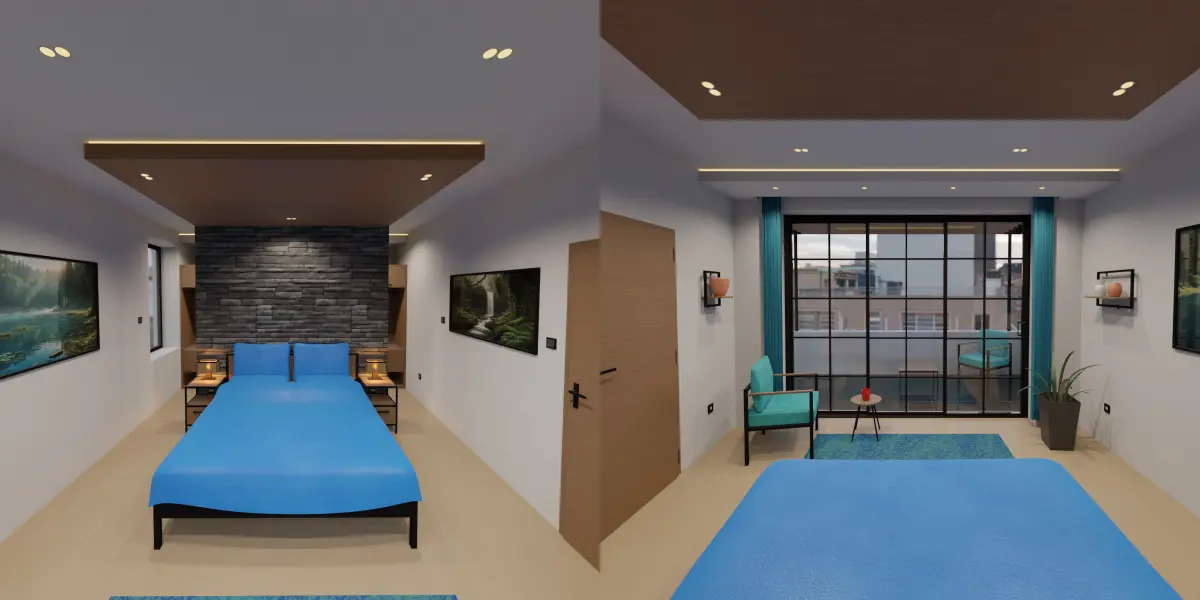
This low poly apartment consumes less than 2 GB of VRAM, even if all collections (7 rooms) are loaded during rendering.My goal was to create a decent looking environment with very low memory usage, so that more detailed (and resource hungry) character models could be loaded into the scene. To achieve this a few notable compromises had to be made. Image textures are in 1K and 2K resolution, and are very heavily compressed. Geometry is kept simple for the most part, so the drawers are not usable for example.
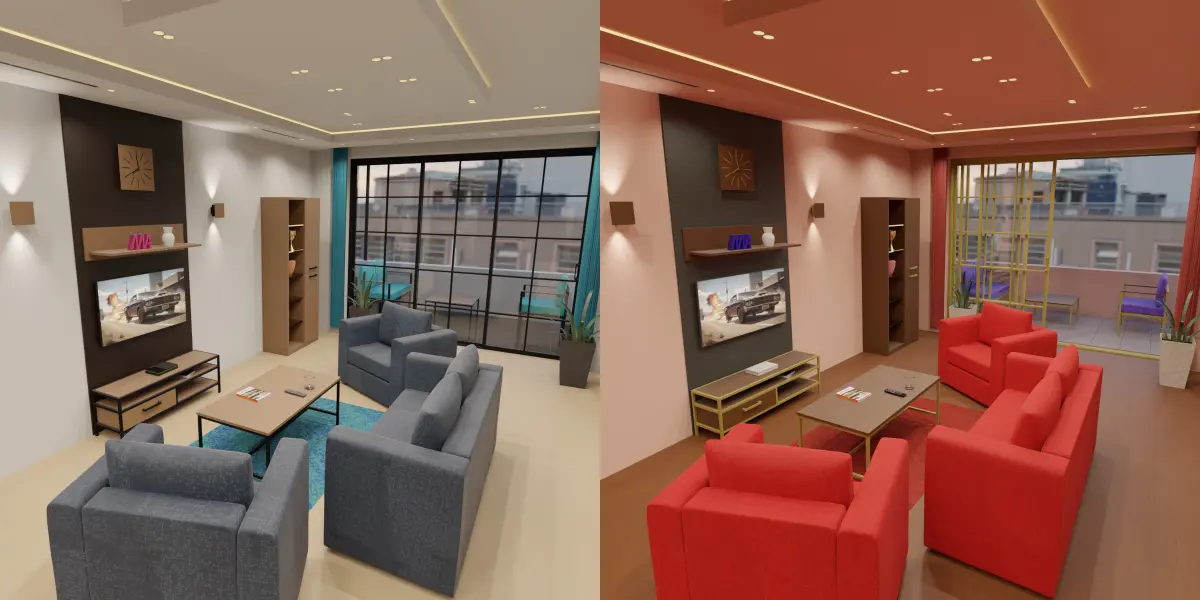
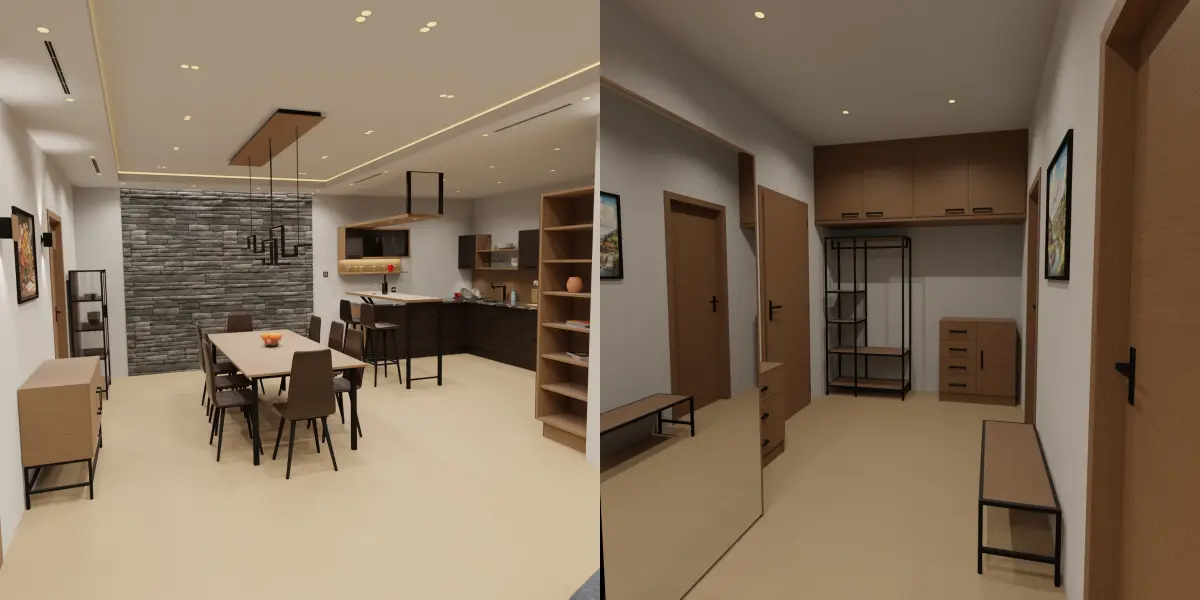
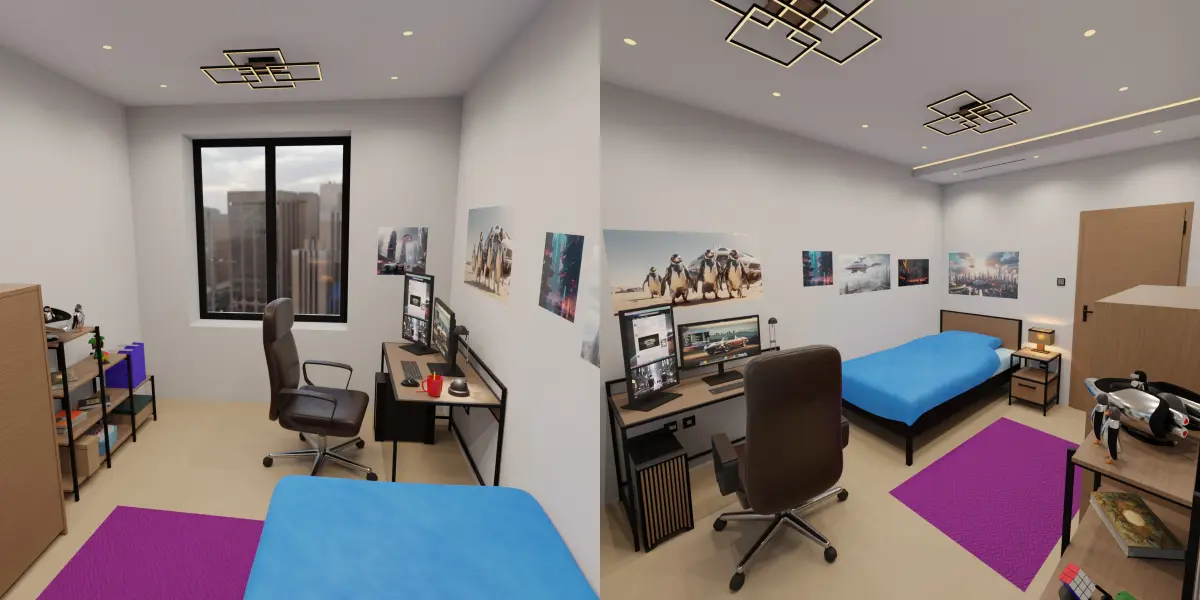
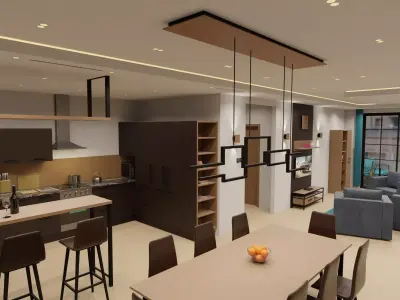
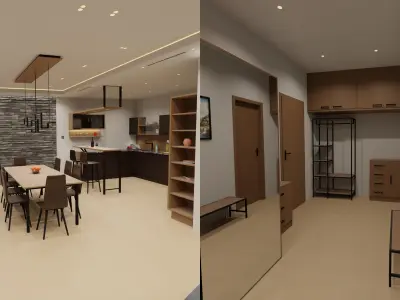
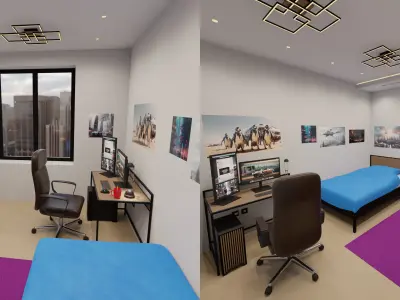
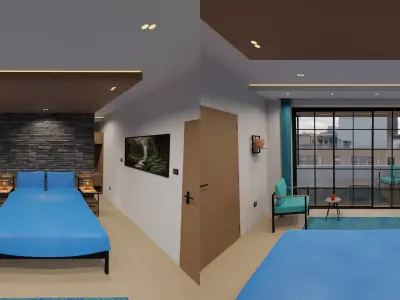
The apartment contains 2 bedrooms, 2 bathrooms, a study, anteroom, and an L shaped lounge area, which includes the kitchen and dining space. More than 100 unique objects are included, mainly pieces of furniture and decorative items.Doors, windows, and handles move as expected, with the rotation locked to the correct axis to make it convinient.
Please note that the official polygon/vertex count includes objects with bevel and subdivision surface modifiers. Increasing or decreasing the segmentation of these modifiers can drasticly change the polygon count.
CUSTOMIZATION
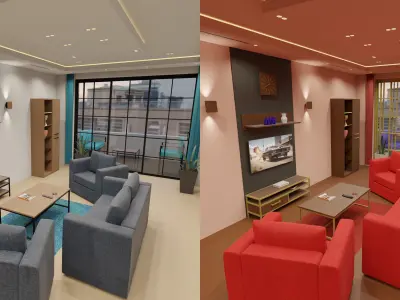
Most materials use simple RGB colors, meaning it takes no effort to recolor the furniture, the walls, etc.Lights have their own collections, meaning it is easy to change between day-time and night-time settings. Emissive surfaces can also be used for moodlighting.
OPTIMIZATION
Some objects use the SUBDIVISION SURFACE modifier. For renders the default setting is 3 levels, in the viewport 1 level. The LIMIT SURFACE option is turned off to boost performance. This means that certain objects look deformed in the viewport, but renders are not effected.Further optimization is possible by lowering the subdivision level for renders. This causes no noticable degradation of an object that is far from the camera, especially if a depth of field blur is used. In some cases enabling limit surface is required to keep the object from deforming. I do not recommend disabling subdivision completely, as that would result in extreme distortion.
Some objects use the BEVEL modifier. The default setting is 1 hardened segment, which is an acceptable balance between quality and performance. Objects that are close to the camera may benefit from up to 3 segments, while disabling bevel completely is recommended for far away objects, especially if a depth of field blur is used.Further optimization is possible by disabling bevel for the edges that are not visible from the camera's point of view. This can be achieved by manually selecting each edge and setting the bevel weight to 0 in edit mode. The process can be reversed by setting the bevel weight to the original amount.
To limit VRAM usage tiled textures are in 1K resolution, while texture atlases are in 2K resolution. If texel density is inadequate, one possible solution is to tweak the required material by connecting a MAPPING node to the image texture's vector input, then changing the scale. This only works with seamless textures, in any other case I suggest the use of an upscaler.
EEVEE
While the project was created with Cycles in mind, using the EEVEE rendering engine is possible. I do advise baking the lights, because the high amount of light sources is known to harm the performance of real-time engines.
GAME READY MODELS
Only a few models are game ready in the sense that they are properly triangulated and have no active modifiers. Most models consist of quads, as they use subdivision surface or bevel modifiers. These can be transformed to a level of detail system by making unique copies of the meshes and applying different amounts of subdivision surface/bevel, then triangulating them. How accurately the materials can be recreated depends on the game engine, and may be impossible in cases where custom attributes are used.
TRANSPARENCY
For the sake of being transparent I would like to make it clear that I have personally modelled every single object in this project, using either my own things or furniture catalogs for reference. No generative artifical intelligence, or 3D scanning software was used to aid this process. On the other hand I have used generative artifical intelligence for the creation of some image textures, such as the paintings and wood veins. The rest of the images I created myself.For the demo renders I have used a free HDR background, which is not included with the project, as it is third party content.
UPDATES
One major (free) update is planned for this project with the following content: proper asset library, slight improvements to materials, a few new objects, such as a coffee machine, cables for electronic devices
Native Formats: BLEND (Blender, filesize: 38.5 MB)