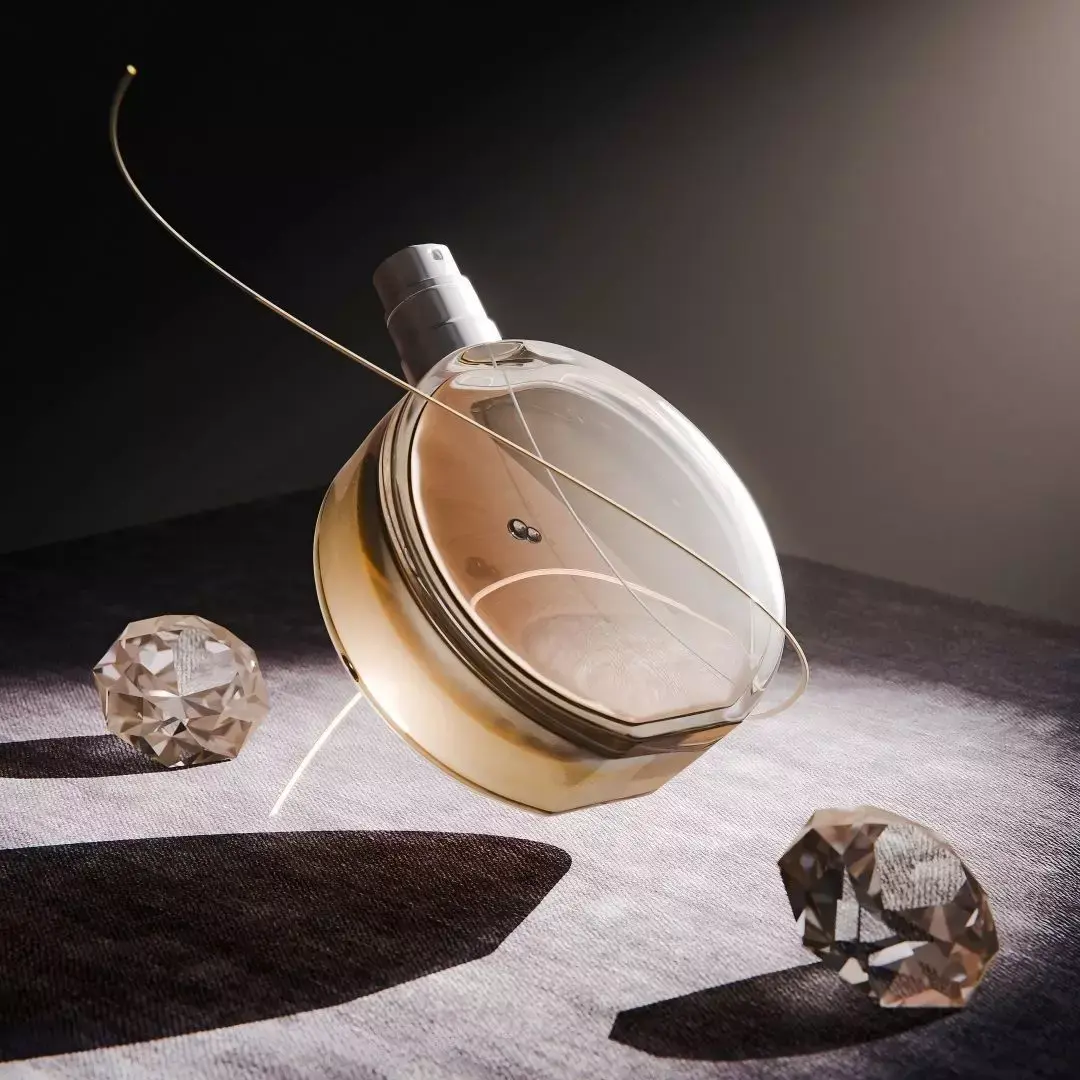
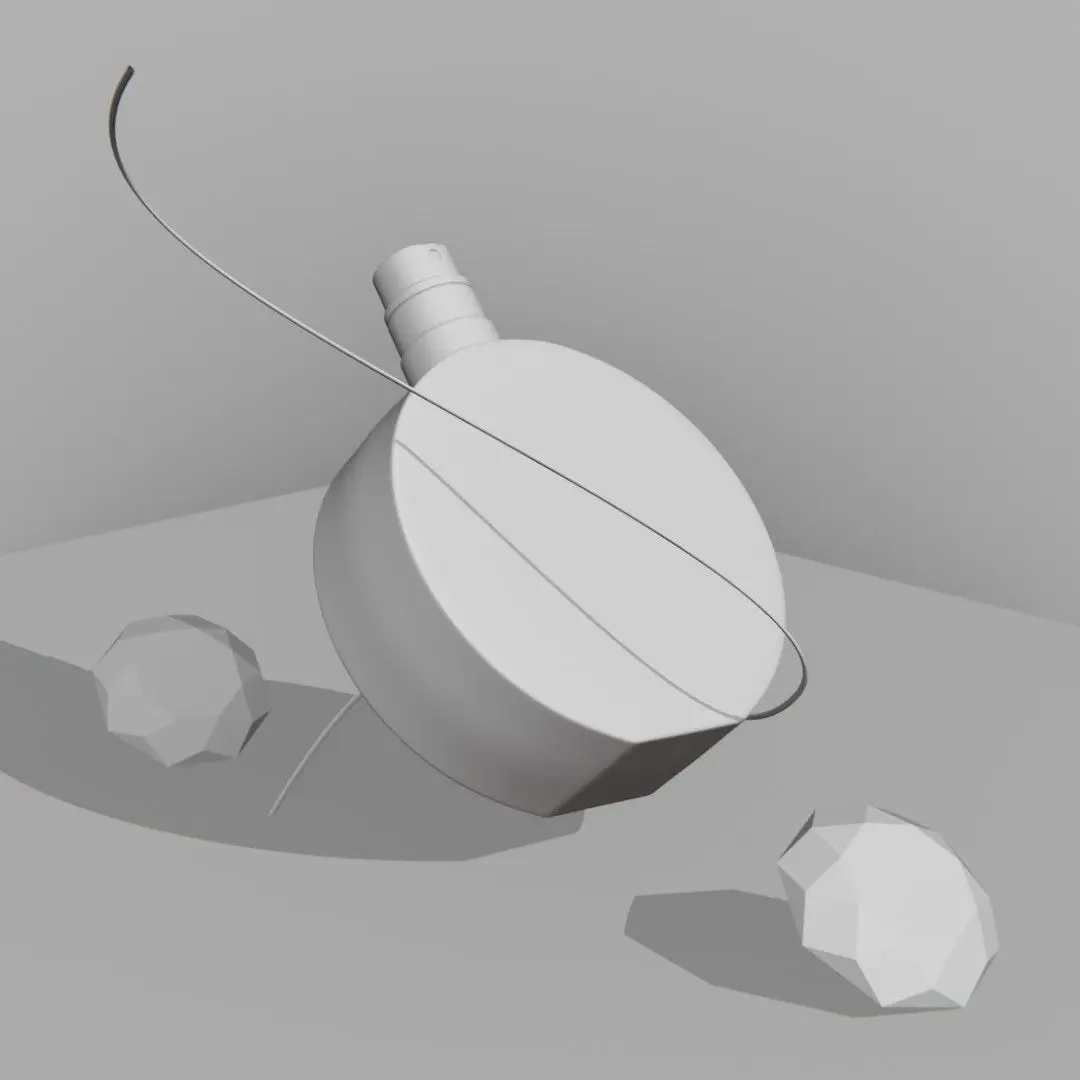
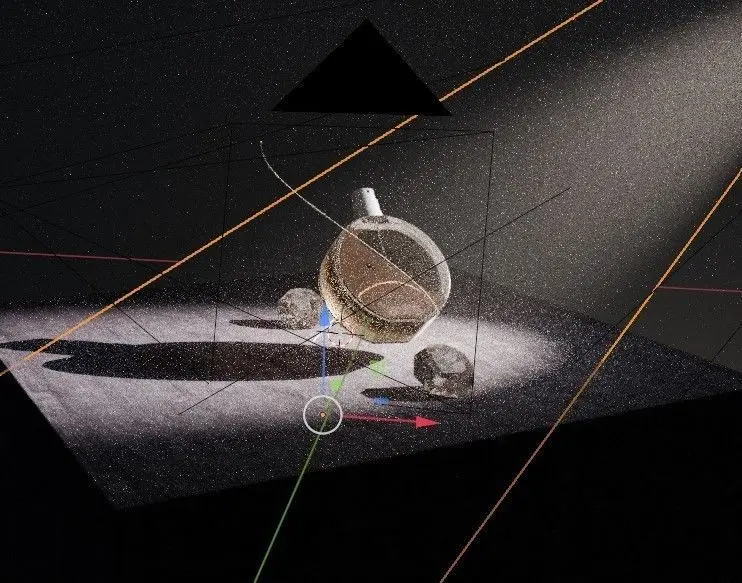
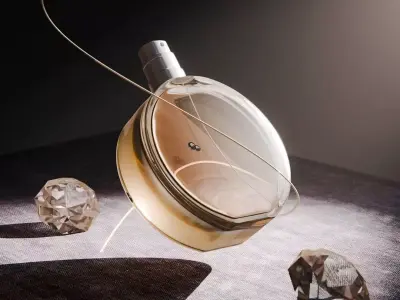
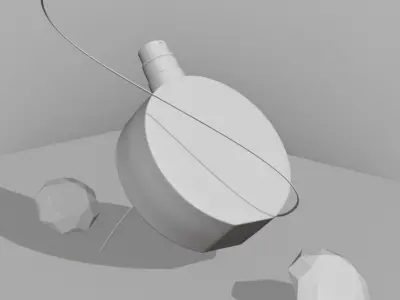
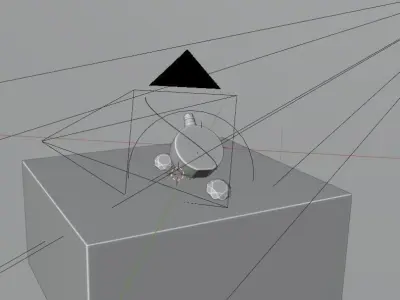
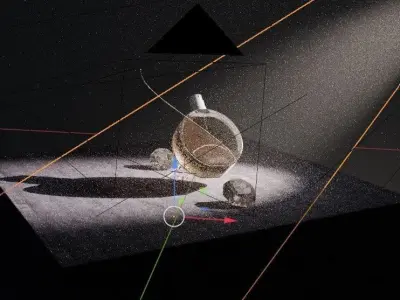
This preset includes a luxury perfume scene for mysterious and warm products. Perfume bottle, fragrance, brown mood warm.You can benefit from the offer of saving 50% on my perfume bundle on my online shop ( 9 perfume Blender scenes ), also you can get this individual scene from there for only 6$ :https://curveonstudios.com/shop
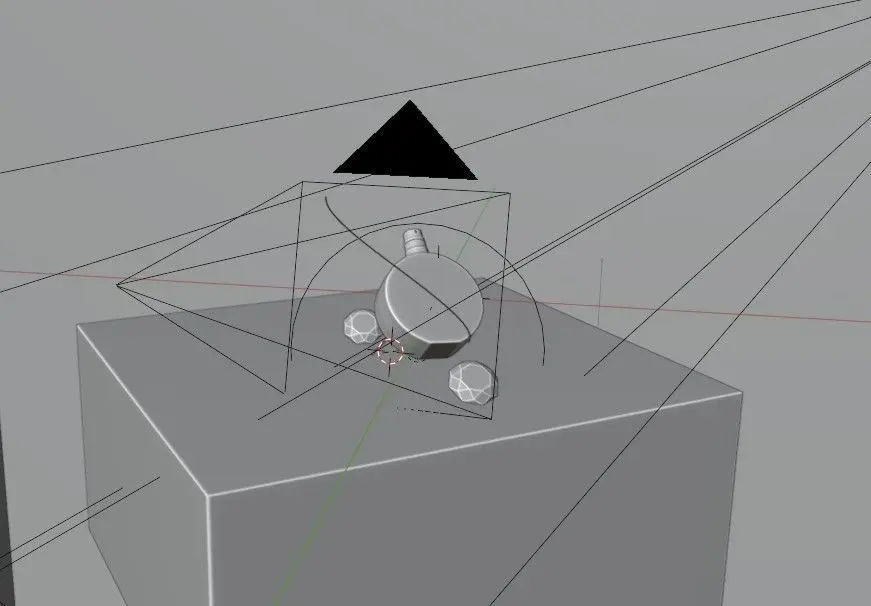
Technical desciption :This scene is made in blender, ready to be used for production projects ( ready for commercial use ).You can simply replace the placeholder perfume bottle model by your own product and you are done! Ready to be published as your own work!Render engine : CyclesBlender version : 4.0 + ( light linking used )
Note:
- This blender scene is primarly made for Cycles render engine ( blender 4.0 + ), previous versions may not work properly as expected because of the light linking feature which is not available in blender versions before 4.0, ( Evee render is not taken into consideration while making this scene and not tested, you might need to edit lighting and materials for Evee ).
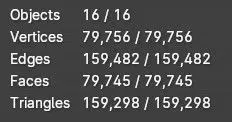
- Default render settings are set to : Cycles , 2048 samples , 0.05 noise treshold , lights paths ( between 12 -> 4 ) , max subdivision set to 7 , you might want to lower them before pressing the render button, in case you have a low end pc or laptop.
- Default resolution : 1080px x 1080px, the preview picture is 4k, you can change the resolution as you want in the resolution tab.
- Default color management : AGX very high contrast.
- When you add your own object ( in place of the perfume model ) you need to add the object to the light linking collection ) otherwise the lighting will not be as in the preview pictures. ( just drag and drop the object in the DATA OUTLINER tab to the collection in the light linking tab of the light source -> example : area light 1 -> object properties tab -> shading -> light linking -> add object to collection ).