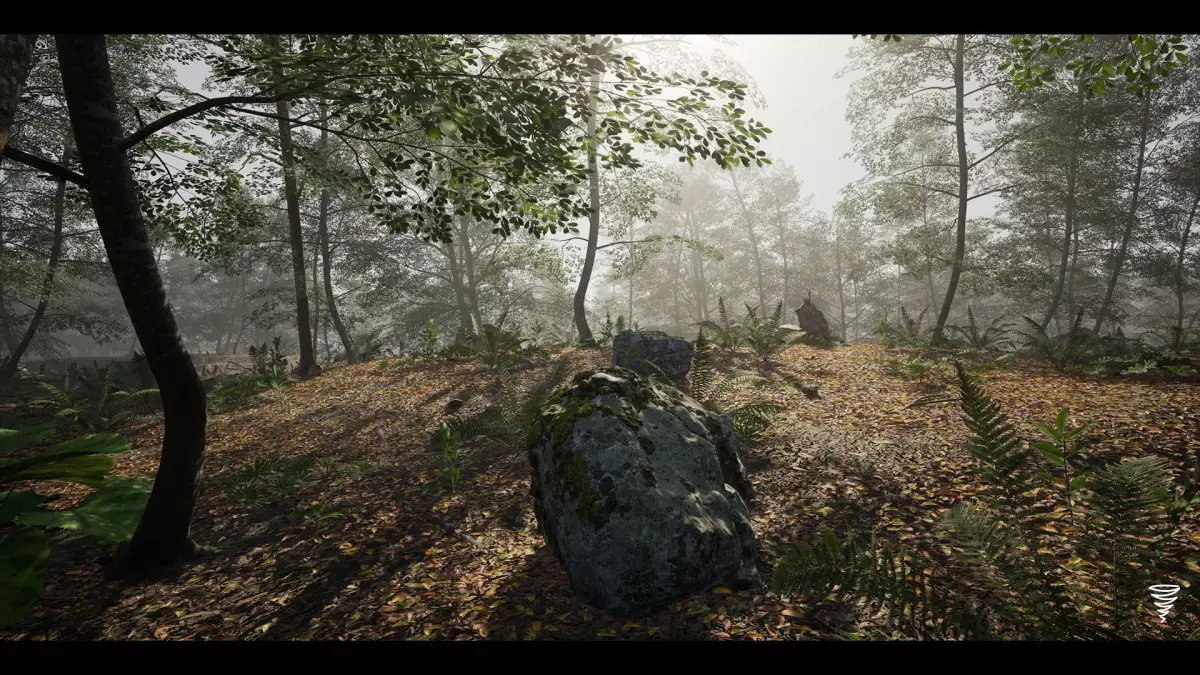
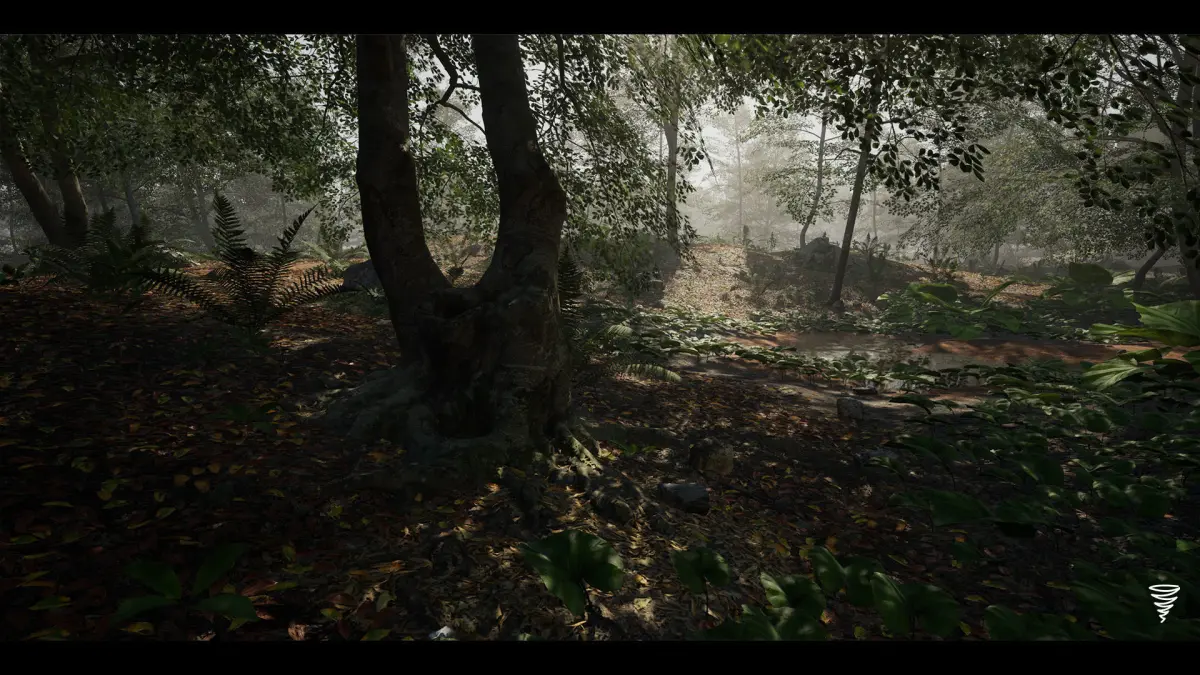
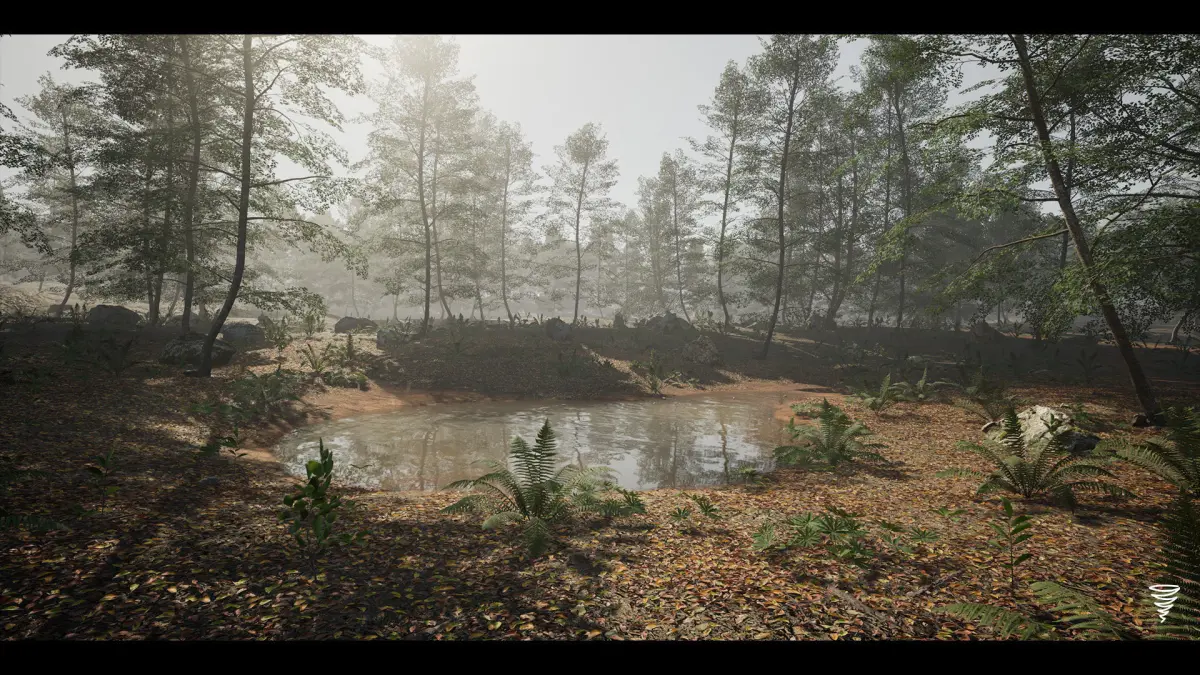
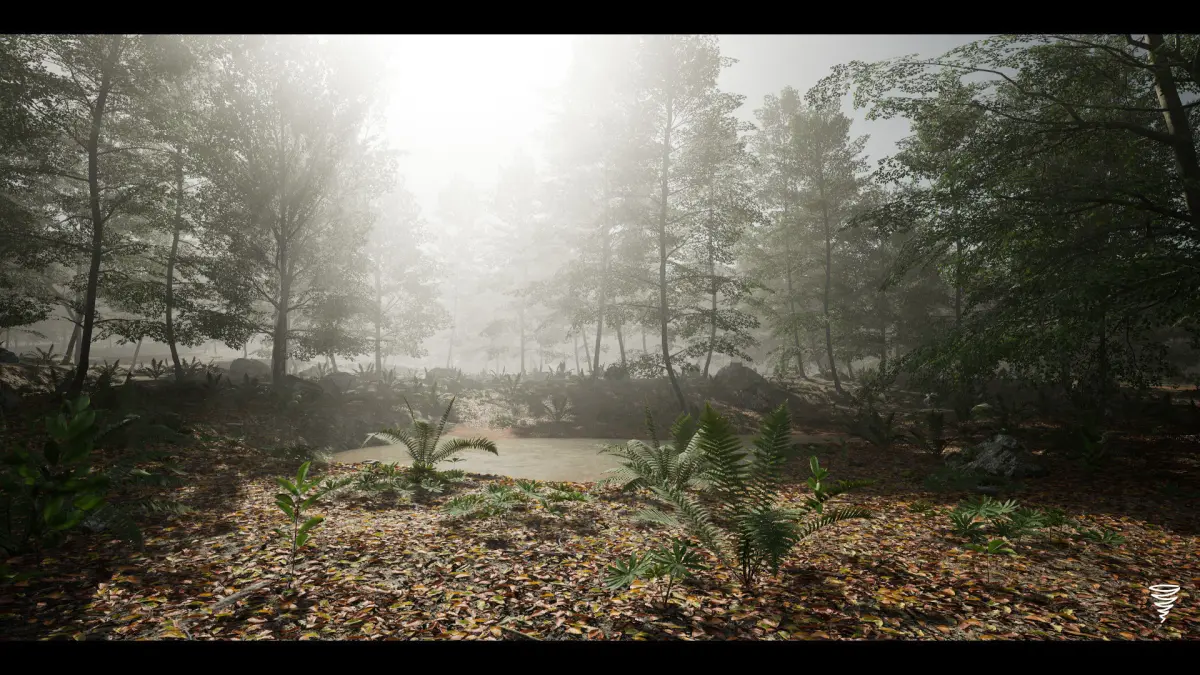
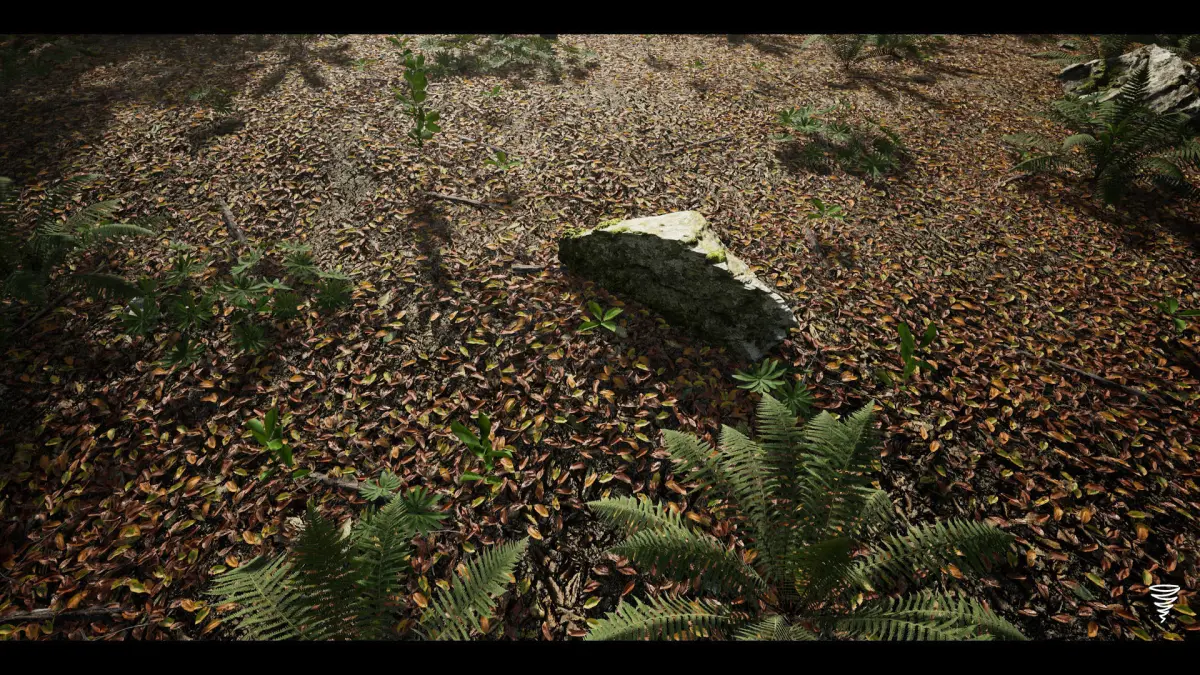
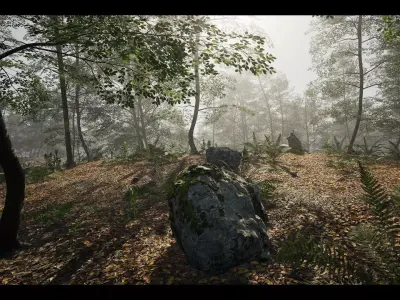
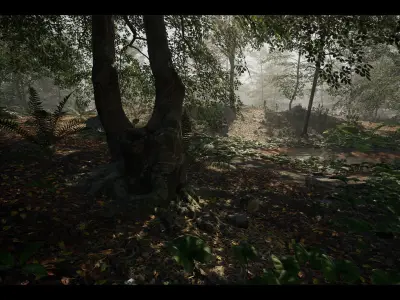
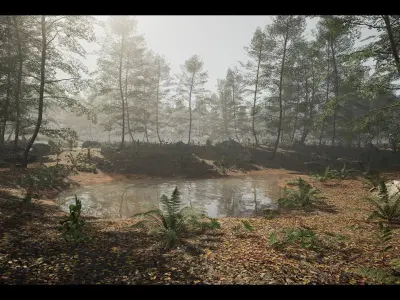
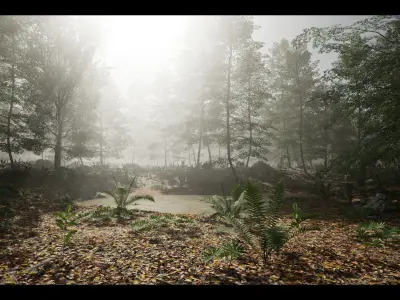
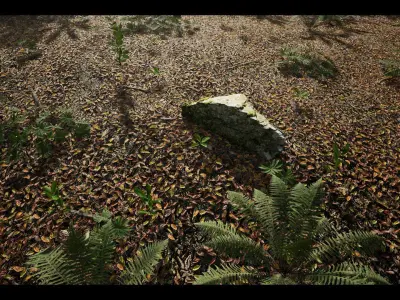
- HIGH QUALITY SCANNED MESHES -
This package is made with photogrammetry and photometric foliage technics.
All trees have minimum 3 LODs and billboards (impostor)
The high-density forest comes with good optimization.
Features [v1.0]:
- AAA Quality Forest
- Dynamic Lighting
- Procedural Foliage Generation
- Photogrammetry models and textures
- Automatic Slope Blending
- Blueprint Wind System
- 4x4 Demo Map
- Showcase Map
- LODs + Billboards/Impostor
- Pixel-Depth-Offset Shadow Function
- Soft-Blending Setup for Landscape
ASSET LIST [v1.0]:
- Beech Forest Ground Cover: 2
- Beech Trees: 8
- Dead Beech Tree Trunk: 1
- Beech Sapling: 2
- Beech Seedling: 4
- Butterbur: 2
- Coltsfoot: 2
- Green Hellebore: 4
- Male Fern: 15
- Western Brackenfern: 3
- Rocks: 7
- Small Rocks: 10
- Maps: 4
IMPORTANT NOTES:
- Don't forget to enable procedural foliage in the editor preferences.
Edit > Editor Preferences > Search: Procedural - Check Procedural Foliage.
- Don't forget to enable Distance Field Shadows in the project settings.
Edit > Project Settings > Search: distance fields > Check Generate Mesh Distance Fields > Restart your project and done.
- Don't forget to add the defaultengine.ini file in your content config folder.
Download this ini file https://drive.google.com/file/d/1dhMvv7Edh26NTtB87efkkrUA6ZtgvJFz/view?usp=sharing and add it to your project config folder.
TECHNICAL DETAILS:
- Physically-Based Rendering: Yes
- Collision: Yes (Custom)
- Vertex Count: 33 tris to 30.022 tris
- LODs: Yes
- Billboards: Yes for Trees (Impostor)
- Number of Unique Meshes: 62
- Number of Materials and Material Instances: 9 Materials, 55 Material Instances, 41 Material Functions
- Number of Textures: 123 Textures
- Texture Resolutions: 119 - 4096x4096, 1 - 2048x2048, 2 - 512x512
- Supported Development Platforms: Windows
- Intended Platform: PC
- Platforms Tested: PC
- For Support: Discord Channel - https://discord.gg/4Jd8VCP2ym