**UPDATE - 20240228 - Added Root Mover control for Game_Ready version of rig**
**UPDATE - 20200516 - Adjusted skin weighting on R eye lid to prevent brow texture skewing during blink**
**UPDATE - 20200506 - How to Constrain Right hand to Bow (steps below) and text file with steps added**
**UPDATE - 20200424 - Added cheek to head blend to help keep jaw line when the mouth opens, blend channel found on the CHEEK face UI**
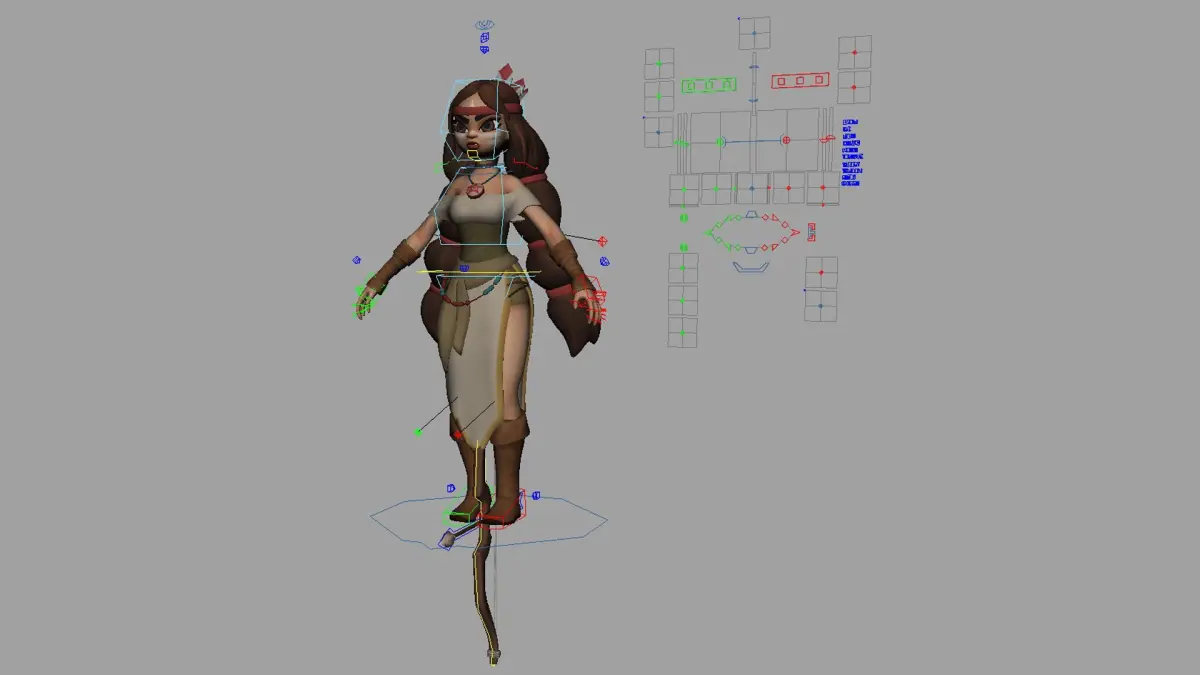
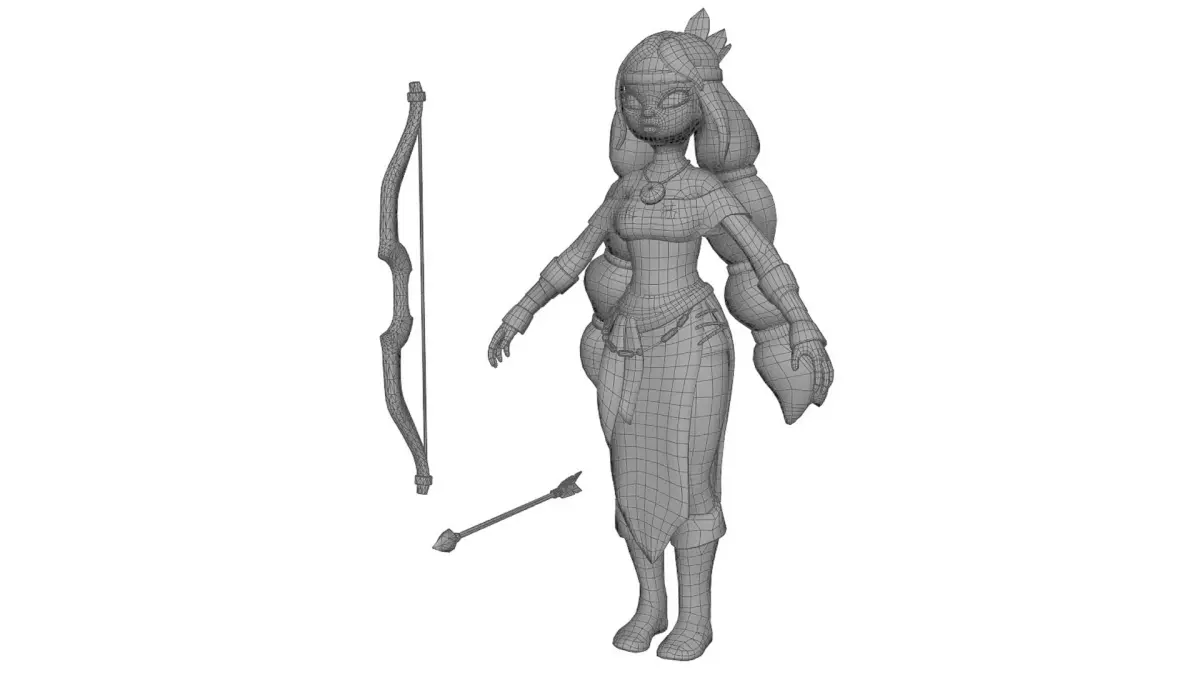
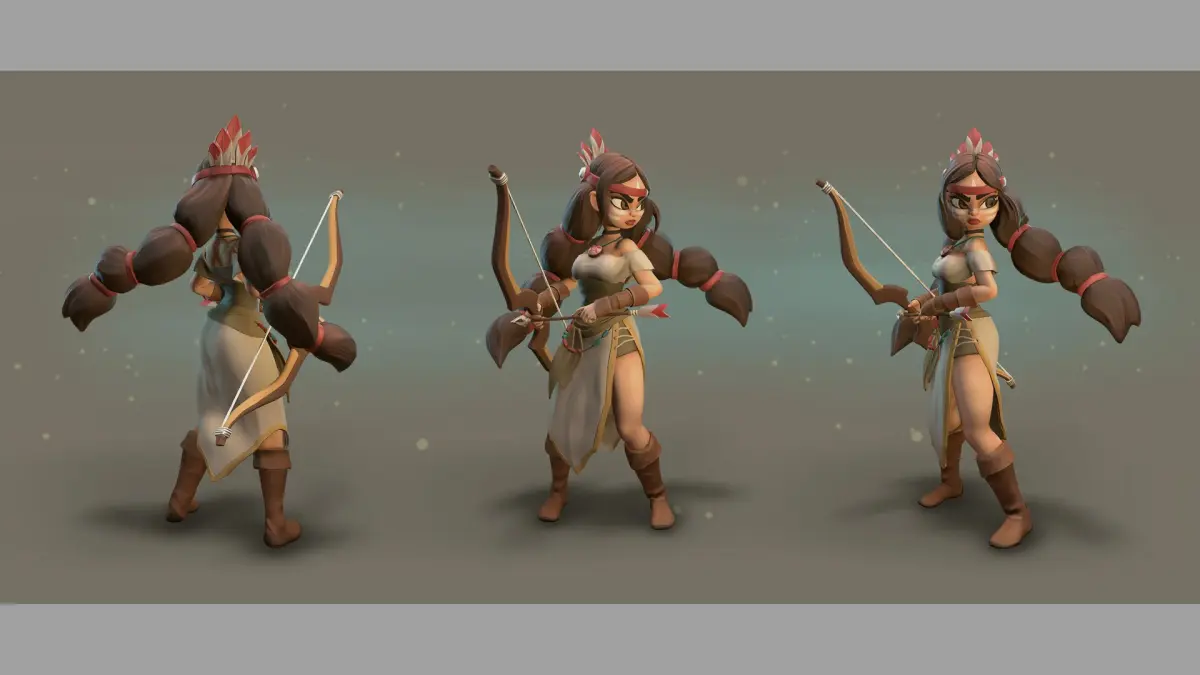
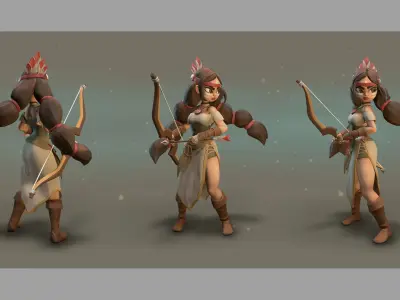
A rig from a personal project. Created and Rigged in Maya 2014.
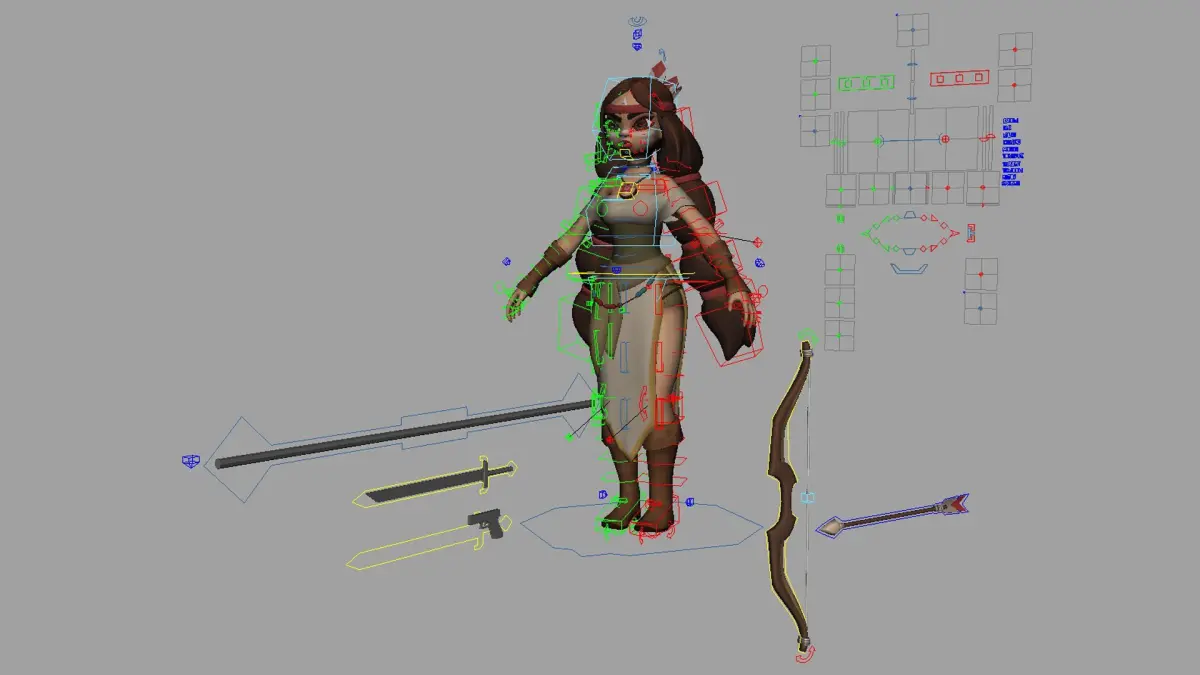
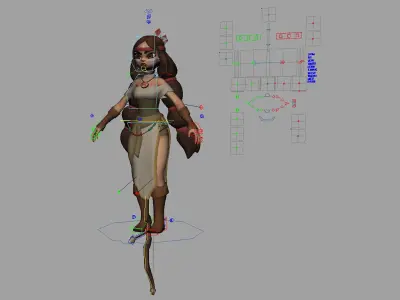
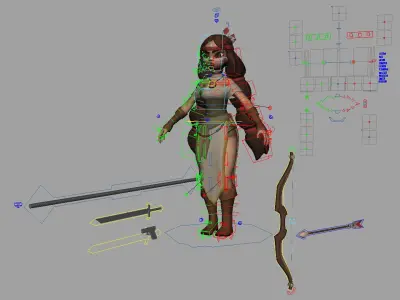
A full range of animation controls are available for body, accessories and face.
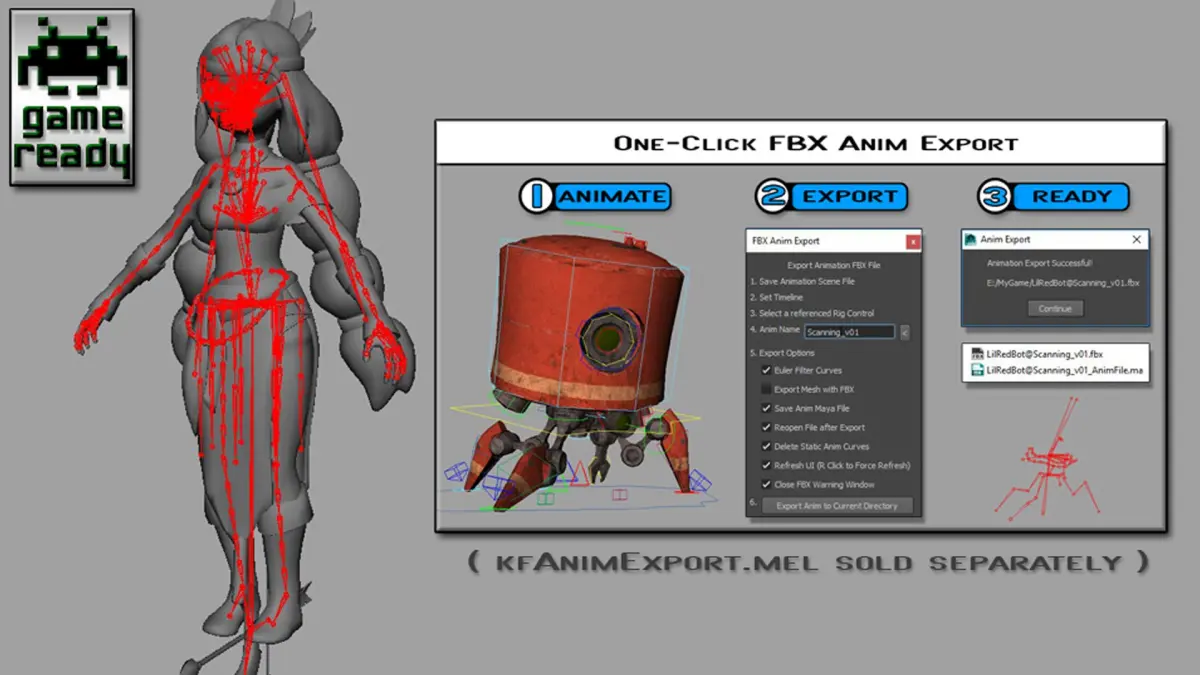
*_GameReady version contains:
-Single joint chain skeleton
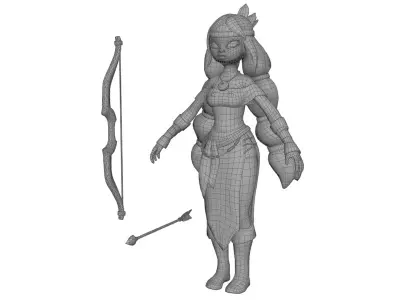
-all bound meshes with max 4 skin influence
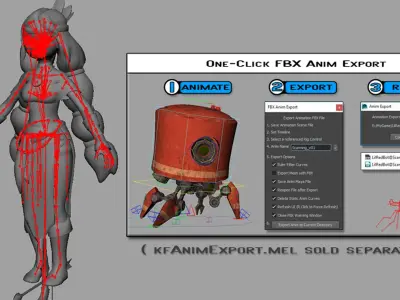
-Easy export to FBX sold separately (search for kfAnimExport.mel)
Please contact me if there are any issues.
Model by Sergei Lobodanov
Concept by Kate Fedorchuk
How to constrain the Right Hand IK to the Bow without getting a cycle loop error
1. Open the animRig_Meli.ma file (or the game ready one if you're using that)
2. Run the following 2 MEL lines in a MEL tab in the script editor
setAttr "rig_Bow_R_HandAdjust_parentConstraint1.nodeState" 1;
setAttr "CTRL_PropC_R_Hand_DrivenAdjust_parentConstraint1.nodeState" 1;
3. Save the rig file as animRig_Meli_RHand.ma (or whatever you like)
4. Now you can constrain the right hand to the Bow without getting a cycle loop
Native | Maya 2014 | Maya Software Default Maya 2020 | Maya Software Default FBX