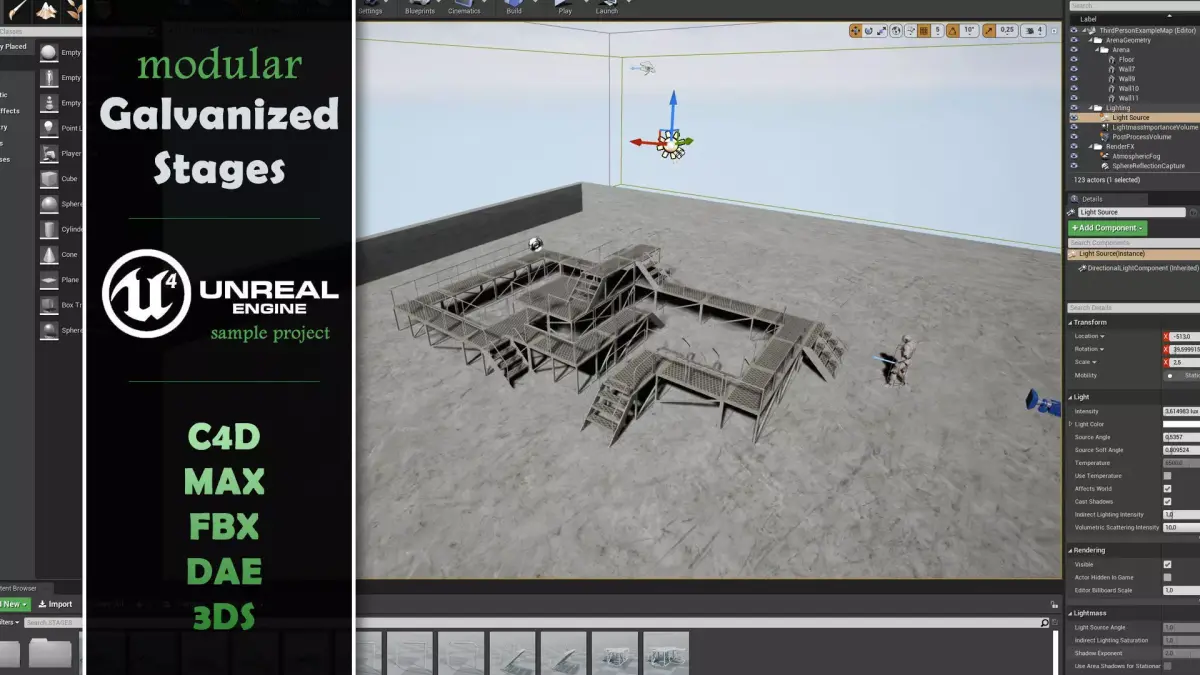
MODULAR GALVANIZED STAGES
Made in Cinema4D R19.024 Studio
===============================================================================
DESCRIPTION:
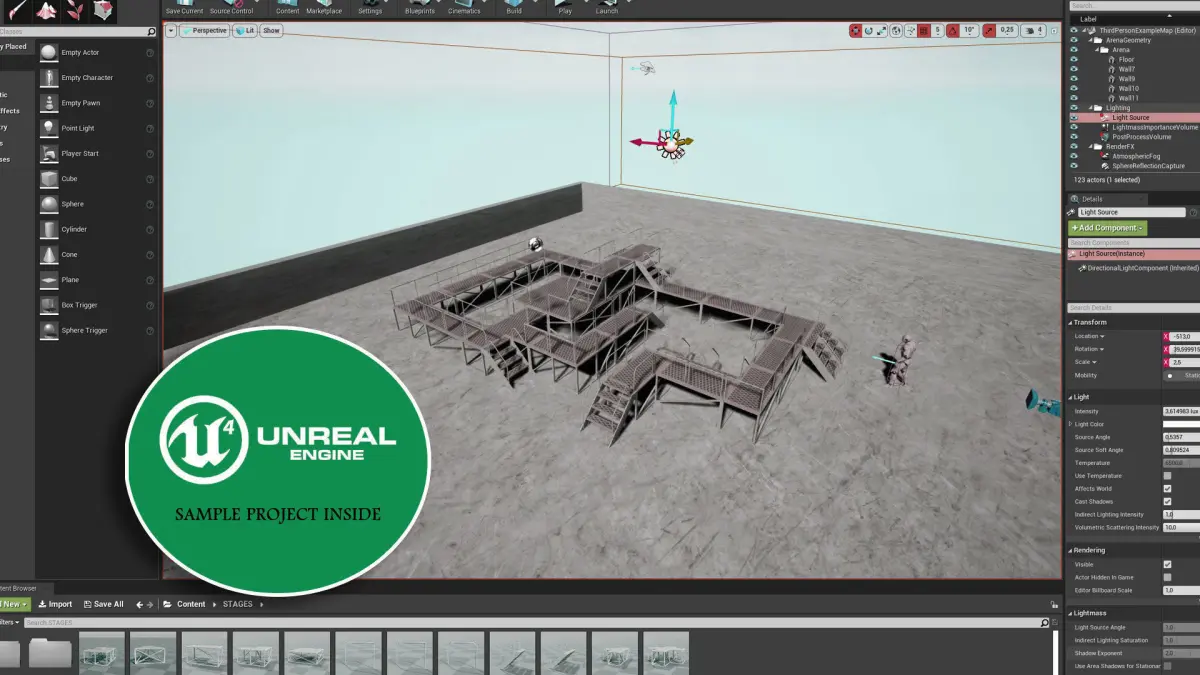
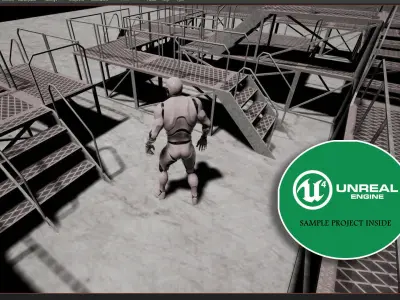
This model is prepared for Unreal Engine 4 but you can find some other file formats to use it in any software. This one is a upgraded version of my old galvanized stages model with different file formats.
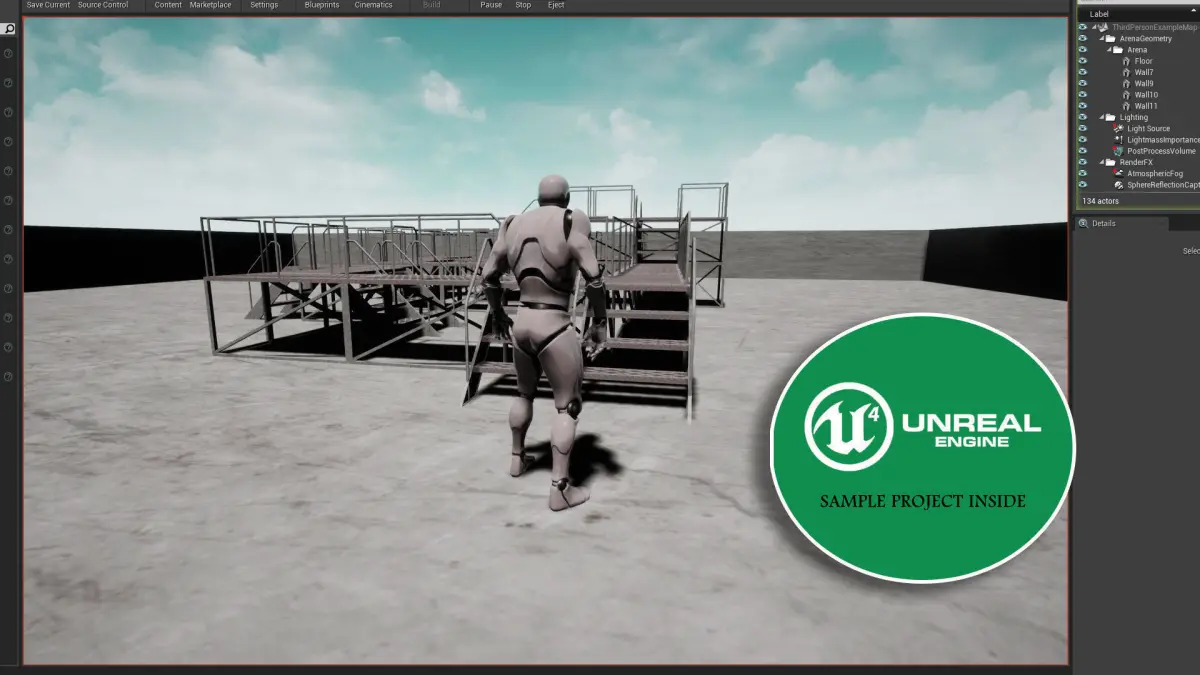
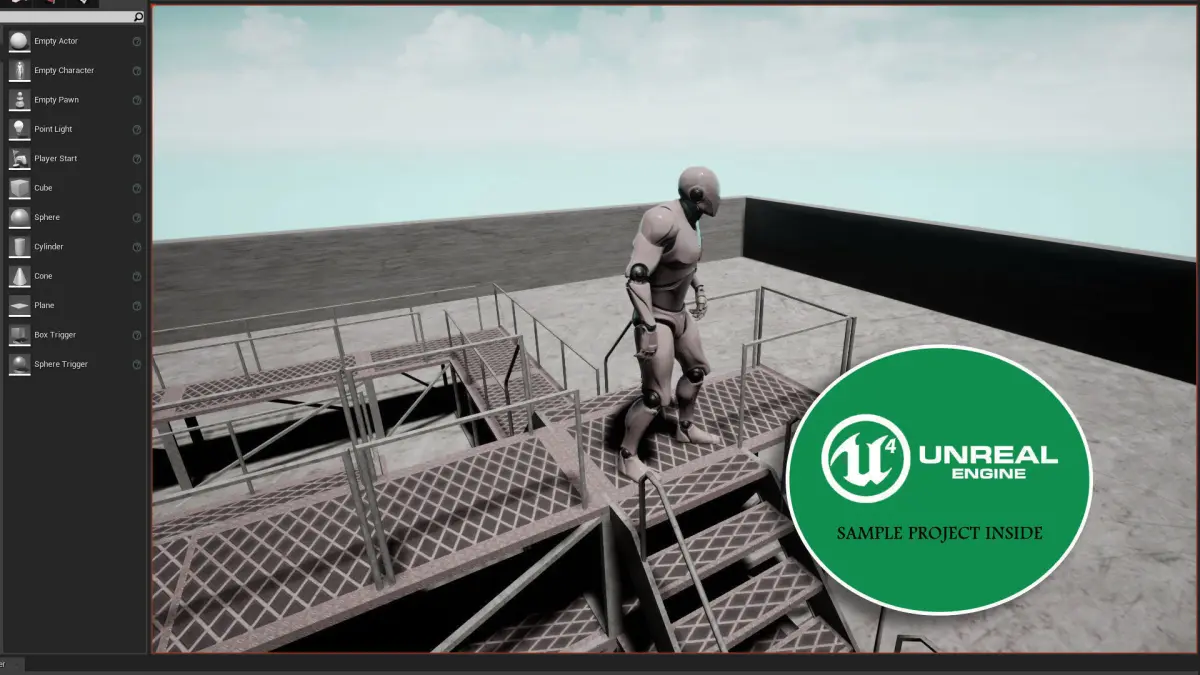
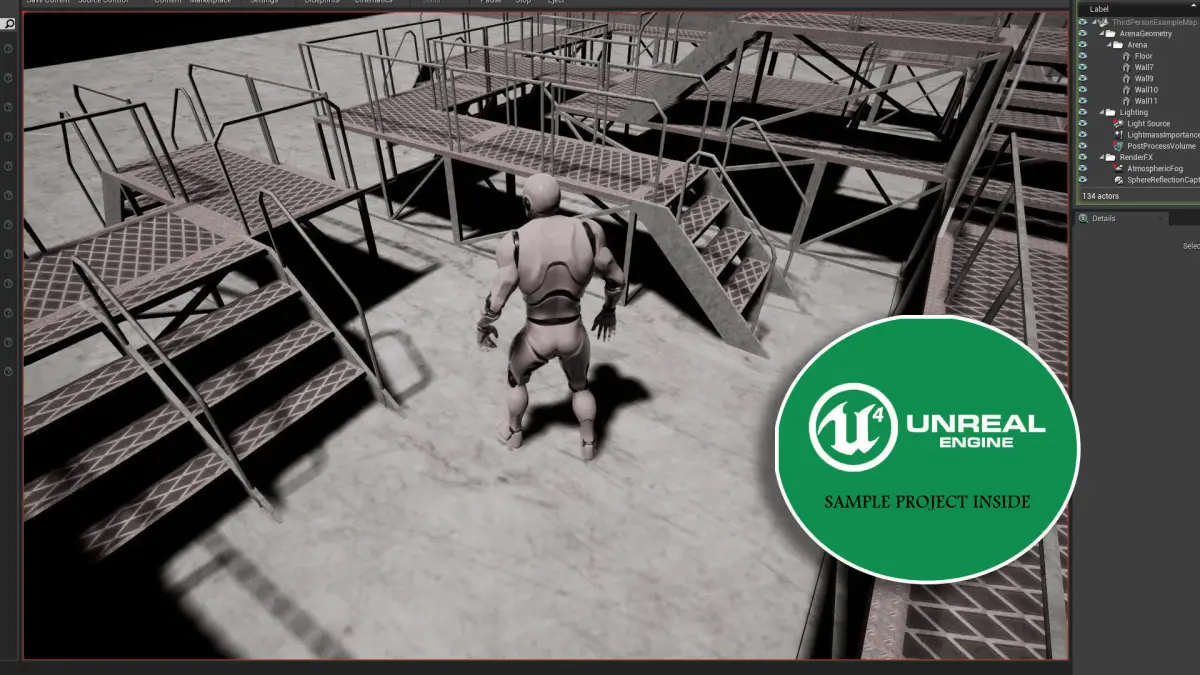
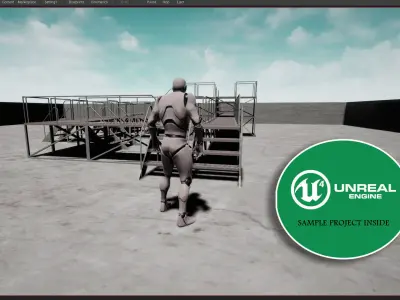
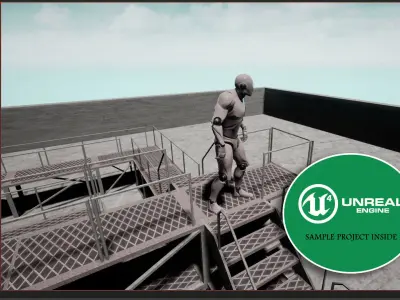
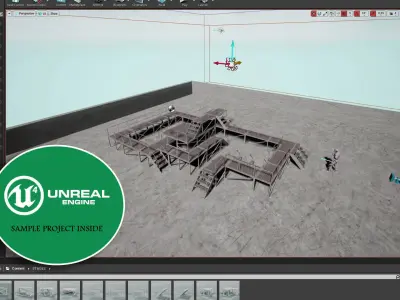
I have prepared and tried the modular pieces in UE4 with a success. I share the project file here. They mostly snapped each other nice if you take care of the shape you want to build. If you get some little gaps between the stages change the piece to the suited one.
===============================================================================
UNREALENGINE PROJECT:
GLVstagesUE4 is the project folder which contains all the stuff you need. It's in the RAR archieve.
You can find the SOURCES folder in it. This folder contains the source files and textures for the assets.
In the STAGES folder all assets are available. Materials, textures and objects are placed it it.
So, if you load this project to anywhere all assets and source files will follow it. Just move the project folder to the place you want to be play with.
The stage pieces (all are FBX files) have collision meshes inside them that you will not need to adjust the collisions from scratch.
===============================================================================
OTHER FILE FORMATS:
GLVstages(SOURCE).C4D is the main Cinema 4D file. All pieces and their collision meshes are available inside.
GLVstages.MAX is the 3DS MAX file. The basic scene adjustment, textures and material UV mapping available. No collision meshes.
GLVstages.FBX has all pieces together inside. No individual objects. No collision meshes.
GLVstages.DAE has all pieces together inside. No individual objects. No collision meshes.
GLVstages.3DS has all pieces together inside. No individual objects. No collision meshes.
GLVstages.OBJ has all pieces together inside. No individual objects. No collision meshes.
===============================================================================
TEXTURES:
There are three images in TEX folder inside the RAR archive. This one for the file formats. No PBRs.
Same folder is in the projects SOURCES folder too. This one for the assets.
===============================================================================
MODEL STRUCTURE:
30 objects
4.020 polys
8.040 tris
2,120 points
===============================================================================
I'm NOT PERFECT:
Nobody does! I always try to do my best but sometimes unwanted mistakes can be happened unconsciously. If something happens please contact me ASAP for solving the problems immidiately.
A little nice conversation is able to solve all problems in minutes. I know somehow :))
===============================================================================
INFO:
Follow my tutorials and videos in youtube:https://www.youtube.com/channel/UCtYvZ8BDNXcx8rfOF-mDxZw
Need some photoshop brushes, photos or images? I'm here:https://shadedancer619.deviantart.com/
Nice to meet you. Enjoy!
Thank you and See you!
OBJ (OBJ, filesize: 455 KB), UASSET (UnrealEngine, filesize: 27.8 MB), FBX (Autodesk FBX, filesize: 28.2 MB), TEXTURES (Textures, filesize: 4.68 MB), C4D (Cinema 4D, filesize: 899 KB), MAX (Autodesk 3ds Max, filesize: 1.17 MB), DAE (Collada, filesize: 336 KB), 3DS (3D Studio, filesize: 108 KB)