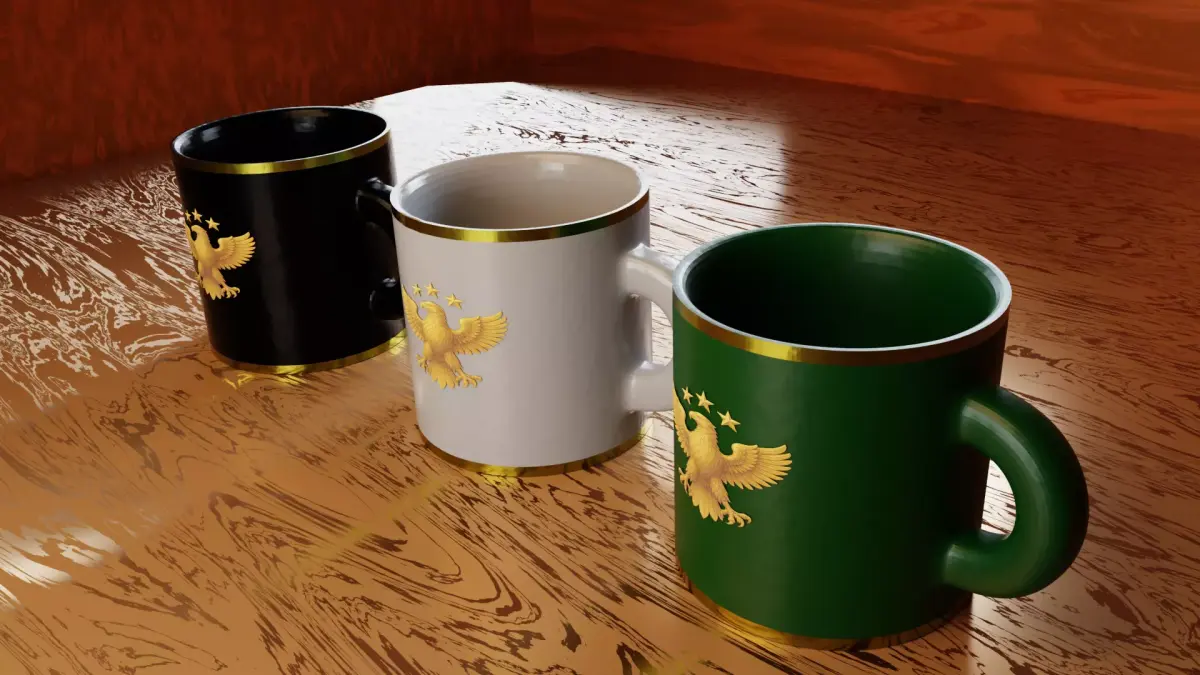
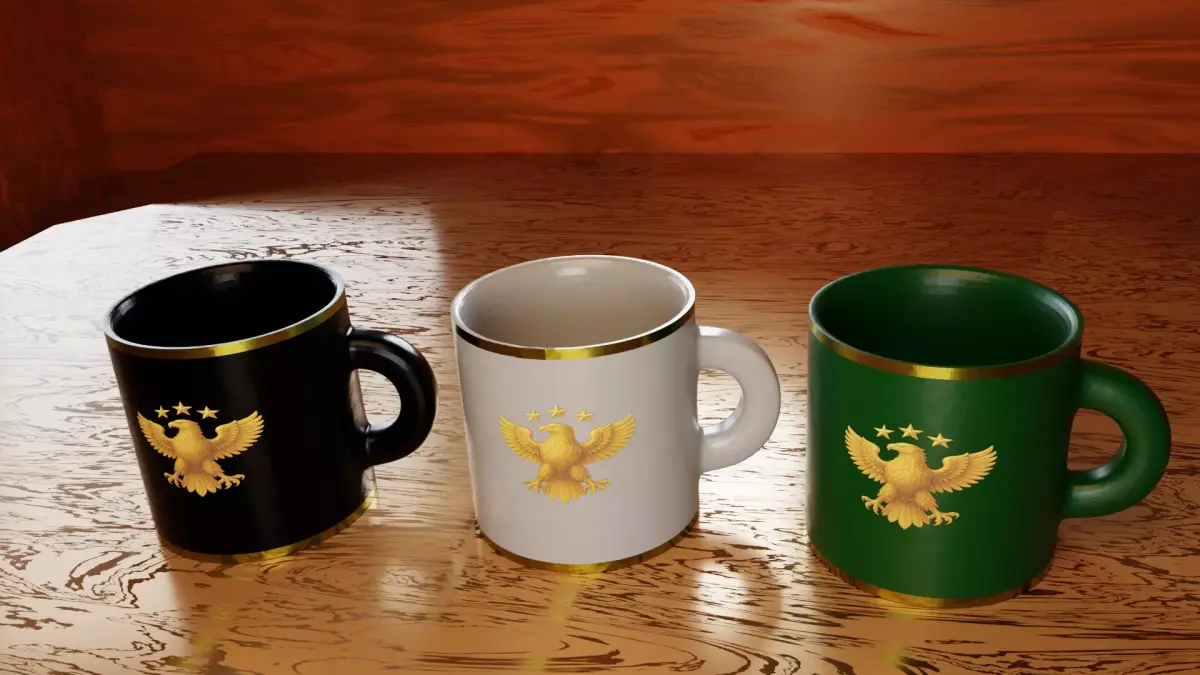
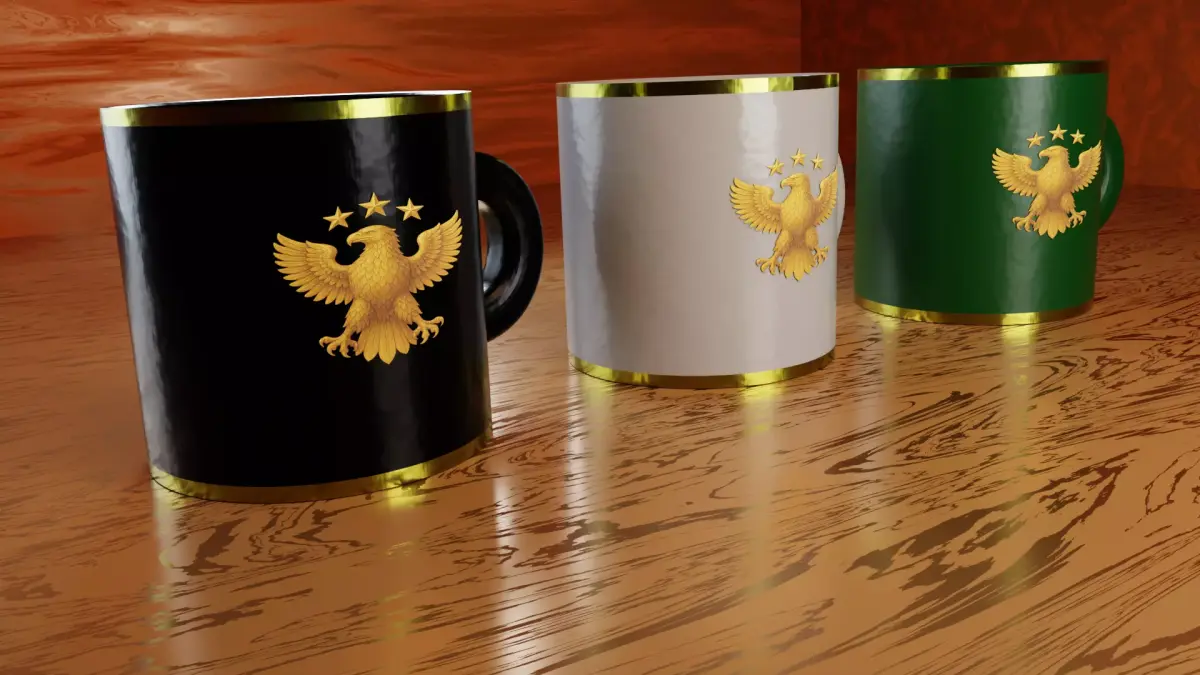
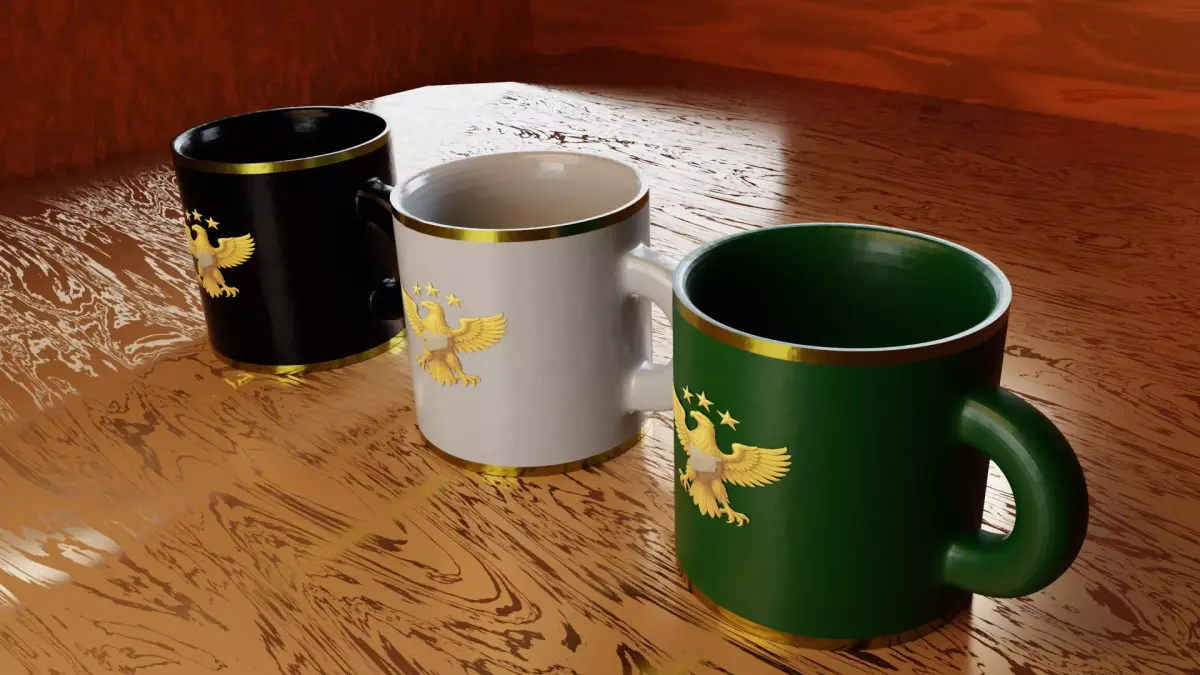
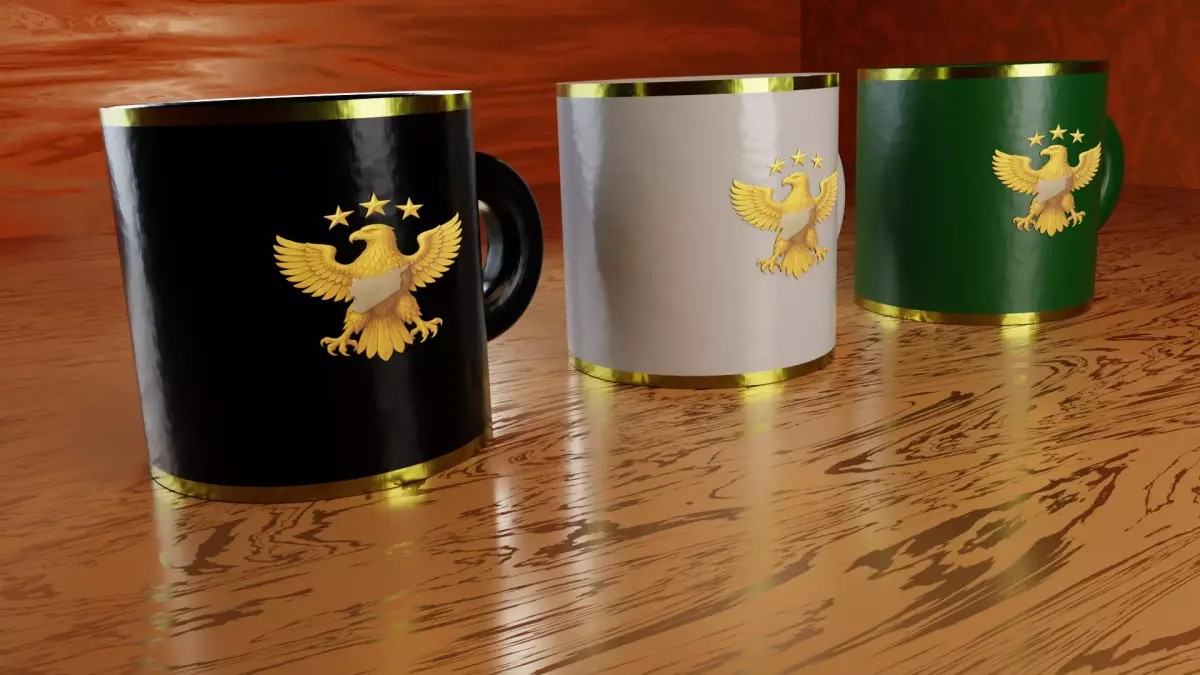
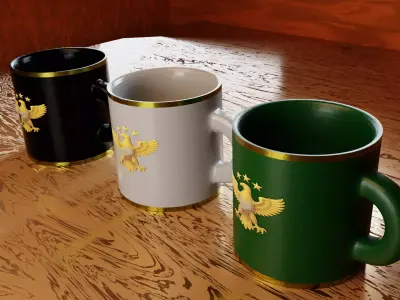
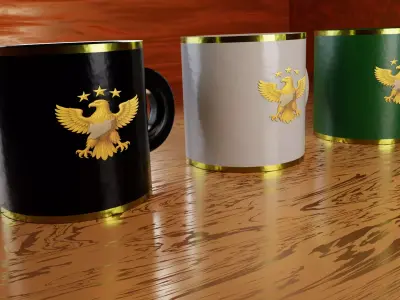
- Thank you for purchasing the Golden Eagle Mug Design!
What’s Included:
- 2 Blender project files:
- GoldenEagle_NoMap.blend (without map)
- GoldenEagle_Map.blend (with map)
- 6 high-quality PNG preview images (3 for each version)
- All materials, lighting, and camera settings are included in the Blender files.
How to Use:
- Open the .blend file in Blender (version 4.4 or later recommended).
- All materials, textures, lights, and cameras are already set up.
- You can adjust the lighting, change the camera angle, or edit the textures as you like.
- To render the scene, press F12 or go to Render > Render Image.
Tips:
- You can replace the mug texture with your own logo or design by editing the image texture node.
- For best render results, set Samples to 1024 or higher in Render Properties.
- Use Cycles for realistic lighting and shadows.
Support:If you have any questions or need help, feel free to contact me.
Enjoy your new design!