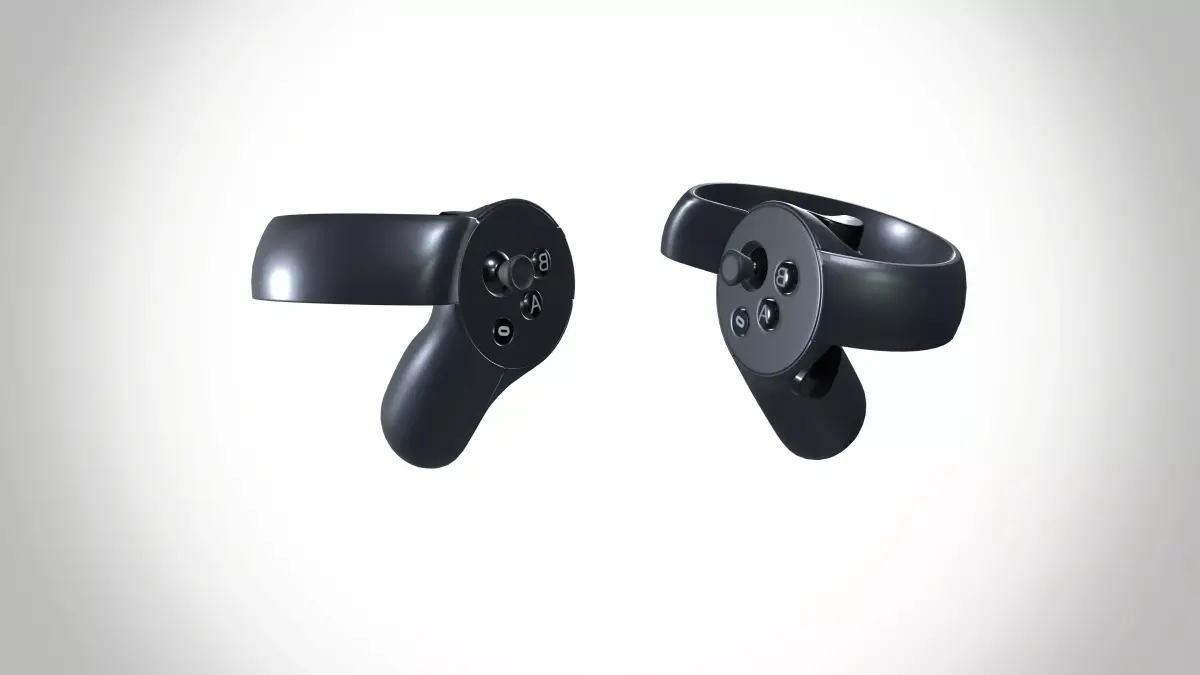
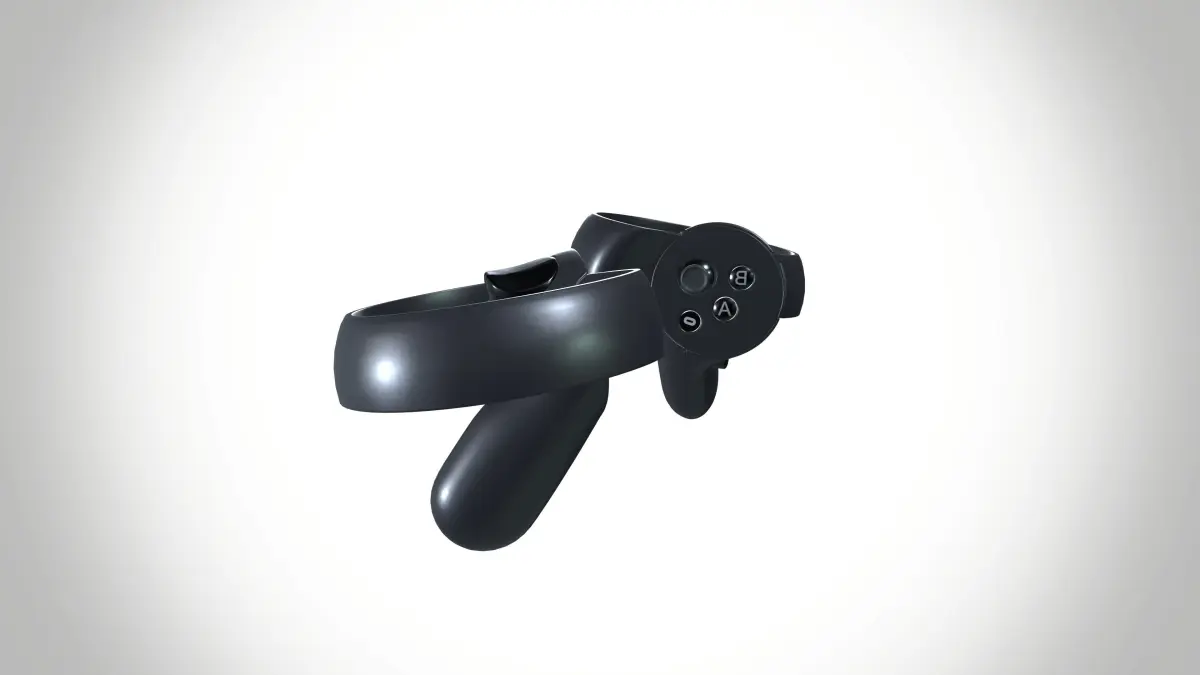
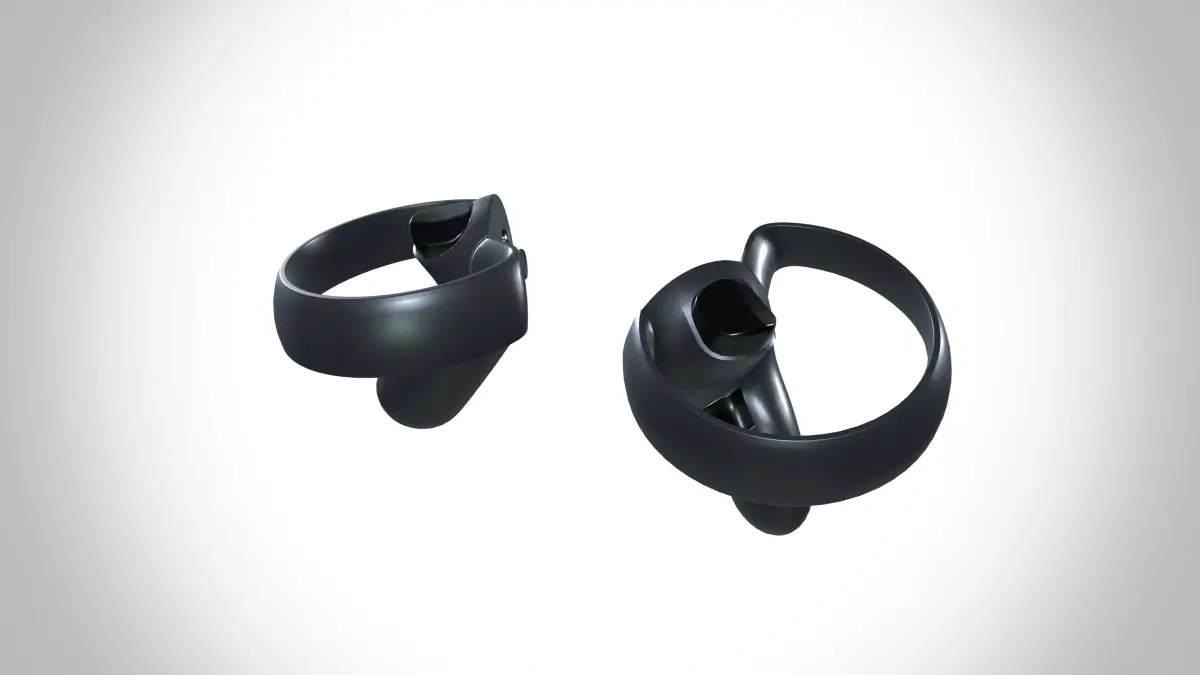
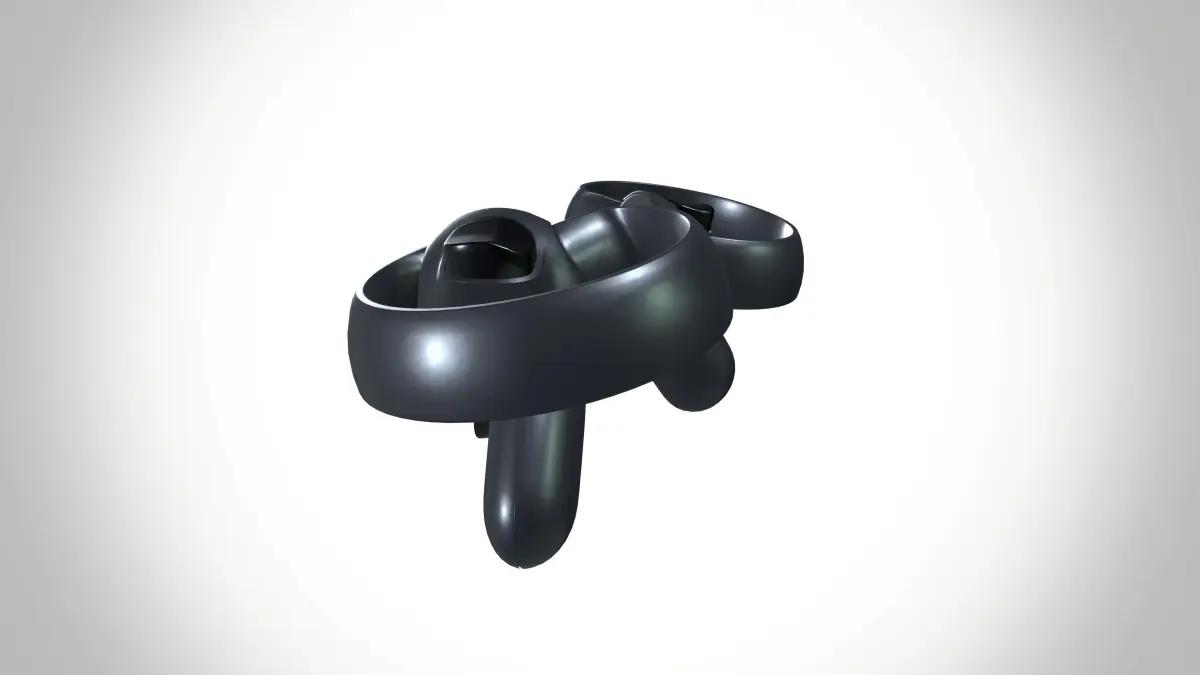
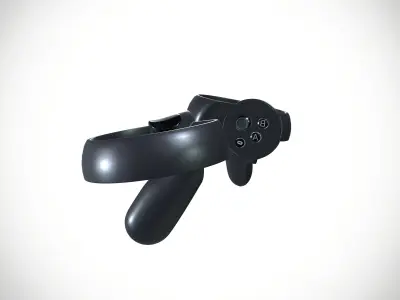
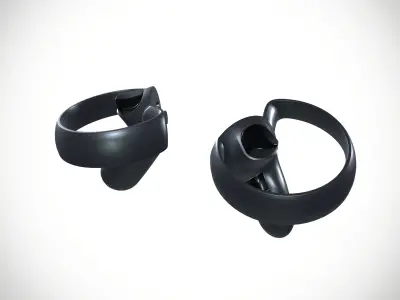
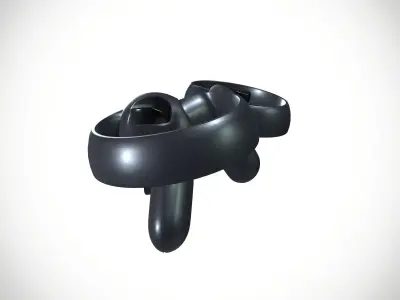
- Oculus Touch is the motion controller system used in the Oculus Rift, Rift S, and Quest virtual reality (VR) systems.
- Each Oculus Touch consists of a pair of controllers, with one for each hand.
- Press B button on right controller (Regular mode). Press Y button on left controller (Menu mode) OR move left thumbstick left (Menu mode).
- Move left thumbstick forward and backward (Menu mode). Press trigger on left controller (Menu mode) OR Move left thumbstick right (Regular mode).
- The Good. The Oculus Touch controllers add impressive finger and hand movement, plus physical buttons for traditional games.
- The Rift headset is well-designed and compact. A strong collection of software offers many apps to explore.
- Virtual reality is vital for enhancing education, training, and experiences.
- It creates immersive, interactive environments that improve learning, simulate real-world scenarios, and enhance empathy, ultimately advancing fields like education, healthcare, and entertainment.
- Number of Polygons: 29426.
- Number of Vertices: 30588.
- Number of Tris: 59154.
- File Type: MA,MB,FBX.
- Texture format PNG.
- Texture resolution 1K.
OBJ (OBJ, filesize: 7.28 MB), MA (Autodesk Maya, filesize: 9.39 MB), FBX (Autodesk FBX, filesize: 9.39 MB)