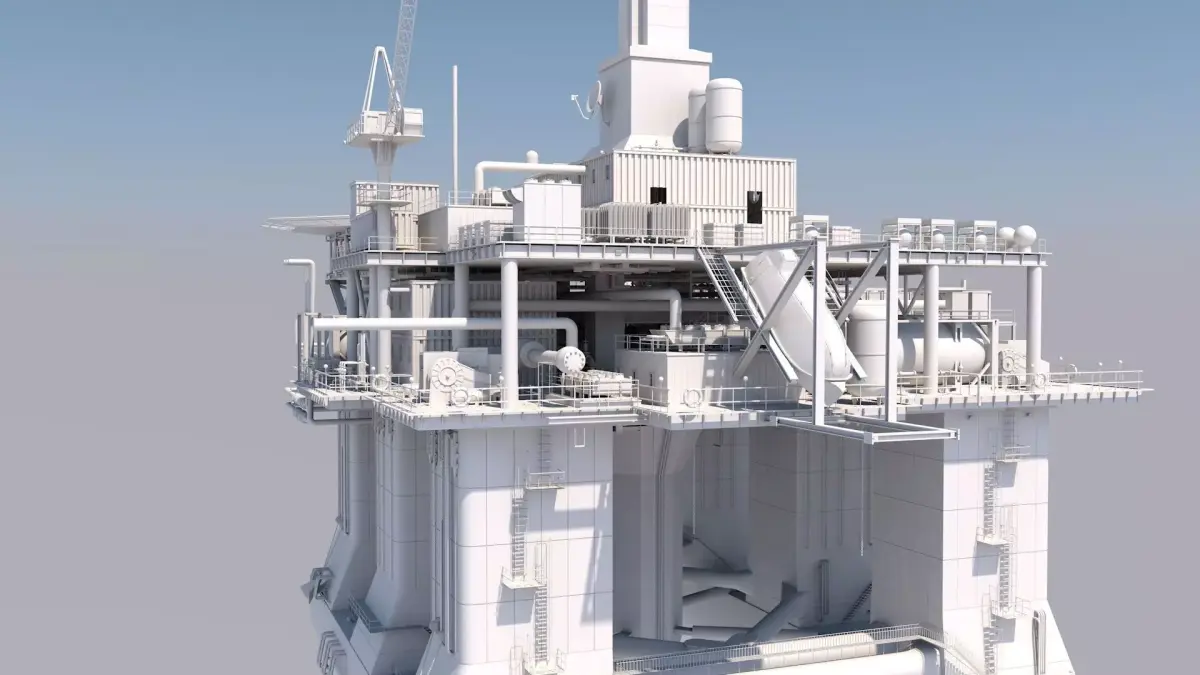
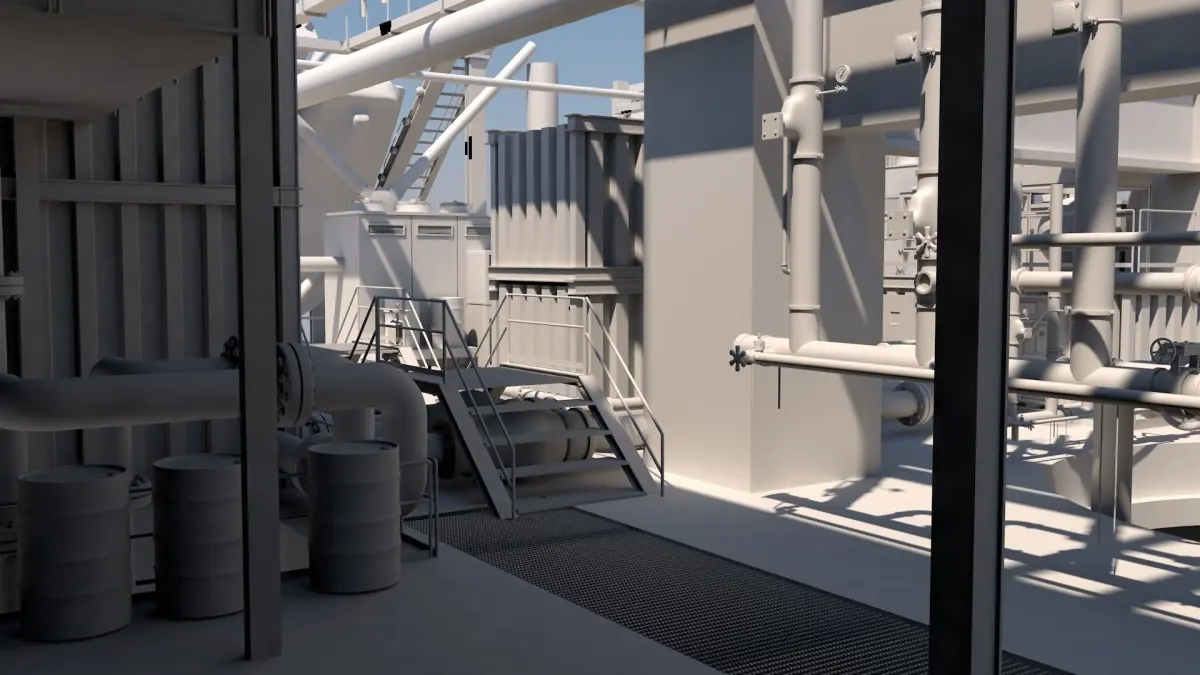
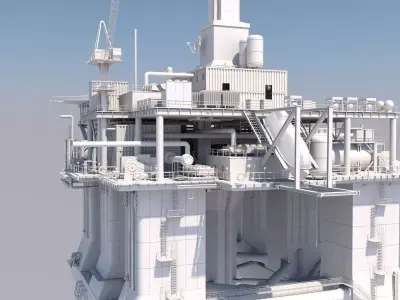
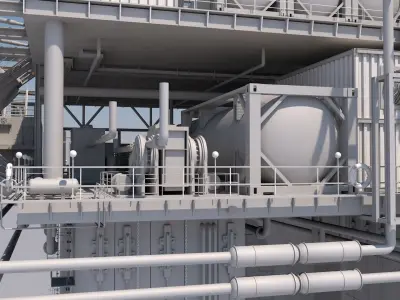
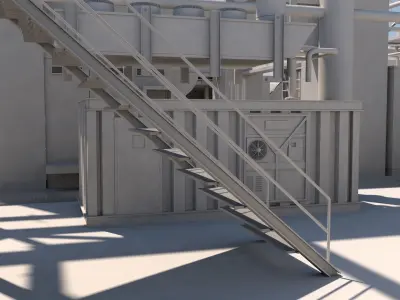
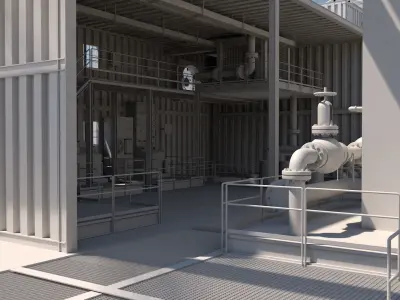
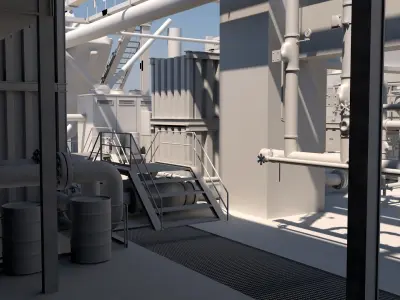
Creating a semi-submersible platform in Cinema 4D involves several steps. Here's a general guide to get you started:
Step 1: Basic StructureHull and Columns: Start with creating the main hull and columns. Use primitive shapes like cubes and cylinders.
Hull: Create a cube and adjust the dimensions to represent the base of the platform.Columns: Use cylinders for the columns. Position them at the corners or appropriate locations on the hull.Connecting Structures: Add beams and connecting structures using smaller cubes or cylinders.
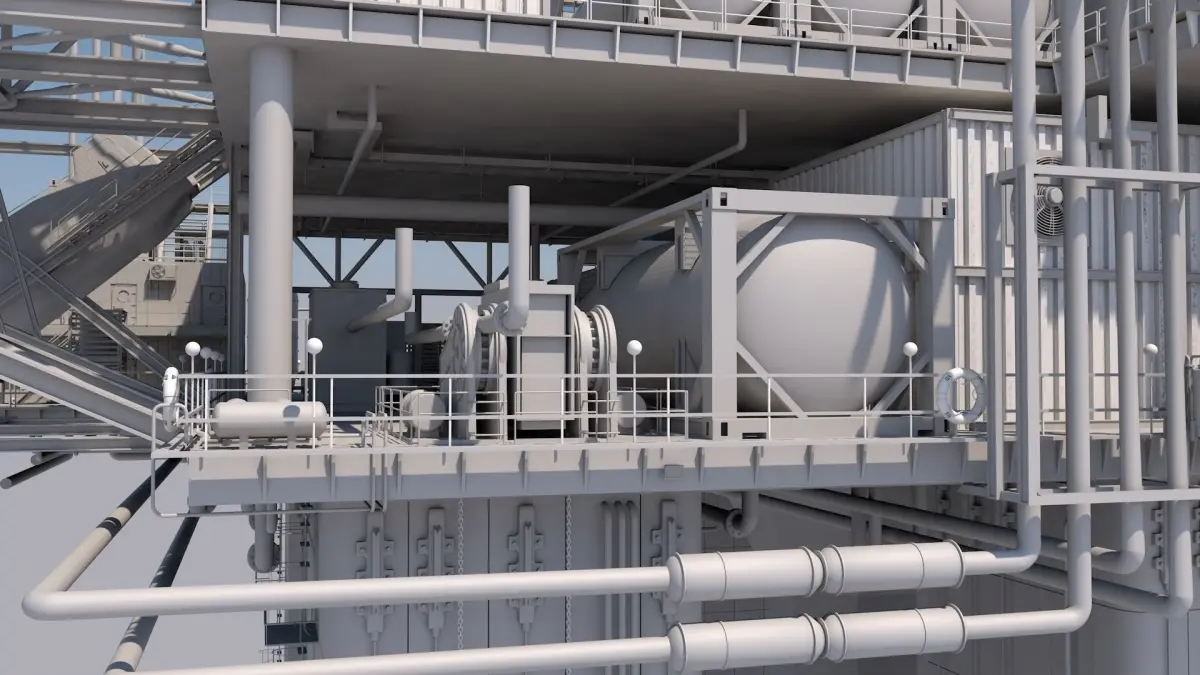
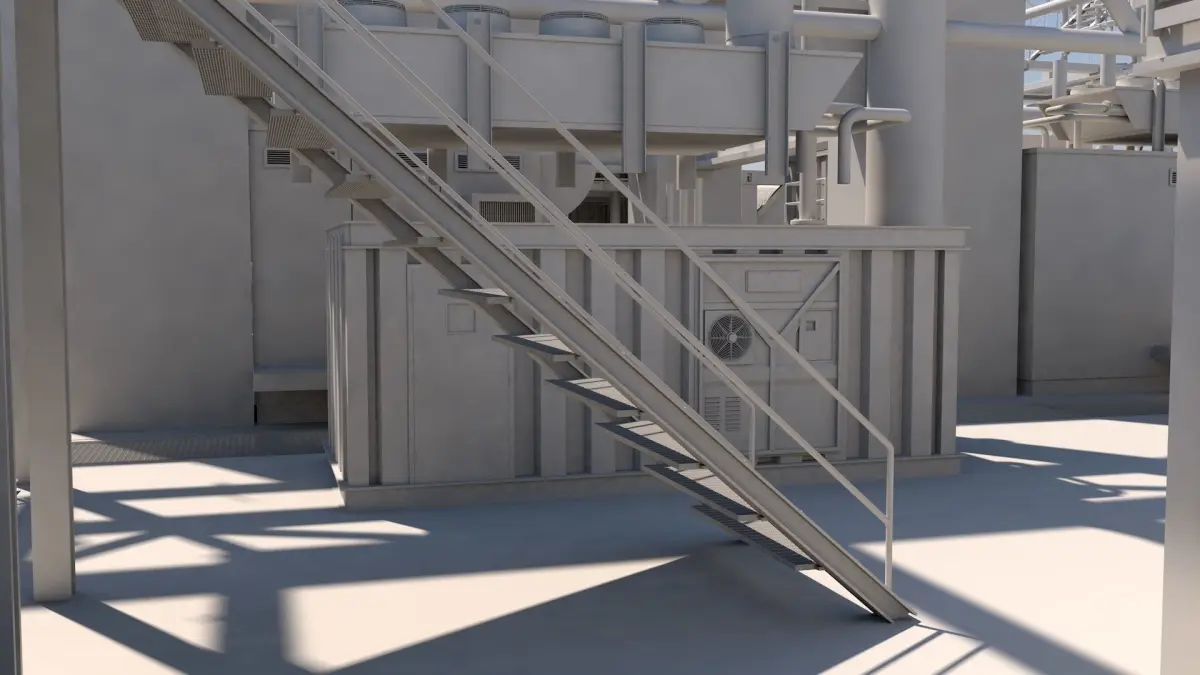
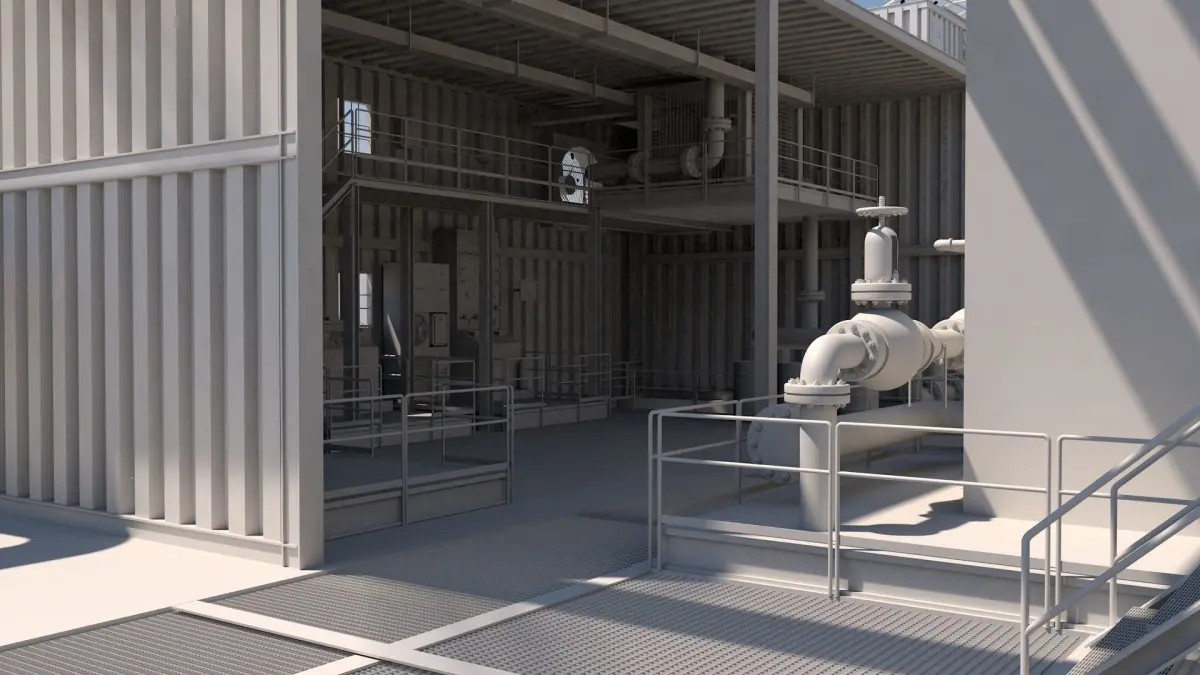
Step 2: Deck and SuperstructureDeck: Create another cube on top of the hull for the deck. Adjust the height and dimensions as needed.Superstructure: Add additional structures on the deck using various primitive shapes to represent equipment, control rooms, and other features.Step 3: Refining the ModelDetailing: Add more details such as railings, ladders, and other smaller elements.
Railings: Use thin cylinders or splines with sweep nurbs.Ladders: Create using small cubes or spline objects.Subdivisions: Use subdivision surfaces to smooth out rounded elements like columns.
Step 4: Materials and TexturingBasic Materials: Apply basic materials to different parts of the model. Use standard materials with appropriate colors and reflectivity.Textures: Add textures for more realism. Use images or procedural textures for elements like rust, metal, and painted surfaces.Step 5: Lighting and RenderingLighting: Set up basic lighting to illuminate the model. Use a sky object or HDRI for realistic lighting.Rendering: Configure the render settings and render the model. Adjust the settings for the desired quality and resolution.Step 6: Animation (Optional)Wave Motion: If you want to animate the platform, create a wave motion using deformers like the Wave or Displacer deformer.Movement: Animate the platform and its components to show how it behaves in the water.Tools and Features in Cinema 4DPrimitive Objects: Cubes, cylinders, spheres, etc.Subdivision Surfaces: For smoothing.Spline and Sweep NURBS: For creating railings and other details.Deformers: Wave, Displacer for animation.Materials and Textures: Standard materials, UV mapping.Lighting: Standard lights, sky objects, HDRI.Rendering: Standard render settings, Physical Renderer for advanced options.This is a high-level overview to get you started. If you need more detailed steps on any part of the process or specific techniques, feel free to ask!
C4D (Cinema 4D, filesize: 101 MB)