HIIII :D
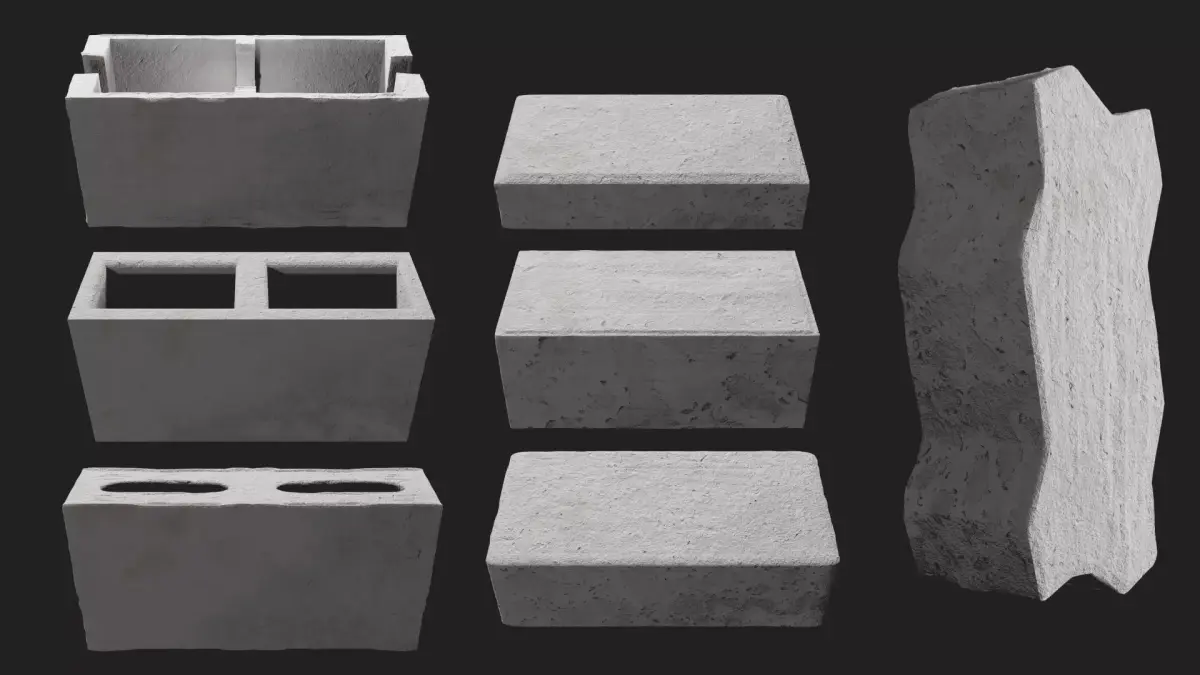
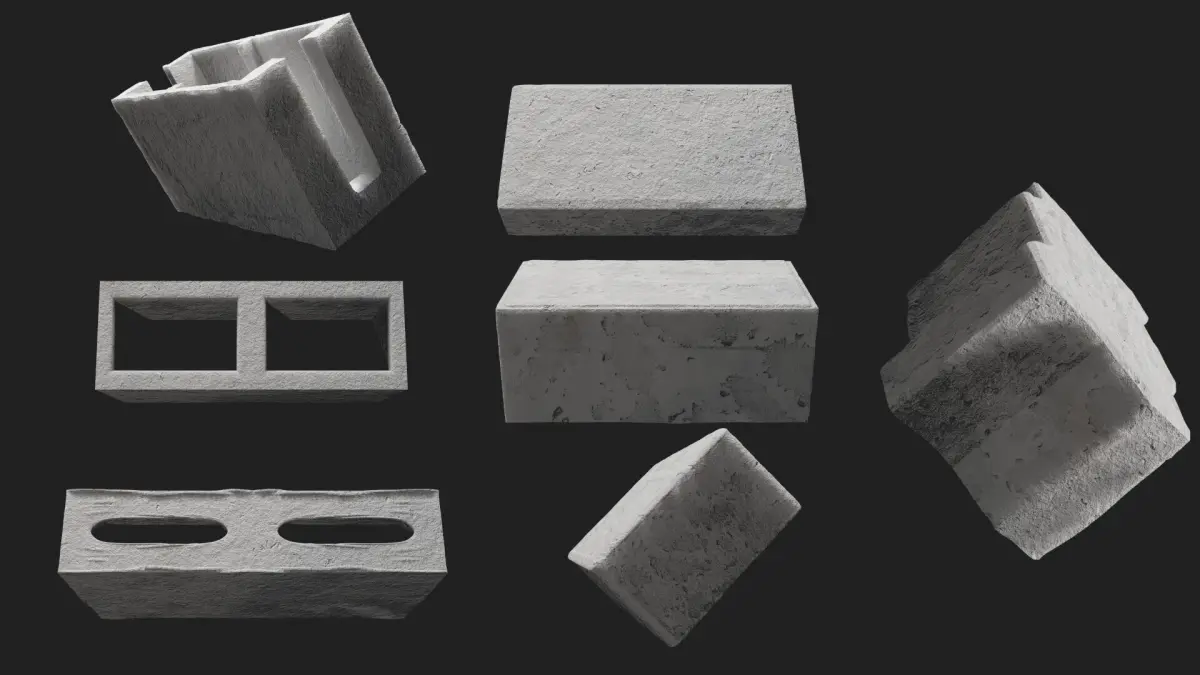
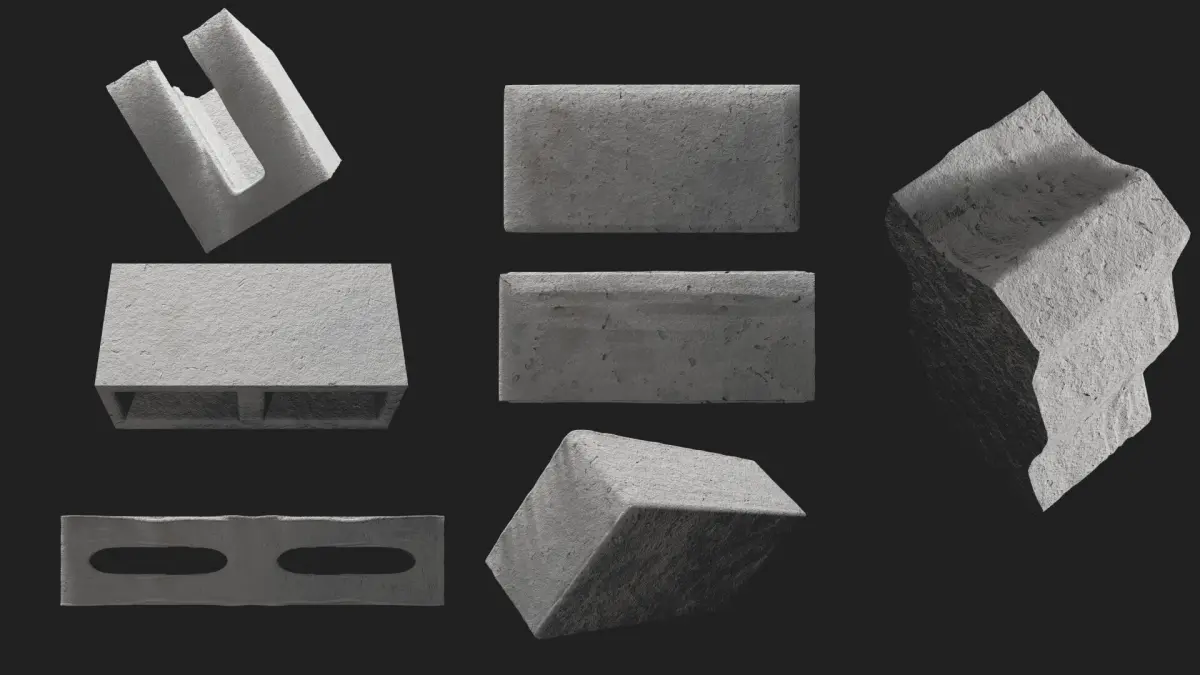
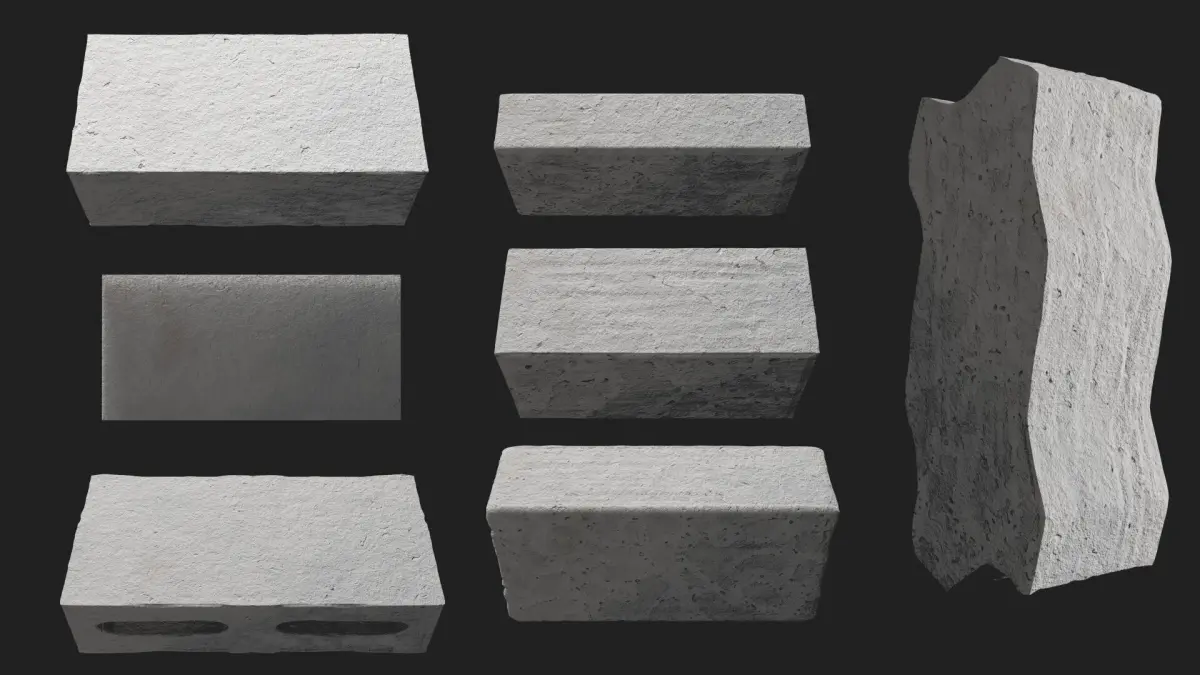
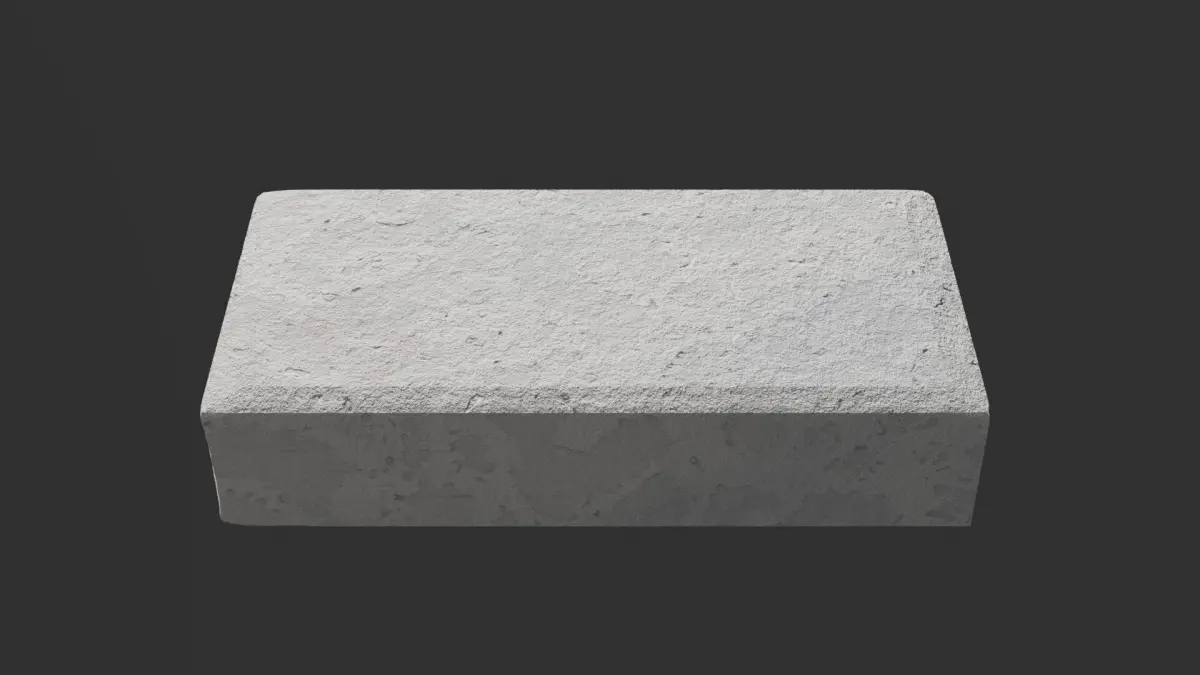
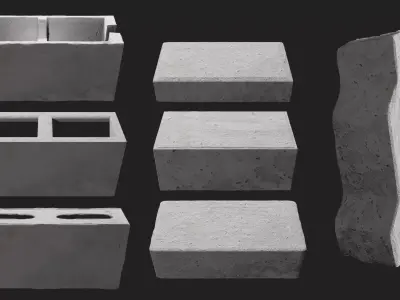
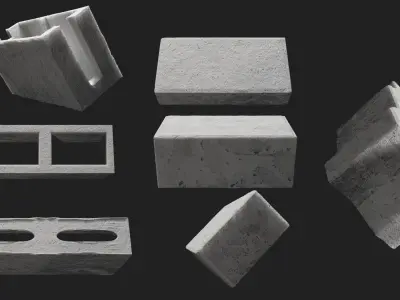
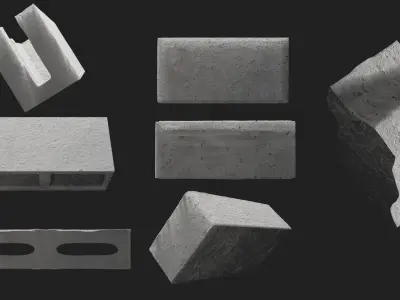
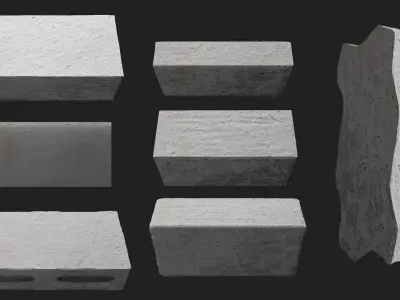
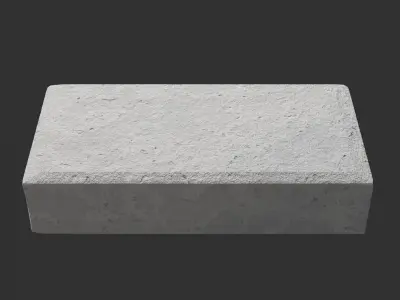
I developed a project in Blender using the Eevee renderer to create detailed 3D models of concrete blocks. This set includes seven different models, with realistic dimensions and a focus on visual quality, suitable for various purposes such as websites, architectural projects, or illustrations.
The blocks created are:
- H4 Rectangular Paver: Width: 10 cm, Height: 4 cm, Length: 20 cm
- H6 Rectangular Paver: Width: 10 cm, Height: 6 cm, Length: 20 cm
- H8 Rectangular Paver: Width: 10 cm, Height: 8 cm, Length: 20 cm
- Structural Block: Width: 14 cm, Height: 19 cm, Length: 39 cm
- Partition Block: Width: 9 cm, Height: 19 cm, Length: 39 cm
- Full Channel Block: Width: 14 cm, Height: 19 cm, Length: 39 cm
- H8 Unistein Paver: Width: 10.5 cm, Height: 8 cm, Length: 23.9 cm
To streamline the delivery and save space, all models are organized into a single .blend file. Below is an explanation of how to access individual blocks if needed:
How to Access Individual BlocksIf you need to use just one block in another project, it’s simple with Blender’s Append function:
Open the project where you want to insert the block.In the top menu, click File > Append.Navigate to the .blend file containing the blocks and click on it.Enter the Collection or Object folder and select the desired block.Click Append to add the block to your project.About the Available FormatsIn addition to the .blend file, the models are also available in .fbx and .obj formats. However, here are some important notes:
The .blend file is the most recommended, as it fully preserves the procedural materials and textures created in Blender’s Shader Editor, ensuring the best visual quality.In the .fbx and .obj formats, the materials may not correctly represent the concrete texture. This is because procedural textures are not directly exported in these formats. :(If you need the concrete textures in other software, you may need to bake the textures in Blender first.Let me know if you have any questions! I hope the project meets your expectations.
Best regards,Onenine
BLEND (Blender, filesize: 167 MB), BLEND (Blender, filesize: 167 MB), OBJ (OBJ, filesize: 156 MB), FBX (Autodesk FBX, filesize: 71.3 MB), JPG (JPG, filesize: 78 MB)