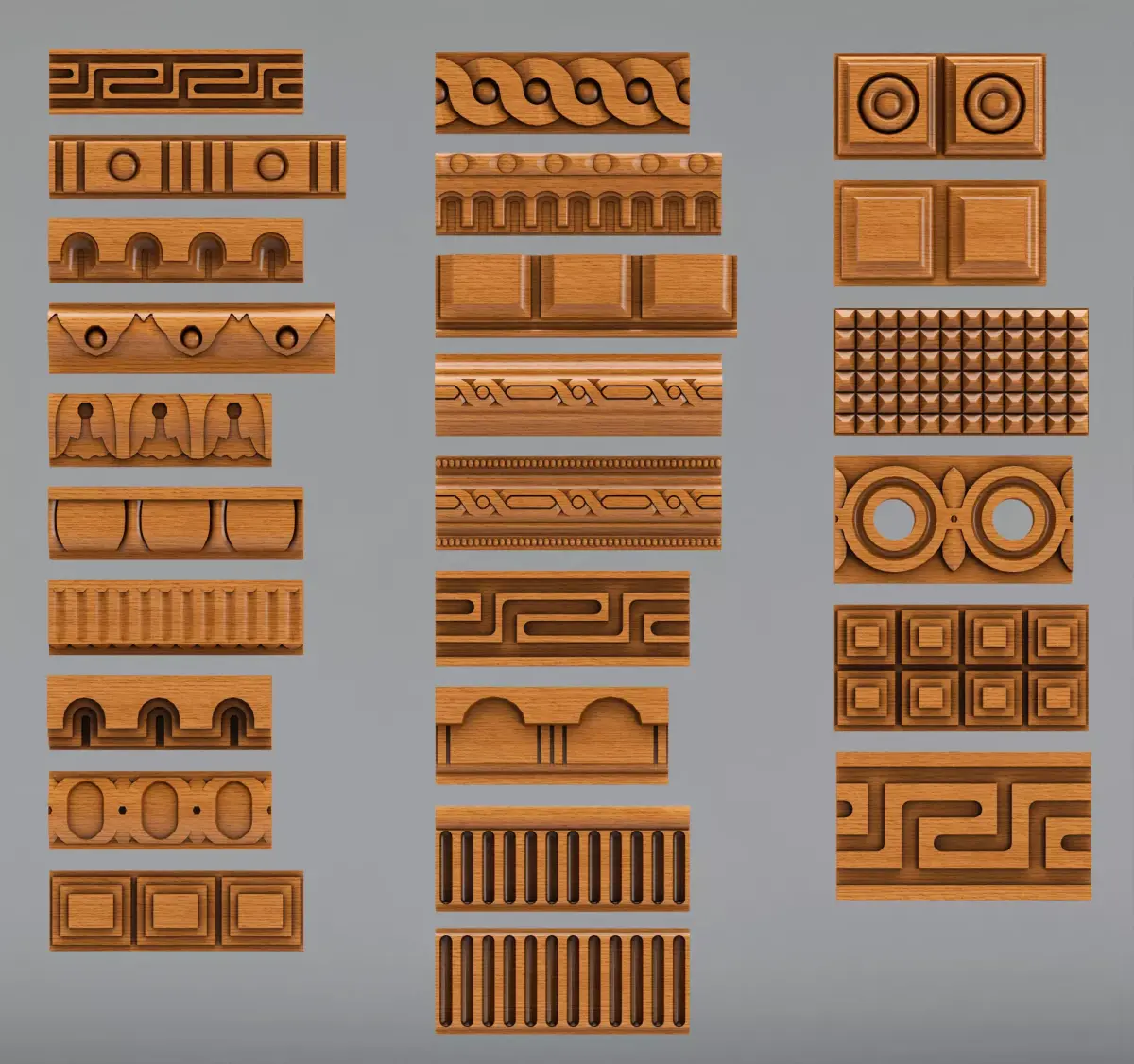
Update : 2020-11-03
- Unreal Asset Added
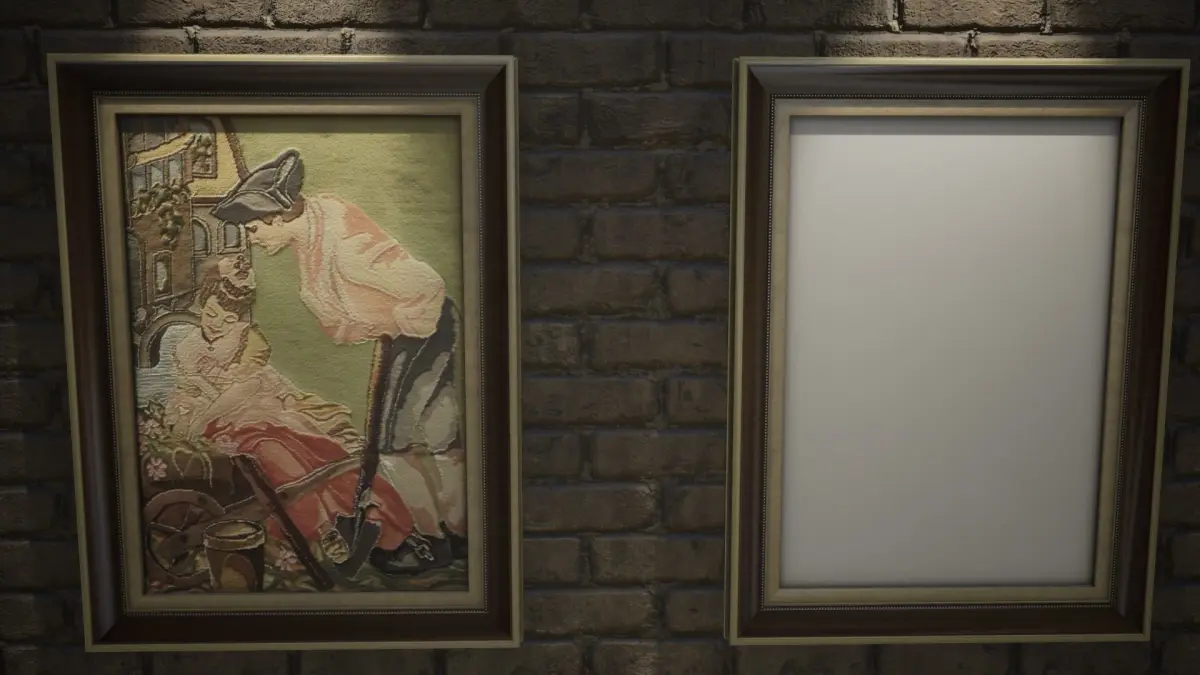
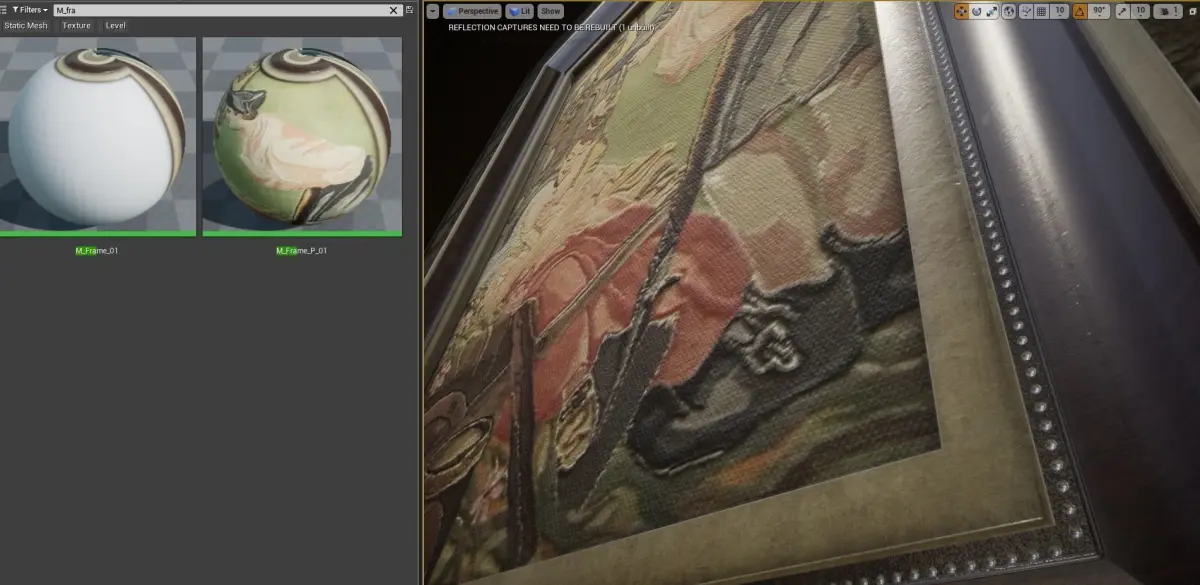
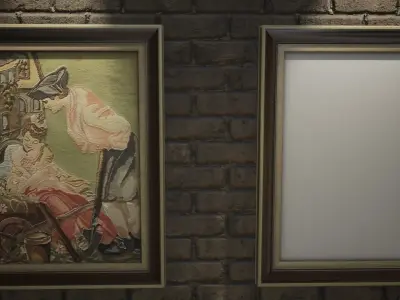
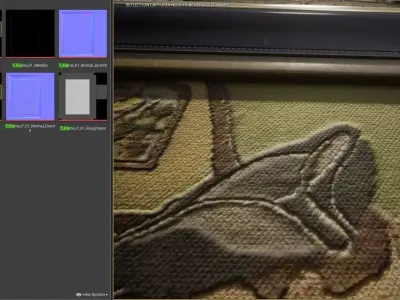
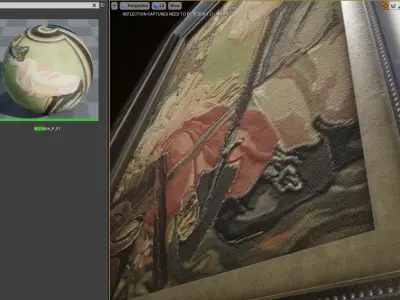
- Better Textures added for M _Frame _p _01 ( Version) .This set has More natural fibre texture now!
- Some minor Changes for more comfortable Importing
Transformations are At 0.0.0 (scene origin)
Objects Name :
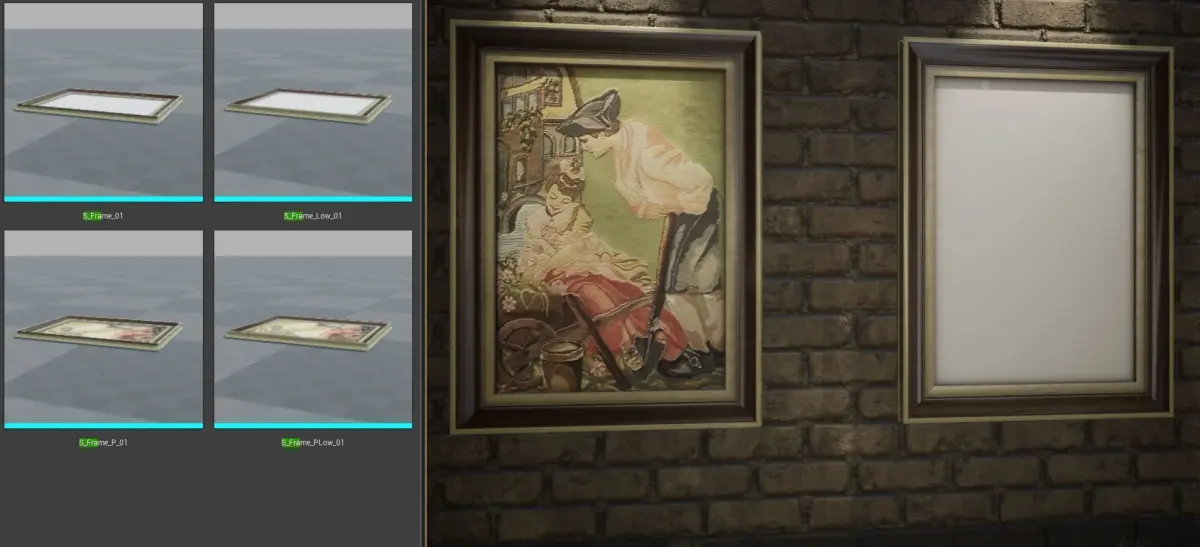
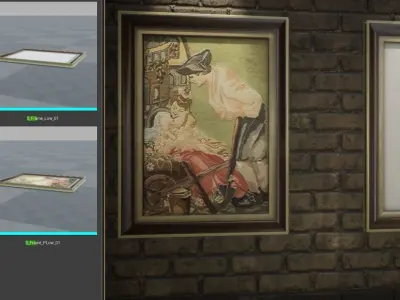
- S _Frame _01 (84 Vertex)
- S _Frame _Low _01 (24 Vertex)
.
- S _Frame _P _01 (84 Vertex)
- S _Frame _PLow _01 (24 Vertex)
Materials name :
- M _Frame _01
- M _Frame _P _01
Formats:
- Unreal Asset
- 3Ds Max 2014
- Maya (MA)
- FBX 2016 (For other versions please contact)
- OBJ
Textures : 4096x4096 PNG + PSD
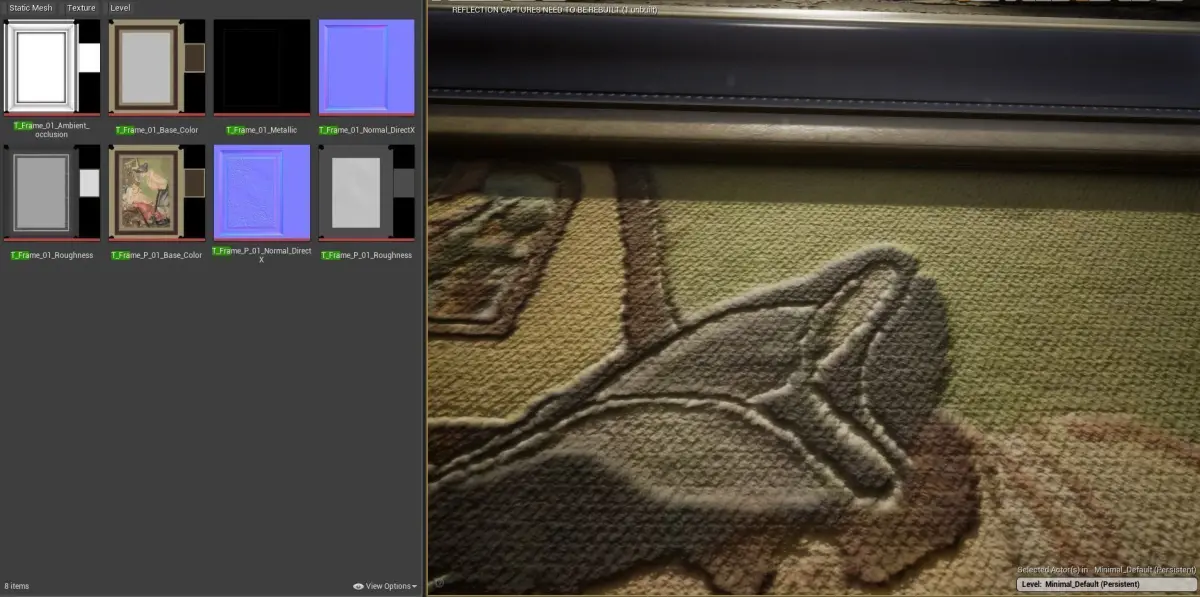
- T _Frame _01 _Base _Color
- T _Frame _01 _PAINT (Sample)
- T _Frame _01 _Ambient _occlusion
- T _Frame _01 _Roughness
- T _Frame _01 _Metallic
- T _Frame _01 _Normal _DirectX
3D Formats :
- UE4 Asset
- 3ds Max 2015
- FBX 2016 2013 (Please Contact for other Versions )
- OBJ (.obj, .mtl)
- Maya MA
Importing:
- Importing process is not always perfect in any cases (Because there are too many softwares with different standard for each one) so it needs to do some adjustment.
- First Copy/Paste the Textures to a folder beside the scene file . Rename the Folder to Textures
- If this did not work ... Then Copy/Paste the Textures beside the scene file . (Same Folder)
For unreal engine 4 AssetJust Copy and Paste Content Files in to the Content Folder
If you need help... please send me a message :)
OBJ (OBJ, filesize: 9.84 KB), UASSET (UnrealEngine, filesize: 120 MB), TEXTURES (Textures, filesize: 96.1 MB), MAX (Autodesk 3ds Max, filesize: 904 KB), MA (Autodesk Maya, filesize: 72.4 KB), FBX (Autodesk FBX, filesize: 201 KB), GLTF (glTF, filesize: 161 MB)