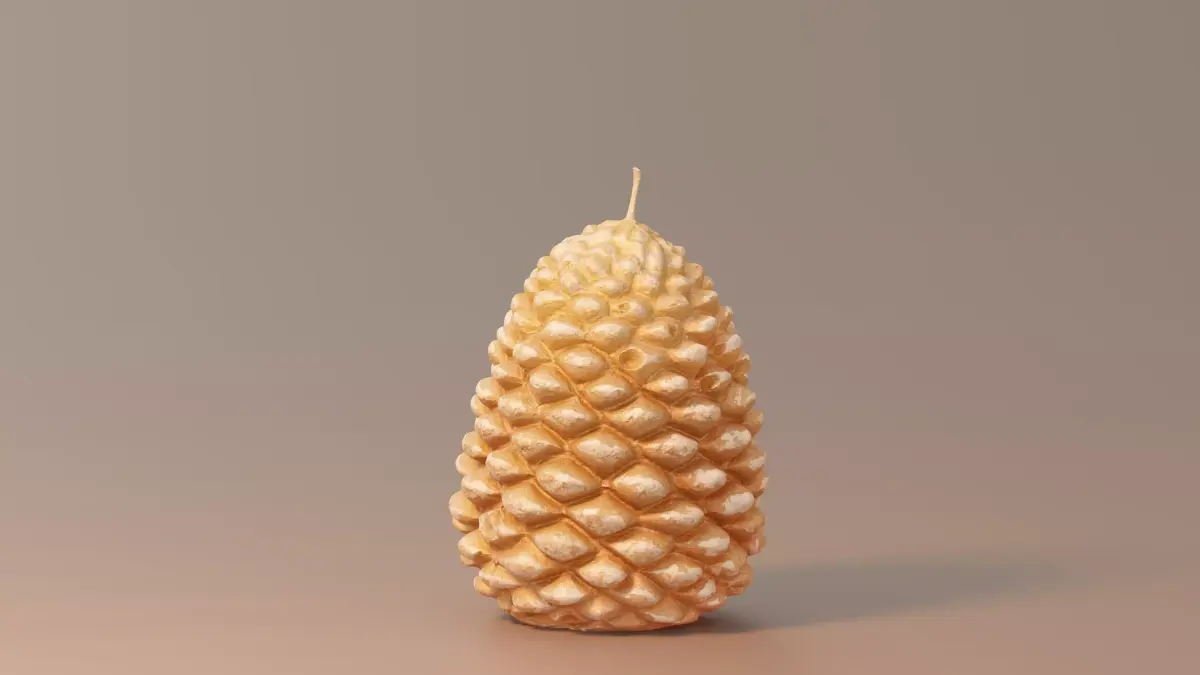
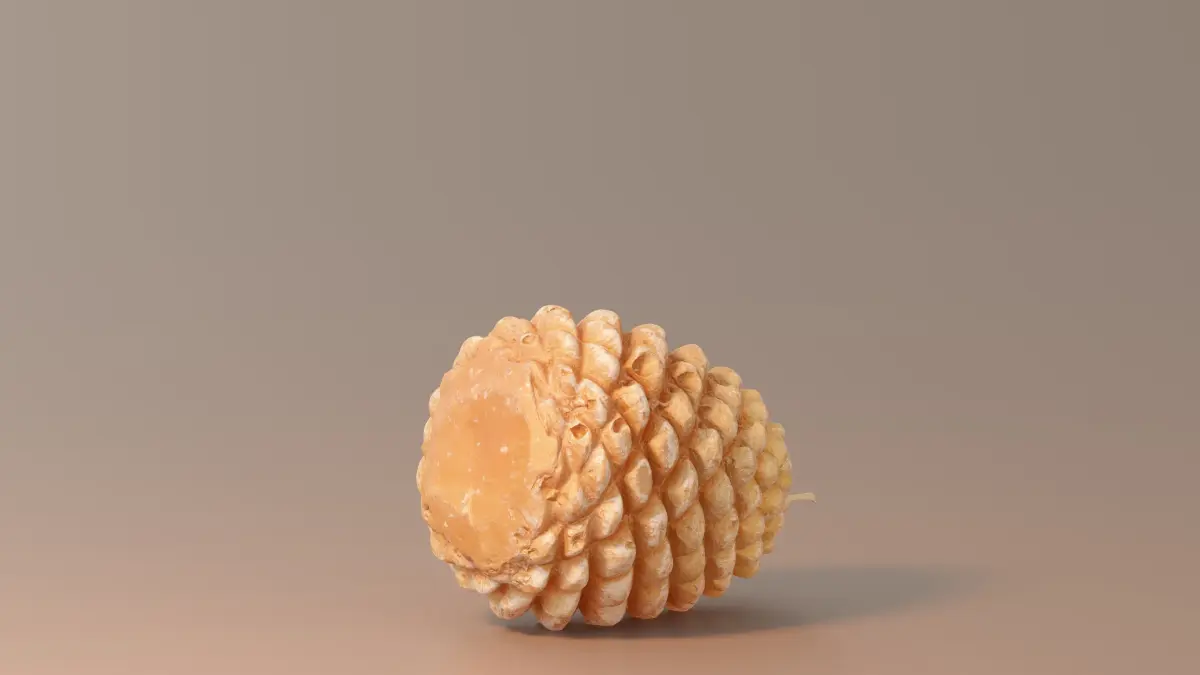
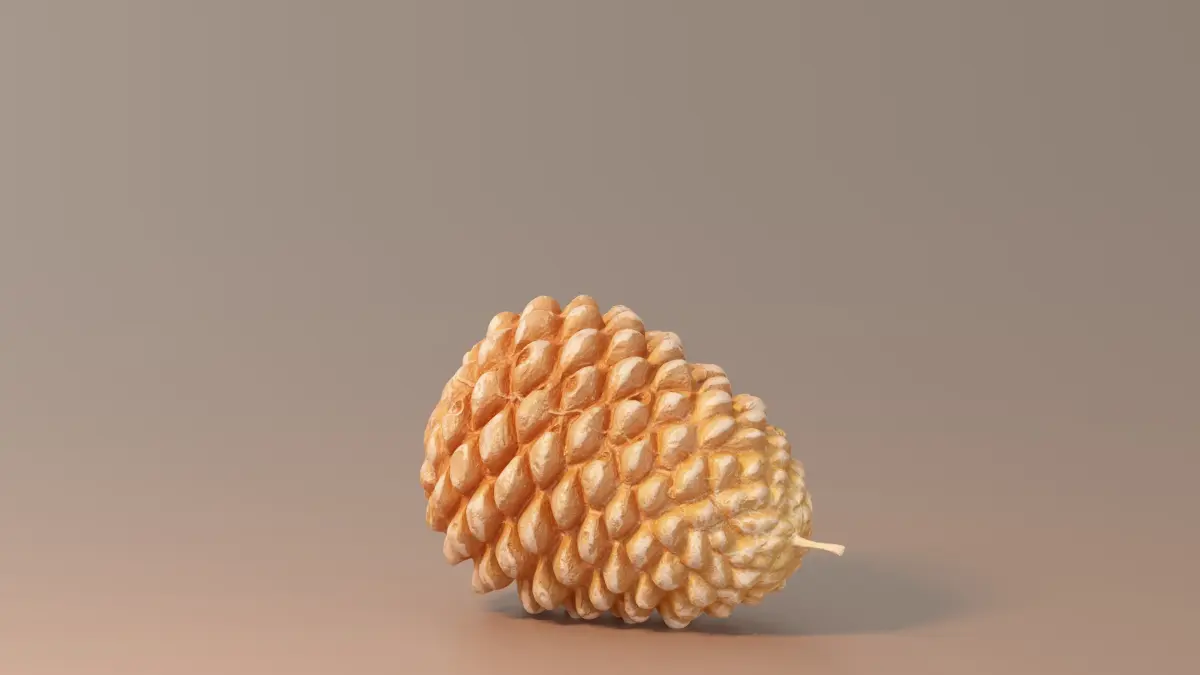
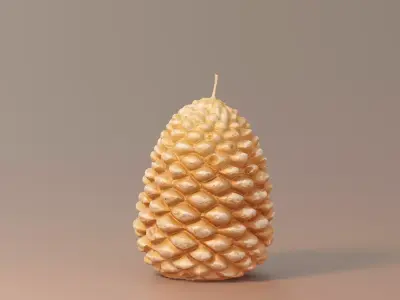
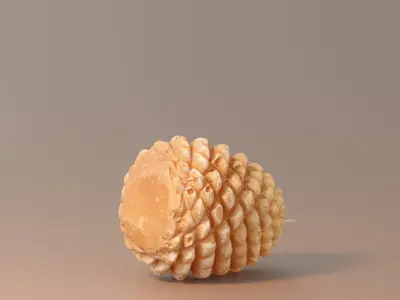
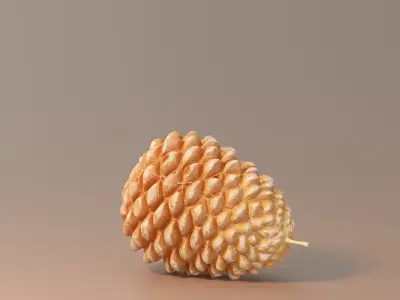
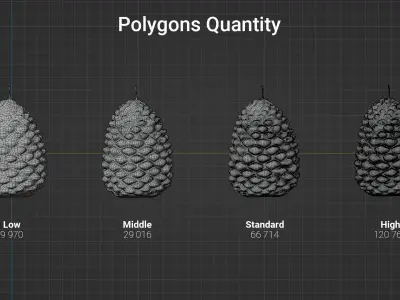
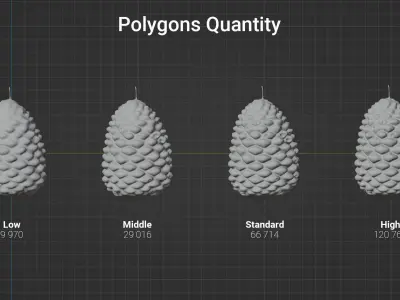
This model is based on a real Pine Cone Candle. To facilitate widespread use, the model and textures are available in multiple resolutions.
—[ Features ]—
- Real-world measurements and weight information.
- Super detailed textures in multiple sizes (1K — 8K)
- Various model resolutions (Low >> Middle >> Standard >> High)
—[ Real world dimensions ]—
- Dimensions (Width x Length x Height): 61 mm x 57 mm x 88 mm
- Weight: 129 g
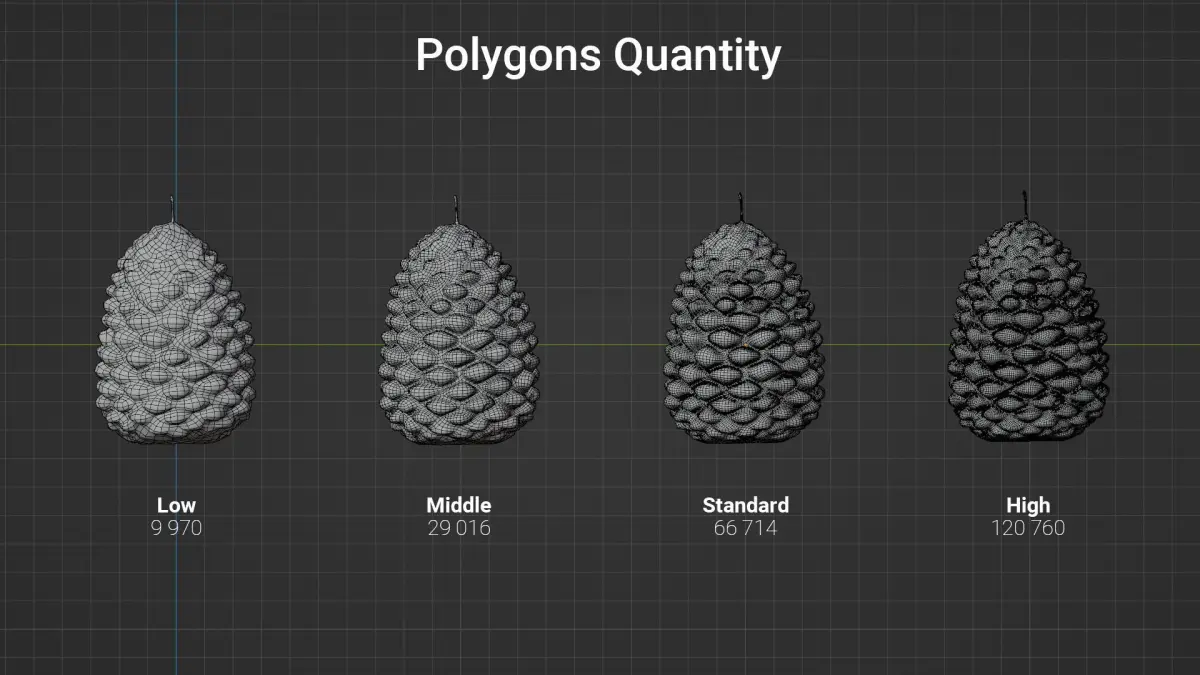
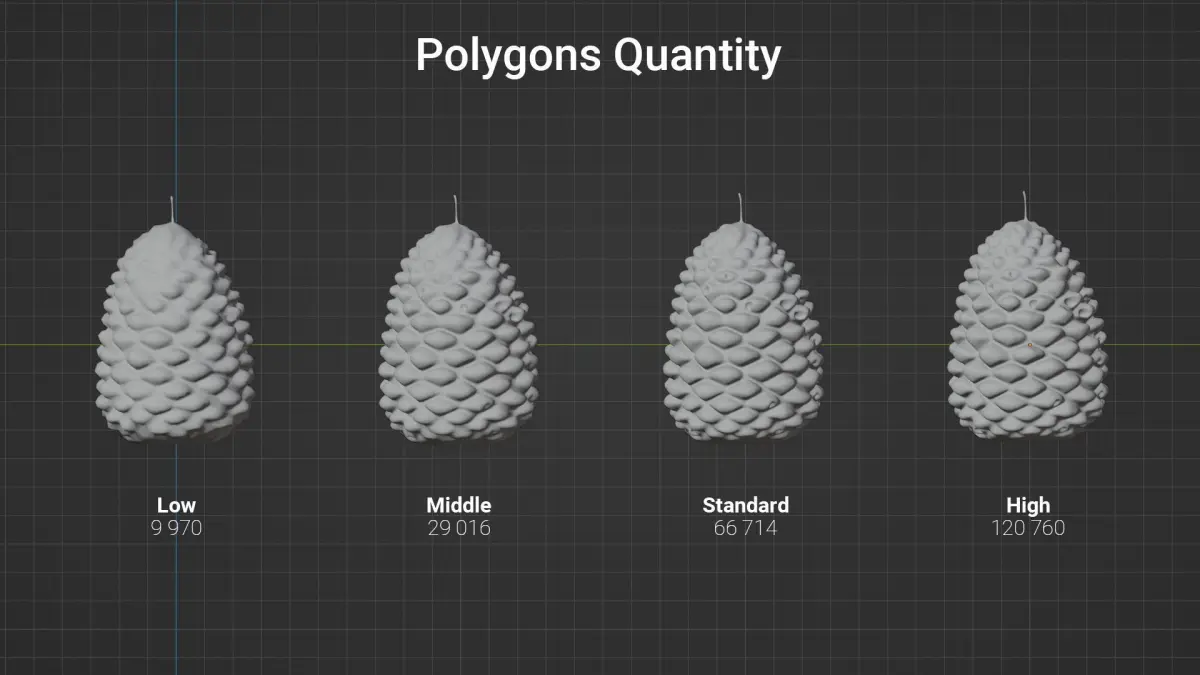
—[ Polygons Quantity ]—
- High: 120 760
- Standard: 66 714
- Middle: 29 016
- Low: 9 970
—[ Principled BSDF values ]—
- IOR: 1.448
- Transmission weight: 0.770
—[ Textures ]—
— Texture types:
- Diffuse Texture
- Normal Map
- Roughness Map
- Metalness Map
— Texture sizes:
- 8K (8192 x 8192)
- 4K (4096 x 4096)
- 2K (2048 x 2048)
- 1K (1024 x 1024)
— Texture formats:
- TIF (high-quality, lossless image file; fine details and high image quality)
- PNG (high-quality images while still achieving good compression ratios)
- JPEG (widely used image file format; balance between image quality and file size)
—[ Model Formats ]—
- .obj (widely used text-based file format; supported by many 3D software applications and game engines)
- .gltf (compact size and compatibility with various platforms and browsers)
- .fbx (widely used and well-supported format)
—[ FAQ ]—*
— How can I set up or replace the texture in Blender?
- Download the texture pack in the resolution that suits your needs (e.g., Textures_2K.zip).
- Unpack it, preferably in the same location as the Blender file.
- Make sure that Node: Node Wrangler addon is enabled in the settings. Go to the Edit > Preferences menu, then navigate to the Add-ons tab.
- Navigate to the Shading tab, then select Slot 1 and click on the Principled BSDF to make it active (thin white outline).
- Now press [Ctrl] + [Shift] + [T], and a file browser window will appear.
- Each model resolution has its own UV map, so it requires a separate texture. Make sure to select the appropriate texture for the current resolution of the model. (For example: CG0321_Candle_1_High.obj --> CG0321_Candle_1_High_2K_BaseColor.jpg, etc.)
- Congratulations! You have successfully replaced/added the textures.
—[ Note ]—
This model was created with Blender 4.0, so for the best user experience, it is recommended to use Blender.
—[ Changelog ]—
— 1.0.0: