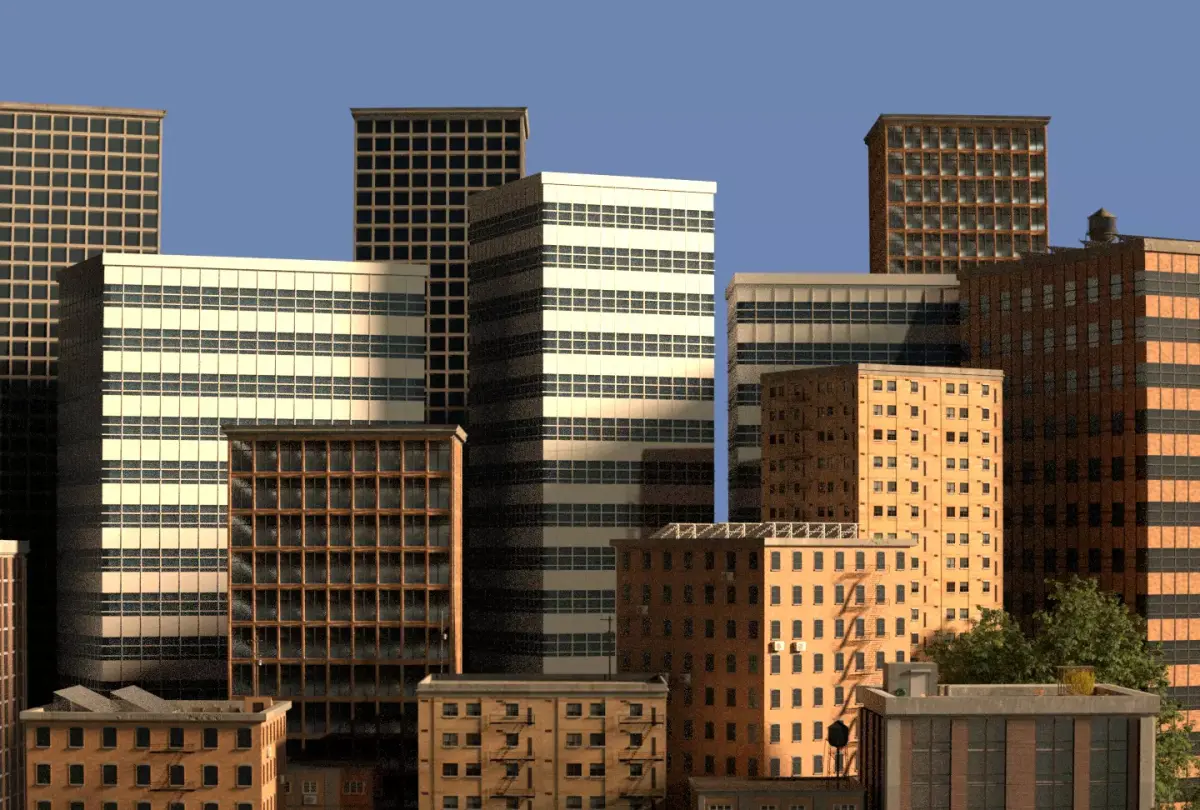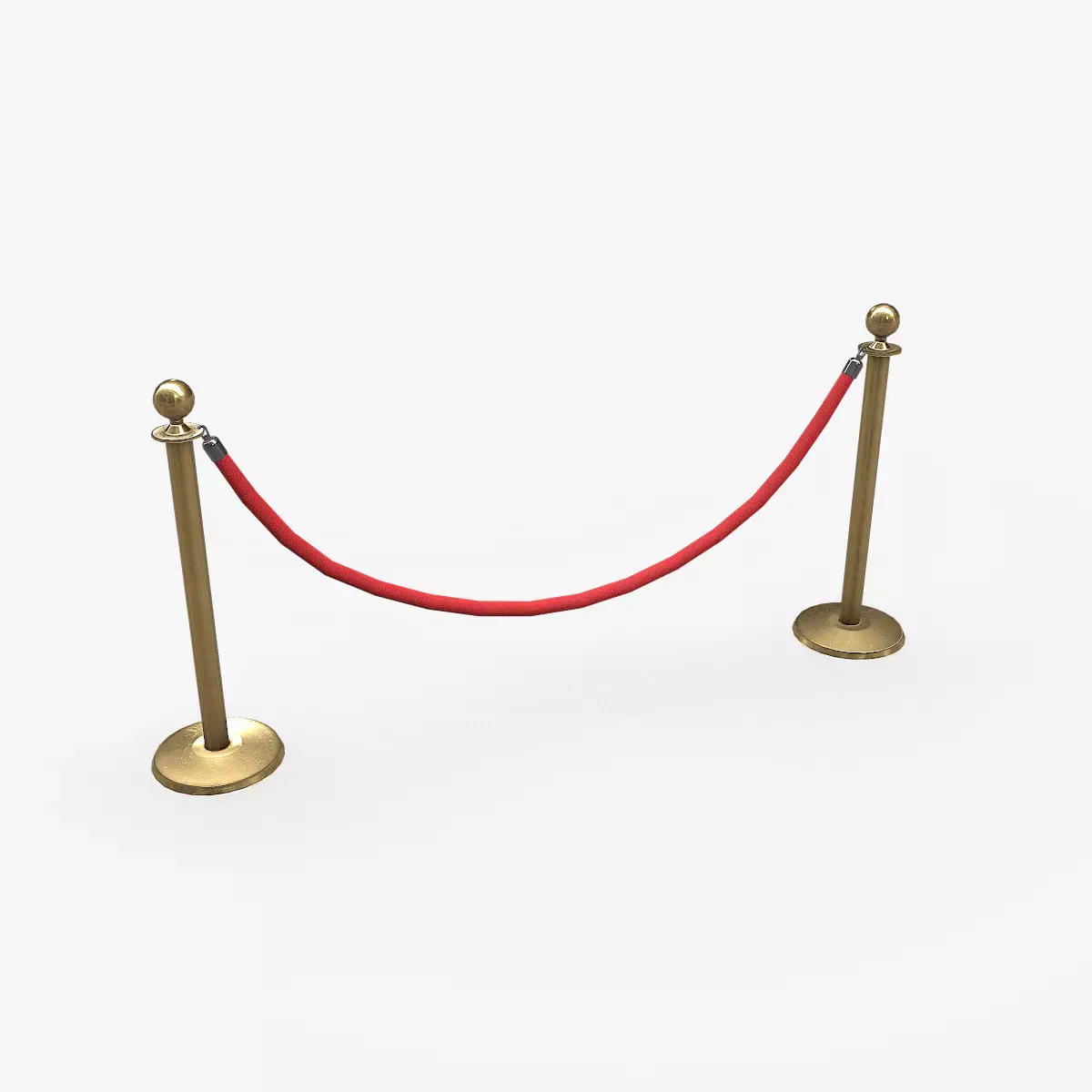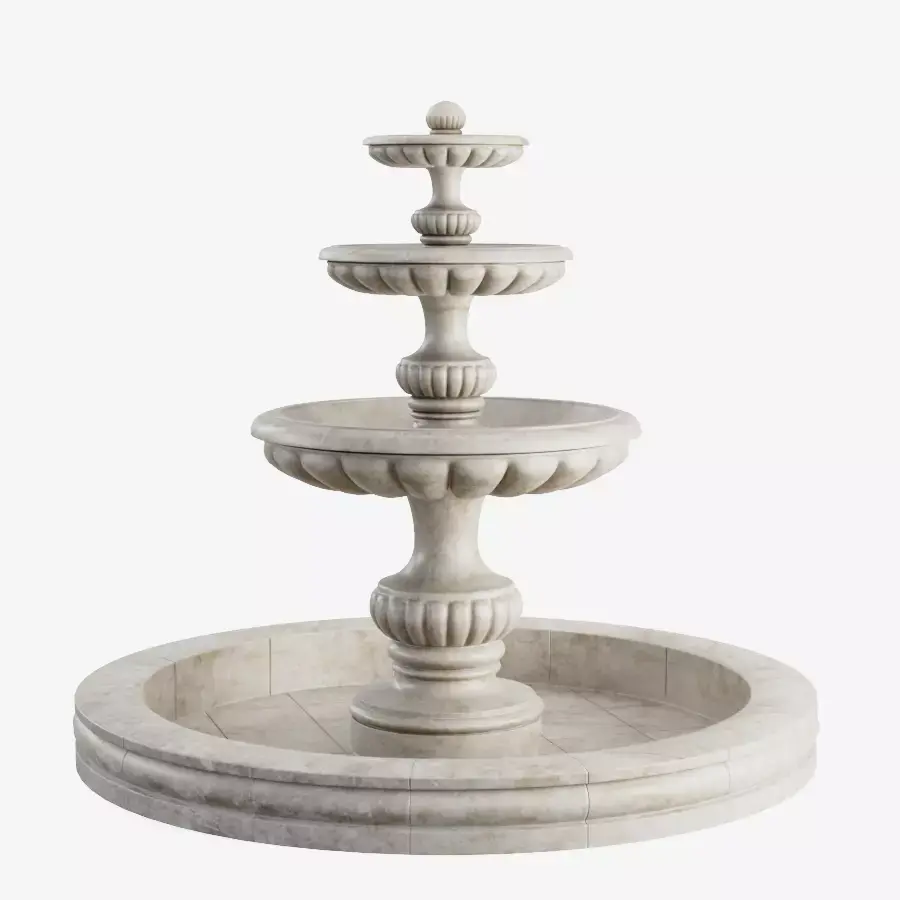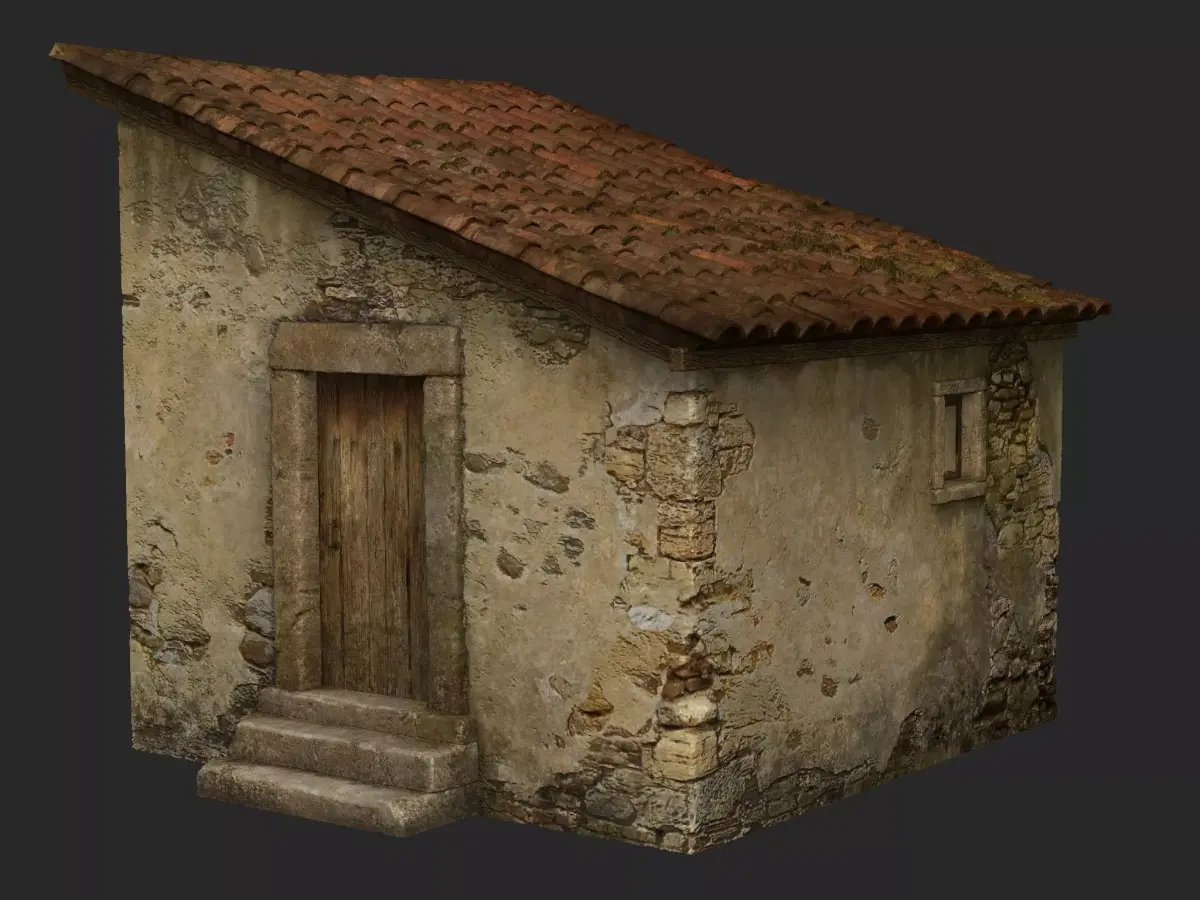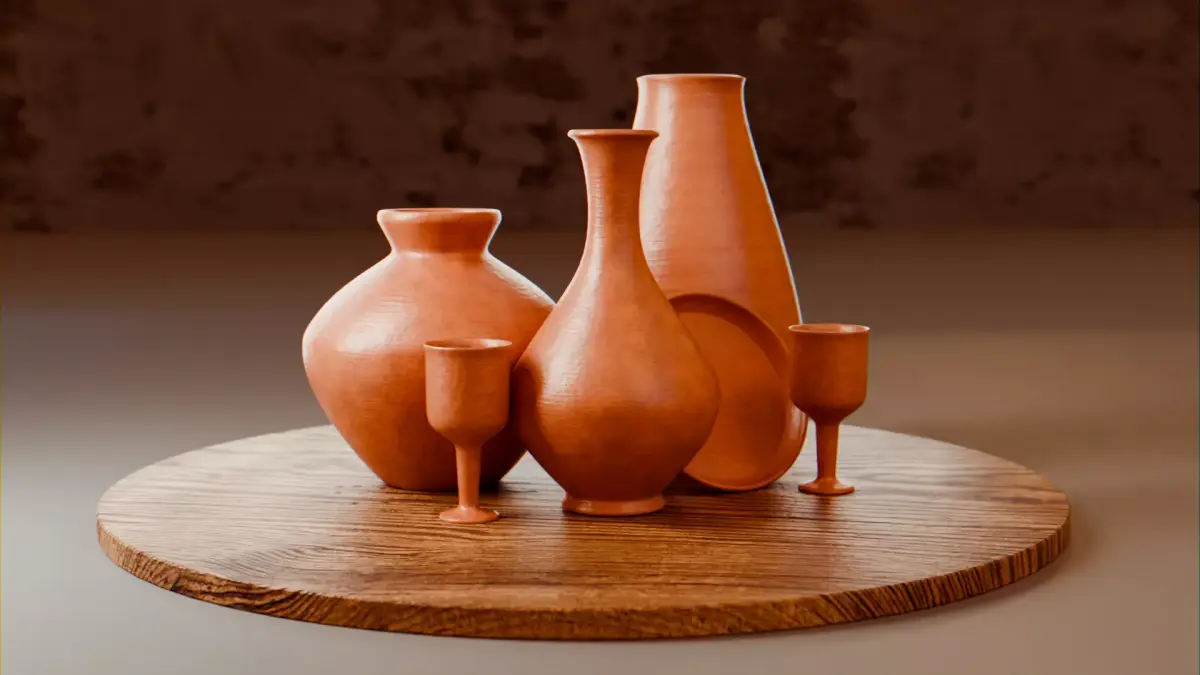
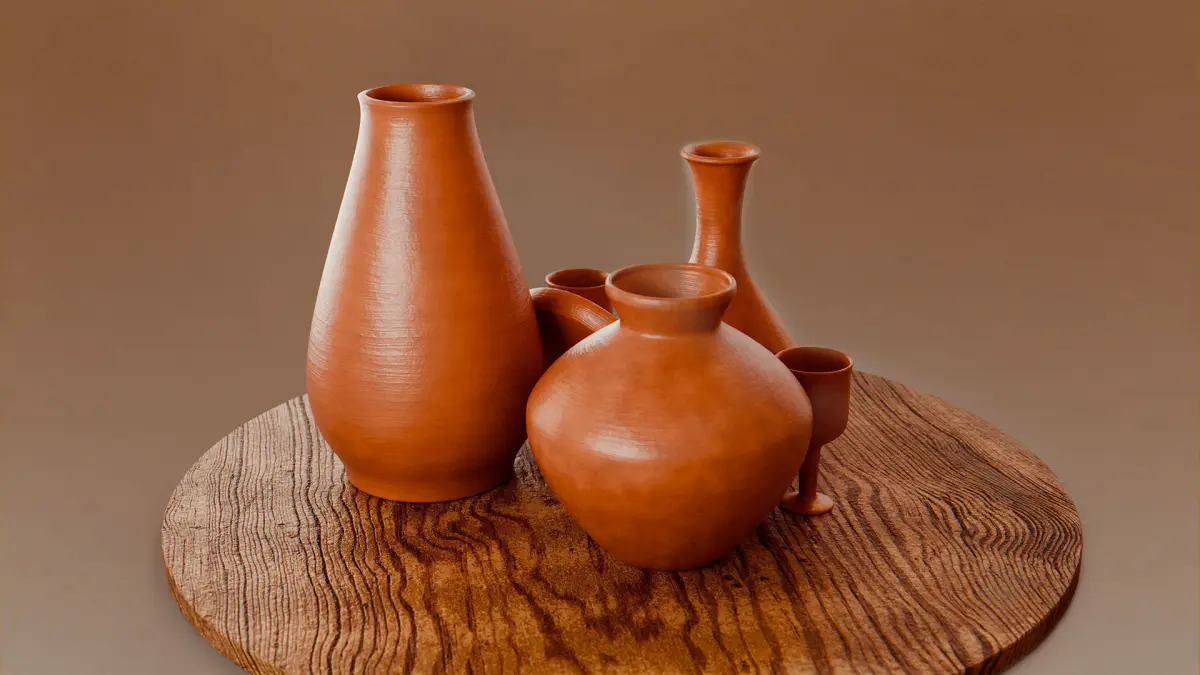
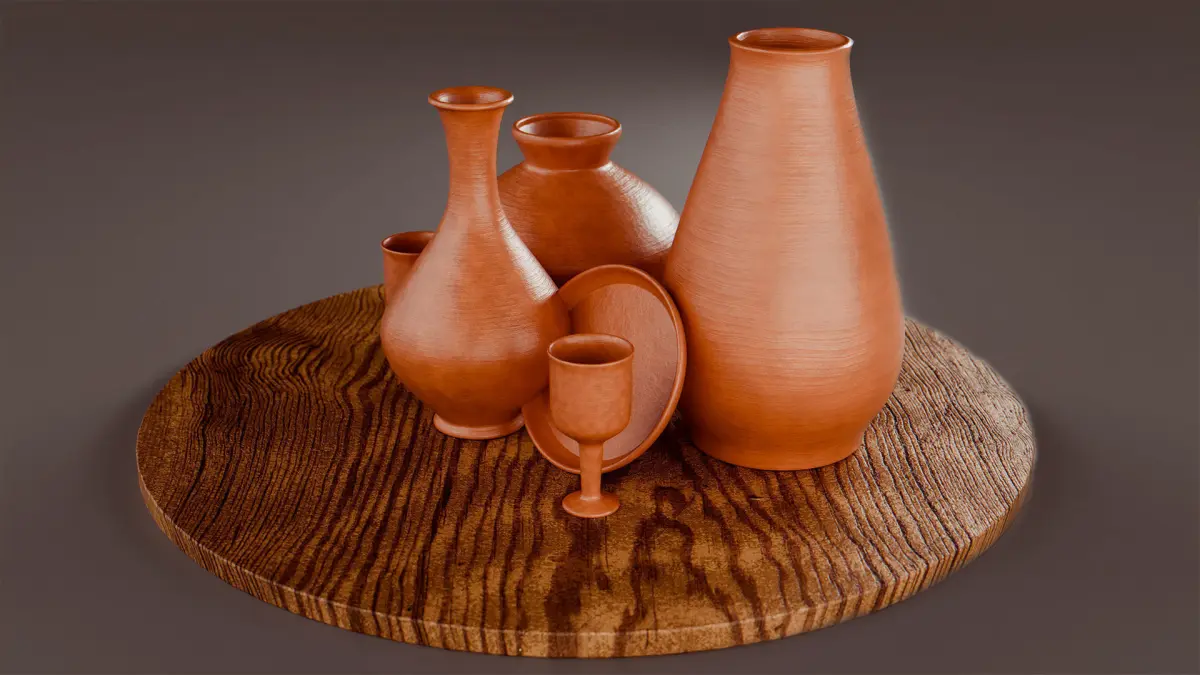
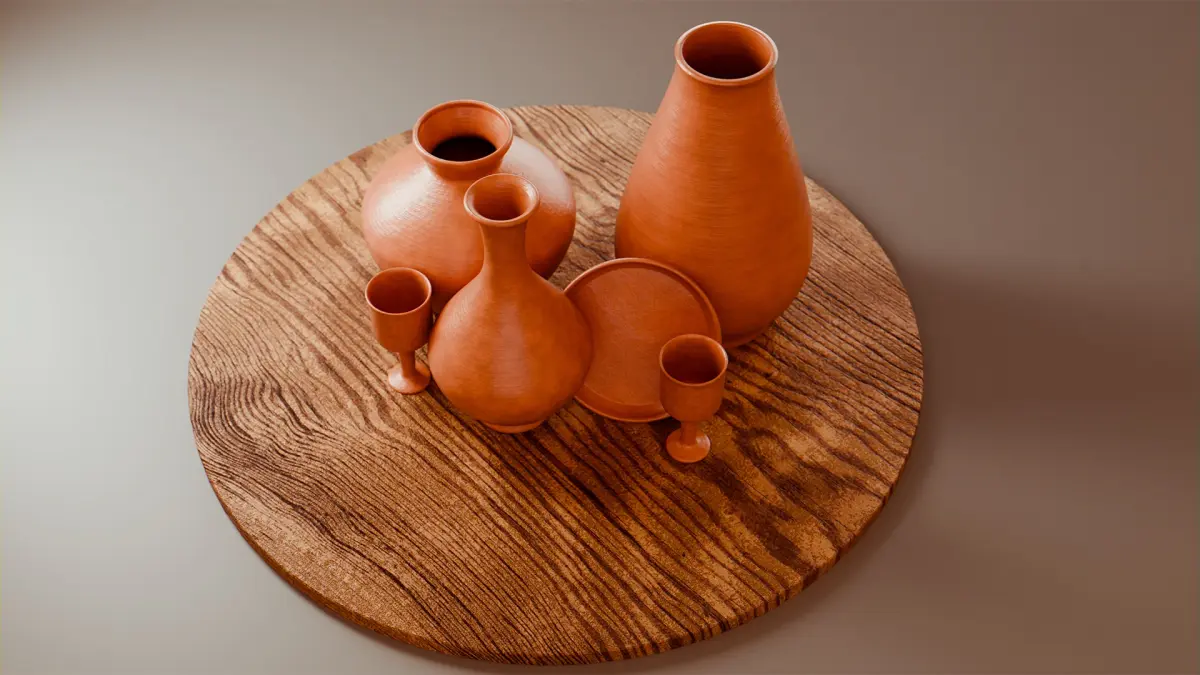
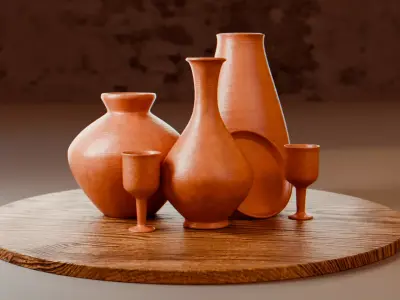
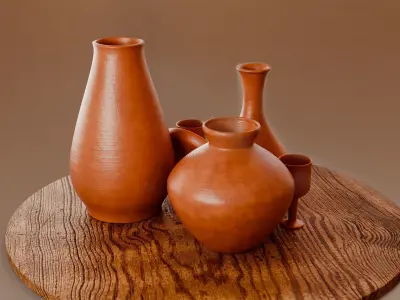
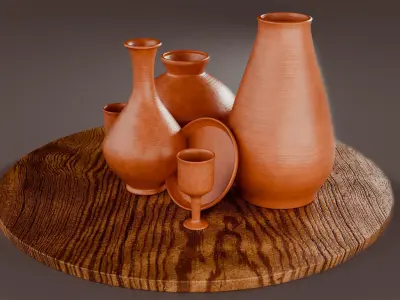
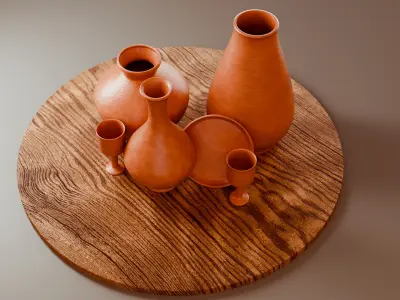
This captivating 3D scene showcases the power of procedural materials, specifically a custom-built clay shader created in Blender. The shader offers a wide range of customizable parameters to achieve diverse clay appearances, making it a versatile tool for artists and designers.
Key Features of the Procedural Clay Shader:
- Clay Scale: Adjust the overall scale of the clay material, controlling the size and density of the clay particles.
- Clay Lines: Modify the prominence of the clay's characteristic lines, adding texture and depth.
- Random Roughness Seed: Introduce random variations in roughness, creating a more natural and organic look.
- Dirty Edges: Control the amount of dirt and wear on the edges of the clay objects, simulating real-world aging and use.
- Normal and Bump Control: Adjust the strength and scale of the normal and bump maps, influencing the surface details and lighting interactions.
- Color Variation: Choose from three different base colors and adjust their variation to create unique color palettes.
BLEND (Blender, filesize: 33.7 MB), BLEND (Blender, filesize: 33.7 MB), FBX (Autodesk FBX, filesize: 23.4 MB), PNG (PNG, filesize: 17.2 MB), JPG (JPG, filesize: 17.2 MB)