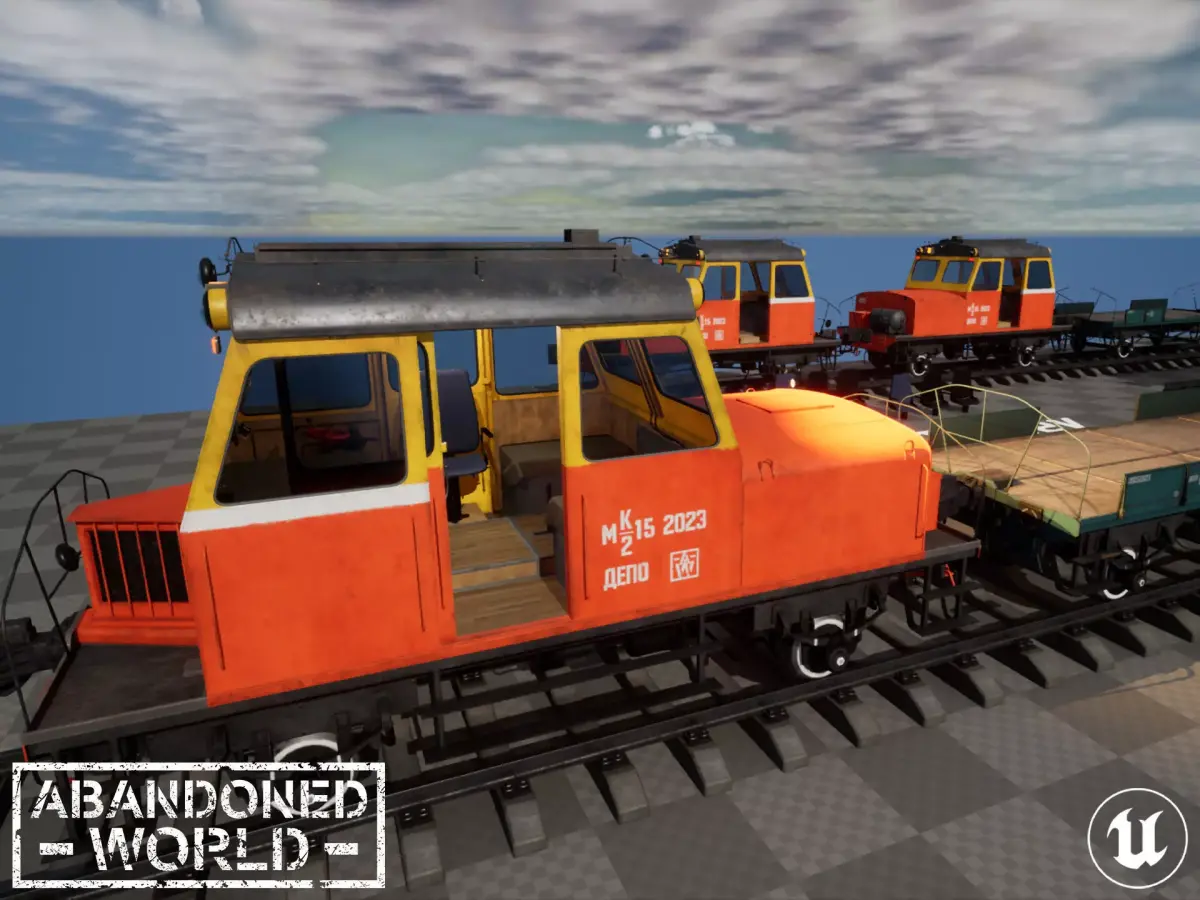
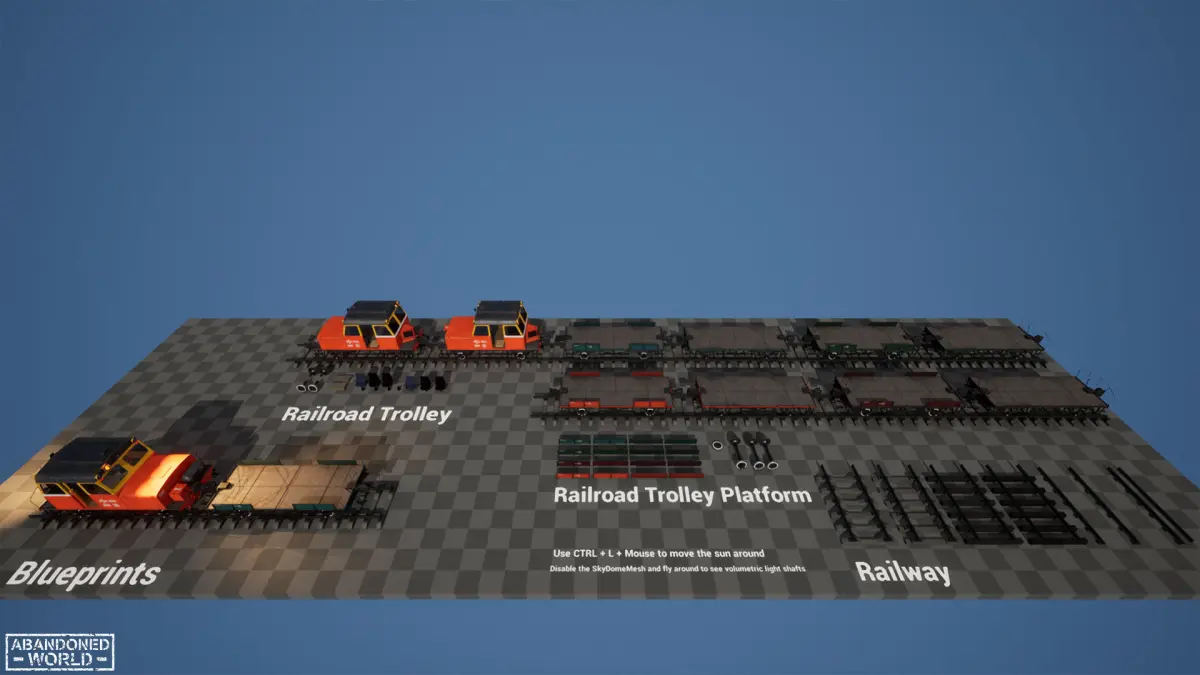
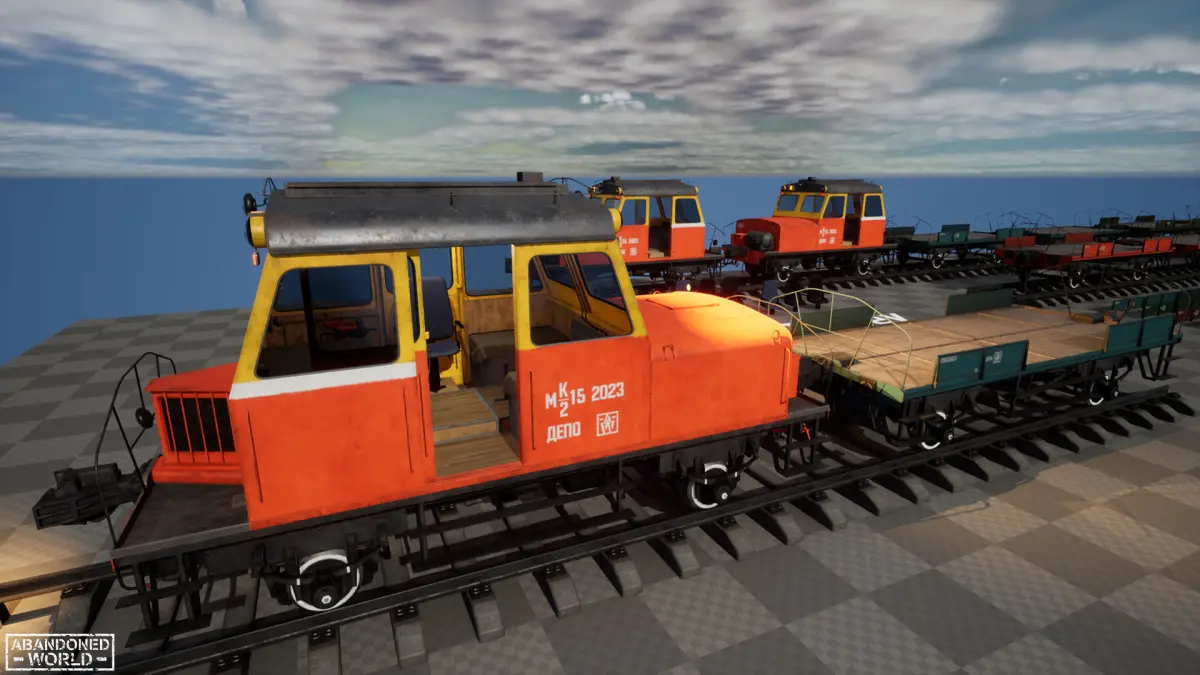
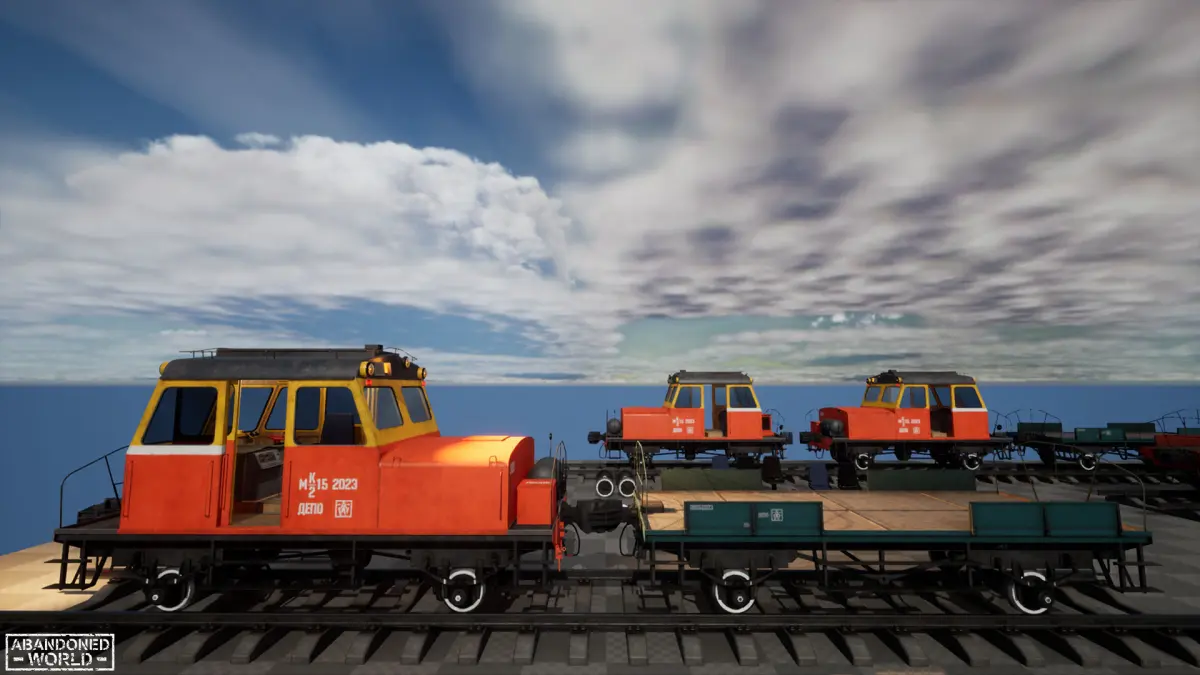
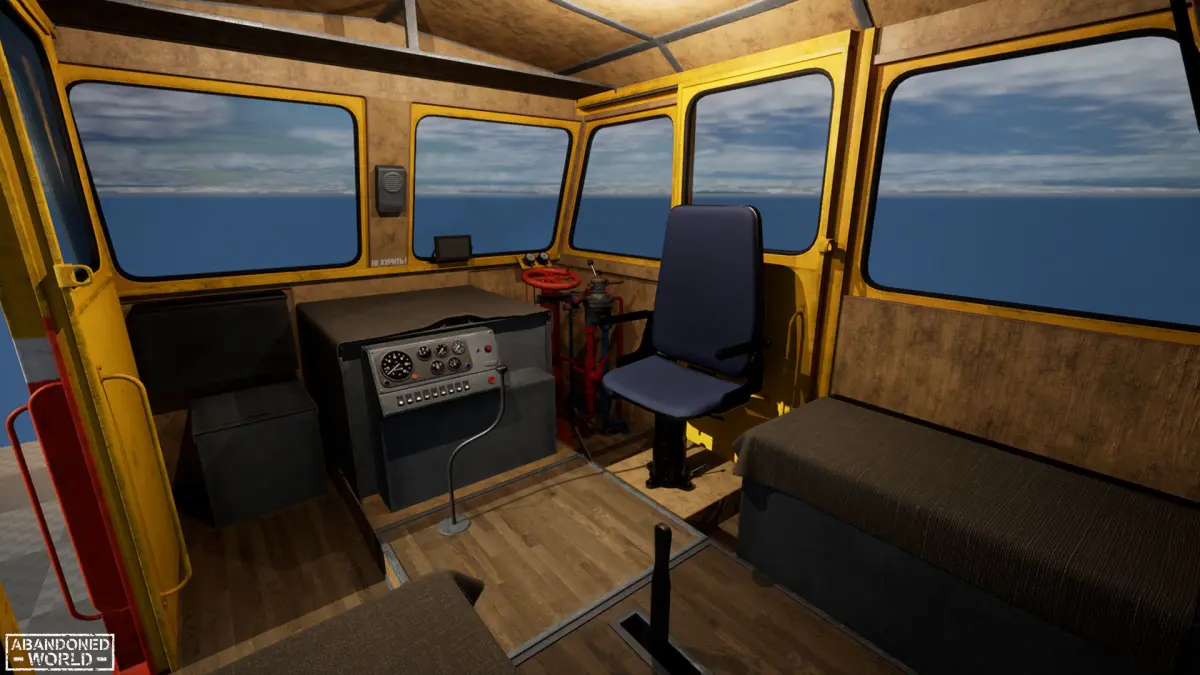
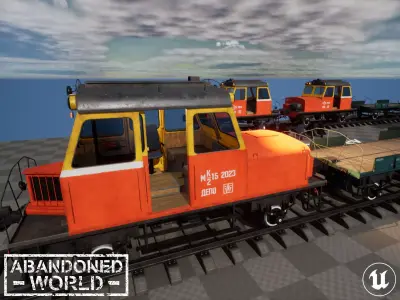
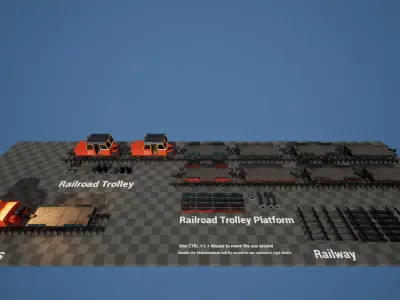
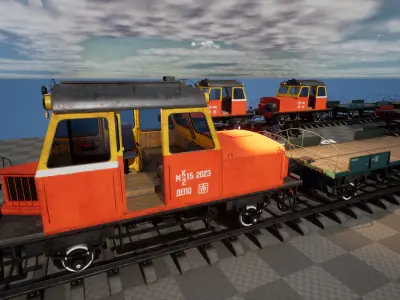
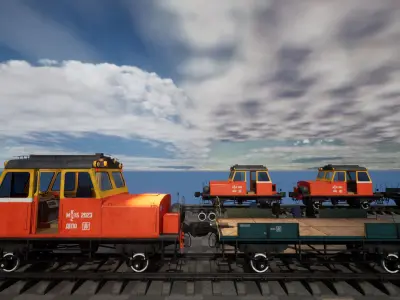
Soviet Railroad Trolley and Train Platform made in a Game Ready. The set includes two customizable blueprints, you can customize the trolley and the platform at your discretion.
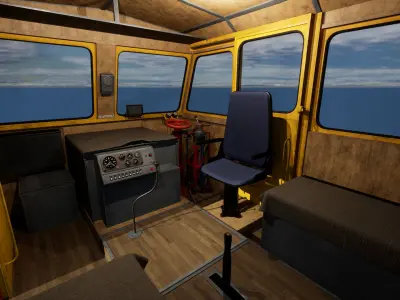
First of all, these are props, but I have separated some details from the general model in advance, you can open the doors, partially or completely turn off the lights, rotate the wheels, change the driver's seat, etc. At the platform, you can also completely change the color to one of the four available and open the side walls.
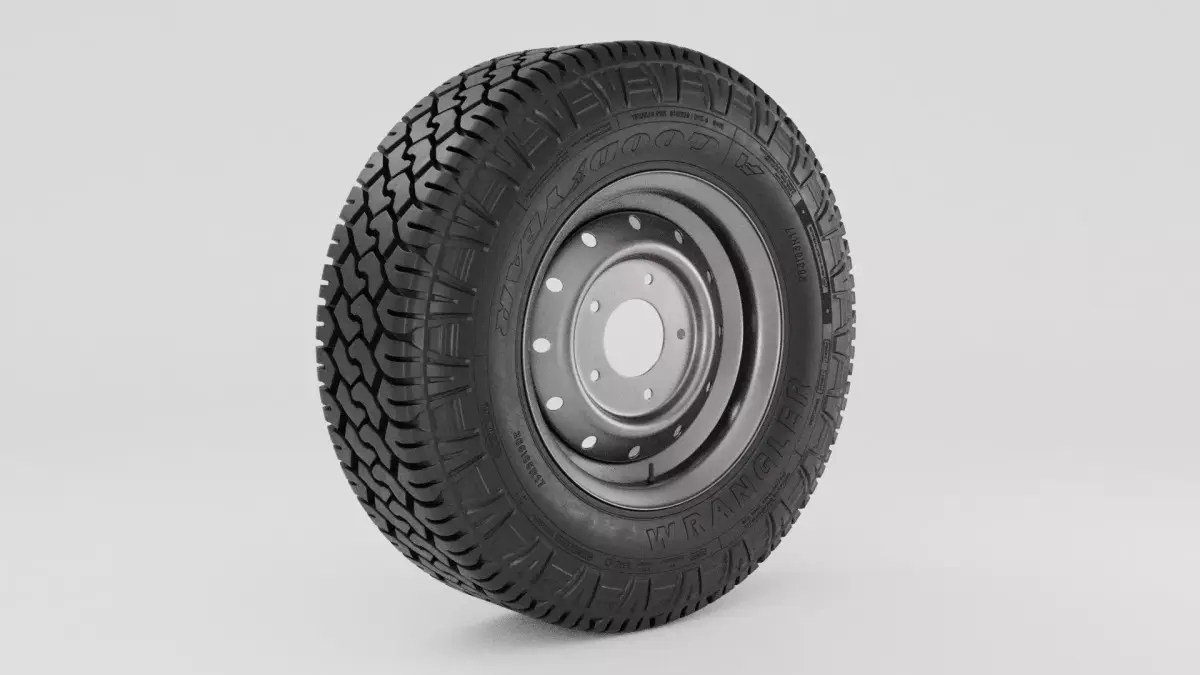
In addition to the trolley and platform, there are several variants of the railway track in the set, separated parts from the transport and the driver seat.
Attention!
- The car is not set to move. Blueprint customizes only the appearance.
- The MK2-15 3D models and the railway platform can be purchased separately in my store, there will be all the basic 3D formats and advanced texture sets.
Technical Details
Features:
- PBR Materials
- Reasonable poly count
- Optimized the density of the textures
- PBR Textures are collected in ORM packages
- A few of the texture sets to the certain meshes
- BluePrints: Customizable train and train platform
Texture Sizes:
- 16 - 2x
- 1024 - 1x
- 4096 - 80x
Tris count:
- SM_MK2-15 - 263322 tris / 233641 verts
- SM_MK2-15_Platform - 254922 tris / 228218 verts
- Other: 212 tris - 86713 tris
Collision: Yes - Handmade + Auto
LODs: Auto
Number of Meshes: 28
Number of Materials and Material Instances: 43
Number of Textures: 83
Unreal Versions Supported: UE 4.27 and later
Supported Development Platforms: PC, Console
Supported Target Build Platforms: Windows
Clarification by UDIM:
You can use the material in UDIM mode at your discretion or use the designated individual materials. I unwrapped the entire object into 11 tiles for convenience in texturing, so as not to work with each UV tile separately.
How to use the material in UDIM mode:
- You need to export textures for this material from the engine and remove all - at the end of the name of each texture.
- You need to export the model from the engine and assign 1 single material to it in any 3D editor.
- You need to enable functionality in the engine to support UDIM textures.
- Import textures without - at the end of their names, they will automatically link to UDIM textures.
- Create a material instance for the trolley and platform
- Import models with only one material assigned.
- Assign previously created UDIM materials to models, reassemble the lods, if required.
UASSET (UnrealEngine, filesize: 2.15 GB)