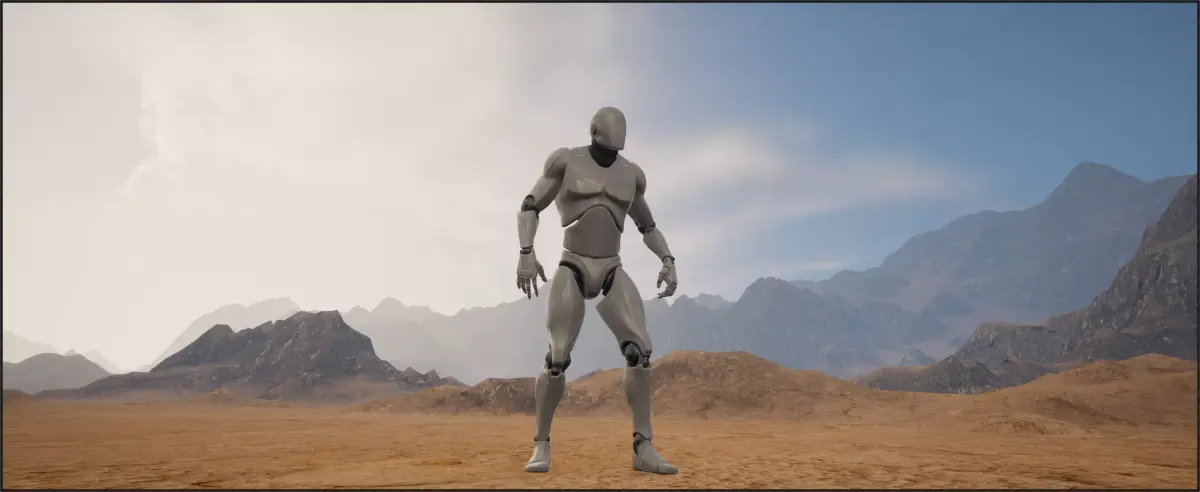
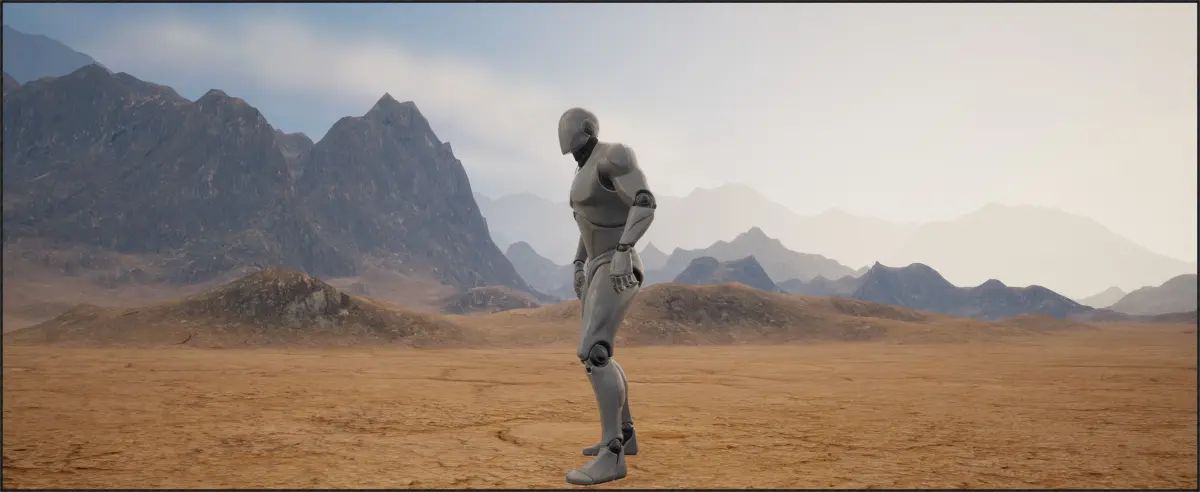
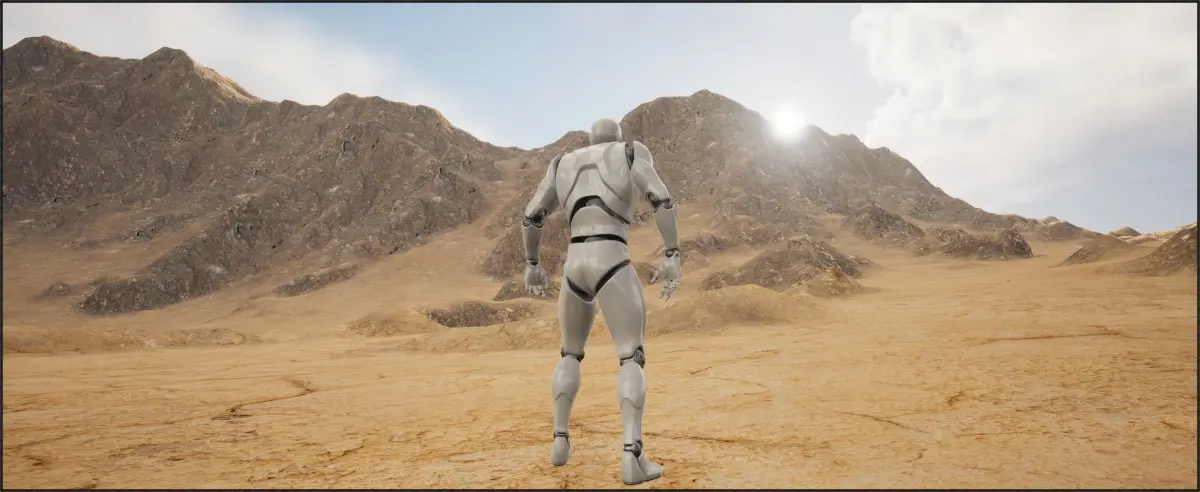
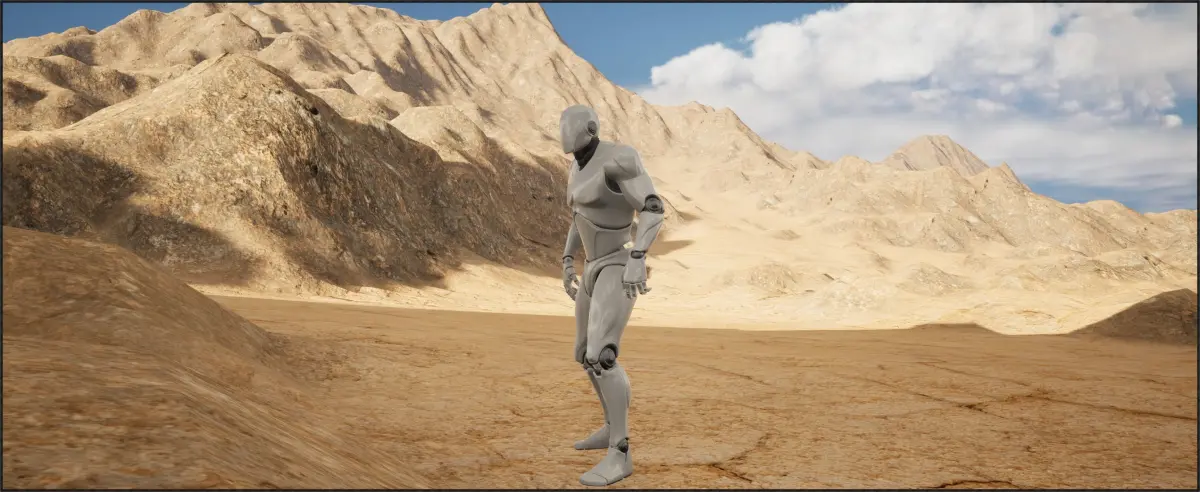
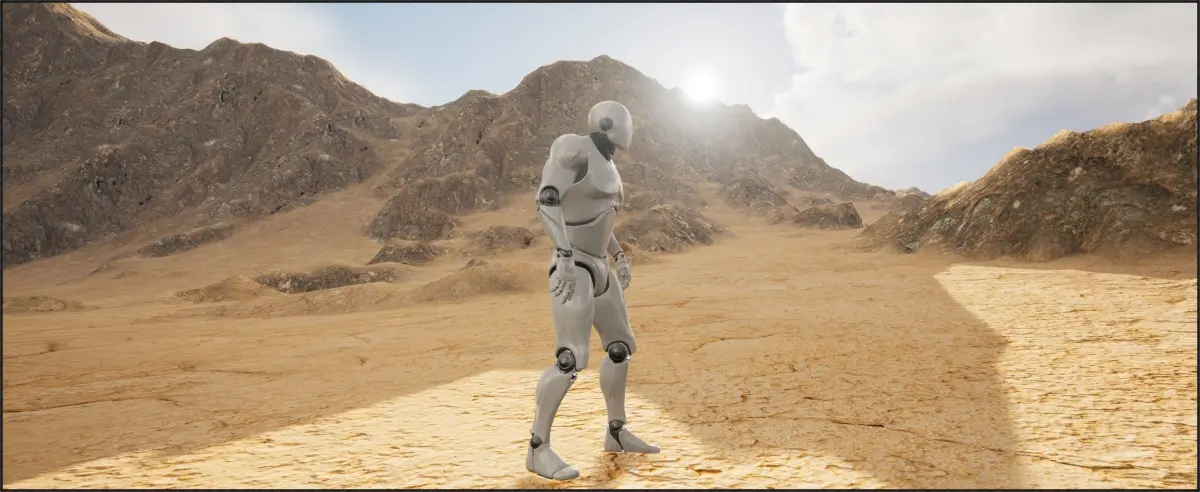
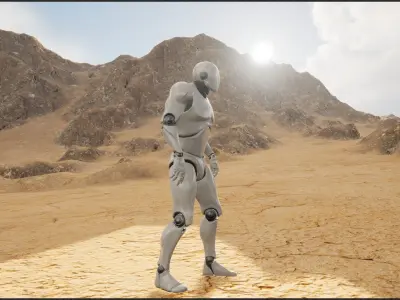
Rocky Island for unreal engine (or any other height map usage).
Island is 4033x4033
How to use:
uasset files:
- Extract Unreal_Engine.zip
- Copy the file RockyIsland.umap and the folder RockyIsland into your unreal engine projects content folder
- Enable Support Sky Atomosphere Affecting Height Fog under Settings->Project Settings->Engine - Rendering->Shader Permutation Reduction if you want to use the lighting setup included
- Restart unreal engine
- You will have a RockyIsland level in your content folder now, you can use it directly or copy-paste the landscape into your existing level
Heightmap Files:
- Extract Heightmap.zip
- RockyIsland_Heightmap.r16 is the height map data, use this in a software that supports it
- RockyIsland_RockMap.png and RockyIsland_SandMap.png are image lookups for telling your rendering engine know what texture to put where (Weight blends).
I don't recommend using the heightmap directly unless you know how you want to set everything up in your specific program.
Included:
.uasset files with everything already setup (does NOT include water)
Heightmap | .r16
Sand/Rock texture maps (for painting textures onto the heightmap) | .png
Sand/Rock textures used in the landscape material in unreal
Native Formats: UASSET (UnrealEngine, filesize: 528 MB)