SAS Classic Remake for Genesis 9
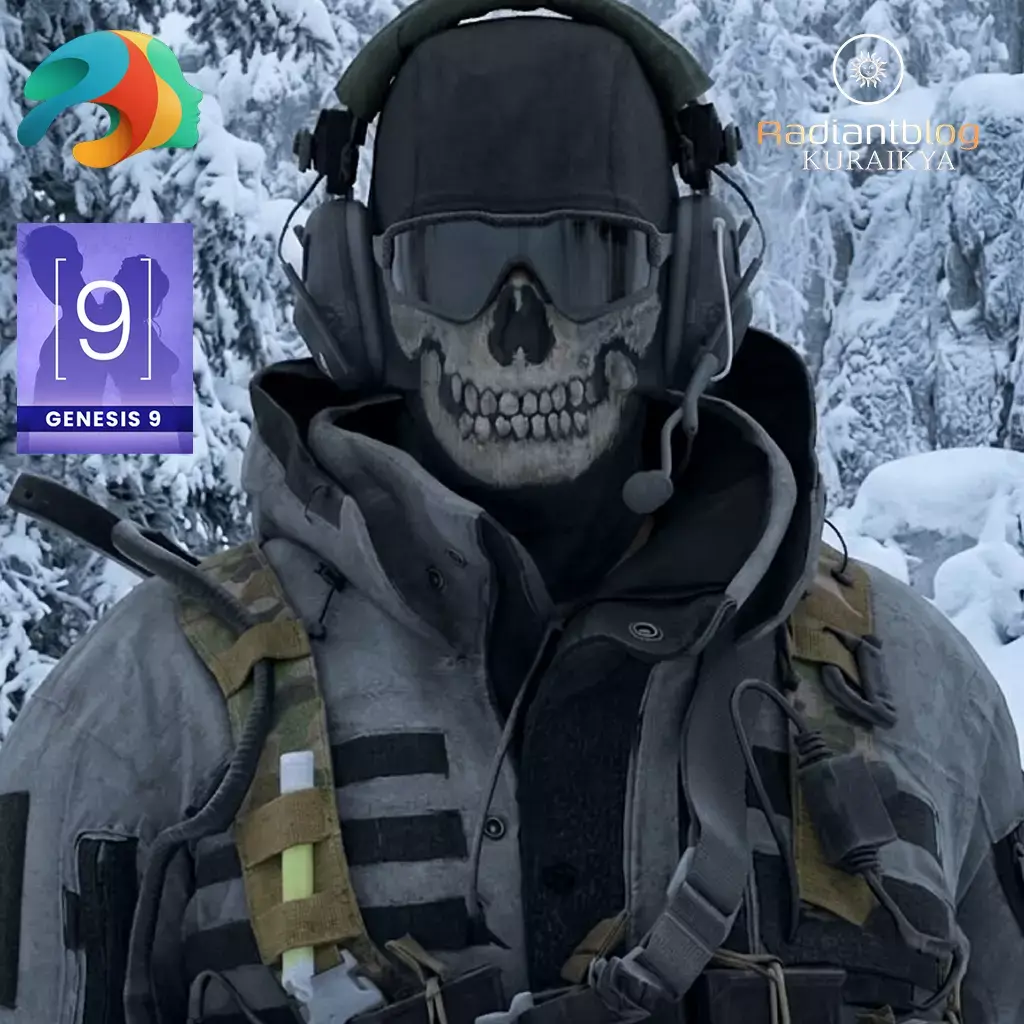
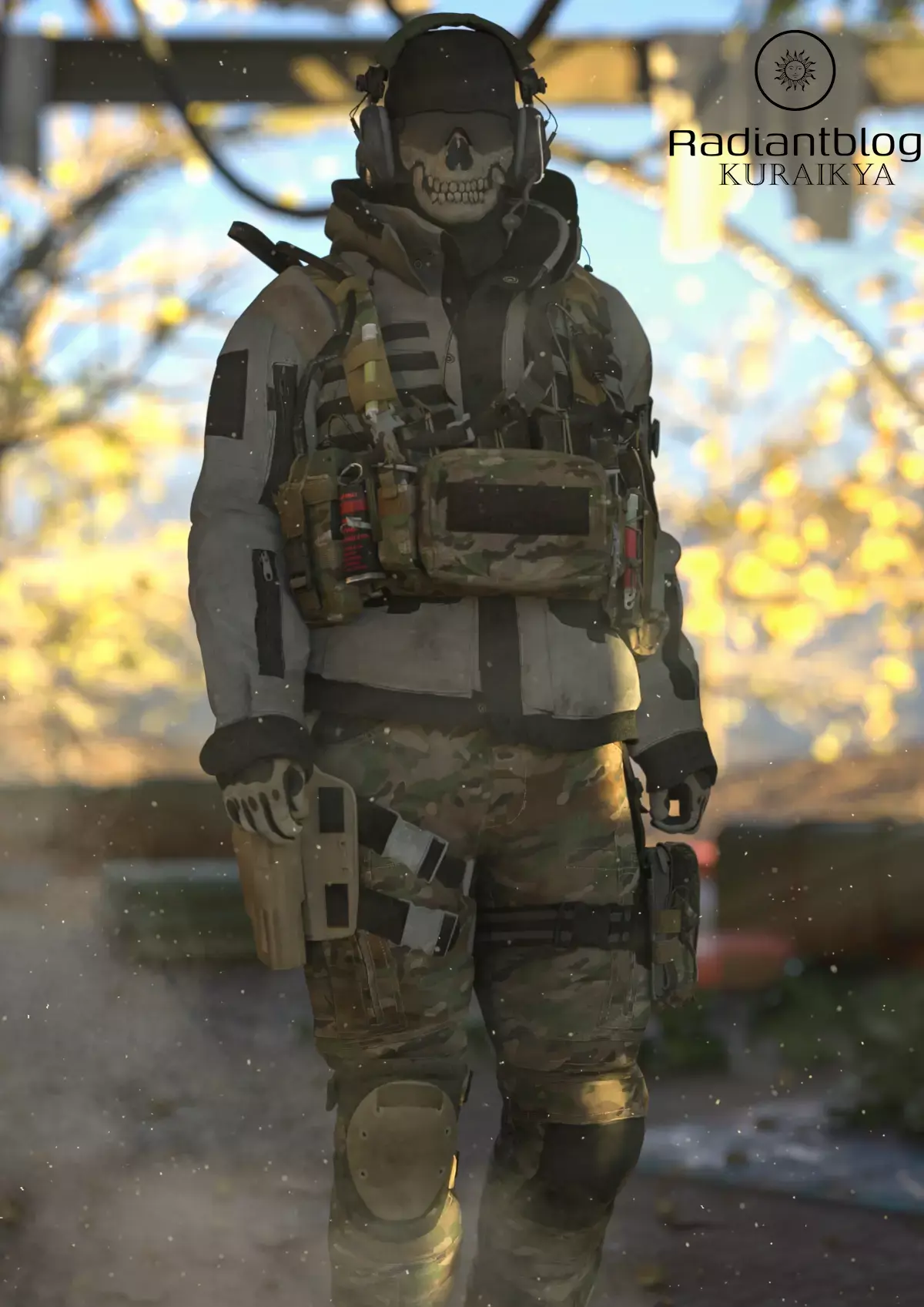
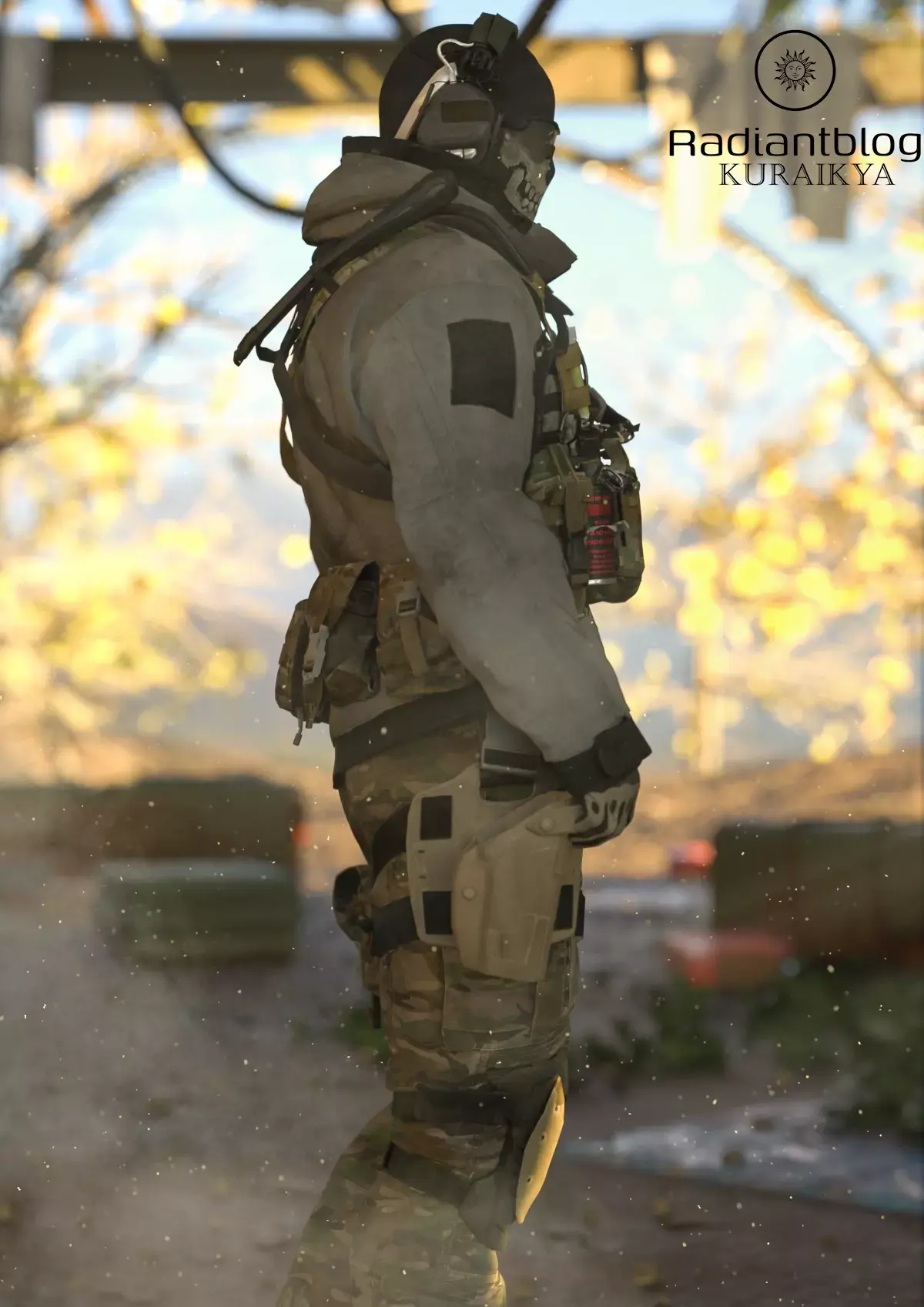
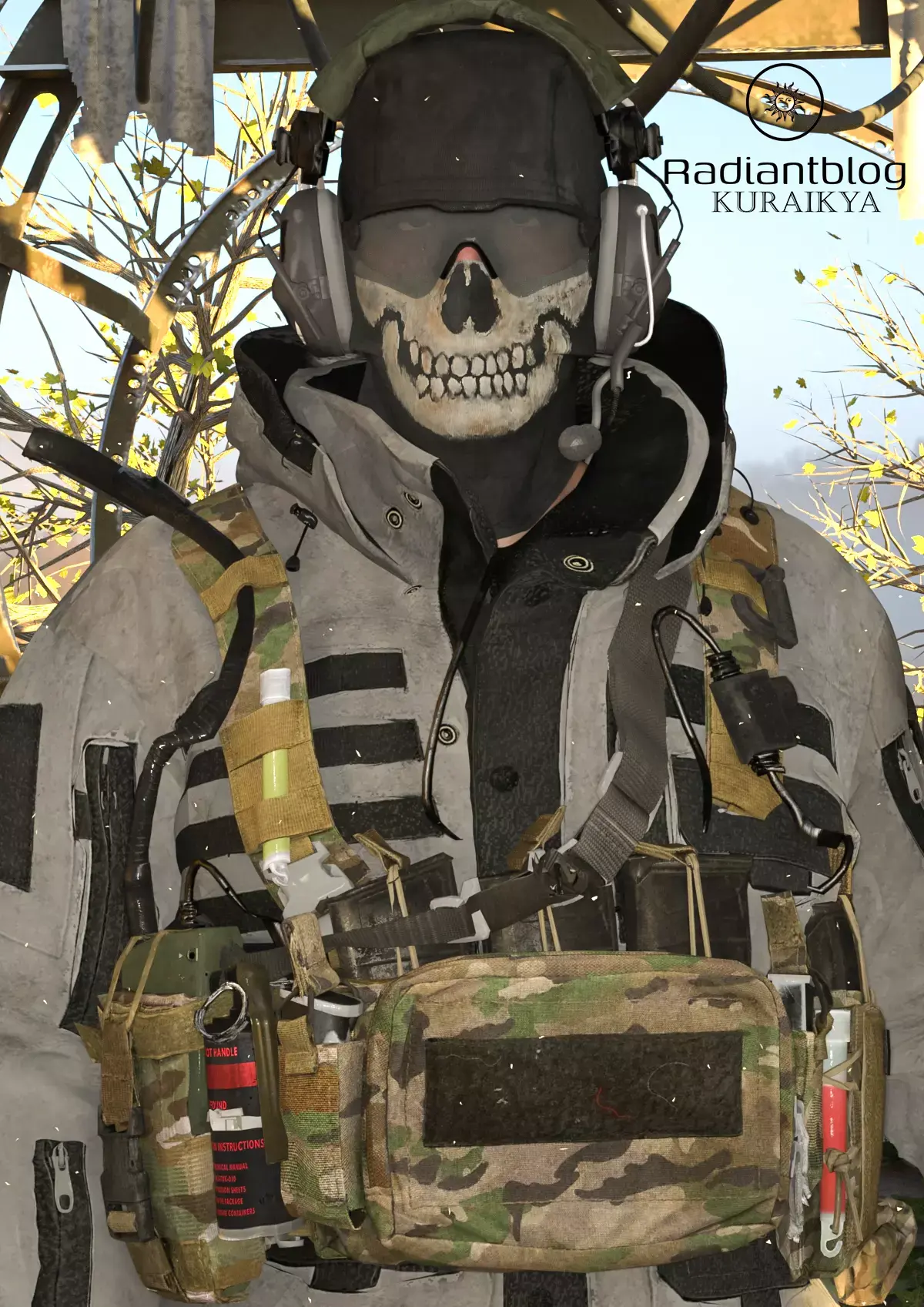
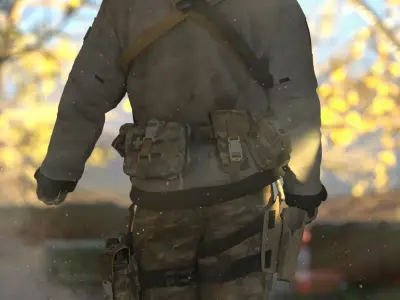
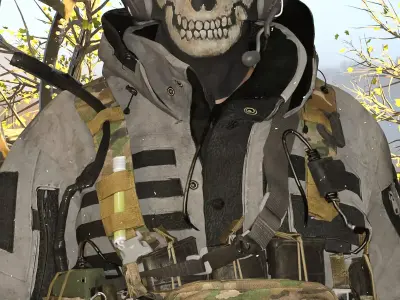
The SAS Classic Remake is a highly detailed, modular tactical outfit designed specifically for the Genesis 9 figure. This set offers a perfect blend of modern gear and classic aesthetic, providing everything from protective wear to functional pouches.
Key Features & Technical Details
dForce Compatibility: Both the Classic Hoodie and Classic Pants are fully dForce-ready, allowing for realistic fabric draping and movement during simulations.
Genesis 9 Male Optimization: Included in the hoodie and pants are specific morphs to ensure a perfect fit for the Genesis 9 Male base.
Important Note: Use caution when applying extreme character morphs that deviate significantly from the standard Dev9 proportions. Extreme shapes may lead to issues with weight maps and mesh integrity.
Modular Gear System:
Load All Option: For a quick setup, use the !!!Load All Outfit!!! preset to load the entire ensemble at once.
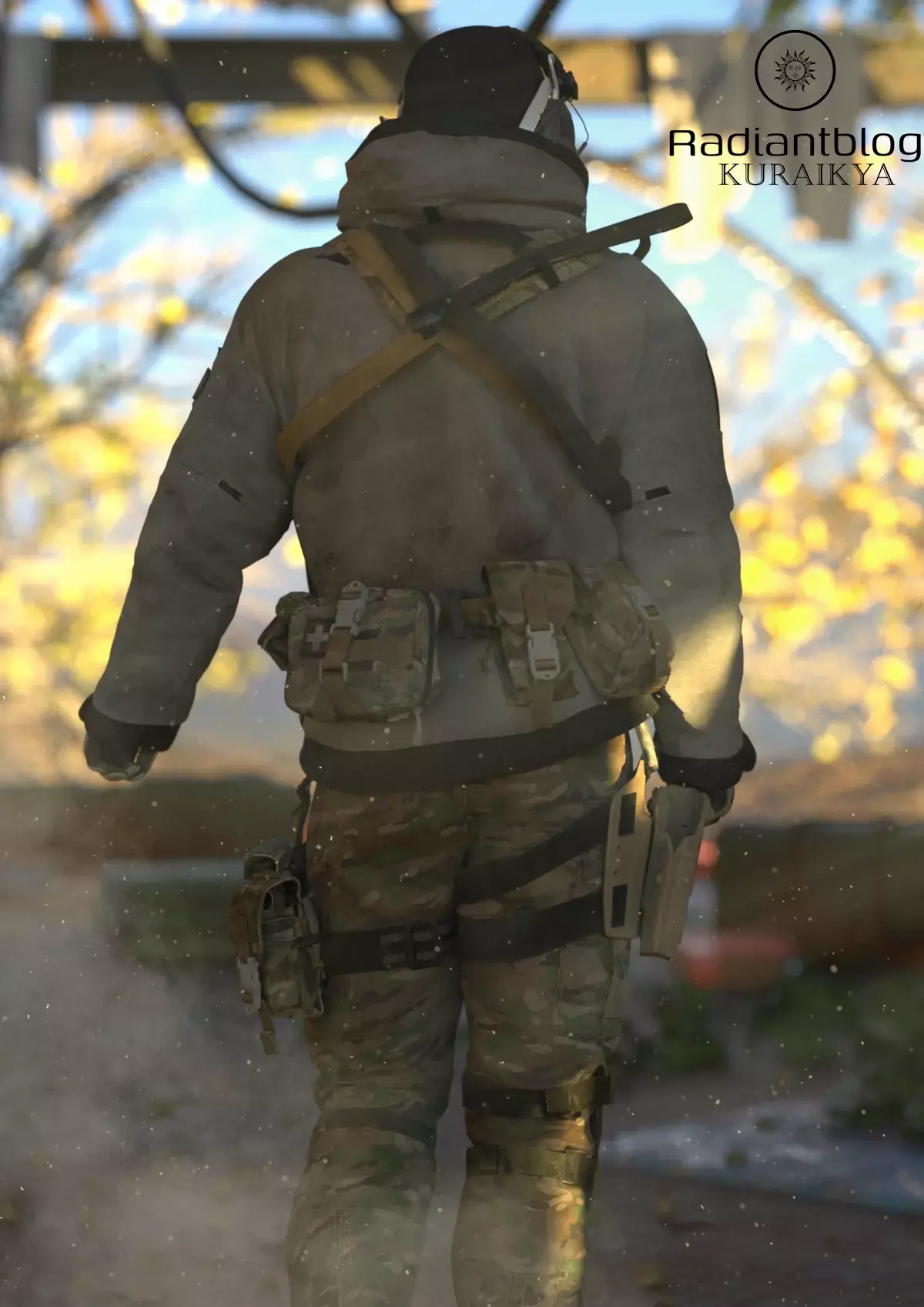
Movable Props: Items such as the Medipack, Garante Pouch, Rolled Pouch, and Back Pouch are set up as props (indicated by the box icons in the hierarchy). These can be manually translated and rotated for perfect placement.
Gear Torso Group: All waist-related props are organized under a single Gear Torso parent within the Pelvis hierarchy, making it easy to manage the entire loadout.
Rigging Customization: The Gear is rigged for ease of use. However, if you prefer to handle these items as static objects, you can easily convert them by using the Figure to Prop command within Daz Studio.
What's Included:
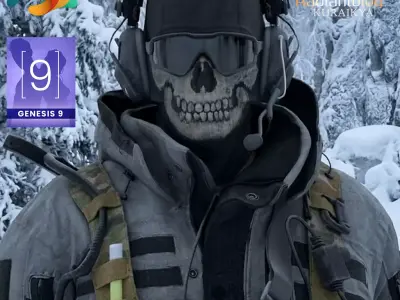
Classic Balaclava & Headset
Classic Sunglasses
Classic Hoodie & Pants (dForce)
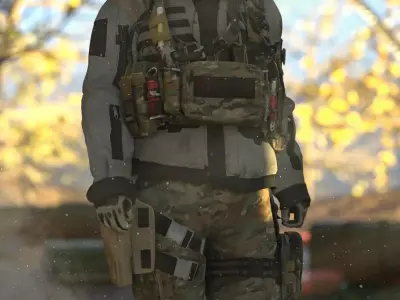
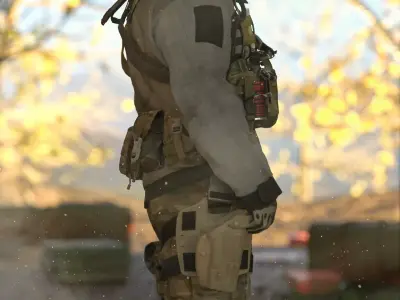
Classic Gloves & Boots
Full Tactical Loadout: Holster, Strap, Kneepads, and various Pouches.
How to Extract ZIP Files
To install the content, you must first extract the downloaded ZIP files:
Locate the file: Find your downloaded .zip file in your folder.
Extract (Windows): Right-click the file and select Extract All.... Choose your Daz 3D library path (usually Documents/DAZ 3D/Studio/My Library) and click Extract.
Extract (Mac): Double-click the .zip file. The Archive Utility will automatically extract the contents into a folder in the same location. You can then move the folders into your library.
DUF (DAZ Studio, filesize: 310 MB), PNG (PNG, filesize: 310 MB)